SVG to Print
 Sonneblom Digitaal
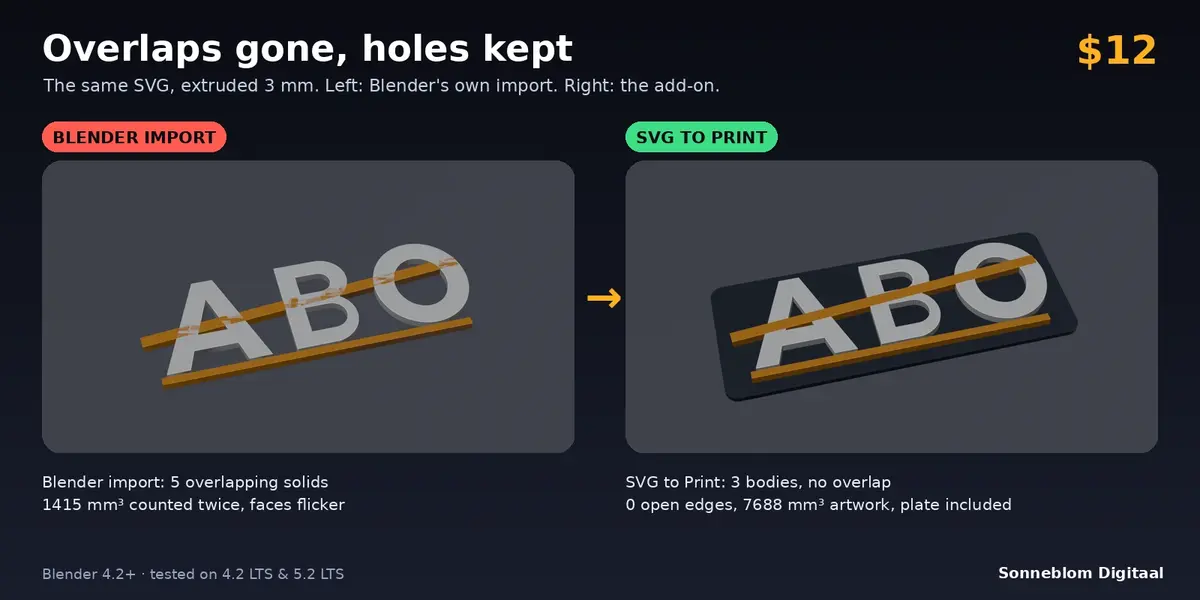

Why do my letter holes (the inside of an A, B or O) come out filled or broken after a normal SVG import?
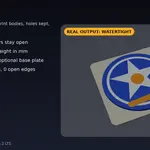
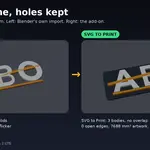
SVG decides holes with a fill rule and the direction of each outline. SVG to Print follows that rule exactly like a browser, so a hole drawn the right way stays a hole. If your file was built with the wrong directions and the counters come out filled, set Holes to 'Nested = hole': every outline inside another becomes a hole, whatever the file says.
Can I get one object per colour for a multi-colour printer?
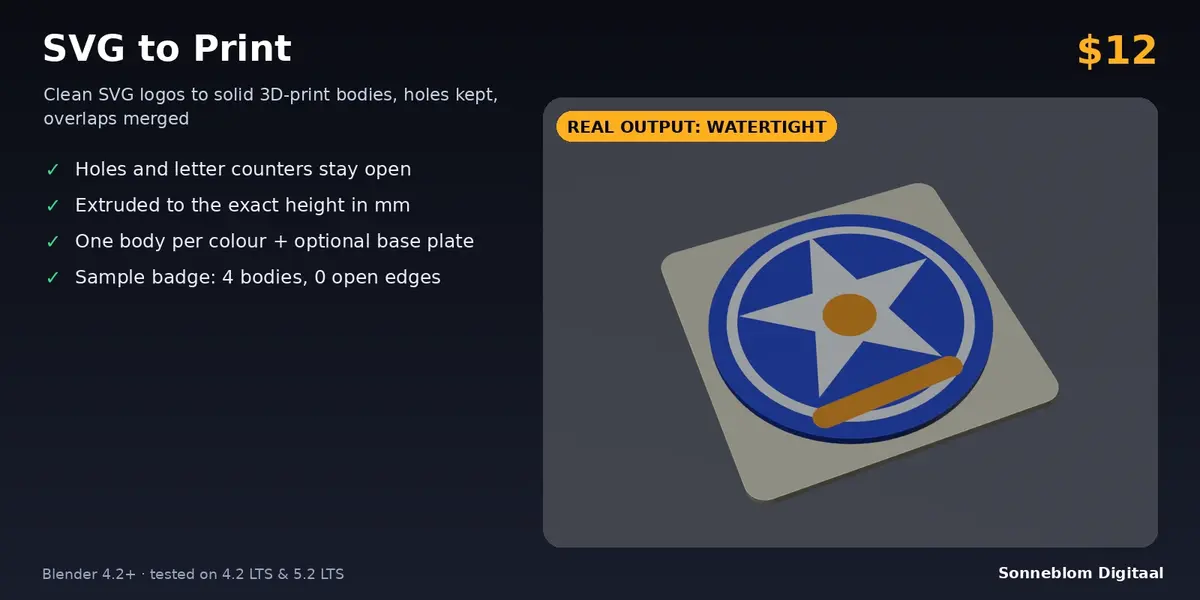
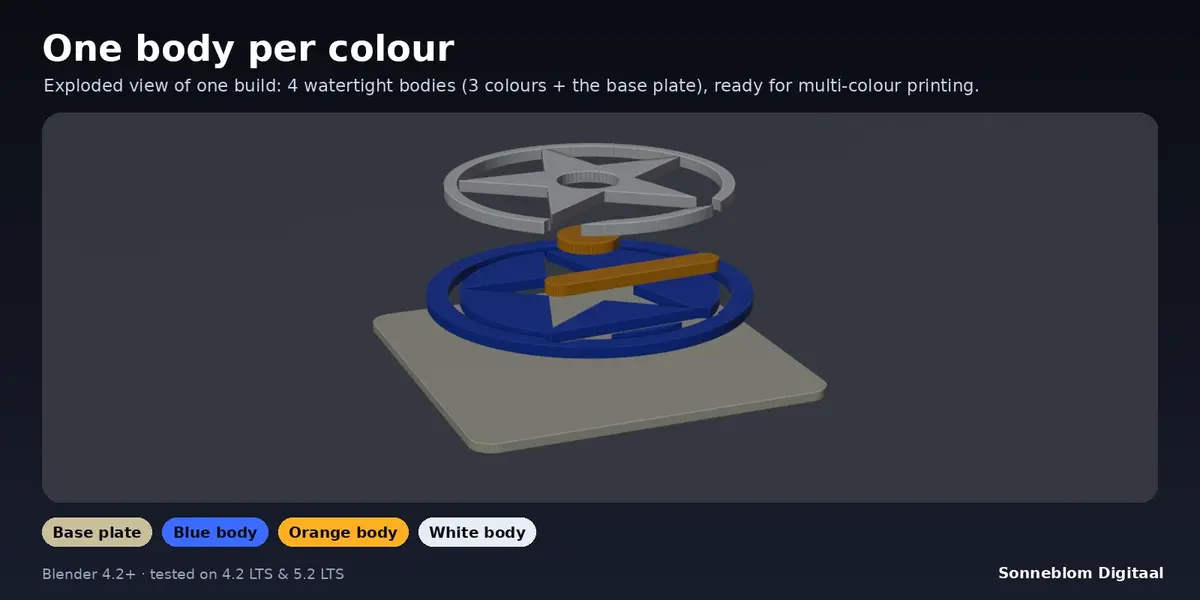
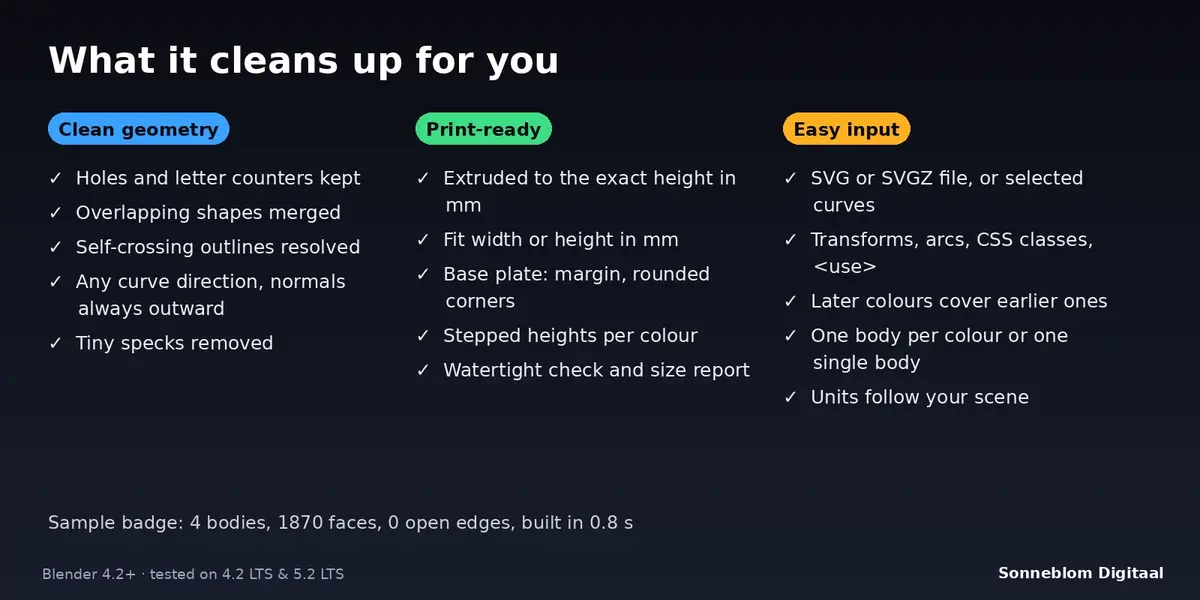
Yes. With Bodies set to 'One per colour' every fill colour becomes its own watertight body with a matching material, named after its colour, and the base plate is a separate body. Where one colour is painted over another, the lower colour is cut away so nothing overlaps. Colours must match exactly to share a body.
Does it work with text?
Not directly: text in an SVG is skipped with a message because fonts are not stored as shapes. Convert the text to paths in your vector editor first (Inkscape: Path > Object to Path), or convert text to curves in Blender and use Source: Selected curves. Outline-only (stroke) lines are skipped as well; use Path > Stroke to Path.
How exact is the size?
The height is exact, measured from the plate top (or from zero without a plate), and Fit width / Fit height make the artwork exactly that many millimetres wide or tall, not counting the plate margin. Curves become straight pieces no further than 'Curve detail' (default 0.05 mm) from the true curve.
Will it work with the SVG I already imported with Blender's own importer?
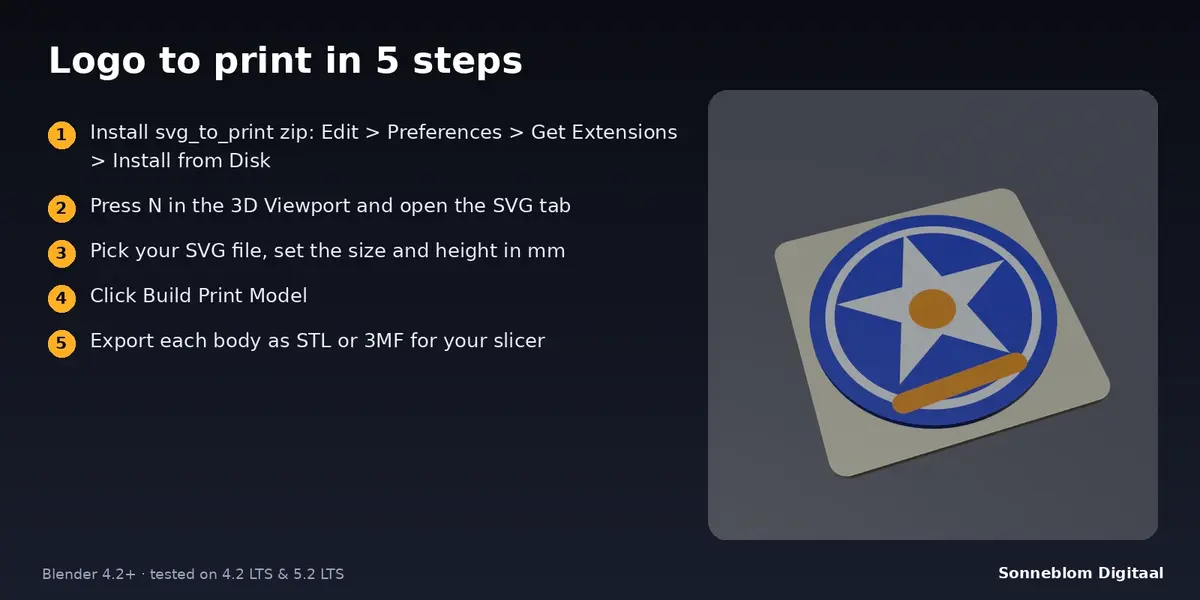
Yes. Switch Source to 'Selected curves', select the imported curve objects and click Build Print Model. Colours come from the first material of each curve, stacking order follows the object names (the importer names them in file order), and holes use the even-odd rule.
The report says NOT all watertight. What now?
That happens when outlines touch at a single point, for example a bow tie shape or two overlapping shapes combined with the even-odd rule. Such a shape cannot be one perfect solid. Fix the touching point in your vector editor, or separate the parts slightly. Check Bodies tells you which selected body is affected.
Does it need an internet connection or other software?
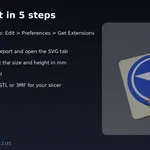
No. It reads the SVG with Blender's built-in Python and never uses the network. It only asks for permission to read the SVG file you choose.
Have questions about this product?
Login to message
| Blender Extension Compatible | Yes |
| Published | about 9 hours ago |
| Blender Version | 4.2 - 5.2 |
| Extension Type | Add-on |
| License | GPL |
Discover more products like this
watertight multicolor 3d printing signs extrude logo SVG base plate