 MendWorks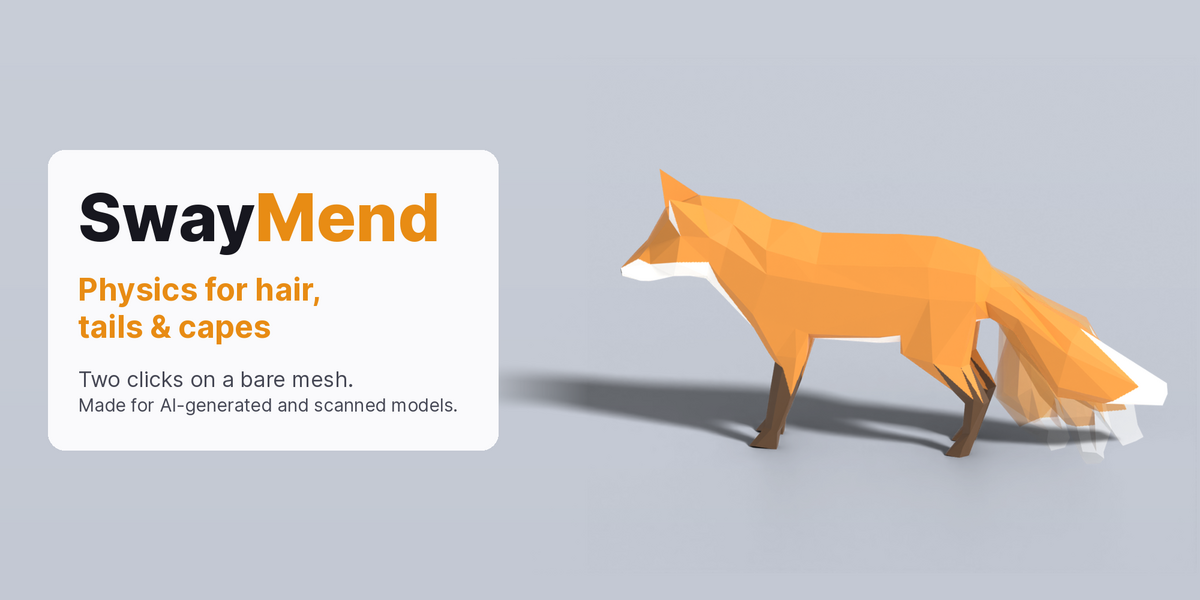


Physics for hair, tails and capes, starting from a bare mesh
AI generators (Meshy, Tripo, Hunyuan3D…) and scans give you a character as one fused mesh. The ponytail, tail or cape is glued to the body, with no bones in it. Other physics add-ons need you to build those bone chains, or cloth helper meshes, first.
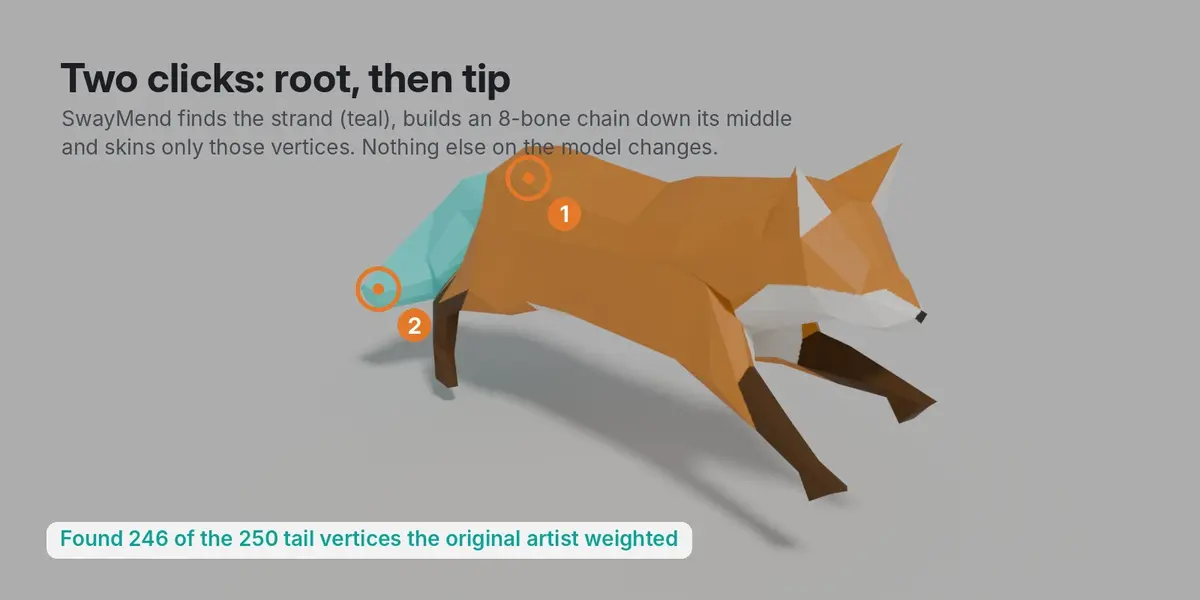
SwayMend starts from the bare mesh. Click where the strand grows from, click its tip, and press Simulate. A $1 Lite version lets you try it on your own model first.
How it works
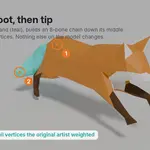
- Finds the strand. It traces a path over the surface from your two clicks, finds the middle of the strand all the way down, and works out which vertices belong to it. Nearby body parts are left out.
- Builds the chain. One bone per segment, down the centre, attached to the bone the strand grows from (or to a new root bone on a model with no rig).
- Skins only the strand. Every other vertex keeps its weights exactly. Weights fade in at the root so nothing creases.
- Simulates and bakes. Spring physics with gravity, drag, wind and body collision runs against your real animation, then bakes to keyframes that export in FBX and glTF.
Five presets
Hair, Tail, Cape strip, Ear, Antenna. Then tune Stiffness, Floppiness, Drag and Weight per strand.
Measured, not guessed
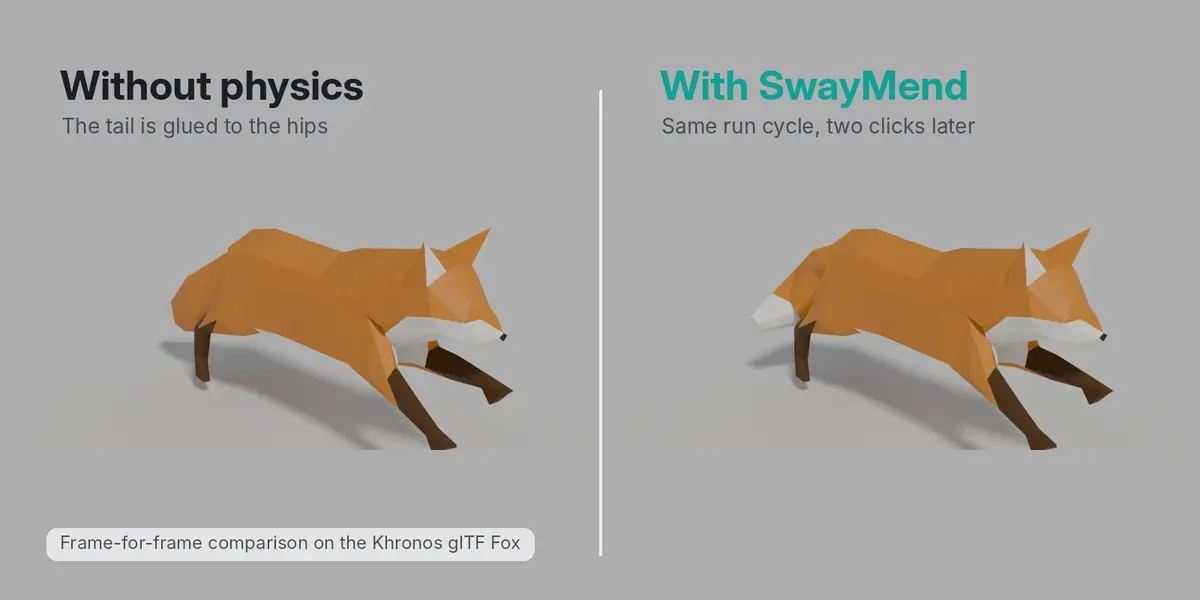
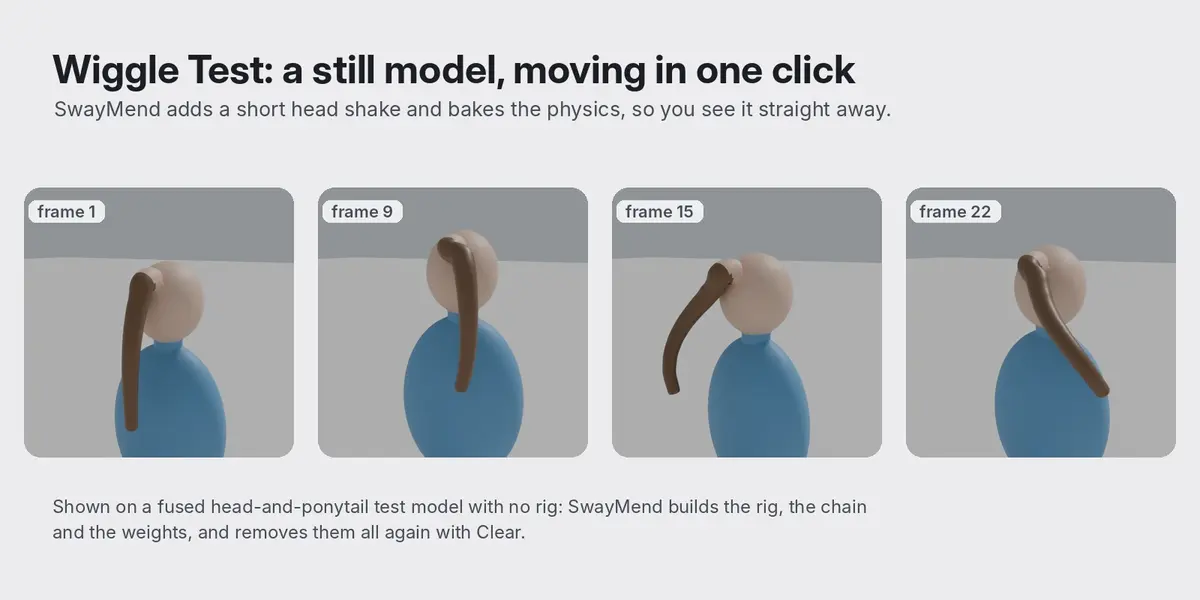
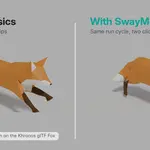
Tested on four models before release: a still head with a fused ponytail, a creature with a tail on an animated spine, a character with a fused cape strip, and the Khronos glTF Fox with its own tail rig removed (run cycle).
- Finds the strand by itself. On the Fox, it found 246 of the 250 vertices the original artist weighted to the tail, from two clicks. The cape: 343 of 343. The ponytail: 501 of 529 (the rest sit inside the head join).
- Leaves the rest alone. Weights outside the strand changed by 0.000 on every model. Strand weights sum to 1 with at most 4 influences.
- Real overlap. The strand tip trails its parent by up to 44° on the ponytail, 17° on the tail and 23° on the cape, then settles.
- Body collision (Pro). On a character leaning back hard, the cape went 2.7 cm into the torso without collision and 0.8 cm with it.
- No stretching. Bone lengths hold to within 0.2%.
- Exports. FBX and glTF round-trips keep the animation on 8 of 8 chain bones, every frame.
- Fast. Simulating 96 frames takes under 1 second. Adding a strand takes 0.5 s on a 21k-vertex model and 2.6 s on 86k.
Features
- Add Strand: two clicks per strand. Select the strand's faces in Edit Mode first to fence it in exactly.
- Wiggle Test: adds a 3-second head shake to a still model and bakes it, so you see the physics straight away.
- Show Strand: selects the vertices a strand moves, so you can check them. Reach widens or narrows the catch.
- Works with your rig: the strand attaches to whichever bone it grows from and follows your animation. With no rig, SwayMend makes a one-bone rig and removes it again on Clear.
- Auto size: models exported at the wrong scale (180 units tall, or 1 cm) still swing like a person-sized character.
- Clear: removes every bone, key and weight SwayMend added and restores the original weights exactly.
- Several strands per model (Pro), wind with gusts (Pro), full undo.
Lite vs Pro
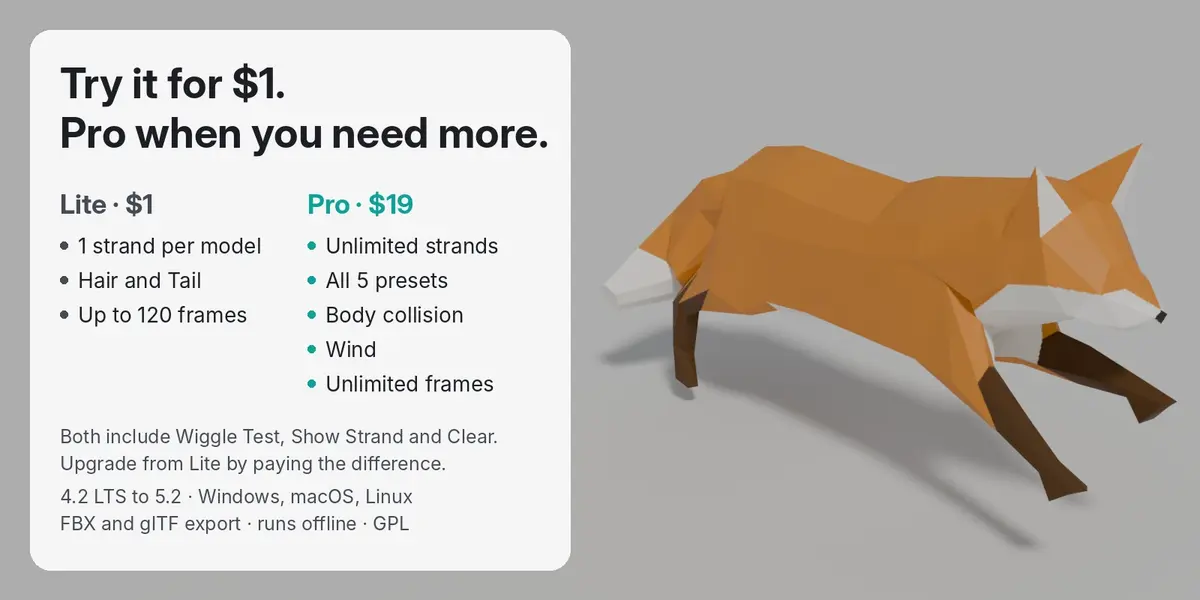
- Lite ($1): 1 strand per model, Hair and Tail presets, bakes up to 120 frames. Wiggle Test, Show Strand and Clear included.
- Pro: unlimited strands, all five presets, body collision, wind, unlimited bake length.
Honest limits
- Hair glued flat to the body (a braid stuck to the back along its whole length) can't be told apart from the body automatically. Select its faces in Edit Mode before Add Strand.
- On very bushy shapes, a few body vertices right at the base can be caught (28 on the Fox, all inside the fade-in zone). Show Strand lets you check; lower Reach or select faces.
- Strips, not full cloth: a cape works as a strip; a full skirt or wide cloak needs several strands.
- Collision uses simple spheres and capsules, not the exact mesh.
- It bakes; there is no live preview while you play. A re-bake takes about a second.
- Very dense meshes take longer to set up: about 19 s to add a strand on a 344k-vertex model.
Requirements
- Blender 4.2 LTS or newer (tested on 4.2.0 LTS and 5.2.2 LTS)
- Windows, macOS and Linux. Pure Python, nothing to compile.
- Runs fully offline. No account, no GPU.
Got a model it doesn't handle well? Message me through Superhive. Problem models are how SwayMend gets better.
From MendWorks, the maker of QuadMend, SeamMend and WeightMend. Gallery and test model: Fox by PixelMannen (CC0), rigging and animation by tomkranis (CC-BY 4.0), glTF conversion by @AsoboStudio and @scurest (CC-BY 4.0).