 MendWorks


Installation
- Download swaymend-1.0.0.zip (Pro) or swaymend-lite-1.0.0.zip (Lite). Do not unzip it.
- In Blender, open Edit → Preferences → Get Extensions, click the ⌄ menu at the top right and choose Install from Disk…, then pick the zip. You can also drag the zip into Blender.
- In the 3D View, press N and open the SwayMend tab.
Add physics to a strand
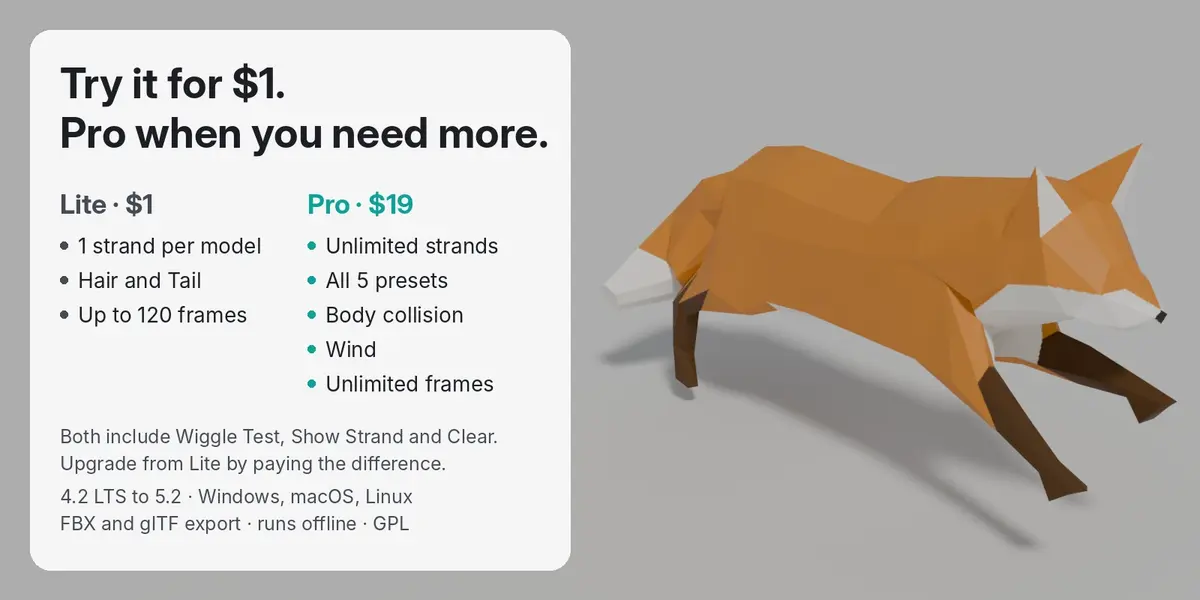
- Select the mesh and pick a preset (Hair, Tail, Cape strip, Ear, Antenna) in the SwayMend tab.
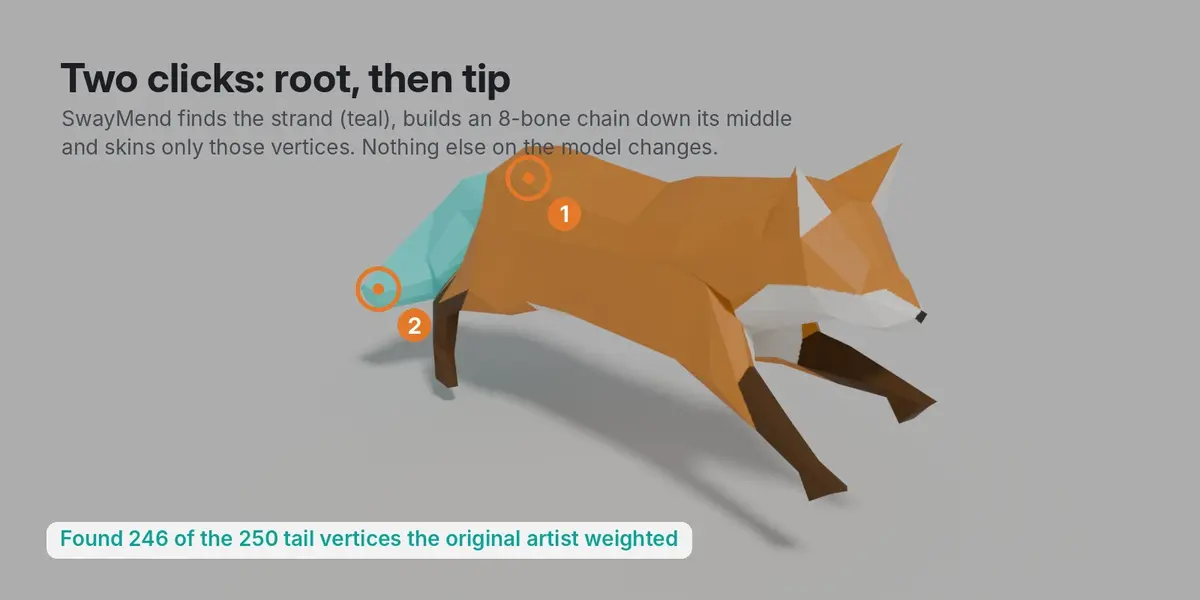
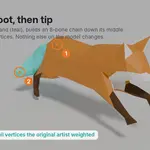
- Click Add Strand. The status bar asks you to click the root of the strand (where it grows from), then its tip. Esc or right-click cancels.
- To fence a strand in exactly (for example hair glued to the back), go to Edit Mode, select the strand's faces, then click Add Strand.
- Click Show Strand to check which vertices it caught. If it's wrong, click Remove Strand, change Reach (lower = tighter) or select faces, and add it again.
Simulate
- Animated model: click Simulate. It runs over the scene's frame range and bakes keyframes onto the strand's bones.
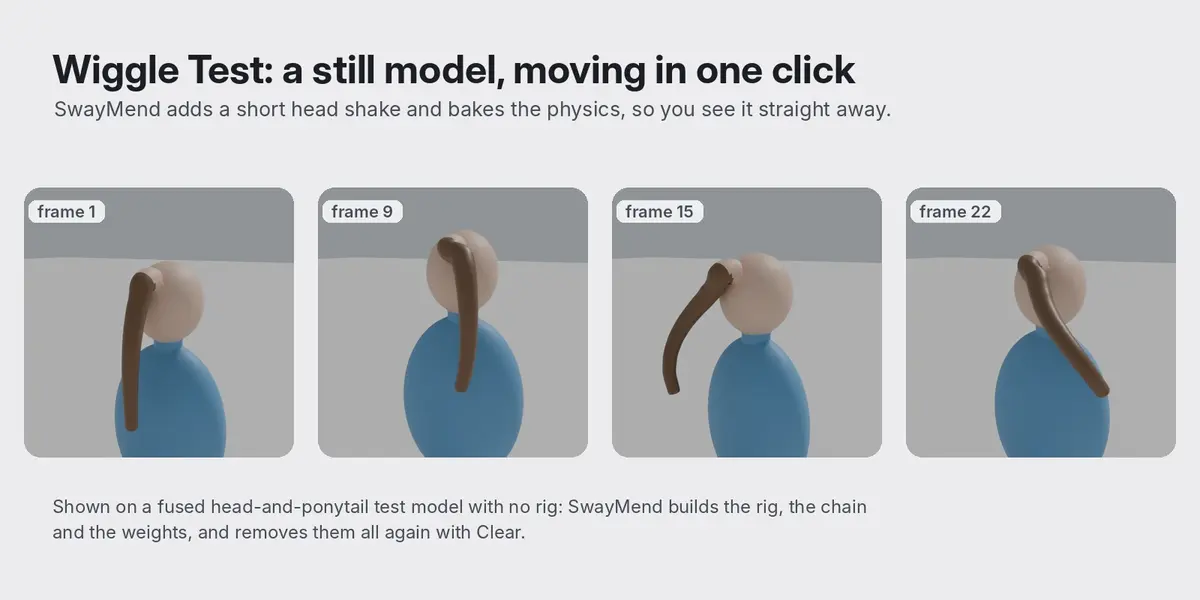
- Still model: click Wiggle Test. It adds a 3-second head shake to the rig and simulates, so you can see the physics. The ✕ next to it removes the shake.
- After changing a setting, click Simulate again. A re-bake takes about a second.
Settings (per strand)
- Stiffness: how strongly the strand springs back to its shape.
- Floppiness: how much looser the tip is than the root.
- Drag: air resistance. Higher settles faster.
- Weight: how much gravity pulls it.
- Wind response and Body collision (Pro). Set the scene Wind strength and direction under the strand list.
- Auto size: treats models smaller than 5 cm or taller than 20 m as 1.7 m tall, so gravity looks right on mis-scaled imports.
Export
The motion is baked to normal bone keyframes. Export with FBX or glTF as usual and the chain's animation comes along.
Remove everything
Remove Strand deletes one strand. Clear All removes every bone, key and vertex group SwayMend added and restores the original weights exactly. If SwayMend created the rig, Clear All removes it too.
Support
Message me through Superhive with the model if a strand comes out wrong. I reply within 72 hours.
Have questions about this product?
Login to message
| Blender Extension Compatible | Yes |
| Published | 3 days ago |
| Blender Version | 4.2 - 5.2 |
| Extension Type | Add-on |
| Render Engine Used | Cycles, Eevee |
| License | GPL |
Discover more products like this
Bake Animation physics bone chain game assets meshy hair physics ai 3d tripo cape tail secondary-motion jiggle