 Soyoyo
Why is there no response when I press the shortcut key?
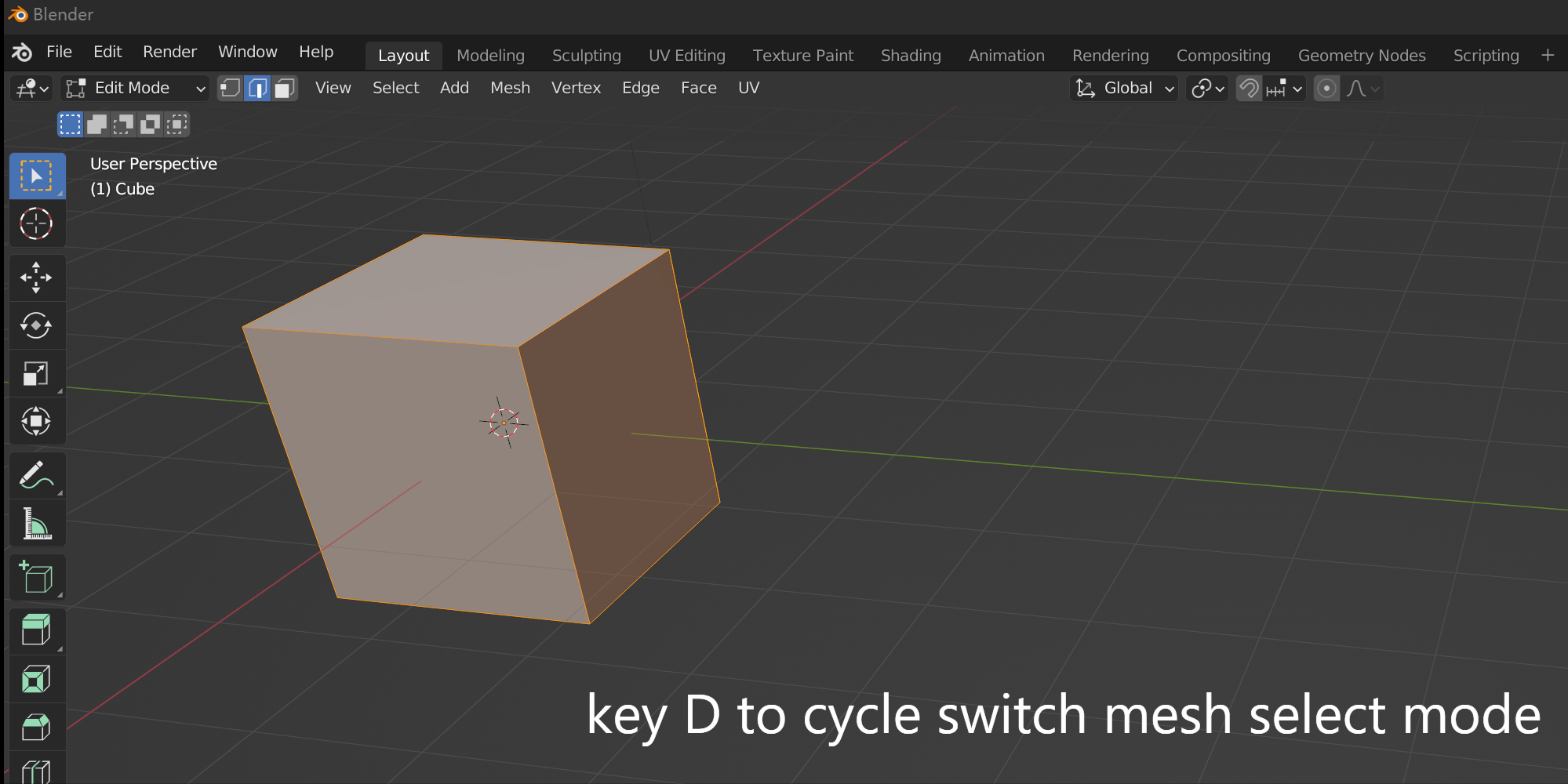
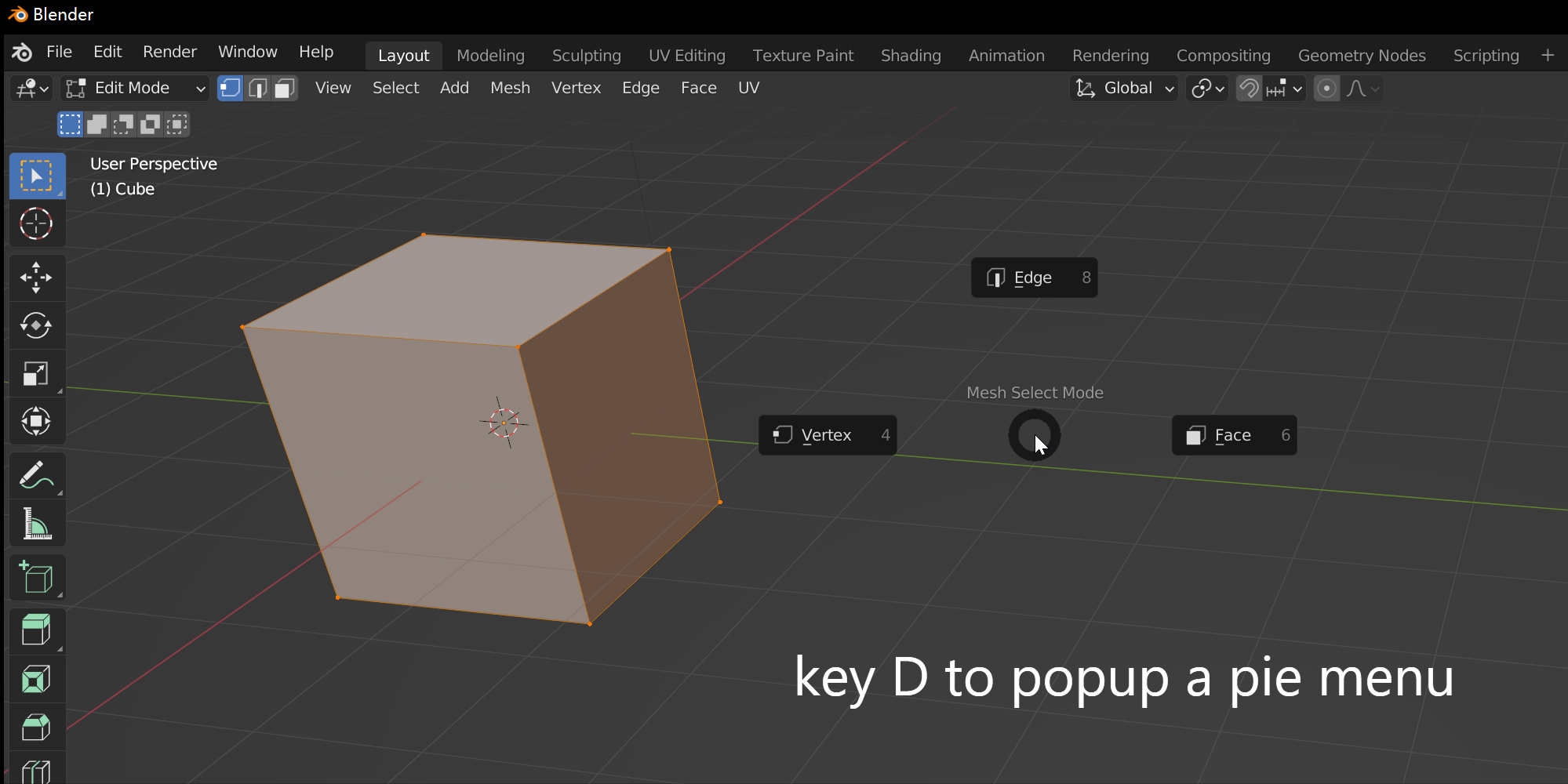
The first possibility is that you have selected multiple select modes when the Switch Type is Cycle Switch. The second possibility is that you have a conflict keymap setting, and the press event was intercepted. You have to check it out in the Keymap setting.
Do I need to assign a shortcut for this addon?
No, The addon has done it for you when you enabled this addon. The default shortcut is the D key. When you disable the addon, the shortcut key will be removed from the keymap setting. So you don't need to care about the shortcut setting. But if you want to change it, you can do that in the keymap setting.
$3
Have questions about this product?
Login to message