SyncTools for Unreal Engine 🚀
Overview
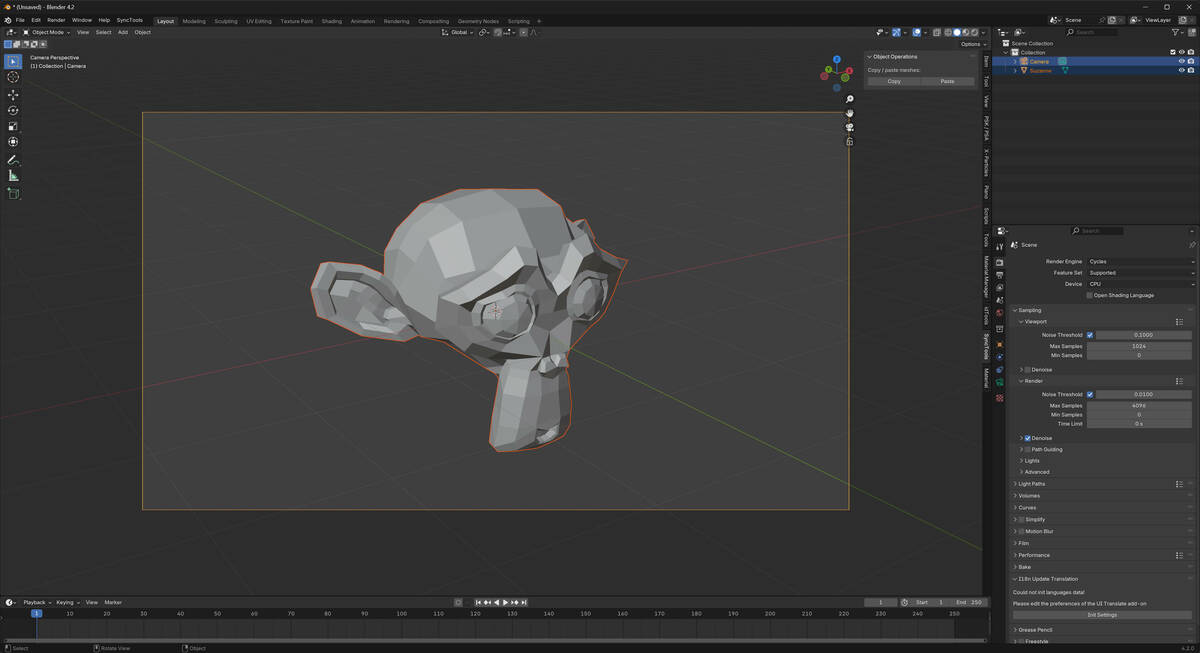
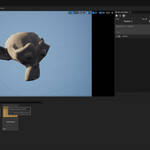
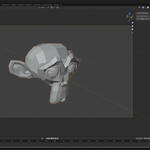
SyncTools for Unreal Engine is a specialized plugin designed to streamline the process of copying and pasting detailed scene data within Unreal Engine environments. With just one click, you can export static mesh actors—including their complete transform data, materials, and properties—from one scene and import them into another. This significantly enhances efficiency in level design and scene composition workflows.
🌍 Multi-DCC Platform Support
The SyncTools series extends support to major digital content creation software, including:
✅ SyncTools for Maya (Released)
✅ SyncTools for 3ds Max (Released)
✅ SyncTools for Houdini (Released)
✅ SyncTools for Cinema 4D (Released)
✅ SyncTools for Rhino (Released)
✅ SyncTools for Marvelous Designer (Released)
✅SyncTools for Unreal Engine (Released)
🛠 SyncTools for Substance Painter (In Development)
🛠 SyncTools for Unity (In Development)
🛠 SyncTools for Zbrush (In Development)
All plugins utilize a unified data exchange protocol, enabling lossless asset conversion across platforms and true multi-software collaborative workflows.
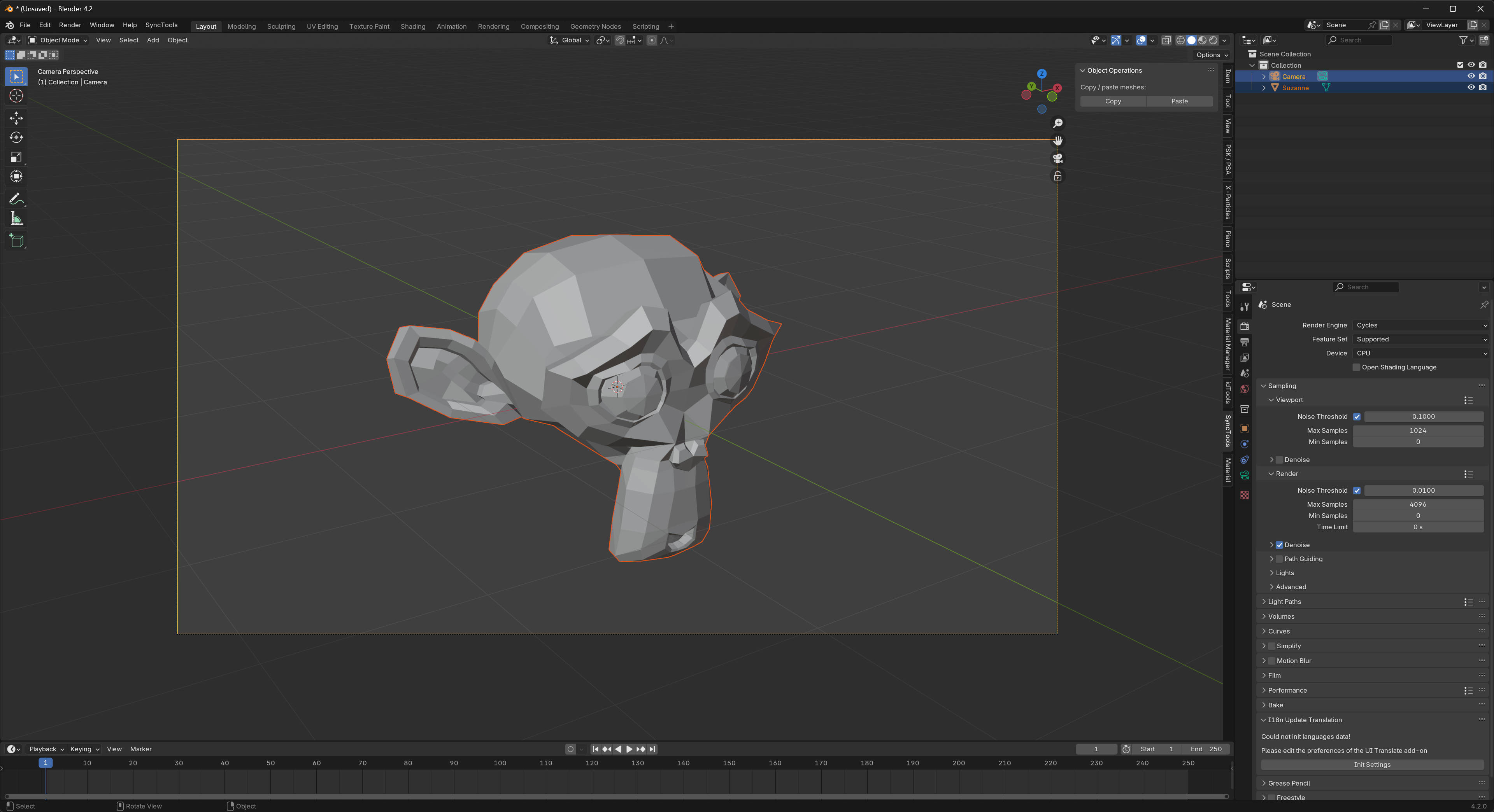
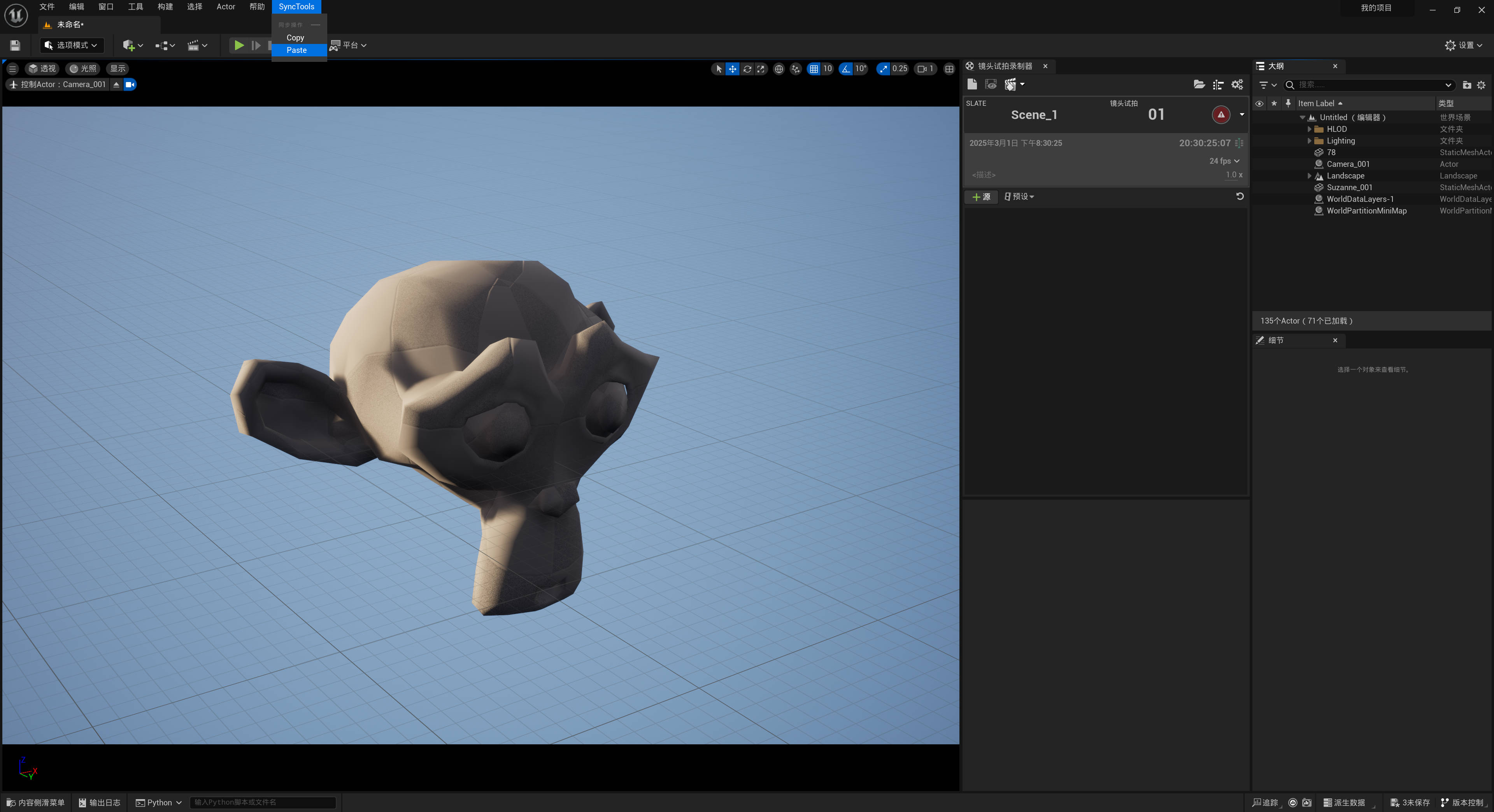
🛠 Unreal Engine Installation & Usage
1️⃣ Plugin Installation
🔹 Download the plugin file Synctools_UE.py
🔹 Copy the file to your Unreal Engine Python scripts directory
🔹 Restart Unreal Engine
🔹 Upon successful installation, you'll find "SyncTools" in the main menu bar
2️⃣ Workflow
📋 Copy Operation
✅ Select the static mesh actors you want to copy in the scene
✅ Click "Copy" from the SyncTools menu
📂 Paste Operation
✅ Switch to your target scene
✅ Click "Paste" from the SyncTools menu
✅ The plugin automatically imports the most recent cache files and cleans up after a successful import
📝 Version Compatibility
✅ Official Support: Unreal Engine 4.26 and newer
✅ Official Support: Unreal Engine 5.04 and newer
📊 Data Compatibility
✔ Full Support:
🔹 Static mesh actors
🔹 Transform data (location, rotation, scale)
🔹 Actor labels and names
🔹 Vertex colors
🔹 LOD settings
⚠ Partial Support:
🔸 Materials (basic properties)
🔸 Textures (requires matching paths)
🔸 Collision meshes (filtered during export)
🔸 Animation and keyframes (basic properties)
❌ Unsupported:
❌ Skeletal meshes
❌ Blueprint actors
❌ Particle systems
❌ Landscape data
❌ Dynamic objects
❌ Light actors
⚡ Important Notes
1️⃣ Cache Management
🗑 Automatic cleanup after successful operations
📁 Cache location: Documents/cache/
2️⃣ Asset Handling
🎯 Automatic collision mesh filtering
🏷 Preserves original actor names and labels
📍 Maintains precise transform data
3️⃣ Best Practices
✔ Use for static mesh actors only
✔ Ensure sufficient disk space for cache files
✔ Keep source and target Unreal Engine versions compatible
4️⃣ Performance
⚡ Optimized for quick copy-paste operations
📉 Minimal temporary storage usage
🧹 Efficient cleanup processes
5️⃣ Data Exchange
🔄 FBX format for mesh data
📜 JSON format for transform data
🔧 Automatic file management
🎯 Conclusion
SyncTools for Unreal Engine is engineered to provide a seamless and efficient method for transferring static mesh actors within Unreal Engine environments. By leveraging simple copy and paste controls, you can effortlessly exchange detailed scene information, thereby streamlining your level design workflow.
✨ Enjoy a more efficient scene composition process with SyncTools!
📩 Need support? Let us know if you need any further assistance!
Would you like any further refinements? 😊
Support Blender Foundation
We believe in giving back to the community that makes our work possible. Every month, we dedicate a portion of our plugin's revenue to support the Blender Foundation. Thank you for helping us contribute to the future of open-source creativity.
 blenderVfxMaster