 JFW
JFW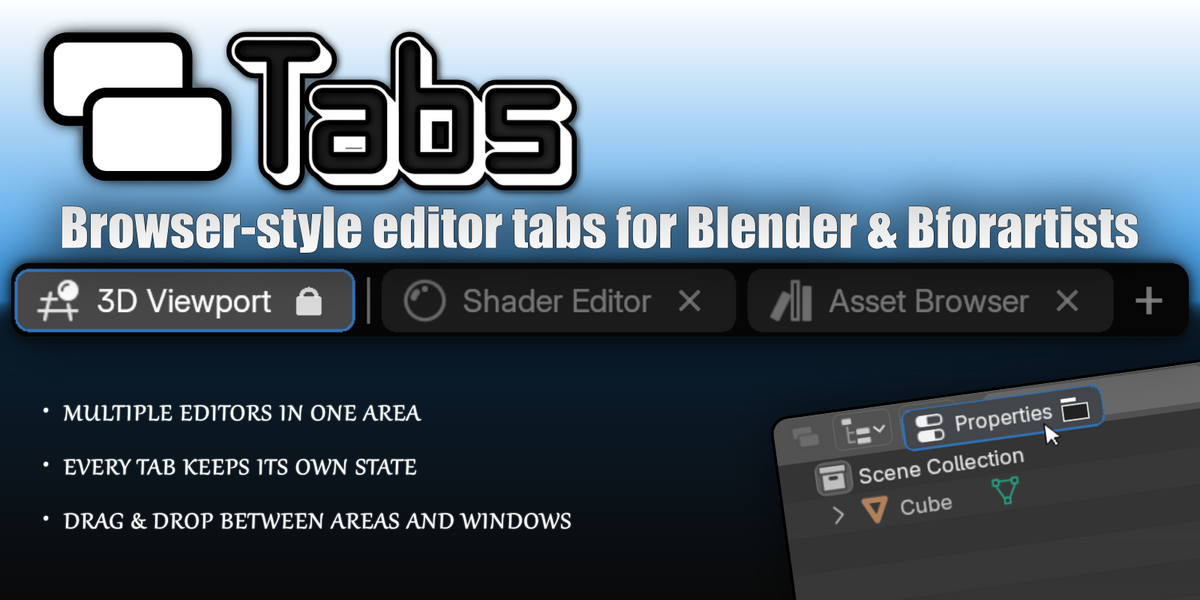
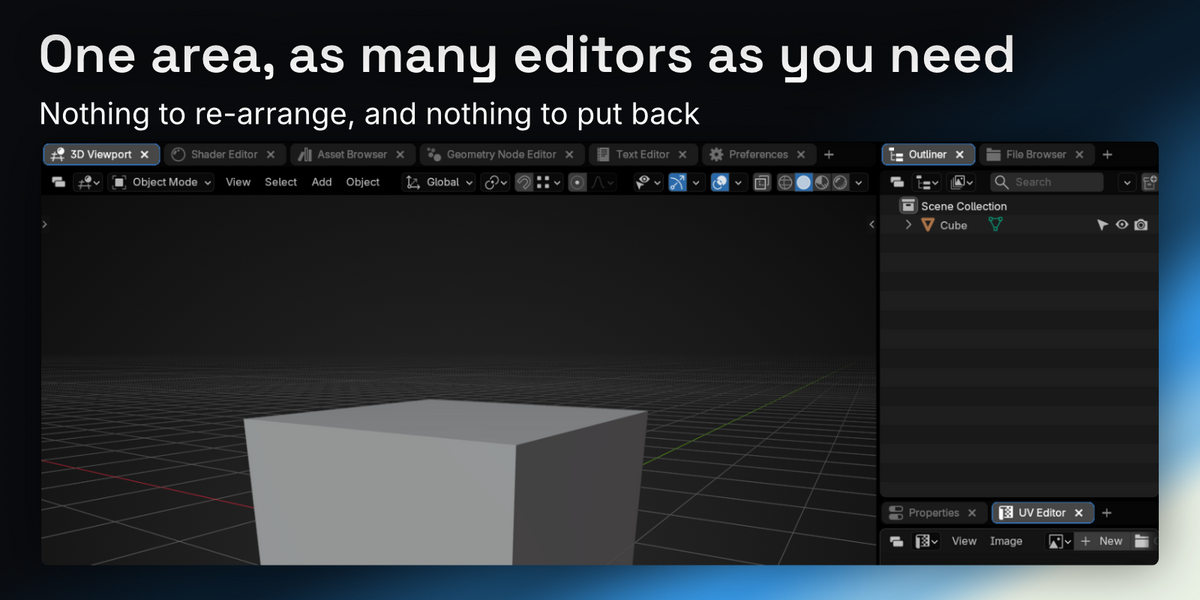
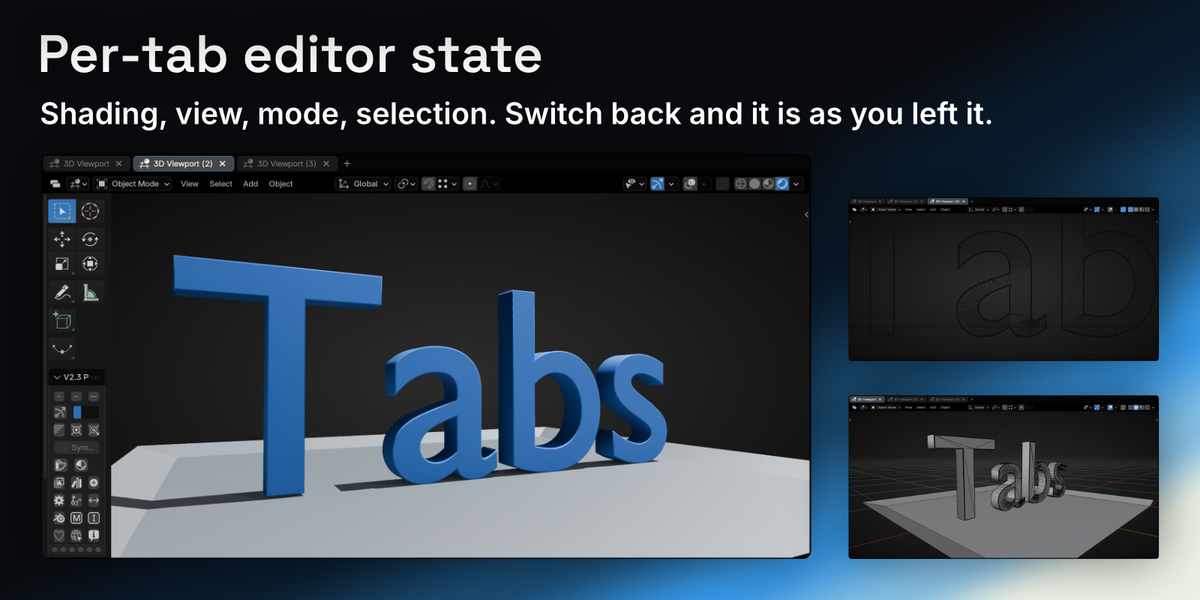
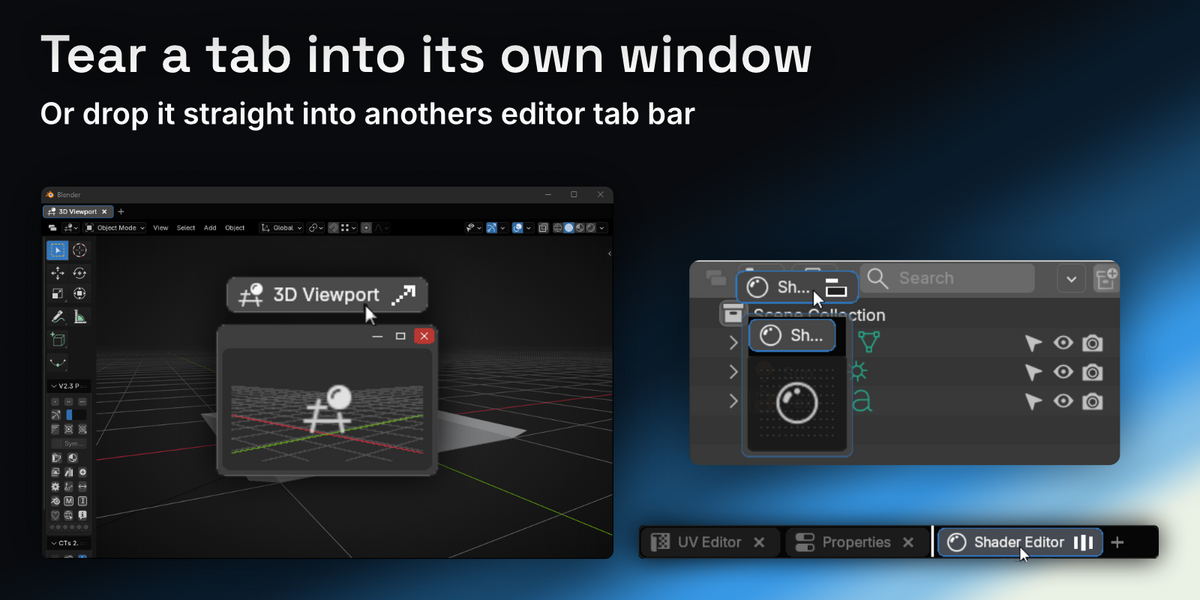
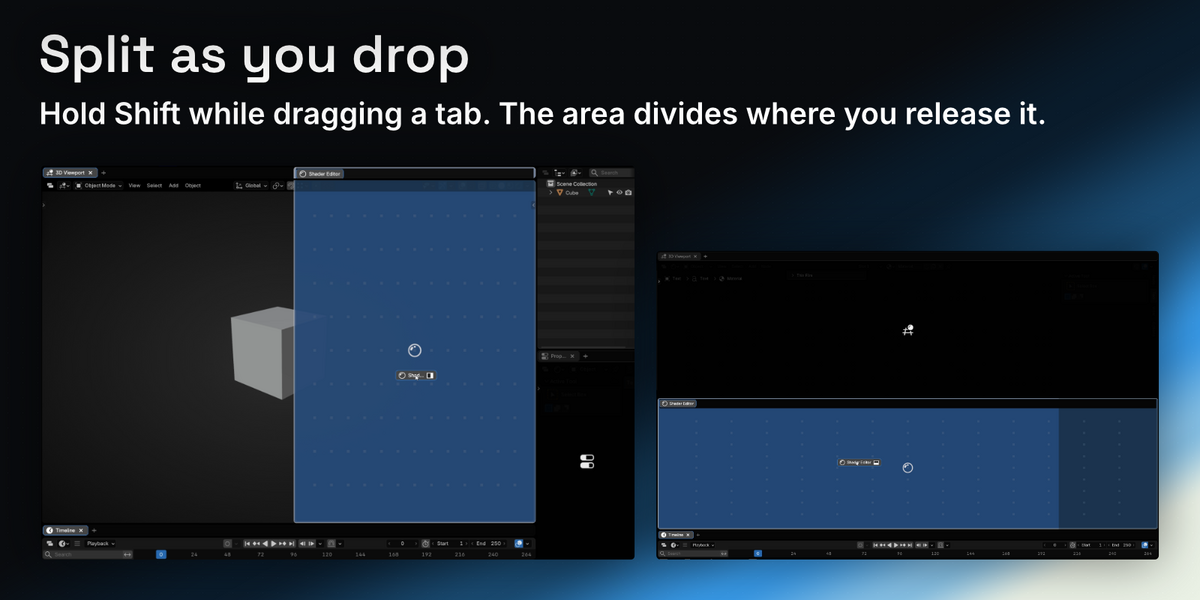
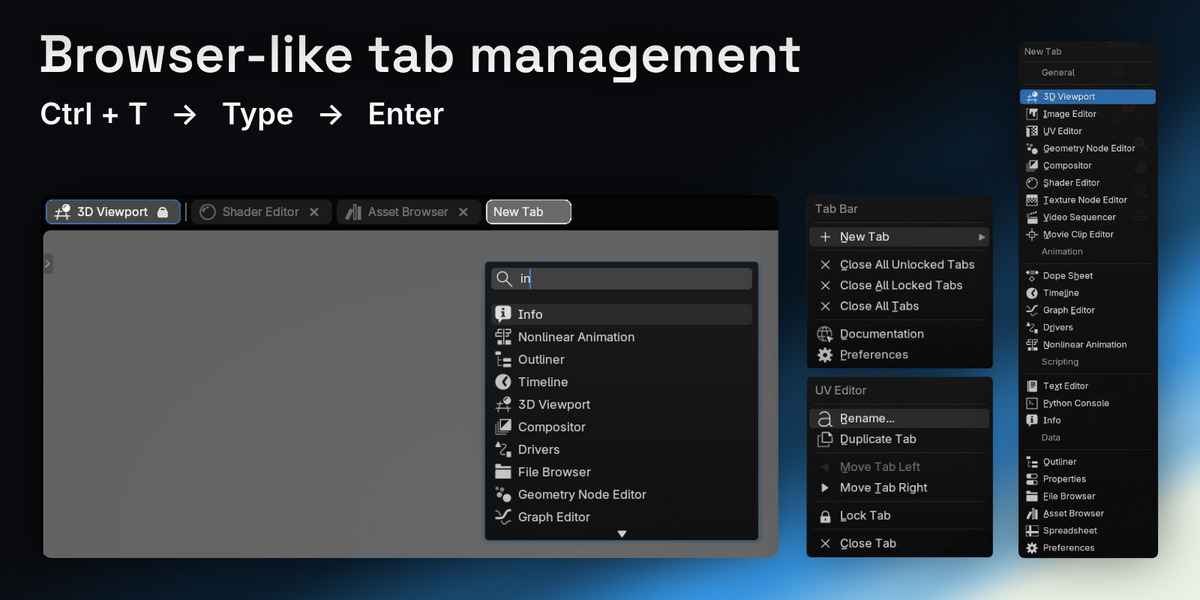
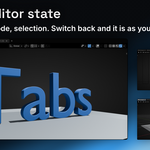
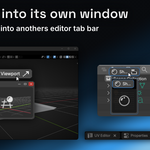
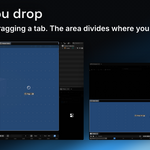
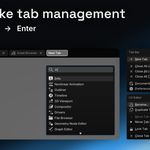
A workspace swaps the whole screen. A tab swaps one area — same size, same place, the rest of the layout untouched. Getting that from workspaces means a second copy of the layout that differs in one panel. The two work together: every workspace keeps its own tabs, and they're saved with the file.


It's the button Tabs adds to every editor's header. Click it and a tab bar appears above that editor; click it again and the bar goes away . It stays lit while the bar is showing, so the header always tells you which state an editor is in.
You never have to use it — Ctrl+T raises the bar and adds a tab in one step. And if you'd rather not see it, the preferences let you hide it or move it to any of four positions in the header. Turning on Always show Tab Bar hides it automatically, since there is nothing left for it to toggle.
Because a bar showing a single tab is just a second header — it costs you a row of screen and tells you nothing the editor's own header doesn't. So by default it steps out of the way once there's nothing left to switch between, and the Tabs button in the header brings it straight back. If you'd rather it stayed, it's a preference: turn off Close Tab Bar when one Tab remains in Edit > Preferences > Add-ons > Tabs. There's a separate switch for torn-off windows (…in Window), and "Always show Tab Bar" keeps a bar on every editor at all times.
They're written into the .blend. Whether they come back follows Blender's own Load UI setting: with it on, the file's layout loads and its tabs with it. With it off, your current layout is kept, and Load Tabs from .blend decides whether the file's tabs land on your areas where they line up.
Lock it. A locked tab can't be closed, dragged or torn off, and locked tabs sit at the front of the bar behind a separator so they're easy to find. Lock Primary Tab locks the starting tab of every editor at once, and any you unlock by hand stays unlocked.
Almost always another binding has claimed it. Ctrl+T is taken by Blender in some contexts and by add-ons like Node Wrangler in others, and whichever registers last wins for that editor.
Two things to check first: Where is your cursor? Blender sends a shortcut to the editor under the mouse, not to the one you last clicked — the tab appears in whichever editor you're hovering. Is it bound to something else here?
Open Edit > Preferences > Add-ons > Tabs > Shortcuts and give New Tab any key you like. Show/Hide Tab Bar ships unbound in the same place if you want a key for that too. The Tabs button in the editor header does the same job and can't be taken by anything, so it's the reliable fallback while you sort a binding out.
Nothing breaks. Your areas go back to showing one editor each, and the tab data stays in the .blend — reinstall and it comes back.
Have questions about this product?
Login to message
Discover more products like this
workspace Workflow tab interface window ui quality-of-life productivity layout bforartists tabs Editor-Tabs