 JFW
JFW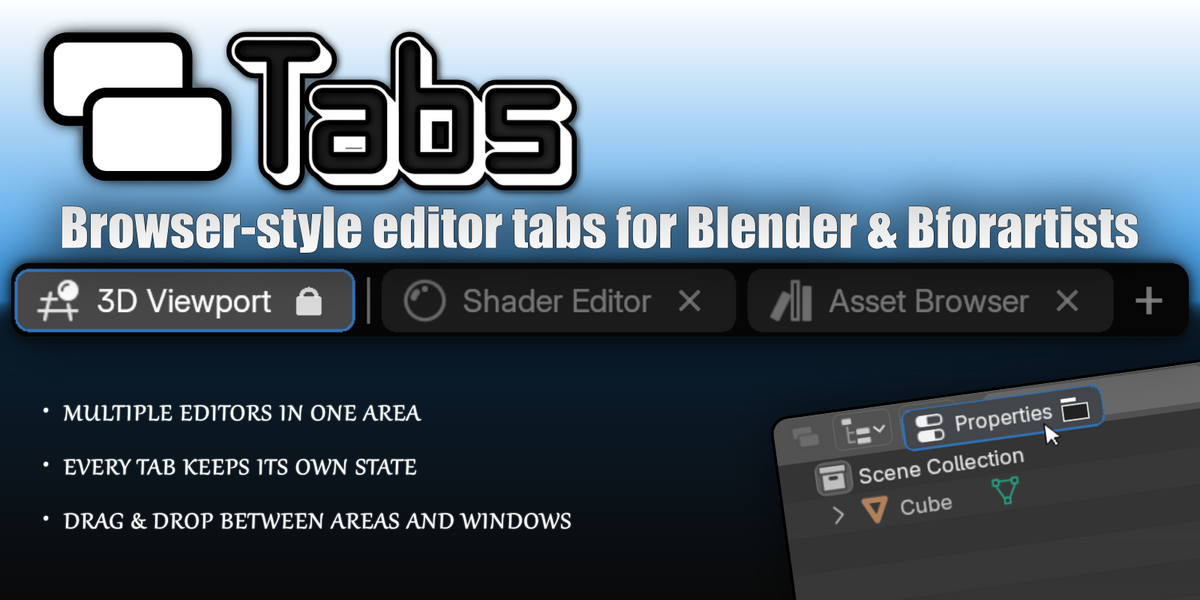
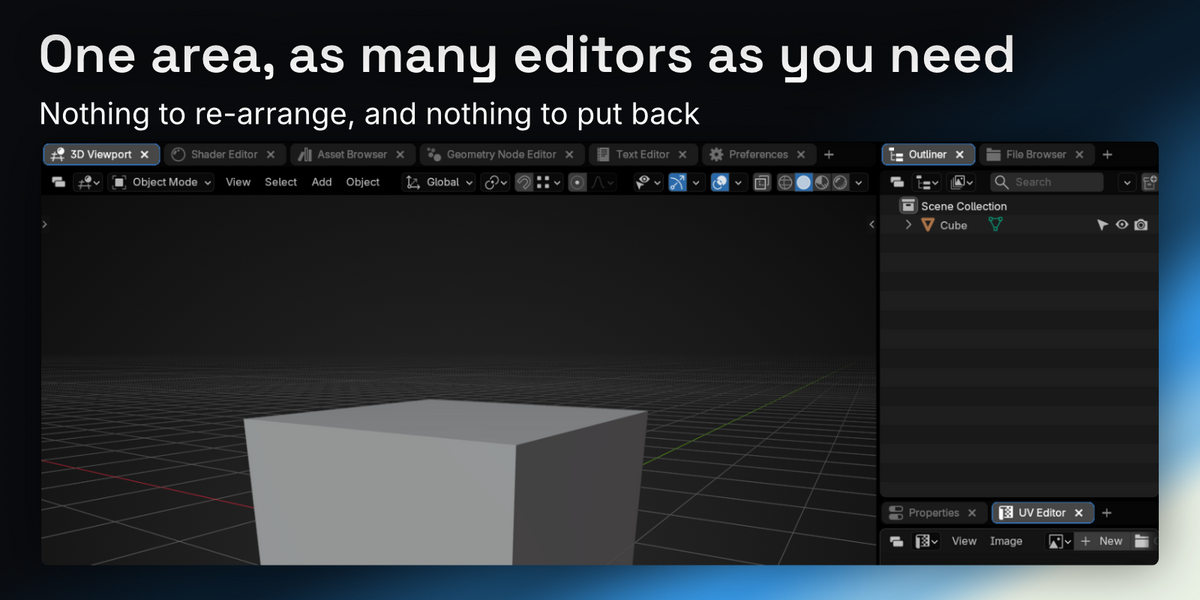
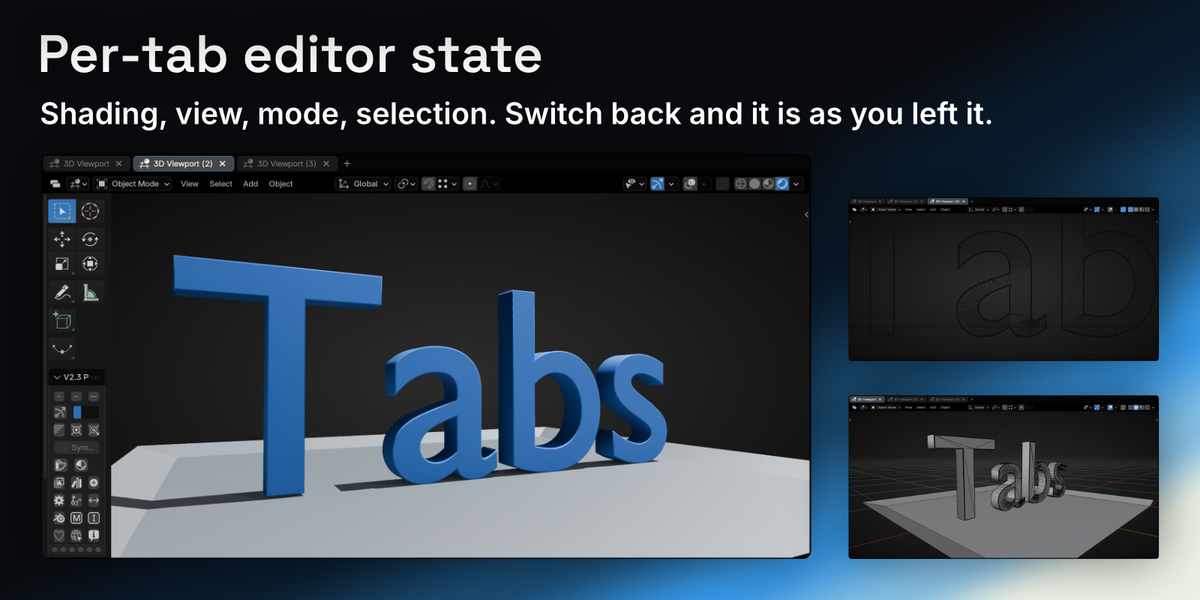
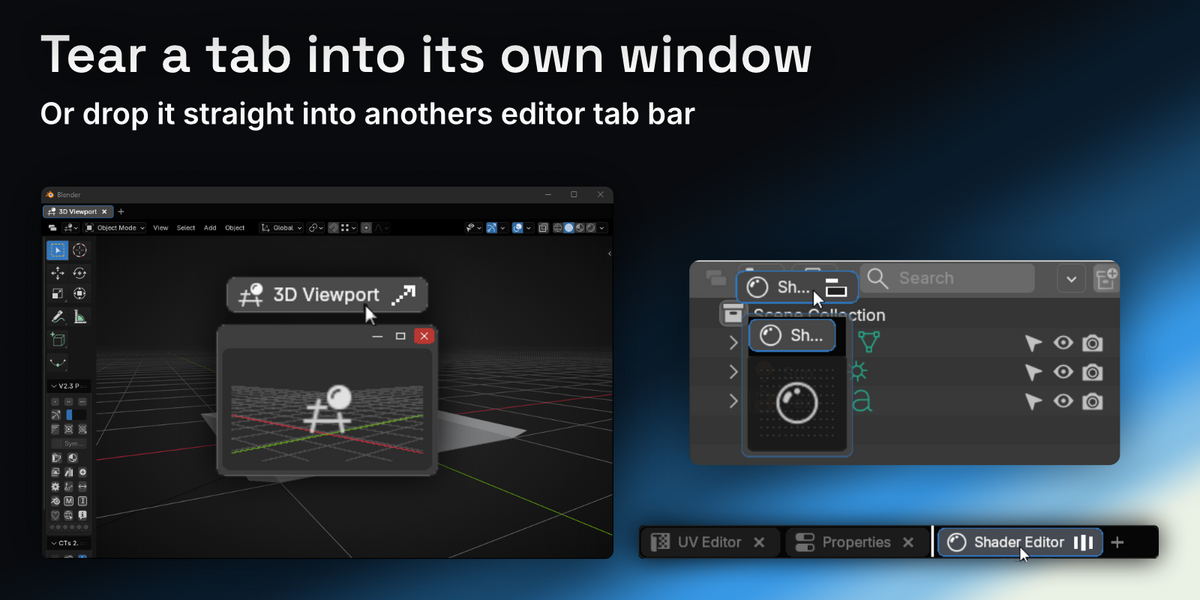
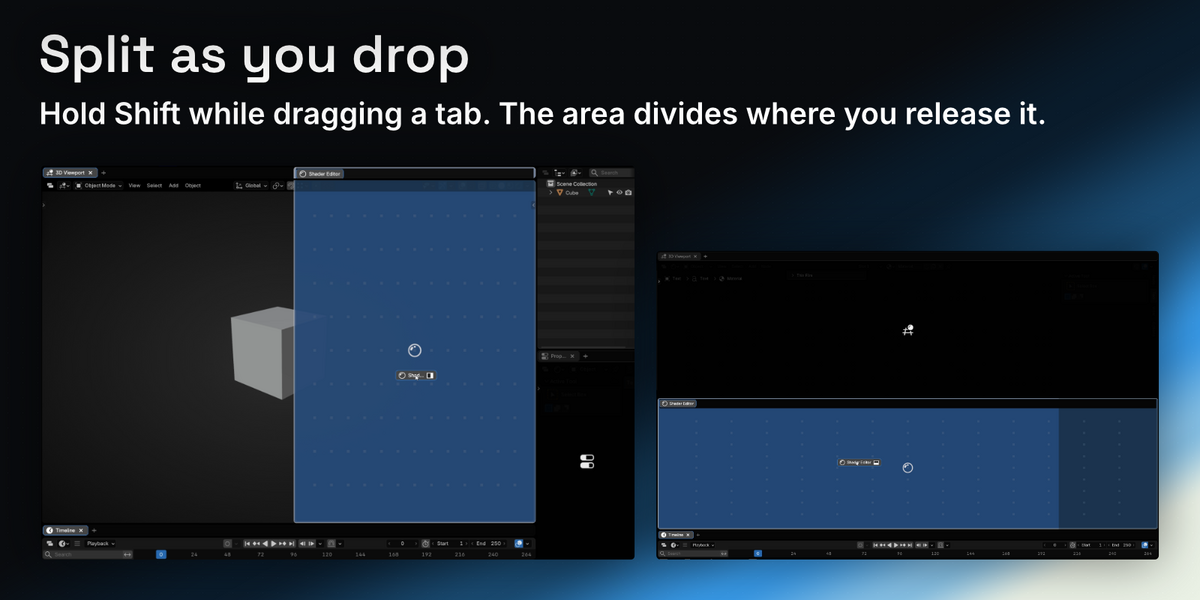
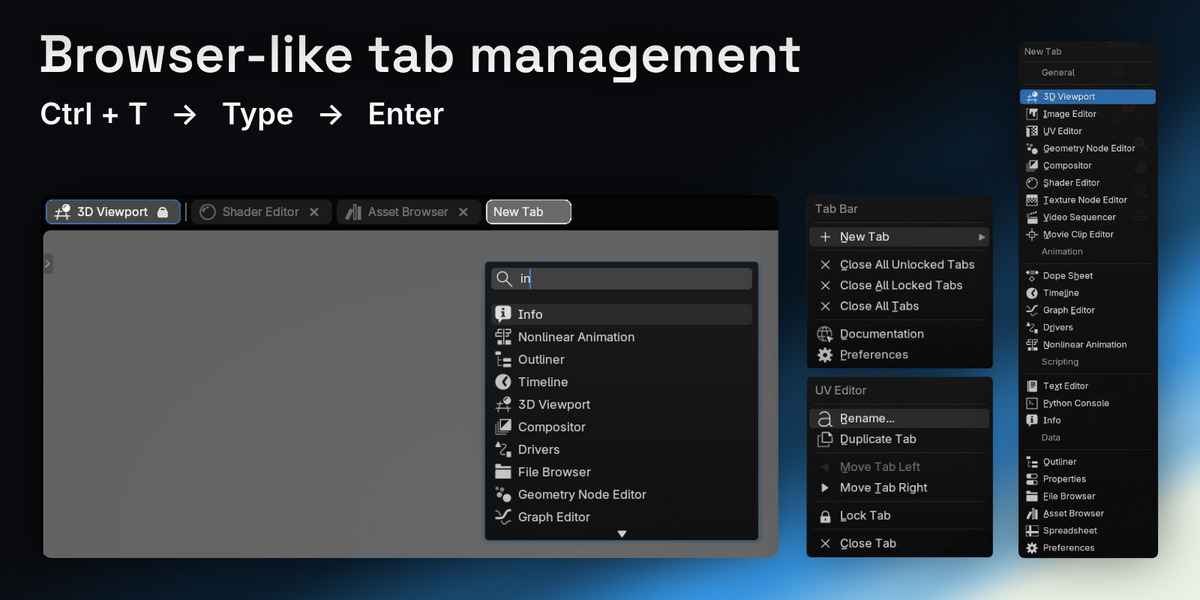
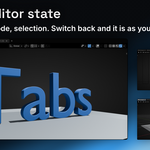
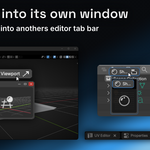
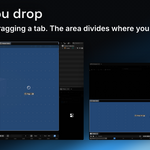
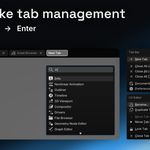
Tabs gives a Blender Area browser-style tabs — several editors sharing one area, each keeping its own state. Add, rename, reorder and close them, drag a tab to another area or tear it off into its own window, and lock the ones a layout depends on. Your tabs come back with the file.
Highlights
- Several editors in one area. Each tab holds a full editor and remembers its own state — view angle, shading, filters, scroll position. Switching tabs is not re-configuring an editor.
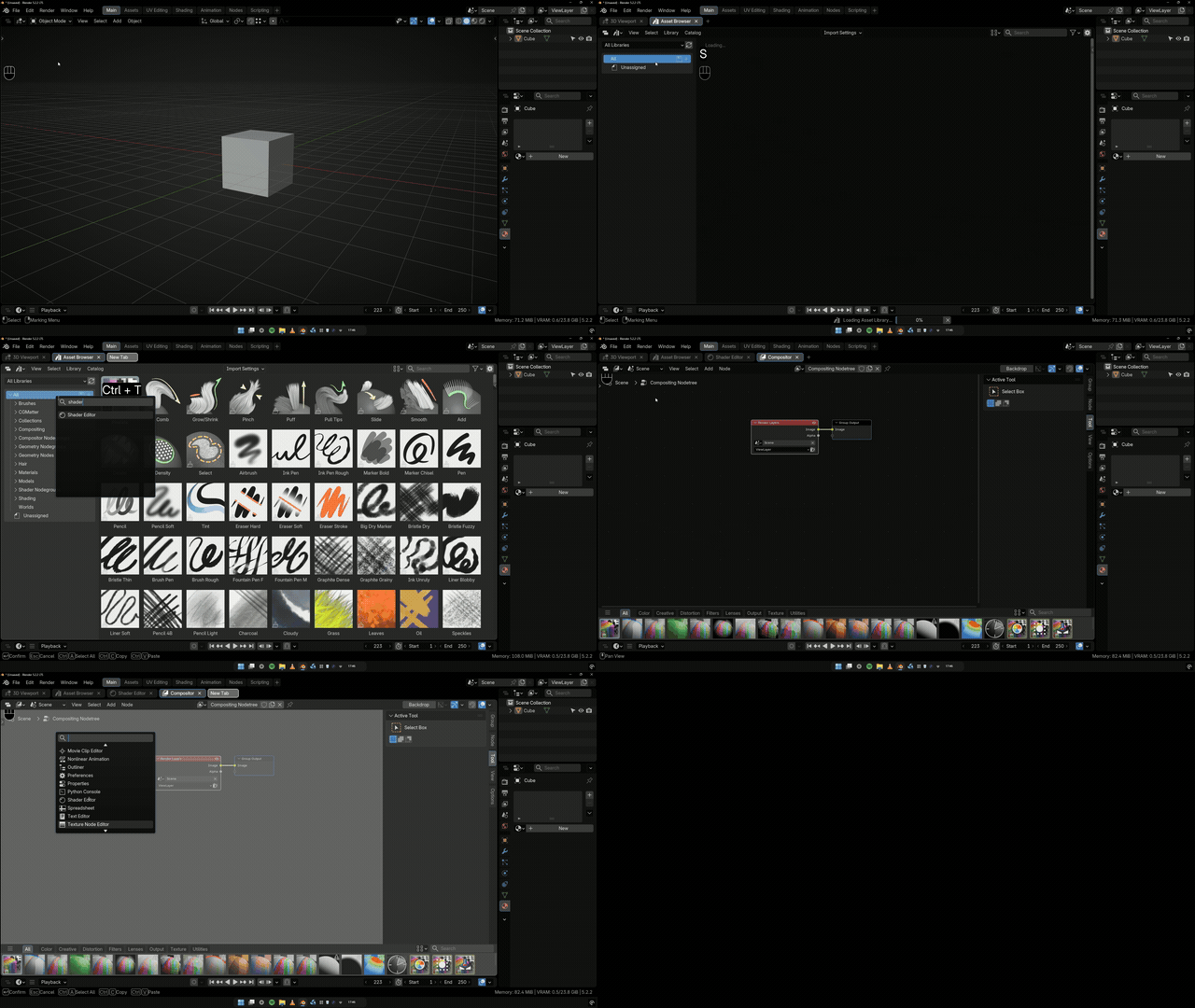
- Drag tabs anywhere. Reorder within a bar, drop onto another area's bar, or tear one off into its own window.
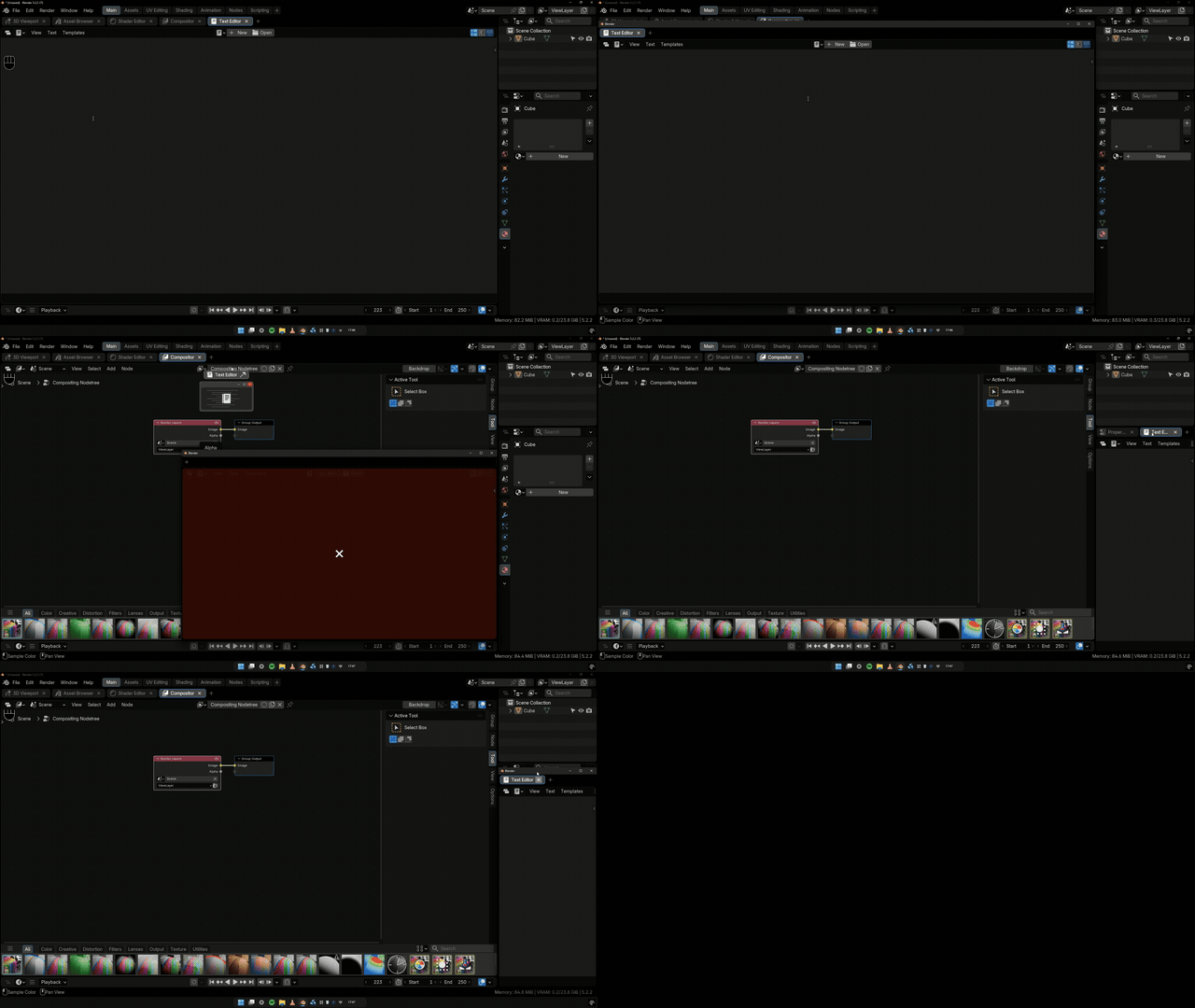
- Shift-drop to split. Hold Shift on the drop and the area divides where you release, with the tab already in the new half. Shift + Spacebar and the seam follows your cursor.
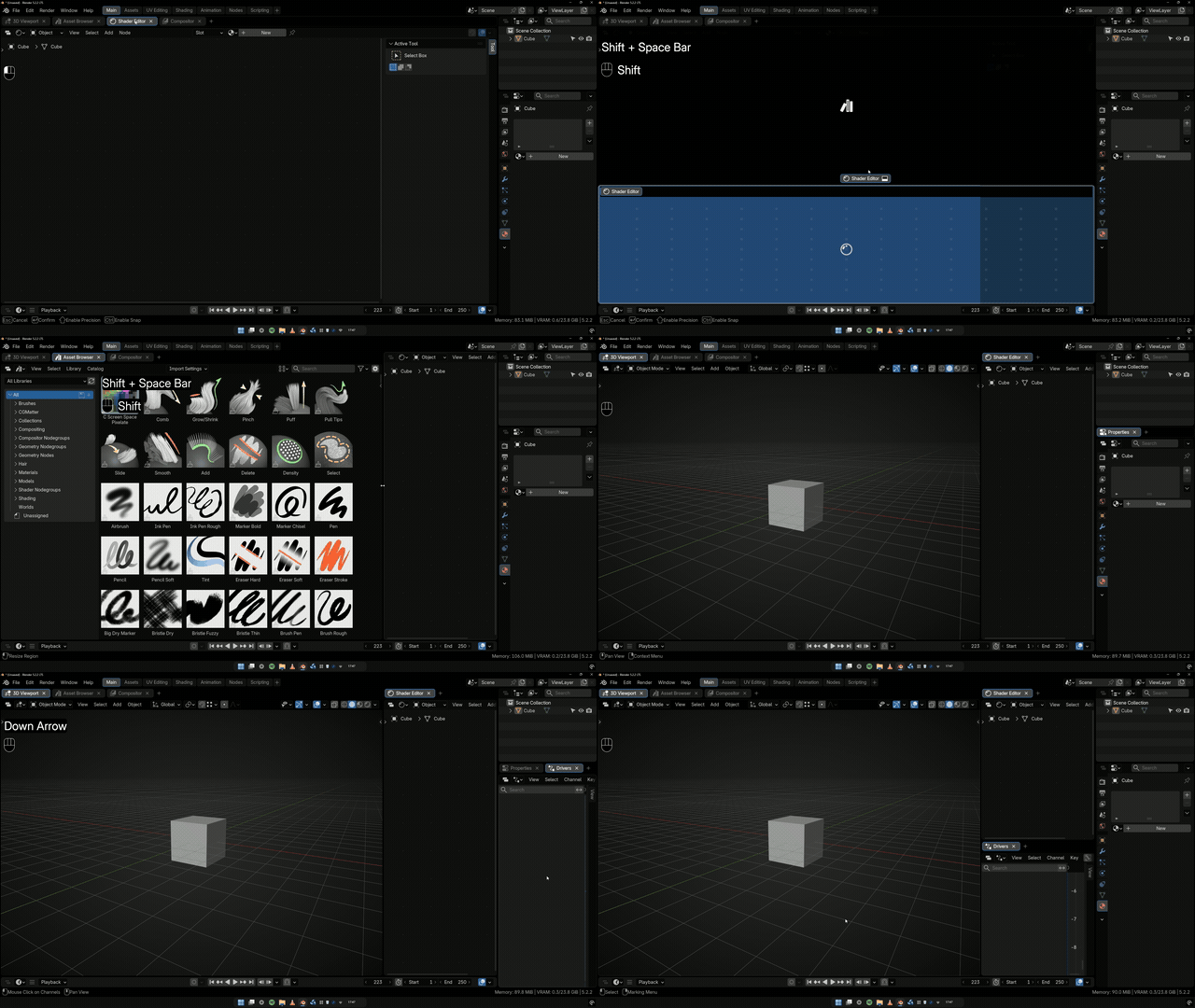
- It fits narrow areas. As the bar fills, labels give way to icons and every tab stays reachable.
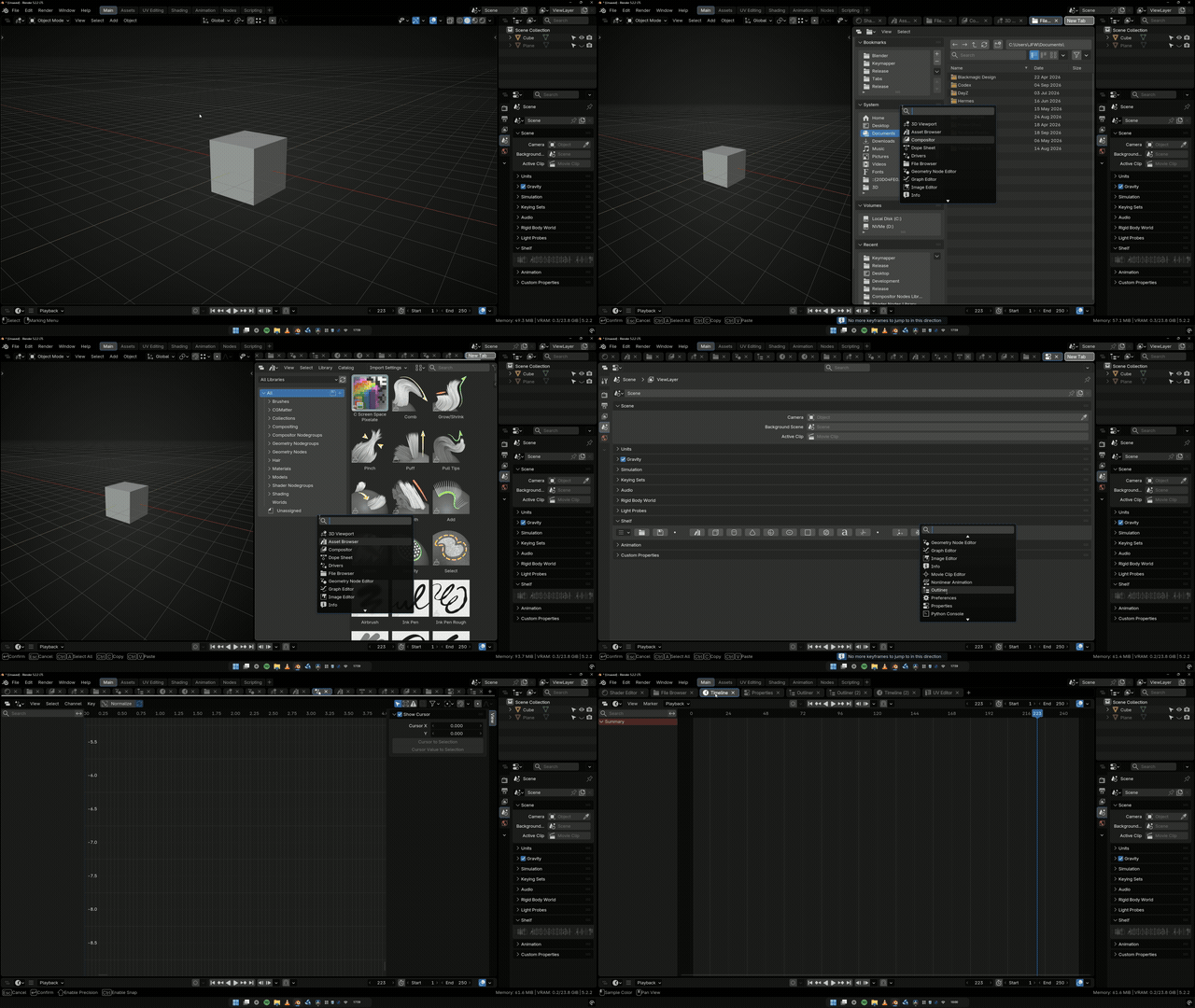
- Locked tabs. Pin the ones a layout depends on so they can't be closed or dragged away by accident.
- Saved with your file. Reopen and the tabs, their order and their states come back.
- Full Bforartists support