 ArtTalentStudio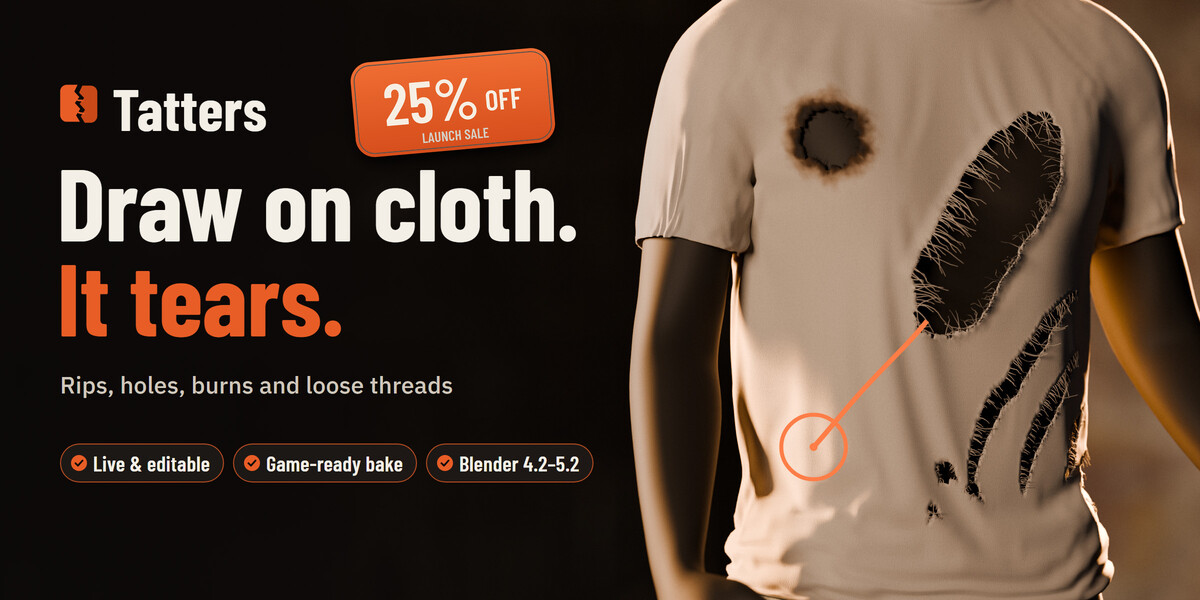
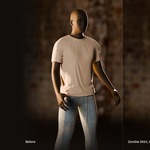
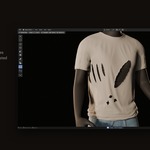
Draw on cloth. It tears.
Pick a style and drag across a shirt, a flag or a sail: the cloth rips along your stroke, with ragged borders, curling lips and loose threads. Click for a hole. Every tear stays editable, and bakes to a light game-ready mesh.
0.1–0.3 s
for a garment with 20 tears to update after a change, on my PC
|
30 + 10
tear styles and one-click outfit recipes
|
159k → 6.0k
faces: the torn tee in Full, then Bake Game-Ready, with 2K maps
|
4.2 – 5.2
Blender versions; the same 114 automated tests run on 4.2, 4.5 and 5.2
|
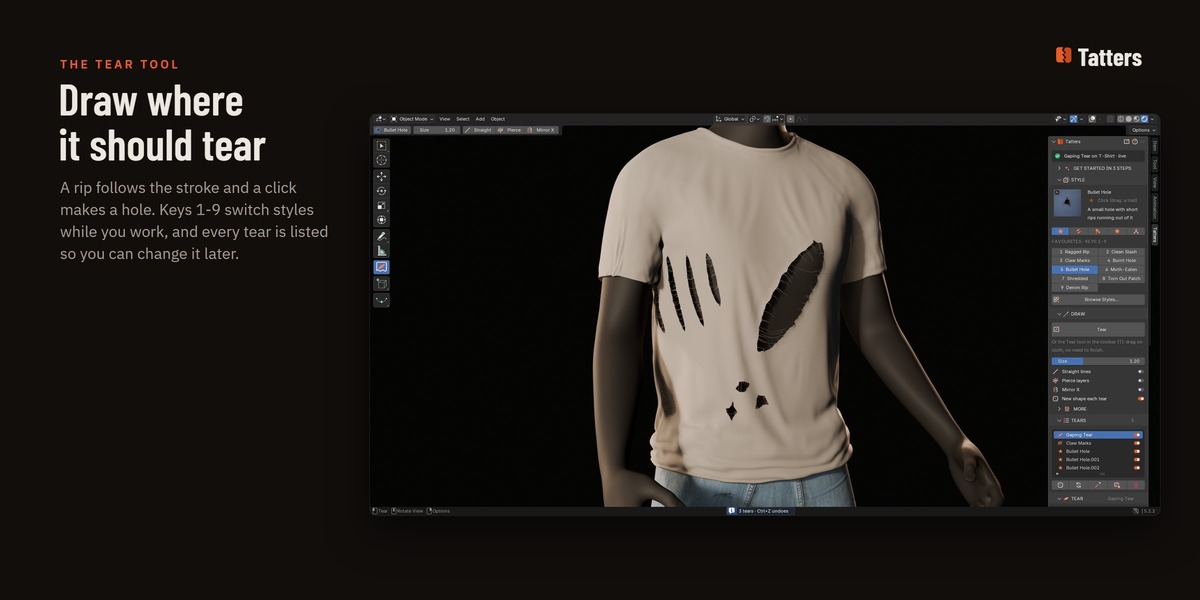
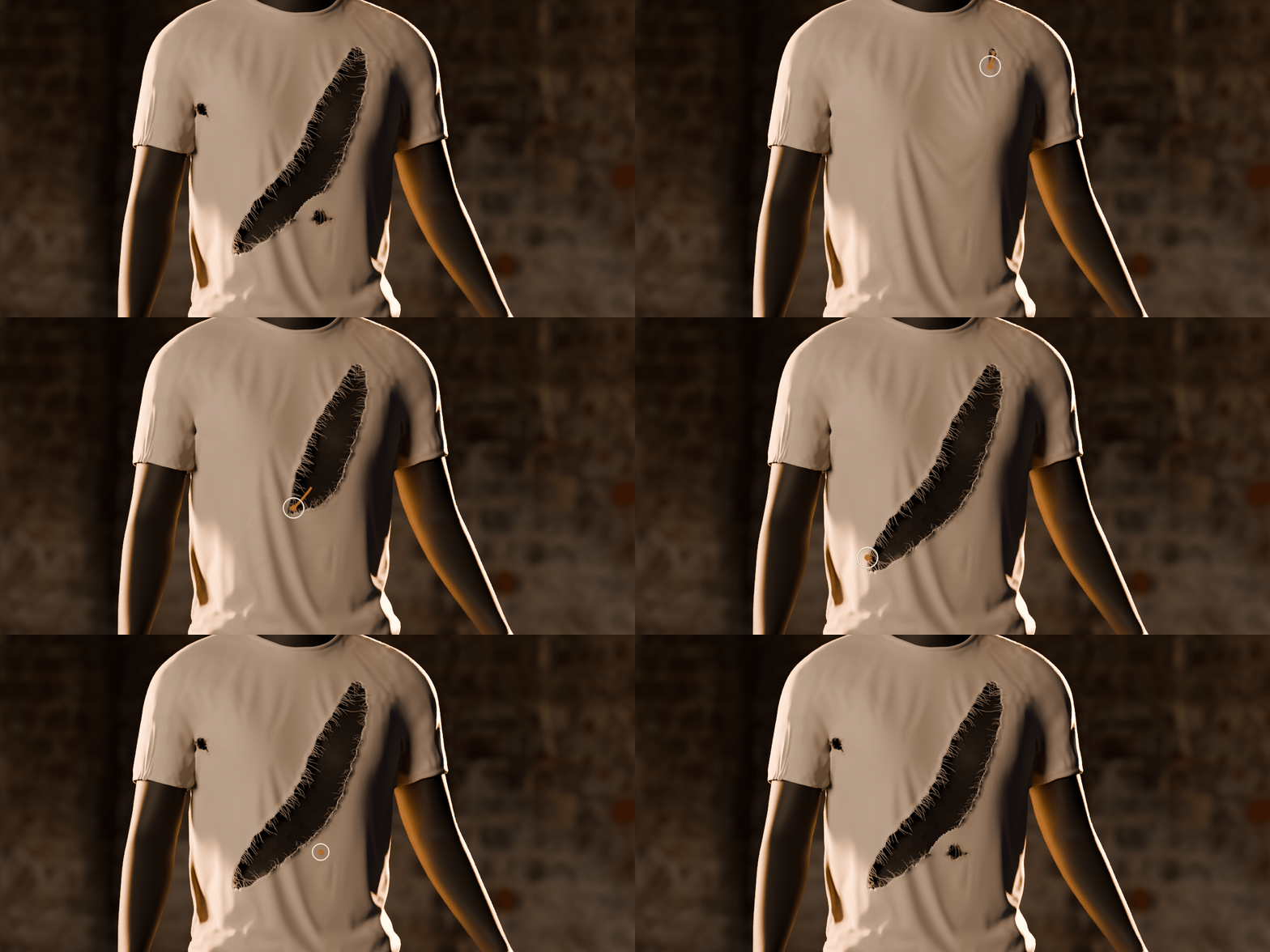
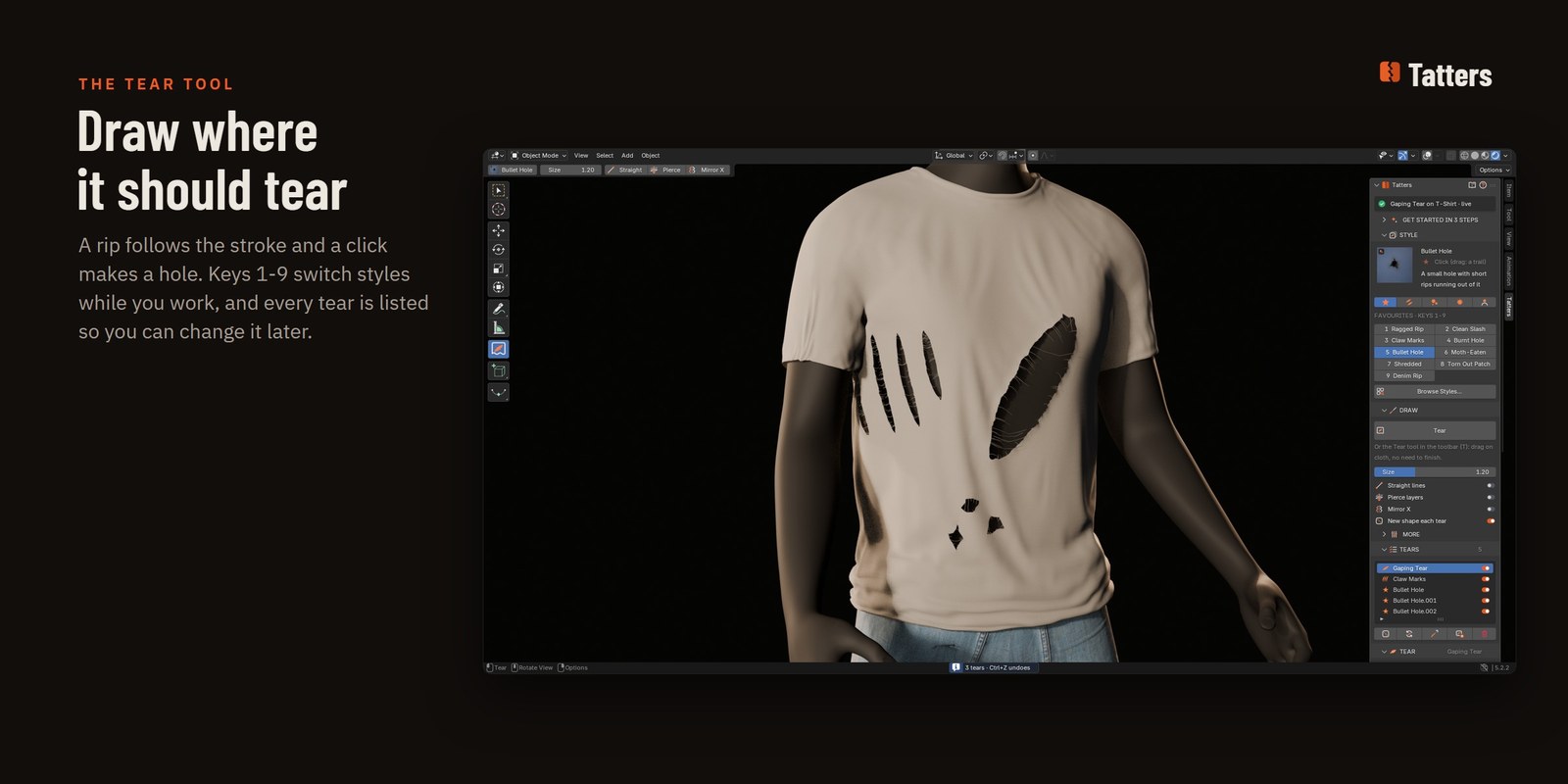
Drag across the cloth. It rips.
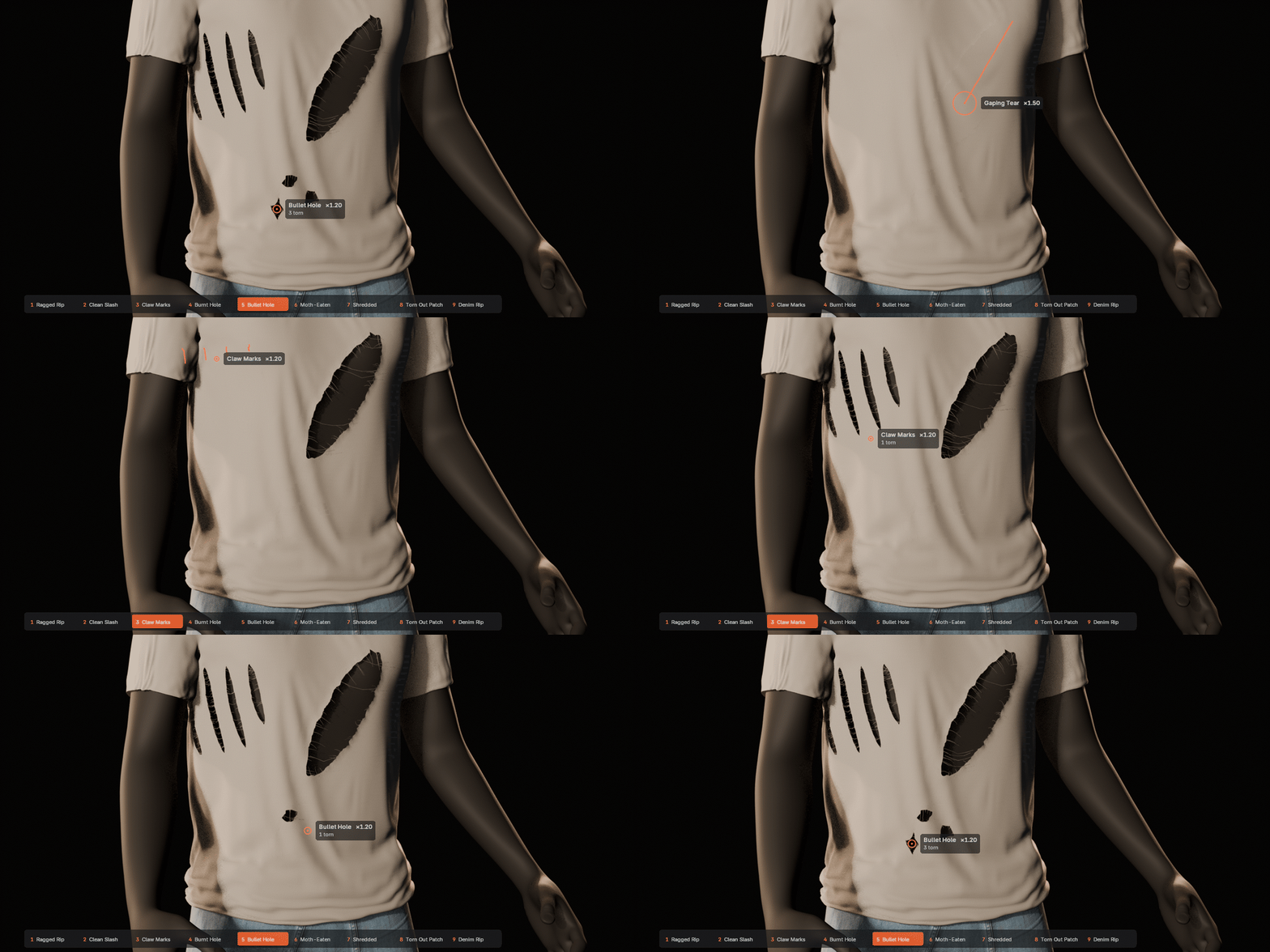
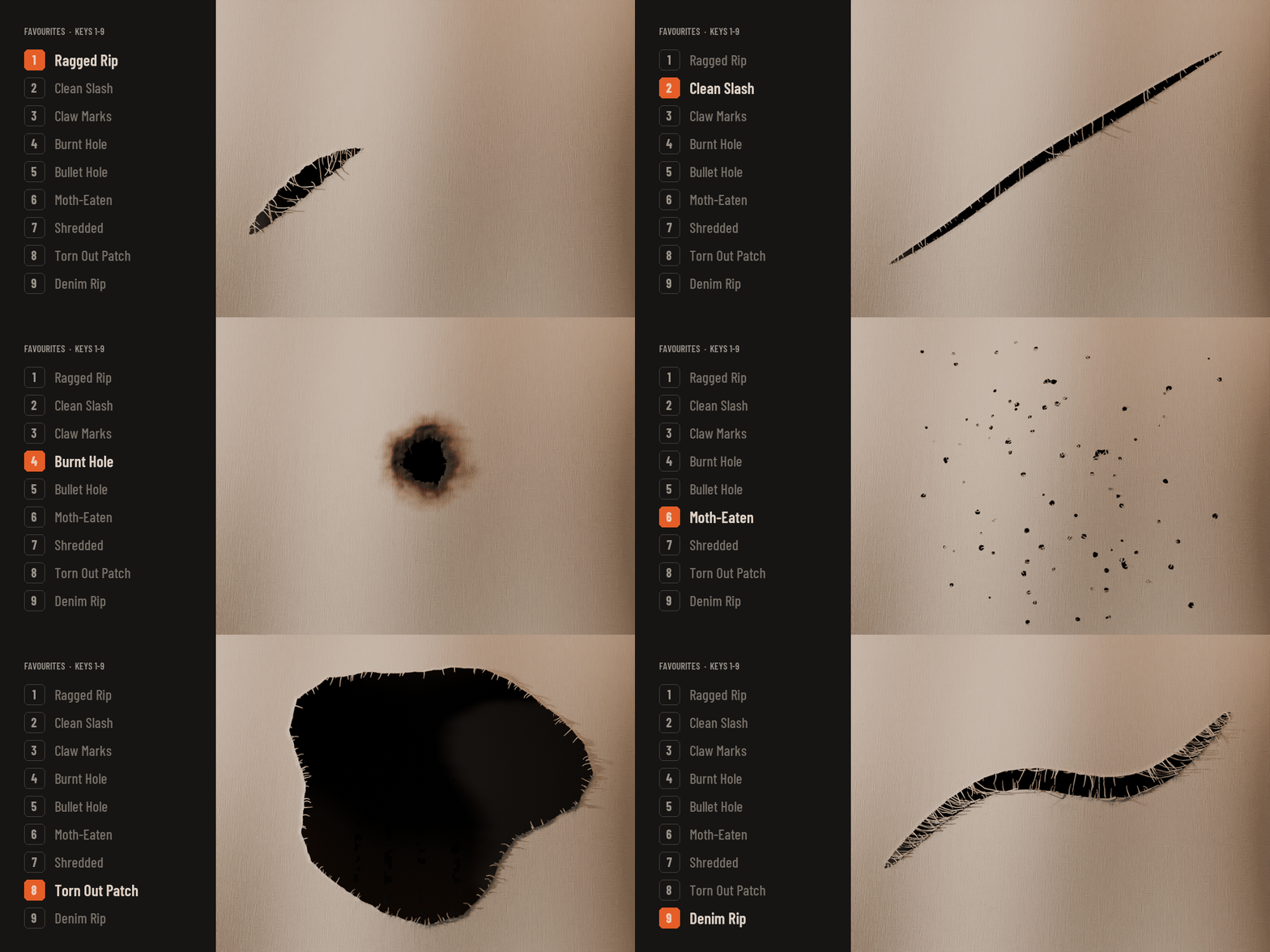
The Tear tool works on any mesh: a garment on a character, a plane, a flag, a sail. A ring and a label at the cursor show the style and its size, a rip follows your stroke and a click makes a hole. Press 1–9 while you draw to switch to one of your favourite styles.
| ✓ | Your mesh isn't touched: Tatters is one geometry nodes modifier on top of it. |
| ✓ | Pierce layers tears both sides of a sleeve; Mirror X copies the stroke to the other knee. |
| ✓ | Each stroke is one undo step (Ctrl+Z). Drawing needs no UV map. |
Damage at the size of the real thing.
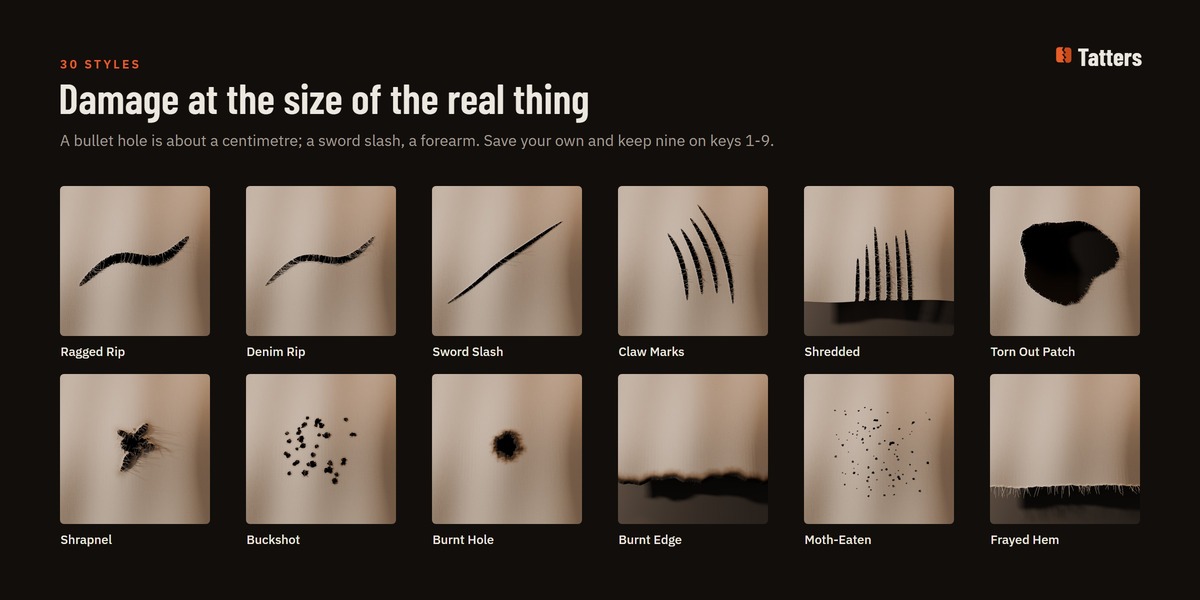
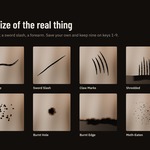
Rips, holes and damage: ragged rips, denim rips, sword slashes, knife stabs, claw marks, shredded strips, bullet holes, buckshot, shrapnel, arrow holes, burnt holes, acid burns, moth holes, frayed hems and more. A bullet hole is about a centimetre across and a ragged rip about 1.5 cm wide; the tool's Size scales them from 0.25 to 3.
| ✓ | No tear grows past the cloth's Max Tear Size (5% of the cloth by default, about 4 cm on a T-shirt). |
| ✓ | Tune a tear and save it as your own style; export and import your styles as a file. |
| ✓ | The style browser shows every style with a picture; star nine as favourites. |
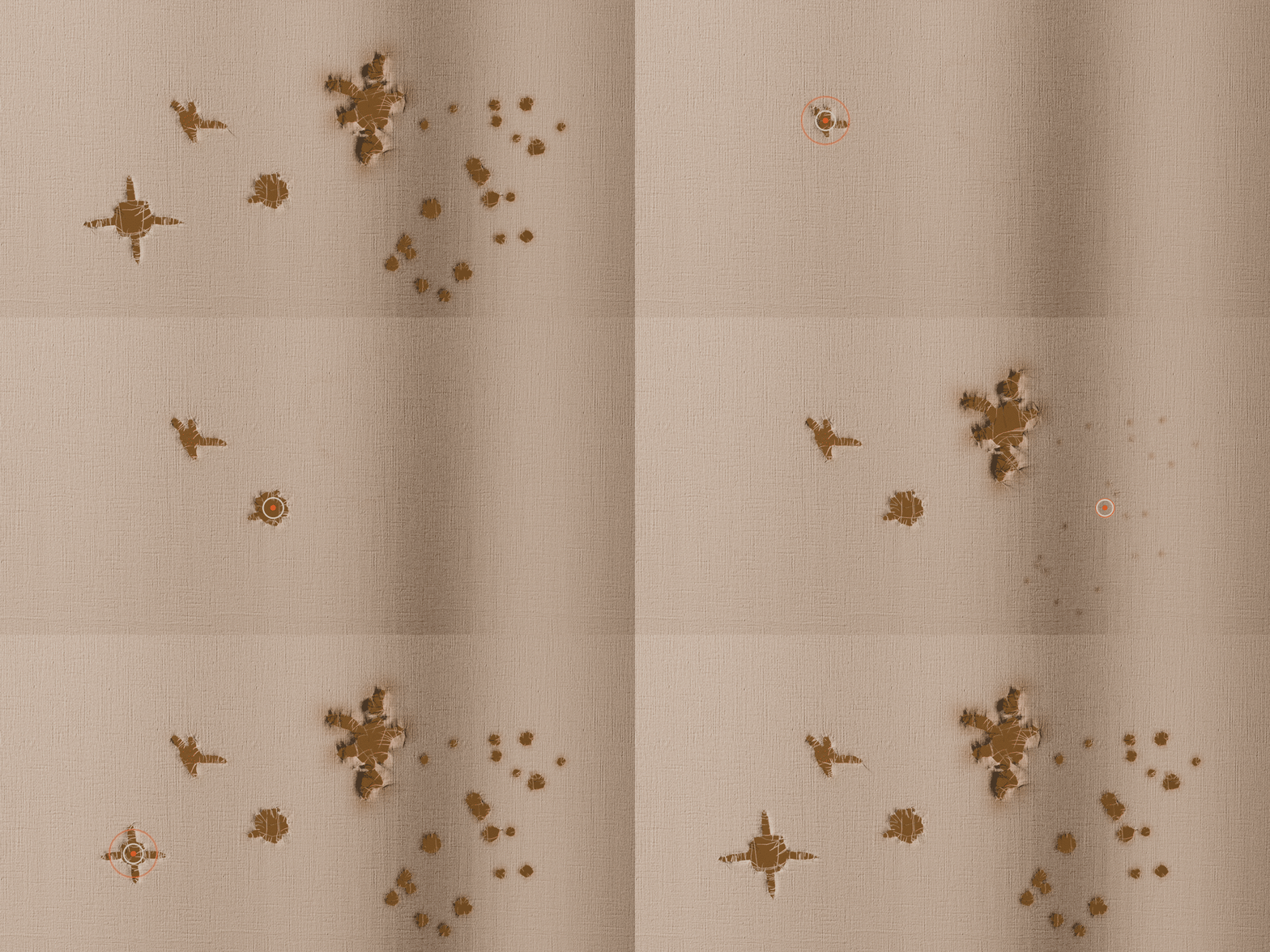
Click, and there's a hole.
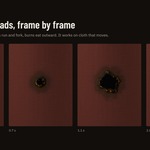
Bullet Hole, Shrapnel, Buckshot and Arrow Hole land where you click: short cracks running out of the hole, a spread of shot, four neat slits, with a light powder burn and frayed threads at the border.
| ✓ | Drag instead of clicking and holes land along the stroke. |
| ✓ | Moth-Eaten and Buckshot scatter many small holes around the stroke. |
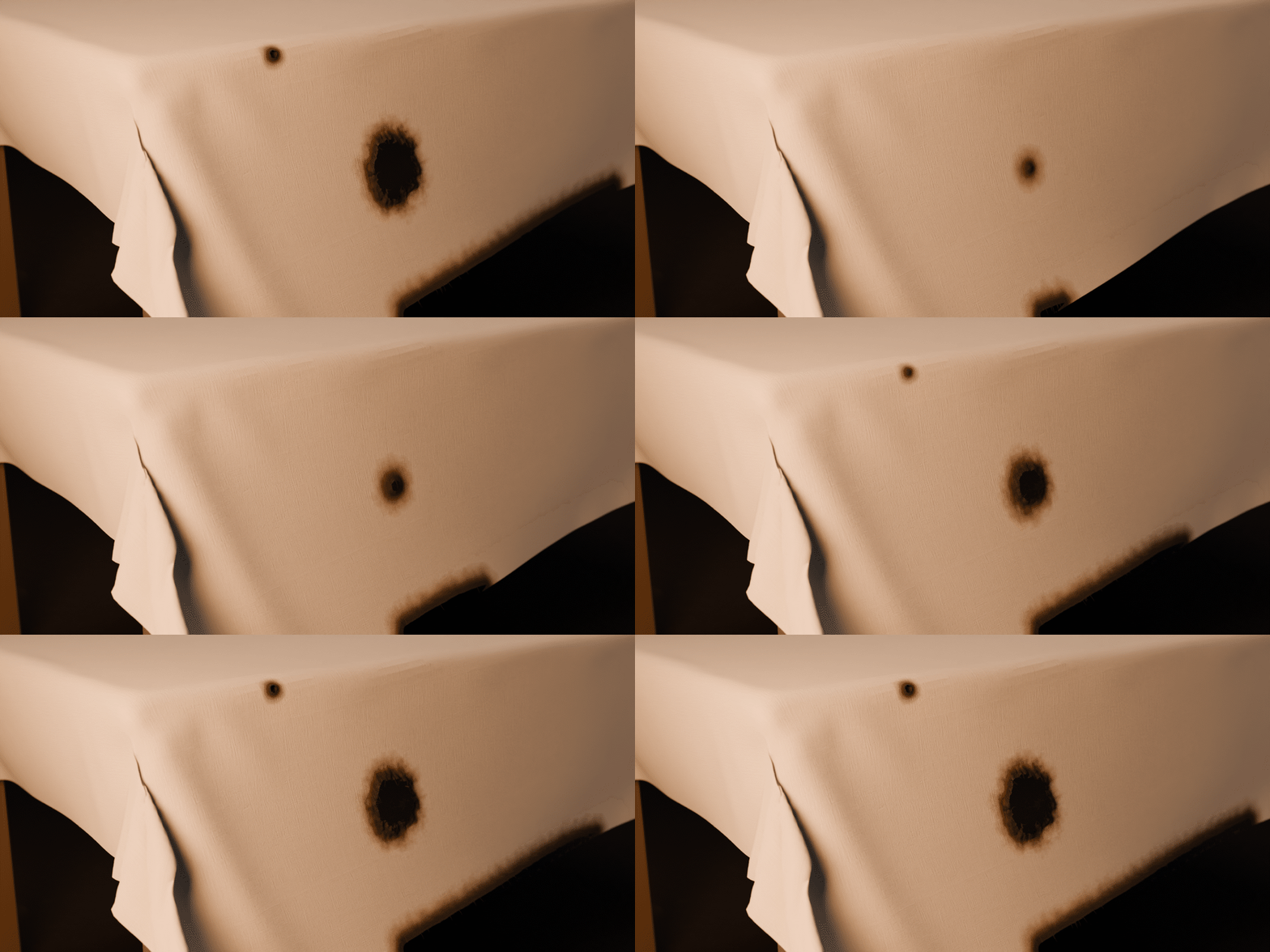
Char, scorch, then a light singe.
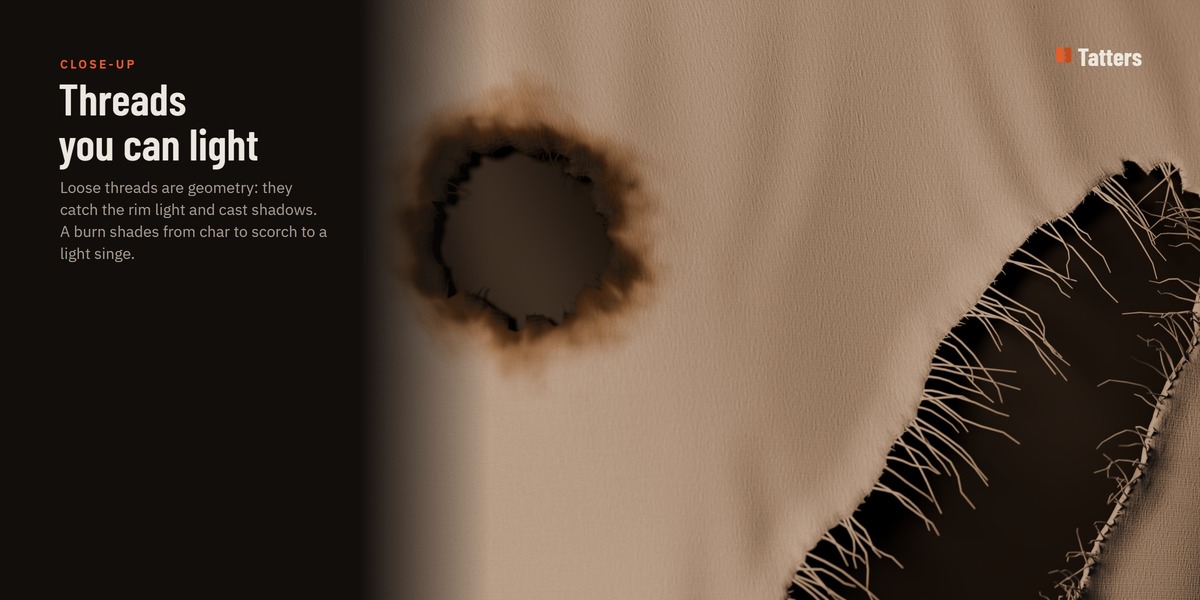
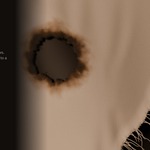
A burn shades from black char at the edge through dark scorch to a light singe, with an uneven front and a rim that crumbles instead of tearing. Your material keeps its own textures; Tatters adds the edge shading on top.
| ✓ | Burnt Hole, Cigarette Burn, Acid Burn, Burnt Edge for hems and Burnt Away for a lasso area. |
| ✓ | Any tear can be burnt later with its Burn slider. |
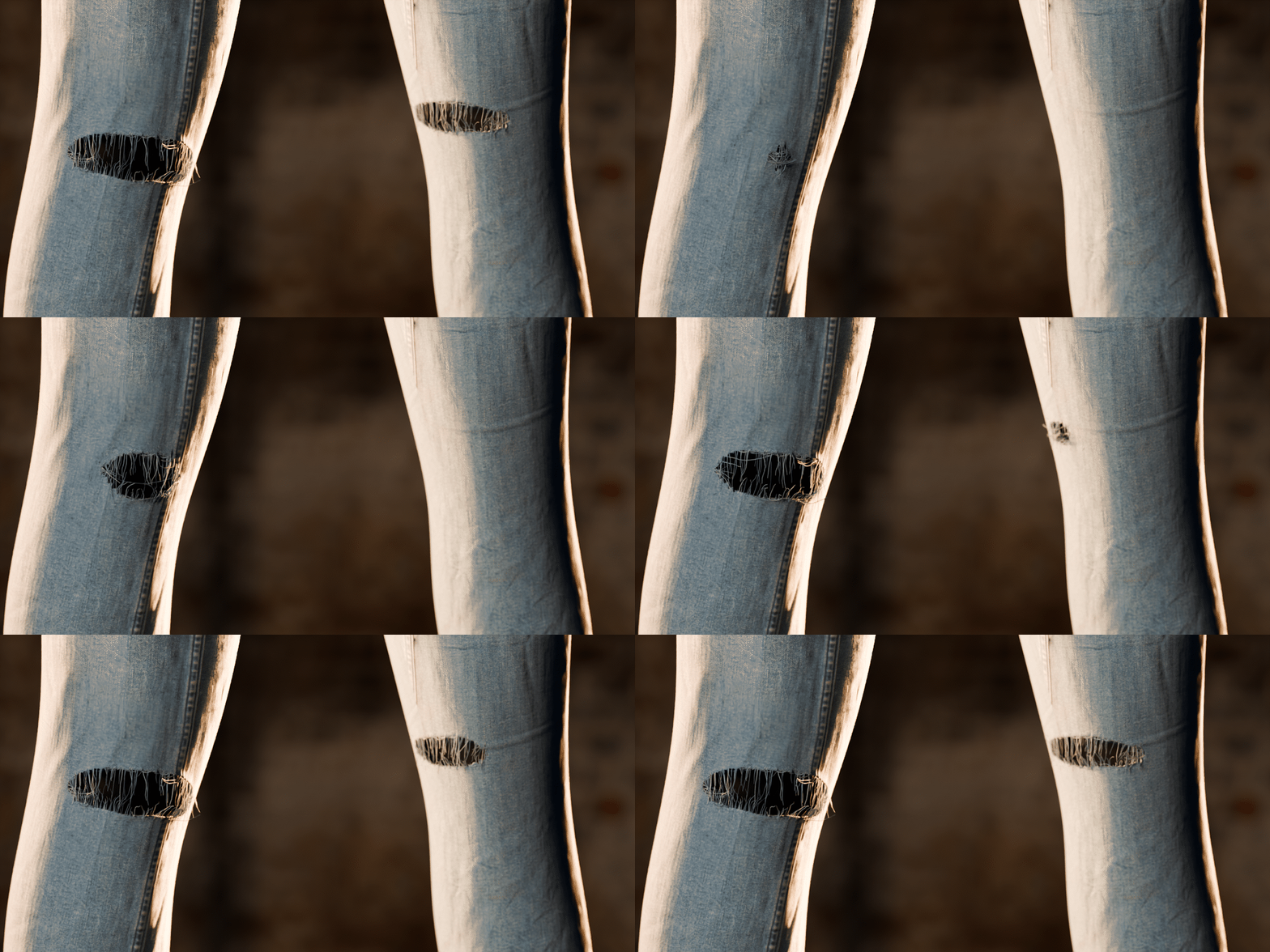
Threads that hang, and threads that span.
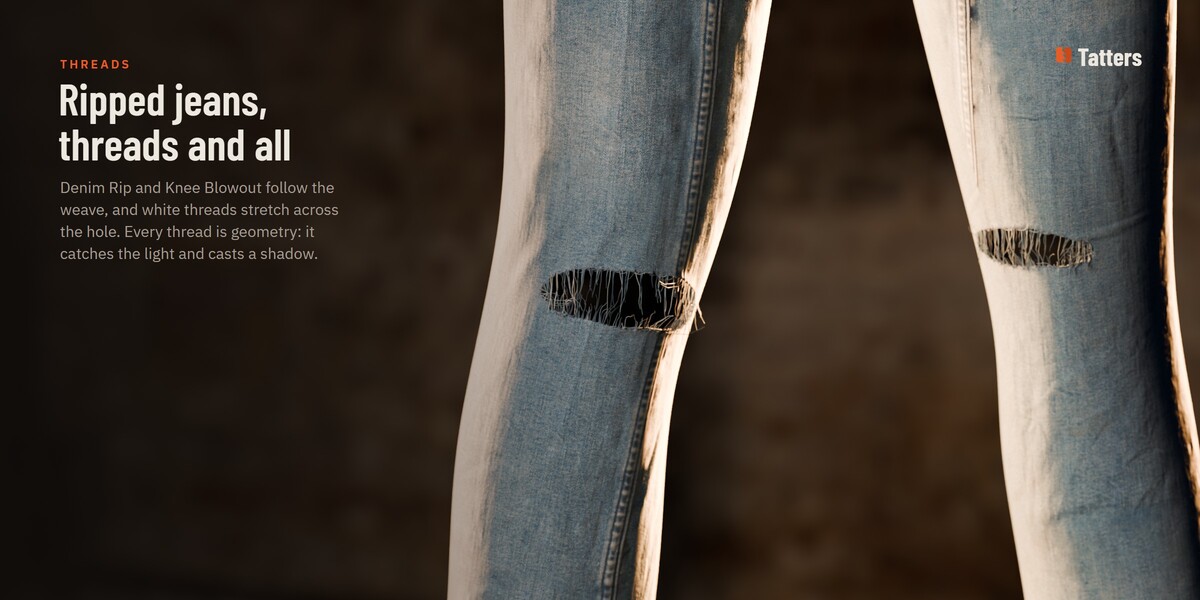
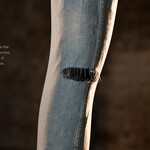
Loose threads hang from every torn border and catch the light, because they are geometry, not a texture. On denim, Denim Rip and Knee Blowout follow the weave and white threads stretch across the hole, like real ripped jeans.
| ✓ | Per tear: Fray, Fray Length and Bridges. Per cloth: thread spacing, radius, droop and wiggle. |
| ✓ | As hair keeps heavy damage light in the viewport; renders always get the thread tubes. |
Every tear stays editable.
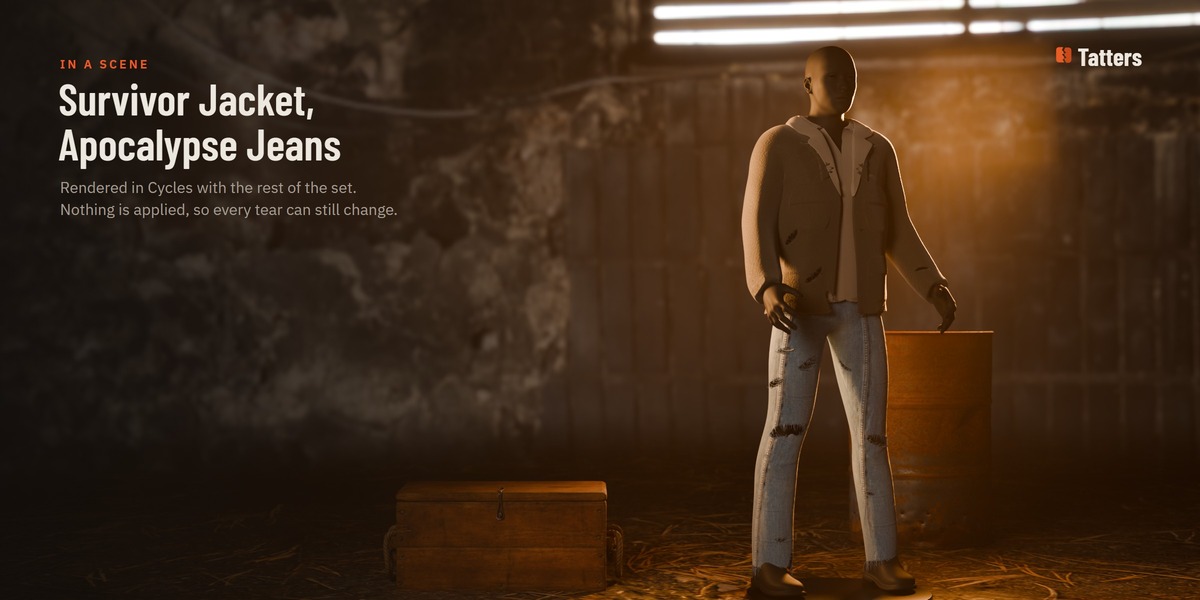
Nothing is applied until you say so. Select a tear later, in the TEARS list or in the viewport, and change its width, opening, curl, threads or burn: the cloth follows as you drag.
| ✓ | Several tears selected? Apply to All Selected copies one's settings to the rest. |
| ✓ | Variation gives a tear another random shape with the same settings. |
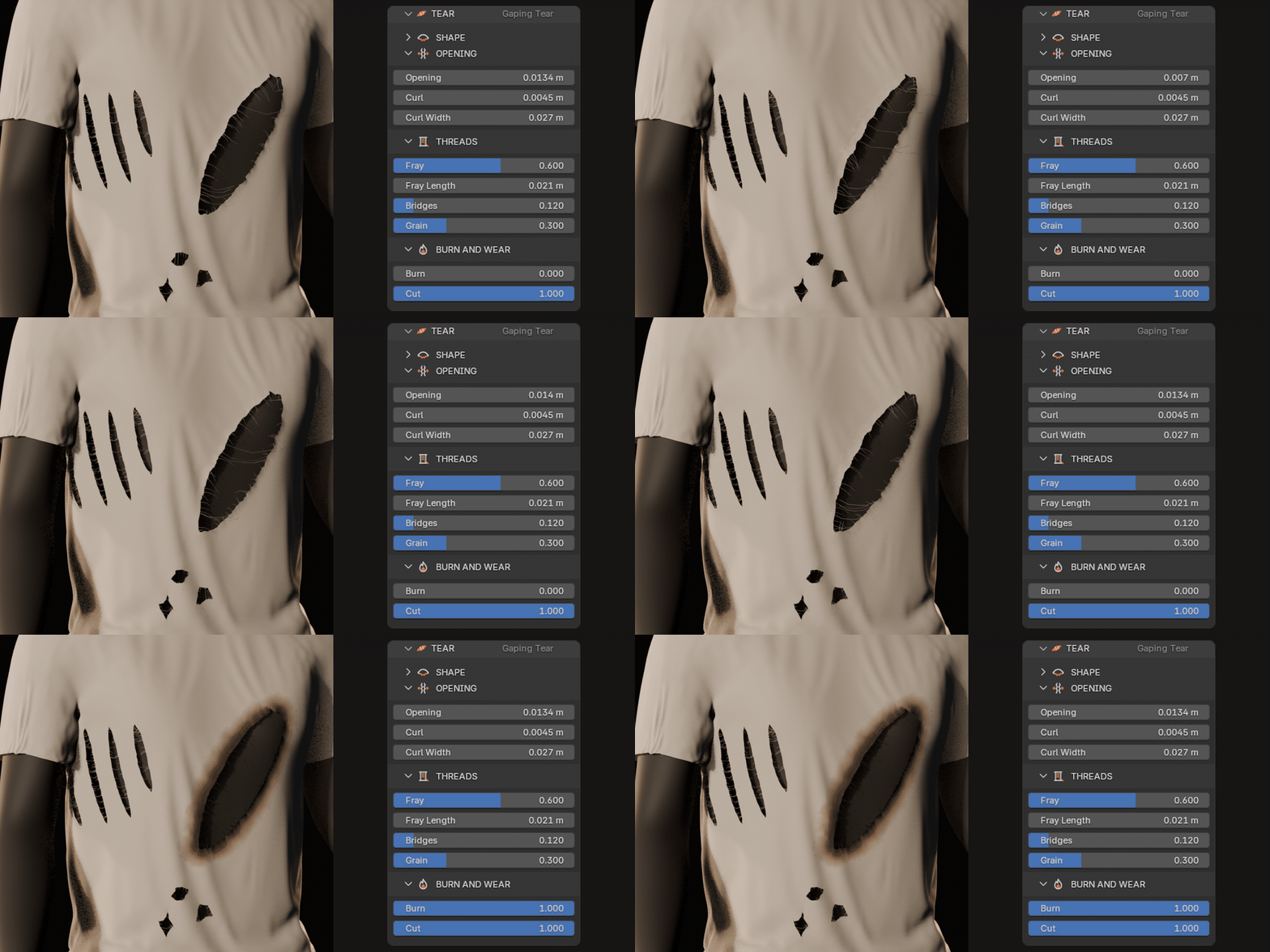
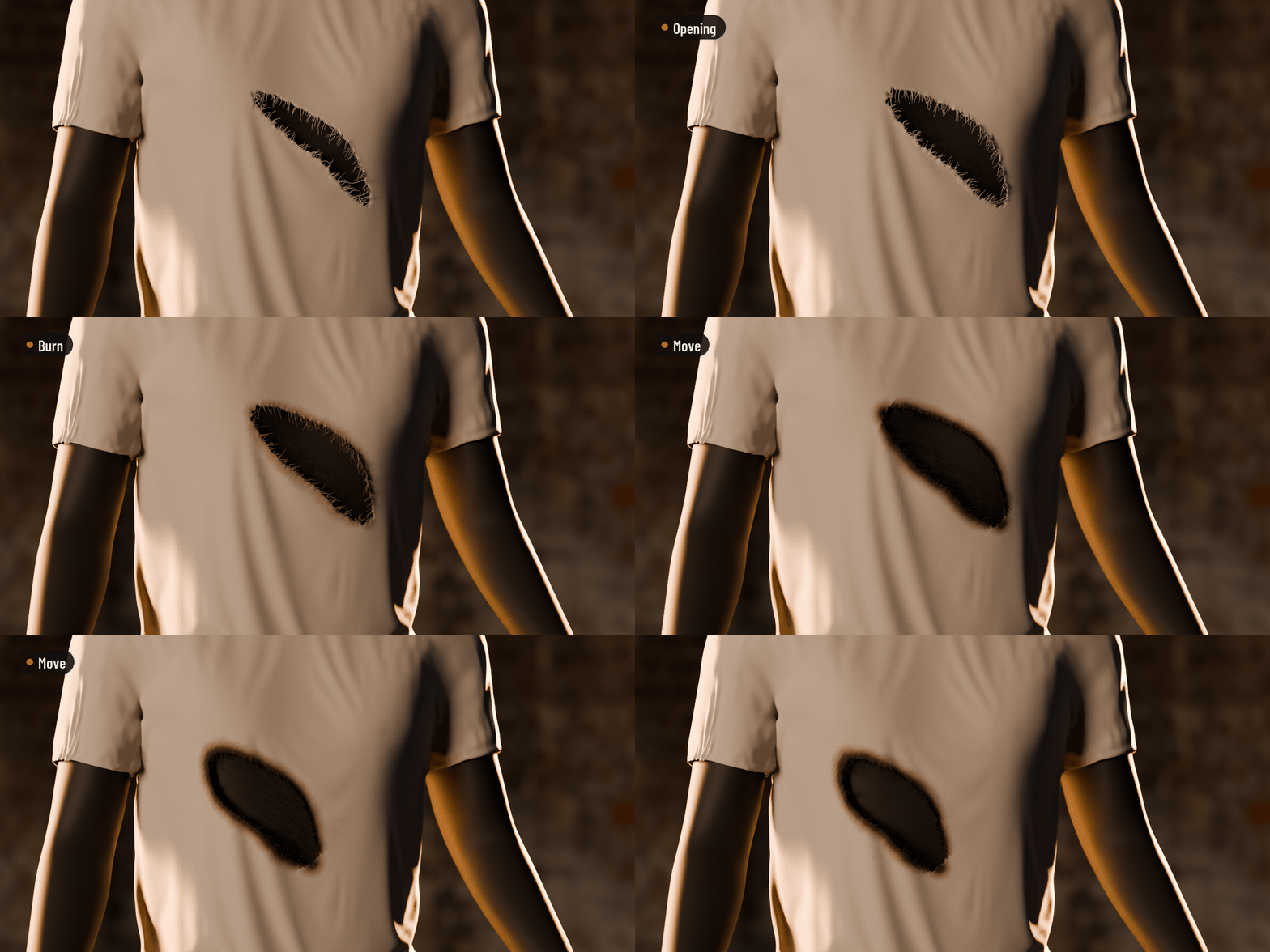
Move it, burn it, delete it. Undo brings it back.
A tear is a small object parented to its cloth. Move, rotate, scale or delete it like anything else in Blender: the cloth closes where it was. Every edit is one undo step.
| ✓ | Apply Tears makes it real geometry, only when you choose to; Bake Copy keeps the live cloth. |
| ✓ | Remove Tatters makes the cloth whole again. |
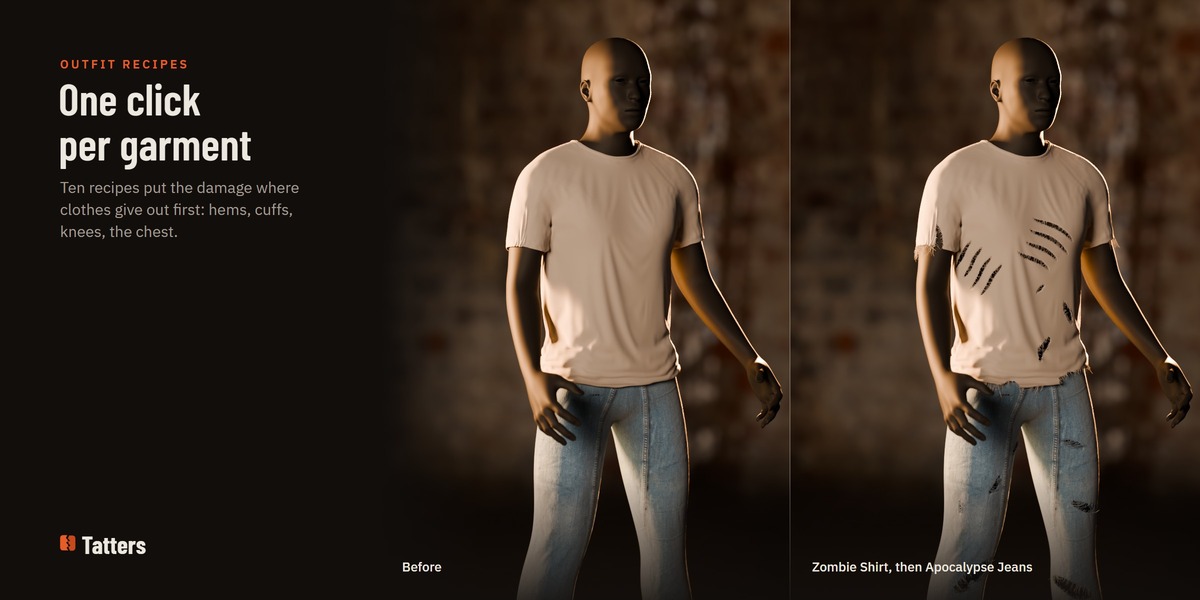
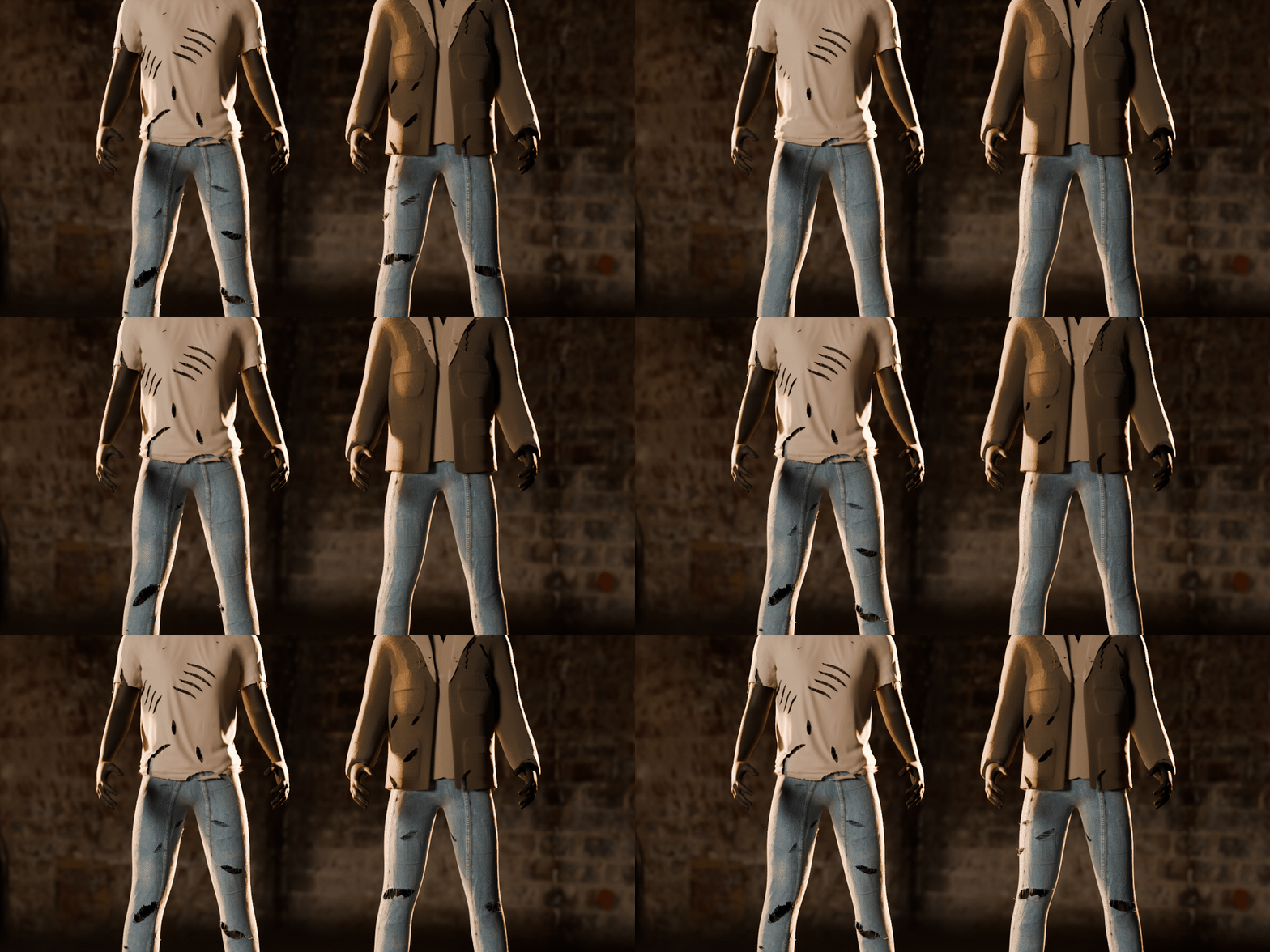
A whole outfit, one click per garment.
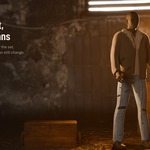
Ten recipes put the damage where clothes give out first: frayed hems and cuffs, rips running up from the hem, worn elbows and knees, burnt edges. Zombie Shirt, Apocalypse Jeans, Survivor Jacket, Battle Cloak, Wasteland Poncho, Pirate Flag, Medieval Banner, Haunted Curtain, Ghost Sheet and Worn Sail.
| ✓ | Each recipe makes ordinary tears: edit or delete any of them. |
| ✓ | Intensity and a seed for another layout; a painted mask steers where they land. |
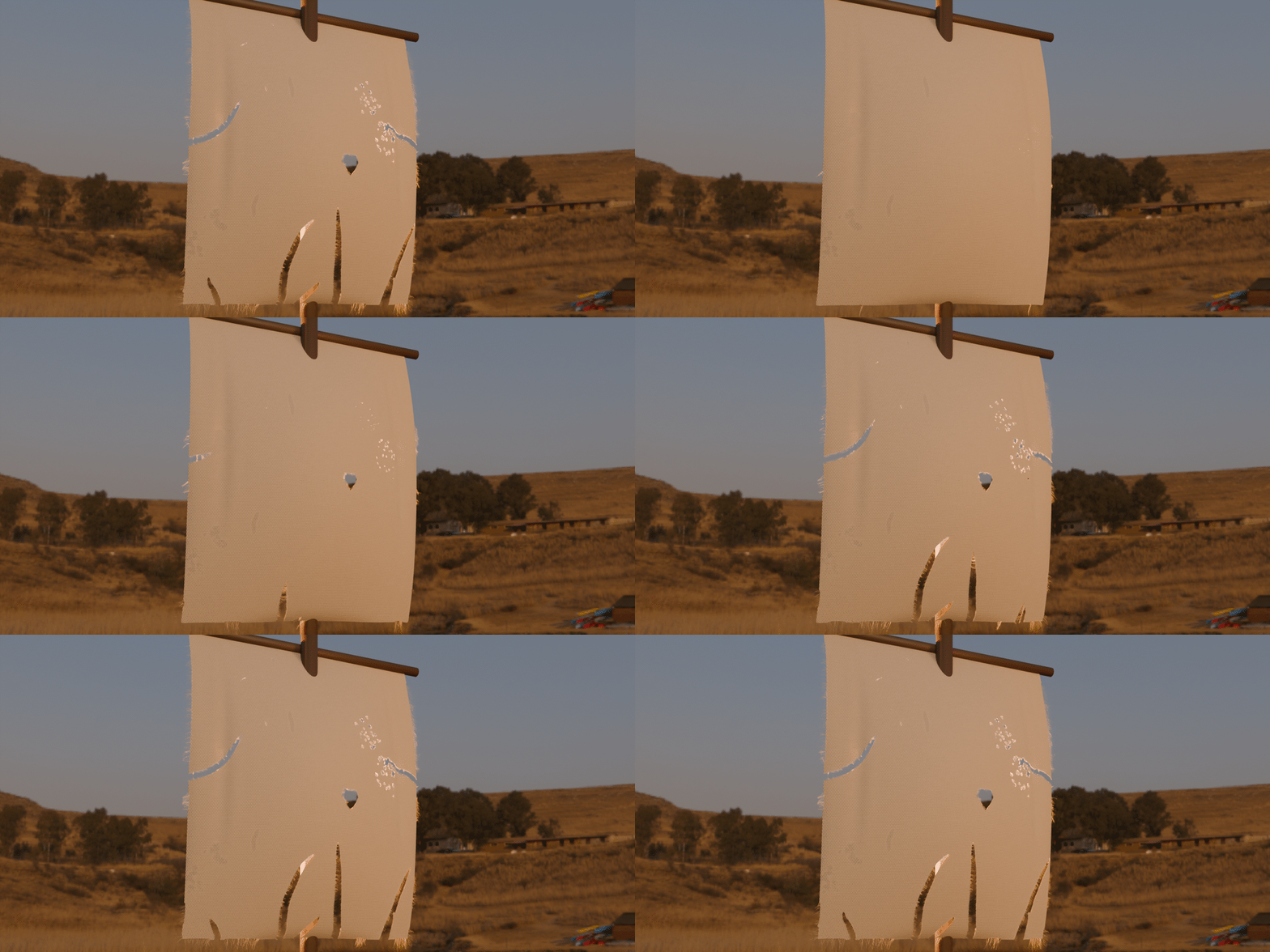
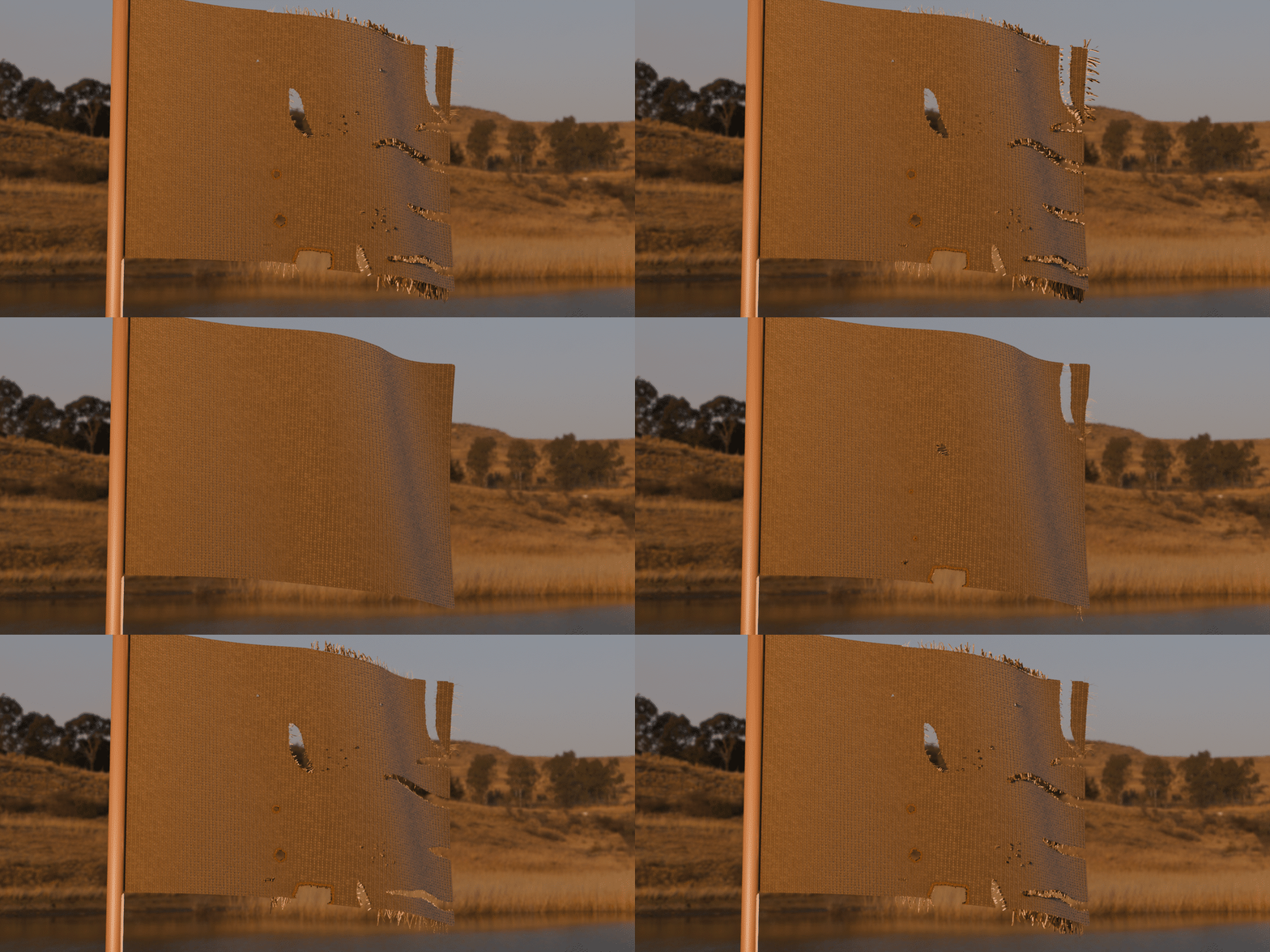
Flags, banners and sails.
Recipes read the cloth's own shape: which way is down, its open borders and, for a flag, which end is free. The damage scales with the cloth, so a 3 m sail gets bigger rips than a shirt.
| ✓ | Worn Sail: long rips up from the foot and in from the sides. |
| ✓ | Pirate Flag and Medieval Banner: a shredded free end, a burnt bite or corner, a slash. |
Tears that grow, on cloth that moves.
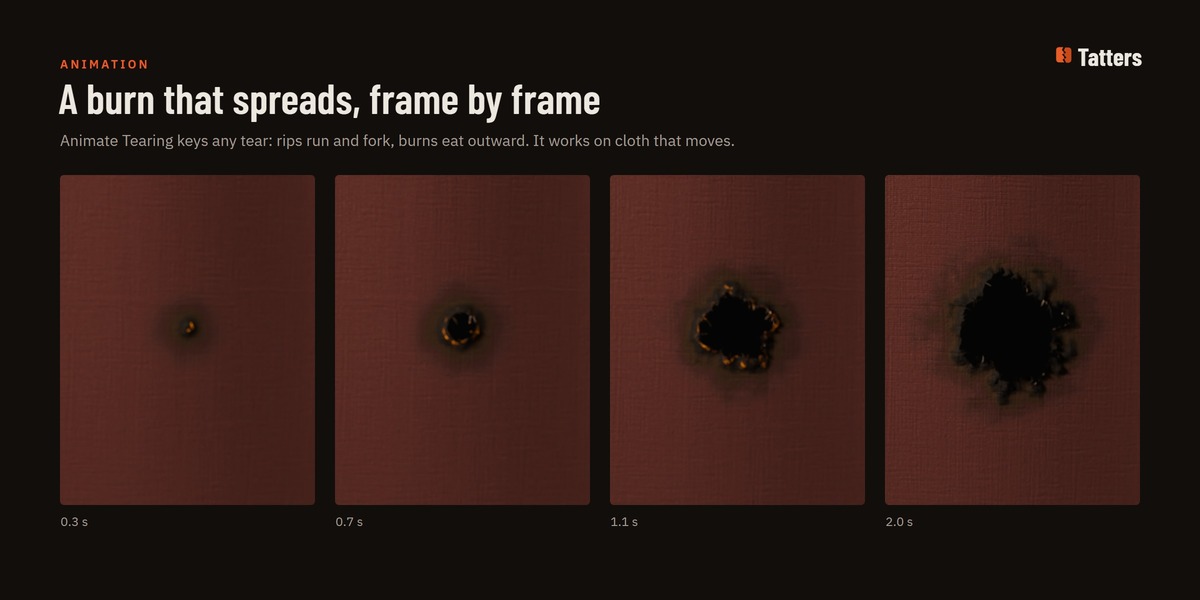
Animate Tearing keys any tear: a rip runs from where you set, a hole grows, a burn eats outward, as the shot plays. Tatters sits first in the stack, so a deformer or a Cloth simulation after it moves the torn cloth, threads and all.
| ✓ | On a garment an Armature moves, Follow Deformation keeps every tear in place. |
| ✓ | Any other tear setting can be keyed too; files render in Cycles and EEVEE, even without Tatters. |
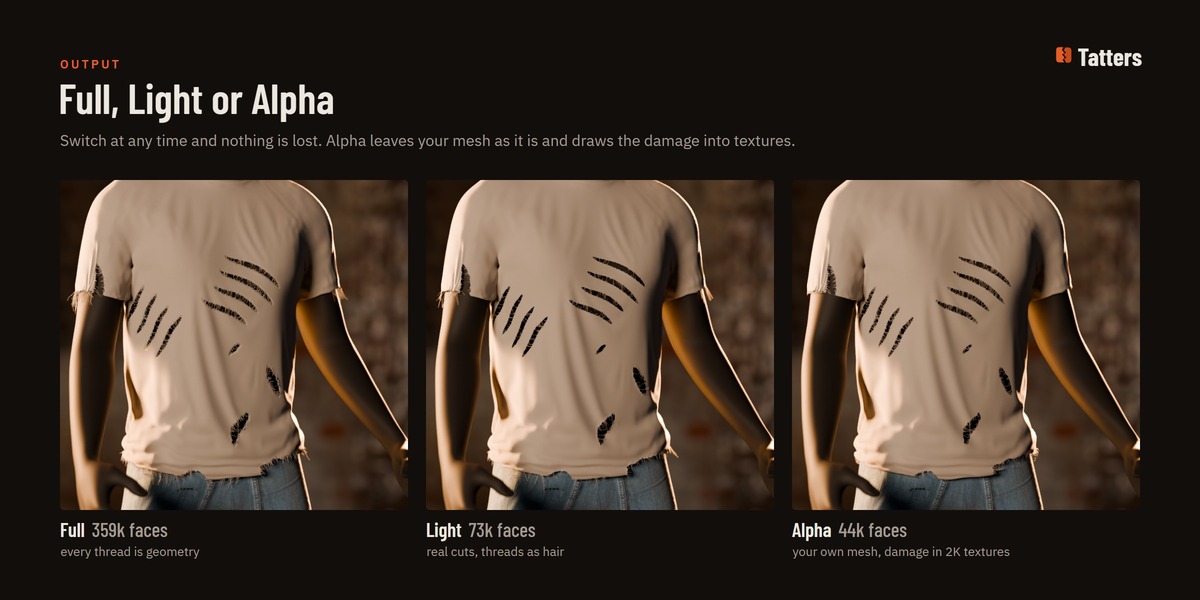
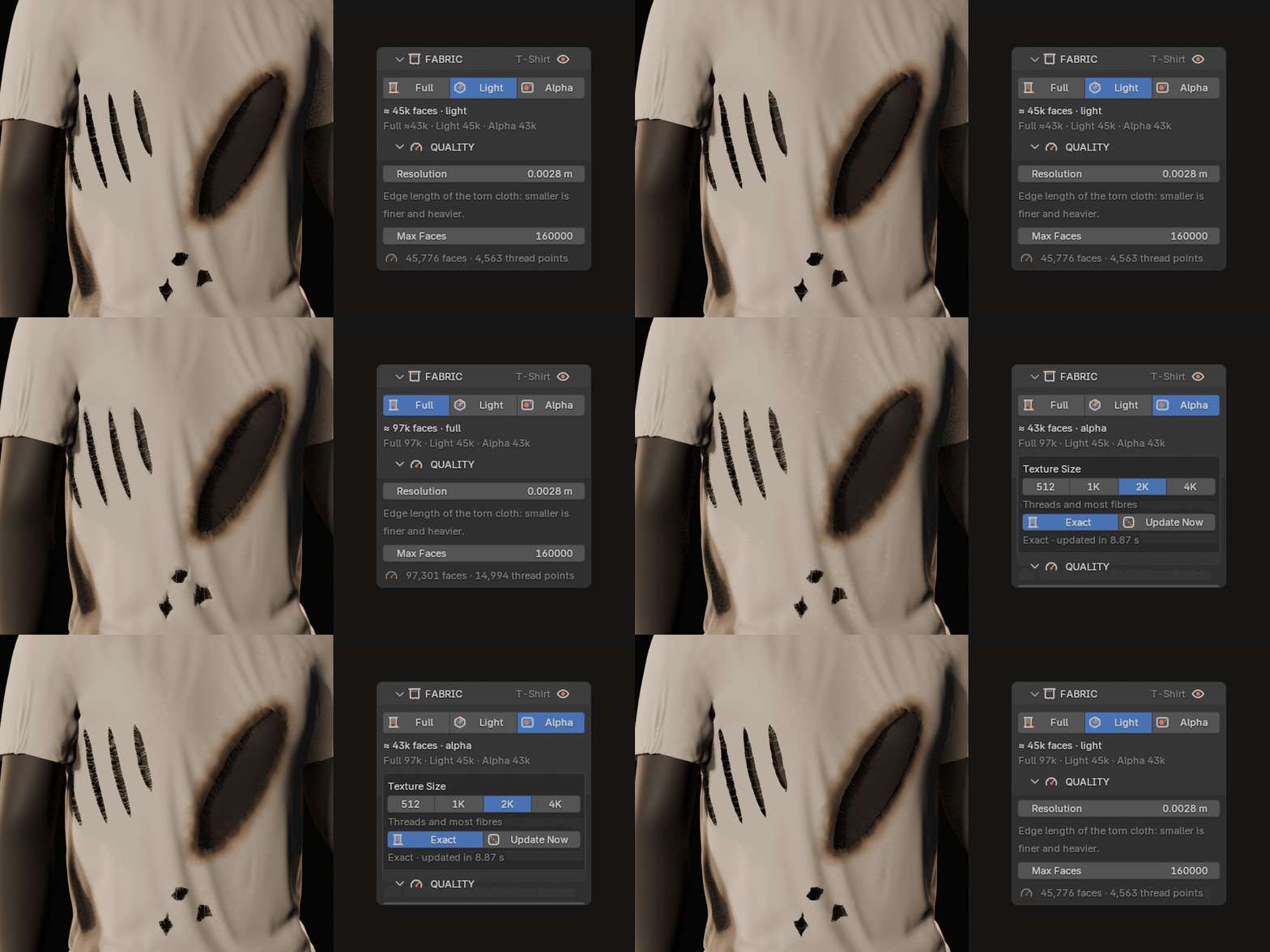
Full, Light or Alpha. Switch any time.
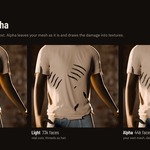
Each cloth has three outputs, and you can switch at any time without losing anything. The sidebar shows what each one costs on your cloth.
| ✓ | Full: every thread is geometry. For close-ups. |
| ✓ | Light (the default): real cuts, Full's detail around the damage, a light mesh elsewhere. |
| ✓ | Alpha: your mesh stays exactly as it is; holes, burns and fibres go into textures. For crowds, big scenes and game assets. |
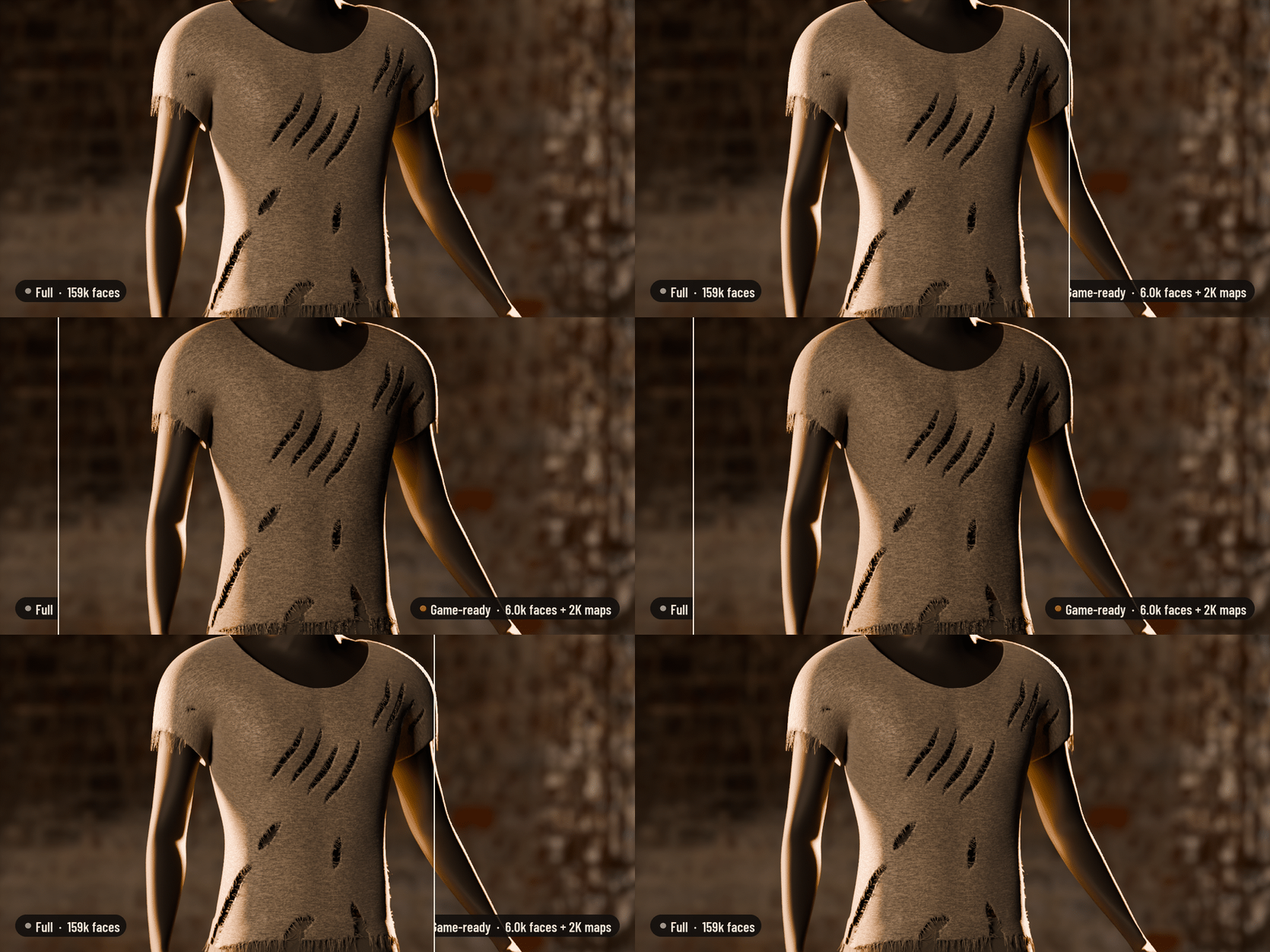
Bake it for games. Same light, a fraction of the faces.
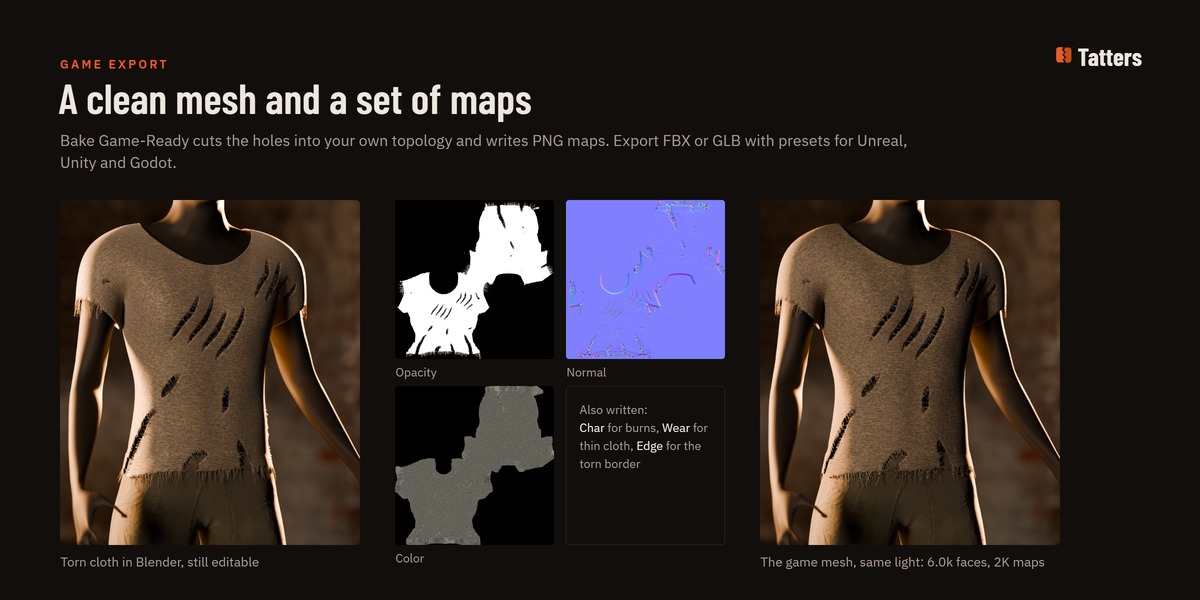
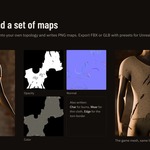
Bake Game-Ready turns the torn cloth into your own garment topology with the faces inside holes removed, a strip along the hem so the fringe survives, and PNG maps: opacity, normal, colour, char, wear and edge. Export FBX or GLB with settings for Unreal, Unity or Godot.
| ✓ | This tee: 158,852 faces in Full, 5,981 in the game mesh, 2K maps. |
| ✓ | DirectX or OpenGL normals; threads drawn into the maps cost no geometry. |
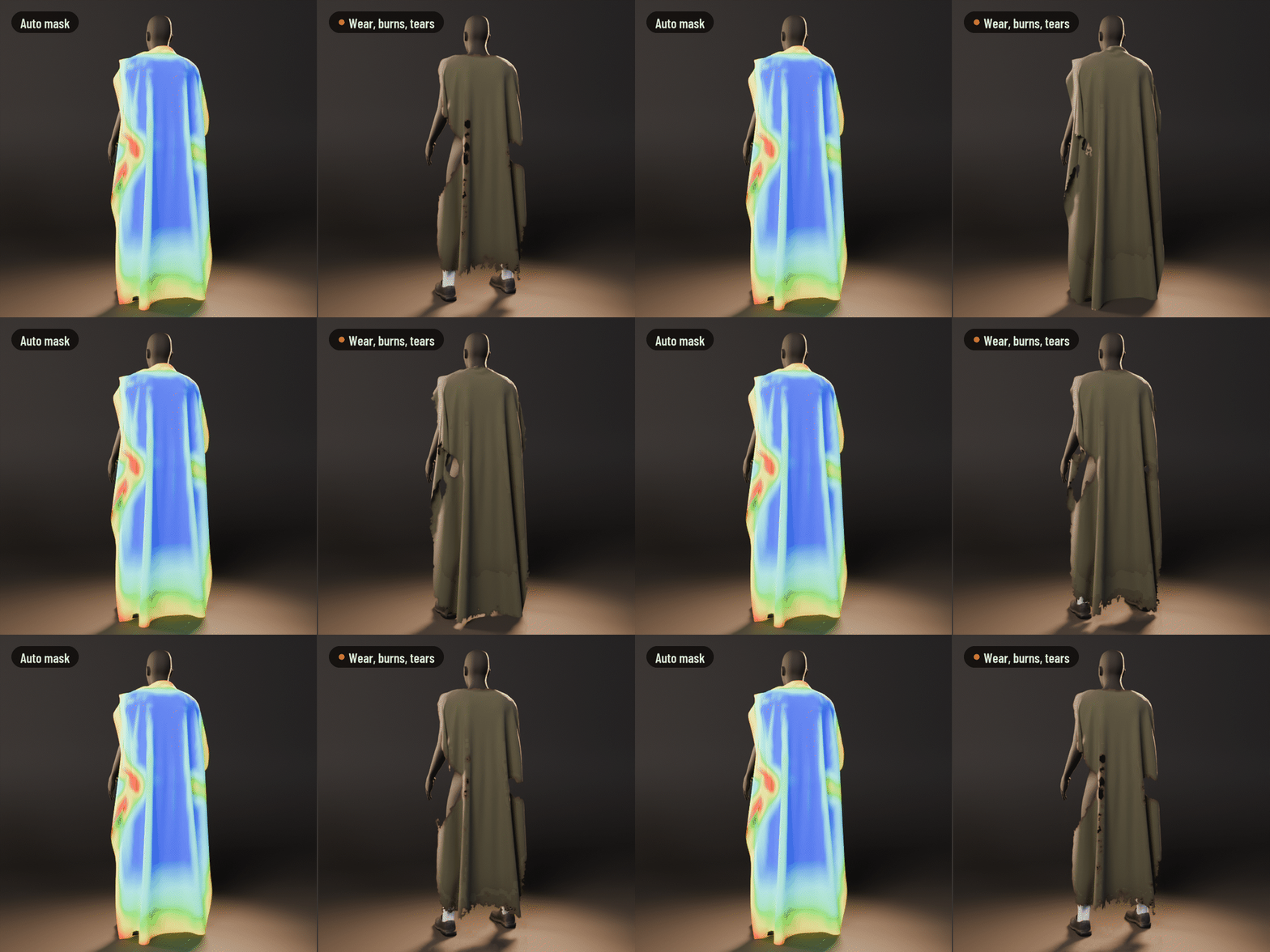
Paint where it wears.
Paint a damage mask, load one from an image, or let Auto Mask find where cloth gives out first: hems, the bottom, the crests of folds. The mask wears, chars and cuts the cloth with ragged borders and threads, without a single stroke.
| ✓ | Recipes and Scatter Damage follow the mask too. |
| ✓ | An image mask can be much finer than the mesh. |
Made for people who need worn cloth
Character & costume artists
Post-apocalyptic, zombie, survivor or battle-worn clothes in minutes instead of an afternoon of cutting and sculpting, and every tear can still change.
|
Game artists
Bake Game-Ready to a light mesh and PNG maps, export FBX or GLB for Unreal, Unity or Godot. Alpha mode keeps your own topology.
|
Environments & set dressing
Flags, banners, sails, curtains, tablecloths and ghost sheets, torn to fit the scene with one click and a seed.
|
Animation & VFX
Rips that run and burns that spread as the shot plays, on cloth that moves. The .blend renders on machines without Tatters.
|
Select, pick, draw. Then tune.
1. Select a cloth mesh (or click Add Test Cloth). 2. Pick a style, or press 1–9. 3. Click TEAR (or the Tear tool, T) and drag across the cloth. 4. Tune any tear in the TEARS list; keep it live, bake it for a game or apply it. The demo scene has a clean banner selected and ready for your first tear.
- It doesn't simulate tearing: you draw where the cloth tears and pick what kind of damage it is. Blender 5.2's own cloth physics can tear where a simulation pulls; both can live in one file.
- Burns and wear are shading in the material. In Solid view you only see the holes, and a material without Tatters' edge shading shows no char until you switch it on (one click).
- Alpha mode, image masks and the game bake need a UV map. Drawing tears doesn't.
- Full mode on a big cloth at a fine Resolution is heavy (a 2 m banner at 1–2 mm can need many gigabytes of memory). New cloth starts in Light, which keeps the detail around the damage only.
- A cloth with shape keys can't be applied; Bake Copy works instead.
- I test on Windows. Tatters is plain Python and geometry nodes, so it should run wherever Blender does, but I haven't tested macOS or Linux myself.
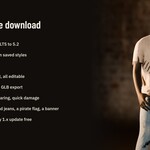
- tatters-1.0.0.zip, the add-on (install the zip as it is): Blender 4.2 LTS to 5.2.
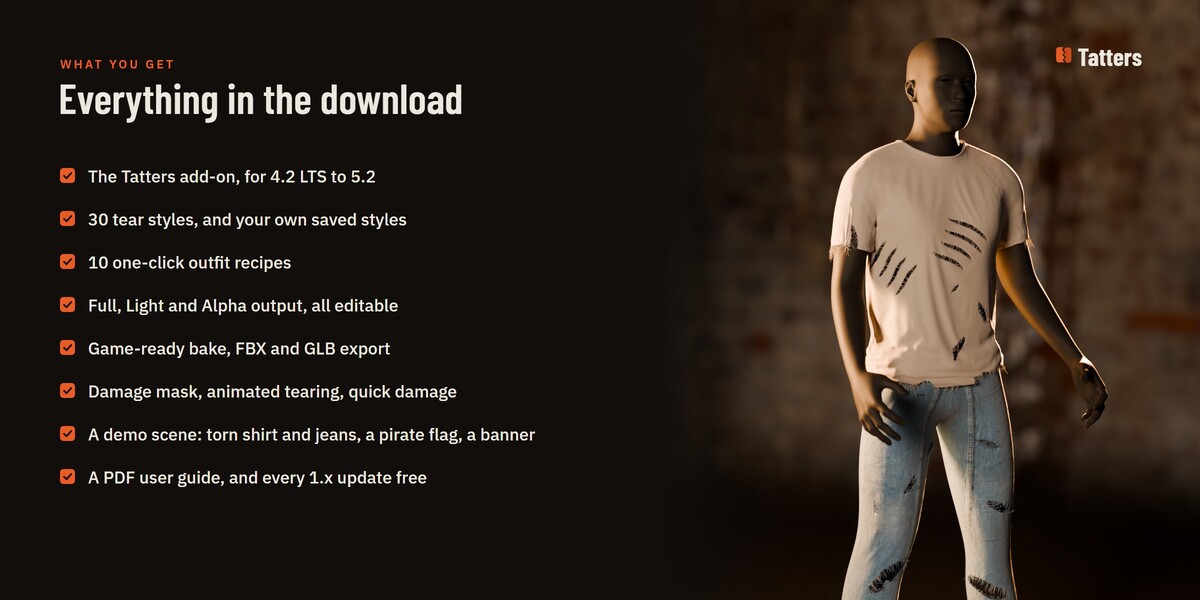
- 30 tear styles, 10 outfit recipes, Scatter Damage, Fray Edges, Curves to Tears, the damage mask, Animate Tearing, Bake Game-Ready and FBX / GLB export.
- A demo scene: a mannequin in a torn shirt and jeans, a pirate flag, and a clean red banner ready for your first tear. The garments and textures are CC0.
- A PDF user guide (also opens from the Tatters sidebar), README and licences.
- Free updates for every 1.x version. The add-on is GPL-3.0-or-later; what you make with it is yours.
Questions, or a tear that doesn't look right? Message me here or at [email protected] with your Blender version and a screenshot of the Tatters tab (or use Email Support in the add-on's preferences). I answer every message.
Blender is a trademark of the Blender Foundation; Unreal Engine of Epic Games; Unity of Unity Technologies. Tatters is not made or endorsed by them.
