Tatters - Cloth Tearing
 ArtTalentStudio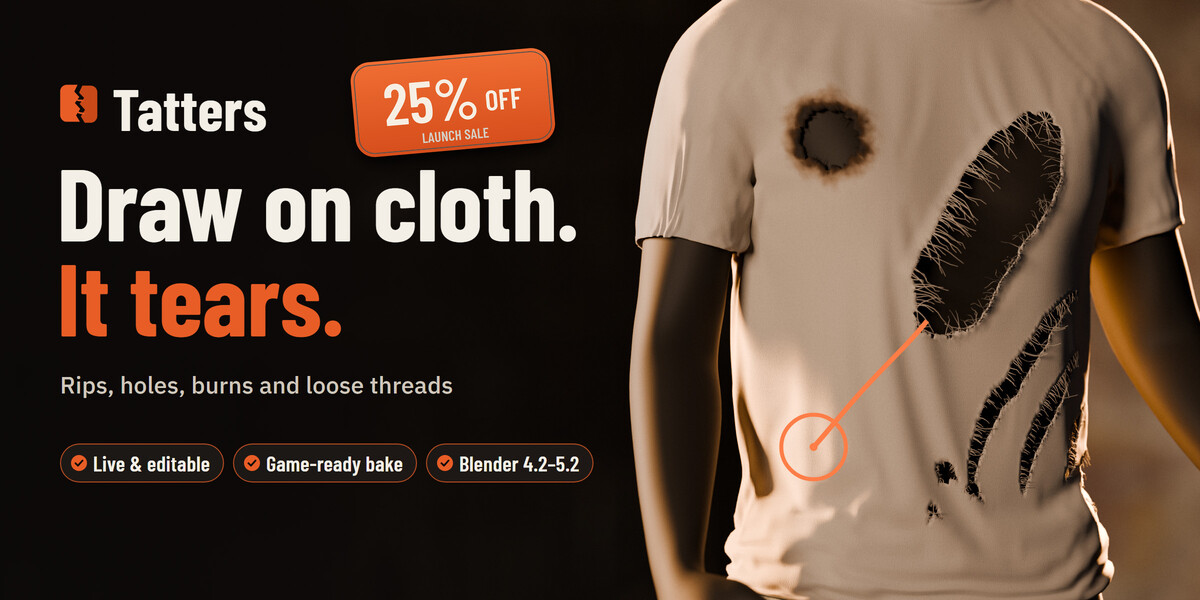



Installation & Getting Started
-
Install the Add-on: In Blender, go to Edit ▸ Preferences ▸ Get Extensions ▸ ▾ ▸ Install from Disk… and select
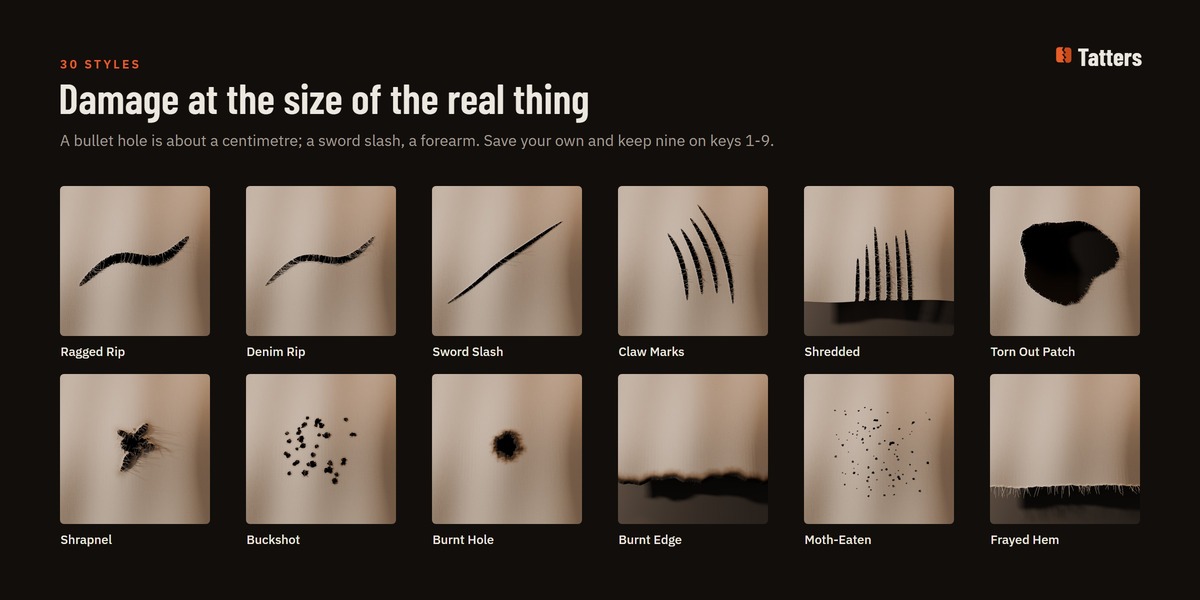
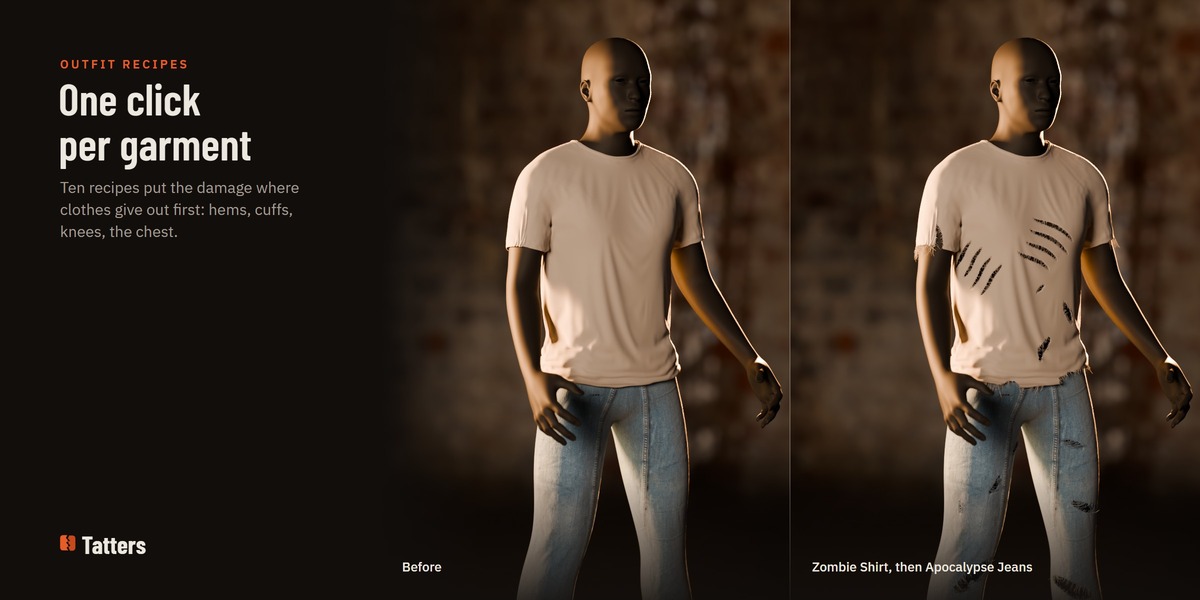
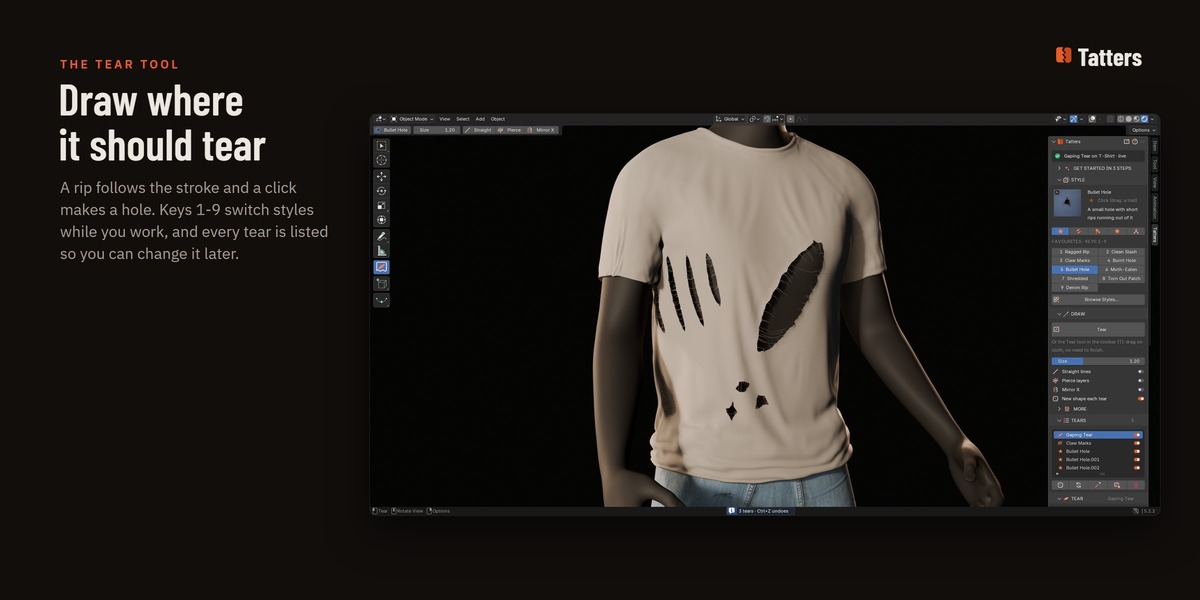
Tatters_1.0.0.zip. In the 3D Viewport, press N to open the sidebar and switch to the Tatters tab. - First Tear in 3 Steps: Select any cloth mesh (or click Add Test Cloth). Pick a style from the STYLE list or press 1–9 for favourites. Click TEAR (or use the Tear tool in the toolbar) and drag across the cloth.
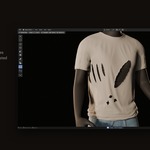
- Tune Live: Click any tear in the TEARS list to tweak width, curl, loose threads, burns, or animation settings in real time.
Key Features & Pipeline Tips
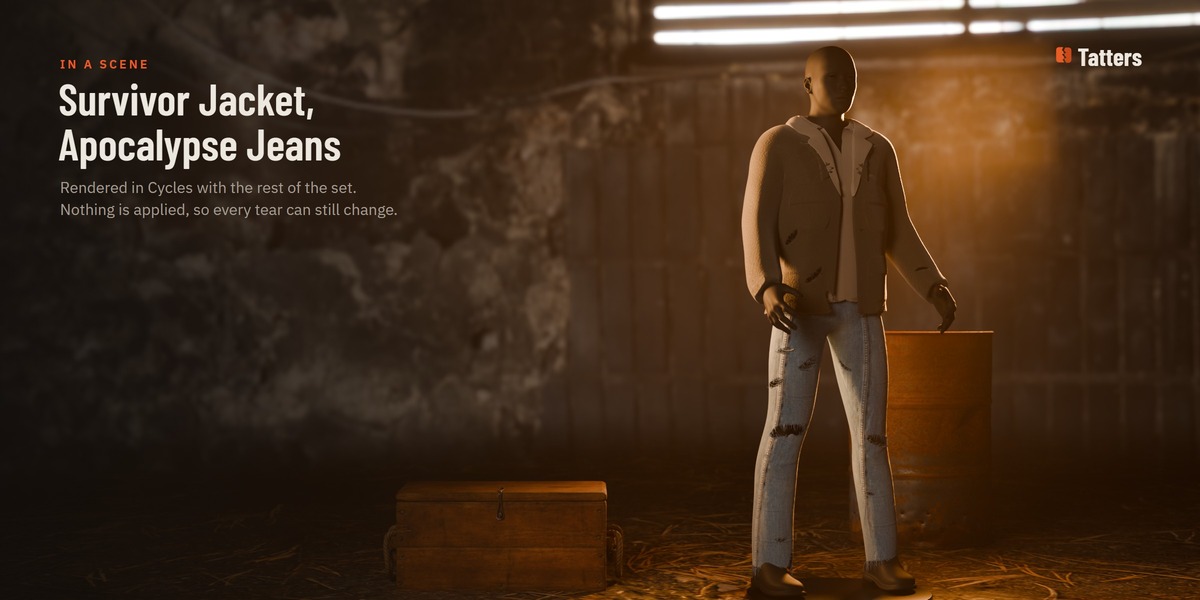
- 100% Non-Destructive: Tears exist as live procedural objects parented to the cloth. Move (G), rotate (R), scale (S), or delete them anytime; the cloth automatically updates.
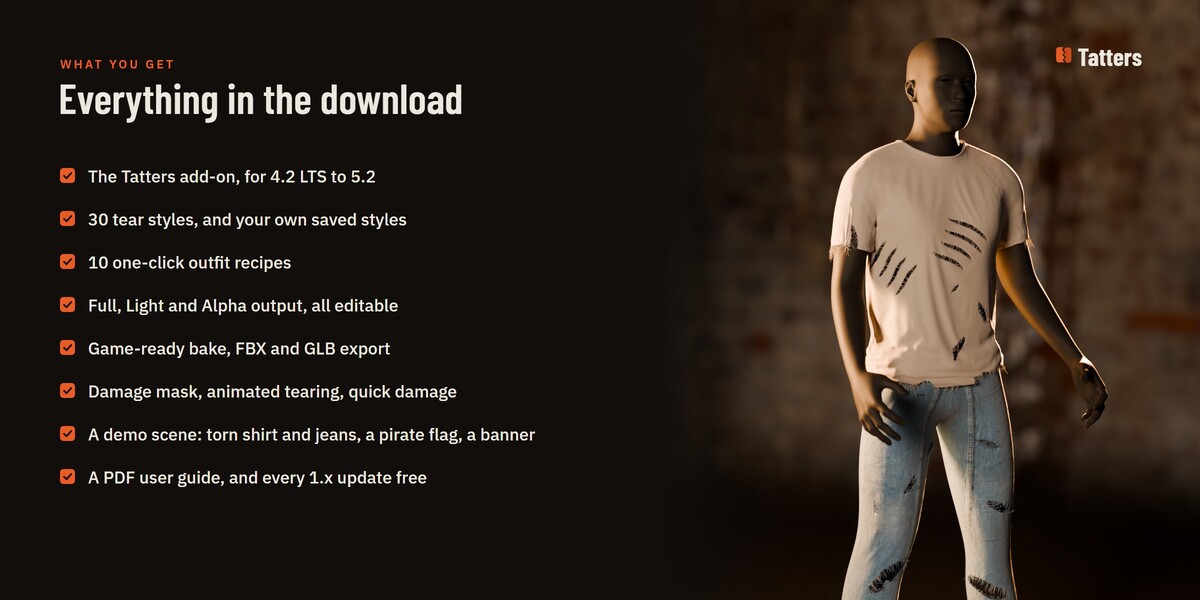
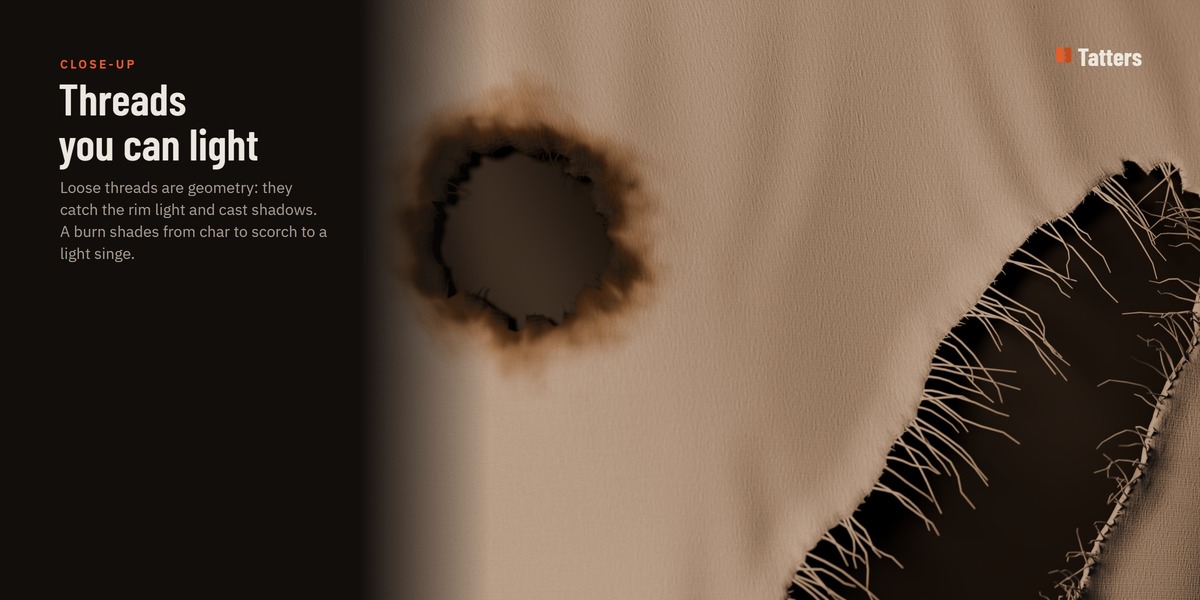
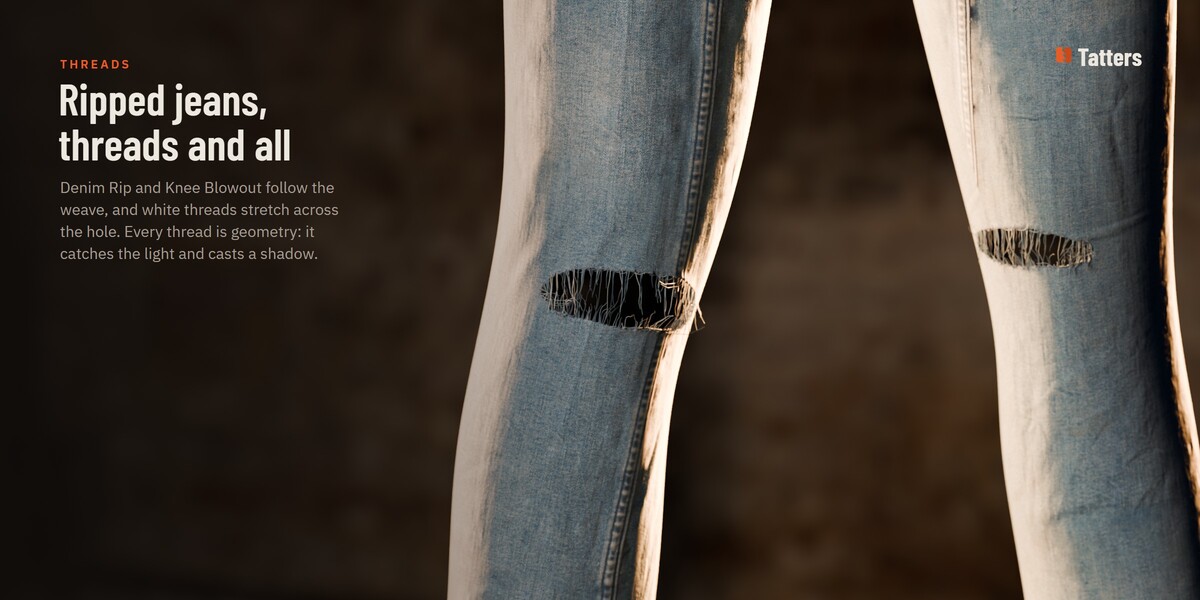
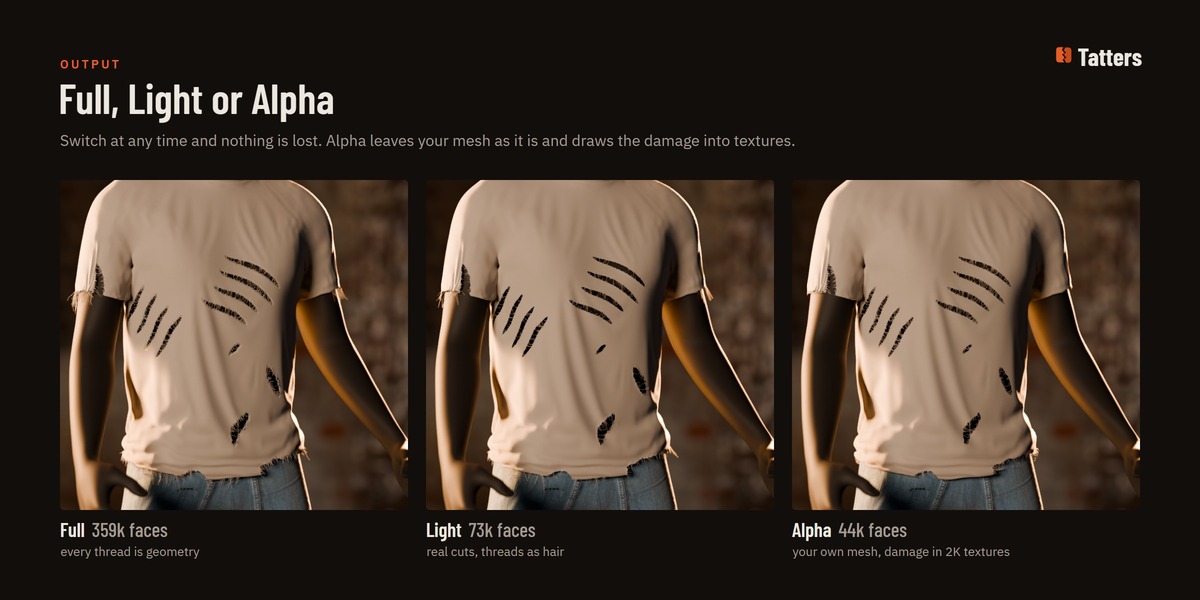
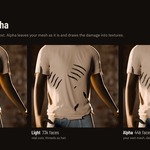
- Three Output Modes: Switch anytime between Full (geometry thread tubes for hero close-ups), Light (optimized geometry cuts for general use), and Alpha (zero mesh cost, live textures with alpha clip for crowds and games).
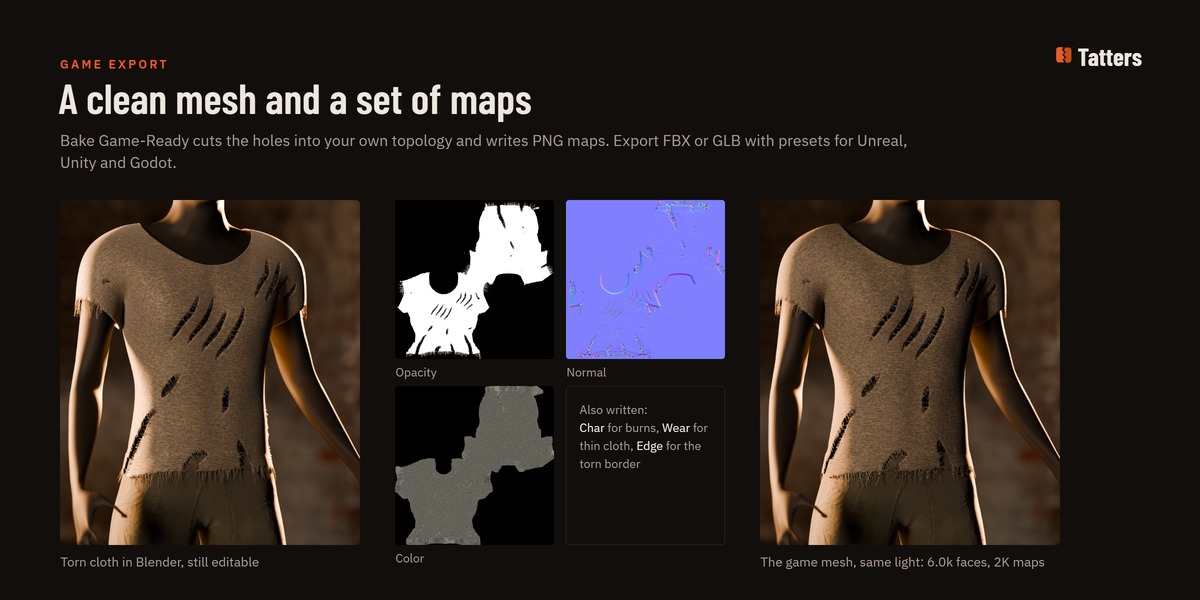
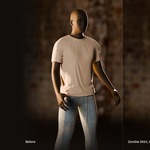
- Bake Game-Ready: In the GAME-READY panel, bake your damaged cloth into an optimized low-poly mesh with PNG maps (Opacity, Normal, Color, Char, Wear, Edge) and export directly to FBX or GLB for Unreal Engine, Unity, or Godot.
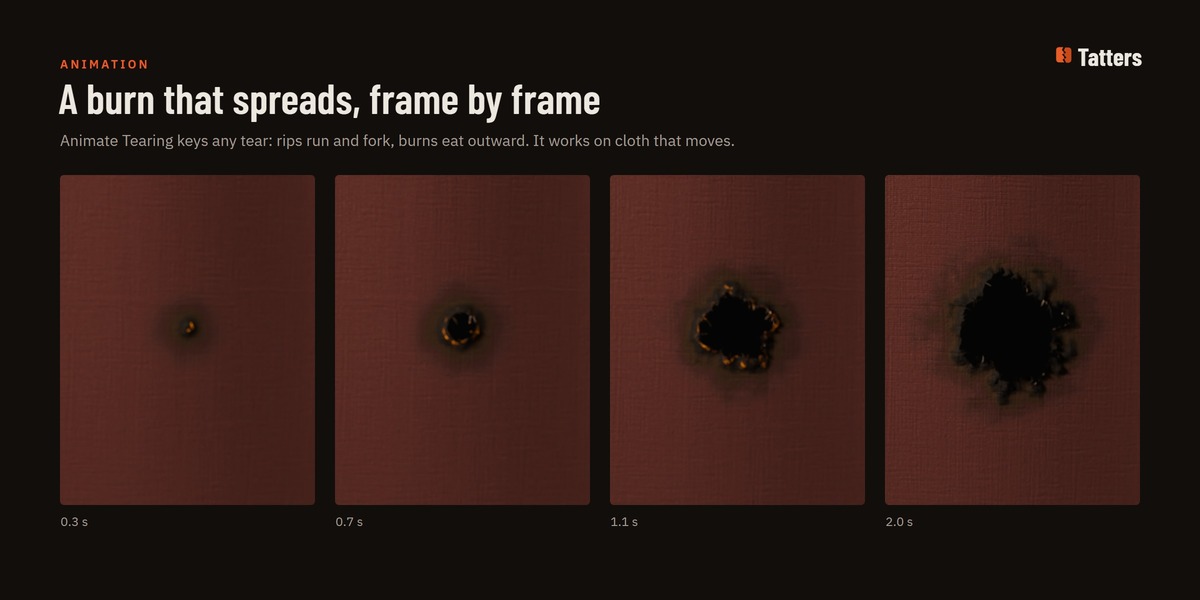
- Animated & Moving Cloth: Enable Follow Deformation (and ensure Add Rest Position is enabled in Object Data properties) so tears stay locked onto animated characters, Alembic caches, and cloth simulations.
- Shortcuts While Drawing: Keys 1–9 select favourite styles; Shift draws straight lines; P toggles piercing through layers; M toggles X-axis mirroring; Ctrl+Wheel or [ / ] resizes the brush.
The full 24-page user guide is included in your download (Tatters_User_Guide.pdf) and can also be opened directly via the book icon in the Tatters sidebar header.
$15$11.25
 Included
Includes 12 months of
- Support from ArtTalentStudio
- Product updates
Extend this product’s Support Period +12 months: 50% of product price
Have questions before purchasing?
Login to message
| Published | 2 days ago |
| Blender Version | 4.2 - 5.2 |
| Extension Type | N/A |
| Render Engine Used | Cycles, Eevee |
| License | GPL |
Discover more products like this
geometry nodes tear garment rip costume destruction Damage ripped fabric torn cloth game ready