Teleportnode - Instant Direct Sharing From Node Editors With Comments
 codesignprojects

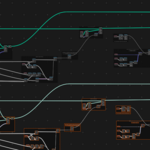
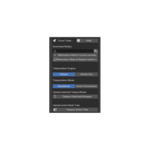
Features
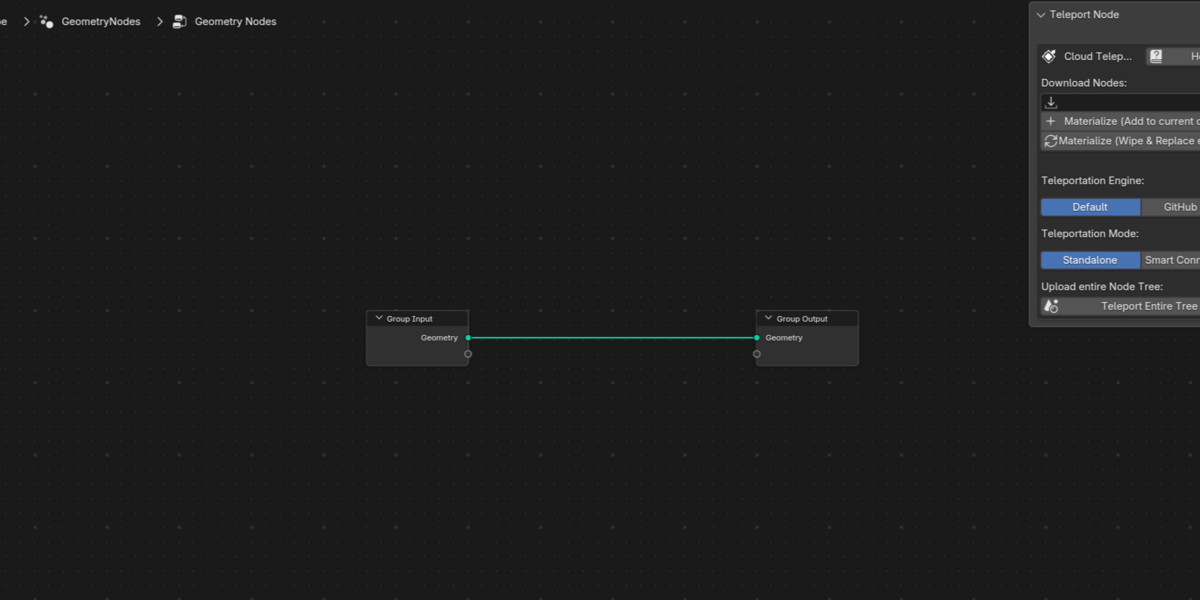
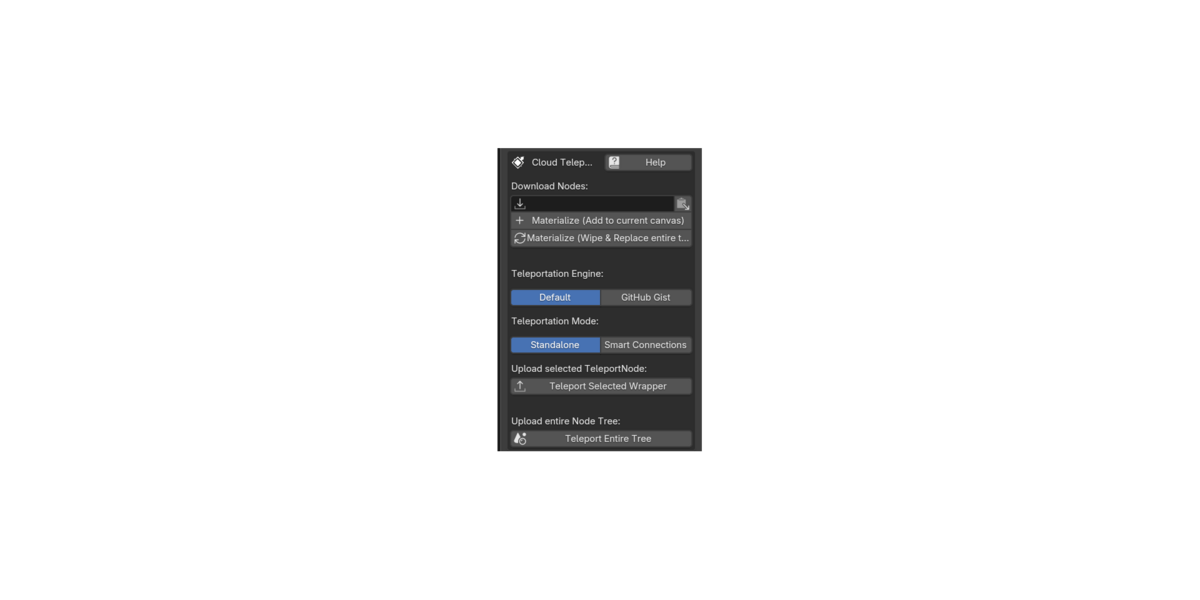
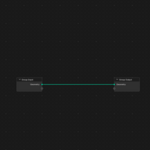
- Instant Node Materialization: Sharing is effortless. Generate a shortcode, share it online, and anyone with the addon can paste it into their side panel. With one click, your nodes will instantly download and snap directly to their mouse cursor!
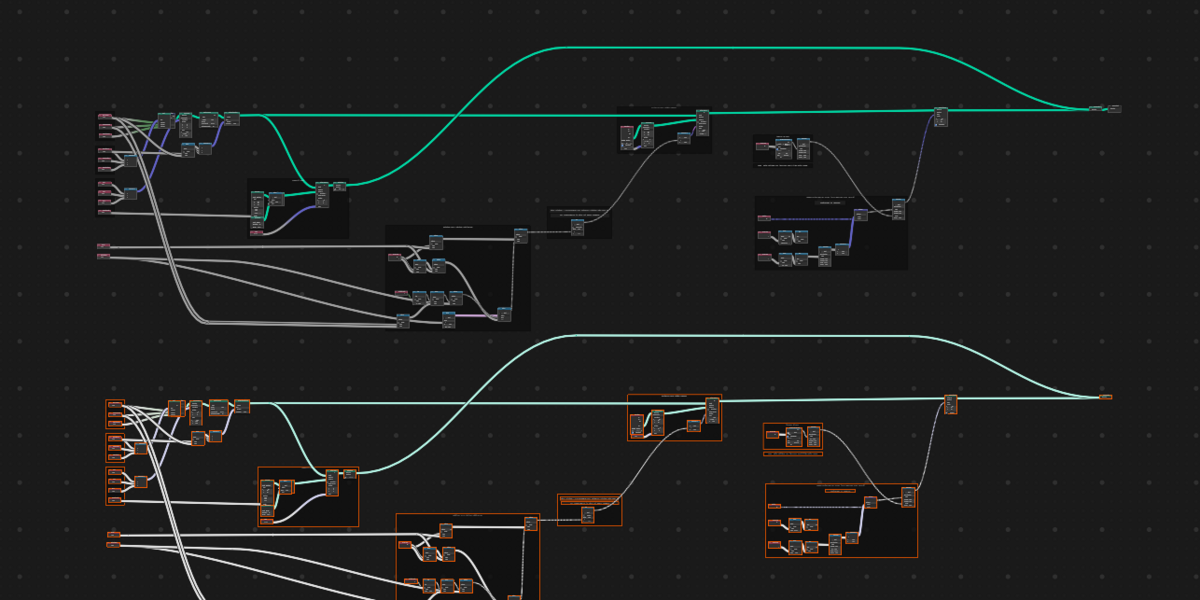
- Teleport Entire Trees: Want to share your whole workspace? Package your entire node editor with a single click. The receiver can use the dedicated "Materialize (Wipe & Replace)" button to completely overwrite a fresh canvas, gracefully rebuilding your exact custom N-Panel interface sliders and pasting your complete setup with absolute, pixel-perfect layout preservation. Thanks to our native payload engine, it flawlessly preserves complex Repeat Zones and Simulation Zones with all custom sockets intact!
- Smart Connections Engine: No broken wires! When wrapping a group of nodes, the addon intelligently traces your routing and preserves incoming and outgoing wires, mapping them to automatically labeled interface dots on the borders of your shipping box.
- Deep-Clone Optimization: Teleporting a massive project? The addon's recursive background engine automatically hunts down and strips out heavy attached assets (dense Meshes, 4K Textures, Audio/Video files, and Fonts). It crushes the payload down to pure, ultra-lightweight node logic so your cloud uploads are instantaneous—without ever disrupting your actual live project!
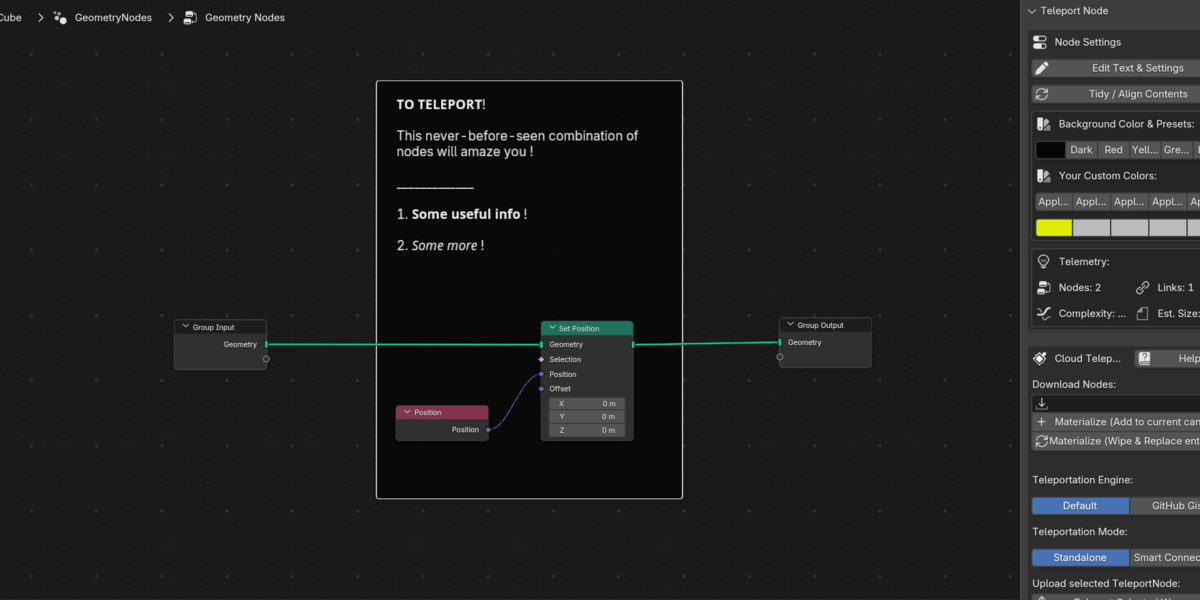
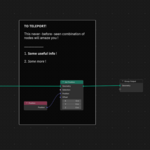
- Native Documentation & Comments: It doubles as a powerful comment node. Add multi-line rich text, bold/italic formatting, dividers, and clickable reference web links directly to your wrapper. Because it uses 100% native Blender elements, anyone who opens your .blend file can read your notes perfectly—even if they don't have the addon installed!
- Dual Cloud Engines: Choose the Default engine for lightning-fast, anonymous, registration-free sharing (codes expire after ~30 days, perfect for quick forum or Discord help). Or, securely link your free GitHub account for Permanent share codes stored directly in your own Gists.
Enjoy !
⚙️ How to Install
Download the provided .zip file. (Note: You do not need to unzip it!)
Open Blender and go to Edit > Preferences.
Select the Add-ons tab on the left side.
Click the Install... button in the top right corner.
Locate and select the downloaded .zip file, then click Install Add-on.
A new entry named Node: Teleport Node will appear. Check the small box next to it to enable the add-on.
Open any Node Editor workspace, press Shift+A, and you will find your new Teleport Node ready to use!
🔄 How to Update to a Newer Version
Because the Teleport Node uses 100% native Blender elements to build its shipping boxes, updating will never break your older project files or shared links! All existing wrapped nodes will remain perfectly intact.
Download the newest version of the .zip file.
Open Blender and go to Edit > Preferences > Add-ons.
Search for "Teleport Node" and uncheck the box to disable the current version.
Click Install... and select the newly downloaded .zip file. Blender will automatically overwrite the old files behind the scenes.
Check the box to enable the add-on again. You are now running the latest version!
---------------------------------------------------------------------------------------------
⚙️ How to Install
Download the provided .zip file. (Note: You do not need to unzip it!)
Open Blender and go to Edit > Preferences.
Select the Add-ons tab on the left side.
Click the Install... button in the top right corner.
Locate and select the downloaded .zip file, then click Install Add-on.
A new entry named Node: Teleport Node will appear. Check the small box next to it to enable the add-on.
Open any Node Editor workspace, press Shift+A, and you will find your new Teleport Node ready to use!
🔄 How to Update to a Newer Version
Because the Teleport Node uses 100% native Blender elements to build its shipping boxes, updating will never break your older project files or shared links! All existing wrapped nodes will remain perfectly intact.
Download the newest version of the .zip file.
Open Blender and go to Edit > Preferences > Add-ons.
Search for "Teleport Node" and uncheck the box to disable the current version.
Click Install... and select the newly downloaded .zip file. Blender will automatically overwrite the old files behind the scenes.
Check the box to enable the add-on again. You are now running the latest version!
 Included
Includes 12 months of
- Support from codesignprojects
- Product updates
Extend this product’s Support Period +12 months: 50% of product price
Have questions before purchasing?
Login to message
| Published | about 20 hours ago |
| Blender Version | 4.4 - 5.2 |
| Extension Type | N/A |
| Render Engine Used | Cycles, Eevee |
| License | GPL |
Discover more products like this
Geometry Node Groups teleport Blender node editor instant share teleport node Blender_Geometry_Nodes direct share share