TeleportNode - Instant Cloud Sharing Directly From and to the Node Editors
 codesignprojects
Does Teleportnode work with Geometry Nodes and Shader Nodes?
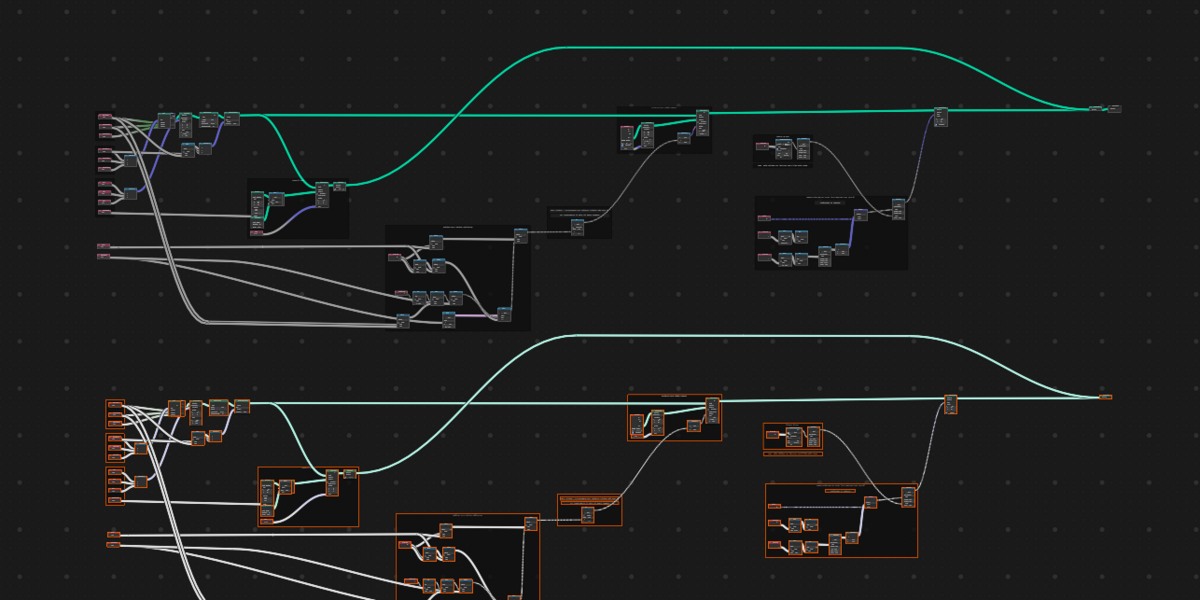
Yes! Teleportnode works seamlessly across Blender's node editors, including both Shader setups and Geometry Node trees.
Will the addon break my node wires when teleporting?
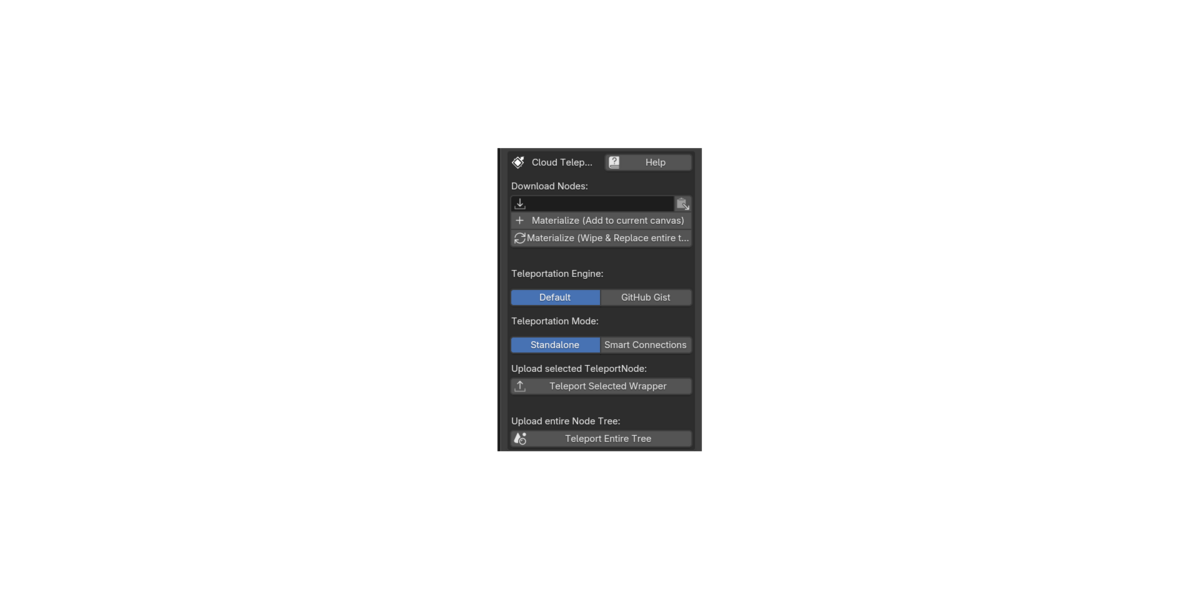
No. Teleportnode features a Smart Connections Engine. When you wrap a group of nodes, it intelligently traces your routing and preserves all incoming and outgoing wires, mapping them to automatically labeled interface dots.
Where are the shared node setups stored, and do the shortcodes expire?
You have two choices. The Default Cloud engine provides instant, anonymous sharing where shortcodes expire after roughly 30 days (perfect for quick Discord troubleshooting). For permanent storage, you can securely link a free GitHub account to save your node setups directly into your own GitHub Gists.
Does the receiver need to buy the addon to download my nodes?
No. Anyone can download the free "Receiver Edition" (lite version) to materialize your shortcodes. Furthermore, because the wrapper and comments use 100% native Blender elements, anyone who opens your .blend file can read your notes perfectly, even if they don't have the addon installed at all.
Will there be no duplicate Geometry Input or Output nodes, if materializing full node trees inside an other one ?
No. The Addon analyzes the incoming package, and makes sure it is safe !
Do I need to pack my nodes into a Node Group to share them?
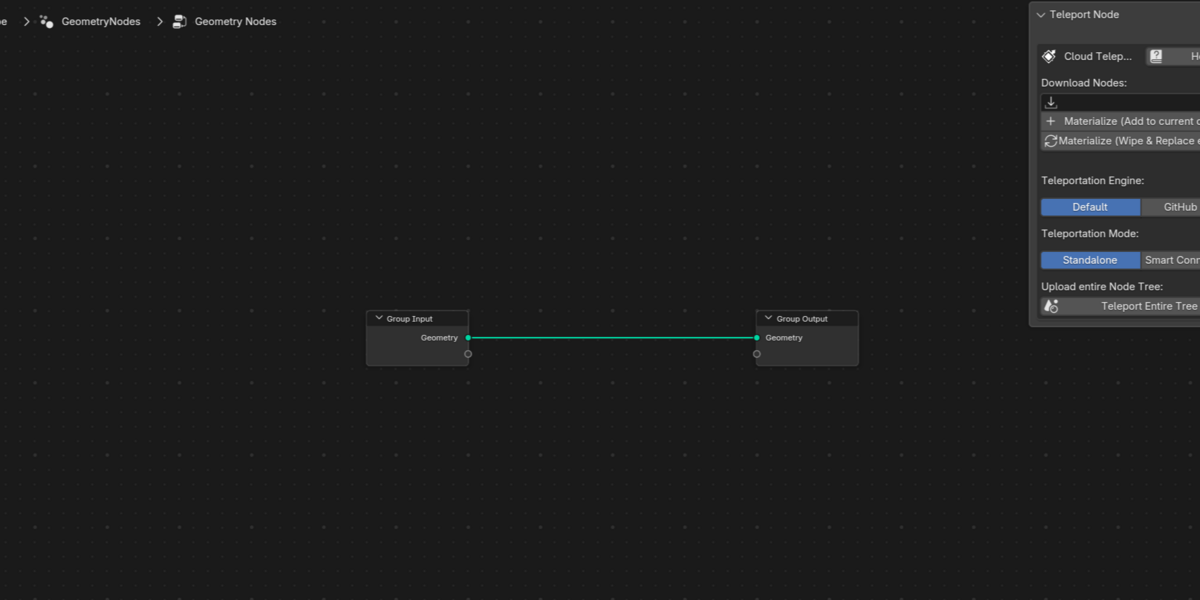
No. Unlike Blender's native Asset Browser, Teleportnode features "Teleport Entire Trees." This allows you to package and share loose, ungrouped node trees across the internet while preserving your exact visual layout and node placement.
What is the difference between Default Mode (Pure Logic) and Packaged Assets Mode?
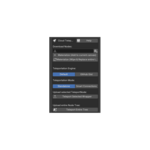
Default Mode (Pure Node Logic): Transfers pure mathematical, procedural, shader, and geometry graph architectures without bringing along external scene files. Any external object pointers (like an Object Info node referencing a local mesh) are safely detached (None) to keep payloads feather-light (often under 50 KB) and ensure universal compatibility in any scene without polluting your project.
Packaged Assets Mode: Packages both the node tree and all referenced external 3D assets—including 3D models, meshes, object hierarchies, collections, materials, and packed textures—directly into the teleport payload. On the receiving end, the entire setup unpacks, rebuilds the 3D assets in your scene, and automatically connects all node sockets to the newly imported models.
When should I use Default Mode vs. Packaged Assets Mode?
Choose Default Mode when:
Sharing procedural node groups, math utilities, custom modifiers, procedural shaders, or compositing pipelines.
You want instant, lightweight sharing where the recipient is expected to pick their own target mesh or object in the modifier.
You want minimal payload size and lightning-fast teleportation.
Choose Packaged Assets Mode when:
Your setup relies on specific 3D models (e.g., a procedural scatter setup using a custom rock mesh, an instancing rig using custom leaves, or a simulation depending on collision colliders).
You want a true "one-click turnkey" delivery where the recipient sees the exact final result immediately without manually recreating or finding meshes.
What assets can be packaged into a teleport payload in Package Assets mode?
Packaged Assets Mode automatically inspects your node network and bundles:
Referenced 3D Objects: Any object selected in Object Info nodes or modifier inputs.
Mesh & Geometry Data: Full vertices, edges, faces, UV maps, vertex groups, and custom attributes.
Referenced Collections: Full collection hierarchies used in Collection Info nodes.
Materials & Shaders: Materials assigned to the referenced objects.
Packed Textures & Images: Embedded texture maps and image nodes.
Can recipients using the free Receiver Edition open Packaged Asset setups?
Yes, with 100% parity! Creators need the Pro Addon to package and export 3D assets to the cloud, but anyone using the free Teleport Node Receiver Edition (or the official Blender 4.2+ Receiver Extension) can deserialize, unpack, and materialize packaged setups with full asset re-linking and outliner management at zero cost.
Can i use the TeleportNode wrappers as commented wrappers too ?
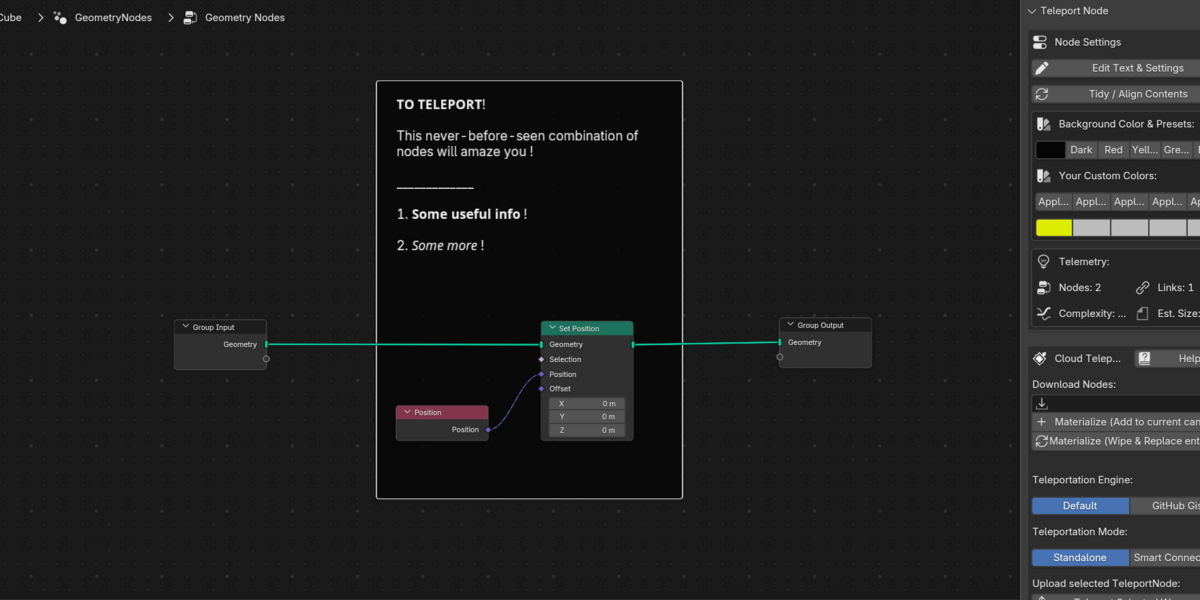
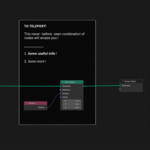
Yes, absolutely ! The rich text, multiline comment feature is not only for teleporting, and sharing comments, but also serves as a native solution for comments and links !
 Included
Includes 12 months of
- Support from codesignprojects
- Product updates
Extend this product’s Support Period +12 months: 50% of product price
Have questions before purchasing?
Login to message
| Published | about 2 months ago |
| Blender Version | 4.4 - 5.3 |
| Extension Type | N/A |
| Render Engine Used | Cycles, Eevee |
| License | GPL |
Discover more products like this
geometry nodes sharing share teleport node Workflow node groups asset management utility productivity shader nodes procedural nodes