Temple Ruins Kit
 inLite Studios


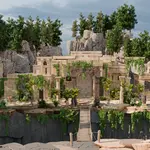
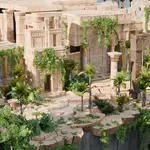
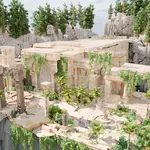
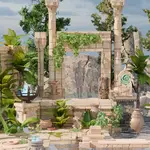
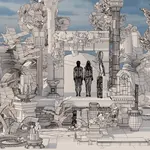
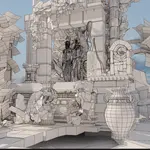
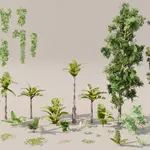
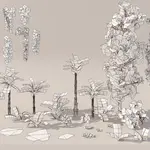
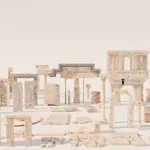
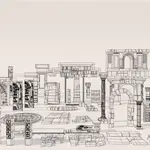
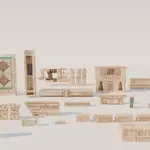
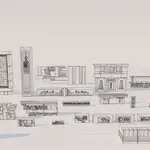
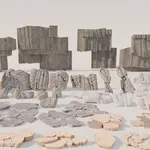
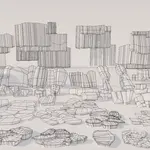
Yes! Just go to File>Append... browse to the Temple Ruins.blend file, go to objects and search for distribution. Then select the desired object. It will automatically import the required asset along with the scattering object. From there you can enter edit mode and either add, delete or resize the geometry on which the scattering is placed. It's also safe and advised to uncheck (hide) the original collection in the Outliner as they will be visible by default.
If the scattering on each object too much or too little, open a geometry nodes window (or just click the Geometry Nodes tab at the top and increase or decrease the Density Max value found on the Distribute Points on Faces node.
Have questions about this product?
Login to message
| Dev Fund Contributor | |
| Published | 2 months ago |
| Blender Version | 5.2 |
| Render Engine Used | Cycles, Eevee |
| Misc Data | Uvs-Unwrapped, Textured |
| License | Creative Commons |
