 De Martin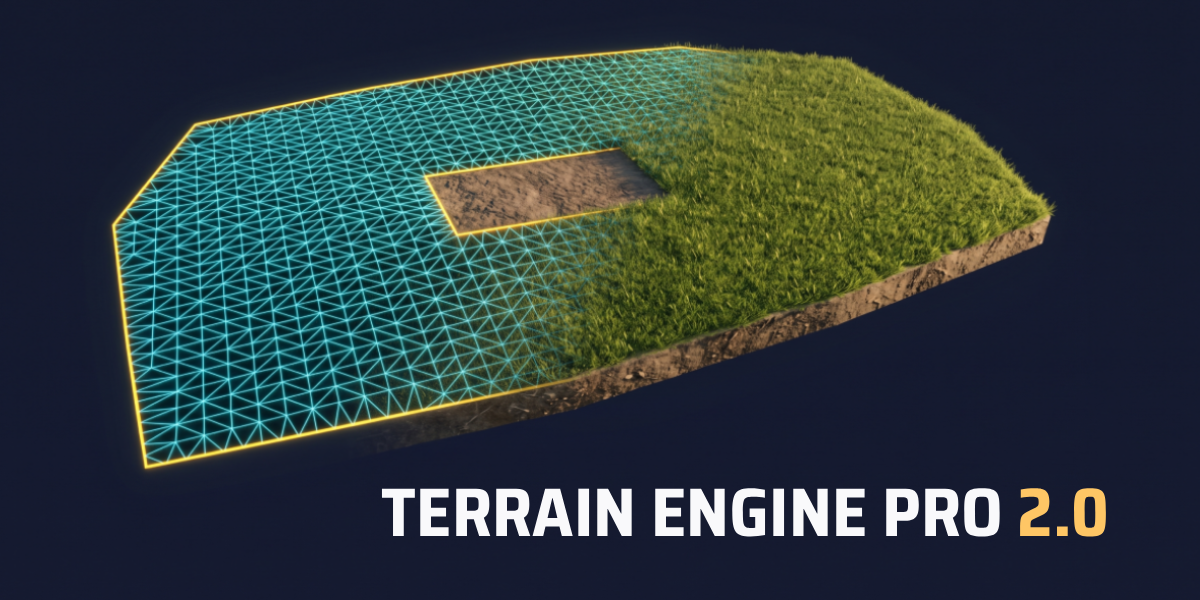
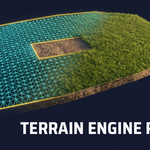
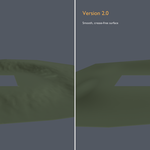
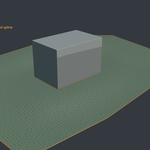
Turn boundary curves into clean, smooth terrain meshes — in milliseconds.
Terrain Engine Pro is an interactive terrain generator for architectural visualization, site planning and environment work in Blender. Draw the boundary of a plot as a curve, set the height of each point, and get a clean triangulated terrain that meets your curve exactly — position and height.
No manual vertex-connecting, no retopology, no modifier hacks.
What's new in 2.0
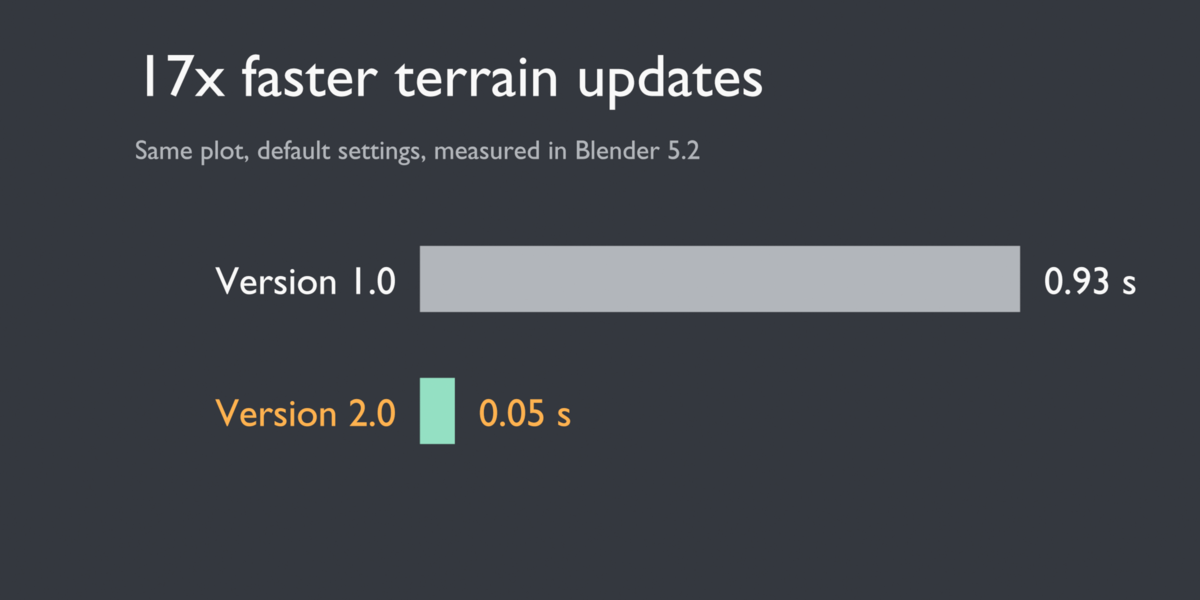
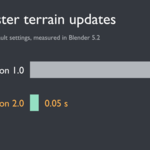
- Up to 100× faster. The engine was rewritten with vectorized math. A typical plot now updates in about 30 ms instead of about 1 second, so Live Preview finally feels live. A large 71,000-vertex site went from over 2 minutes to 1.3 seconds.
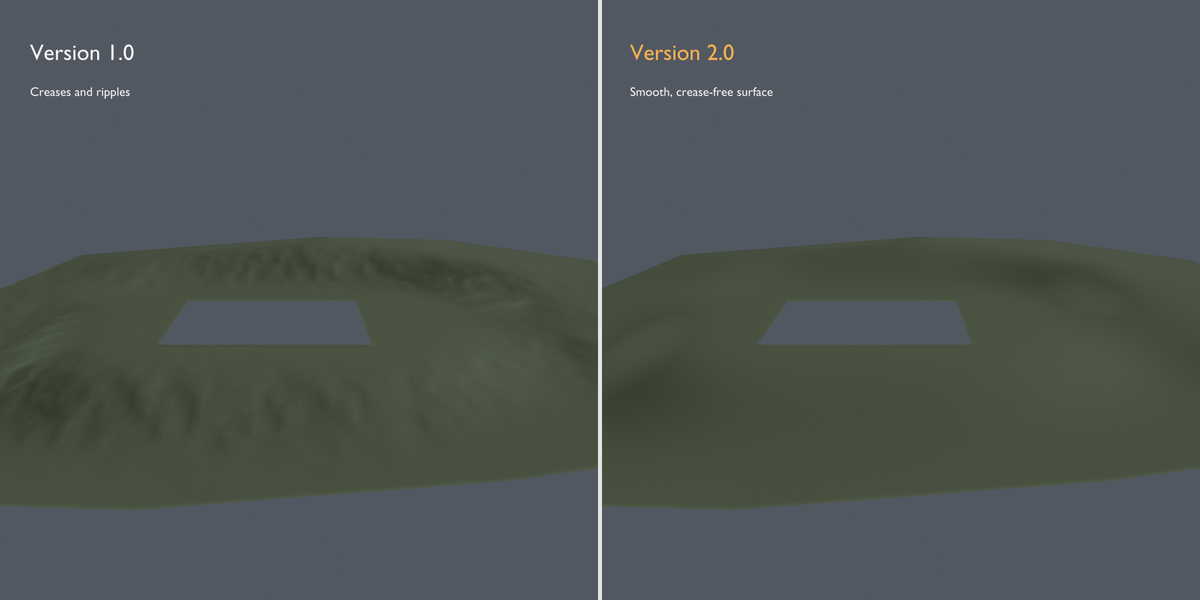
- Smoother terrain, no creases. Relax and Smooth now use Mean Value Coordinates weights: straight ramps stay straight, and the ripples and creases of older versions are gone.
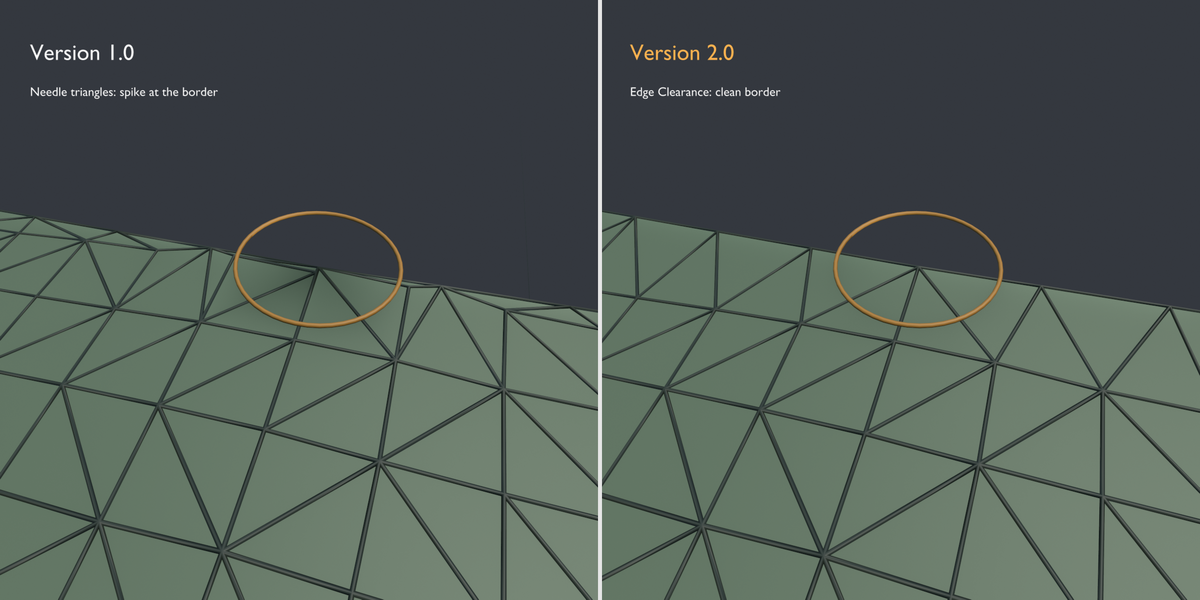
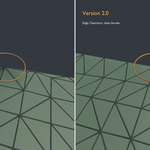
- Edge Clearance. Removes the sliver triangles along the border that caused spikes and dips at the edge.
- Surface Smooth controls. Iterations, Strength and an optional Preserve Shape mode.
- New Smooth Terrain tool. Smooth a finished terrain: the whole mesh in Object Mode, or only the selected area in Edit Mode. Borders and topology are never touched.
- Full tutorial included in English and Portuguese.
Key features
- Border-exact. The terrain always meets your curve exactly. Border vertices are locked, so no setting can pull the terrain away from your design.
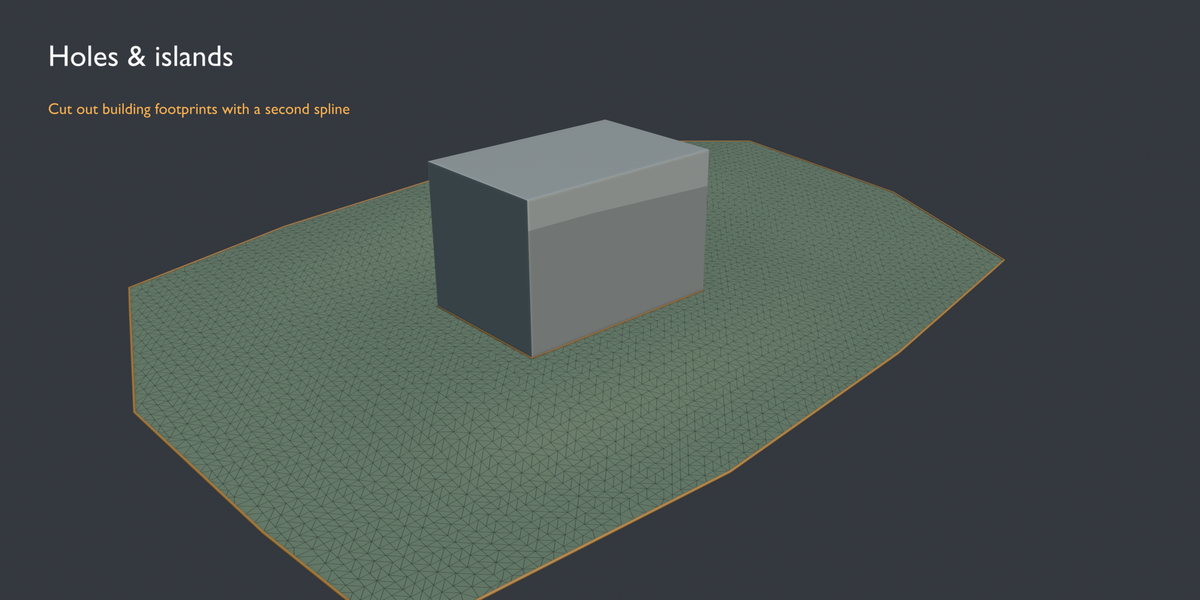
- Holes and islands. Add closed splines inside the same curve to cut out building footprints, pools or planters.
- Live Preview. Change any parameter and the terrain regenerates instantly.
- Clean topology. Constrained Delaunay triangulation with Shade Smooth applied. Ready for materials, scattering or modifiers.
- Height-only smoothing. Smoothing only changes Z. X/Y positions and topology stay exactly as generated.
- Multi-plot workflow. Give each plot its own ID and generate as many terrains as you need.
- Repeatable. The same curve with the same settings always produces the same terrain.
- Lightweight. Pure Python + NumPy (bundled with Blender). No external dependencies.
How it works
- Draw a closed curve around your plot and place each point at its real height.
- Select the curve and open N-Panel → Terrain Engine.
- Turn on Live Preview and tweak density and smoothness.
- Click Generate Final Terrain. Done.
Compatibility
Blender 4.2 LTS and newer (installs as an Extension).
