Terrain Seam Blend -Ground to Object Material Blending
 blenderustad
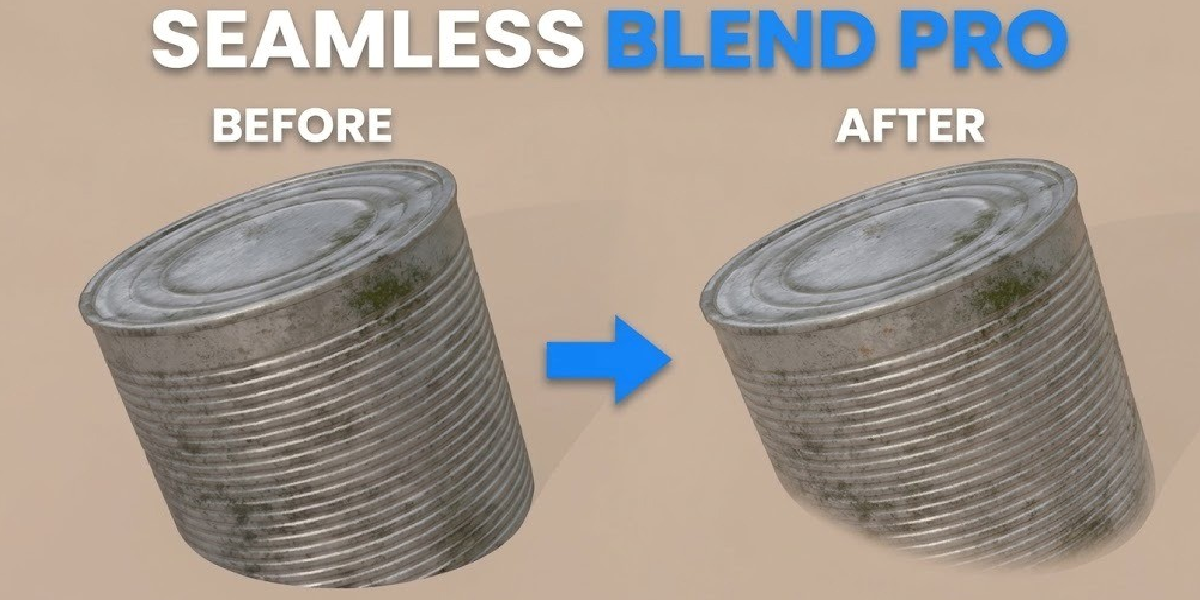
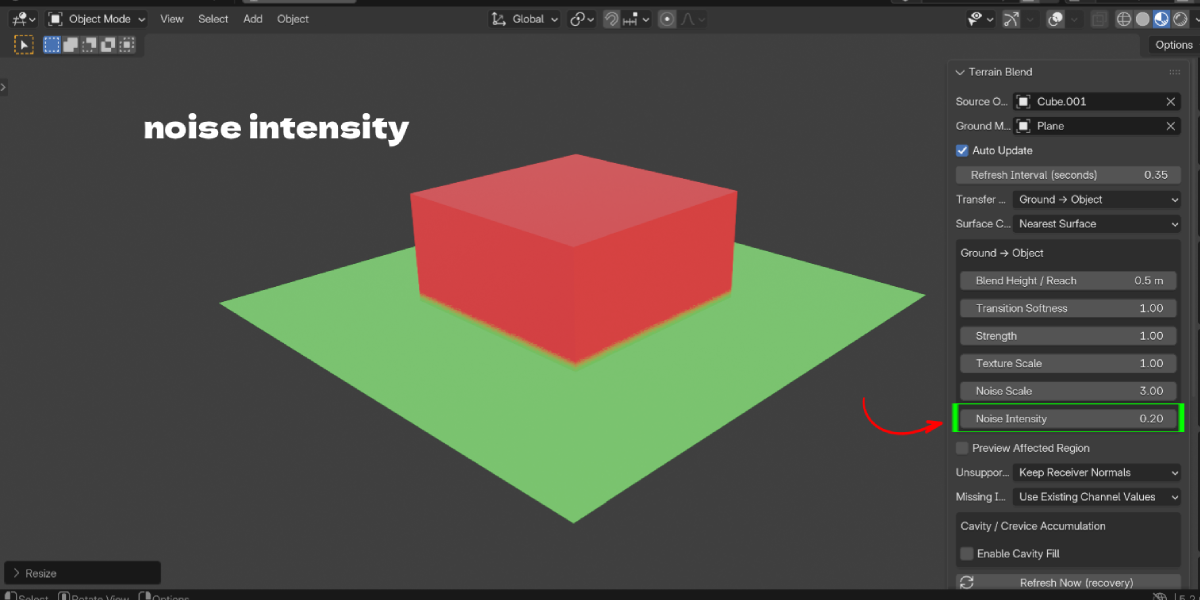
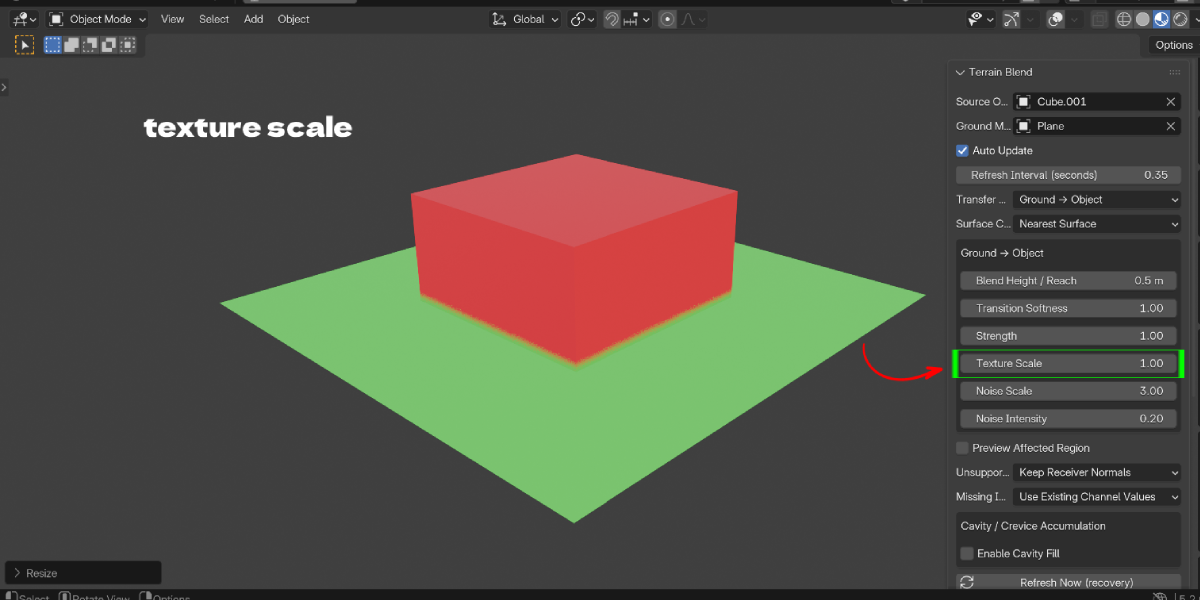
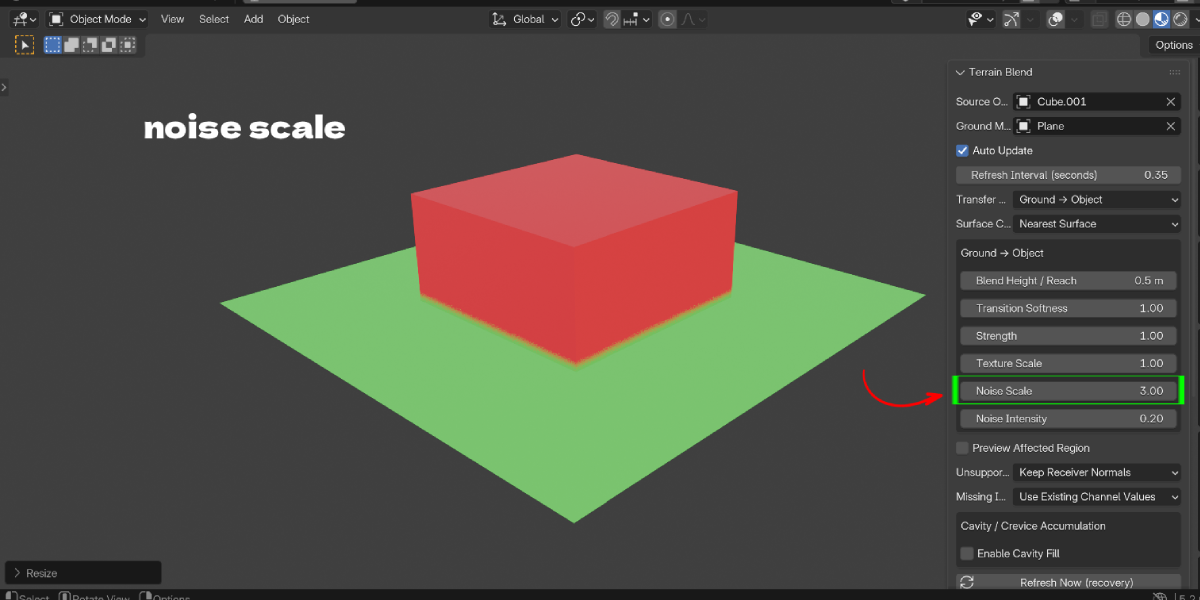
Yes, through the Blender Ustad shop page on Superhive.
Refunds follow Superhive’s standard marketplace policy.
4.2.0 minimum, since it’s built on the Extensions platform. Verified on 4.2.0 and 5.2.0 LTS on Windows; other platforms are not independently verified.
Yes, during normal interactive work in the viewport. For render-farm or purely headless script pipelines, wait for the panel’s "Up to date" status rather than assuming a refresh happens before every rendered frame.
The optional Cavity / Crevice Accumulation feature adds ground-material fill in modeled geometric recesses, driven by actual mesh concavity — not a texture-space crack detector, so results depend on having enough geometric detail in the area.
The addon stops explicitly and reports why, rather than guessing or flattening it to an average color. MATERIAL_SUPPORT.md documents a manual-baking workflow for unsupported setups.
Yes, within the documented contract: Noise, Voronoi, Wave, Checker, Gradient, Mapping, Math, Color Ramp and similar nodes feeding a Principled BSDF are supported. See the included MATERIAL_SUPPORT.md for the exact list.
Yes. Set Transfer Mode to Both Directions; the two directions’ strengths are automatically normalized so they never overcontribute when combined.
No. The addon works on private duplicated copies of the geometry and materials. Remove Blend restores both the receiver and donor to their exact original state.
Yes — the shader setup it builds uses standard Blender nodes supported by both render engines; it is not restricted to Cycles.
Have questions about this product?
Login to message
| Blender Extension Compatible | Yes |
| Published | about 9 hours ago |
| Blender Version | 3.2 - 5.2 |
| Extension Type | Add-on |
| Render Engine Used | Blender-Game-Engine, Cycles, Eevee |
| License | GPL |

Discover more products like this
non-destructive terrain blend seamless blend material blend terrain procedural contact shader cavity mask crevice dirt ground texture Shader extension