TexTura - Smart PBR Automation

Manuel D'Onofrio in Materials and Shading


TexTura 2.0

PBR material automation addon for Blender

Designed out of necessity with Claude

What is TexTura?

Textura is the necessary evolution of Node Wrangler's Add Principled Setup. Born from a need to have materials ready in just a few clicks with the addition of ORM management, the addition of unsupported channels, and Udim management. TexTura automates the process of setting up PBR materials in Blender, allowing you to focus on your creative work rather than tedious setup tasks.

Set it up!

Choose the workflow that best fits your needs

⚙️ Smart Setup

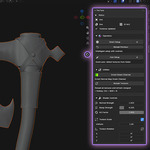
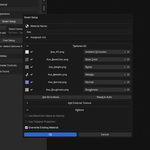
For those looking for total control over textures. Choose either the entire folder or the individual textures you want to use. Through a dialog box, you can customize each individual output as you wish with dedicated and intelligent previews.

🚀 Fast Setup

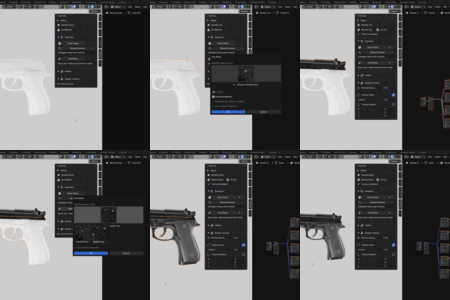
Designed for users with a standardized workflow. Select the folder, and the textures will be automatically identified and set up in the Principled Shader. Quick and easy.

Key Features

Everything you need for professional PBR material automation

Texture Identification
Automatically identifies all the textures to be placed on the Principled Shader.
UDIM Support
Full UDIM tile detection and management for production pipelines.
ORM Handling
Intelligent Occlusion-Roughness-Metallic texture processing and customization.
Shader Control
Quick controls for adjusting texture scale, rotation, and mapping parameters.
Add Multiple Setup
Layer multiple PBR setups into a single material for complex blending.
Multiple Texture Sets
View and select from multiple texture sets found in the same folder.
Change Detection
Real-time monitoring of texture file changes on disk with reload support.
Universal Format Support
PNG, JPG, TIF, EXR, PSD, TGA and more image formats.
Green Channel Inverter
Fix OpenGL/DirectX normal map compatibility with one click.
Keyword Customization
Customize texture suffixes and ORM channel mapping to fit your workflow.
Triplanar Mode
Box projection for seamless texturing without UV unwrapping.
Sticky Shader Editor
One-click access to material nodes directly from the 3D viewport.

Multiple Texture Sets Demo

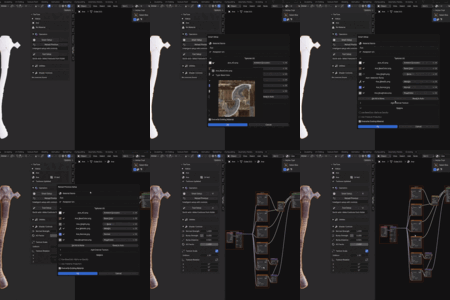
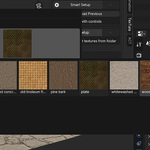
Here is an example of how you can quickly apply PBR textures downloaded from Poly Heaven, all contained in a single folder and applied with Fast Setup. You can easily switch between different texture sets using the Overview panel.

Preferences Overview
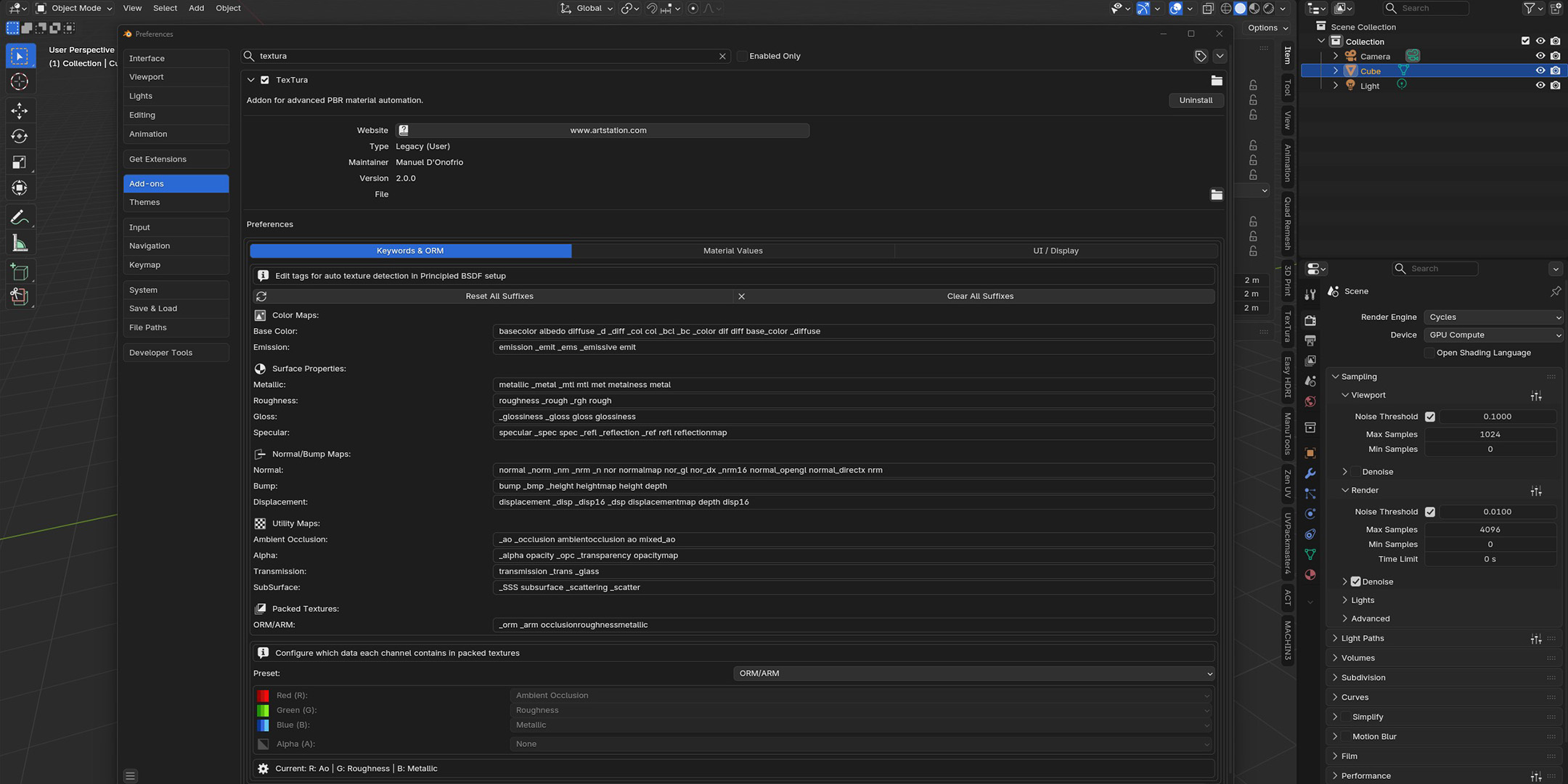
Preferences Overview Preferences Overview Preferences Overview

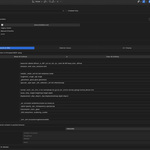
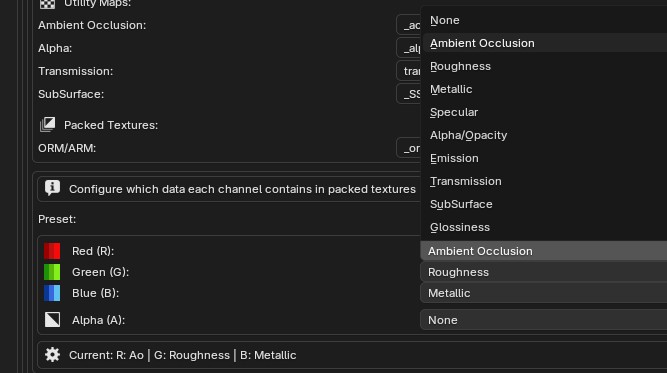
Preferences organized by Tab and with a clean UI for Keywords and ORM/ARM to customize as you like

Sticky Shader Editor in Action
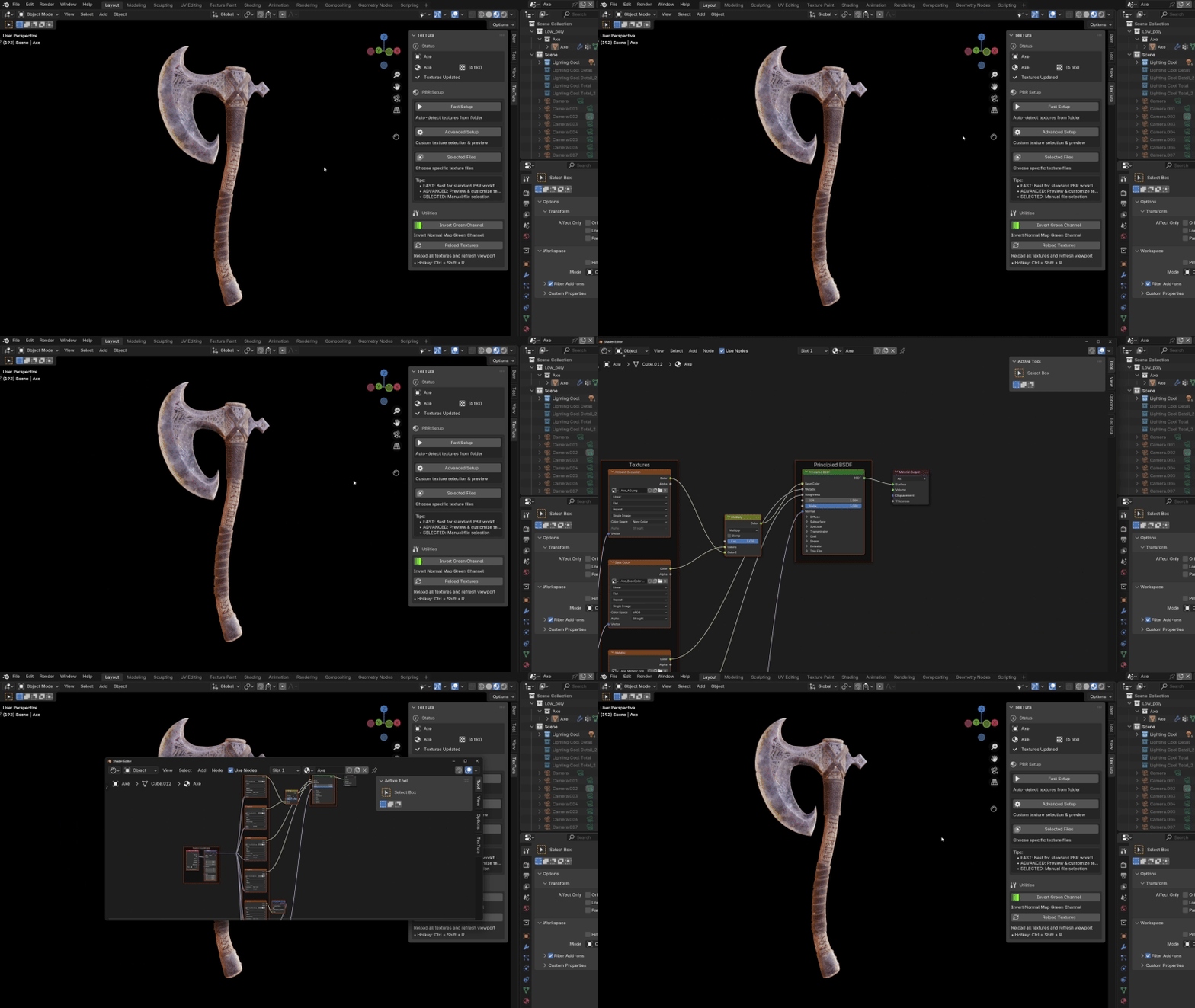
Sticky Shader Editor Demo

The original idea and development of the Sticky Editor belong to Oleg Stepanov

Supported Naming Conventions

TexTura supports most standard naming conventions. Here are some examples:

Descriptive Names

Wood_Floor_BaseColor.png
Wood_Floor_Normal.png
Wood_Floor_Roughness.png
Wood_Floor_Metallic.png

Industry Standard Abbreviations

Brick_d.png
Brick_n.png
Brick_r.png
Brick_m.png

Packed Textures

Metal_ORM.png
Steel_ARM.jpg

ORM/ARM = Occlusion + Roughness + Metallic

UDIM Tiles

Leather_BaseColor.1001.jpg
Leather_BaseColor.1002.jpg
Leather_Normal.1001.jpg
Leather_Normal.1002.jpg

Note: For unsupported naming conventions, use Smart Setup mode to manually assign texture types with full preview control.

Changelog

Latest updates and improvements to TexTura

Version 2.0.5

Latest 31-05-2026
Fixed
Glossiness added as assignable option in the Custom ORM channel mapping — TexTura now automatically inverts it to Roughness and positions the Invert node correctly in the node graph
Fixed hardcoded ORM skip logic — single textures (e.g. AO) are no longer ignored when an ORM is present but that channel is not configured. Skip is now dynamic based on actual channel settings

Version 2.0.4

31-01-2026
Fixed
Triplanar Blend missing Displacement texture
Improved
Selecting a Principled BSDF now automatically finds the associated Displacement node via the shared Mapping node

Version 2.0.3

30-01-2026
Added
Automatic preference migration for seamless updates
Fixed
Texture detection with unusual naming conventions
Added missing keywords: displace, occlusion
Tip for upgraders: If you haven't customized your texture keywords, consider clicking "Reset All Suffixes" in Preferences to get all the latest default keywords.

Version 2.0.2

29-01-2026
Fixed
Directory folders fixed

Version 2.0.1

25-01-2026
Added
Report Bug button with auto-filled debug info
Chainlink toggle in Smart Setup dialog for linked texture parameters

Version 2.0.0

25-01-2026
Added
Shader Control panel for quick texture adjustments
Add multiple PBR setups into a single material
Overview panel for multiple texture sets
Changed
Renamed "Advanced Setup" to "Smart Setup"
Simplified setup modes workflow

Questions?

If you have any questions, issues or ideas feel free to contact me:

Mail: [email protected]
X: @manuel_donofrio


$7

Have questions about this product?
Login to message

Details
Sales 40+
Rating
6 ratings
Dev Fund Contributor
Published about 1 year ago
Blender Version 3.0 - 5.1
Extension Type N/A
Render Engine Used Blender-Game-Engine, Cycles
License GPL