TexTura - Smart PBR Automation
 Manuel D'Onofrio


Installation
Step 1: Download
-
Download zip file from SuperHive
- Do NOT unzip the file
Step 2: Install in Blender
- Open Blender
- Go to
Edit → Preferences(orBlender → Preferenceson macOS) - Select
Add-onstab - Click
Install...button - Navigate to and select
TexTura.zip - Click
Install Add-on
Step 3: Enable TexTura
- Search "TexTura" in the add-ons list
- Check the box next to "TexTura"
- Click
Save Preferences
Step 4: Verify Installation
- In 3D Viewport, press
Nto open sidebar - Look for "TexTura" tab in the sidebar
- If visible, installation successful!
Preferences
Access via: Edit → Preferences → Add-ons → TexTura → Preferences
PBR Material Settings
- Bump Strength: Default strength for bump nodes (0.0-10.0)
- Displacement Scale: Default scale for displacement (0.0-1.0)
- AO Mix Factor: Ambient occlusion mixing strength (0.0-1.0)
Sticky Shader Editor
- Show UI Button: Enable/disable floating button
- Editor Side: Left or right side placement
- Position Mode: Percentage or gizmo column positioning
- Vertical/Horizontal Position: Custom button placement
Basic Workflow
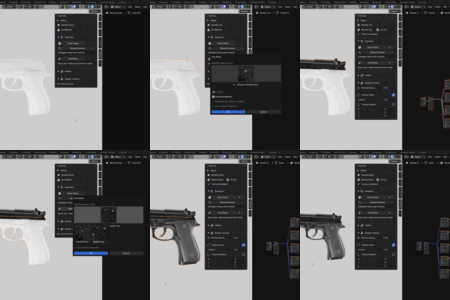
- Select a mesh object in your scene
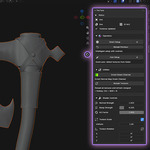
- Open TexTura panel (sidebar → TexTura tab)
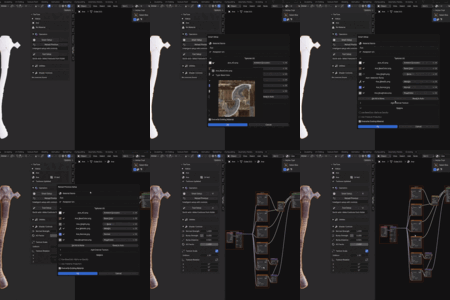
- Choose your setup method
- Click and done!