 codesignprojects

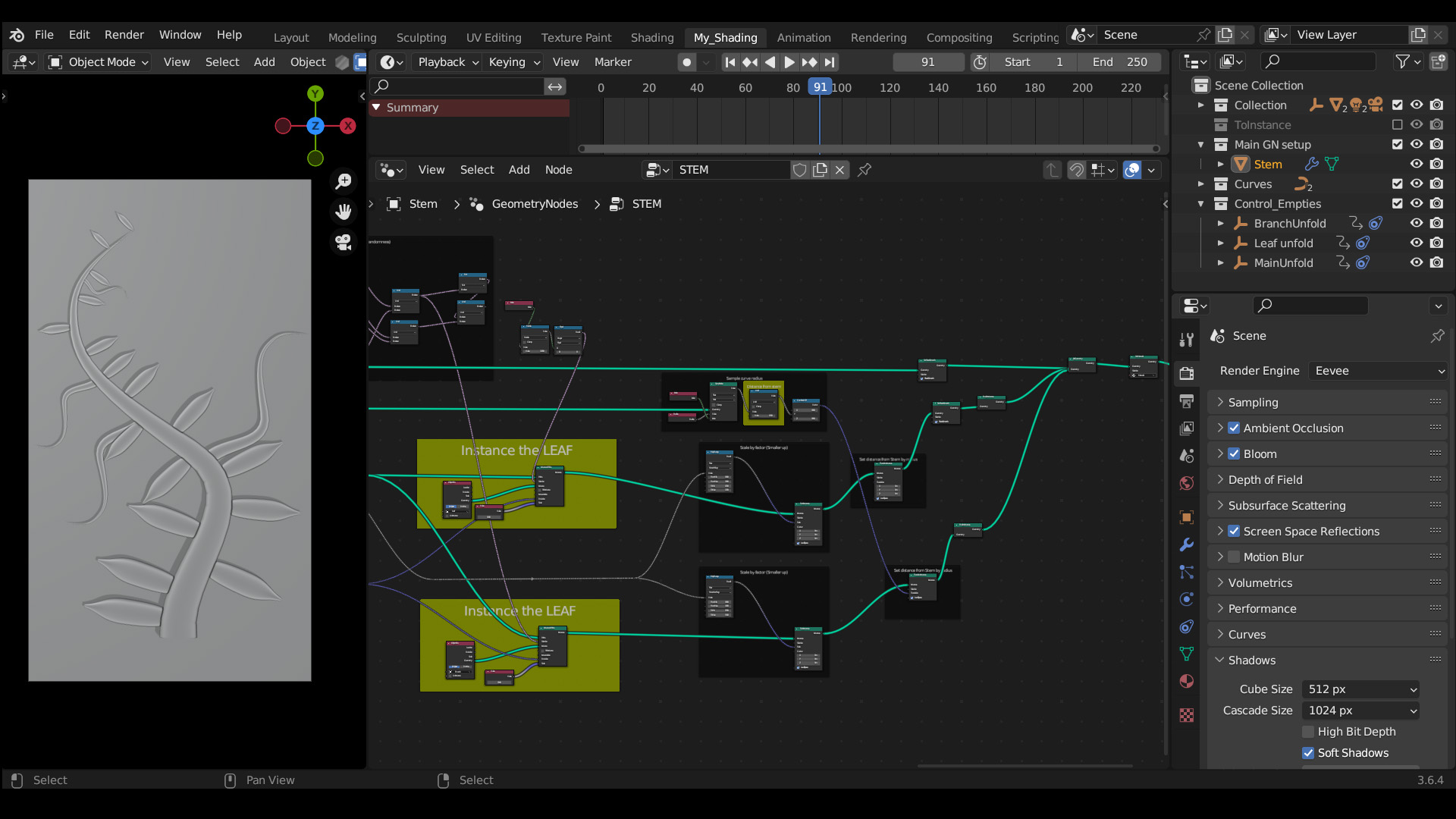
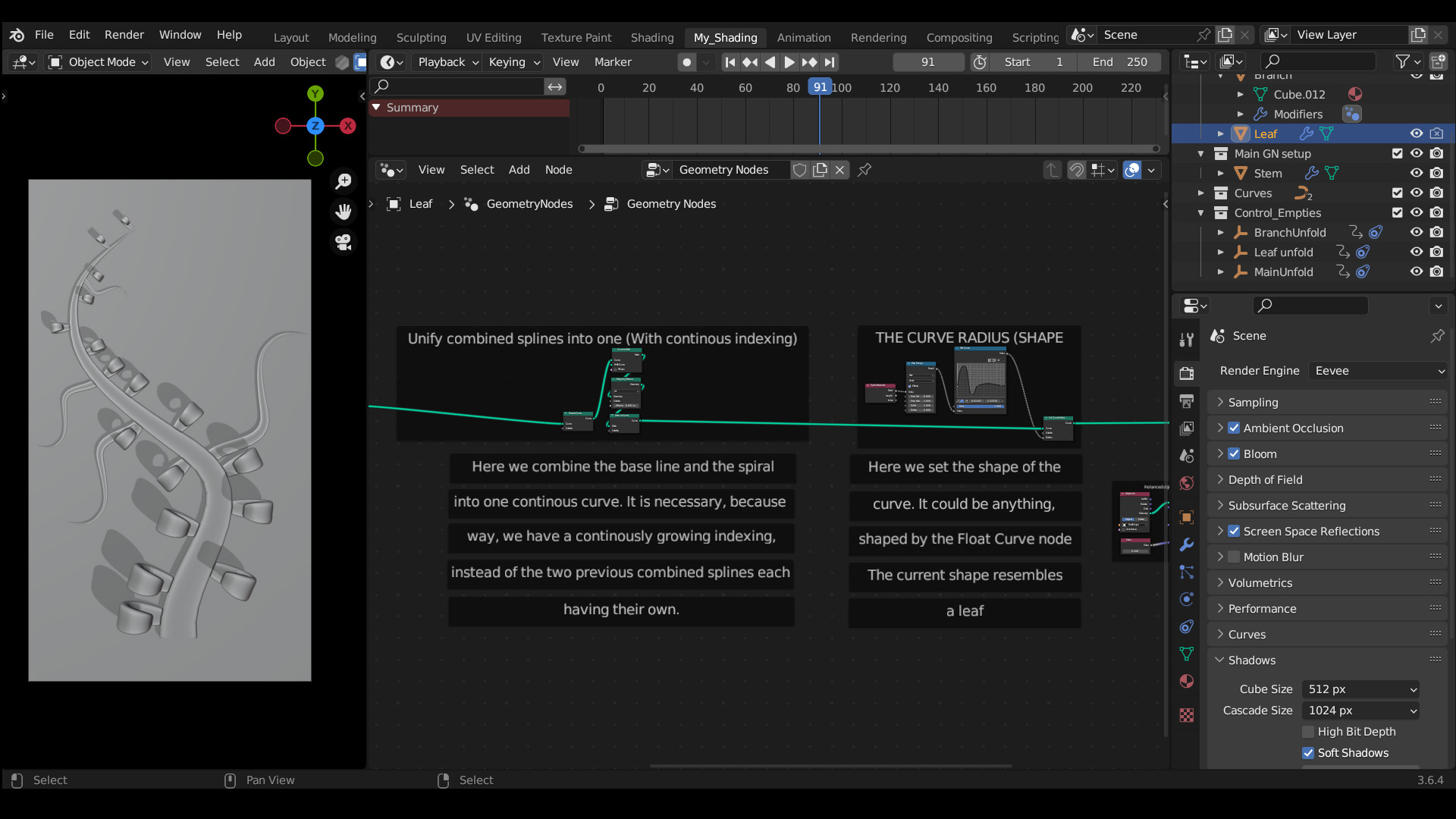
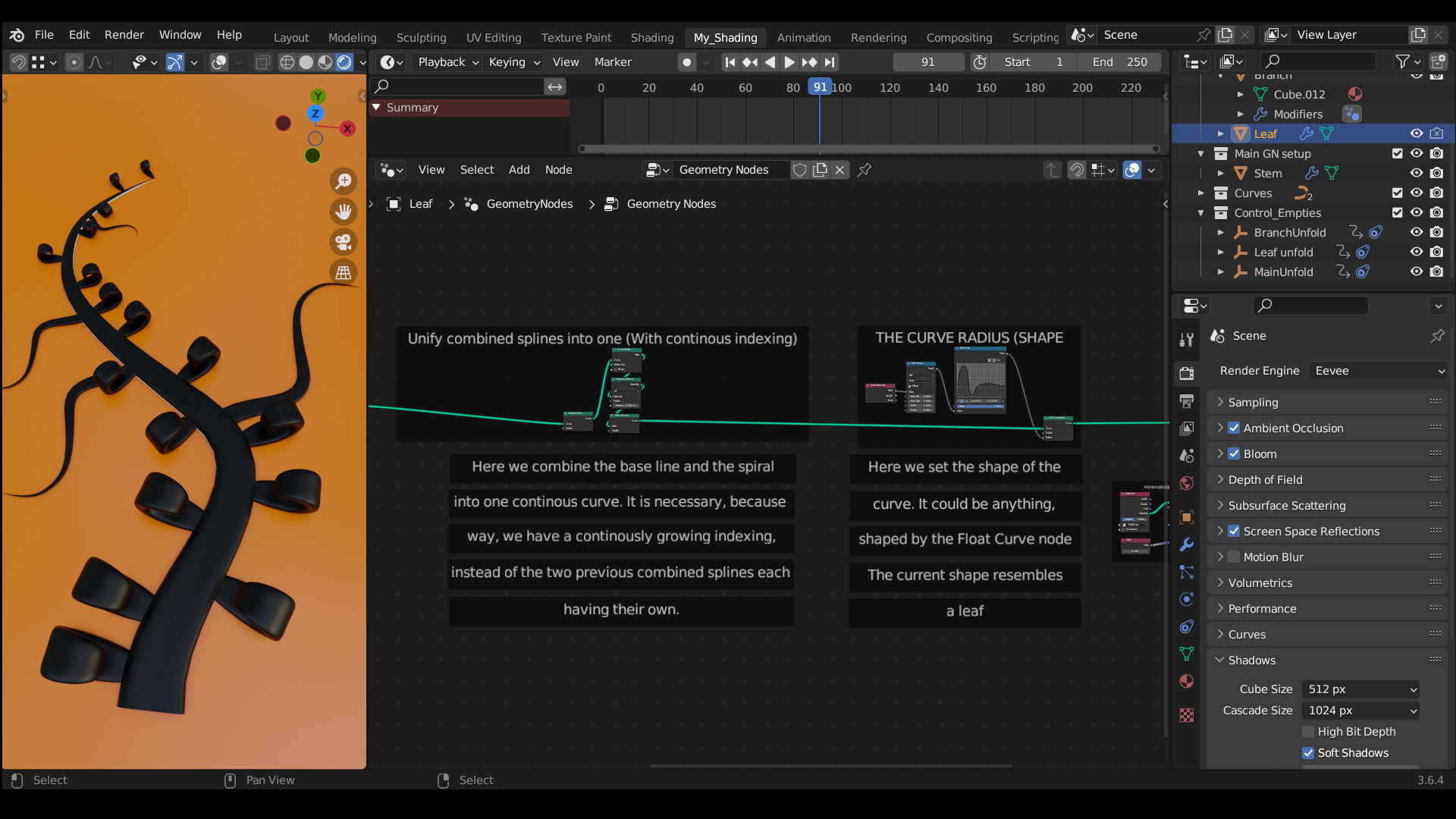
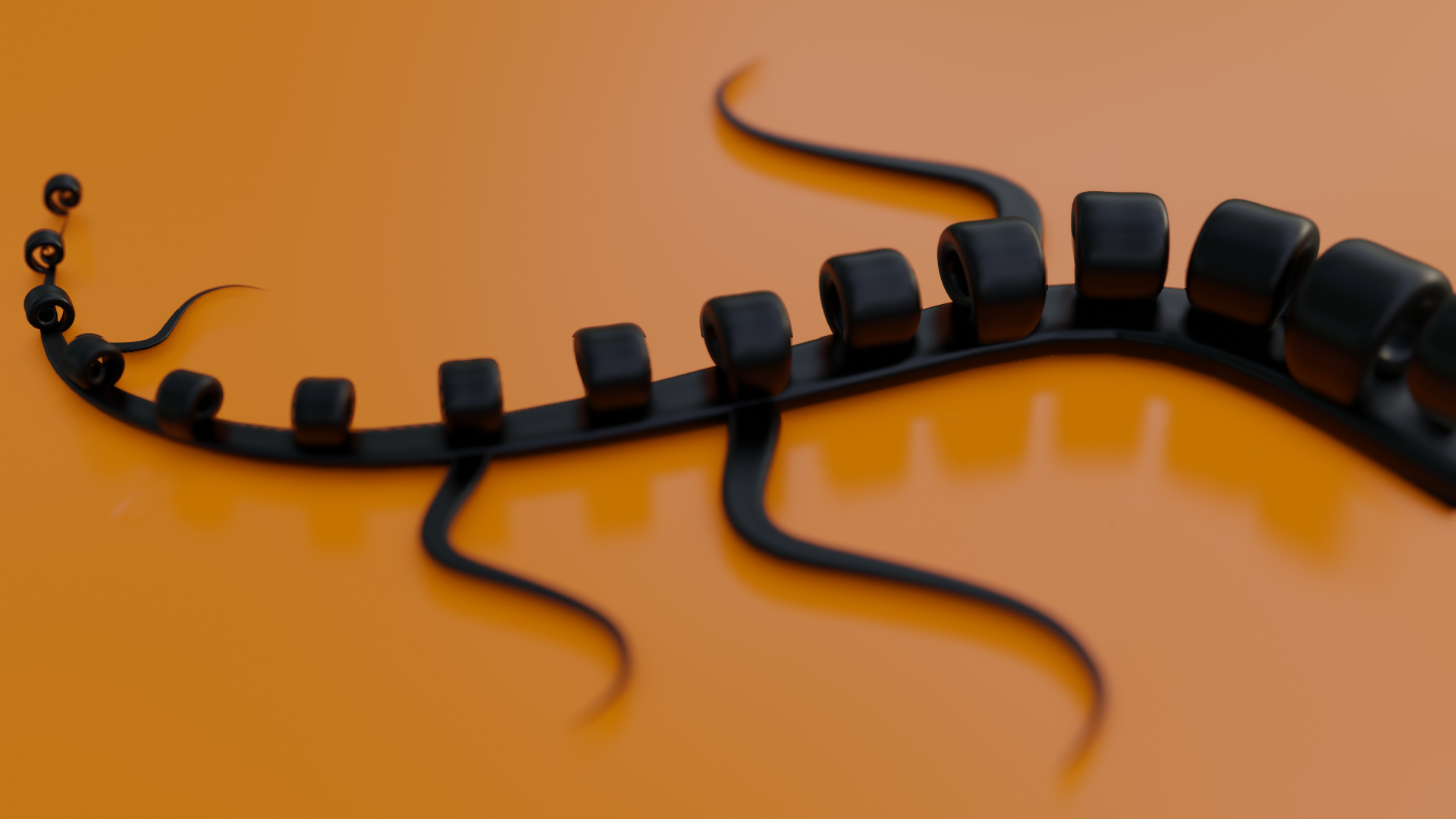
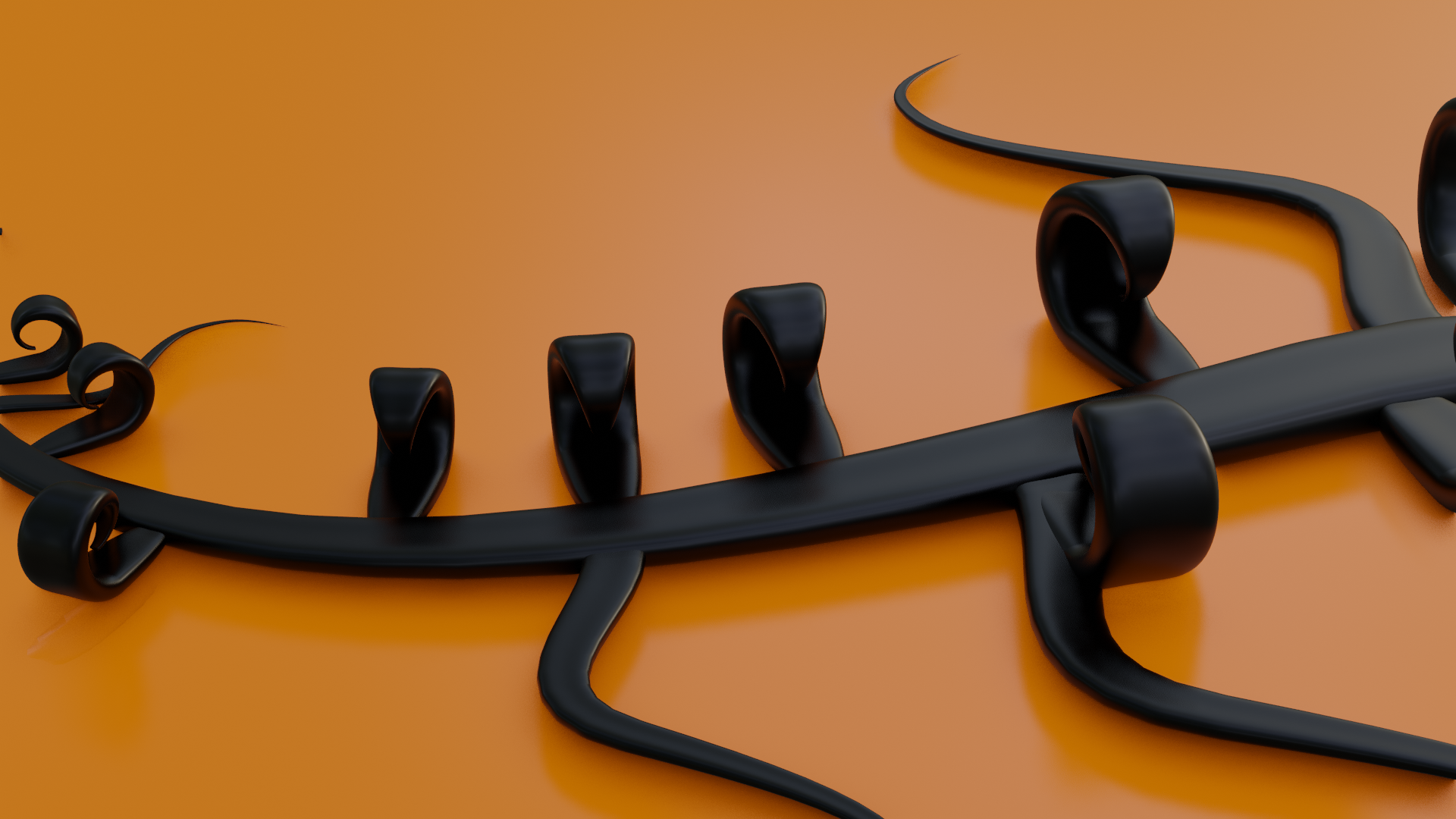
An Unfolding Spiral Setup Example with Instancing in Geometry Nodes.
▶ Video Demos: Demo 1 (YouTube) | Demo 2 | Alternate Example
How it works: A base curve line and a spiral are combined, then "unified" so they form one continuous curve. The shape of the curve is achieved by a Float Curve node. The recombination of the spiral and its base curve line (the "stem") makes it possible to create the unfolding spiral, which can be shaped by its curve radius and treated and textured as one continuous curve. The whole setup is completely procedural (the leaf's shape, the branch placement, and so on).
---------------------------------------------------------------------------------------------
What's Included (Two Blends):
- The Full Setup.
- A Simplified Version of a curve turned into an unfolding spiral with a texturing example.
---------------------------------------------------------------------------------------------
Developer's Note:
This node tree is kept clean for easier readability and features detailed explanations. Everything is built from the ground up.
The point of these setups is to provide a base core of the concept, node by node, instead of contracting everything into node groups with exposed settings, which makes everything harder to read and dissect.
You can embellish and refine the core to realize your own ideas. Read the internal text descriptions, as they contain a lot of useful info!
---------------------------------------------------------------------------------------------
The Spiral Curve Collection (3 Setups):
- The Peel — "Stem and Peel" spiral effect to any curve in Geometry Nodes
- Unfold — Spiral Any Curve In Geometry Nodes
- The Curl — Unified Unfolding Spiral Setup In Geometry Nodes
Recommended Tools:
- Distortion-Free Curve UV Map (An additional setup creating actually seamless Curve UV Maps for curves generated in Geometry Nodes)