 codesignprojects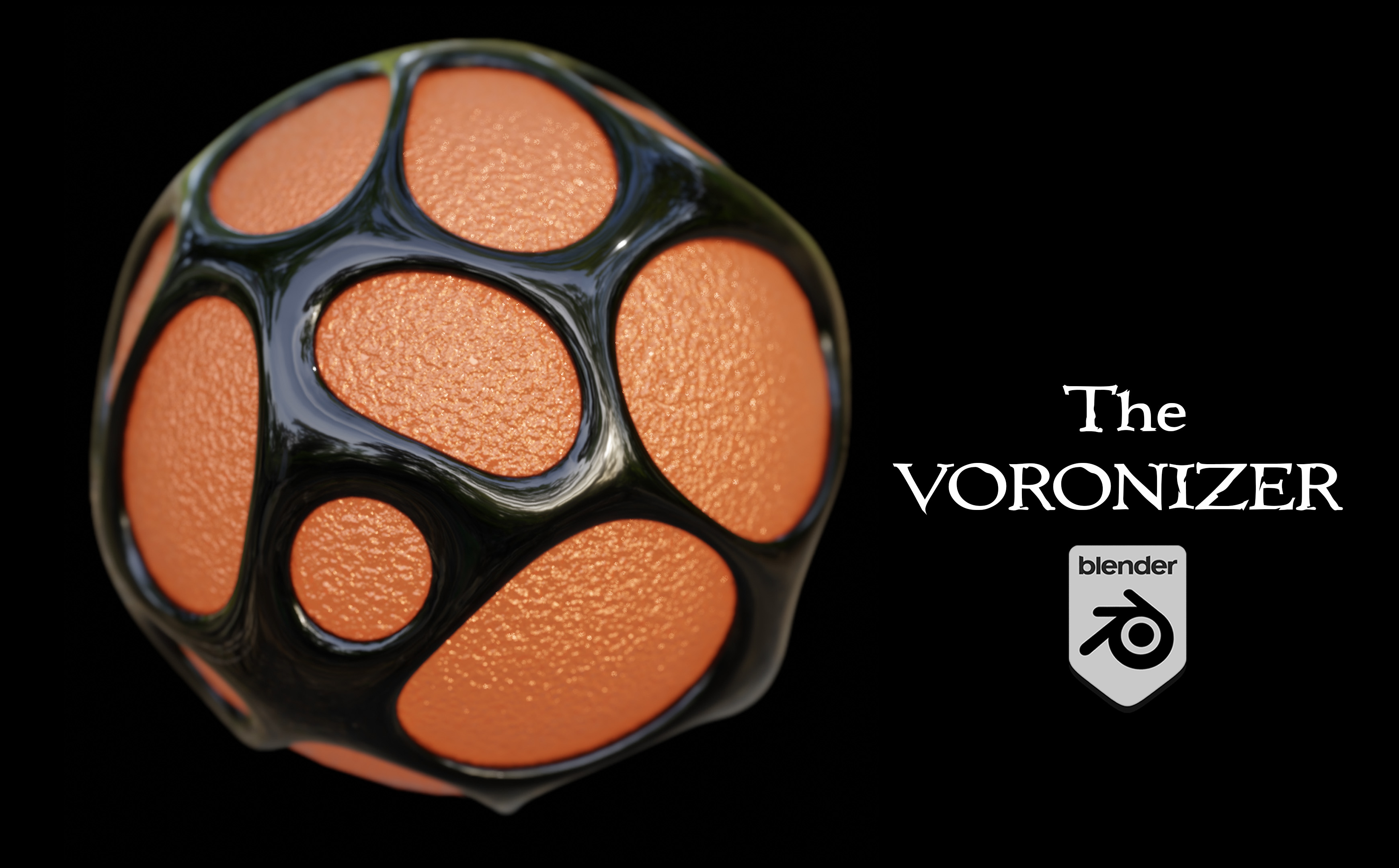
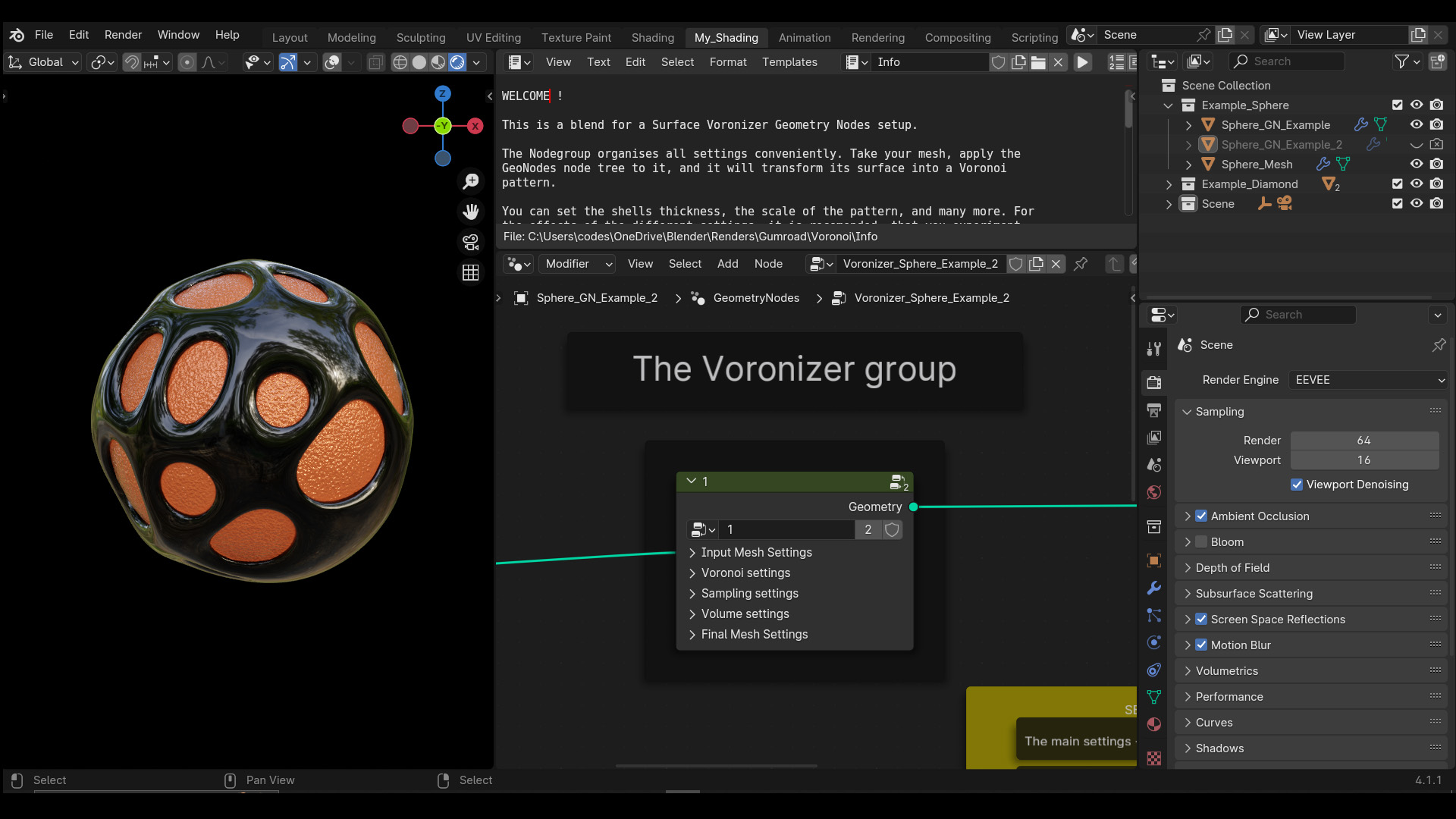
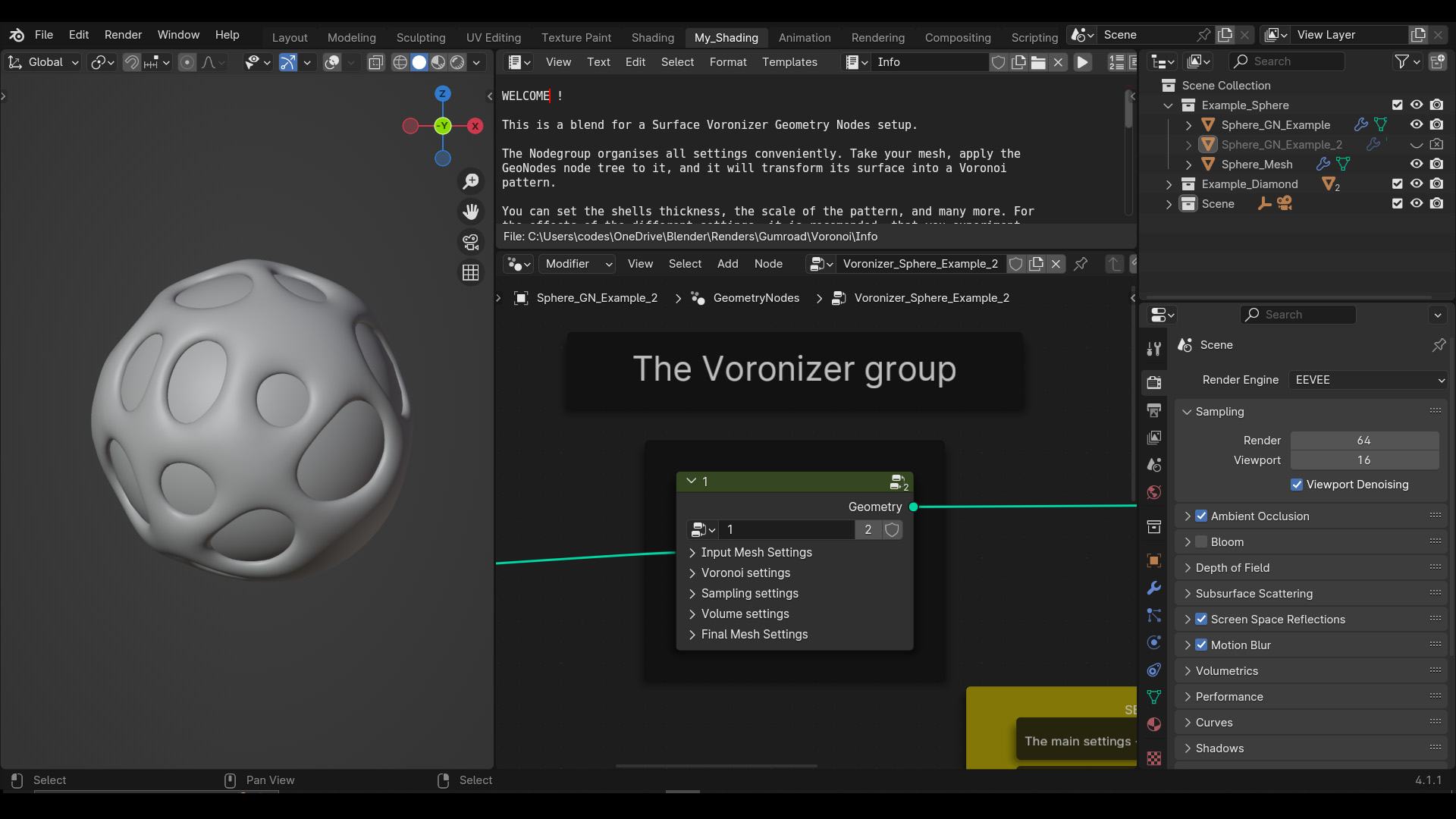
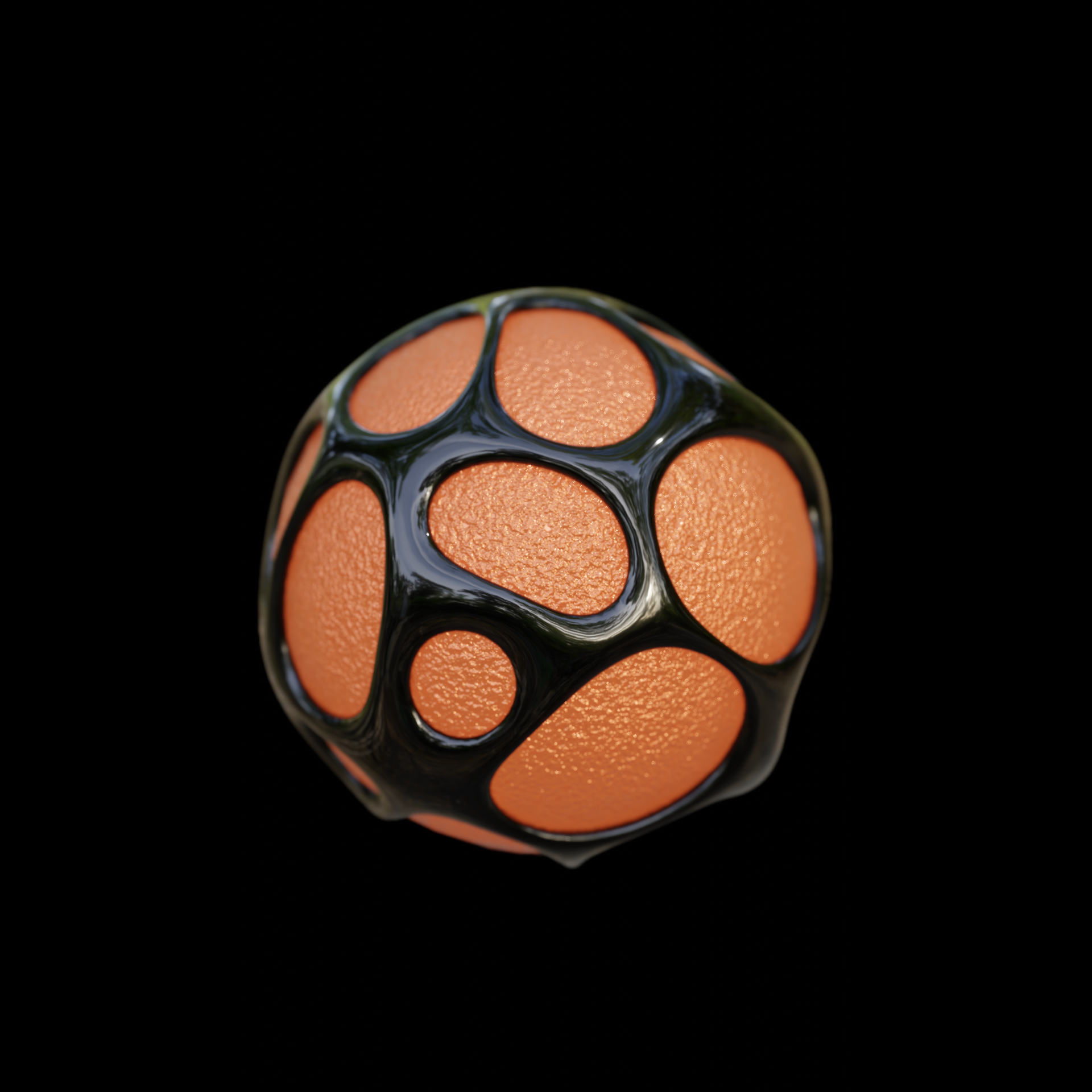
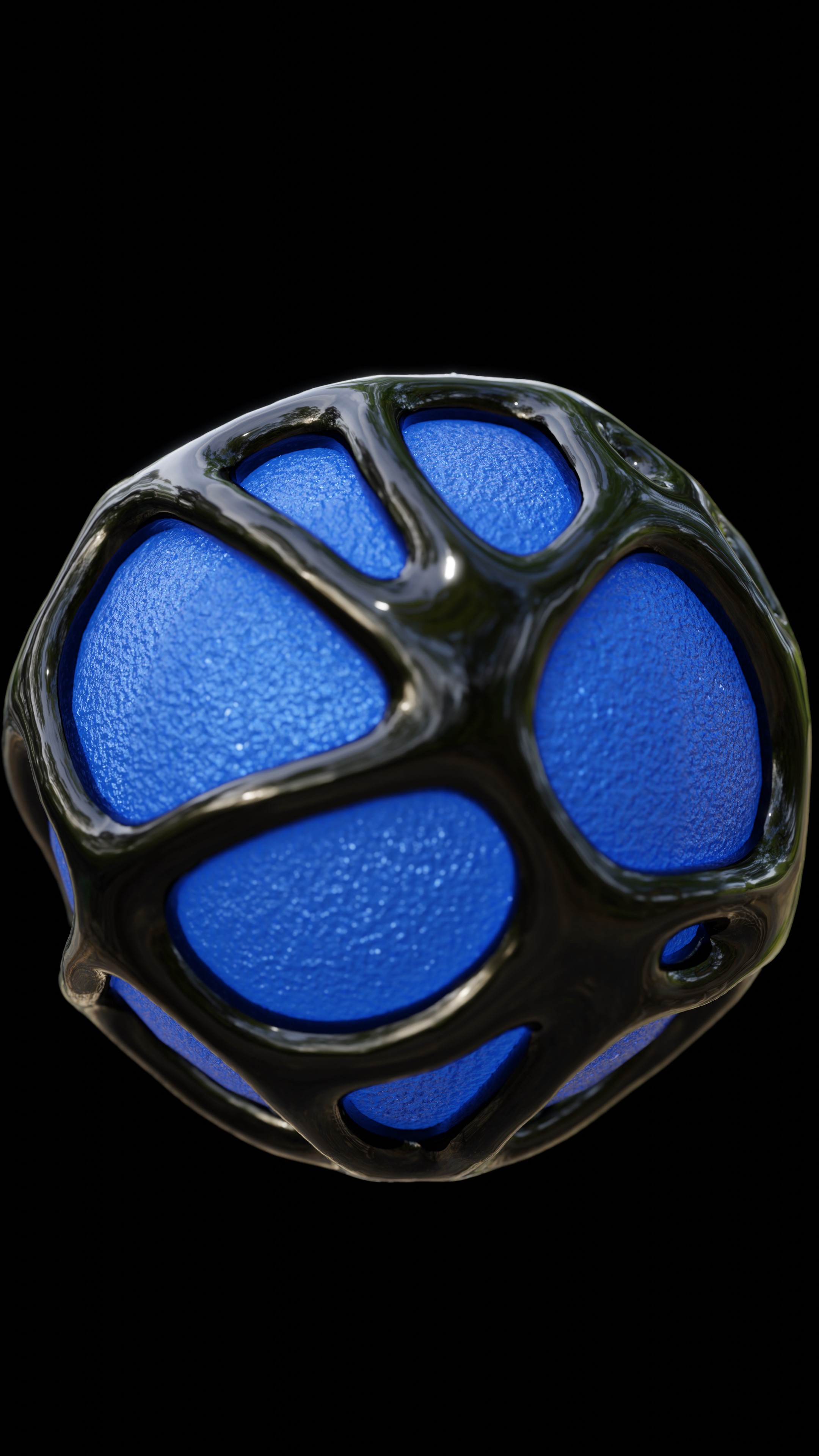
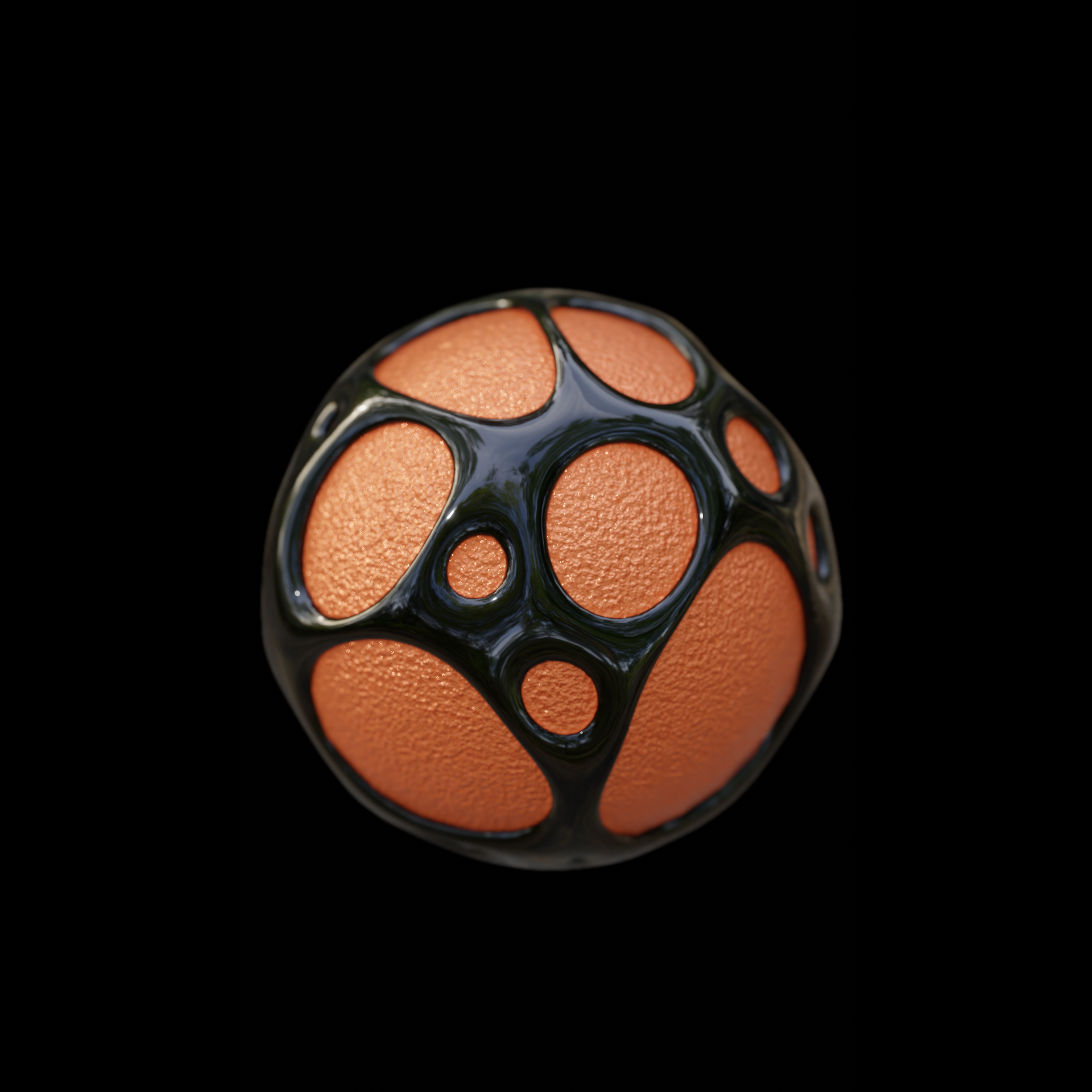
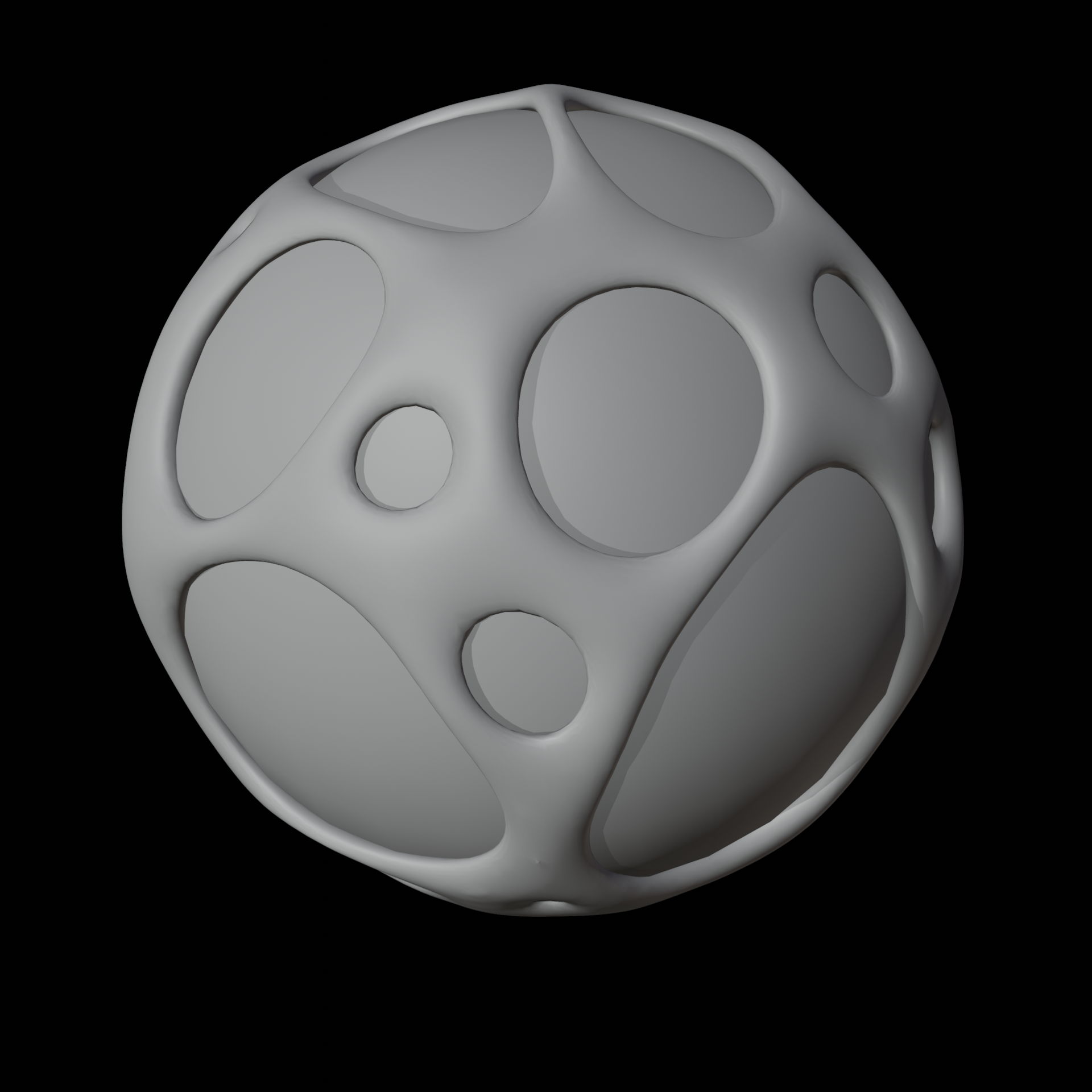
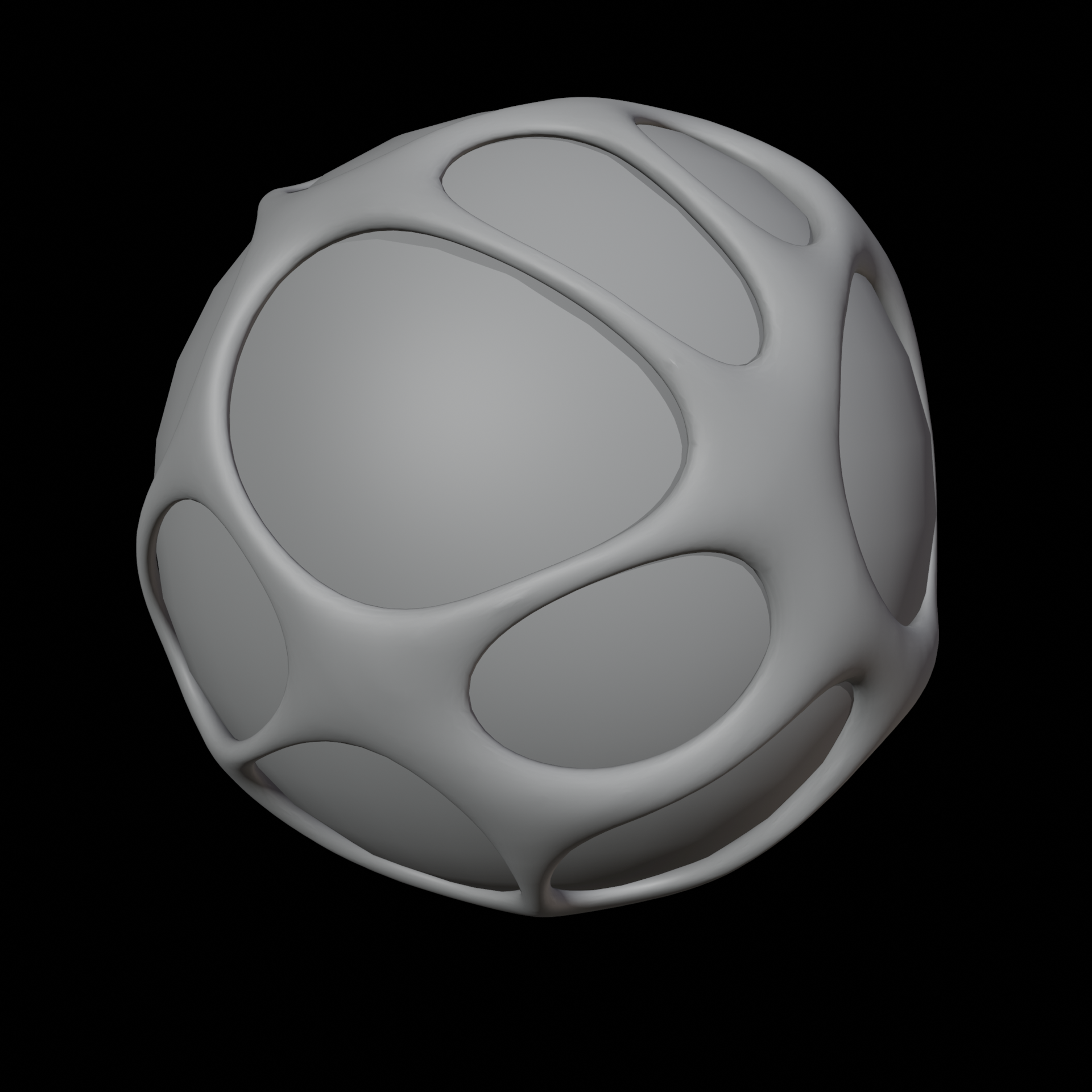

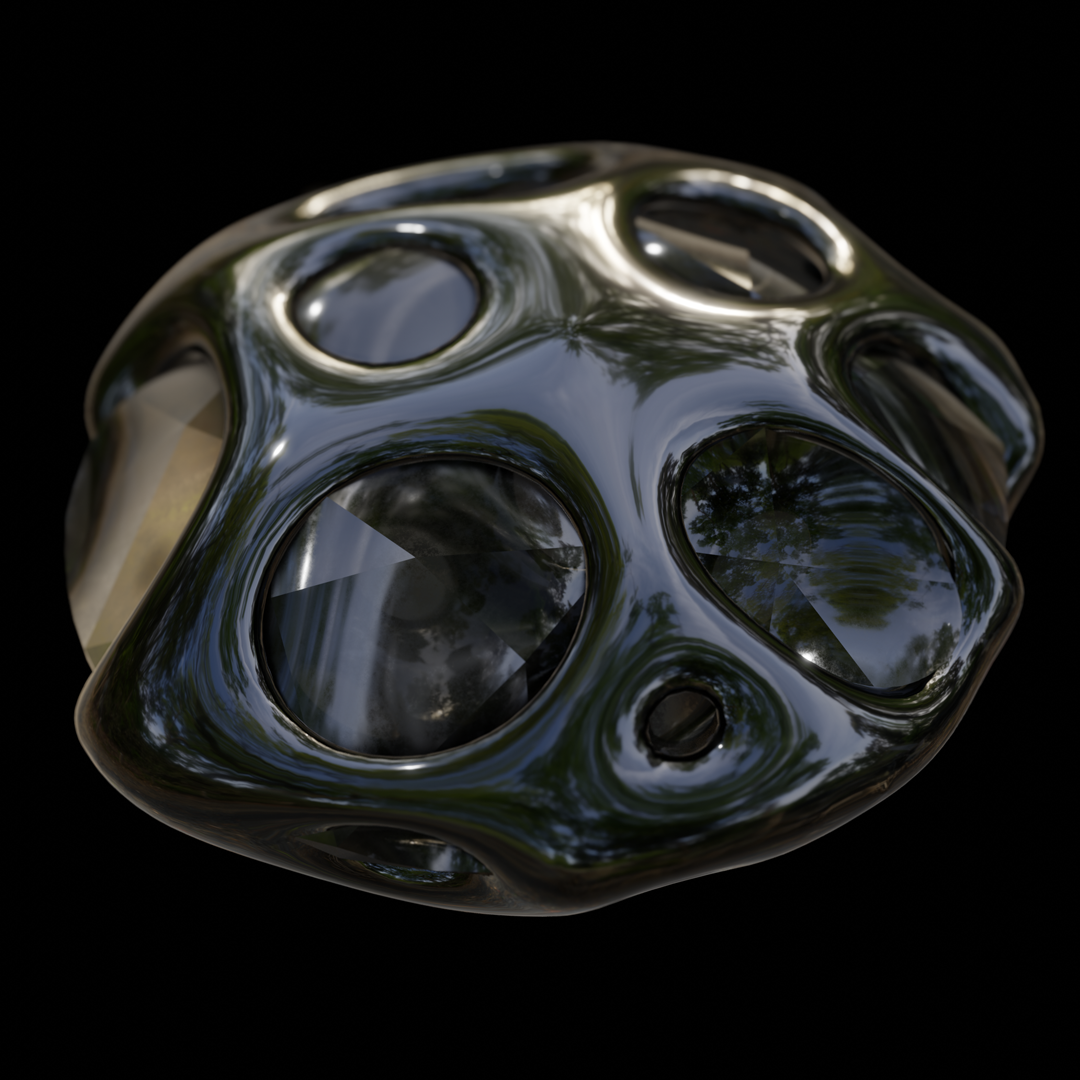
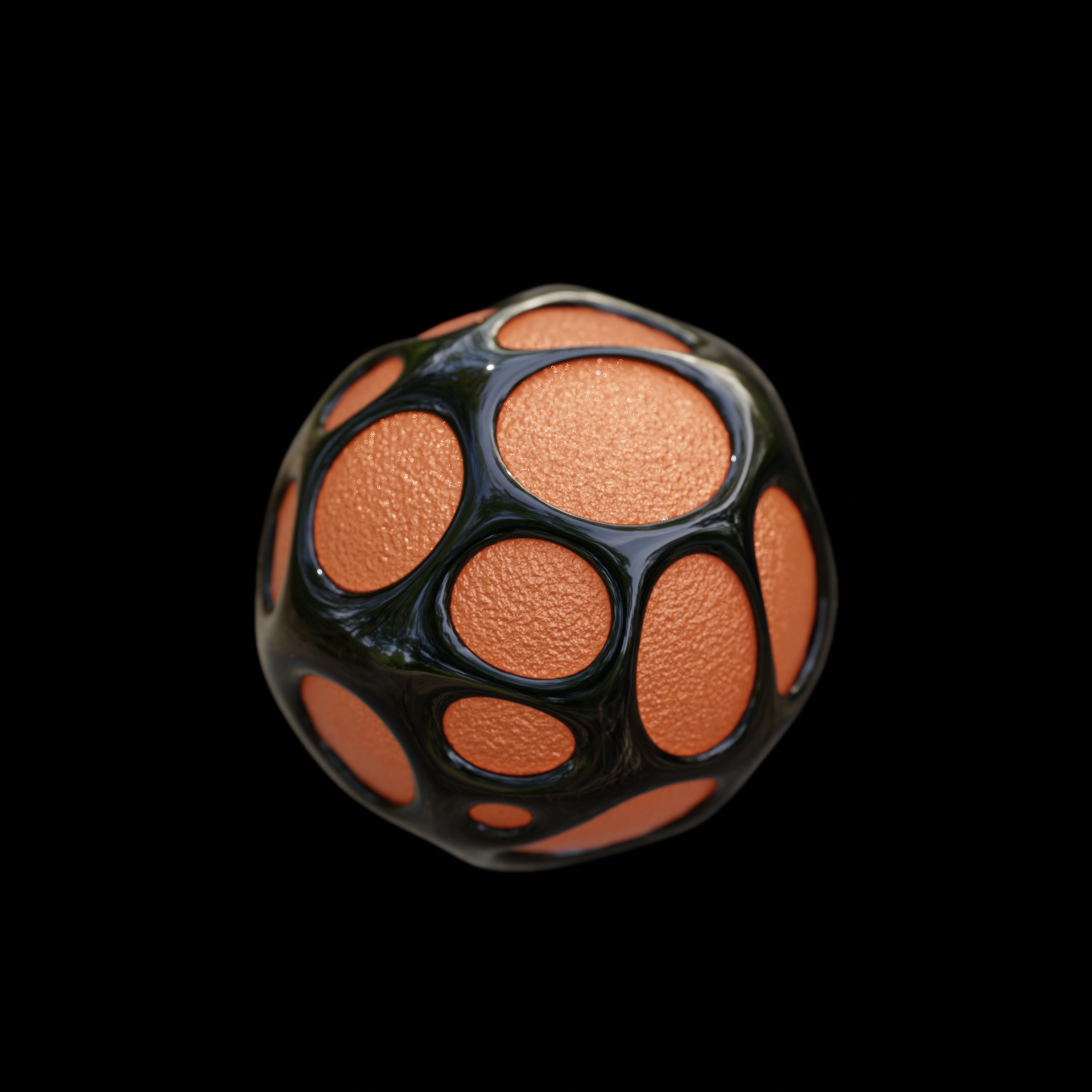
A lightning fast Geometry Nodes based setup to create a Voronoi shell-effect from any mesh.
Video demo here, here and here.
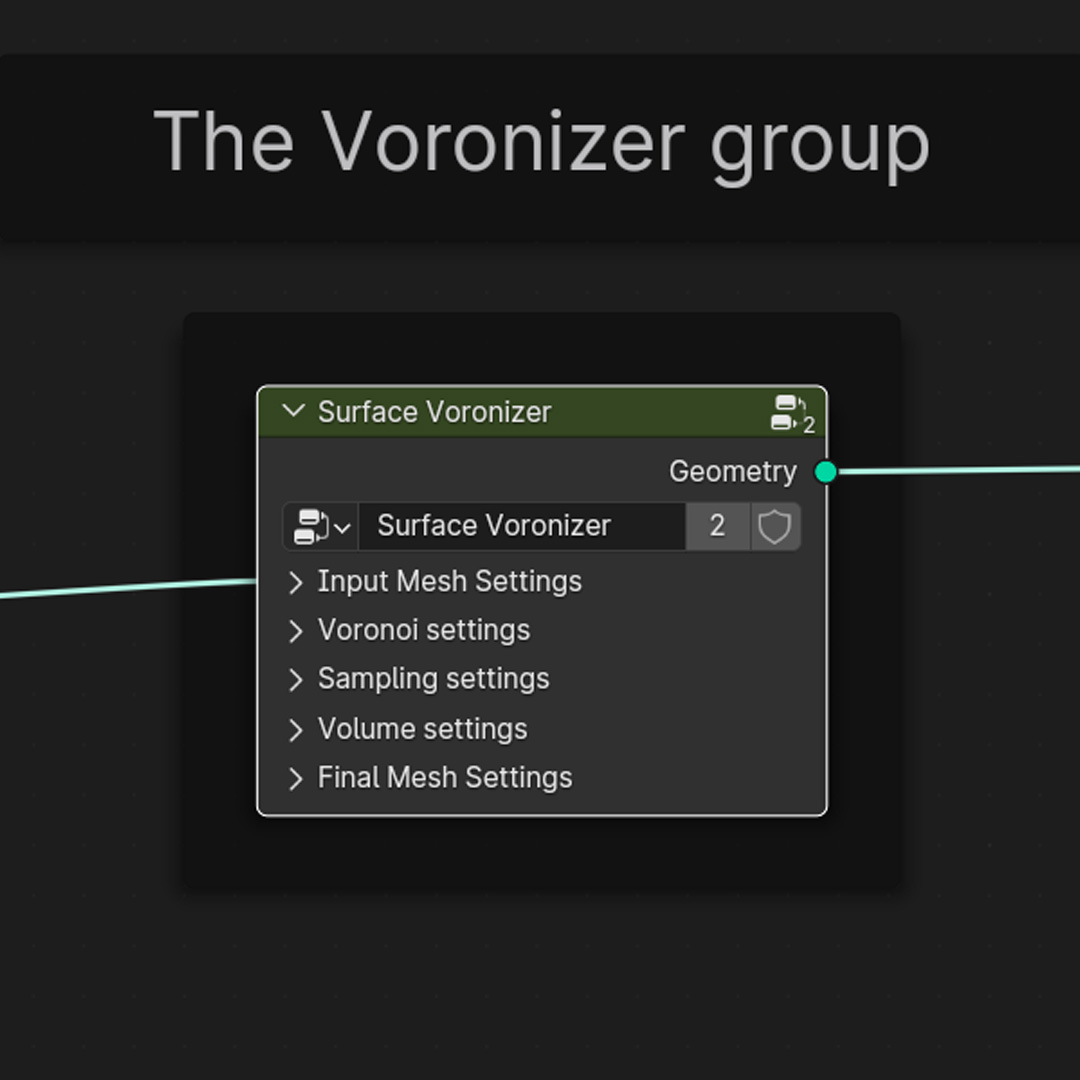
Simply take your mesh, apply the GeoNodes setup, tweak settings to your liking and away you go !
The parameters of the Voronoi pattern are completely customizable.
The Node tree comes with the full setup, labels and explanations.
The setup is only one example of using this node tree, you can utilize it for your own vision. The effect is fairly straightforward - based on distributing points by a Voronoi texture node, then converting those points into volume, and, finally, that volume to mesh. With some smoothing added, the effect is complete. The animation is based on the keyframed setting values of these effects.
(The input mesh itself is turned to it's own Voronoi-shell. The best workflow is to duplicate the mesh, slightly scale one of them down, and attach the Node tree to the other ! See linked video for details !)
Happy Blending !
----------------------------------------------------------------------
NOTE
-(Since it is a concept demonstration, it is kept as simple as possible.) The GeoNodes trees are kept clean for easier readability and have detailed explanations. Everything is built from the base. The point of these setups is to provide the core of the concept, node from node.
You can embellish, refine as you wish based on the core or realize your own ideas.
-Read the text description, it has a lot of useful info !
-An example of animation has been added, check it out !
-The setup works in 5.2, but due to the Eevee changes, you might want to adjust the look accordingly, to tailor it to your taste ! (Like Denoise, the HDRI, the Raycast, the Glow in compositor and so on.)
----------------------------------------------------------------------
----------------------------------------------------------------------
Questions welcome !
Contact at
- Here at Blendermarket inbox
- At [email protected]
----------------------------------------------------------------------
Recomended blends -