Wave Upon Wave - Draw With Rotating Unit Vectors in Geometry Nodes (Fourier-Series Implementation)
 codesignprojects
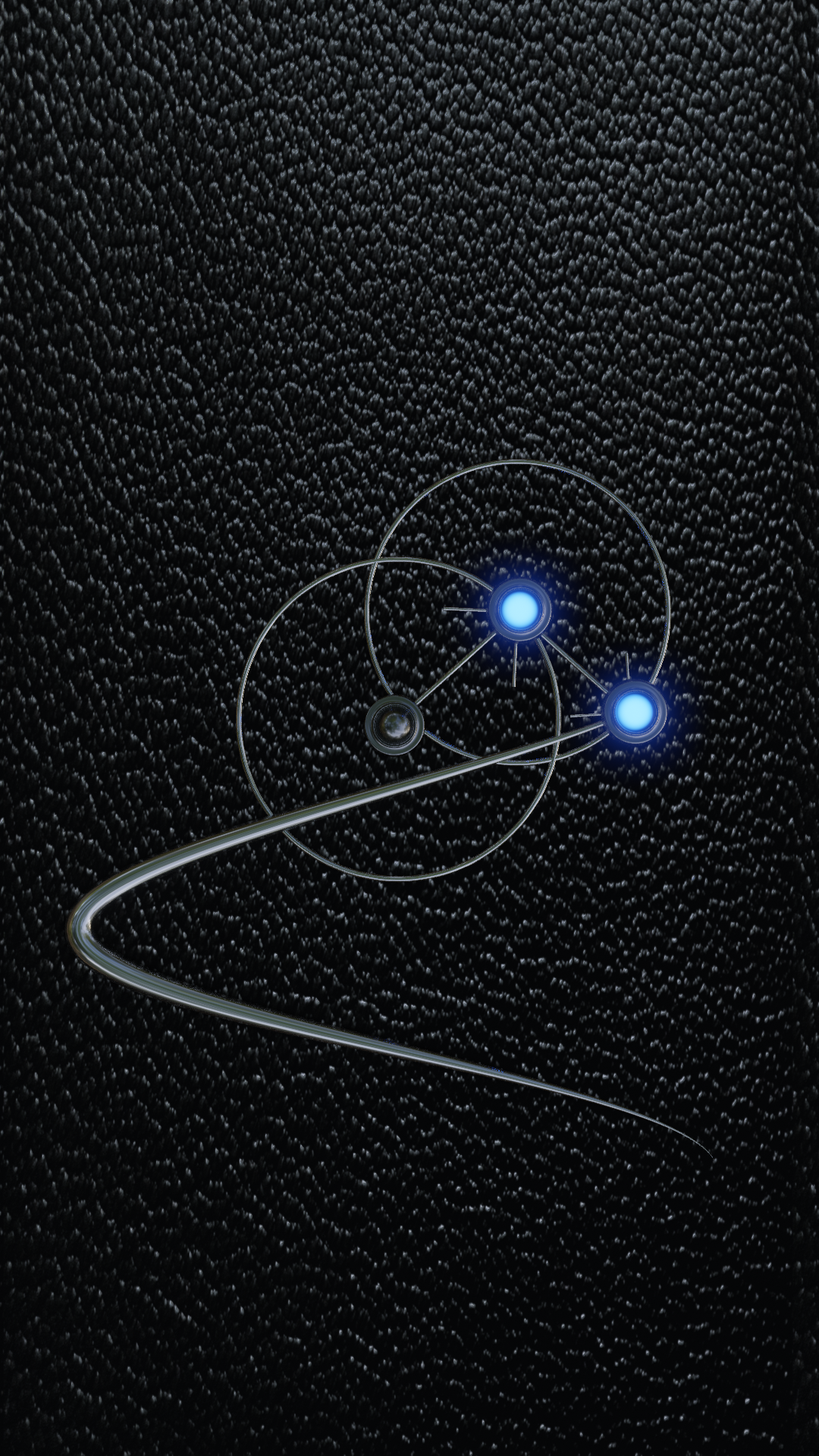
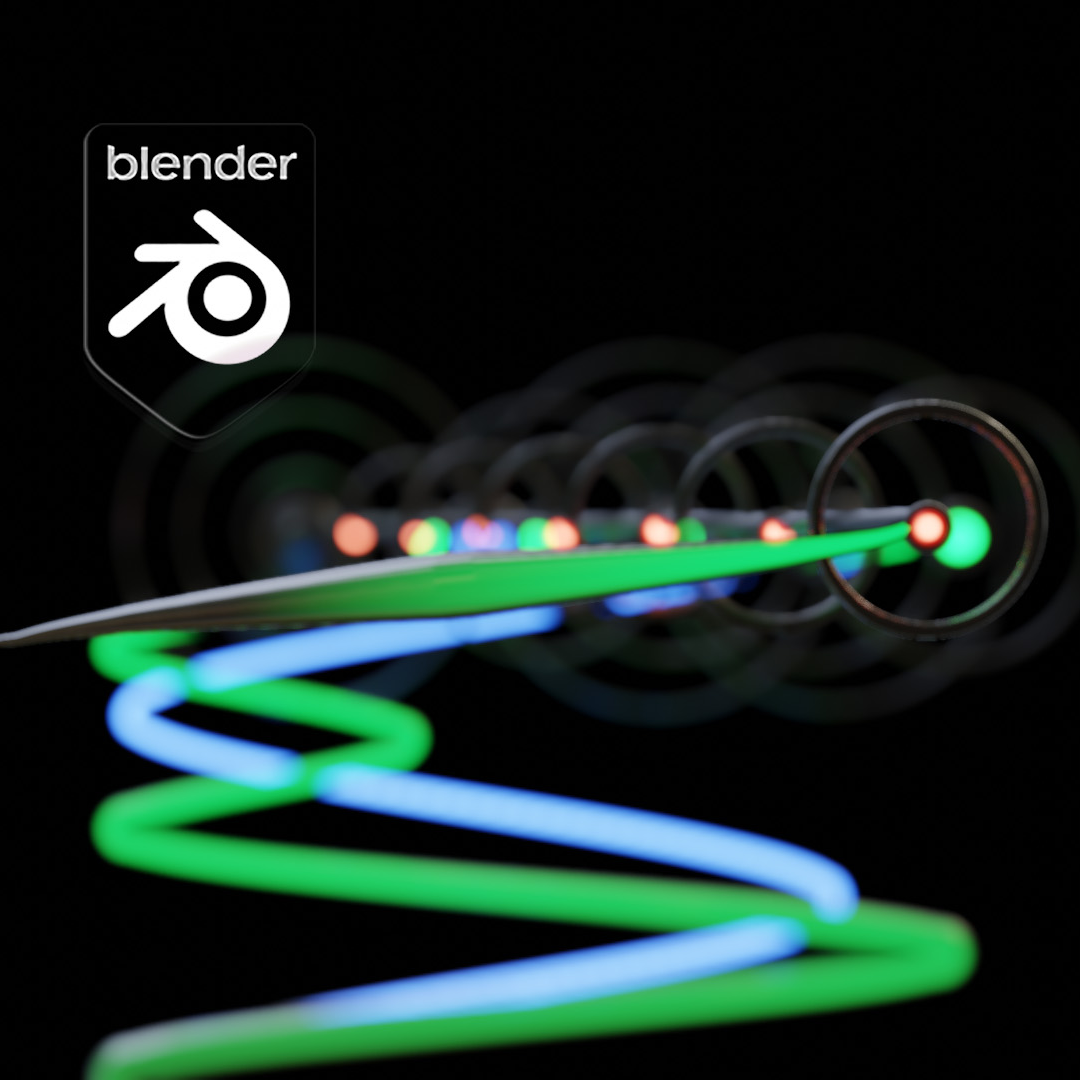
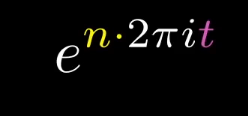
How do I change which circle draws the path?
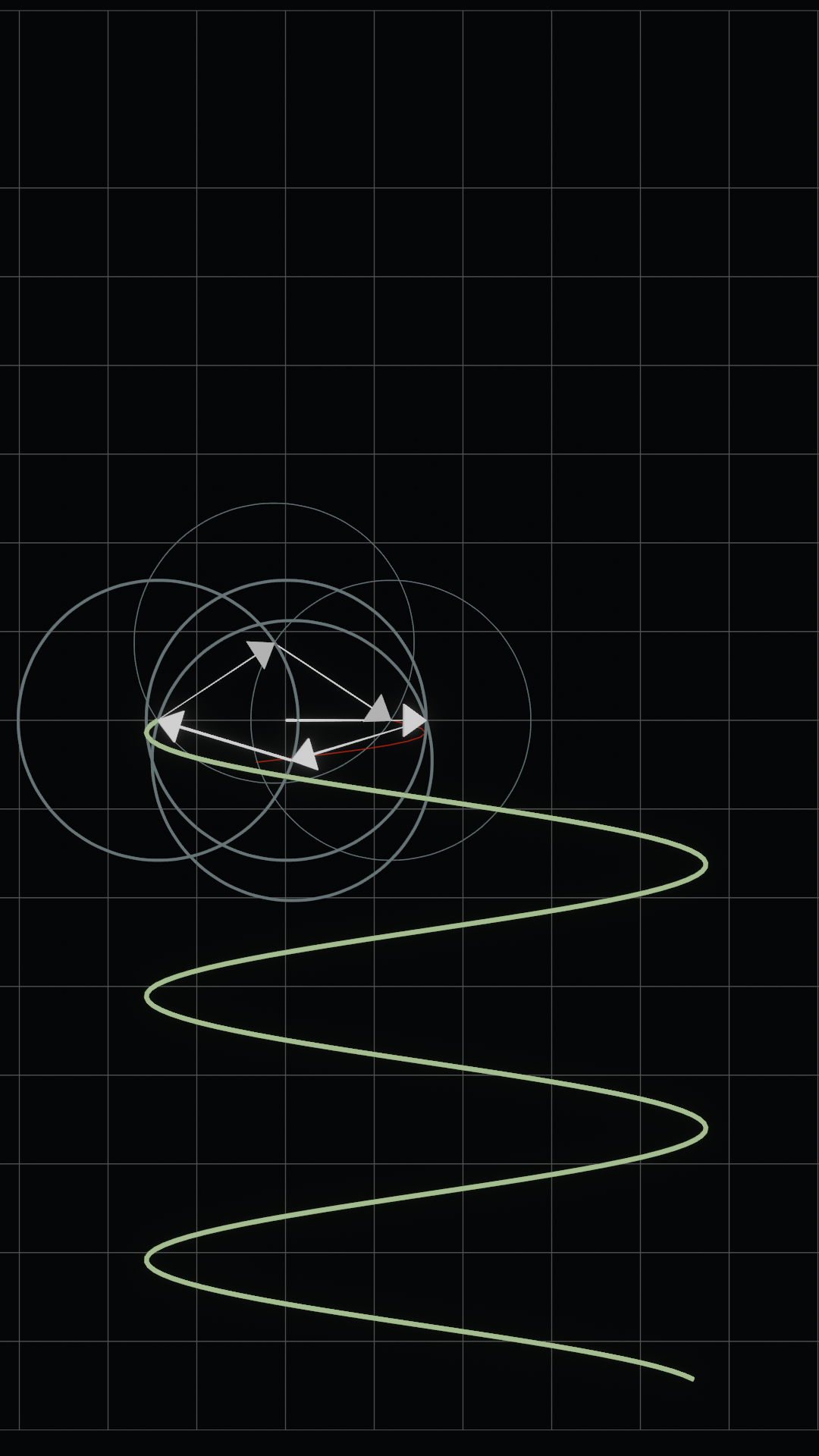
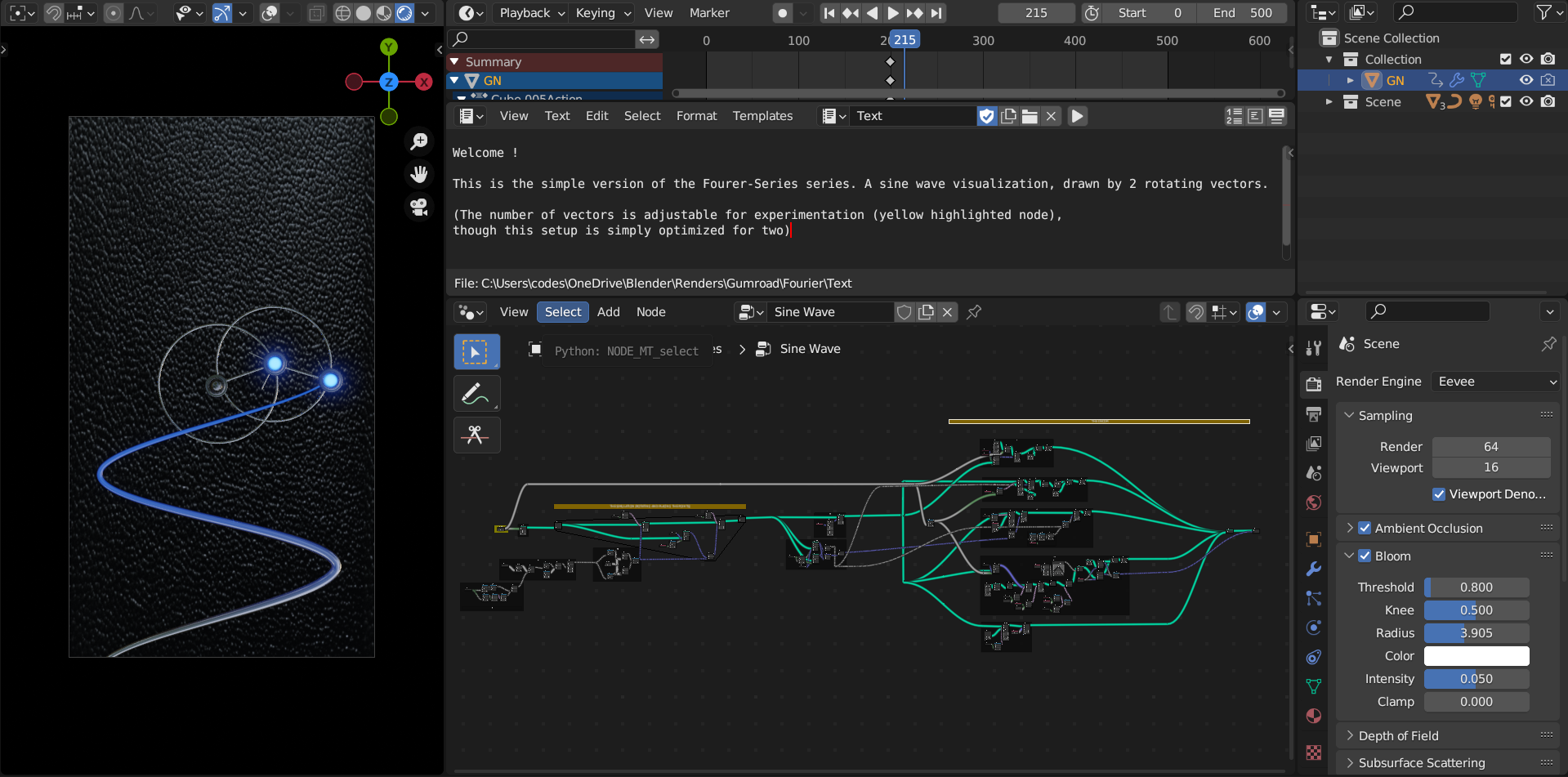
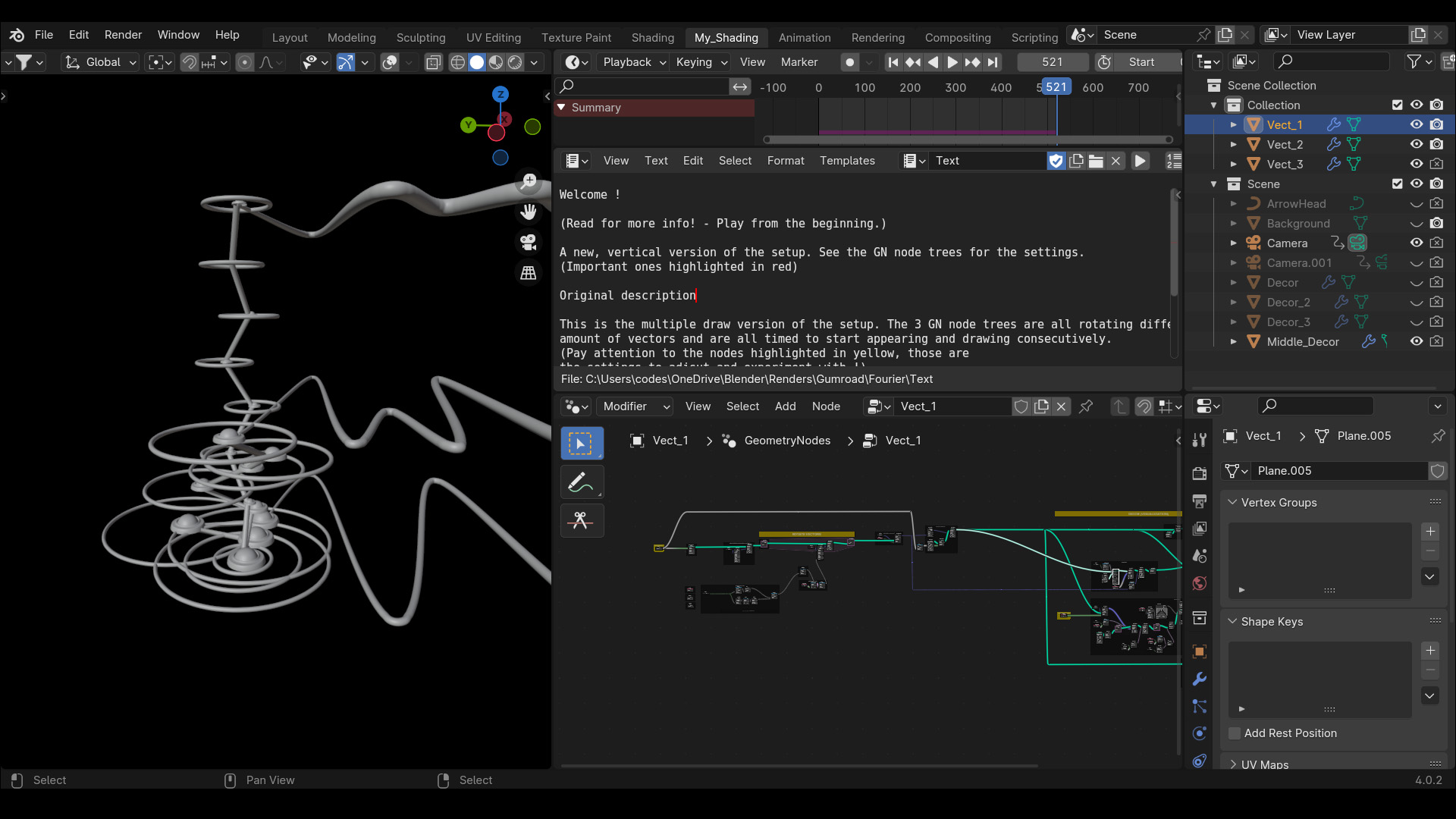
Locate the WHICH VECTOR TO DRAW frame. Adjust the Integer node to match the index of the vector you want to trace. By default, tracing the final vector in the chain will draw the most complex waveform.
Why does the drawn path disappear or glitch when I scrub the timeline?
The path generation and vector rotations rely on a Simulation Zone that calculates positions frame-by-frame. You cannot scrub backwards. Always play the animation from Frame 0, and bake the simulation cache before final rendering.
How do I adjust the overall speed or size of the visualization?
Find the Radius and Speed frames attached to the base point generation. Changing the Value node in the Speed frame will uniformly multiply the rotation speed of the entire vector chain.
How do I change the color of the path or circles?
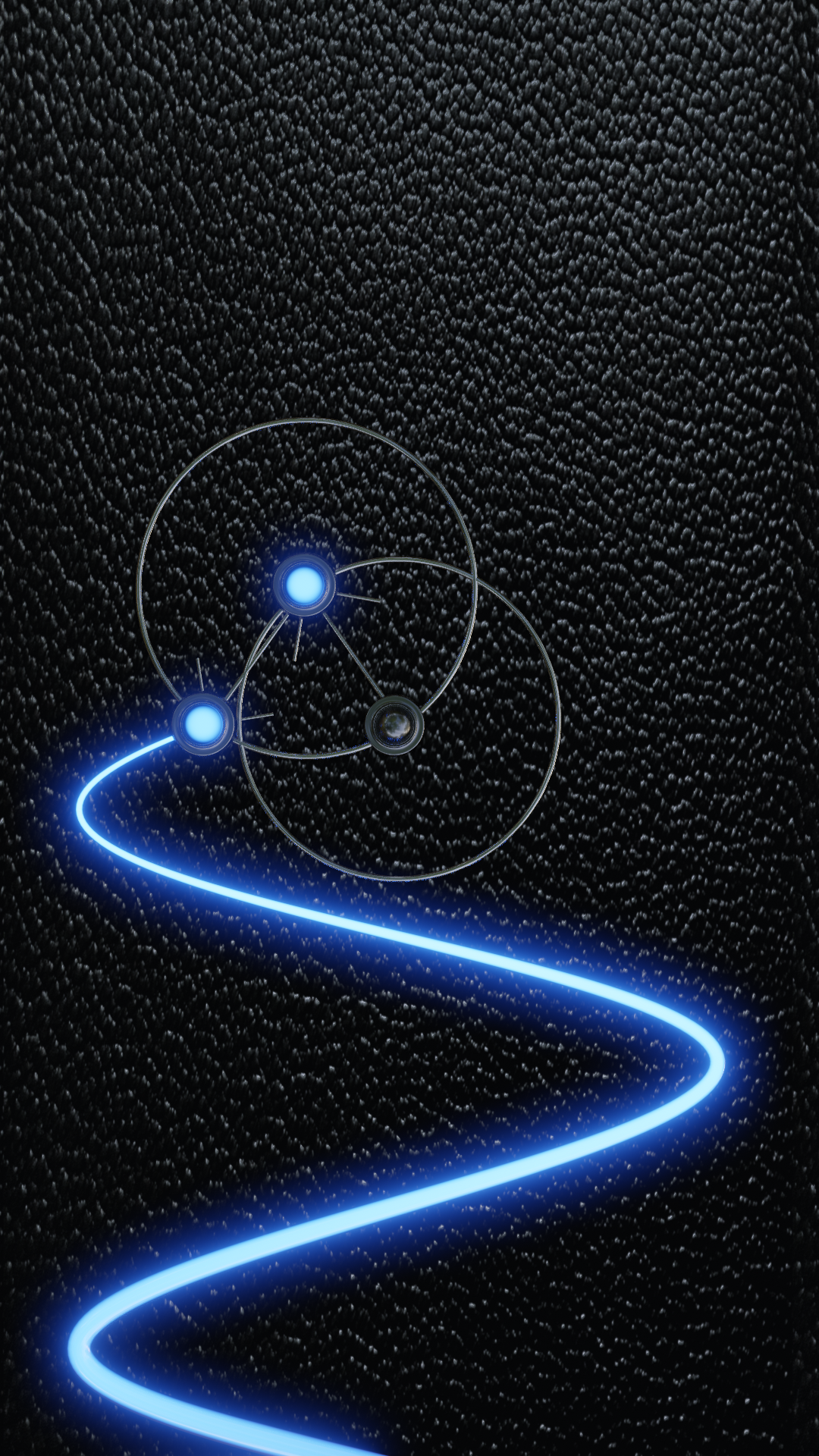
The node tree assigns standard materials using multiple Set Material nodes (e.g., "Glow" for the path, "Material" for the circles). You can swap these out for your own materials in the modifier properties or directly inside the node tree. The drawn path also exports a UV map for gradient shading.
Have questions about this product?
Login to message
| Sales | 10+ |
| Published | over 3 years ago |
| Blender Version | 3.6 - 5.2 |
| Render Engine Used | Cycles, Eevee |
| License | Creative Commons |
Discover more products like this
geometry nodes cool Visualization drawing with circles circle realistic sci fi math vector Science math visualization fourier