Theme Lab
 Dark3d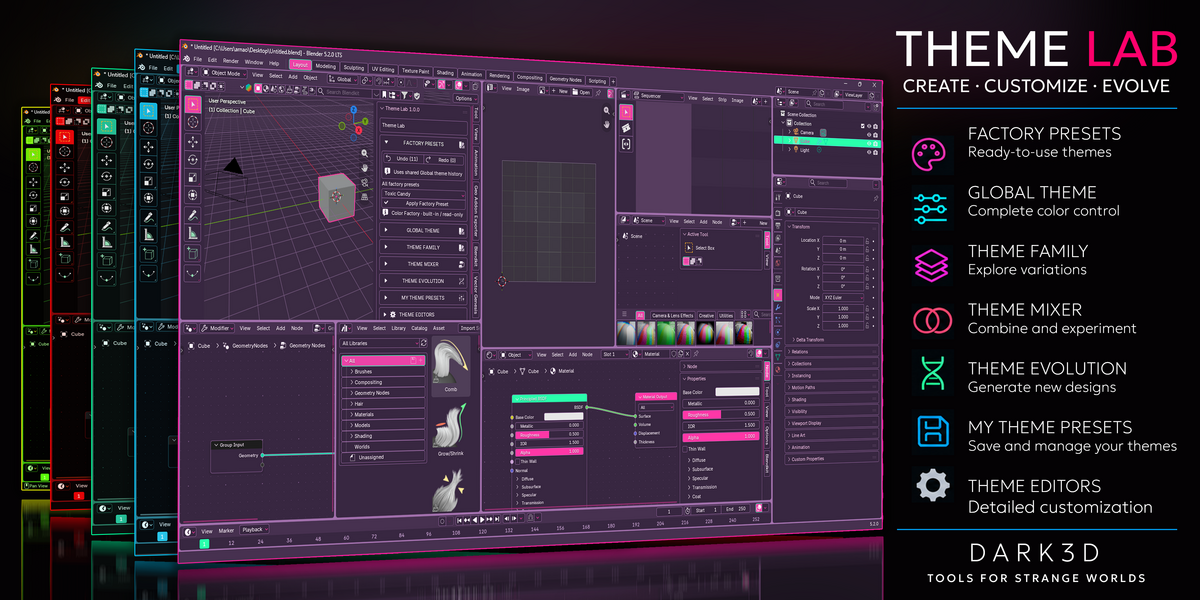
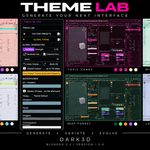
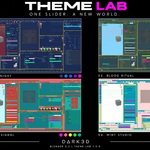
Can I use Theme Lab for commercial work?
Yes. Theme Lab is distributed under the GNU General Public License version 3 (GPL-3.0).
You can use the addon in personal and commercial projects. The GPL also permits modification and redistribution under its licensing conditions.
Can I export my themes and use them without Theme Lab?
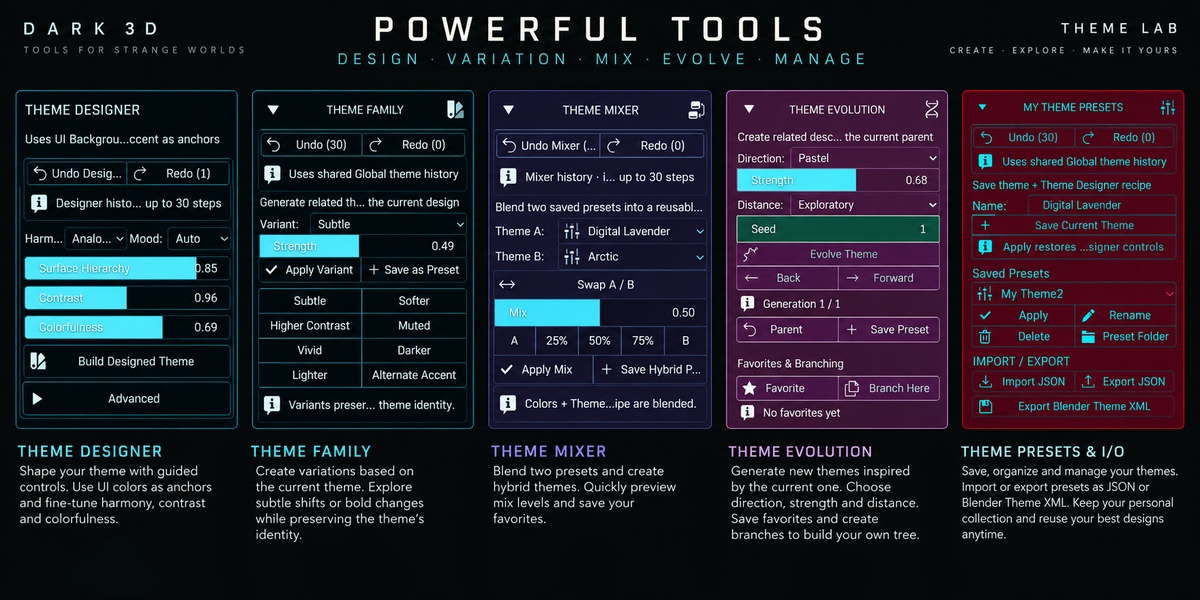
Yes. Theme Lab supports exporting Blender themes in XML format, allowing you to use exported themes through Blender's native theme system.
Will Theme Lab affect my Blender projects or render settings?
Theme Lab is designed to customize Blender's interface appearance. It does not modify your models, materials, lighting, or render settings.
Your interface theme may change, but your project content remains unaffected.
Can I create and save my own Blender themes?
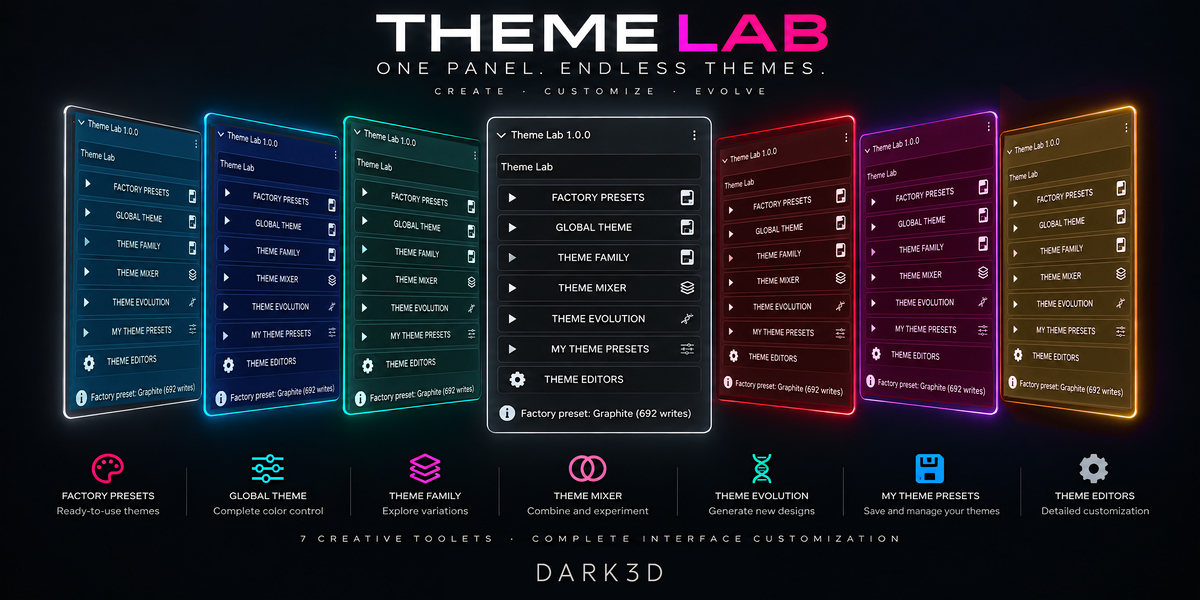
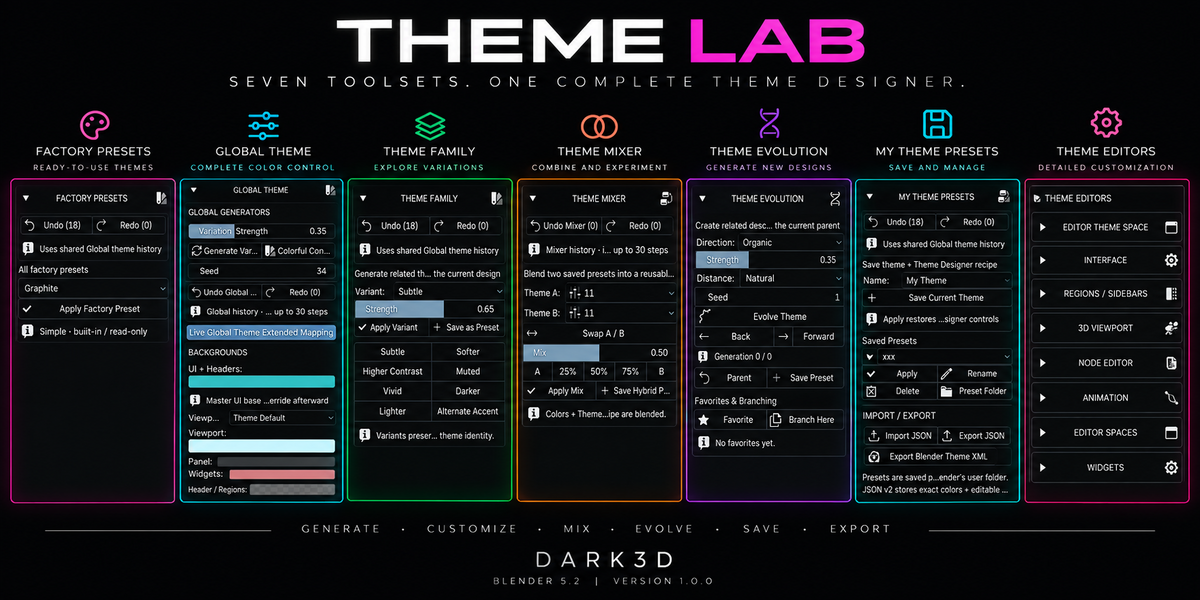
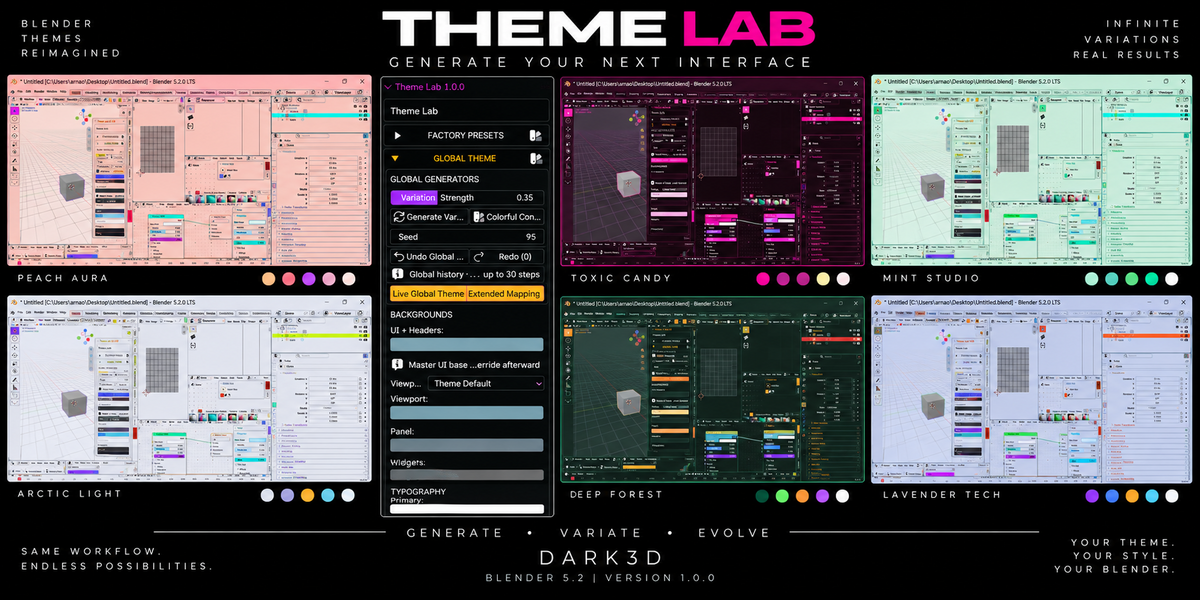
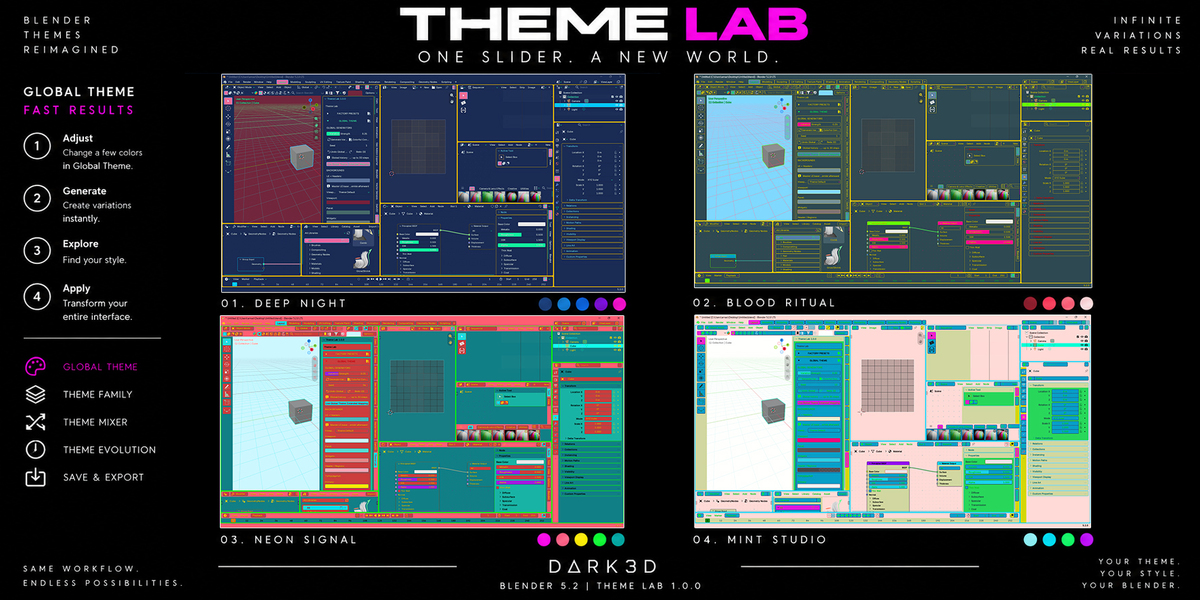
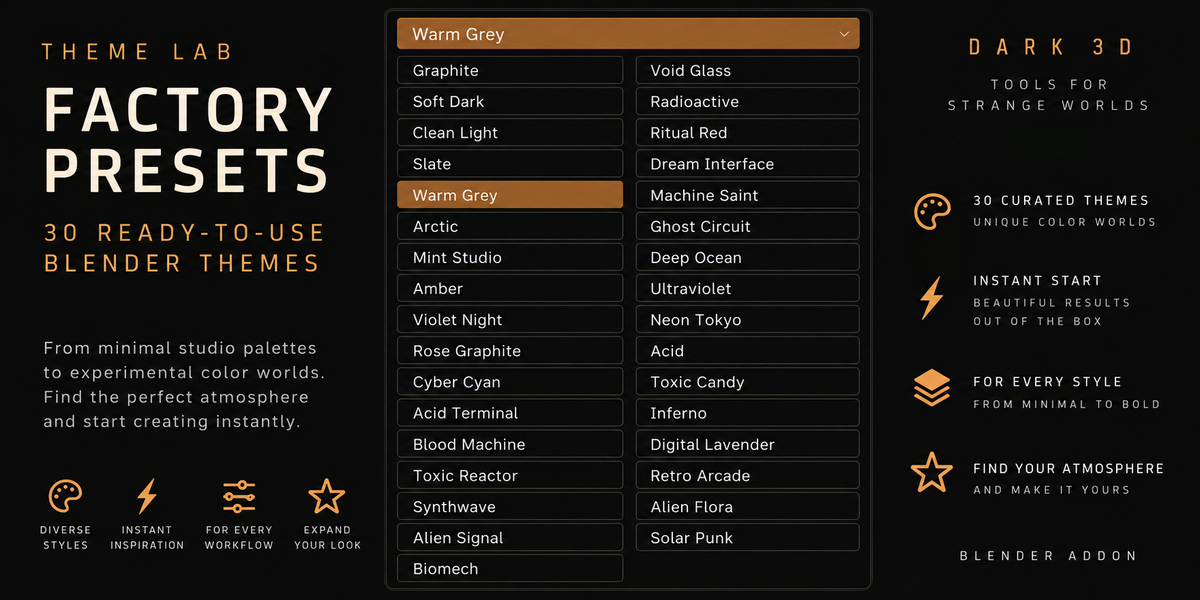
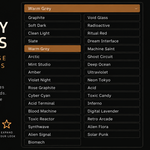
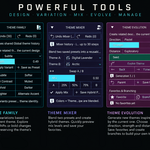
Yes! Theme Lab allows you to generate new themes, customize interface colors, and save your creations as personal presets.
You can also use the included factory presets as starting points for your own designs.
How do I install Theme Lab?
Download the ZIP file from Superhive. In Blender 5.2, navigate to Edit → Preferences → Add-ons, open the dropdown menu, and select Install from Disk. Choose the downloaded ZIP and enable Theme Lab. You do not need to extract the ZIP manually.
Which Blender versions are supported?
Theme Lab 1.0.0 is developed for Blender 5.2. Compatibility with earlier or newer Blender versions is not officially confirmed for this release.
$2.49
Have questions about this product?
Login to message
| Blender Extension Compatible | Yes |
| Published | 4 days ago |
| Blender Version | 5.2 |
| Extension Type | Add-on |
| Render Engine Used | Cycles, Eevee |
| License | GPL |