Procedural Fence & Gate Generator – Picket, Privacy, Ranch, Wrought Iron, Wire Mesh (Geometry Nodes)
 Tidebone Studio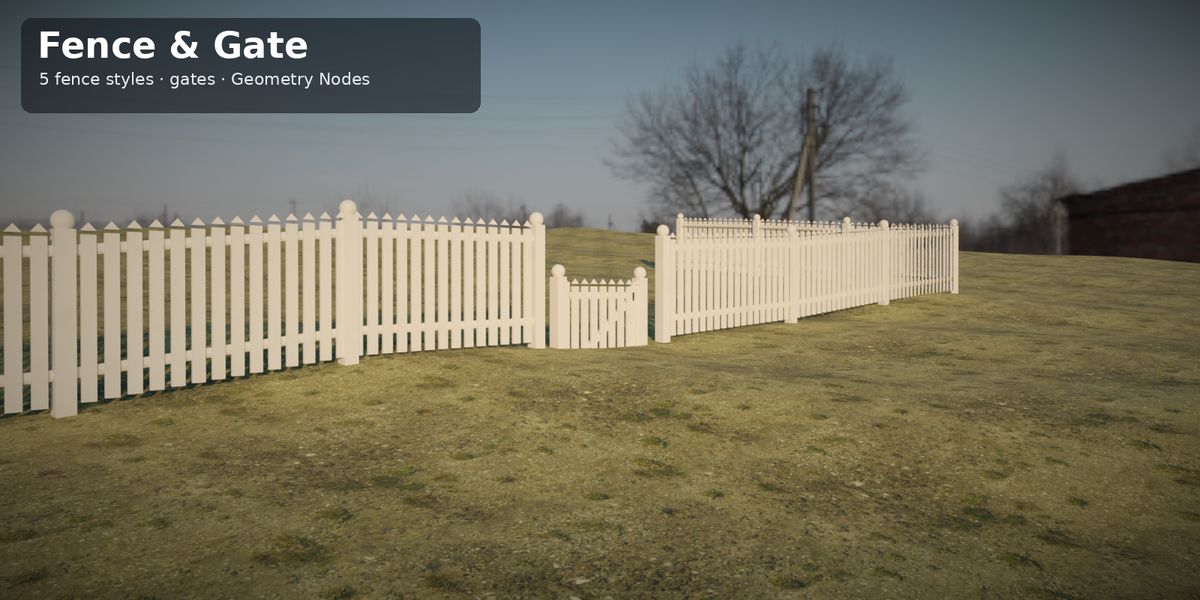
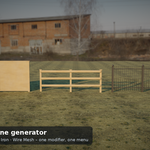
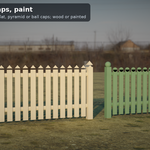
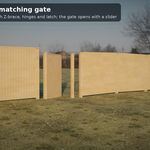
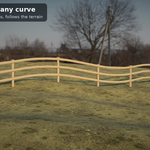
Tidebone Fence & Gate – Picket, Privacy, Ranch, Wrought Iron and Wire Mesh Fences
Version 1.0
Two Geometry Nodes generators, built entirely procedurally. Put a modifier on a curve and get a fence; put one on any object and get a matching gate.
| Generator | What you get |
|---|---|
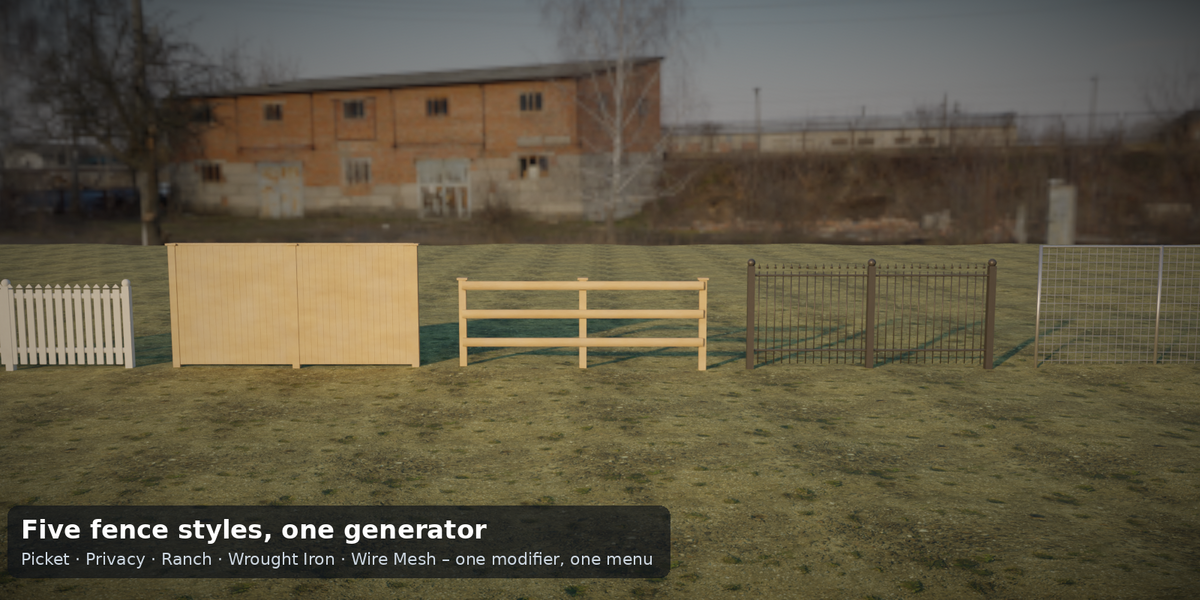
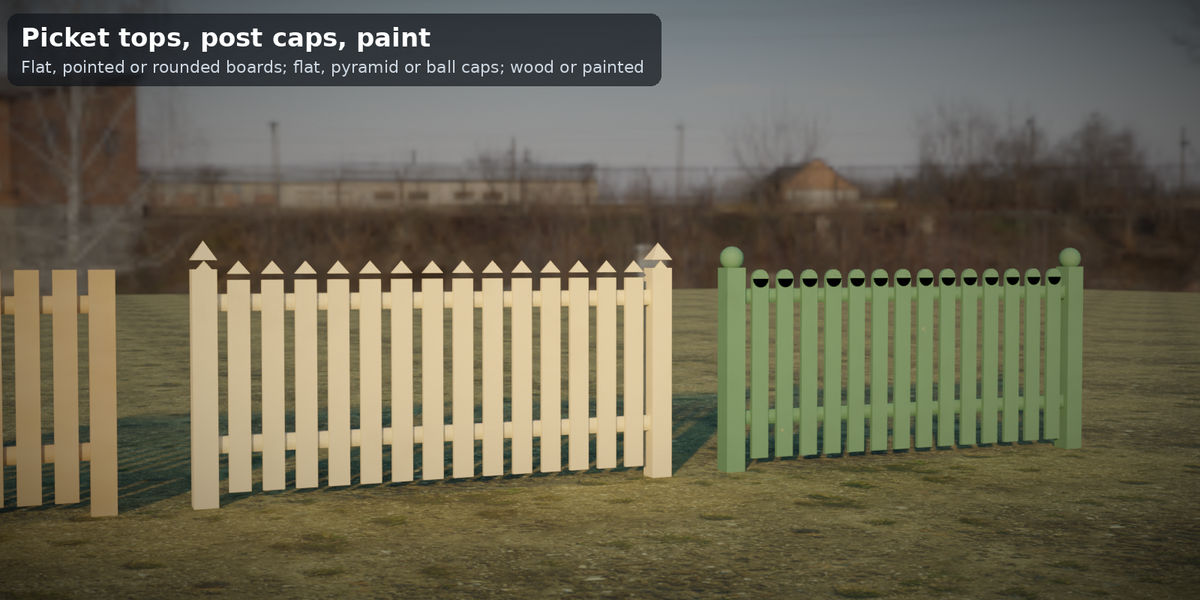
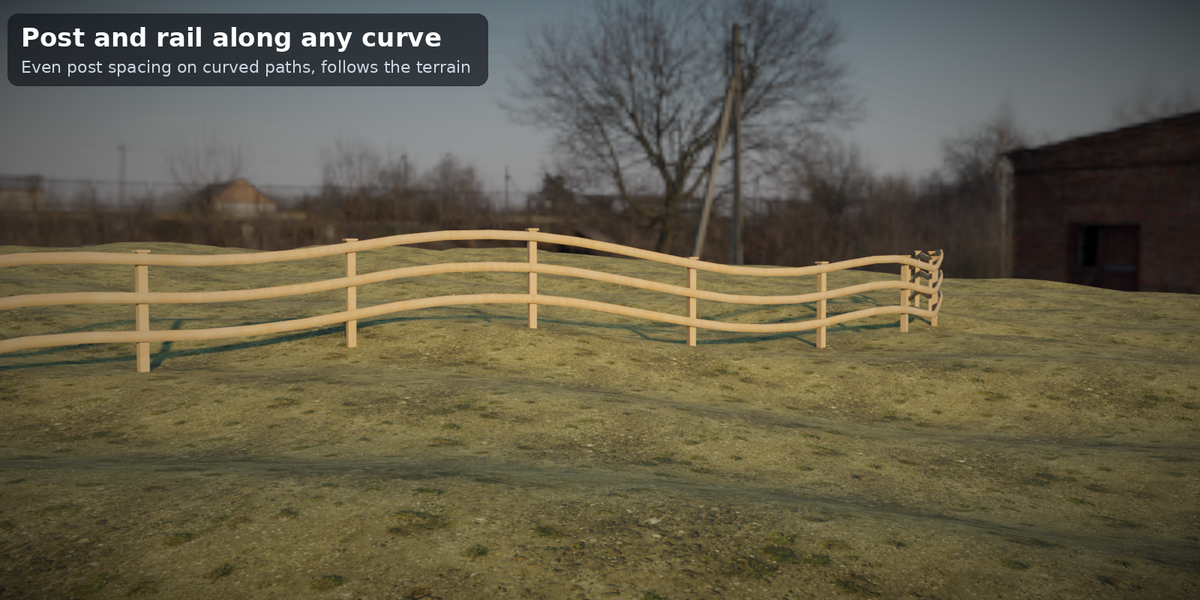
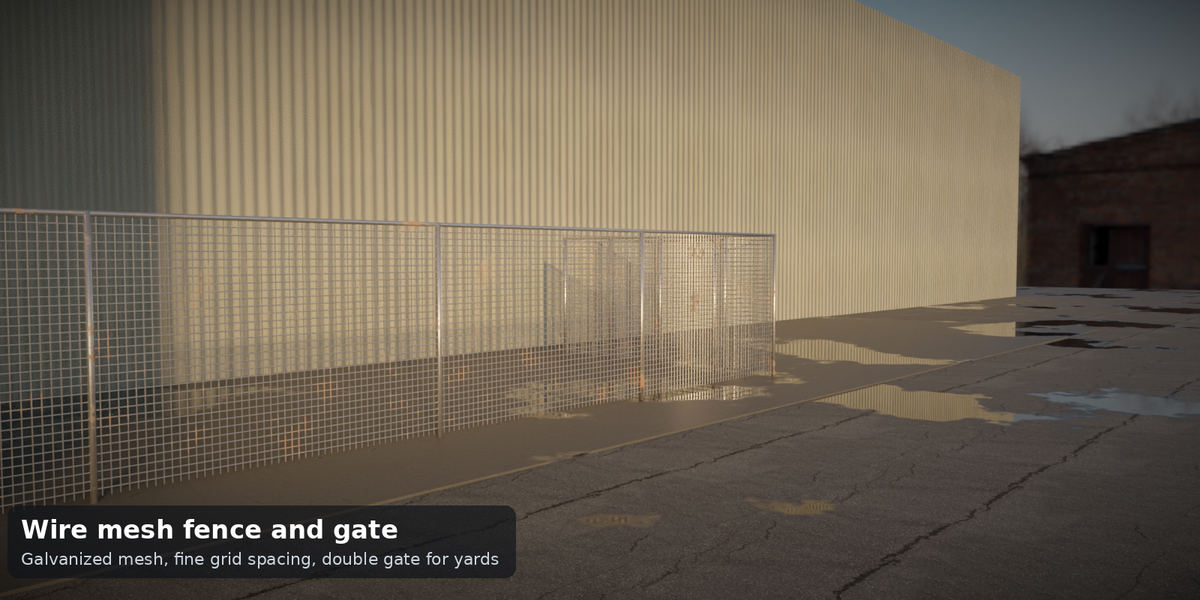
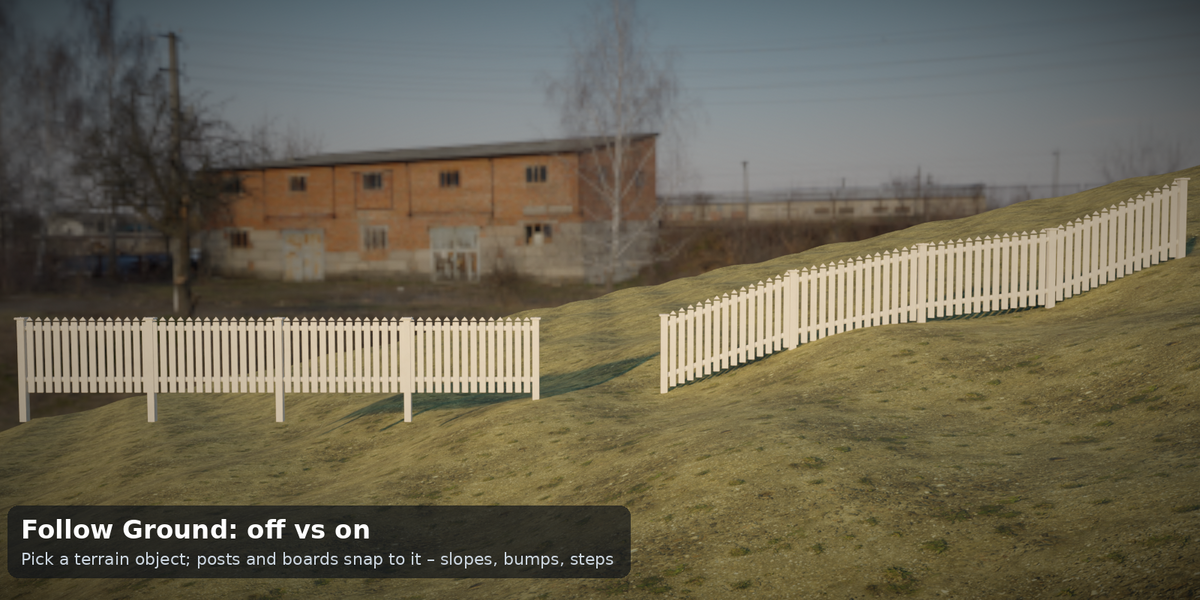
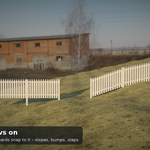
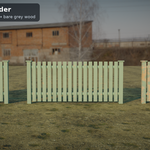
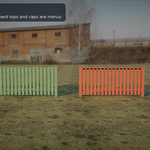
| Tidebone Fence | Five styles from one menu – Picket, Privacy (board-on-board with cap rail), Ranch (post and rail), Wrought Iron (bars with spear tips), Wire Mesh (welded mesh with top pipe). Posts with caps (flat / pyramid / ball), rails, boards or bars along any curve. Follow Ground: pick a terrain object and the whole fence snaps to it (slopes, bumps, steps). |
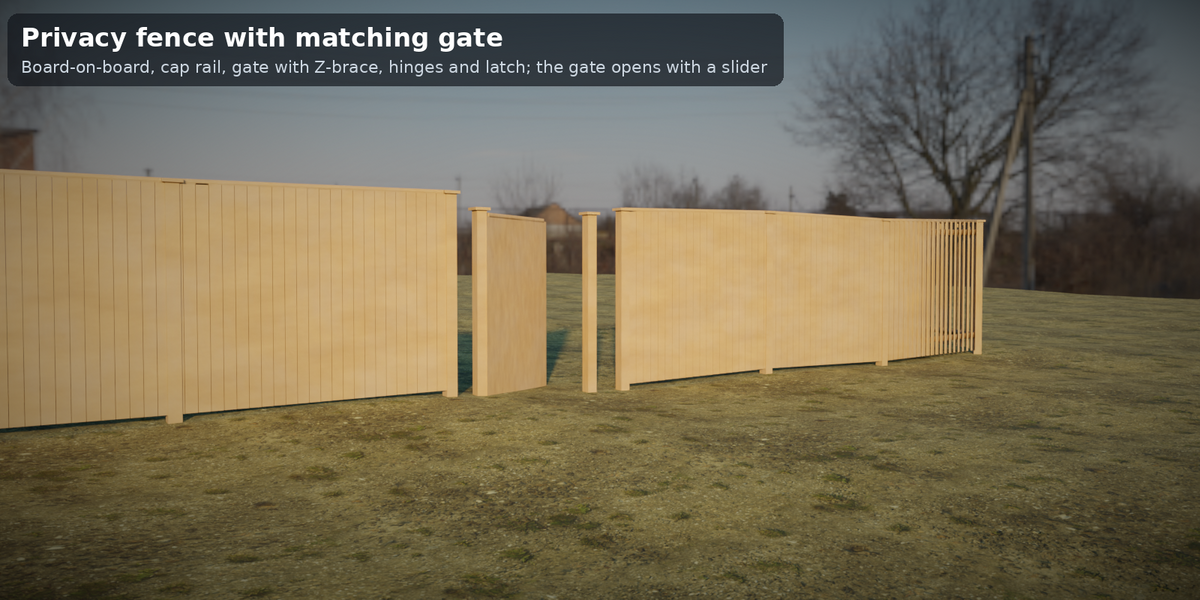
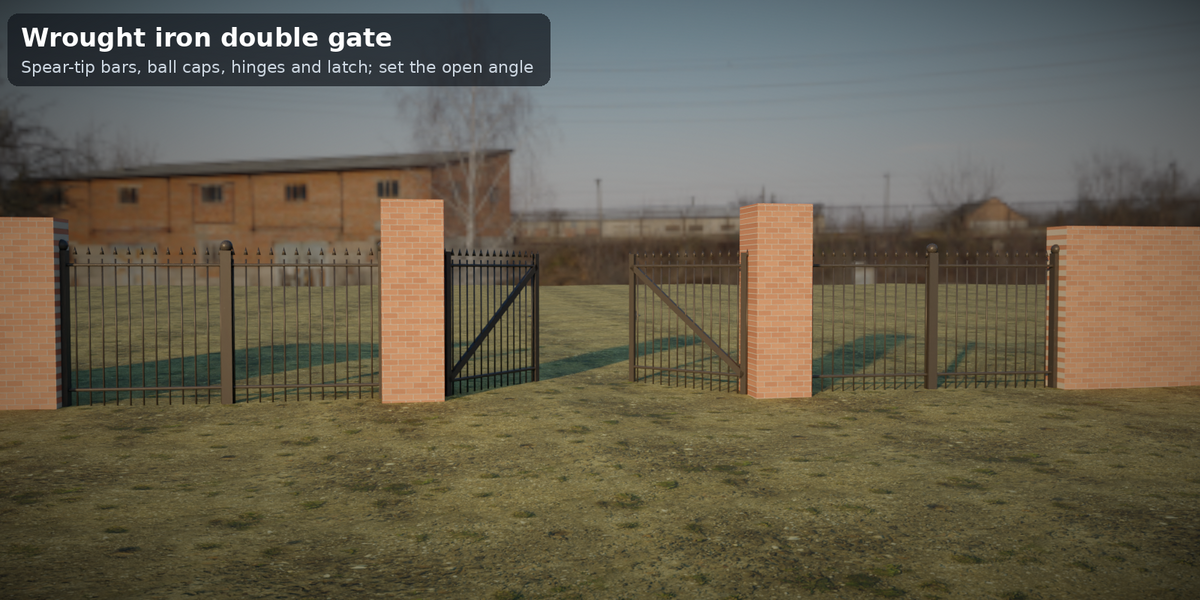
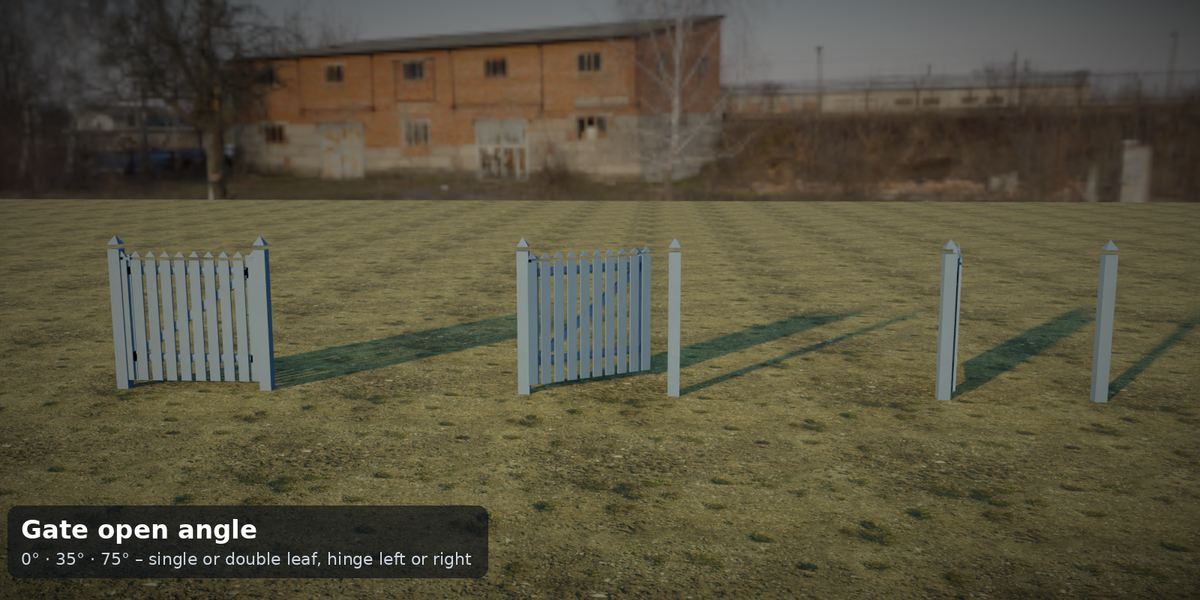
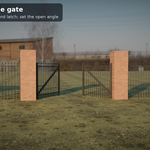
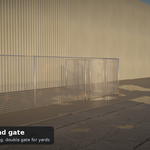
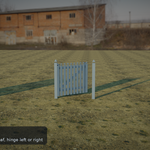
| Tidebone Gate | Single or double gate in the same five styles: stiles, rails, Z-brace, hinges, latch, two posts. Open Angle slider, hinge left or right, width and height inputs. |
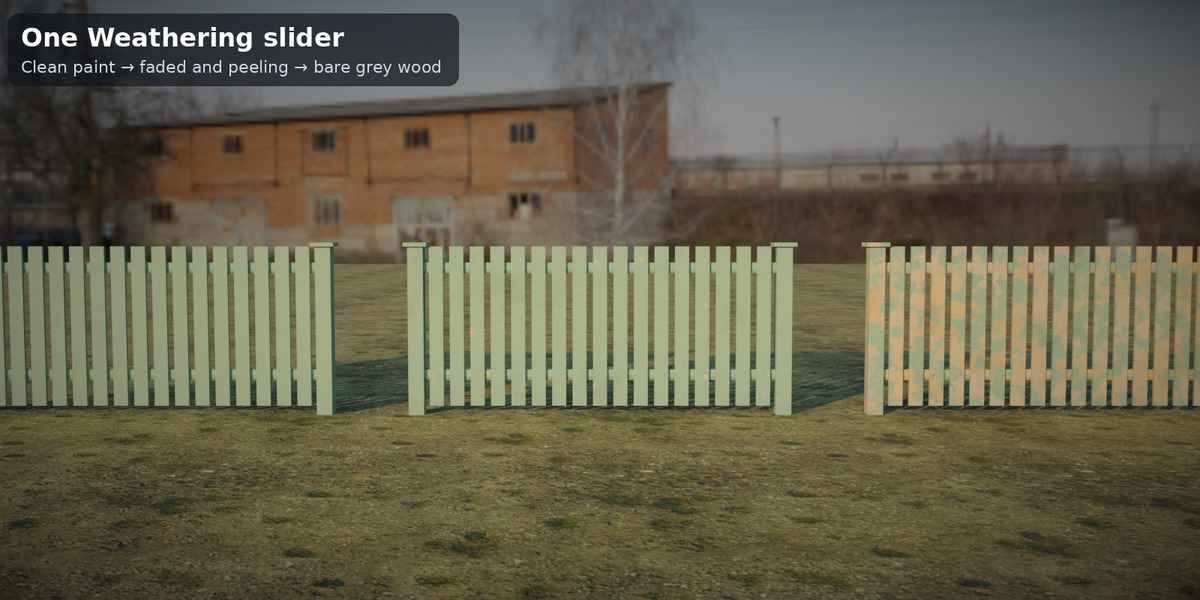
Three procedural materials (wood with grain, grey weathering, paint, peeling; painted metal with chipping and rust; galvanized steel) are driven by the same Color, Weathering and Painted inputs. Nothing is baked, no add-on, no image textures.
Requirements
- Blender 4.2 LTS or newer. Tested headless with 4.2.23 LTS, 4.5.14 LTS and 5.2.1 LTS: 37 parameter cases each, 0 errors, 0 node warnings, identical vertex and face counts in all three versions.
- Units: metres. Rendered and checked in Cycles (CPU); EEVEE and the Blender GUI were not tested.
Files
| File | Content |
|---|---|
tidebone_fence_kit.blend |
Node groups Tidebone Fence, Tidebone Gate (marked as assets) + 3 materials |
blender_assets.cats.txt |
Asset catalog Tidebone / Fence (keep next to the .blend) |
tidebone_fence_kit_demo.blend |
Demo scene: a sloped garden with a fence run, gates and a terrain object – open and press F12 |
README.md, LICENSE.txt
|
This file, license |
Installation
Asset Browser (recommended): Edit > Preferences > File Paths > Asset Libraries → + → the folder with the .blend. Drag a group onto an object.
Append: File > Append → tidebone_fence_kit.blend → NodeTree → pick a group, add a Geometry Nodes modifier to an object and select it.
Quick start
- Fence: add a curve (poly spline is best; Add > Curve > Path, or convert mesh edges with Mesh to Curve), add the modifier, choose Tidebone Fence. Move curve points to route the fence. Pick Style, set Height.
- Follow Ground: tick Follow Ground and pick your terrain mesh in Ground. The fence is evaluated in the object's space; keep curve and terrain in the same scene.
- Curves and corners: Post Placement = At Curve Points puts a post at every curve point (best for polylines: corners keep their post). Use Even Spacing for Bezier/NURBS or rounded corners – posts are spaced evenly along the curve.
- Gate: add any object (an empty mesh or a single vertex is enough) at the gap in your fence, add Tidebone Gate, set Width to the opening between the posts, pick the same Style. Rotate the object to point the gate along your fence.
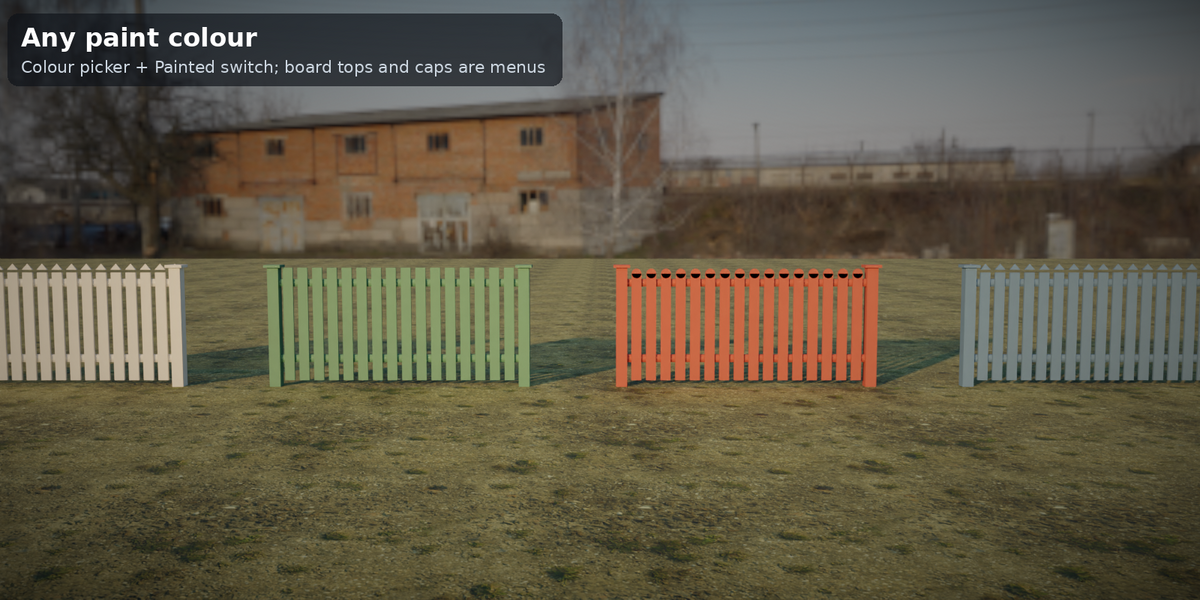
- Look: Color + Painted (wood: painted in Color, otherwise natural wood; metal styles always use Color as paint), Weathering 0–1 (dirt, fading, peeling paint, rust).
Inputs (summary)
Fence: Style · Height · Corner Radius · Flip Side · Posts (Post Placement, Max Post Spacing, Post Size, Post Cap None/Flat/Pyramid/Ball, Post Depth) · Ground (Follow Ground, Ground object, Ground Clearance) · Boards (Board Width, Board Gap, Board Thickness, Board Top Flat/Pointed/Rounded) · Rails (count) · Bars & Mesh (Bar Spacing, Bar Radius) · Look (Color, Weathering, Painted) · Materials.
Gate: Style · Width · Height · Double · Open Angle · Mirror Hinge · Posts (Gate Posts, Post Size, Post Cap, Post Depth) · Leaf (Frame Width, Z Brace, Hardware, Ground Clearance) · Boards · Rails · Bars & Mesh · Look · Materials.
Outputs (for your own node setups)
Fence: Length, Post Count, Member Count (boards/bars/wires) · Gate: Leaf Width, Board Count.
Attributes (for your own shaders)
tf_color (point colour), tf_wear (0–1) and tf_paint (0/1) are written on all parts.
Polycount guide (measured, Blender 4.2, realized)
| Setup (11.3 m run for fences / 1.2 m gate) | Vertices | Triangles |
|---|---|---|
| fence Picket poly | 825 | 1,256 |
| fence Privacy poly | 1,165 | 1,776 |
| fence Ranch poly | 169 | 272 |
| fence Wrought Iron poly | 2,544 | 4,262 |
| fence Wire Mesh poly | 1,827 | 3,092 |
| fence picket rounded top ball caps | 1,371 | 2,348 |
| fence iron fine bars | 6,390 | 10,898 |
| fence wire fine mesh | 4,741 | 7,992 |
| fence bezier even spacing | 953 | 1,504 |
| fence closed loop even spacing | 889 | 1,416 |
| fence tall 3 m privacy | 653 | 1,008 |
| gate Picket single | 233 | 364 |
| gate Privacy single | 273 | 424 |
| gate Wrought Iron single | 428 | 706 |
| gate Wire Mesh single | 425 | 632 |
| gate double open | 433 | 680 |
Not a game-ready asset: apply, decimate or bake for real-time. Wrought Iron and Wire Mesh get dense when you shrink Bar Spacing (4–5 cm).
Tips
- Several pieces, one look: same Color, different Weathering.
- The gate does not know the fence: place it between two fence runs (two curves) or let the gate's own posts close the gap.
- Gates open towards +Y of the object; rotate the object to open the other way, or use negative Open Angle / Mirror Hinge.
- Posts go Post Depth below the baseline so slopes never show a gap.
- The proportions follow common garden fence sizes (picket 9 cm / 5 cm gap, privacy 1.8 m, ranch 3 rails); they are not a code check.
Known limitations (v1.0)
- No chain-link style, no brick/stone walls, no slats-and-gaps horizontal privacy; five styles only.
- The fence is a single curve run: no T-junctions or branches; one gate object per opening.
- Follow Ground samples the terrain at post, rail and board positions (ray cast from above, 200 m range); overhangs and caves are ignored. Picket tops follow the rail slope, they are not individually stepped.
- With At Curve Points a rounded corner (Corner Radius > 0) puts a post at every generated point – use Even Spacing there.
- Closed curves: the seam can show one slightly uneven bay in Even Spacing.
- NURBS curves follow the evaluated curve; check the result before you rely on the length.
- Cycles only; EEVEE and GUI not tested. No Quest/real-time optimisation.
Changelog
- 1.0 – Fence (5 styles, Follow Ground), Gate (single/double, open angle), 3 materials, asset catalog, demo scene.
License
See LICENSE.txt. In short: use it in any personal or commercial project, royalty-free; do not resell or redistribute the asset itself. Personal license = one person; Studio license = one company, up to 10 people.
© 2026 Tidebone
Have questions about this product?
Login to message
| Published | about 3 hours ago |
| Blender Version | 4.2 - 5.2 |
| Render Engine Used | Cycles |
| License | Royalty Free |

Discover more products like this
exterior fence wrought iron procedural terrain gate railing privacy fence Picket Fence ranch fence geometry nodes garden