 Tidebone Studio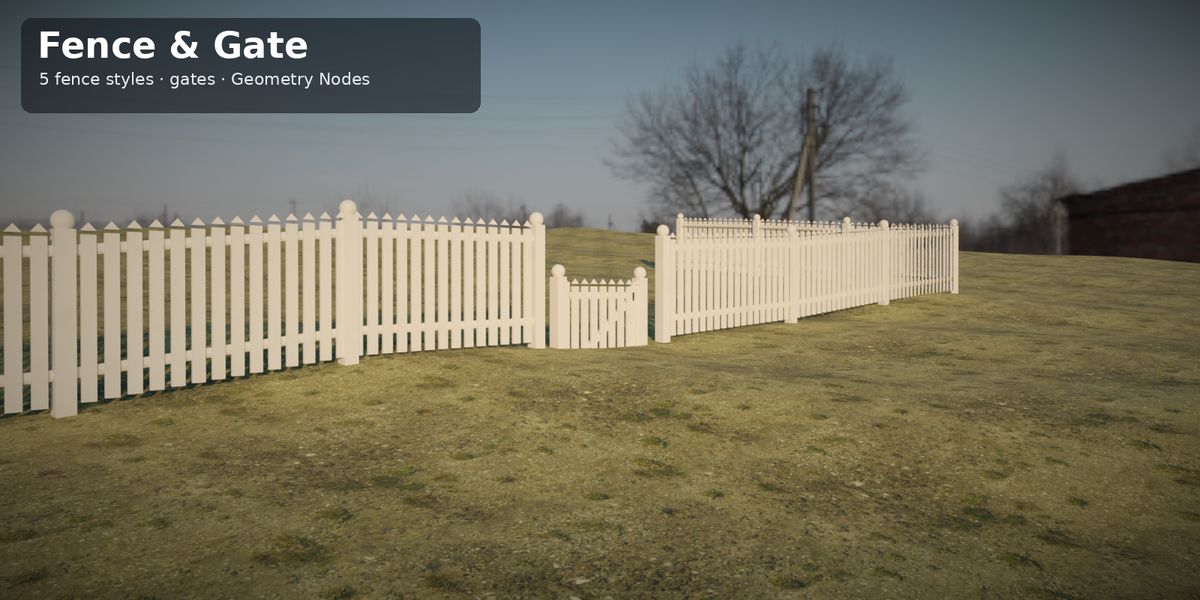
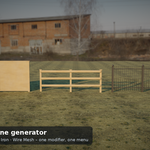
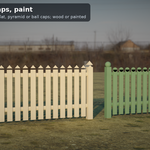
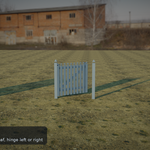
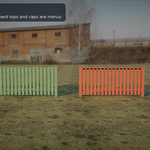
Build any fence in seconds: five styles, follows your terrain, with matching gates.
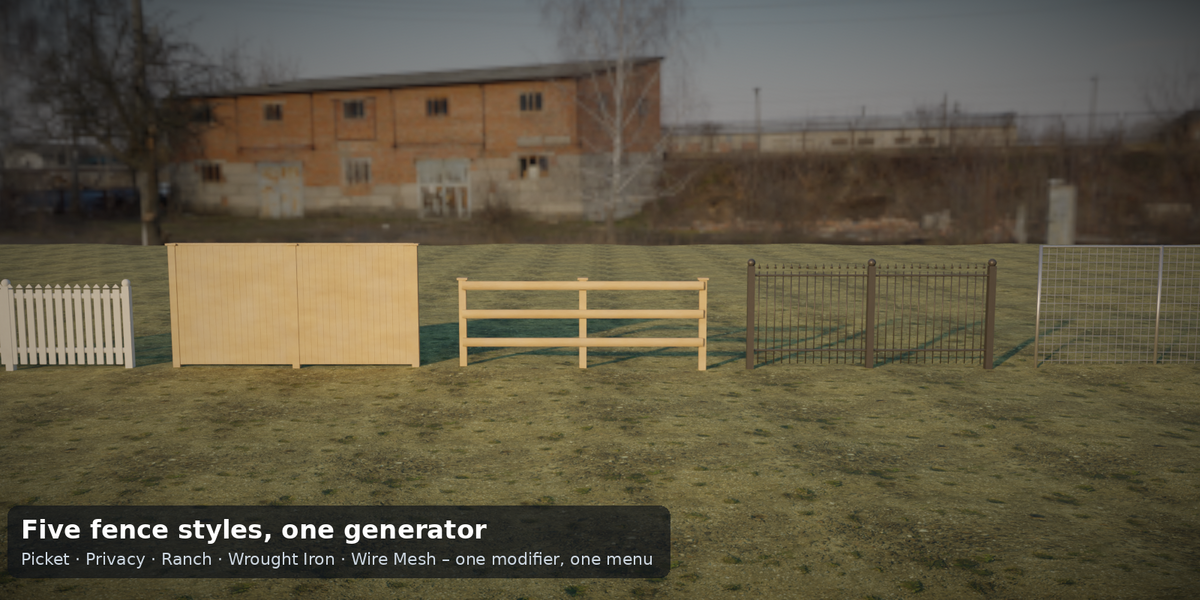
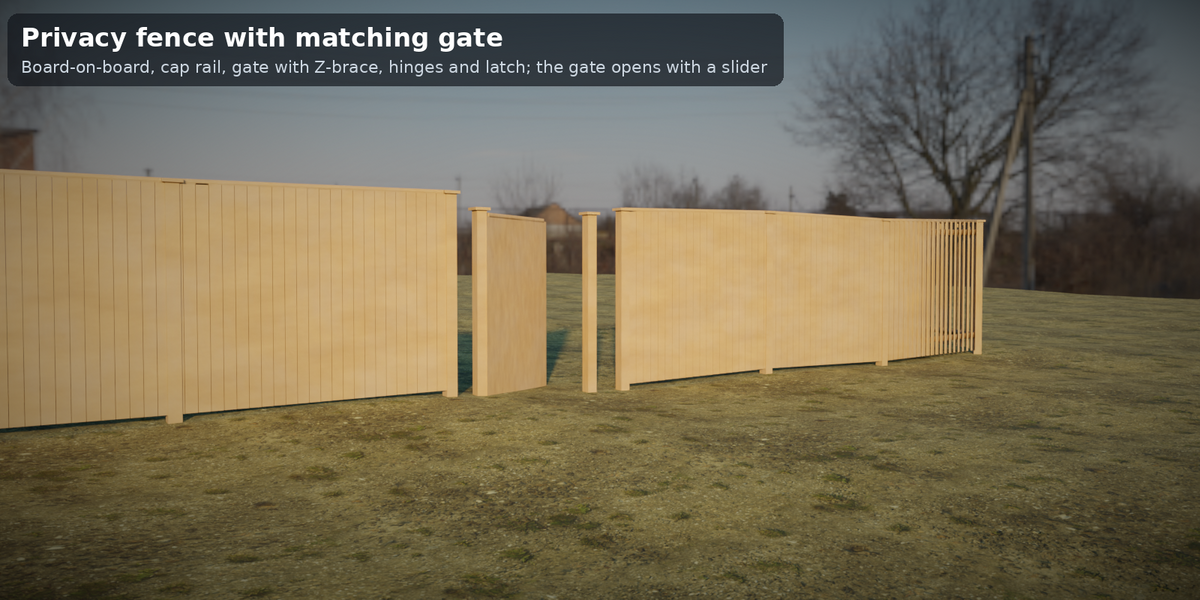
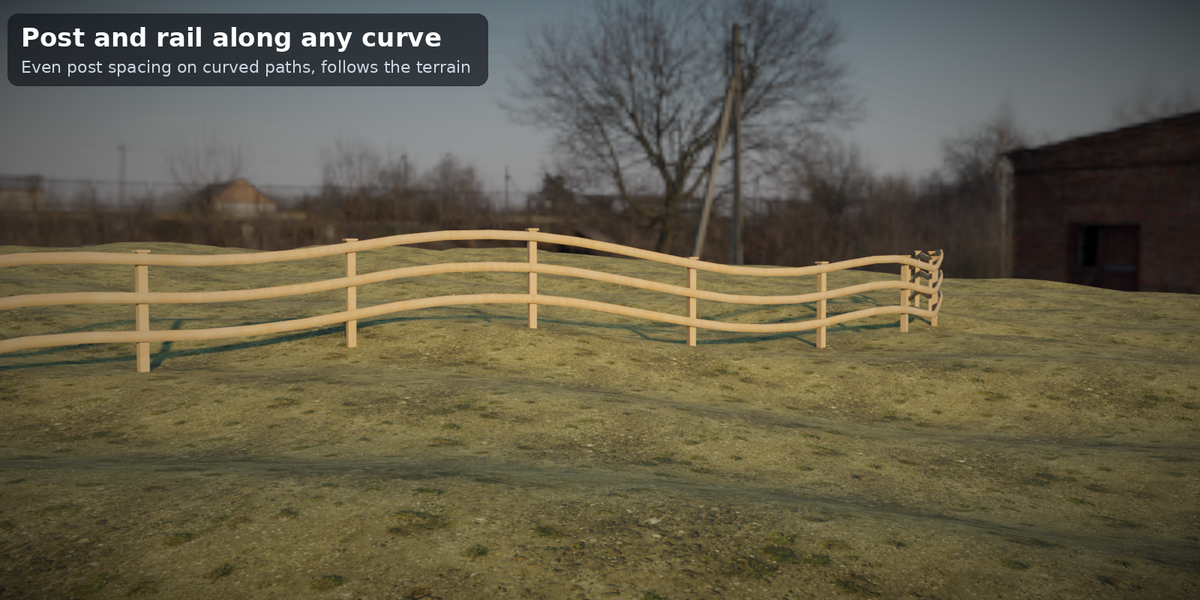
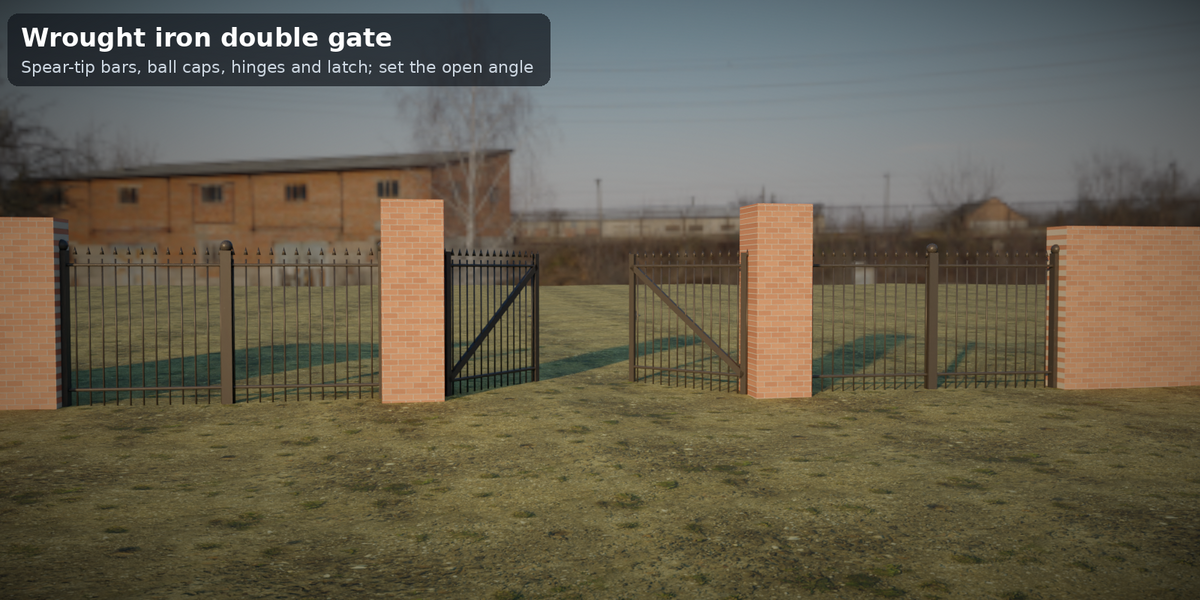
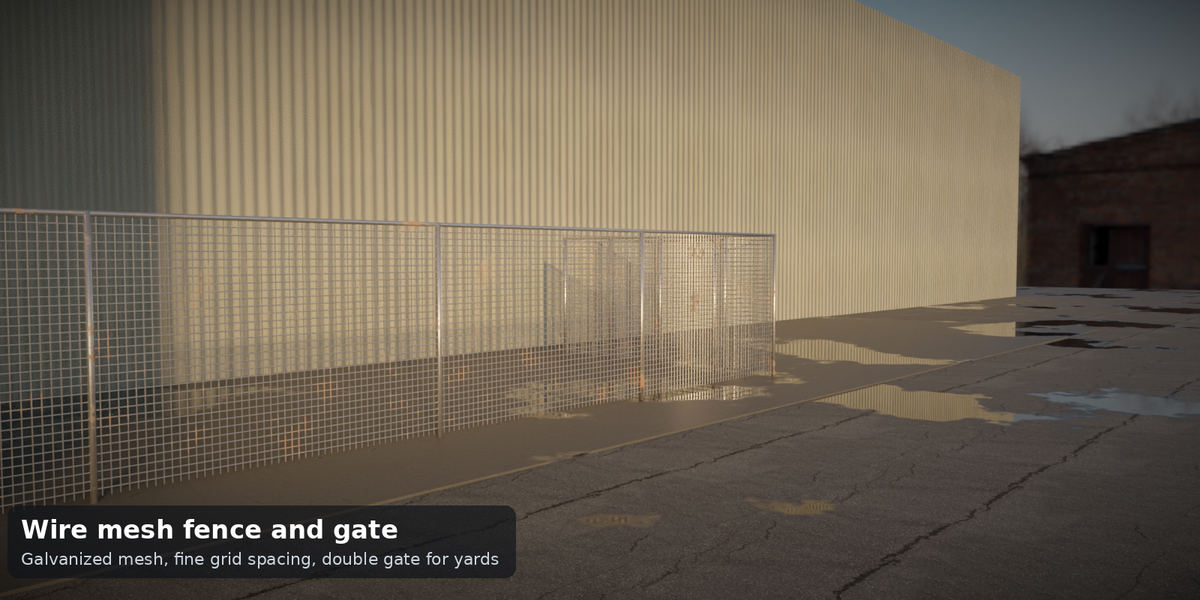
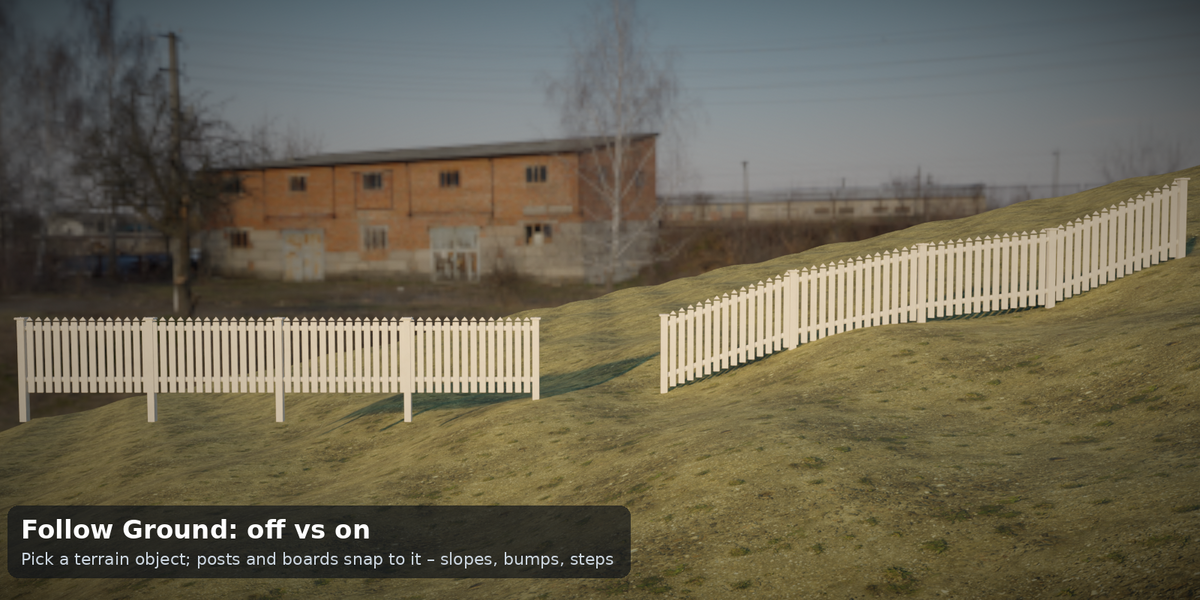
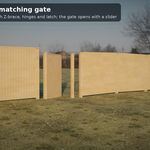
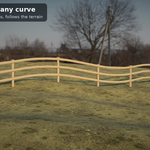
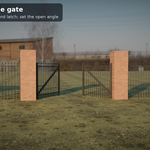
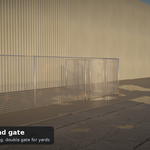
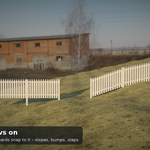
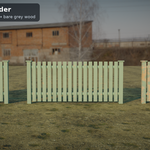
Tidebone Fence & Gate gives you two Geometry Nodes generators you drive with curves and sliders. Draw a curve and pick a style: picket, privacy (board-on-board), ranch (post and rail), wrought iron with spear tips, or welded wire mesh. Tick Follow Ground, pick your terrain, and posts, rails and boards snap to slopes, bumps and steps. Drop a Gate into the opening: single or double, with posts, Z-brace, hinges, latch and an Open Angle slider.
Features
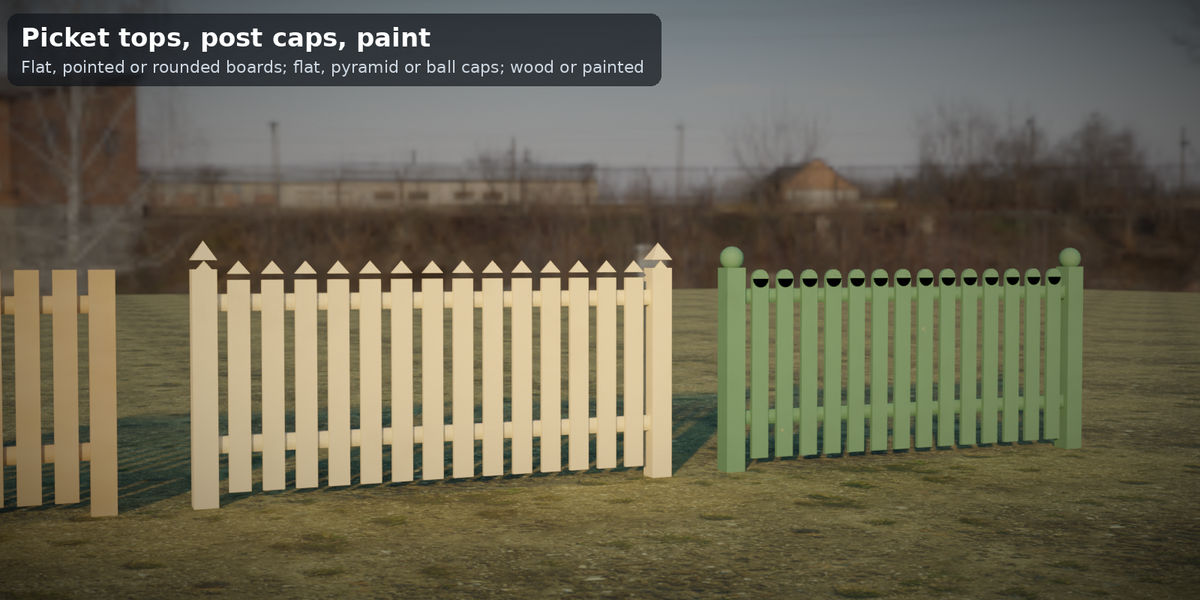
- Fence: 5 styles from one menu; post spacing, post size, caps (flat/pyramid/ball), post depth; picket width/gap/thickness and pointed/flat/rounded tops; 1–5 rails; iron bar and wire mesh spacing/radius; Corner Radius; Flip Side; At Curve Points or Even Spacing posts (Bezier/NURBS ok)
- Follow Ground: ray-cast to any mesh; clearance slider; outputs length, post count and board count
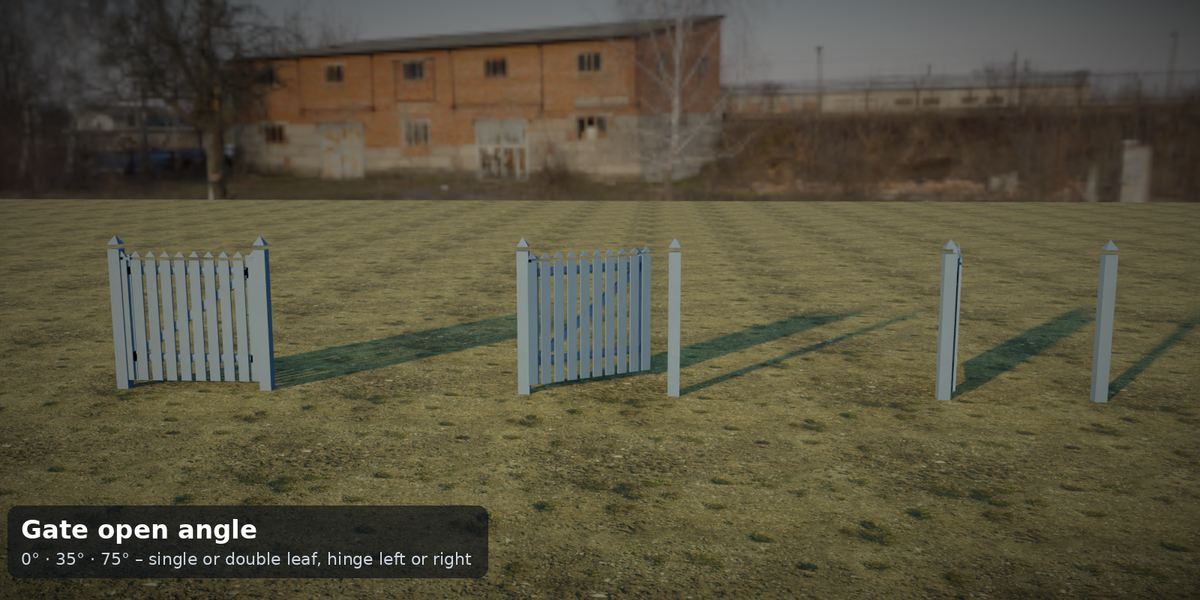
- Gate: single/double, hinge left/right, open angle ±110°, width/height, frame width, Z-brace, hinges and latch, gate posts
-
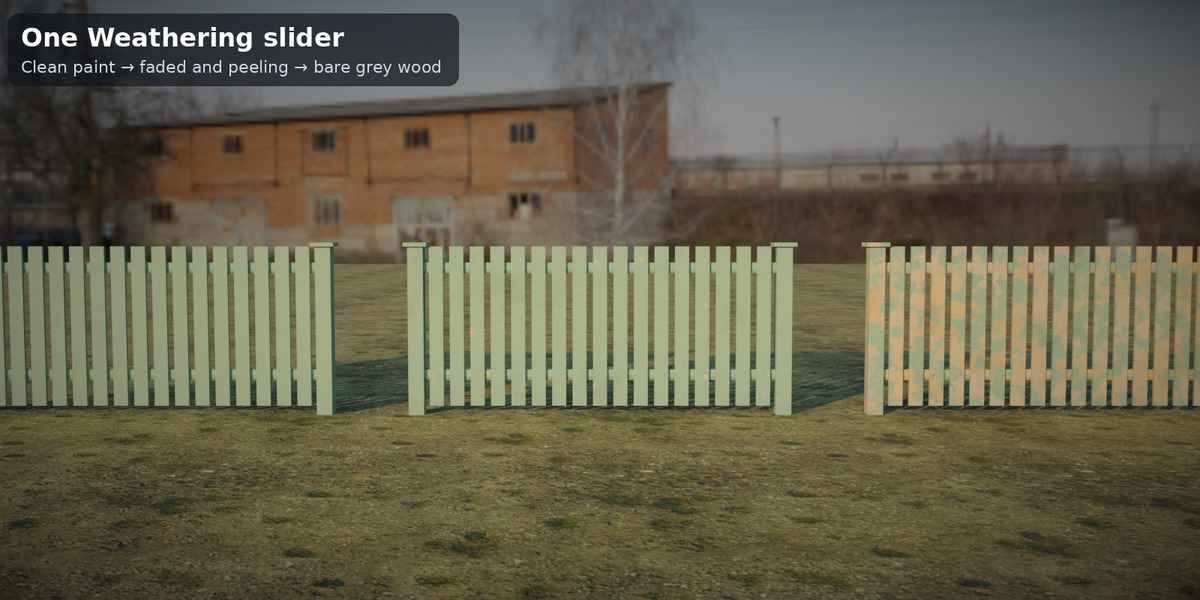
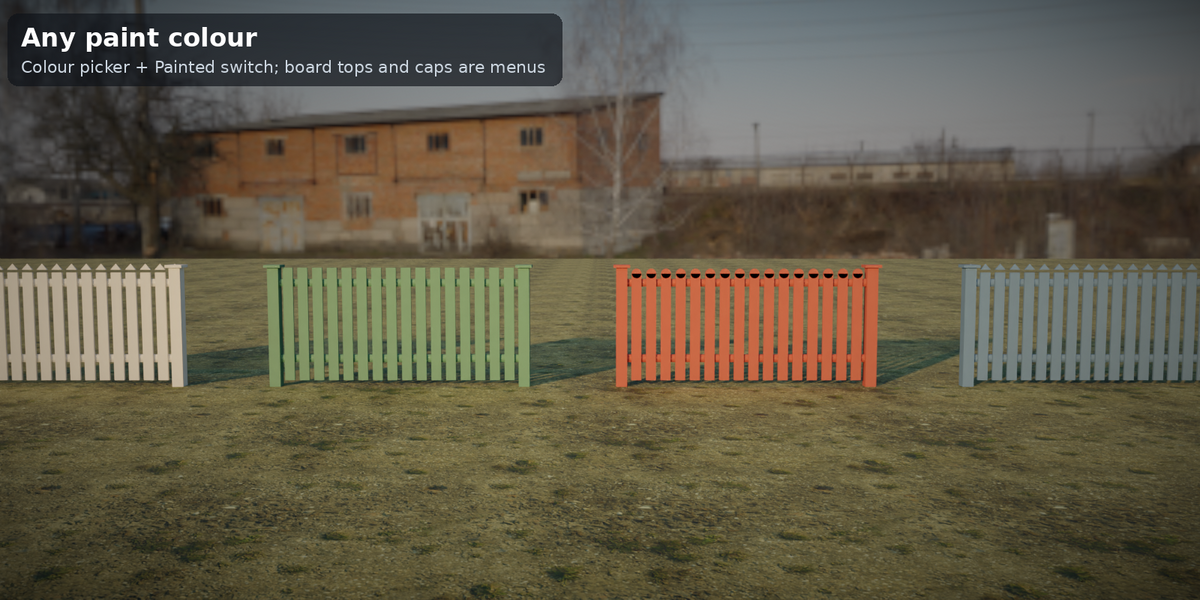
One look: Color, Painted and Weathering drive 3 included procedural materials (wood with grain, greying and peeling paint; painted metal with chipping and rust; galvanized steel); attributes
tf_color,tf_wear,tf_paintfor your own shaders - Asset-browser ready, demo scene, README with polycount table
- No add-ons, no Python, no image textures. Tested headless on Blender 4.2 LTS, 4.5 LTS and 5.2 LTS: 37 parameter cases each, 0 errors, identical vertex and face counts
What it is not
So you know before you buy: no chain-link style, no brick or stone walls, no T-junctions or branches (one curve = one run); the gate is a separate object per opening; Follow Ground ray-casts from above (no overhangs); the proportions are garden-fence sizes, not a code check.
Included
tidebone_fence_kit.blend (2 generators + 3 materials), asset catalog, demo scene, README, license (Personal: 1 person / Studio: 1 company up to 10 people).
