Procedural Road Generator – Lanes, Markings, Curbs, Sidewalks, Street Lamps (Geometry Nodes)
 Tidebone Studio
Tidebone Road – Procedural Road Generator (Geometry Nodes)
Version 1.0
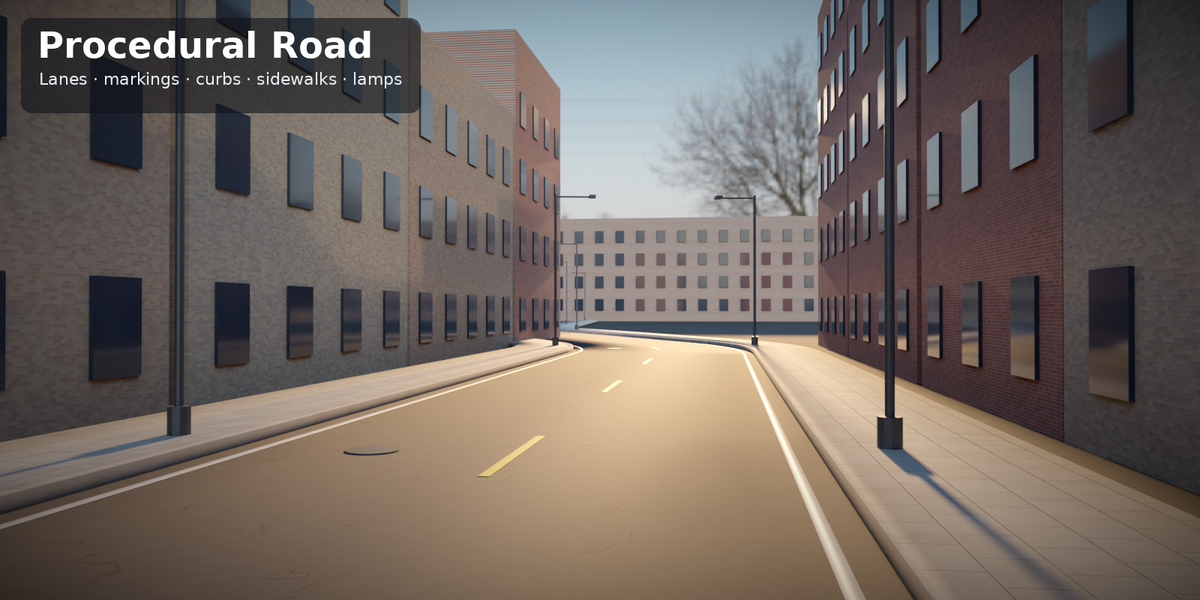
One Geometry Nodes generator for roads and streets, built entirely procedurally. Put the modifier on a curve and get an asphalt road with lanes, road markings, curbs, sidewalks, street lamps and manhole covers – or let it follow your terrain.
| What you get | |
|---|---|
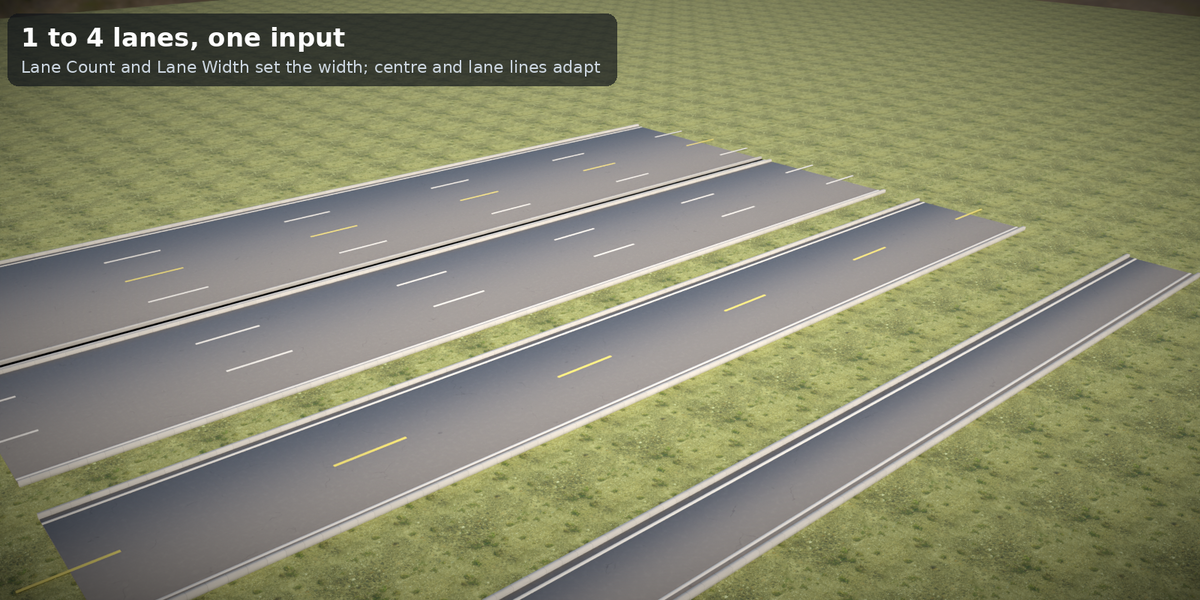
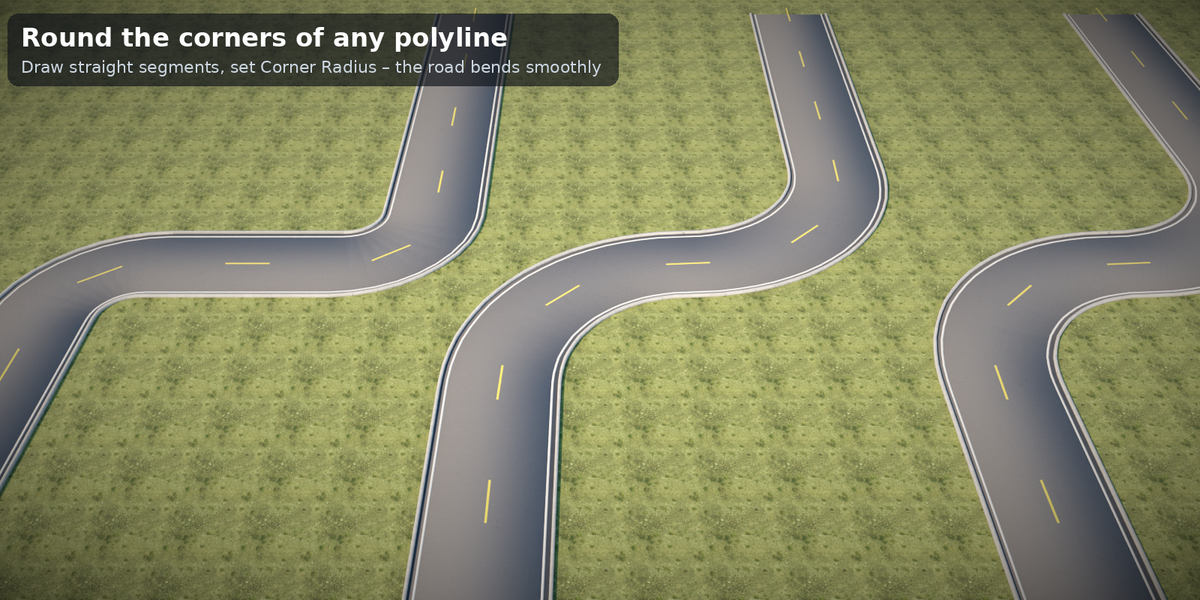
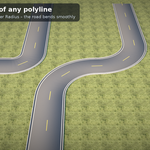
| Road | 1–4 lanes, adjustable lane width, rounded corners on poly curves, resolution slider for bends and hills |
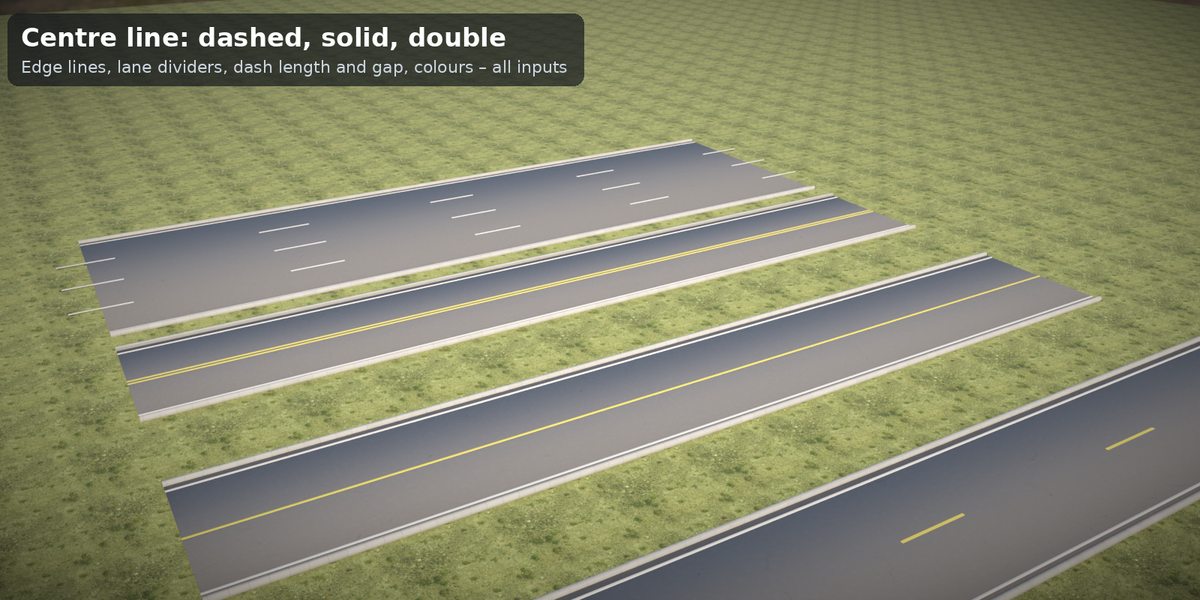
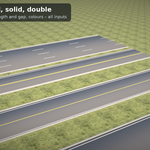
| Markings | centre line dashed / solid / double / none, edge lines, lane dividers, dash length and gap, line width, two colour inputs |
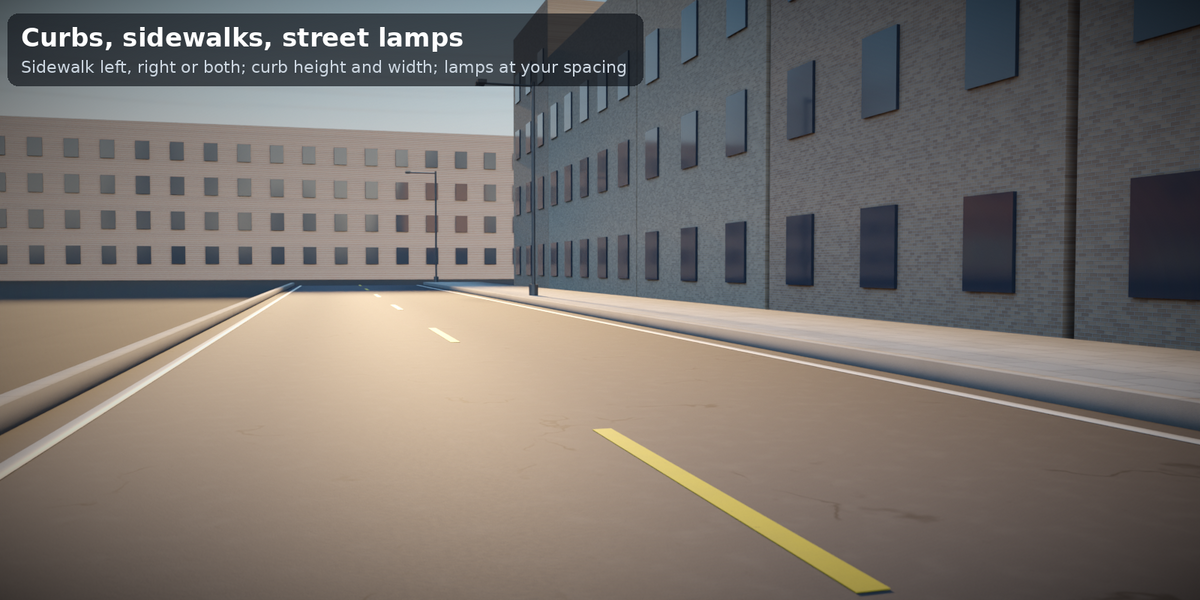
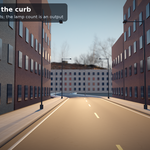
| Curbs & sidewalks | curb width and height, sidewalk left / right / both, sidewalk width, paved look |
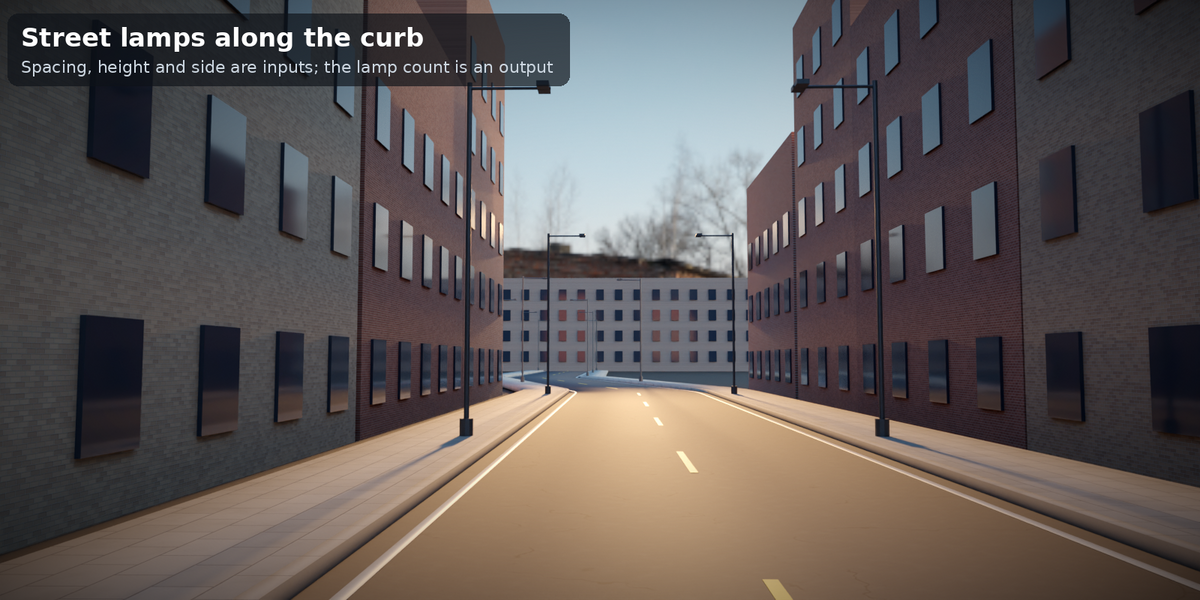
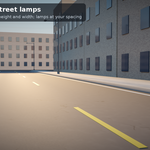
| Street lamps | side left / right / both, spacing, height; lamp count as an output |
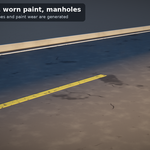
| Manholes | cover discs at a spacing you choose |
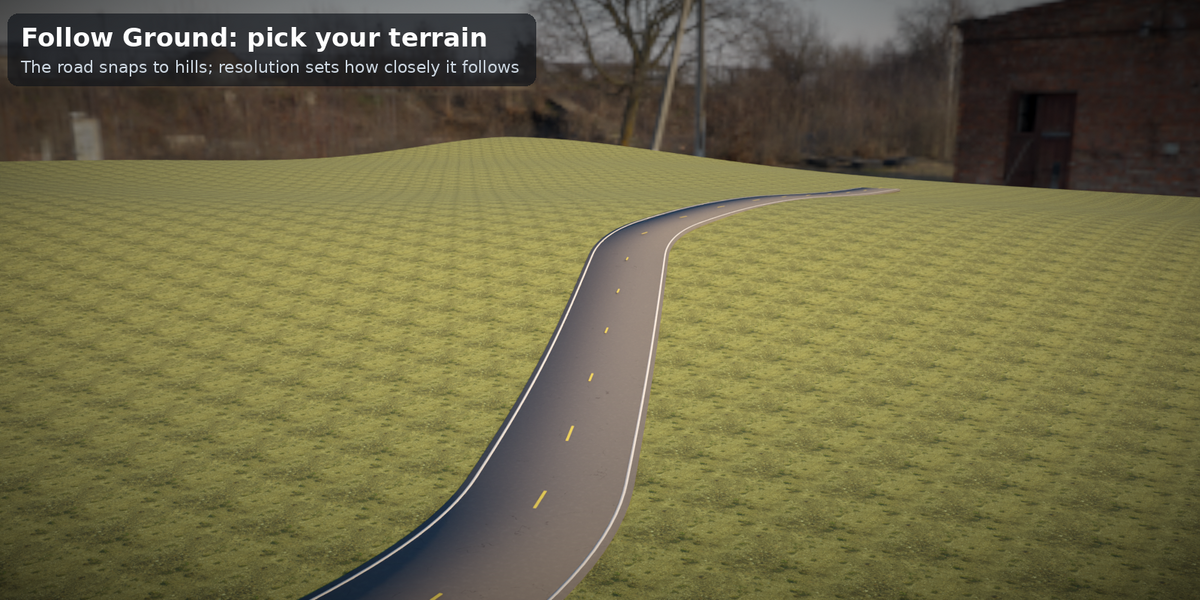
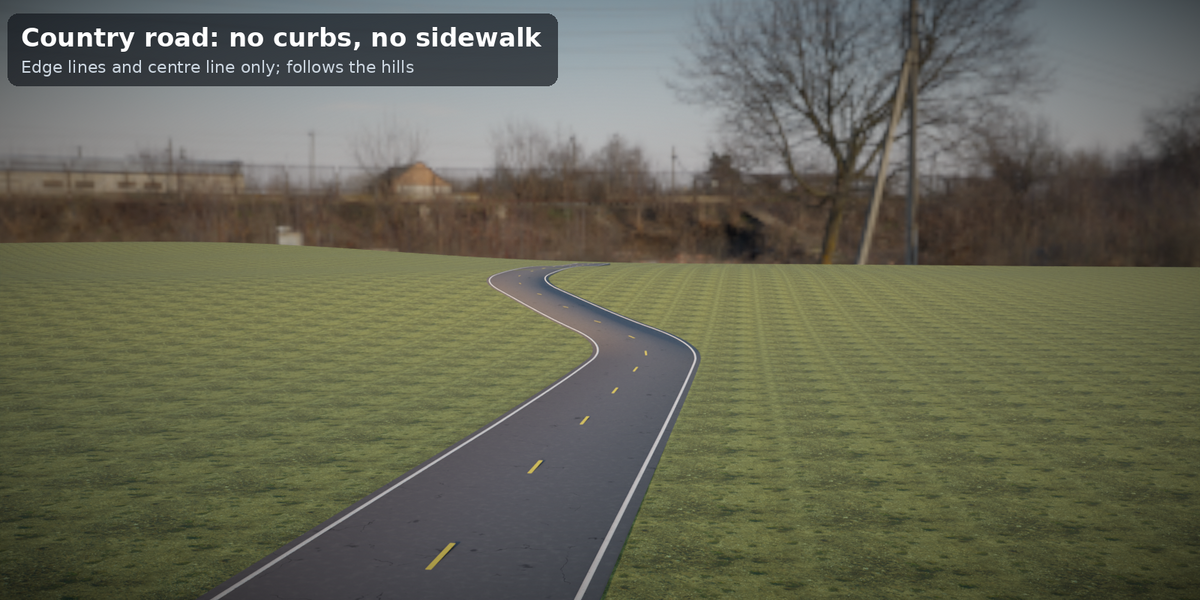
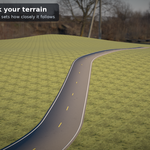
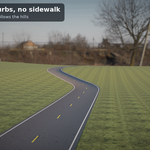
| Follow Ground | pick a terrain object; the road rides on the highest terrain point of its cross-section with a deep slab so no gap shows |
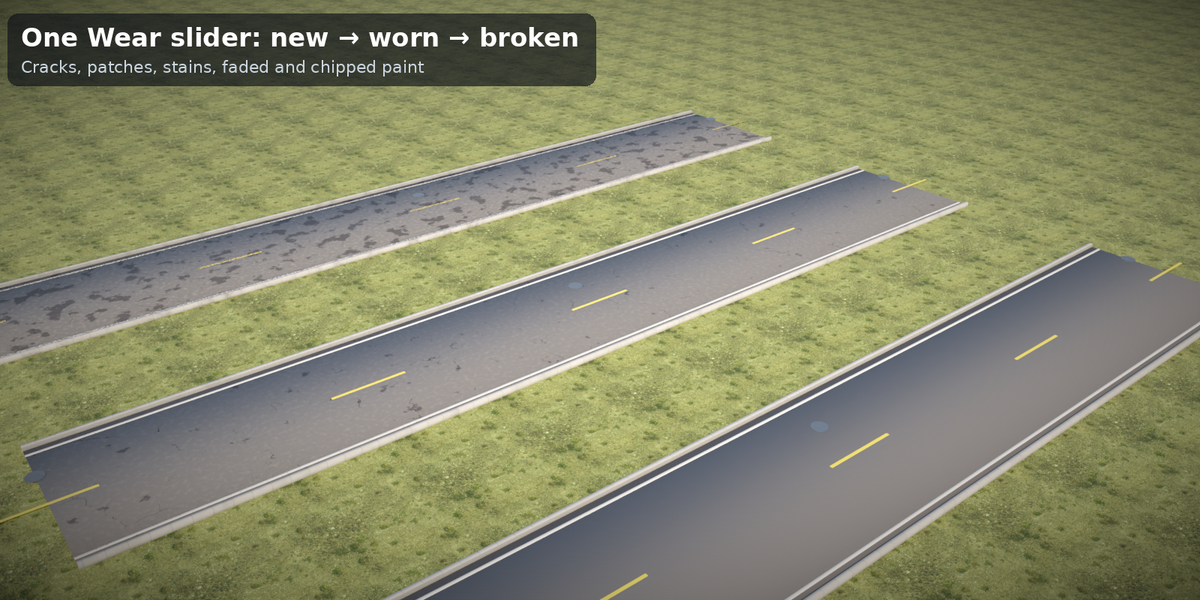
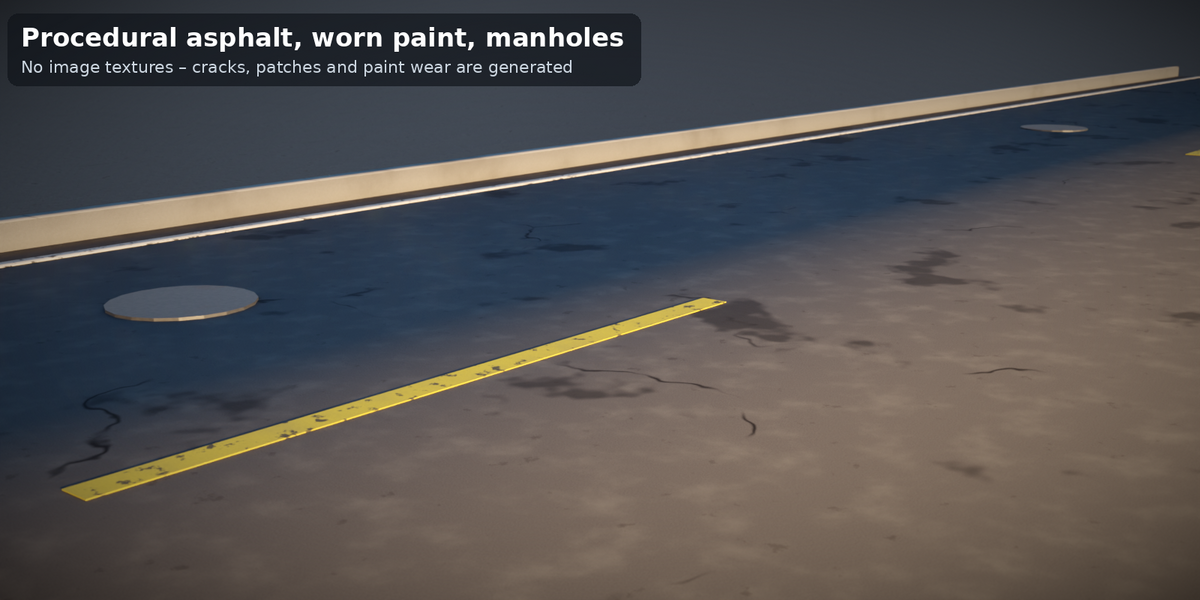
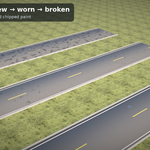
| Look | Asphalt Wear (cracks, patches, stains, faded surface) and Paint Wear (chipped, faded markings); four included procedural materials (asphalt, road paint, paving/curb, metal) |
No add-ons, no Python, no image textures.
Requirements
- Blender 4.2 LTS or newer. Tested headless with 4.2.23 LTS, 4.5.14 LTS and 5.2.1 LTS: 45 parameter cases each, 0 errors, 0 node warnings, identical vertex and face counts in all three versions.
- Units: metres. Rendered and checked in Cycles (CPU); EEVEE and the Blender GUI were not tested.
Files
| File | Content |
|---|---|
tidebone_road_kit.blend |
Node group Tidebone Road (marked as asset) + 4 materials |
blender_assets.cats.txt |
Asset catalog Tidebone / Road (keep next to the .blend) |
tidebone_road_kit_demo.blend |
Demo scene: a city street with sidewalks and lamps and a country road on a terrain object – open and press F12 |
README.md, LICENSE.txt
|
This file, license |
Installation
Asset Browser (recommended): Edit > Preferences > File Paths > Asset Libraries → + → the folder with the .blend. Drag the group onto a curve.
Append: File > Append → tidebone_road_kit.blend → NodeTree → Tidebone Road, add a Geometry Nodes modifier to a curve and select it.
Quick start
- Add a curve (poly spline is best: Add > Curve > Path, or convert mesh edges with Mesh to Curve), add the modifier, choose Tidebone Road. Move the curve points to route the road; Corner Radius rounds the corners.
- Lanes and Lane Width set the width (the output Road Width tells you). Even lane counts get a centre line (style in Center Line), odd counts get dashed lane lines.
- Sidewalk, Lamp Side, Curbs, Manhole Spacing: switch what you need.
- Follow Ground: tick it and pick your terrain mesh in Ground. Lower Resolution (e.g. 0.5 m) for hilly ground.
- Look: Asphalt Wear and Paint Wear from 0 (new) to 1 (broken).
Inputs (summary)
Geometry (curve) · Lanes · Lane Width · Corner Radius · Resolution · Markings (Center Line, Edge Lines, Dash Length, Dash Gap, Line Width, Center Line Color, Edge Line Color) · Curbs & Sidewalk (Curbs, Curb Width, Curb Height, Sidewalk, Sidewalk Width) · Street Lamps (Lamp Side, Lamp Spacing, Lamp Height) · Details (Manhole Spacing) · Ground (Follow Ground, Ground, Ground Offset) · Look (Asphalt Wear, Paint Wear) · Materials.
Outputs (for your own node setups)
Length, Road Width, Lamp Count.
Attributes (for your own shaders)
tr_color (point colour), tr_wear (0–1) are written on all parts.
Polycount guide (measured, Blender 4.2, 94 m road with default settings unless noted)
| Setup | Verts | Faces | Tris |
|---|---|---|---|
| 1 lanes | 3,173 | 2,966 | 6,188 |
| 4 lanes | 3,437 | 3,164 | 6,584 |
| center Double | 3,933 | 3,722 | 7,700 |
| detail 0.25 m | 11,157 | 10,928 | 22,112 |
| detail 5 m | 1,133 | 904 | 2,064 |
| Default (2 lanes, both sidewalks, lamps 12 m) | 3,261 | 3,032 | 6,320 |
| sidewalk None | 2,501 | 2,276 | 4,808 |
| lamps dense 6 m, 12 m high | 4,797 | 3,992 | 9,008 |
| everything 4 lanes + terrain | 3,845 | 3,398 | 7,340 |
| follow ground | 3,389 | 3,112 | 6,544 |
Not a game-ready asset: apply and decimate or bake for real-time. Resolution is the main lever (1 m by default).
Tips
- Keep Corner Radius above half the road width plus curb and sidewalk (e.g. 6 m for a 2-lane road with sidewalks), otherwise the inner edge folds over.
- Buildings, trees and cars are not included (the preview scenes use simple box buildings).
- Several roads, one look: same colours and wear, different curves.
- Lamp arms point towards the road; Left / Right are seen along the curve direction.
- Follow Ground does not bank the road: it rides on the highest terrain point across its width and shows a deep slab side where the terrain falls away.
Known limitations (v1.0)
- One curve = one road. No junctions, roundabouts, bridges, tunnels or intersections; no lane-count changes along the curve.
- Corner rounding works on poly curves. Bezier and NURBS curves are followed as they are (NURBS evaluate with the curve's own resolution and may differ between Blender versions).
- No crosswalks, arrows, bus stops or road signs; markings are lines only.
- Follow Ground ray-casts from above (no overhangs, no bridges); the road is not banked across its width.
- Textures are procedural and live in object coordinates: the look can change if you scale the object non-uniformly.
- Cycles only; EEVEE and GUI not tested. No Quest/real-time optimisation.
Changelog
- 1.0 – Road generator (lanes, markings, curbs, sidewalks, lamps, manholes, Follow Ground), 4 materials, asset catalog, demo scene.
License
See LICENSE.txt. In short: use it in any personal or commercial project, royalty-free; do not resell or redistribute the asset itself. Personal license = one person; Studio license = one company, up to 10 people.
© 2026 Tidebone
Have questions about this product?
Login to message
| Published | 4 days ago |
| Blender Version | 4.2 - 5.2 |
| Render Engine Used | Cycles |
| License | Royalty Free |

Discover more products like this
highway road procedural street lamp curb sidewalk geometry nodes city street modifier lane markings asphalt