Storefront & Signs Generator – Shop Fronts, Enamel, Neon & Projecting Signs (Geometry Nodes)
 Tidebone Studio
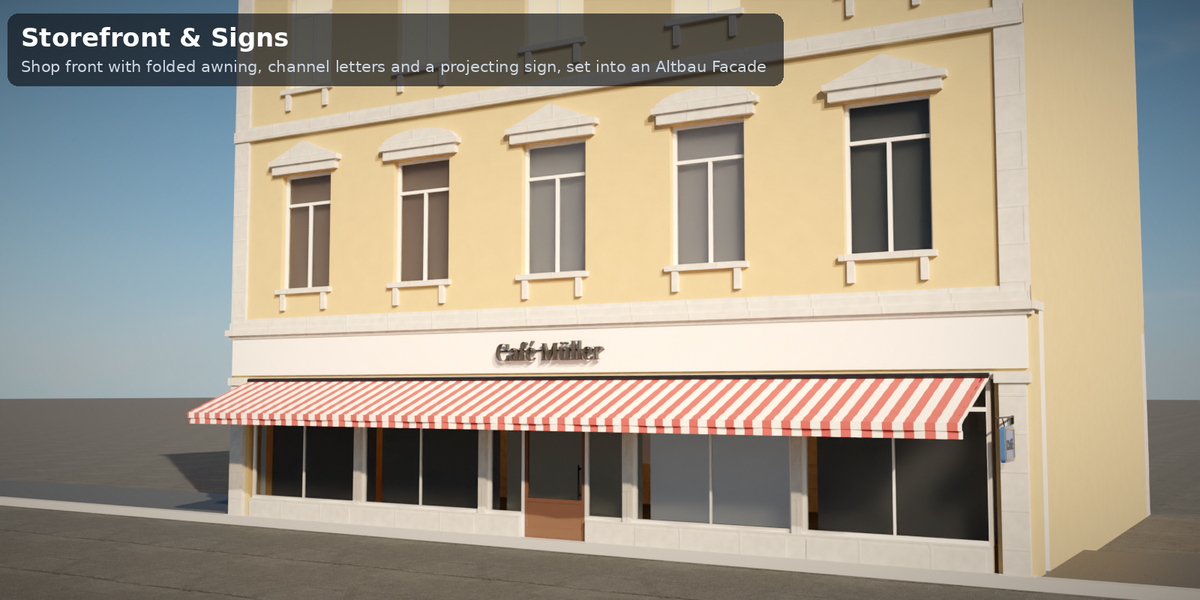
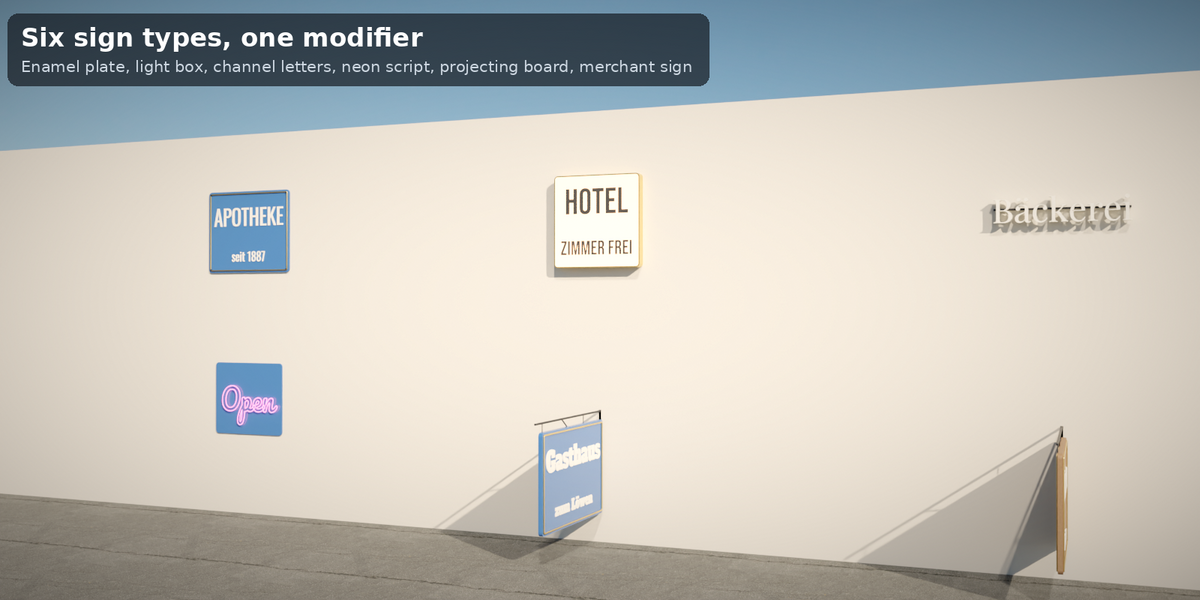
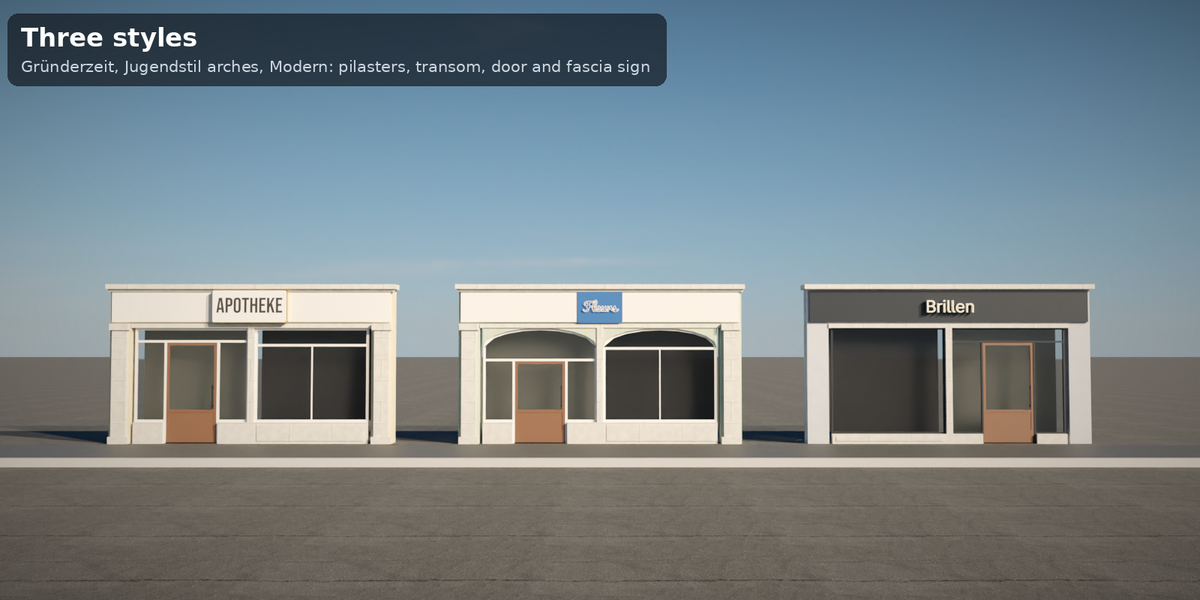
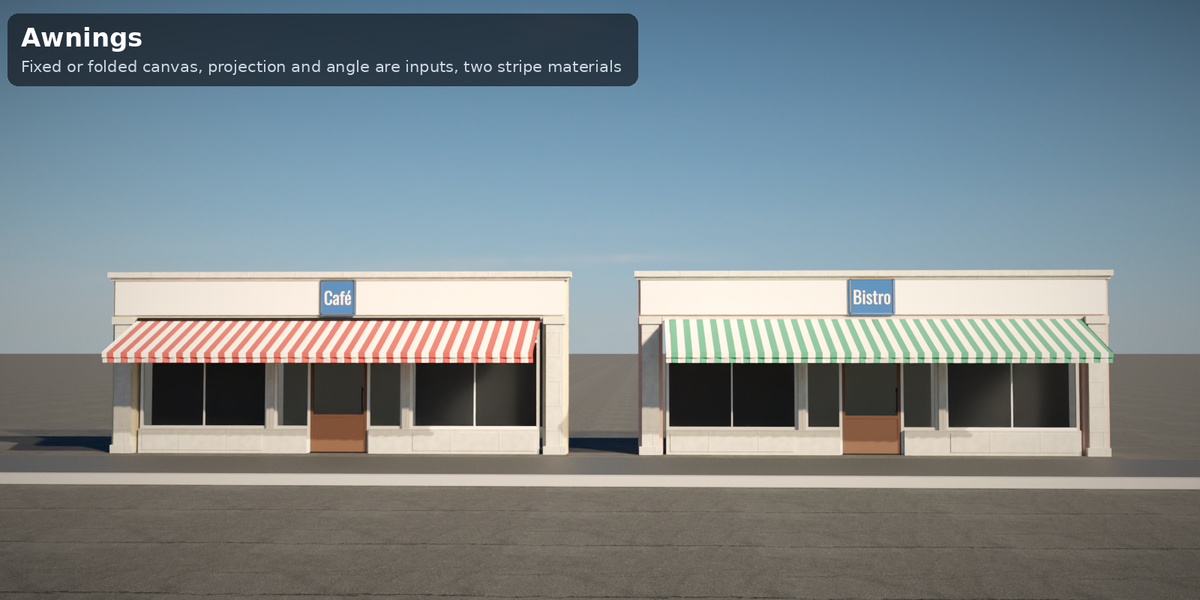
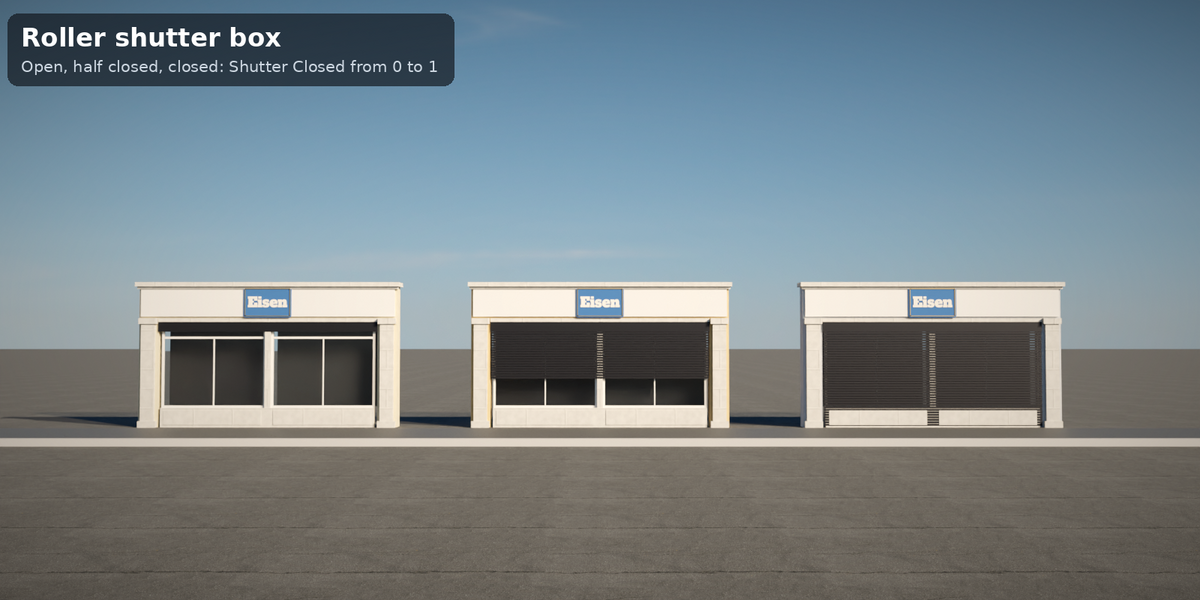
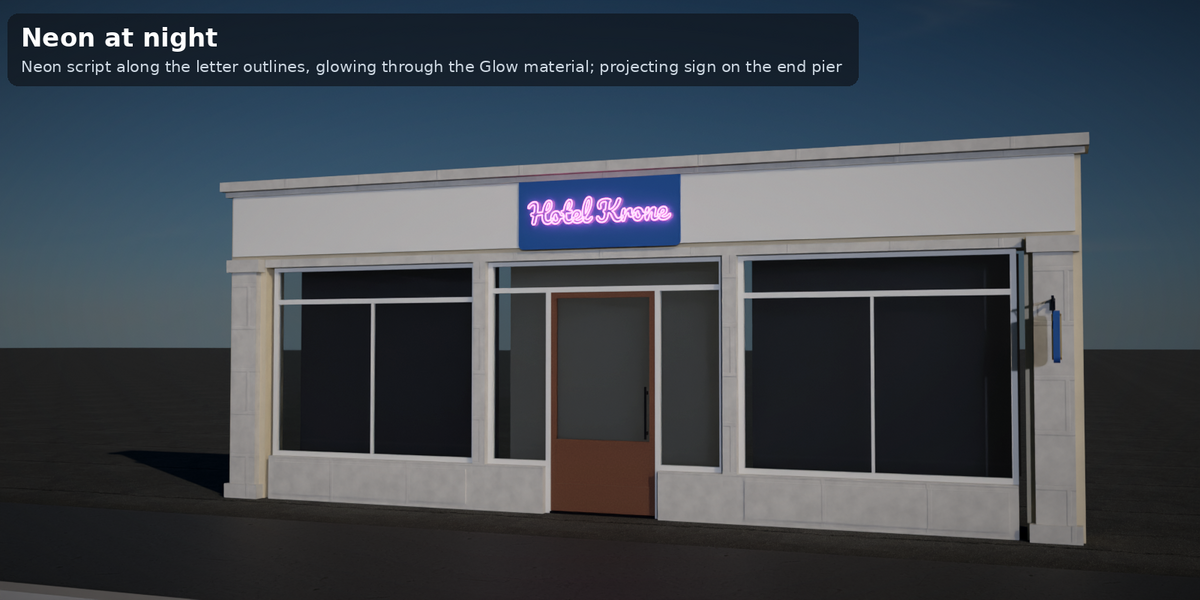
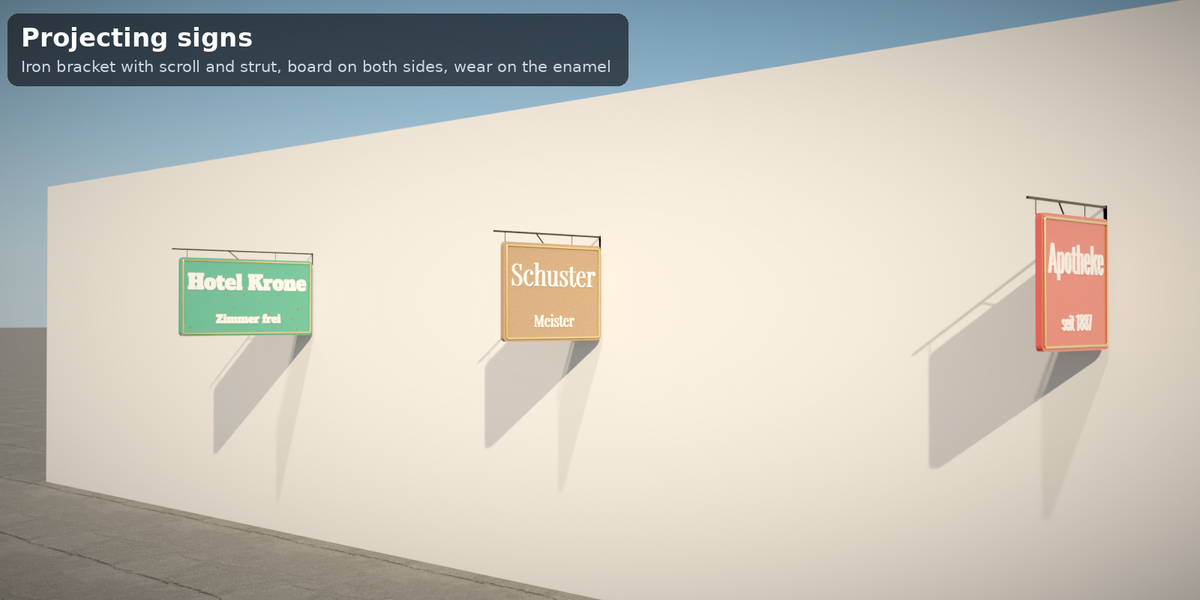
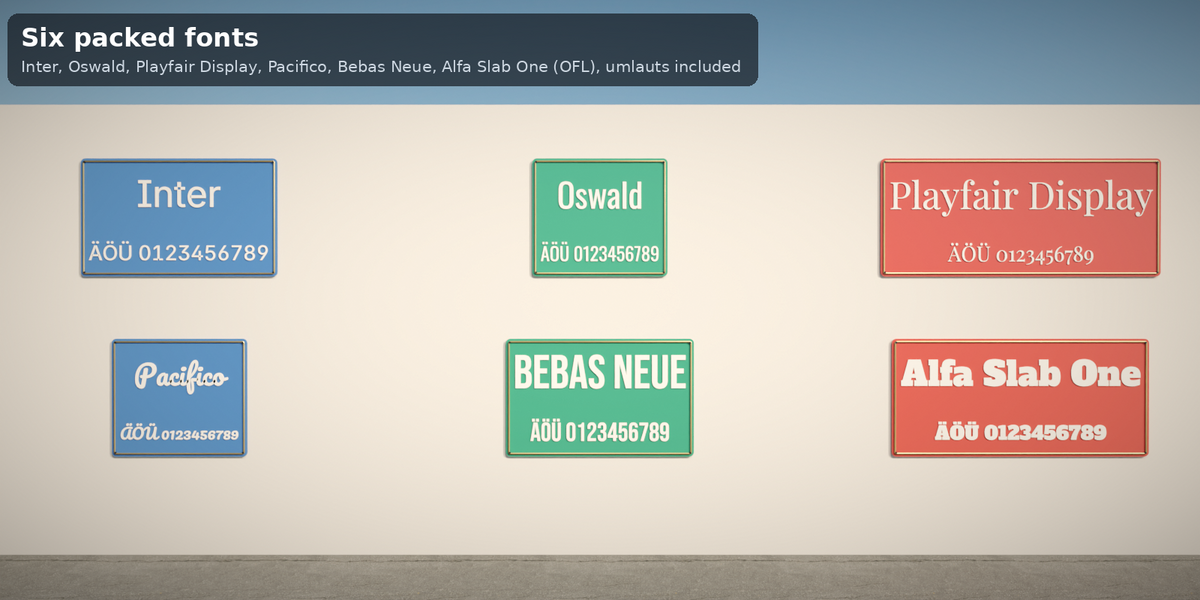
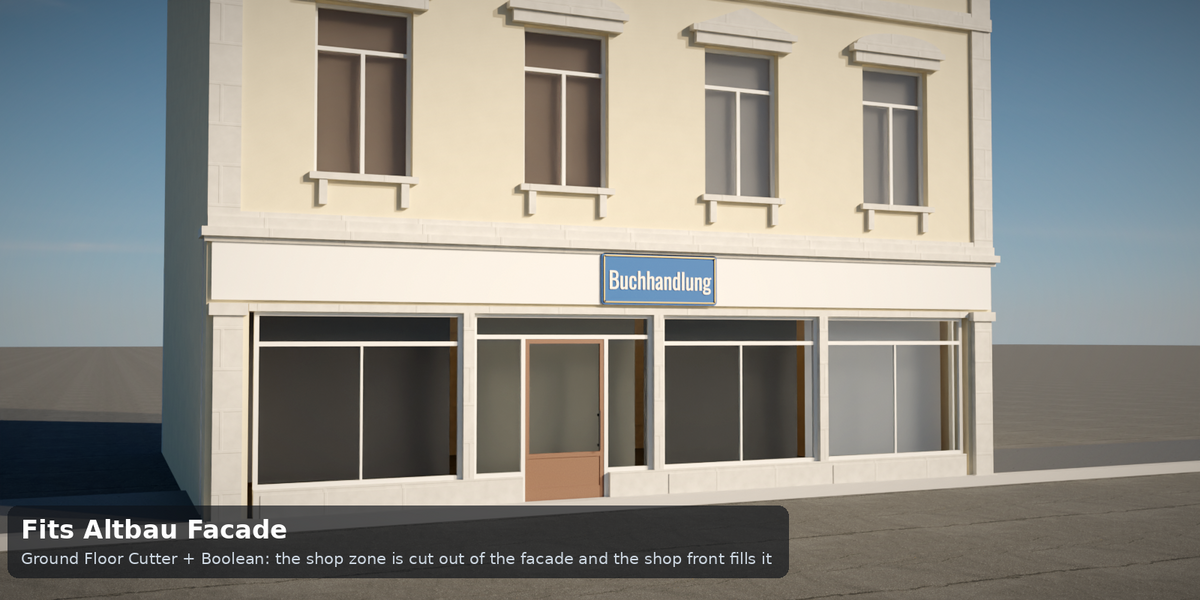
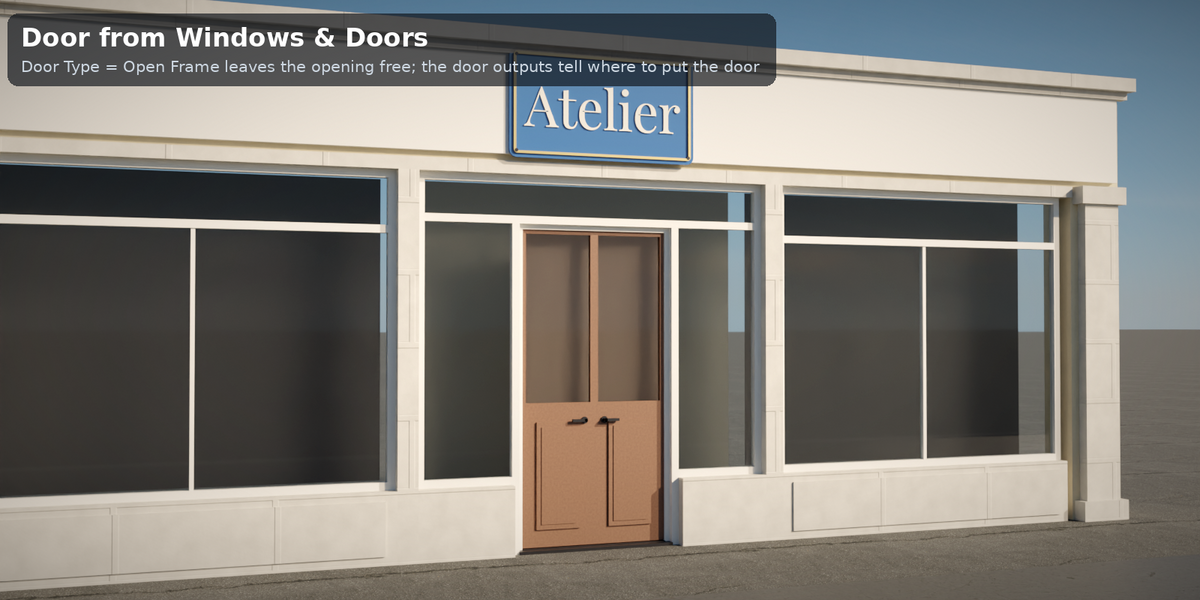
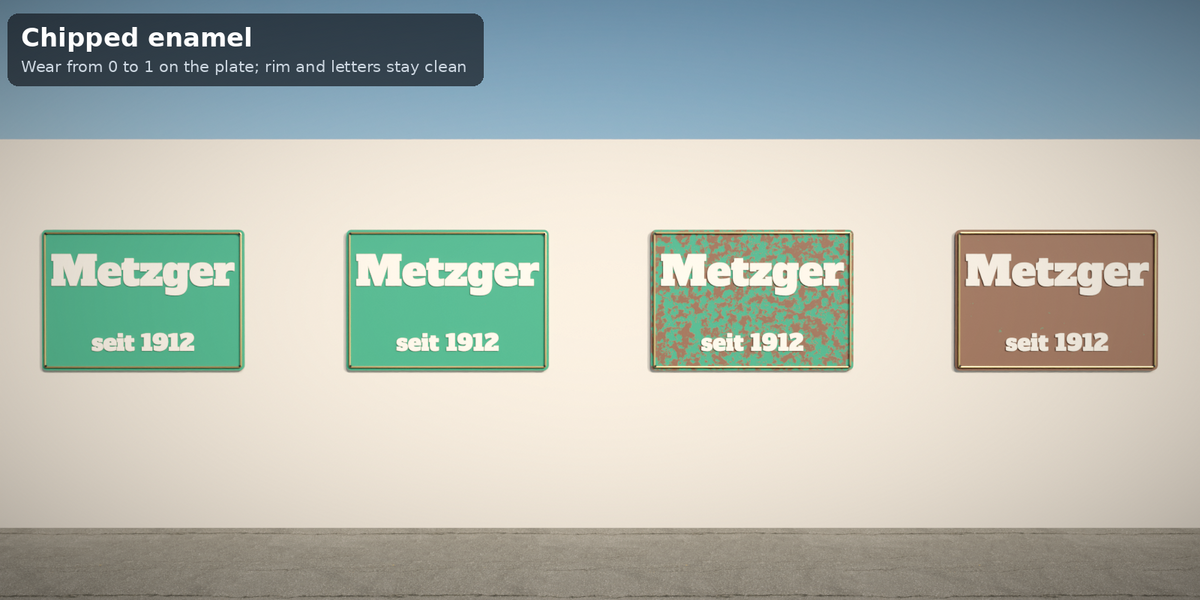
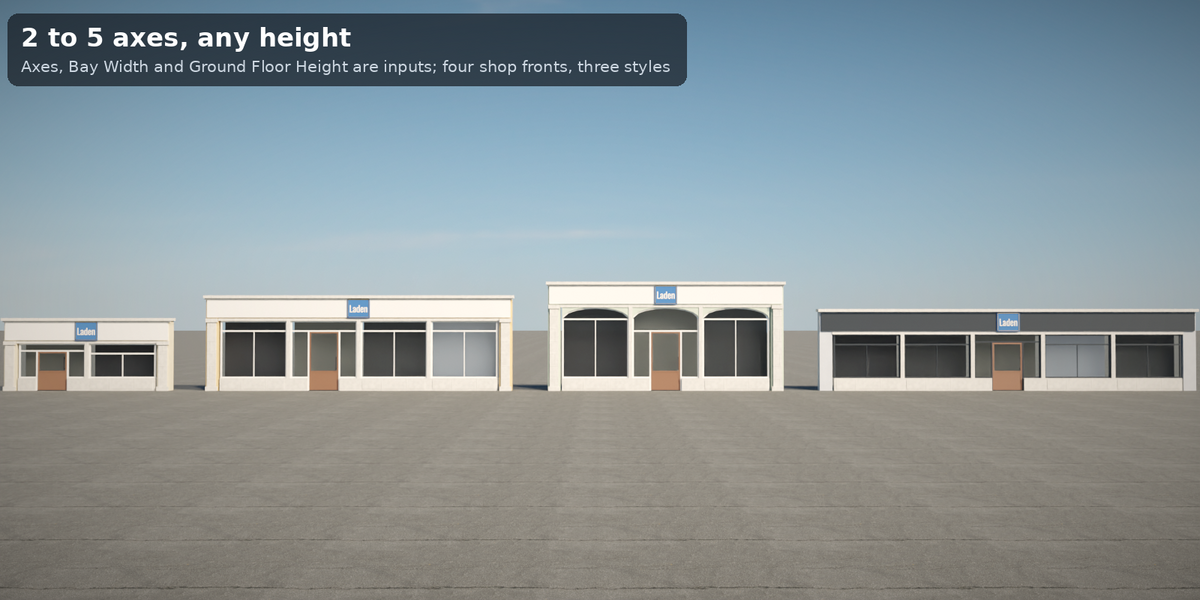
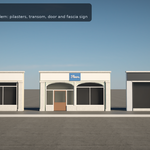
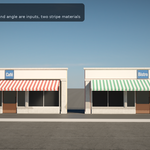
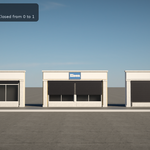
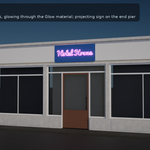
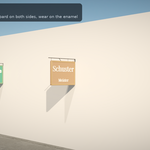
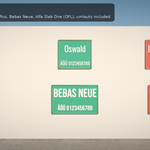
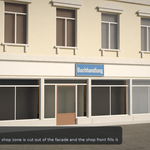
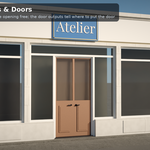
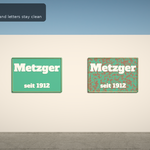
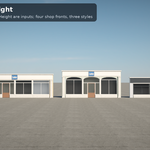
See README.md. Short: add any mesh object (it is ignored), add the Geometry Nodes modifier, pick Tidebone Storefront, set Axes and Bay Width, type the Fascia Text, pick the Fascia Sign and Font, then add Awning, Projecting Sign, Door Axis or Style. For a stand-alone sign use Tidebone Signs: choose Type and type the Text. The shop looks to −Y; the origin is the floor-level centre of the front. For an Altbau Facade set Facade Depth to its Depth and cut with the Ground Floor Cutter (README, section 'Working with Altbau Facade').
Have questions about this product?
Login to message
| Published | 2 days ago |
| Blender Version | 4.2 - 5.2 |
| Render Engine Used | Cycles, Eevee |
| License | Royalty Free |

Discover more products like this
storefront architecture enamel sign neon shop-front signs facade lettering procedural geometry nodes altbau text