 gonextaz
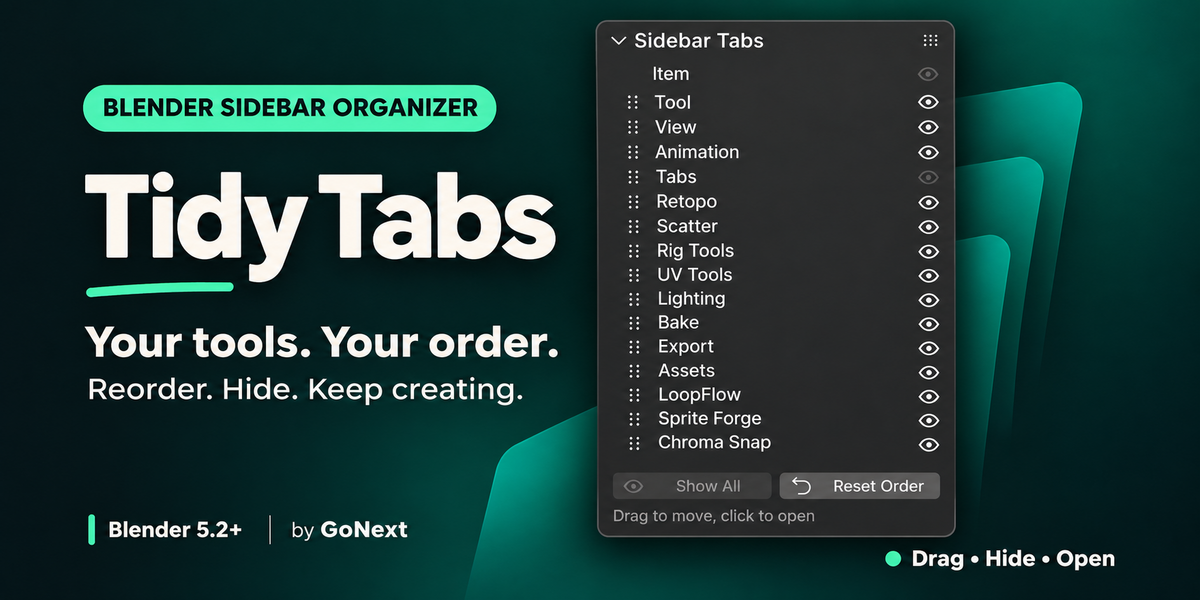
Tidy Tabs — Your tools. Your order.
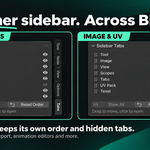
Organize Blender’s sidebar so your favorite tools are easier to reach. Drag tabs into place, hide the ones you don’t need, and jump straight to your tools.
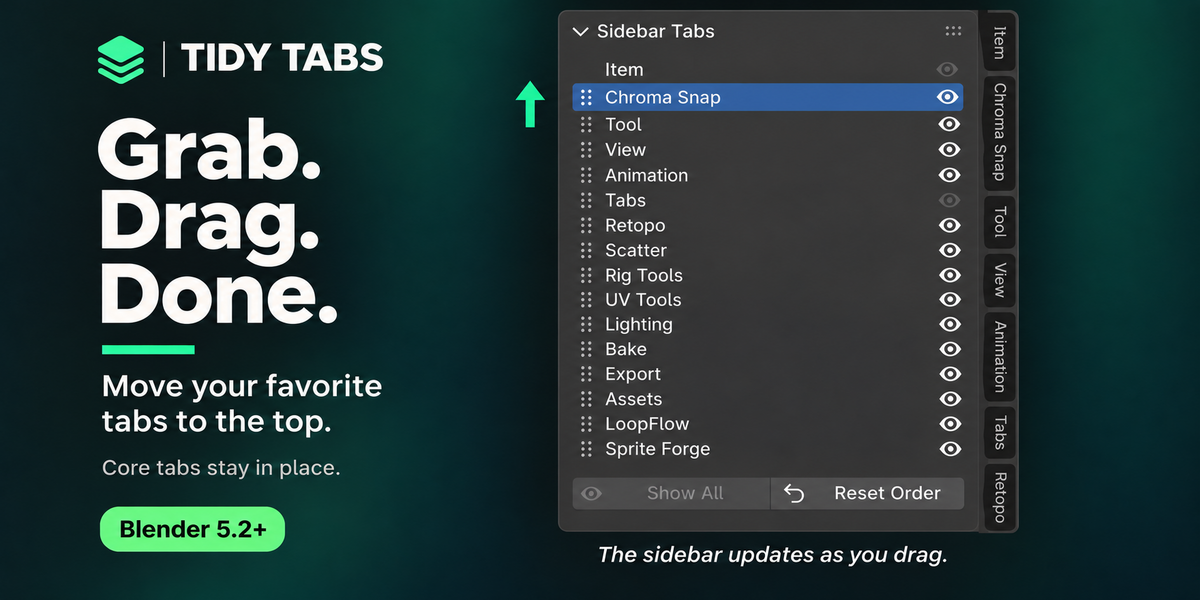
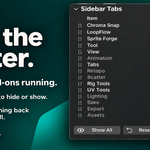
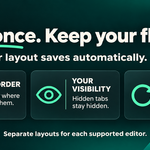
Drag to reorder. Move a tab’s name or grip up or down. The sidebar updates as you drag.
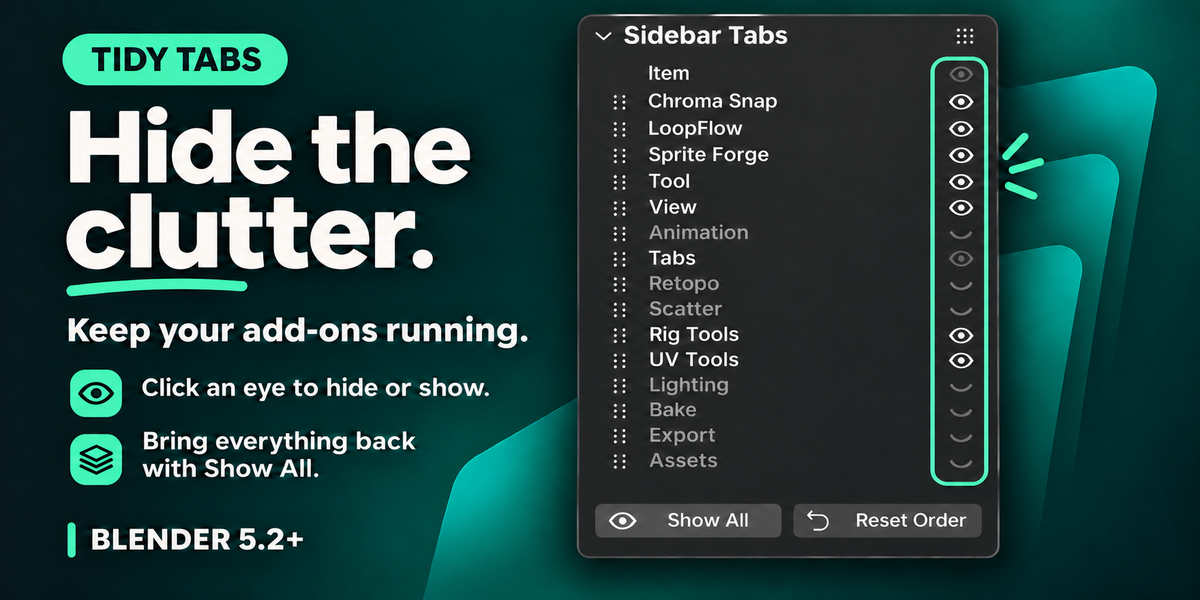
Hide without disabling. Toggle an eye to hide or show a tab while its add-on stays enabled.
Focus on one tab. Ctrl+click an eye to show only that tab alongside protected tabs. Ctrl+click again to show them all.
Click to open. Click a tab’s name to jump straight to it.
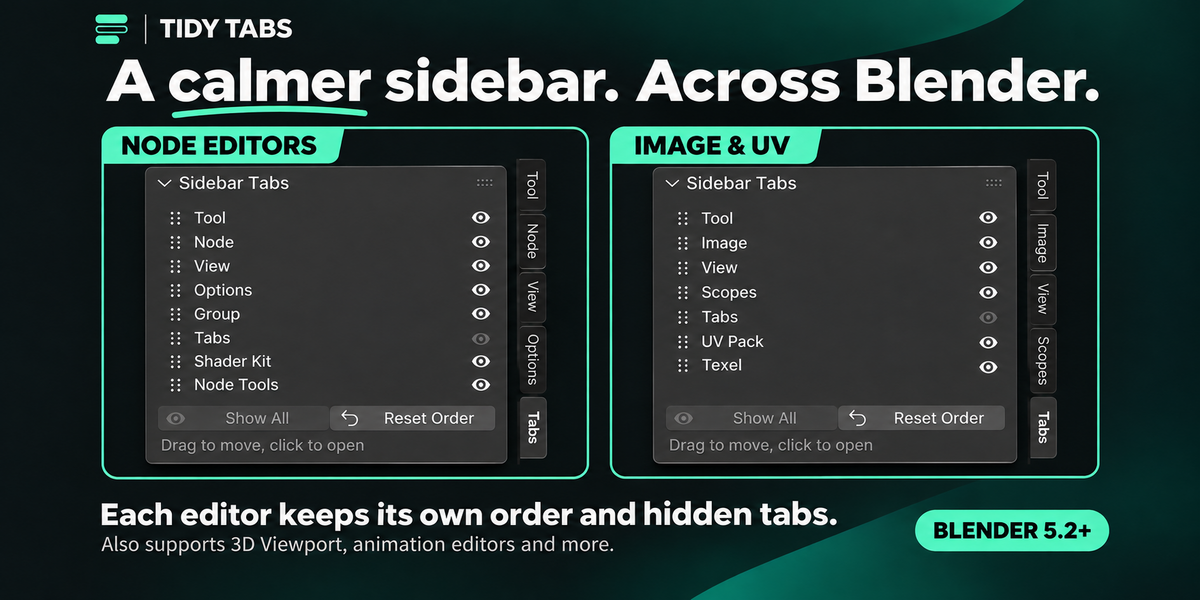
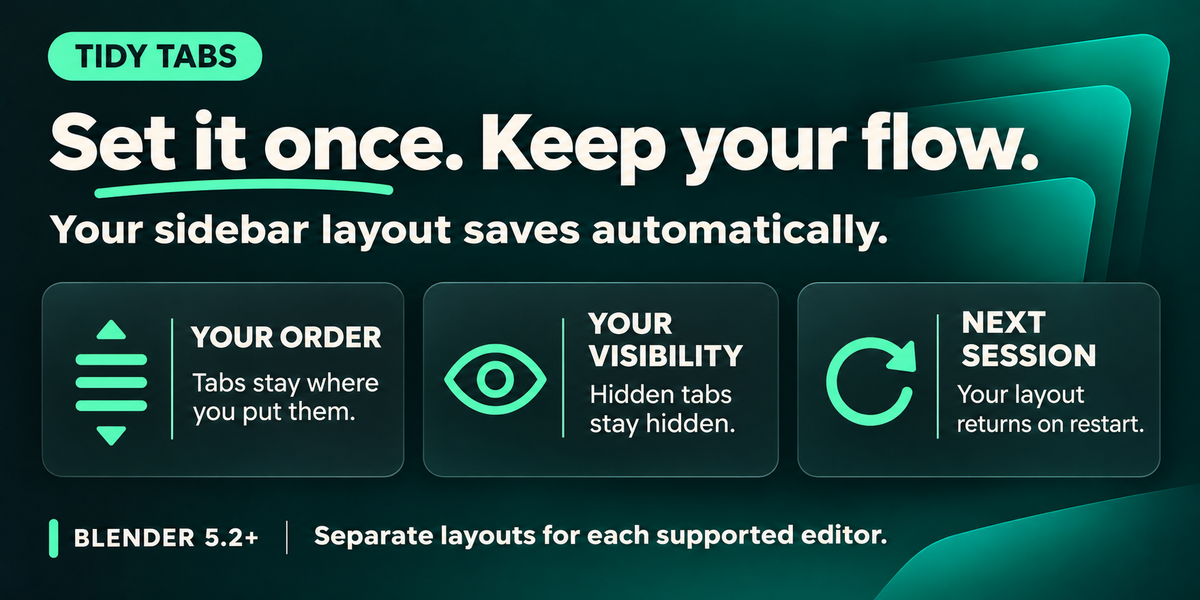
Saved automatically. Each supported editor remembers its own tab order and hidden tabs between sessions.
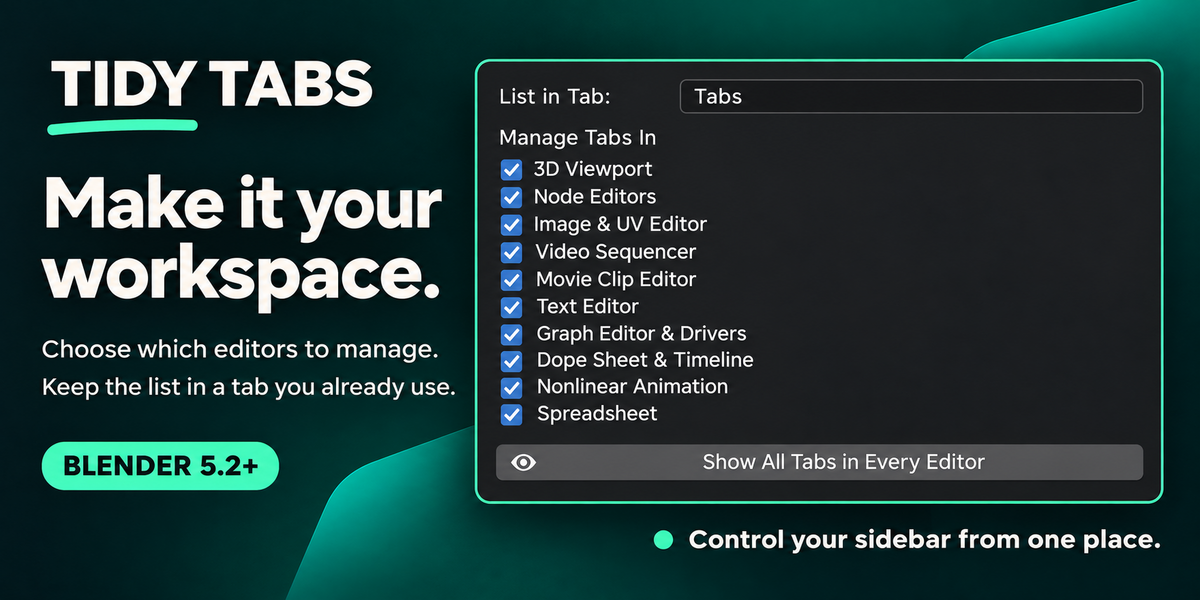
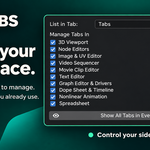
Make it fit. Keep the list in Tabs or move it into an existing tab. Choose which editors to manage in Preferences.
Reset anytime. Show All restores hidden tabs. Reset Order returns the editor’s default order.
Supported editors
- 3D Viewport
- Node Editors: Shader, Geometry Nodes, Compositor and more
- Image & UV Editor
- Video Sequencer
- Movie Clip Editor’s right sidebar
- Text Editor
- Graph Editor & Drivers
- Dope Sheet & Timeline
- Nonlinear Animation
- Spreadsheet
Getting started
Install and enable Tidy Tabs, open a supported editor’s sidebar with N, and select Tabs. Drag to reorder, click to open, or toggle an eye to hide.
Requires Blender 5.2 or newer.
Good to know
Some Blender core tabs, such as Item, cannot be moved or hidden. The tab containing the Tidy Tabs list also stays visible.
Editors without tabbed sidebars have nothing to organize. Sidebars with fewer than two tabs to sort do not get a list.
Use one sidebar tab manager at a time. Other add-ons shown in promotional images are not included.