 gonextaz
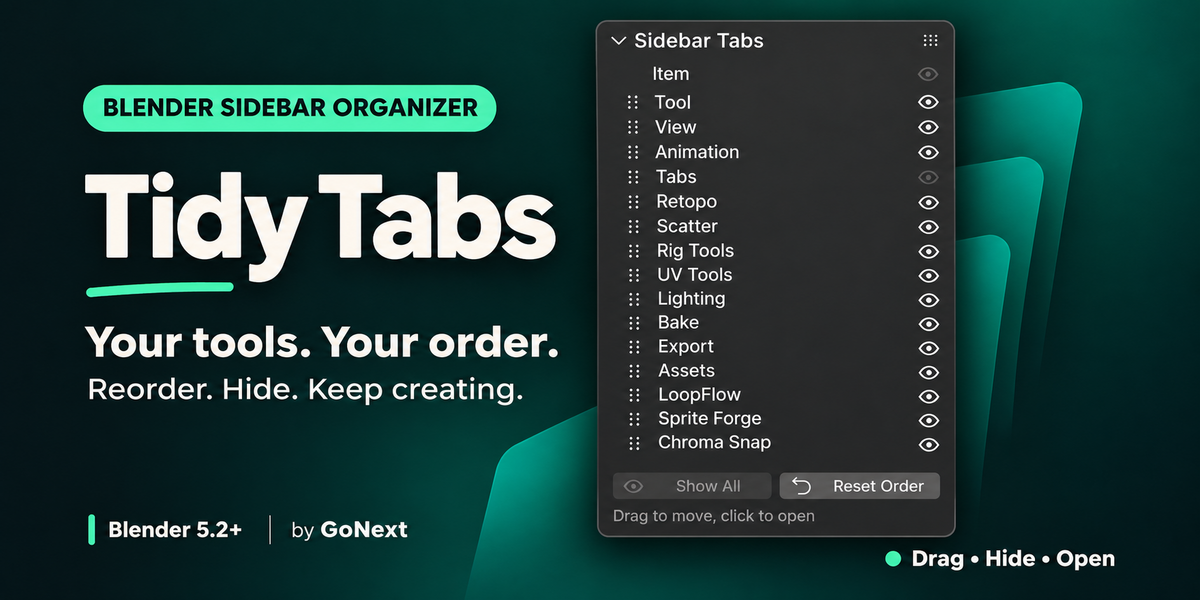
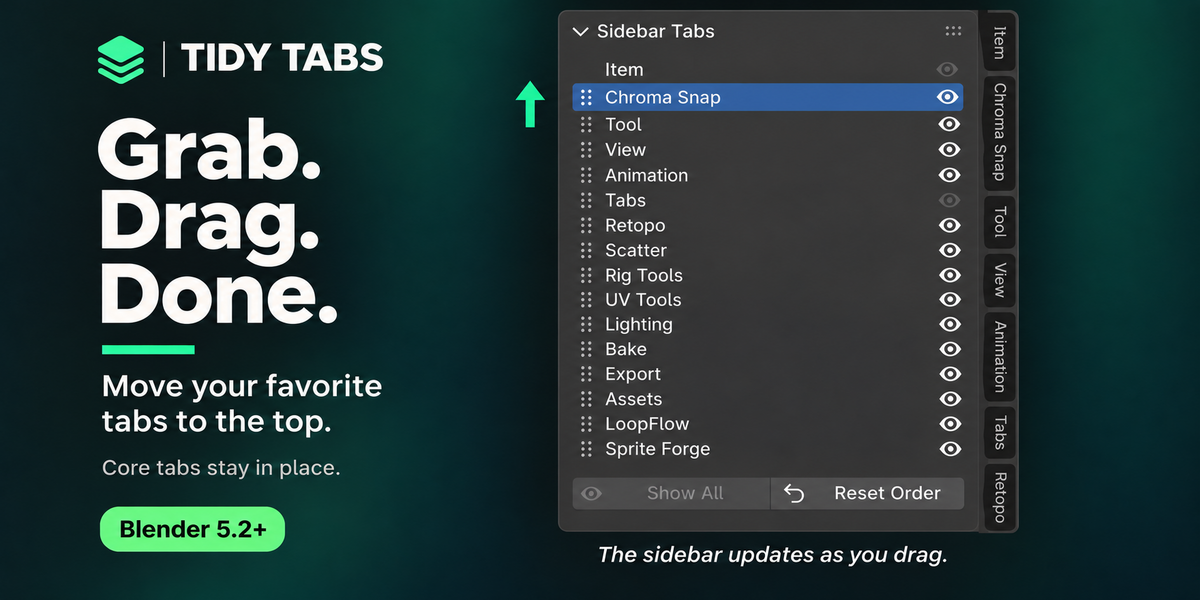
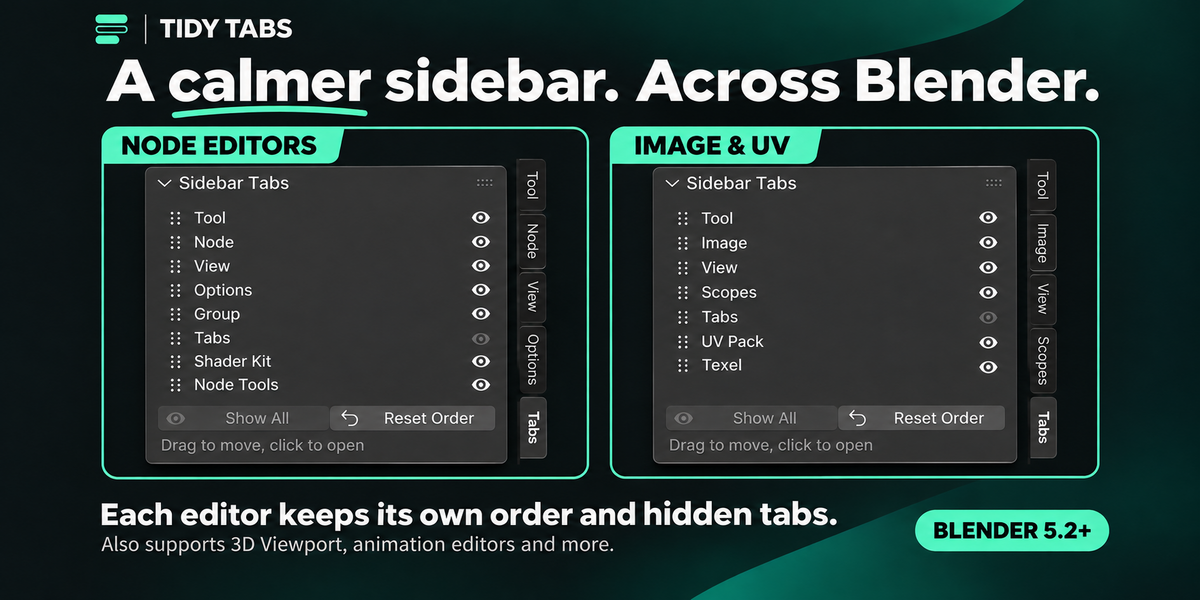
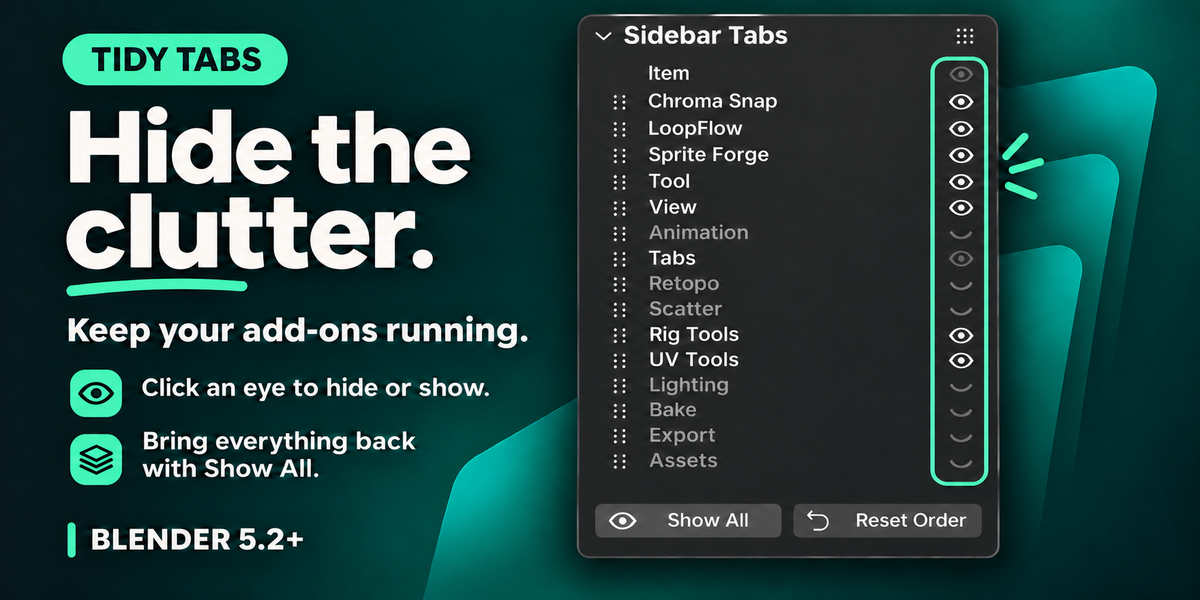
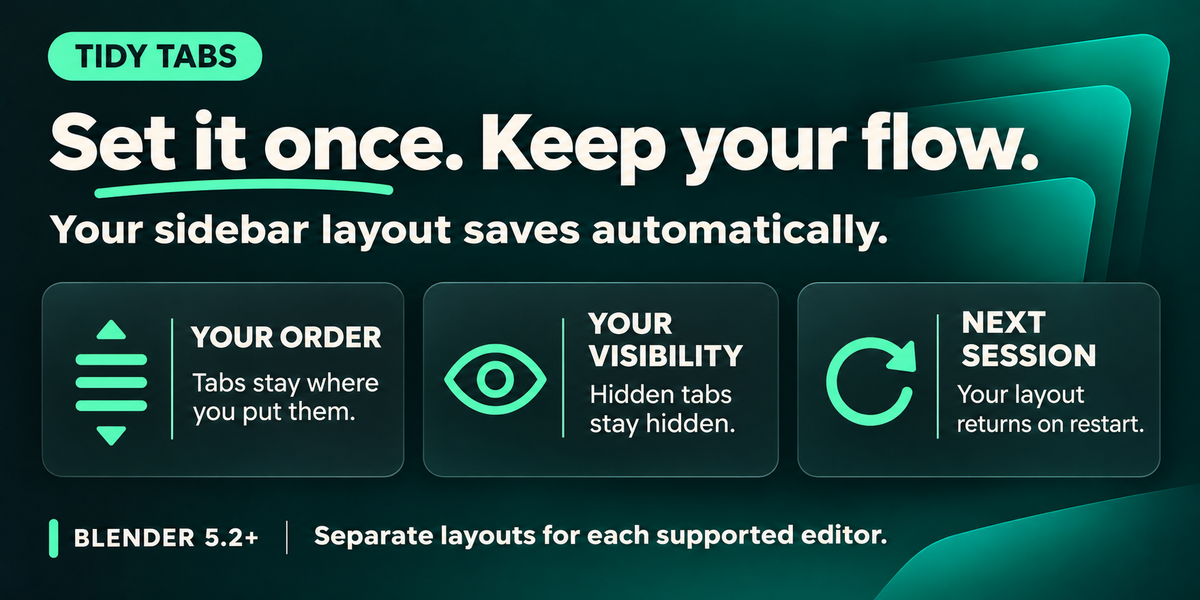
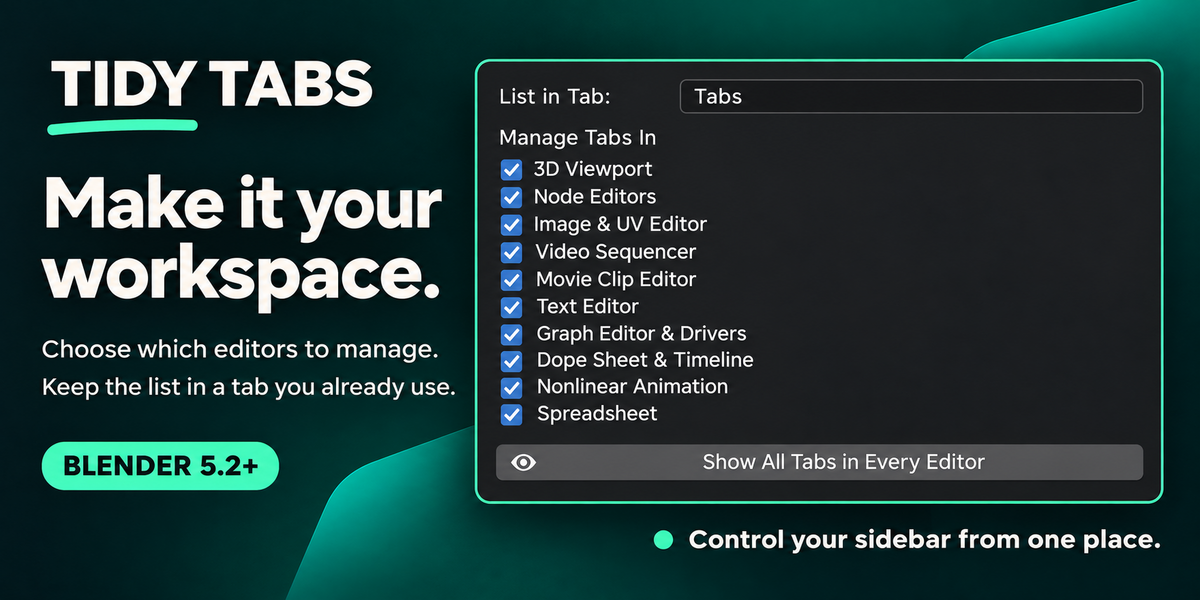
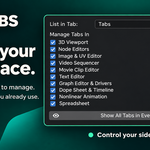
Does hiding a tab disable its add-on, and can I bring the tab back?
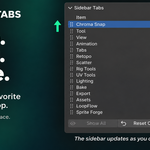
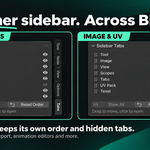
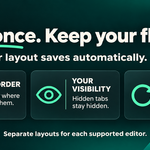
No. Hiding a tab only removes it from the sidebar. Its add-on remains enabled, and its other menus, shortcuts and tools keep working.
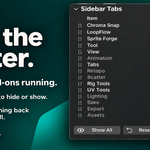
To bring it back, open the Tidy Tabs list and click its eye again. Click Show All to restore every hidden tab in that editor, or use Show All Tabs in Every Editor in Preferences.
Some protected Blender core tabs, such as Item, cannot be hidden. The tab containing the Tidy Tabs list also remains visible.
Have questions about this product?
Login to message
| Blender Extension Compatible | Yes |
| Published | about 2 hours ago |
| Blender Version | 5.2 |
| Extension Type | Add-on |
| Render Engine Used | Cycles, Eevee |
| License | GPL |
Discover more products like this
productivity n-panel reorder tabs interface Addon Management sidebar organizer Workflow tidy tabs Tab Manager Sidebar workspace hide tabs