 blueish
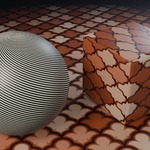
Procedural tiles, fractals and shapes for the shader editor
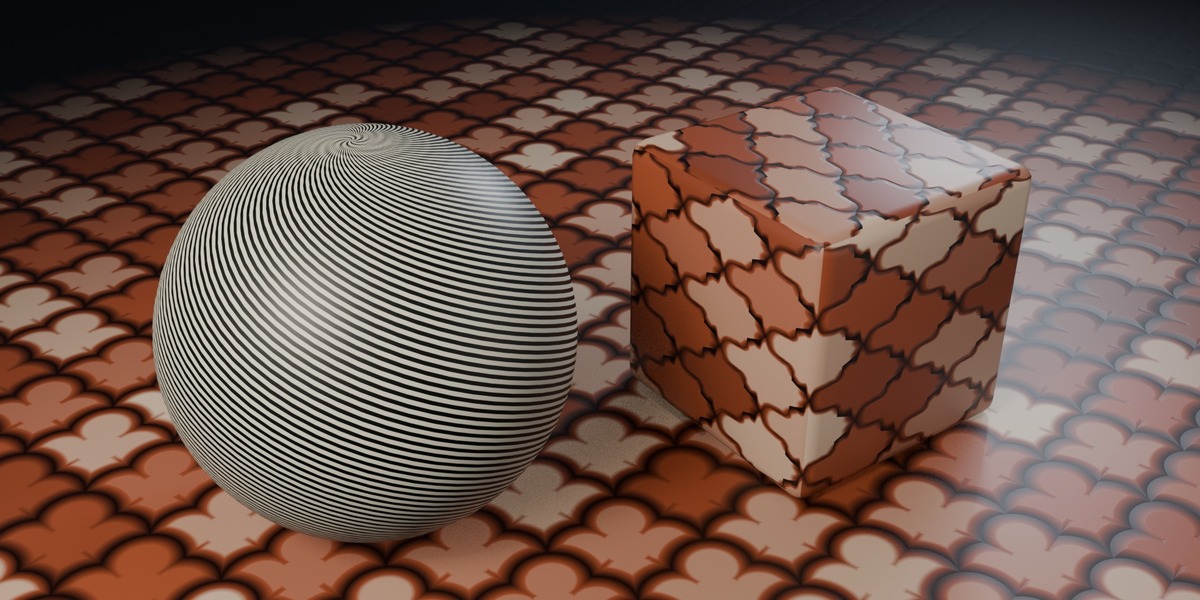
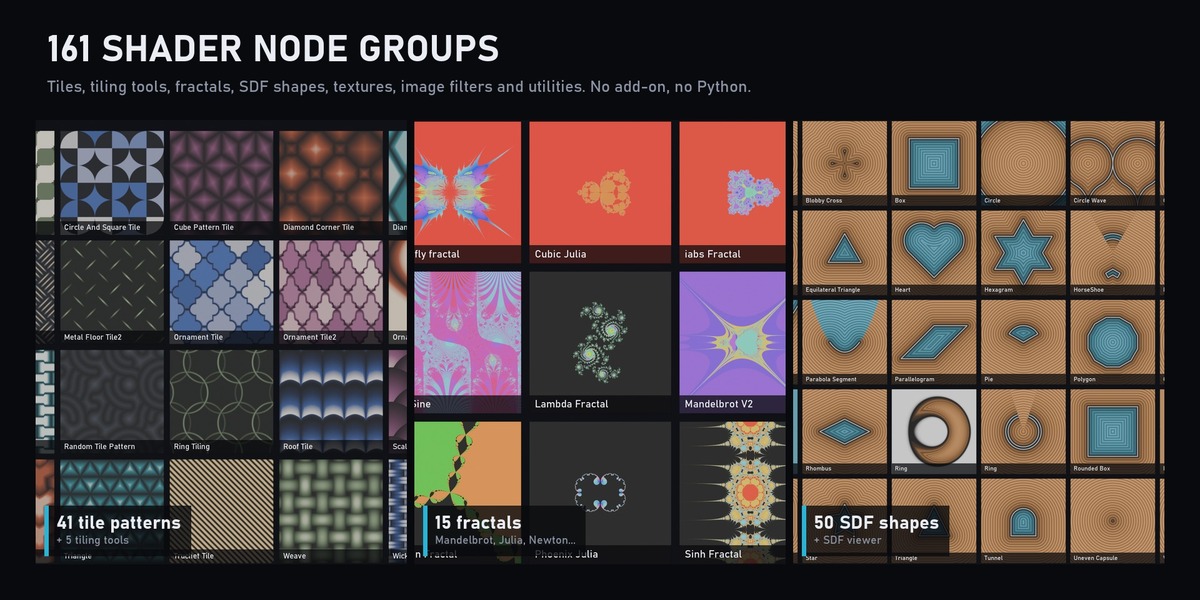
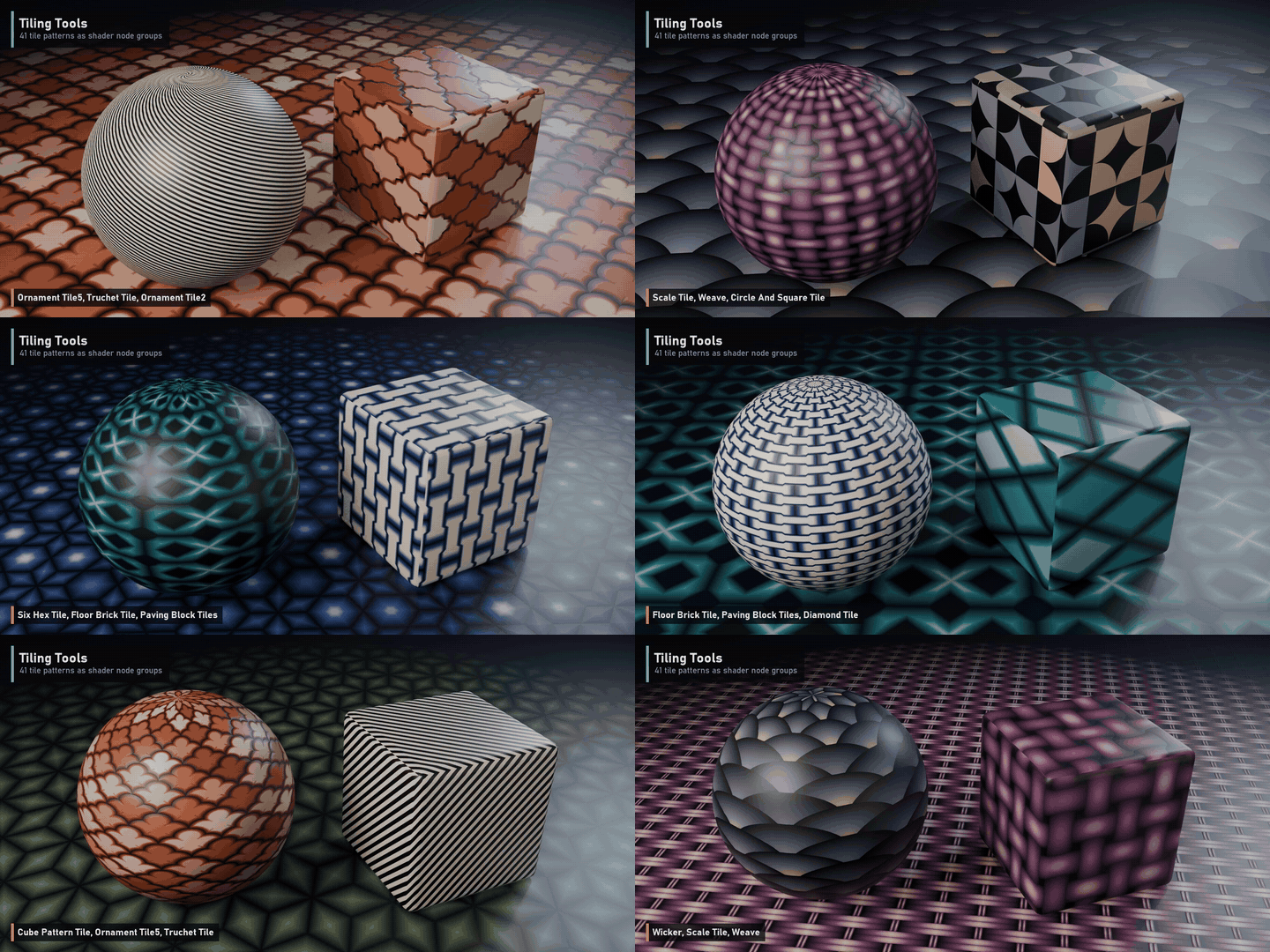
Tiling Tools is a library of 161 shader node groups. Drop a tile pattern onto any UV and you get a height gradient for bump or displacement, a mask, and a random colour per tile, ready to drive your own materials.
What's inside
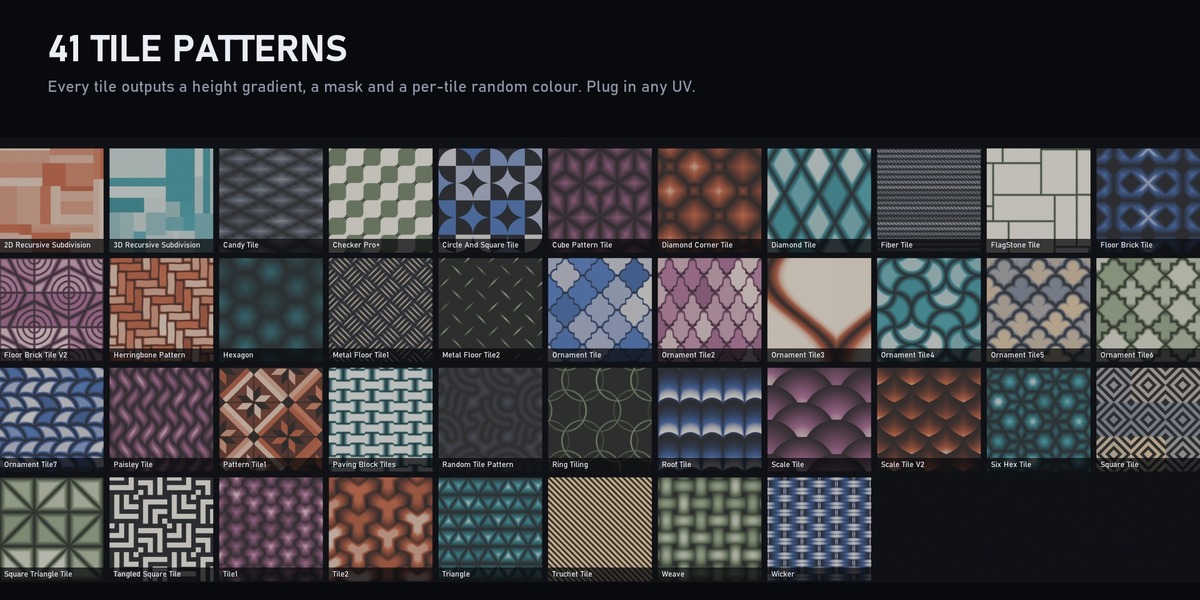
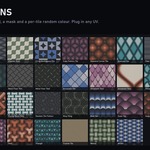
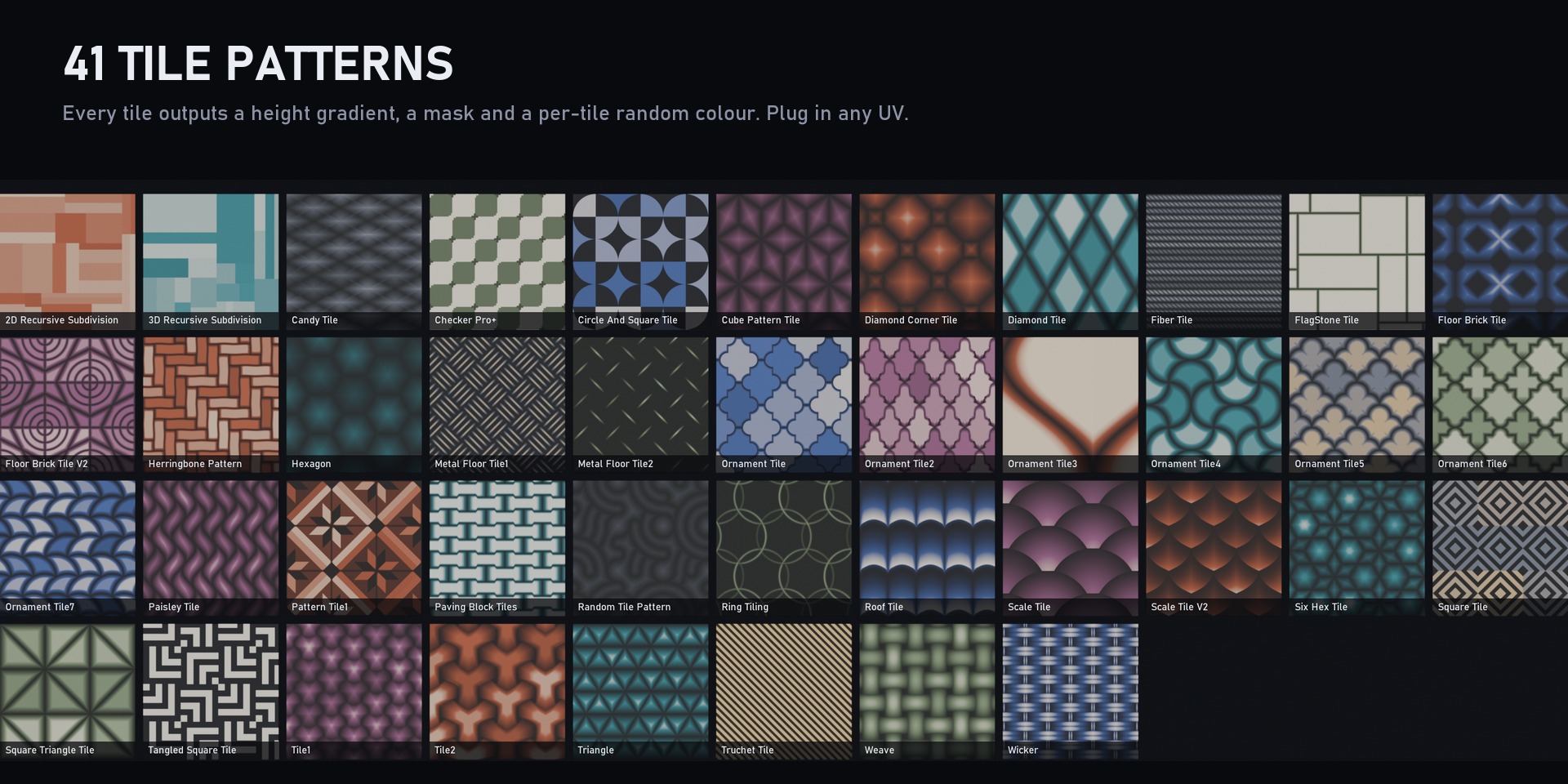
- 41 tile patterns: herringbone, hexagon, scale, Truchet, weave, wicker, paving, floor brick, roof, ornament and Moroccan tiles, recursive subdivision (2D and 3D) and more. Most have Scale, Seed and shape controls.
- 5 tiling tools: Tile Generator (3x3 and 5x5), Hexagon Tile, Simple Tile and Circular Tiling, for scattering your own pattern across a grid with random offset, rotation, scale and lightness per tile.
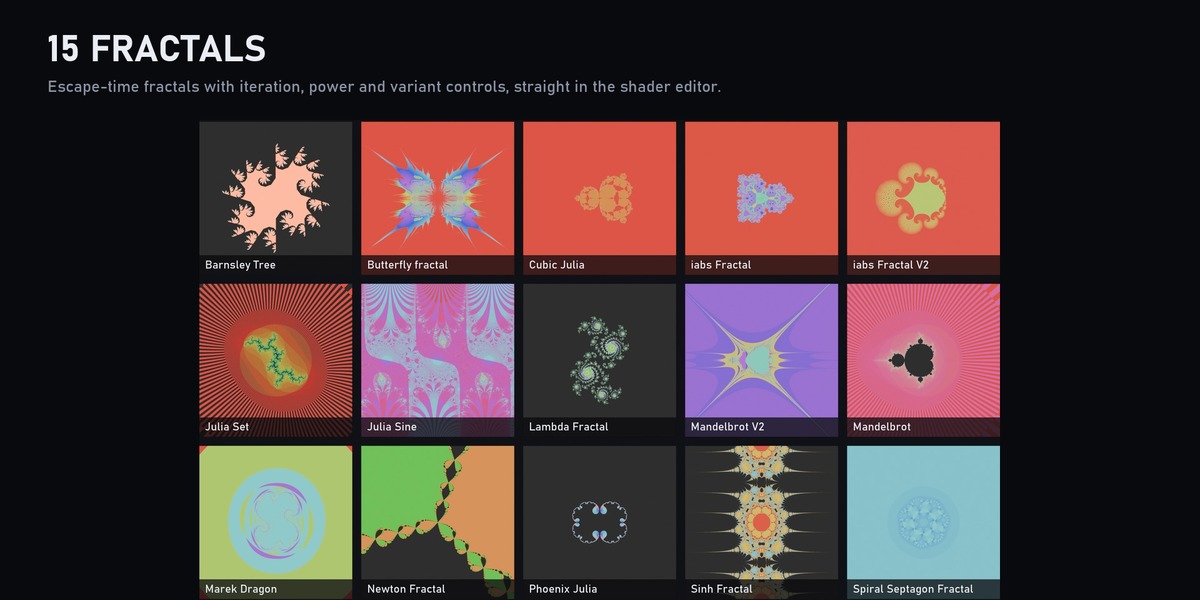
- 15 fractals: Mandelbrot, Julia, Newton, Phoenix, Lambda, Barnsley tree, Marek dragon and others, with iteration and power controls.
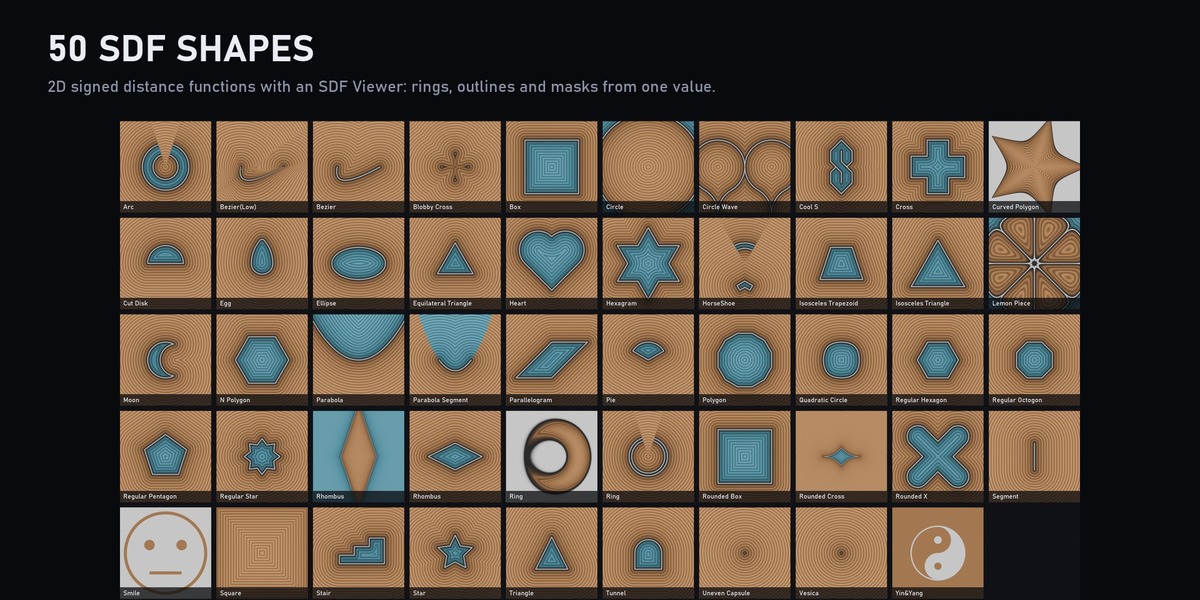
- 50 SDF shapes: circles, polygons, stars, hearts, crosses, arcs, Bezier curves, moons, trapezoids and more, plus an SDF Viewer for outlines and rings.
- 12 textures: 3D and 4D simplex noise, caustics, tileable water caustics, scratches, water stains, edge AO, colour and macro variation.
- 10 image tools: seamless image, scatter image, Droste zoom, LED screen, image rotation and blur filters (box, Gaussian, radial, circular, 3x3 convolution).
- 27 utilities: 19 colour palettes, render mask, multi-image and multi-UV switches, time falloff.
Great for
Floors, walls, roofs and fabrics, stylised and hard-surface materials, decals and masks, motion graphics and generative art.
What's included
- One .blend with all 161 node groups marked as assets, organised in catalogs (Tile, Tile Tools, Fractal, Shape, Texture, Image, Utility)
- Add the folder as an asset library and drag the nodes into any material
Requirements
Blender 5.2 or newer. Works in Eevee and Cycles.