 blueish
Install
- Unzip Tiling_Tools_Blender5.2.zip anywhere.
- Edit > Preferences > File Paths > Asset Libraries > +, and pick the Tiling_Tools folder.
- In the Shader Editor, open the Asset Browser (or Add menu > your library) and drag nodes into any material.
Or open Tiling_Tools.blend and append the node groups you need (File > Append > NodeTree).
Using a tile
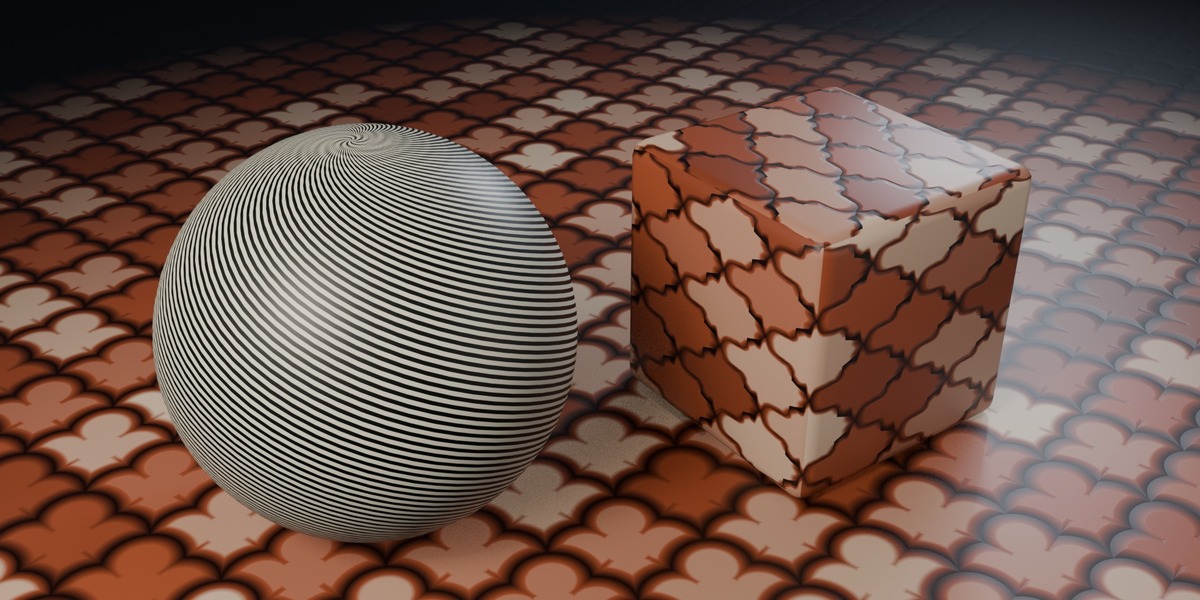
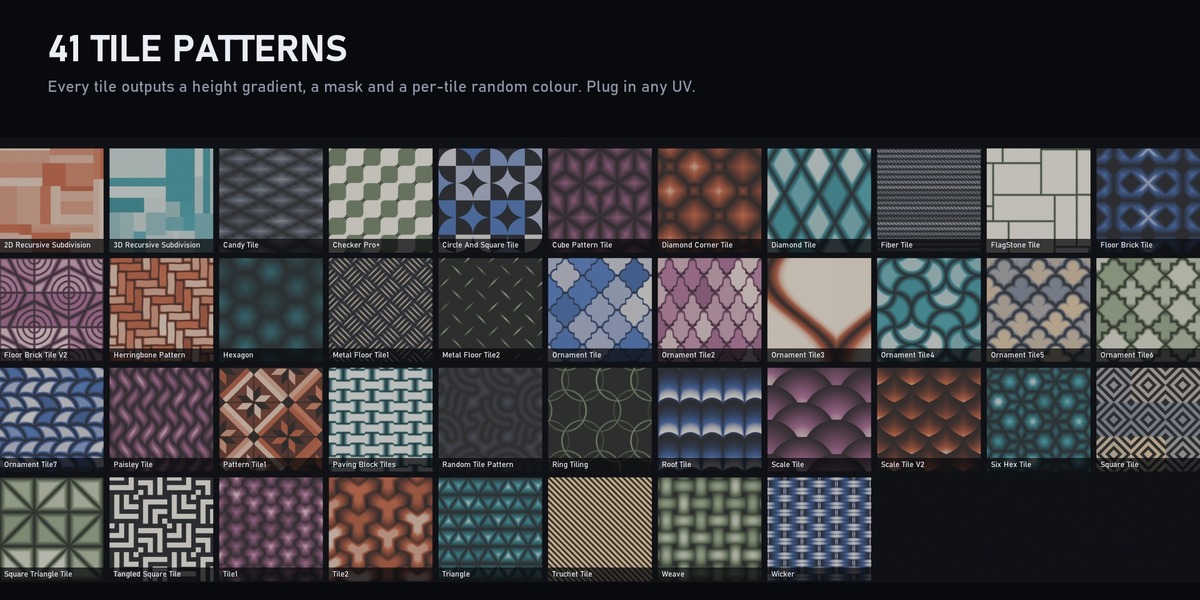
- Plug a UV or any vector into the UV input. Scale and Seed are on most tiles.
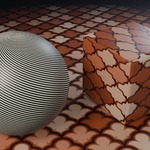
- The first output is a height gradient: feed it into a Bump node or a displacement.
- Mask separates tiles from grout; Random gives each tile its own colour to drive base colour, roughness or a palette.
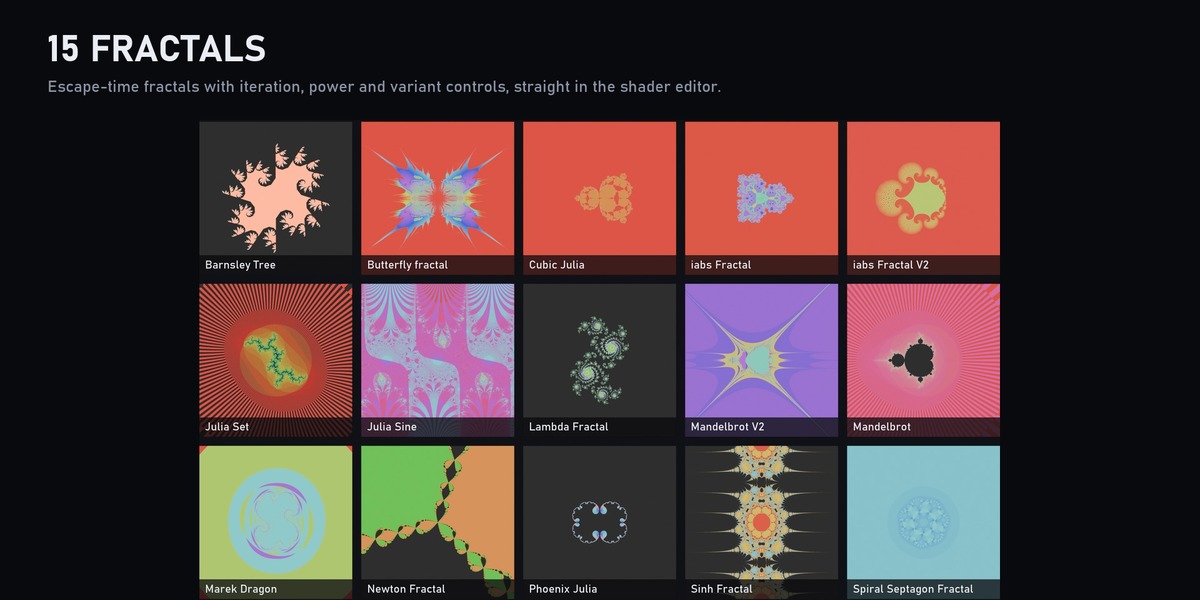
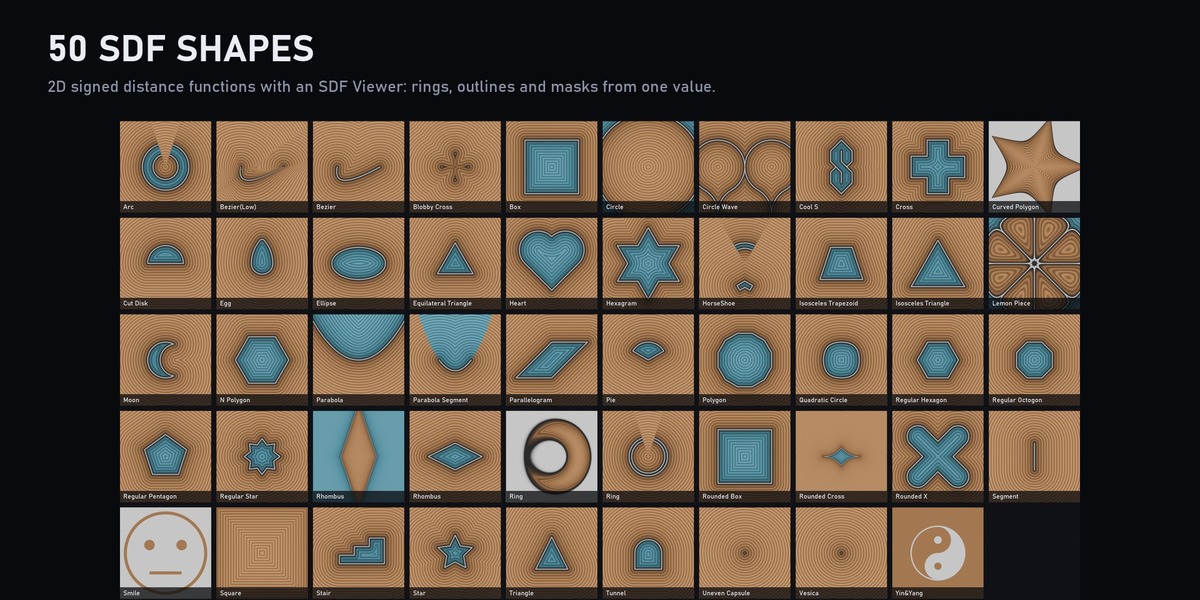
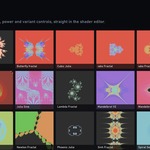
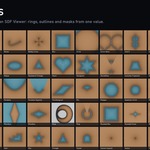
- Fractals and SDF shapes take a Coordinate vector; use the SDF Viewer node to turn a shape's SDF into outlines and rings.
Catalogs
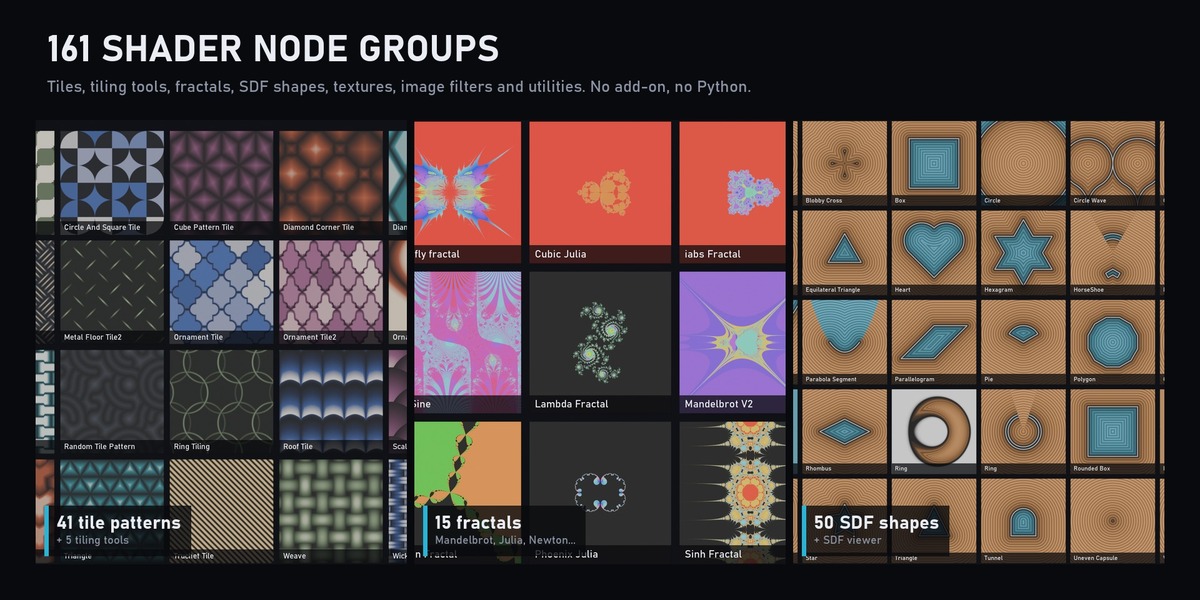
Tile/Patterns (41), Tile/Tools (5), Fractal (15), Shape (51 incl. SDF Viewer), Texture (12), Image (10), Utility (27).
Have questions about this product?
Login to message
| Published | about 1 hour ago |
| Blender Version | 5.2 |
| Render Engine Used | Cycles, Eevee |
| License | Royalty Free |