 3DMAGIC



Timeline Manager
Version History & Snapshots for Blender
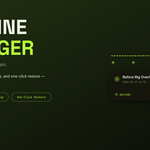
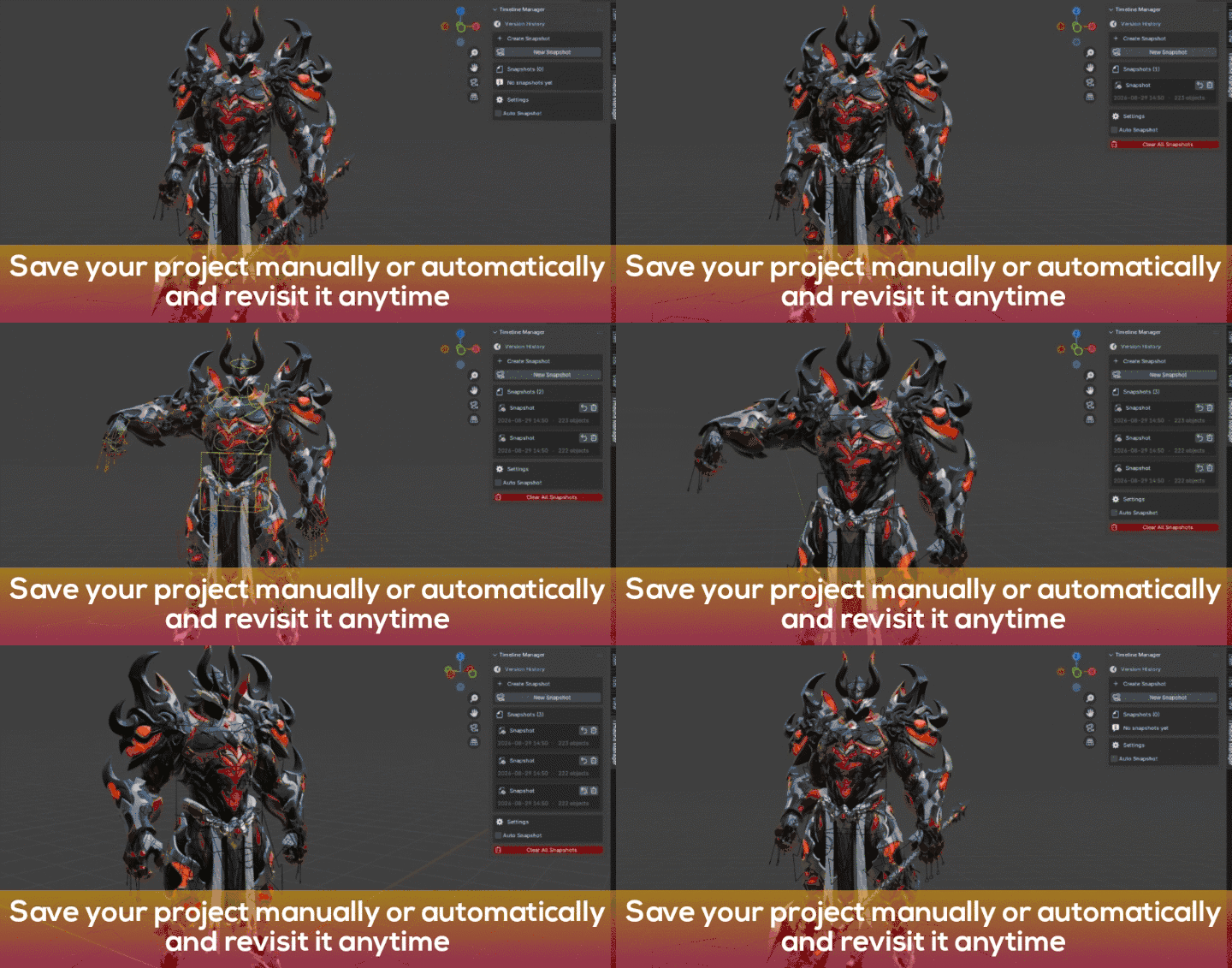
Timeline Manager helps you protect your Blender projects with manual snapshots, automatic snapshots, cleanup tools, and quick restoration.Keep previous versions of your work available whenever you need them.
Launch Price: $2.99
One-time purchase · Lifetime updates · Blender 4.x – 5.x
Features
Manual Snapshots
Create and name a snapshot whenever you want to save a specific point in your project.
Auto Snapshots
Set a time interval and automatically create snapshots while you work.
Smart Cleanup
Set a maximum number of snapshots and automatically remove older versions.
Optional Compression
Use Blender's native .blend compression to reduce snapshot file size.
Custom Storage Folder
Choose where your snapshots are stored, including another drive or external storage.
One-Click Restore
Select a previous snapshot and restore that version of your project.
How It Works
1. Work normally
Continue modeling, sculpting, animating, or working on your project as usual.
2. Create a snapshot
Create one manually or let Auto Snapshot save versions automatically.
3. Restore when needed
Choose a previous snapshot and return to that version of your project.
Compatibility
Blender: 4.x – 5.x
Operating Systems: Windows, macOS, Linux
Updates: Lifetime updates
Frequently Asked Questions
Does Timeline Manager replace Blender's Undo?
No.
Timeline Manager works alongside Blender's Undo system.Undo handles
actions during a session, while Timeline Manager keeps actual .blend
snapshots that can be restored later.
Will Auto Snapshot slow down my project?
Auto Snapshot uses a lightweight timer and creates a snapshot when the selected interval is reached.
Where are snapshots stored?
You can choose a custom storage folder for your snapshots, including another local drive, external storage, or a synced folder.
Does restoring a snapshot delete my current file?
No.
Restoring a snapshot does not delete the snapshot or other files stored
on disk. Save your current work separately if you want to keep your
current version before restoring another snapshot.
What happens when the maximum snapshot count is reached?
When Auto Cleanup is enabled, older snapshots are removed automatically according to the maximum number you set.
Which Blender versions are supported?
Timeline Manager is designed for Blender 4.x through Blender 5.x.
Is this a subscription?
No. Timeline Manager is a one-time purchase with lifetime updates.
Who makes Timeline Manager?
Timeline Manager is developed by 3dmagic.
TIMELINE MANAGER · Version History for Blender
BY 3DMAGIC