 one99addons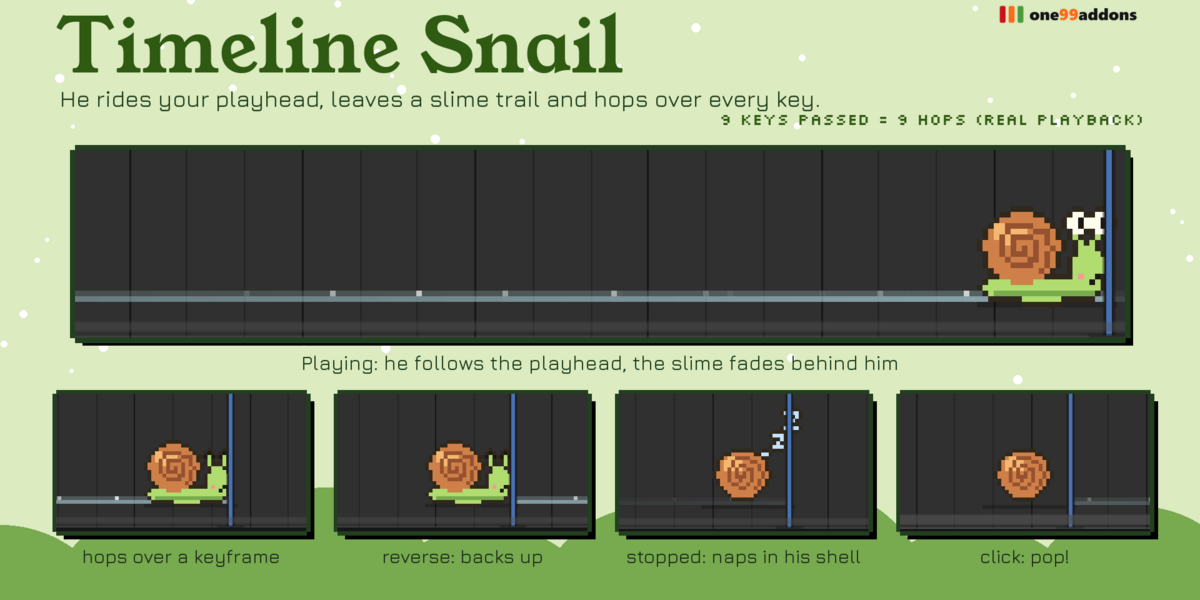
🐌 Timeline Snail
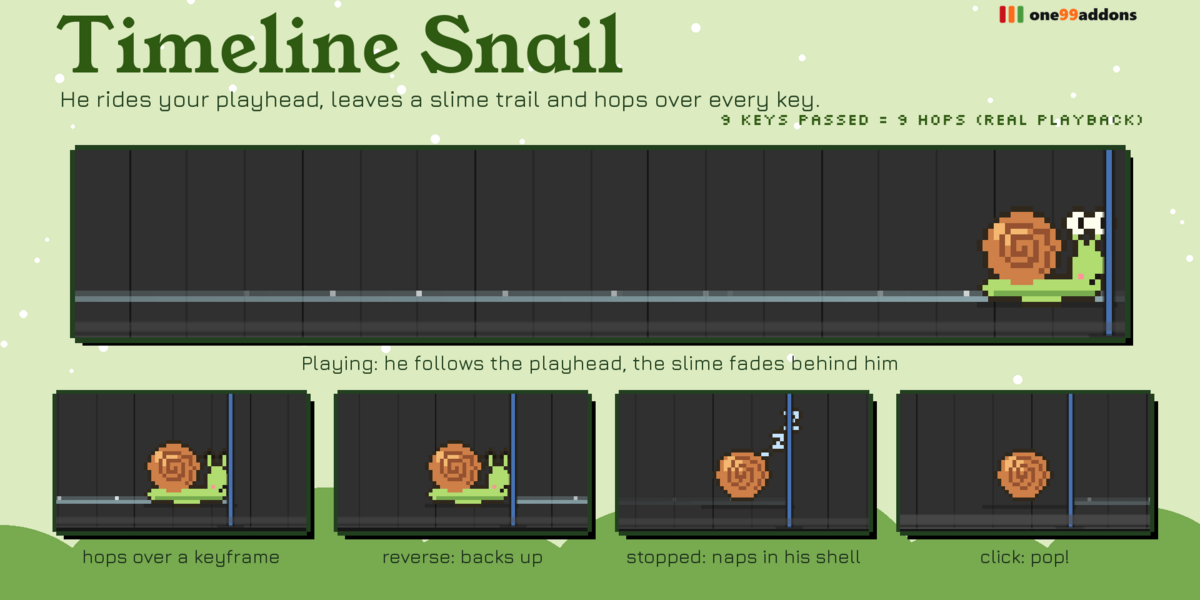
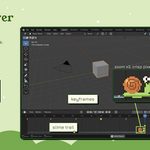
A pixel snail rides your playhead, leaves a slime trail and hops over every keyframe.
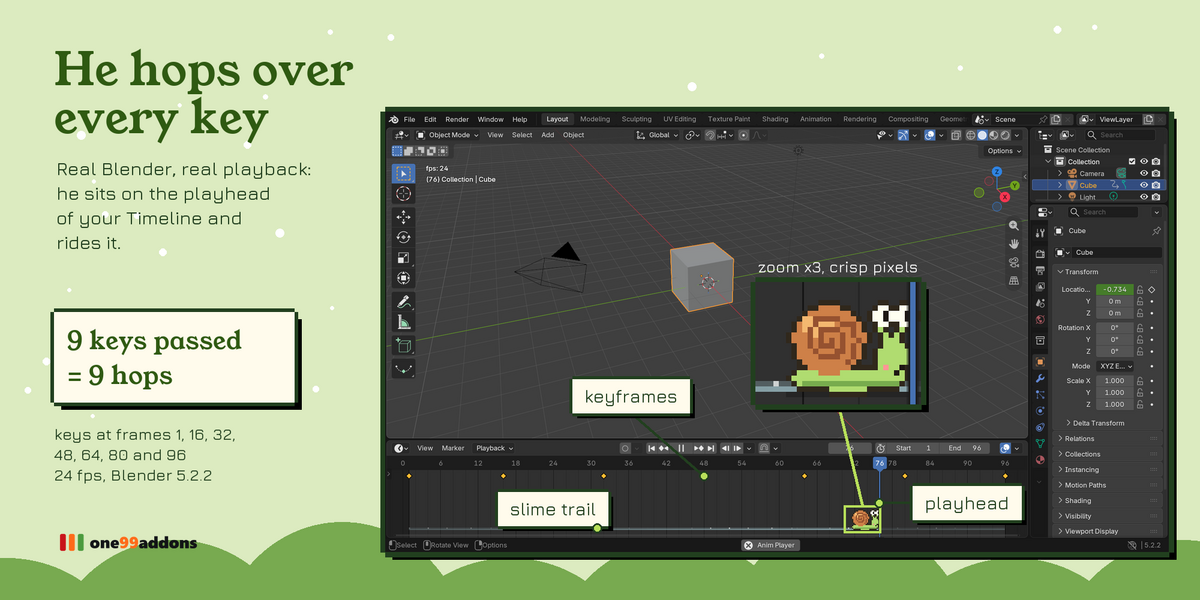
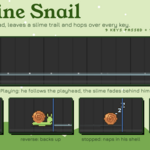
He crawls along the bottom of the Timeline and Dope Sheet exactly at the playhead while your animation plays, and backs up, worried, when you play in reverse.
The problem
Animating means watching the same playback a hundred times. The Timeline is functional, and a bit lonely.
What it does
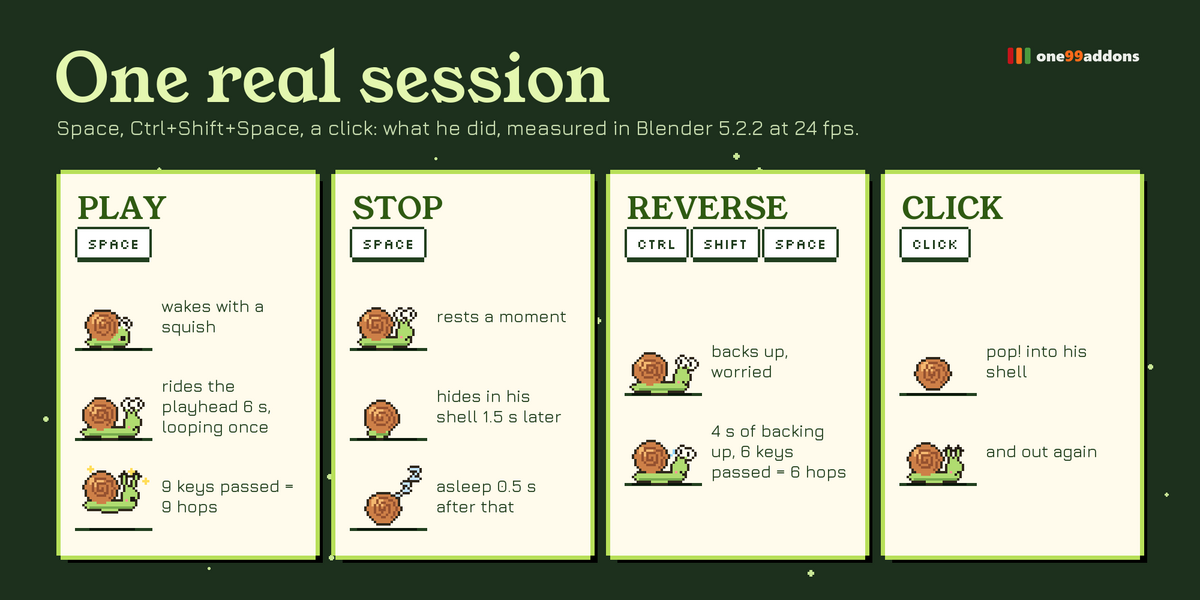
- Rides the playhead. Press Space and he wakes up and crawls with it, smoothly, even when you are zoomed in.
- Hops over every key. Each keyframe he passes makes him hop, with a little slimy squish: you literally see your keys go by.
- Reverse. Ctrl+Shift+Space: he backs up with a worried face.
- Slime trail. A shiny trail follows him and fades after a few seconds.
- Shell naps. Stop playback and he rests, then curls up in his shell and sleeps. Click him: "pop!" into his shell and out again.
Settings
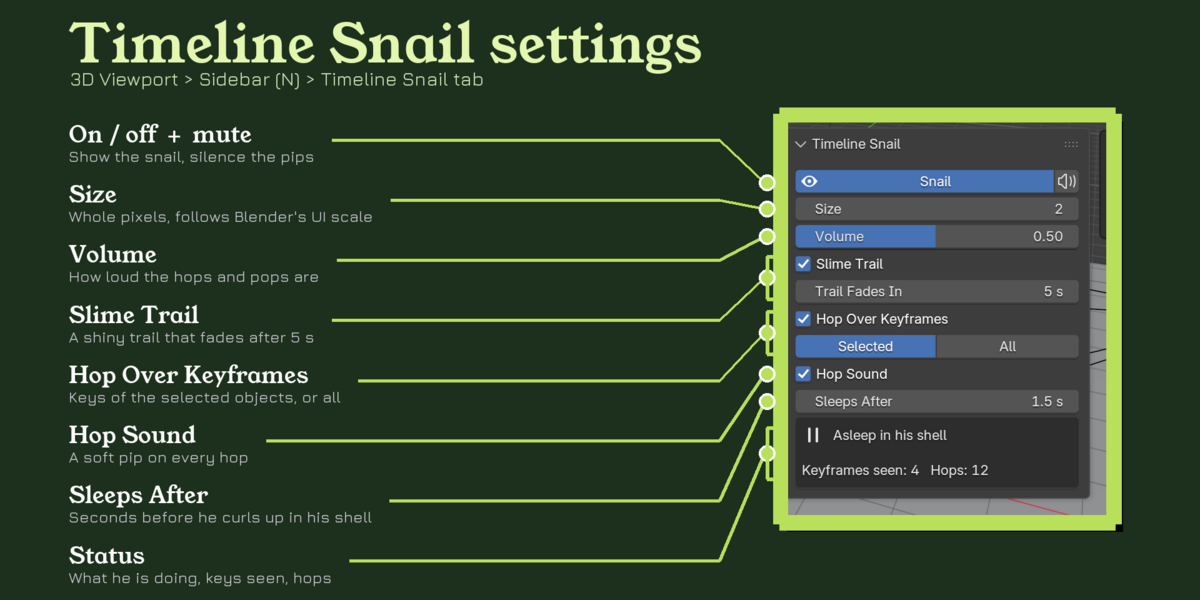
Settings are in 3D Viewport > Sidebar (N) > Timeline Snail tab, or Dope Sheet > Sidebar > Snail tab, with a quick toggle in the Window menu.
- Snail / Mute: show him, silence him.
- Size 1 to 6: whole pixels, multiplied by Blender's UI scale; smaller in very short Timelines so he always fits.
- Volume: hops, pops and his waking sound.
- Slime Trail / Trail Fades In: on or off, seconds before it disappears (default 5).
- Hop Over Keyframes / Keys From: selected objects (like the Timeline) or all objects.
- Hop Sound: turn the squish off for dense animations.
- Sleeps After: seconds after playback stops before he hides in his shell (default 1.5).
Good to know
- Real test at 24 fps, keys at frames 1, 16, 32... 96: he rode the playhead for 6 seconds and hopped 9 times for the 9 keys he passed.
- Fast on huge timelines: 100,000 keys checked in about 5 ms per pass.
- 33 hand-made pixel frames; 3 sounds made from one royalty-free slime sample ("slimejump" by freesound_community, Pixabay Content License).
- Reads Blender 5 layered actions. Nothing is stored in your .blend file.
Tips
- Make the Timeline a little taller for a bigger snail.
- Use Keys From: All when you animate many objects at once.
- Scrubbing moves him too: his shell slides along while he sleeps.
Requirements and install
Blender 5.2 or newer (tested on 5.2.2 LTS, Windows). No internet, no external libraries.
- Download timeline_snail_v1.0.1.zip (do not unzip it).
- In Blender: Edit > Preferences > Add-ons, open the drop-down arrow at the top right, choose Install from Disk... and pick the zip.
- Tick Timeline Snail. That's it.
Limits
Hops use the keys of objects, their data and the scene; keys of materials, node trees or Grease Pencil frames do not make him hop. When the playhead is outside the visible part of the Timeline, so is the snail. At 2x UI scale the default Timeline is very short: drag its top edge up to see him.
More pixel pets
Collect the whole family: Desk Cat, Desk Frog, Desk Axolotl, Desk Bat, Pixel Sprout, Save Hamster, Undo Ghost, Desk Duck. They all live happily in the same Blender window.
Made by one99addons.