Timeline Snail Addon
 one99addons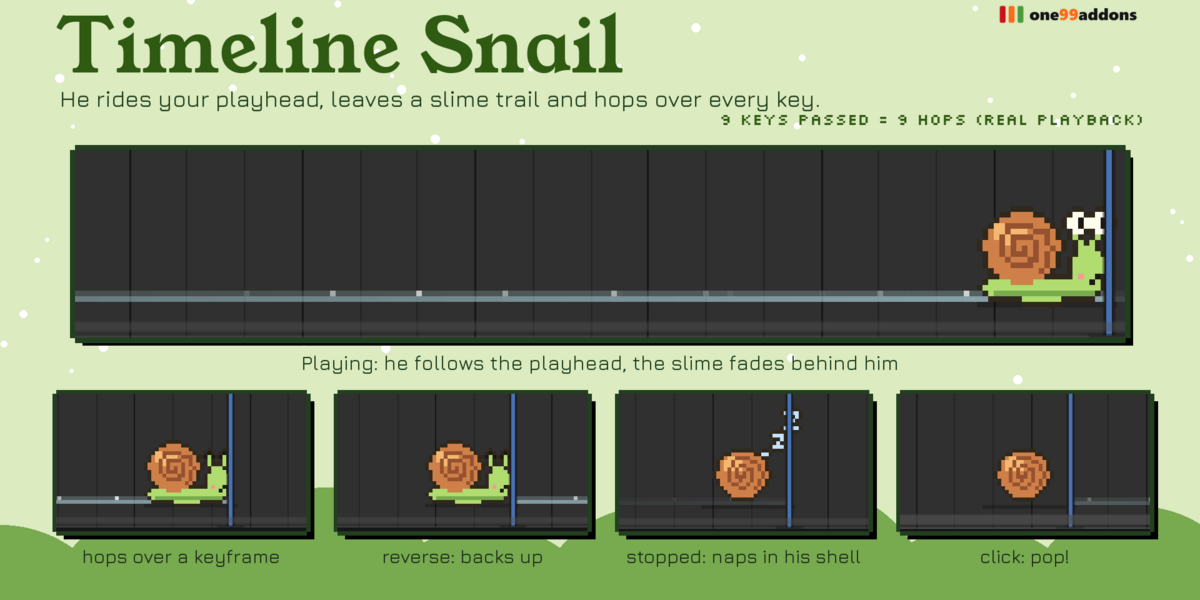
Timeline Snail - Documentation
1. Install
- Download timeline_snail_v1.0.1.zip. Do not unzip it.
- In Blender: Edit > Preferences > Add-ons, click the drop-down arrow at the top right and choose Install from Disk...
- Pick timeline_snail_v1.0.1.zip and tick "Timeline Snail" in the list.
- If Auto-Save Preferences is off, click Save Preferences (bottom left).
2. Where to find it
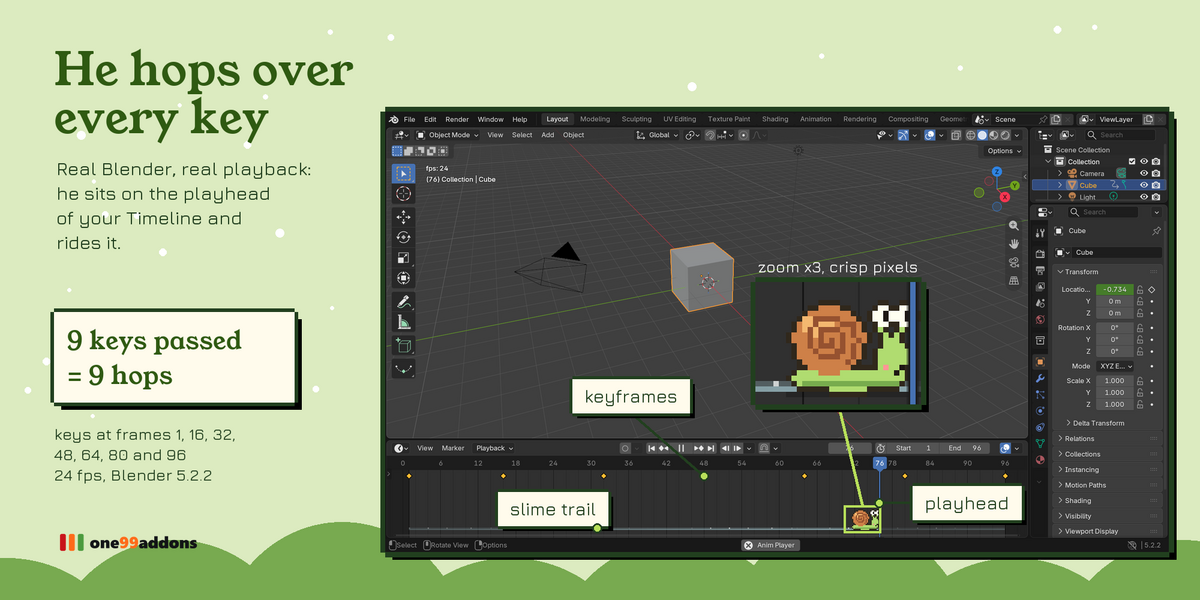
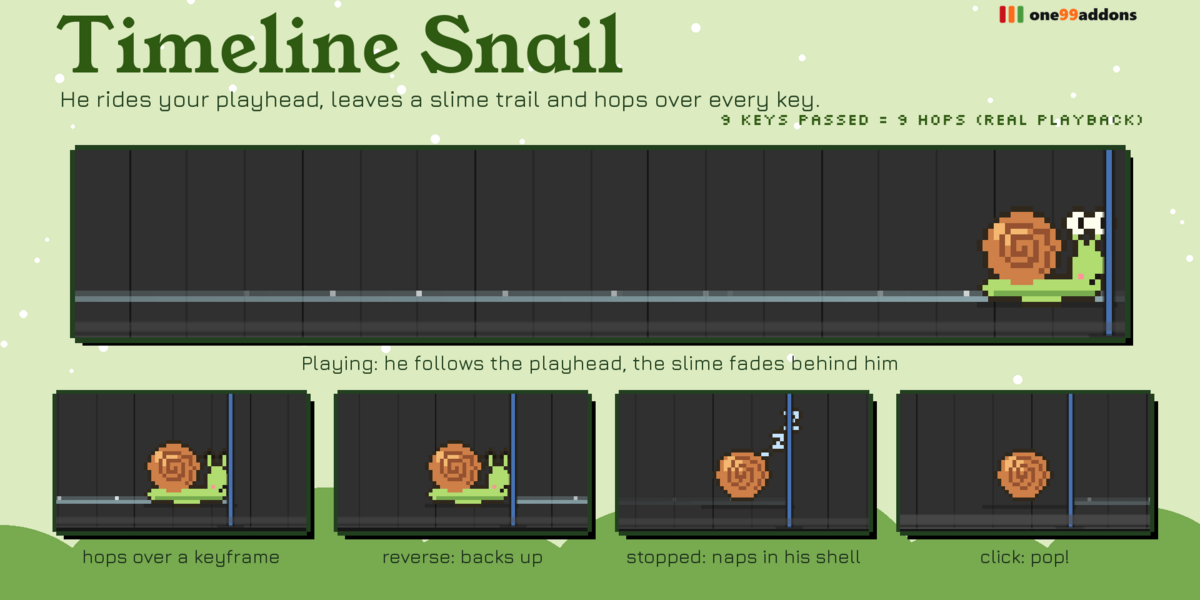
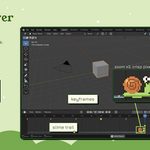
- He lives at the bottom of every Timeline and Dope Sheet, right on the playhead.
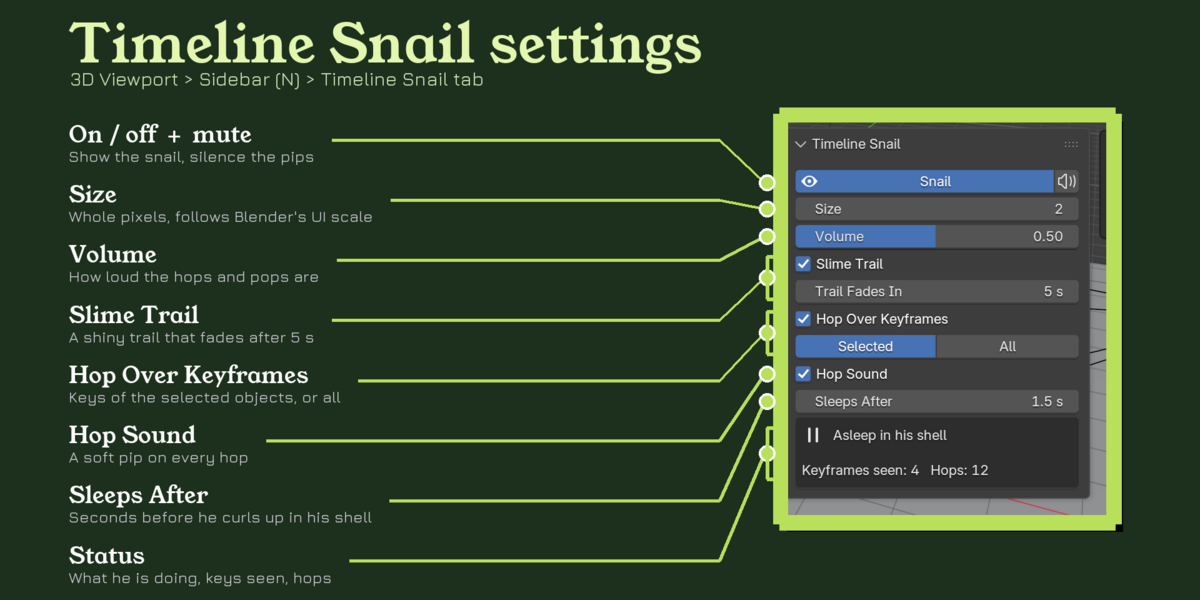
- Settings: 3D Viewport > Sidebar (press N) > Timeline Snail tab, or Dope Sheet > Sidebar > Snail tab.
3. How to use it
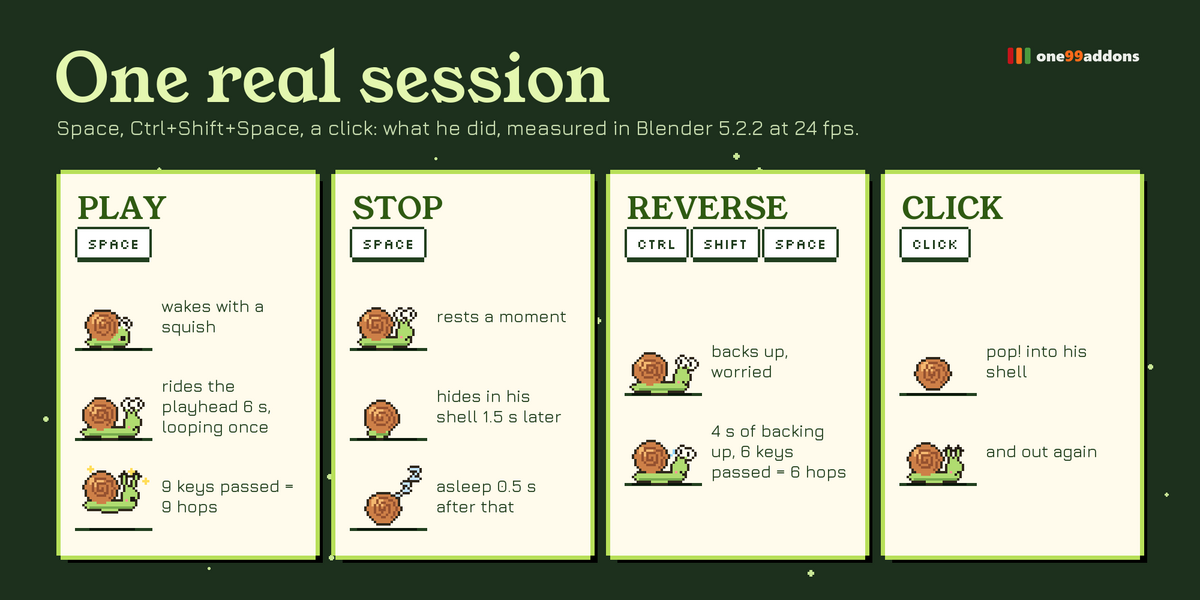
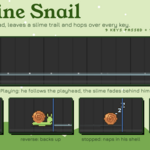
- Press Space to play: he wakes up and crawls with the playhead.
- He hops over every keyframe he passes (Keys From: selected or all objects).
- Ctrl+Shift+Space (reverse): he backs up, worried.
- Stop playback: he rests, then sleeps in his shell. Click him: pop into his shell and out again.
4. Settings
- Snail / Mute: show him, silence him.
- Size 1 to 6: whole pixels, multiplied by Blender's UI scale; smaller in very short Timelines so he always fits.
- Volume: hops, pops and his waking sound.
- Slime Trail / Trail Fades In: on or off, seconds before it disappears (default 5).
- Hop Over Keyframes / Keys From: selected objects (like the Timeline) or all objects.
- Hop Sound: turn the squish off for dense animations.
- Sleeps After: seconds after playback stops before he hides in his shell (default 1.5).
5. Troubleshooting
- Check the Snail toggle in the Timeline Snail tab or Window > Timeline Snail.
- If the playhead is outside the visible part of the Timeline, so is he: press Home in the Timeline.
- At 2x UI scale the default Timeline is very short: drag its top edge up.
- No hops? Only keys of objects, their data and the scene count (not materials, node trees or Grease Pencil frames).
- No sound? Volume and Mute are in the settings. Sounds use Blender's own audio system: if Blender has no audio device (Edit > Preferences > System > Sound), it stays silent.
- Install error? Make sure you picked the .zip itself, not an unzipped folder, and that you are on Blender 5.2 or newer.
6. Updating
- Download the new zip from your Superhive library, uninstall the old version in Edit > Preferences > Add-ons, restart Blender, then install the new zip.
7. Uninstall
- Edit > Preferences > Add-ons, expand Timeline Snail and choose Uninstall. It never writes anything into your .blend files.
Support
- Have a question, a bug or an idea for a new feature? Mail me at [email protected]. Please include your Blender version and operating system.
$1.99
Have questions about this product?
Login to message
| Published | 1 day ago |
| Blender Version | 5.2 |
| Extension Type | N/A |
| Render Engine Used | Blender-Game-Engine, Cycles, Eevee |
| License | Mit |