 Aksiom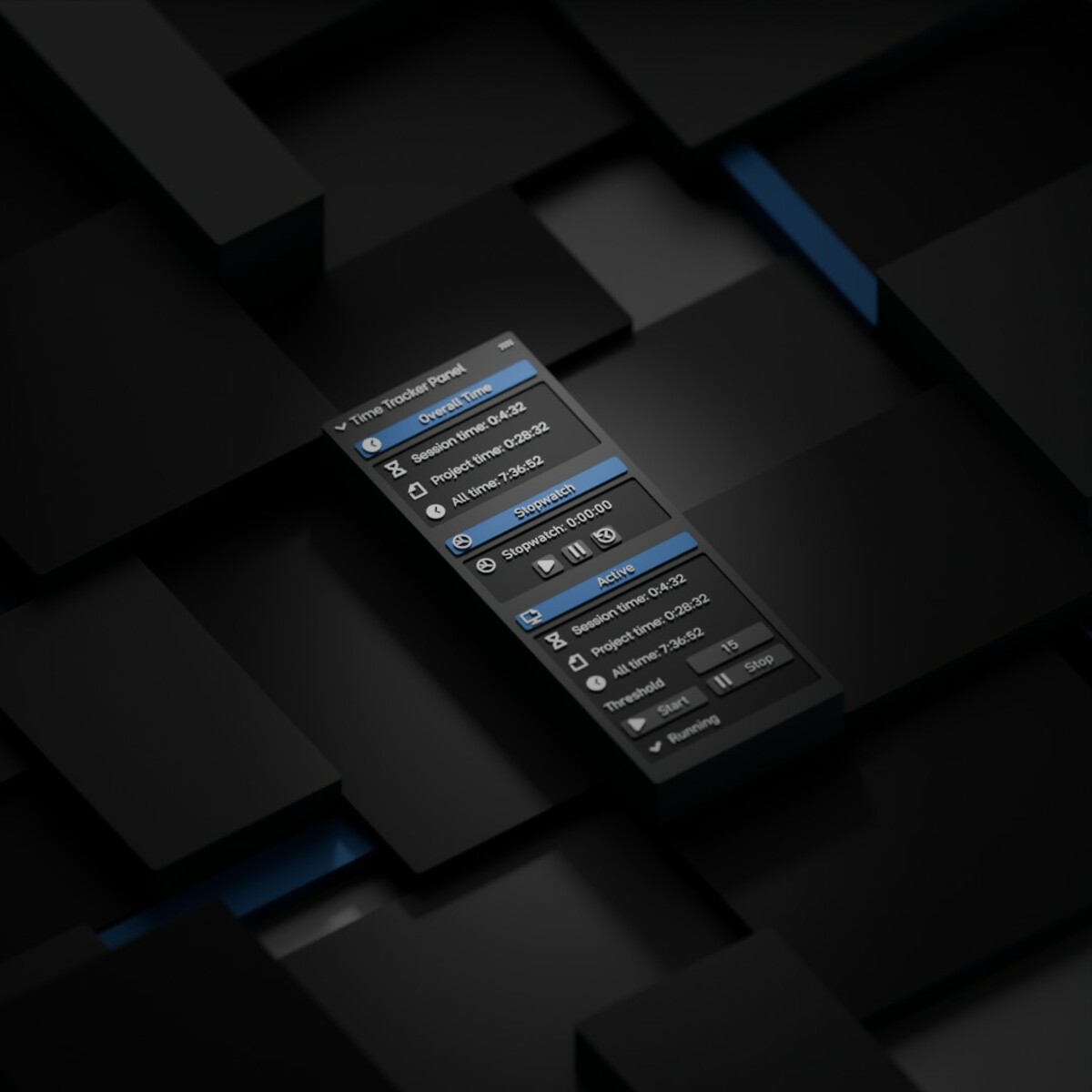
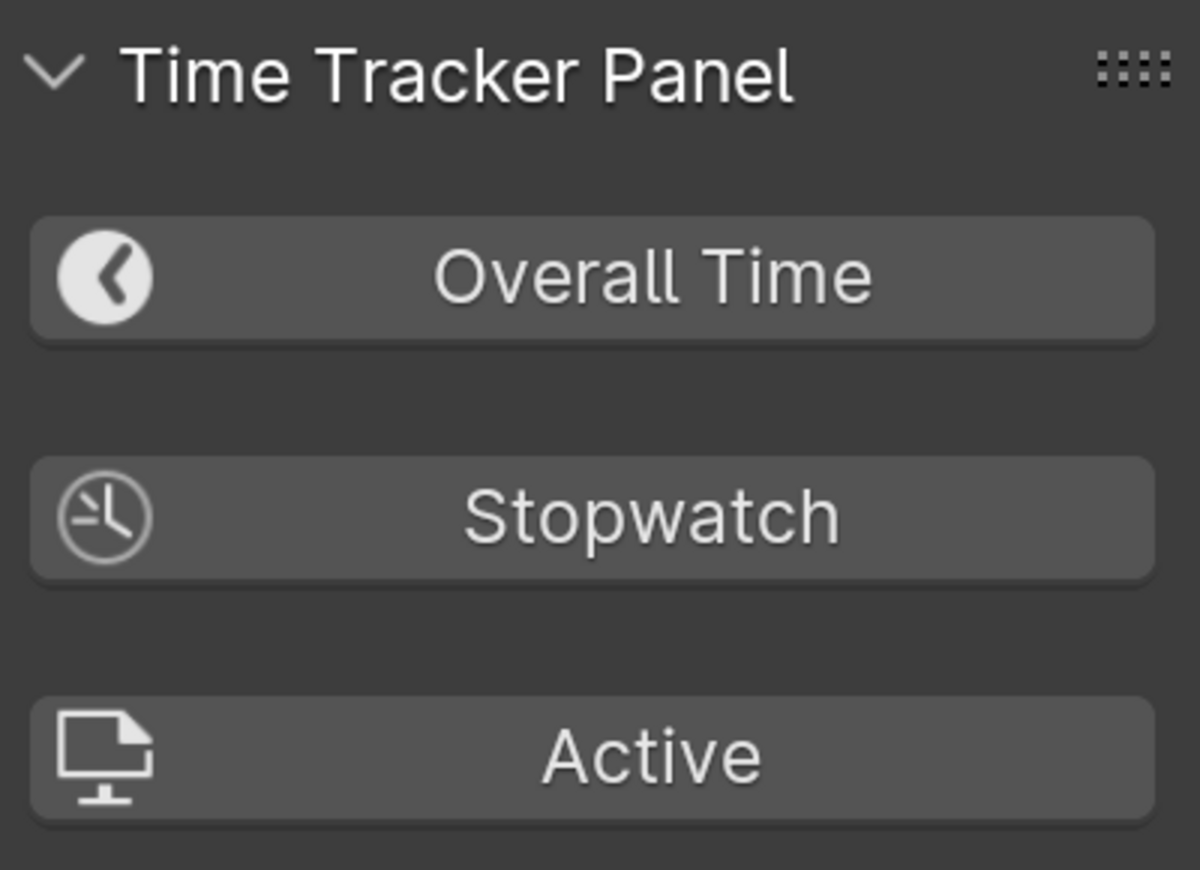
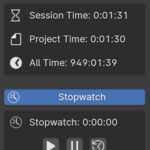
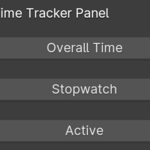
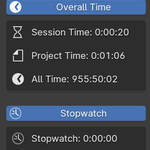
The Time Tracker add-on for Blender helps you measure how much time you actually spend working — per session, per project, and across all projects.
What it tracks
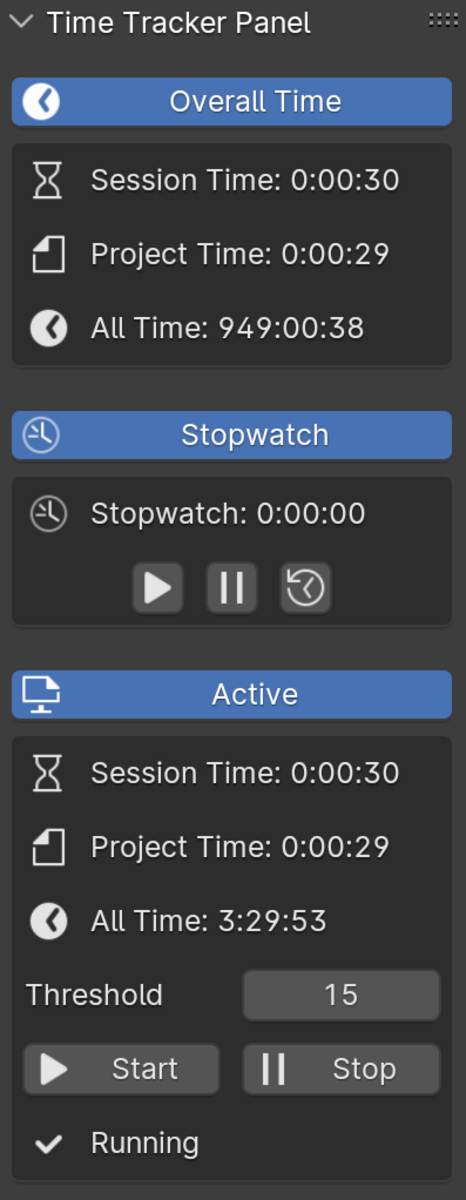
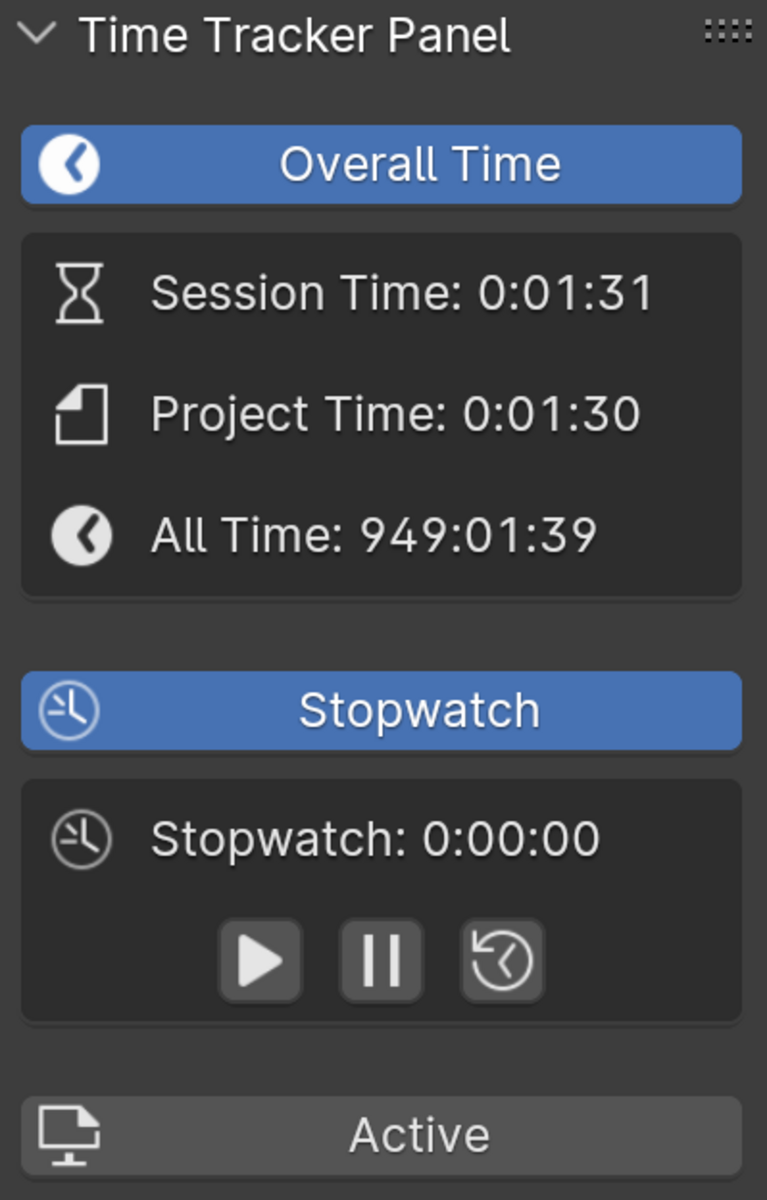
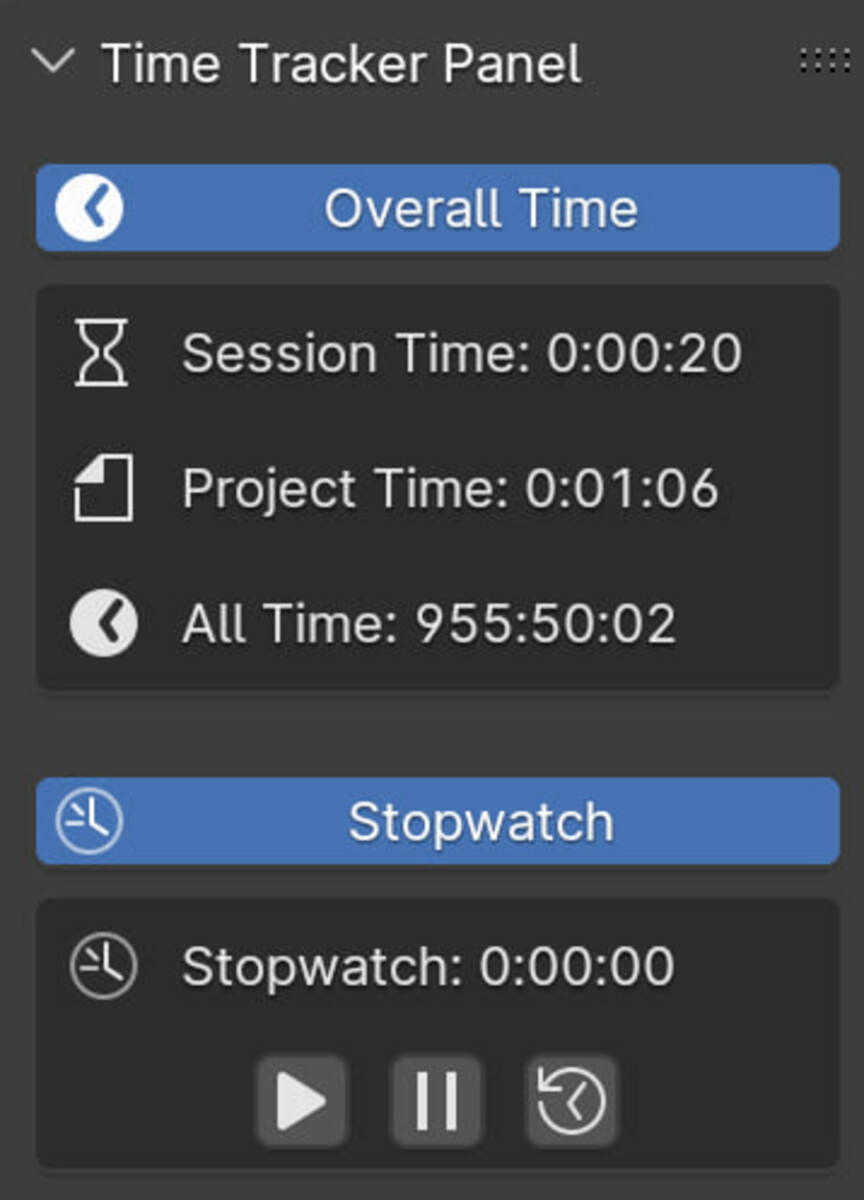
- Session Time — time in the current Blender session (resets when Blender is restarted).
- Project Time — cumulative time saved directly in each .blend file.
- All Time — total accumulated time across all sessions/projects, stored in a JSON file in the Blender add-ons scripts folder.
- Stopwatch — manual timer for focused intervals.
-
Active Time Tracking:
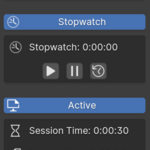
- Active Session Time
- Active Project Time
- Active All Time
How Active Time works
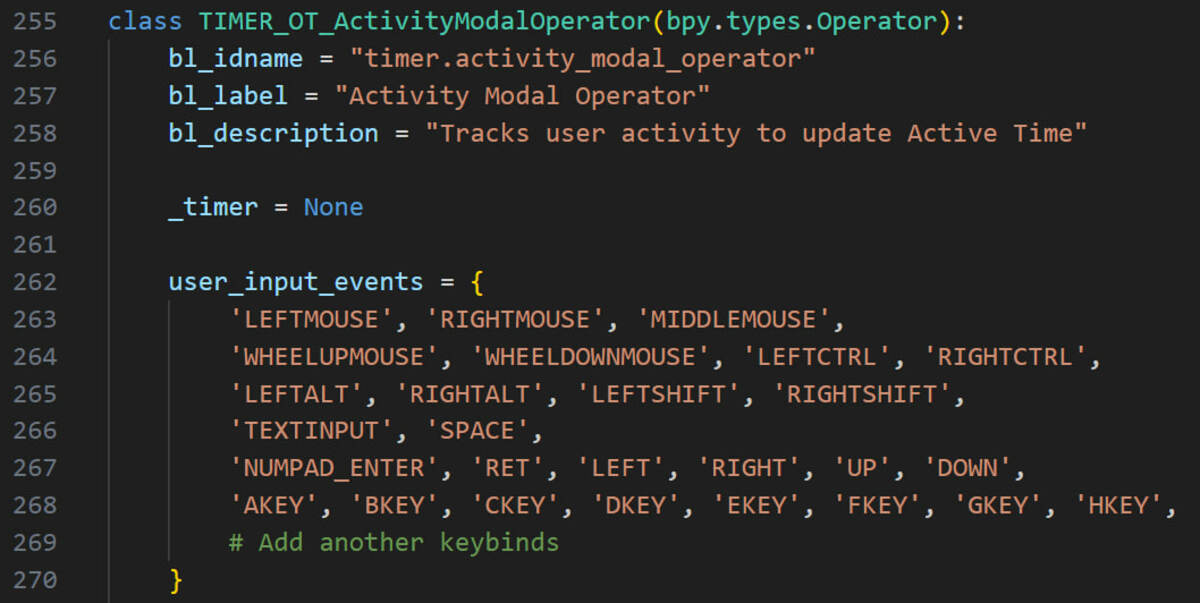
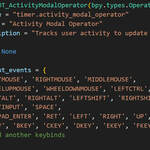
Active time is based on real user input events (keyboard and mouse button actions).
Mouse movement alone is not counted as activity.
You can control idle detection with a configurable Activity Threshold.
Viewport Statistics integration
The add-on includes a Statistics Overlay menu where you can choose which timers are shown directly under Blender’s built-in viewport statistics (Viewport Overlays > Statistics), including Stopwatch.
Privacy / Safety
No keystroke logs are stored or exported.
The add-on only uses input events to detect activity timing.
Notes
- Designed for Blender 5.x.
- Time values update in real time in the 3D View > Timer panel and optional viewport statistics overlay.
- Active tracking starts automatically after initialization (in some startup scenarios, attaching the activity listener may take a short delay).