 Aksiom

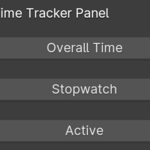
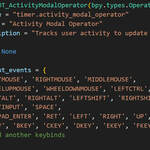
Time Tracker 2.2.0 (Blender 5.0 Update)
Full compatibility update for both add-on versions (TimeTracker and TimeTrackerActive) for Blender 5.x.
Fixed the core issue where Project Time stopped updating (in both standard and active modes).
Time tracking logic was migrated to Scene RNA properties for Blender 5 compatibility.
Added migration of legacy stored project-time values from older scene data.
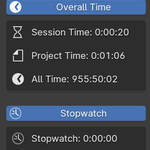
Added a new Statistics Overlay menu in the add-on panel.
Added viewport statistics rendering via draw_handler under Blender’s built-in Viewport Overlays > Statistics.
-
Added selectable overlay items:
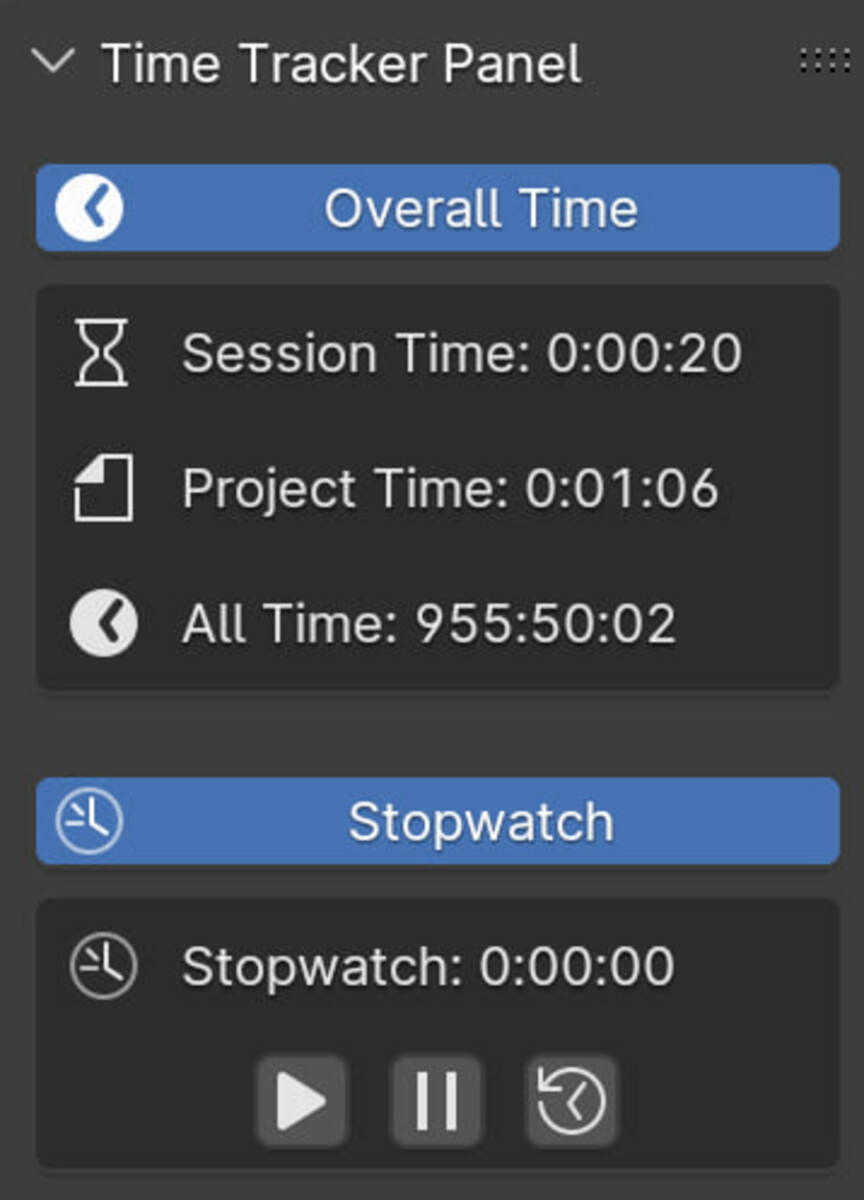
- TimeTracker: Session, Project, All, Stopwatch
- TimeTrackerActive: Session, Project, All, Active Session, Active Project, Active All, Stopwatch
Improved visual integration: two-column layout (label/value), outlined text for readability, aligned under Blender stats.
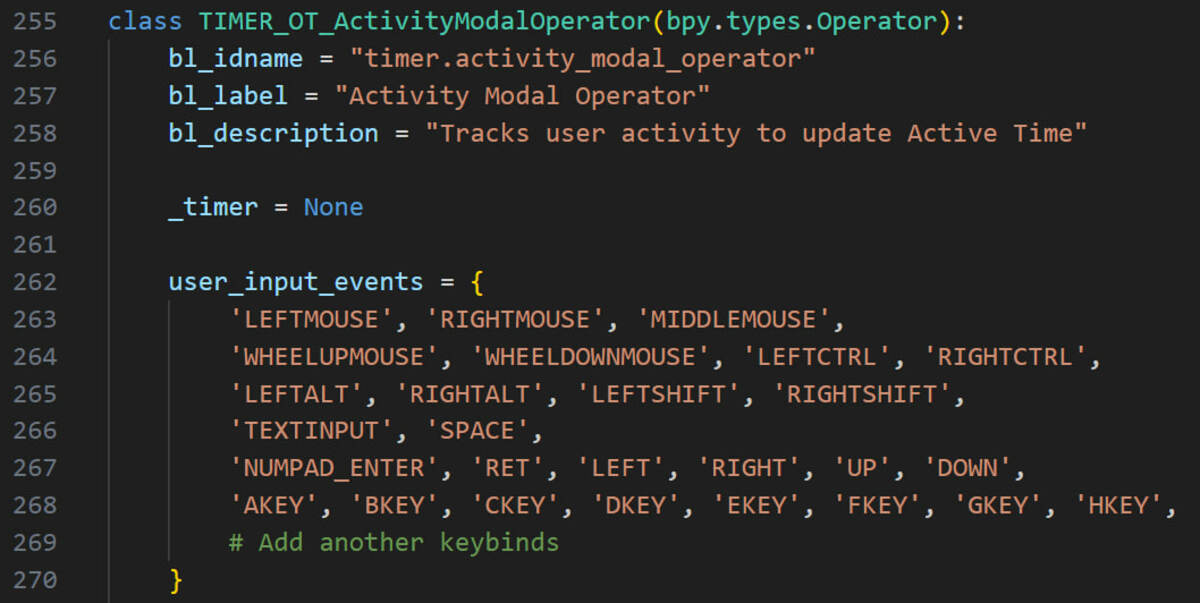
In TimeTrackerActive, removed manual Start/Stop controls for active tracking.
Active tracking now runs automatically.
Kept configurable Activity Threshold behavior.
Improved stability around Blender context edge cases (_RestrictData, missing bpy.data.scenes during some load/register stages).
Improved timer lifecycle and viewport redraw behavior.
Updated documentation (README) for both versions.
-
Updated both blender_manifest.toml files:
- unique extension IDs,
- blender_version_min = 5.0.0,
- extension version set to 2.2.0.
Synced bl_info in both __init__.py files (blender: 5.0.0, version 2.2.0).
FIX ERROR
Traceback (most recent call last):
File "C:\Users\Olivier\AppData\Roaming\Blender Foundation\Blender\4.4\extensions\user_default\timetrackeractive\__init__.py", line 193, in update_time
bpy.context.scene["time_tracker_project_time"] = project_time + elapsed_seconds
~~~~~~~~~~~~~~~~~^^^^^^^^^^^^^^^^^^^^^^^^^^^^^
AttributeError: Writing to ID classes in this context is not allowed: Scene, Scene datablock, error setting Scene.time_tracker_project_time
Reset & Save as Startup File
The add-on includes a "Reset & Save as Startup" function that:
- Resets all time counters (session time, active session time, project time, and active project time) to zero
- Saves these reset values to your Blender startup file
- This is useful for creating a clean template file with no accumulated time
To use this feature:
- Navigate to the Reset & Save Settings section at the bottom of the Time Tracker panel
- Click the "Reset & Save as Startup" button
- Confirm when prompted
Time Tracker 2.2.0 (Blender 5.0 Update)
Full compatibility update for both add-on versions (TimeTracker and TimeTrackerActive) for Blender 5.x.
Fixed the core issue where Project Time stopped updating (in both standard and active modes).
Time tracking logic was migrated to Scene RNA properties for Blender 5 compatibility.
Added migration of legacy stored project-time values from older scene data.
Added a new Statistics Overlay menu in the add-on panel.
Added viewport statistics rendering via draw_handler under Blender’s built-in Viewport Overlays > Statistics.
-
Added selectable overlay items:
- TimeTracker: Session, Project, All, Stopwatch
- TimeTrackerActive: Session, Project, All, Active Session, Active Project, Active All, Stopwatch
Improved visual integration: two-column layout (label/value), outlined text for readability, aligned under Blender stats.
In TimeTrackerActive, removed manual Start/Stop controls for active tracking.
Active tracking now runs automatically.
Kept configurable Activity Threshold behavior.
Improved stability around Blender context edge cases (_RestrictData, missing bpy.data.scenes during some load/register stages).
Improved timer lifecycle and viewport redraw behavior.
Updated documentation (README) for both versions.
-
Updated both blender_manifest.toml files:
- unique extension IDs,
- blender_version_min = 5.0.0,
- extension version set to 2.2.0.
Synced bl_info in both __init__.py files (blender: 5.0.0, version 2.2.0).
Reset & Save as Startup File
The add-on includes a "Reset & Save as Startup" function that:
- Resets all time counters (session time, active session time, project time, and active project time) to zero
- Saves these reset values to your Blender startup file
- This is useful for creating a clean template file with no accumulated time
To use this feature:
- Navigate to the Reset & Save Settings section at the bottom of the Time Tracker panel
- Click the "Reset & Save as Startup" button
- Confirm when prompted
-
$3
Time Tracker with ActiveTime
-
$2
Time Tracker, but without ActiveTime
Have questions about this product?
Login to message