 Aksiom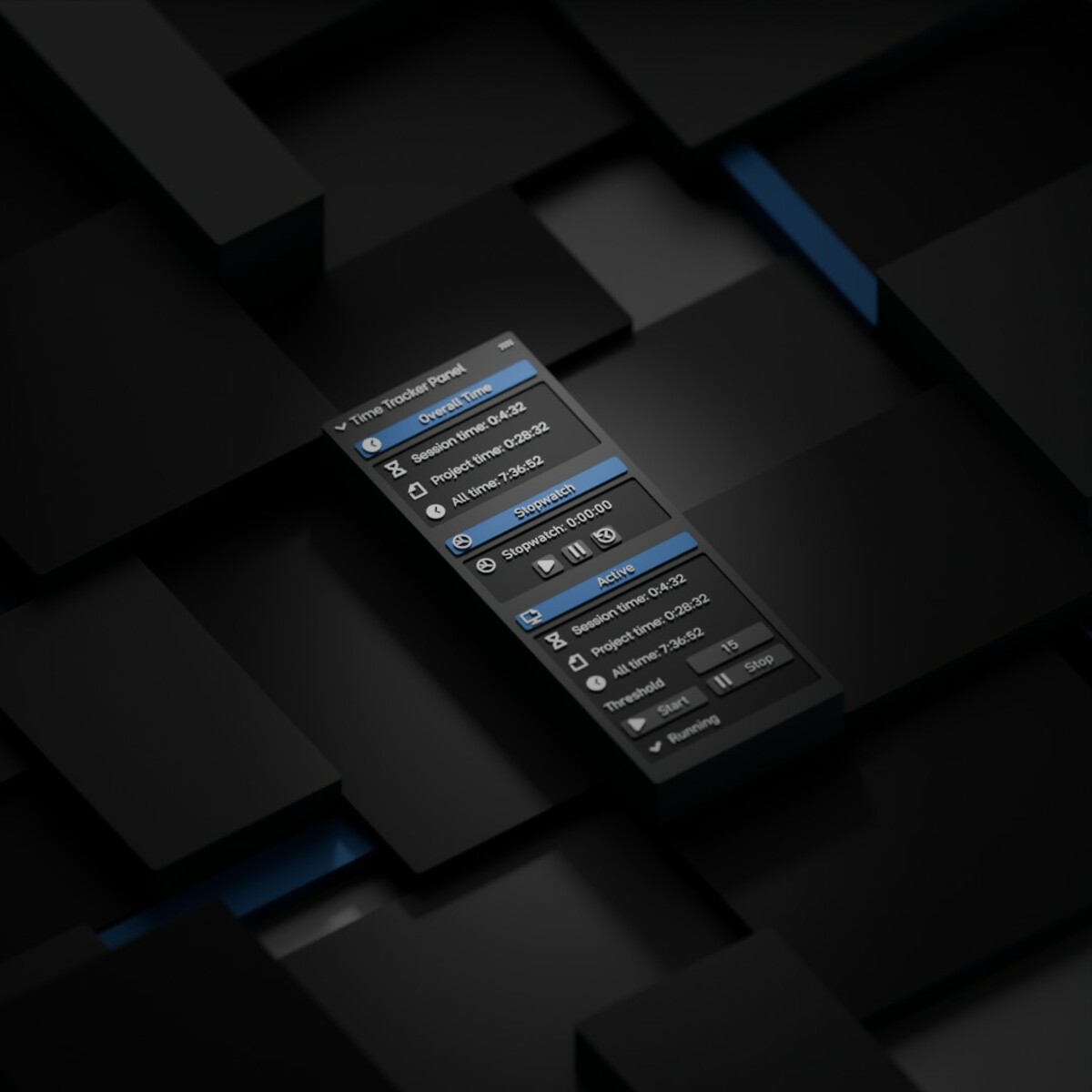
Time Tracker for Blender – Documentation
Product: Time Tracker (Standard + Active Editions)
Version: 2.2.0
Author: Aksiom
Blender Compatibility: 5.0+ (for v2.2.0)
License: GPL-3.0-or-later
Panel Location: 3D View > Sidebar (N) > Timer
1) Overview
Time Tracker is a productivity add-on for Blender that helps you measure work time accurately.
The product includes two editions:
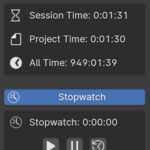
- Time Tracker (Standard) — tracks session/project/total time + stopwatch.
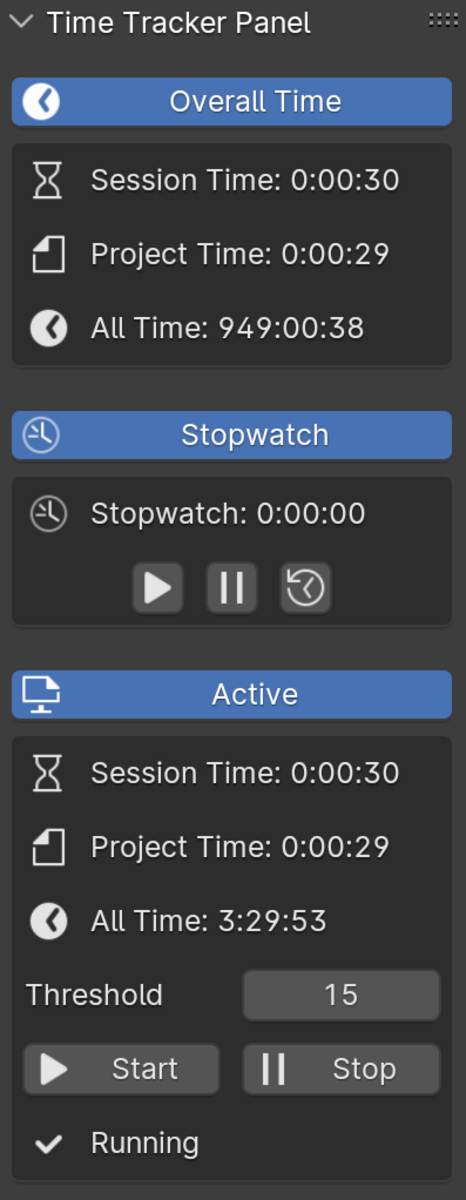
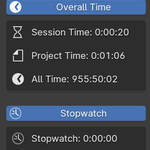
- Time Tracker Active — includes everything in Standard plus activity-based time tracking.
Both editions update in real time and can also display selected timers directly under Blender’s built-in viewport statistics.
2) Tracked Time Types
Standard Edition
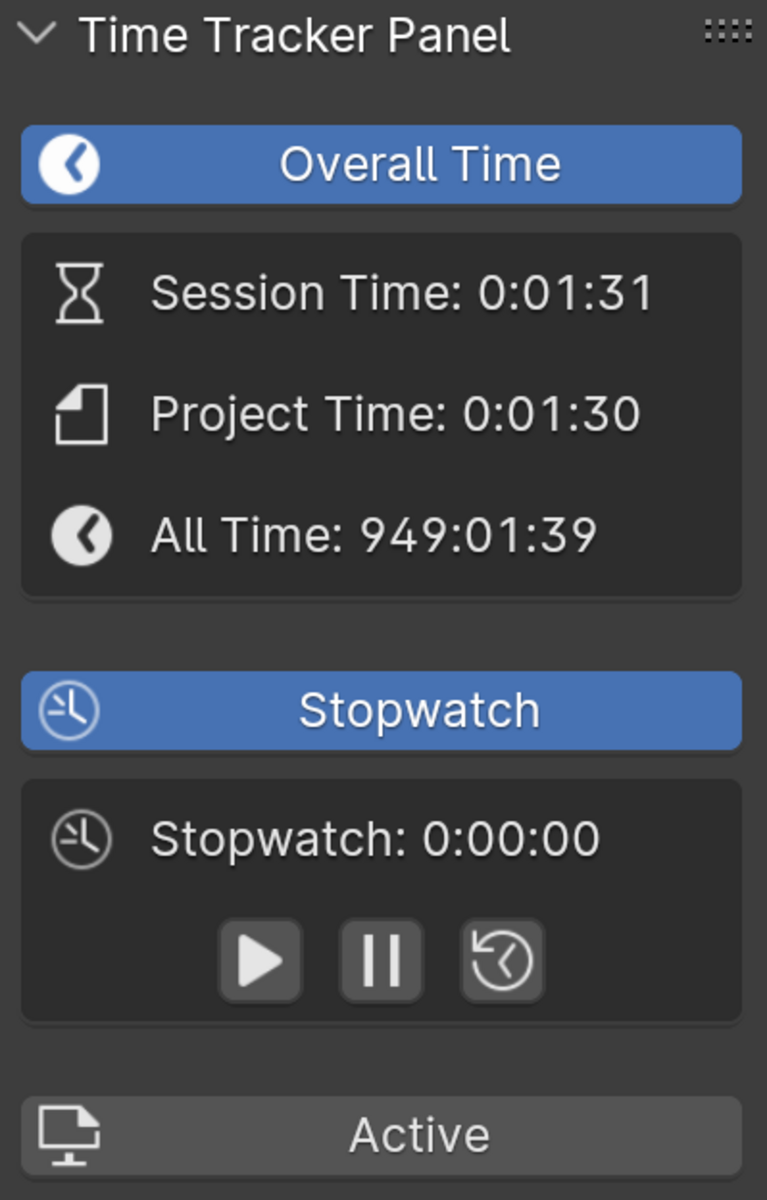
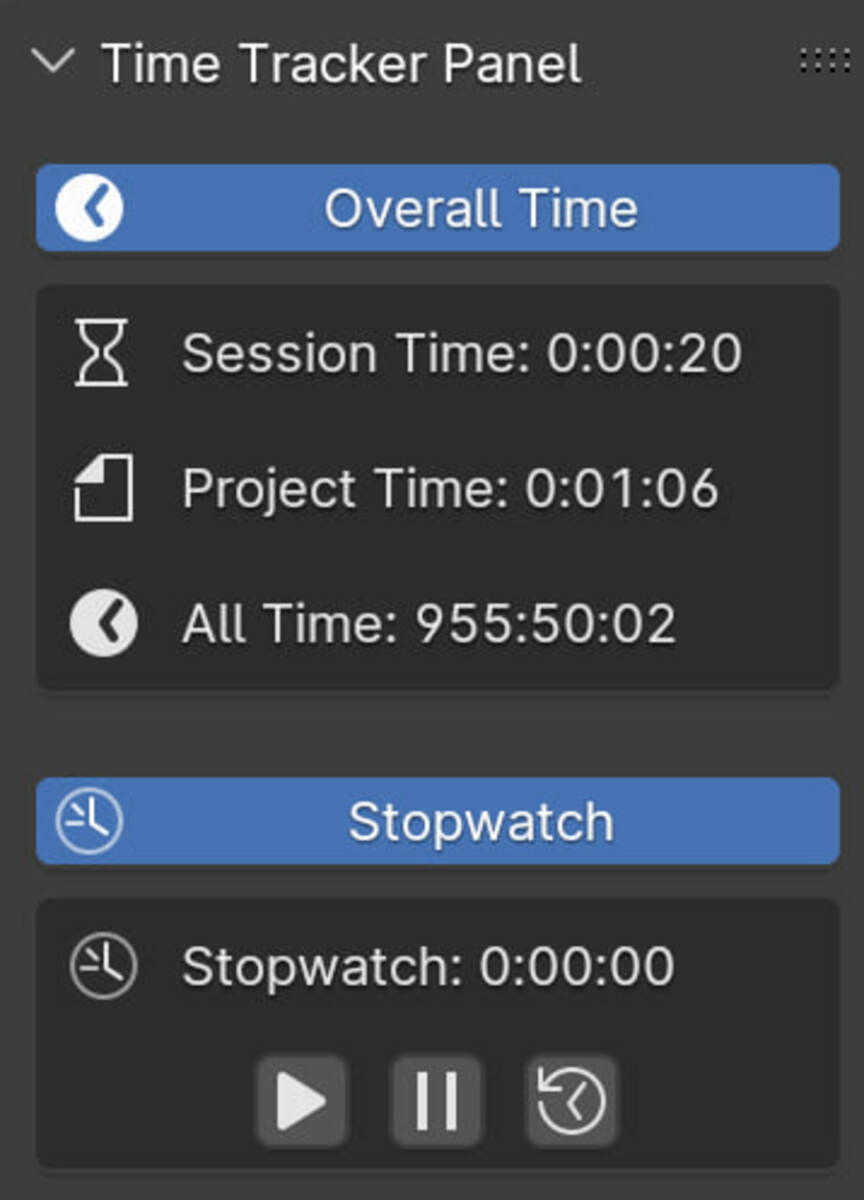
- Session Time — time in the current Blender session (resets when Blender restarts).
- Project Time — cumulative time per
.blend file (stored in scene data).
- All Time — cumulative time across all projects/sessions (stored in JSON).
- Stopwatch — manual timer (start/stop/reset).
.blend file (stored in scene data).Active Edition (additional timers)
- Active Session Time
- Active Project Time
- Active All Time
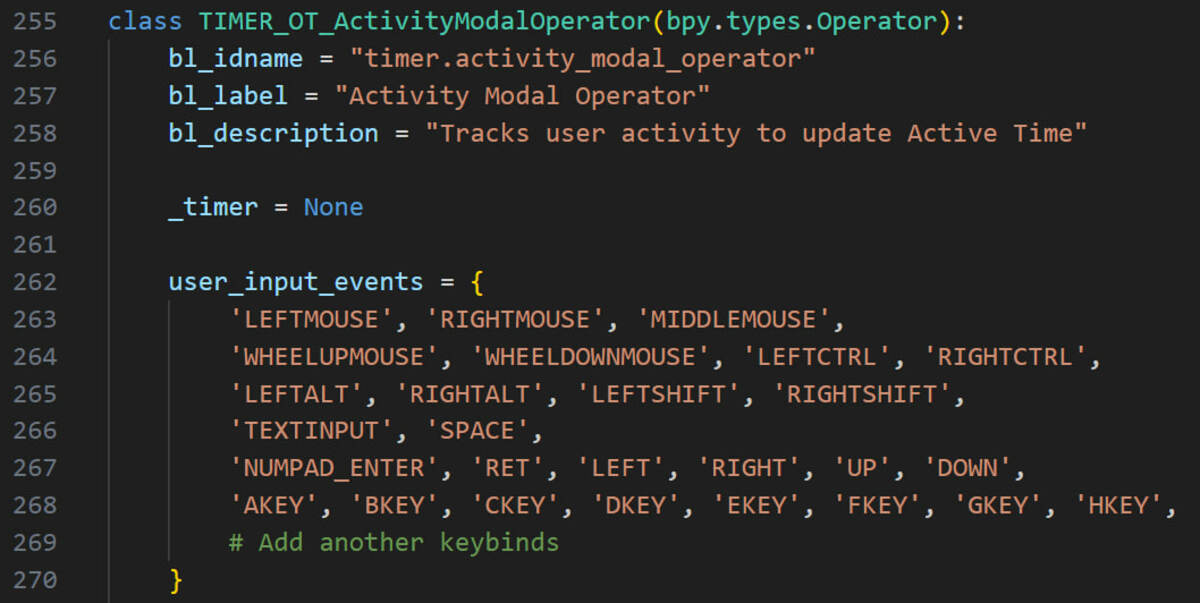
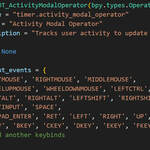
Active time is based on user input events (keyboard and mouse button actions) and uses an inactivity threshold.
3) Installation
- Download the product ZIP file(s).
- In Blender, go to Edit > Preferences > Add-ons.
- Click Install... and select the ZIP.
- Enable the add-on checkbox.
- Open the 3D View sidebar (
N) and go to the Timer tab.
N) and go to the Timer tab.4) Usage
Main Panel
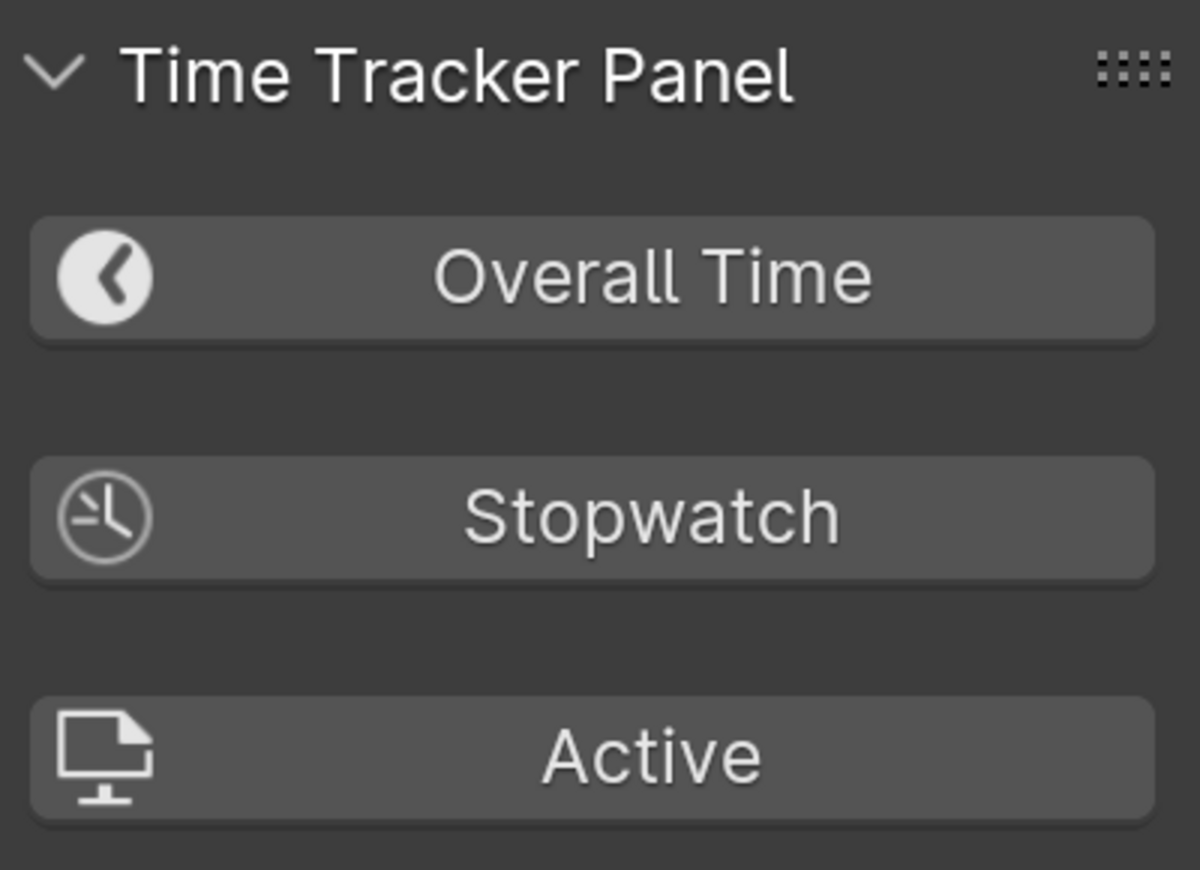
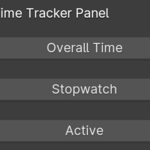
In 3D View > Timer, you can:
- View Session / Project / All time.
- Use Stopwatch controls.
- (Active edition) Configure Activity Threshold.
- Use Reset & Save as Startup.
Statistics Overlay Integration
The add-on includes a Statistics Overlay section where you can choose which timers are drawn under Blender’s built-in Viewport Overlays > Statistics block.
- Standard options: Session, Project, All, Stopwatch
- Active options: Session, Project, All, Active Session, Active Project, Active All, Stopwatch
5) How Active Tracking Works (Active Edition)
- Tracks activity from keyboard and mouse button events.
- Mouse movement alone is not counted as activity.
- Uses configurable Activity Threshold (seconds) to separate active/idle periods.
- Active tracking runs automatically (no manual Start/Stop buttons).
6) Data Storage
- Project Time (and Active Project Time in Active edition): stored in the
.blend scene properties.
- All Time:
total_time.json in the add-on scripts directory.
- Active All Time (Active edition):
active_all_time.json.
- Activity Threshold (Active edition):
threshold.json.
.blend scene properties.total_time.json in the add-on scripts directory.active_all_time.json.threshold.json.Typical scripts path: .../Blender/<version>/scripts/addons/
7) Compatibility Notes
- v2.2.0 targets Blender 5.0+.
- Older Blender versions should use older product releases (for example, 4.x-compatible builds).
8) Privacy / Security
- The add-on does not save or export keystroke logs.
- Input events are used only to calculate activity timing.
9) Troubleshooting
Time not updating
- Make sure the add-on is enabled.
- Ensure the panel is visible in 3D View > Timer.
- Save and reopen Blender if needed.
Project time looks reset
- Project time is stored per
.blend file.
- Confirm you are checking the same project file.
.blend file.Overlay text not visible
- Enable Viewport Overlays and Statistics.
- Check the add-on’s Statistics Overlay toggles in the Timer panel.
10) License
This add-on is licensed under GPL-3.0-or-later.
You may use, modify, and distribute it under GPL terms.
-
$3
Time Tracker with ActiveTime
-
$2
Time Tracker, but without ActiveTime
Have questions about this product?
Login to message