 Super3D IO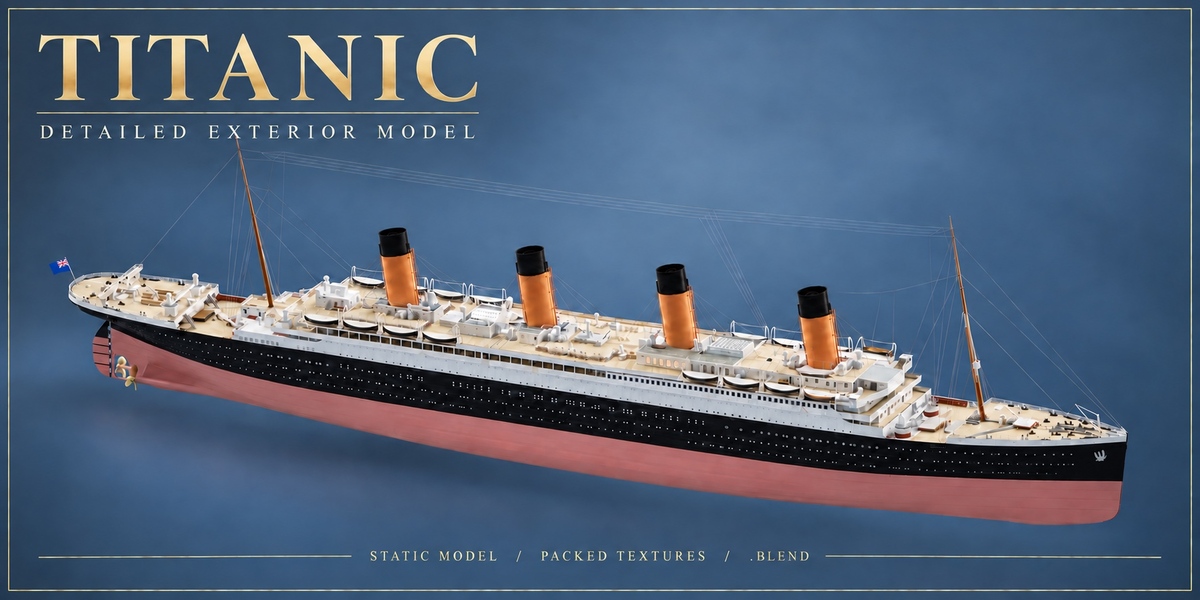

Static exterior model
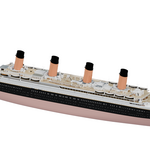
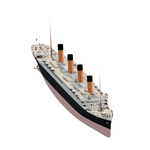
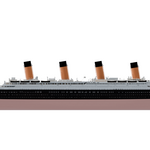
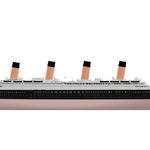
Titanic exterior model
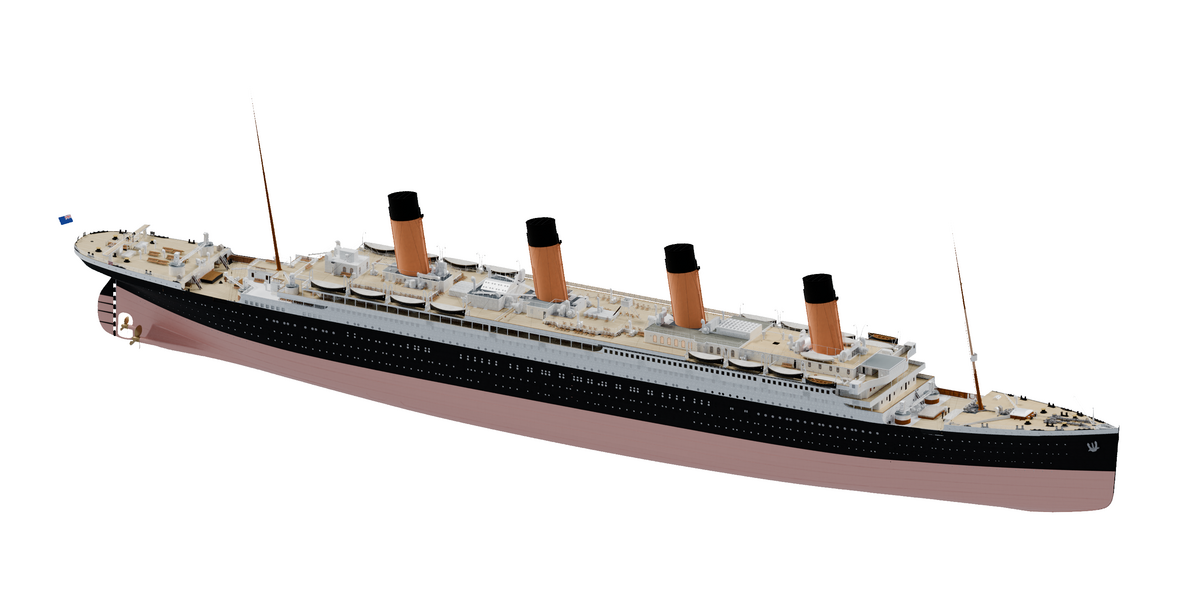
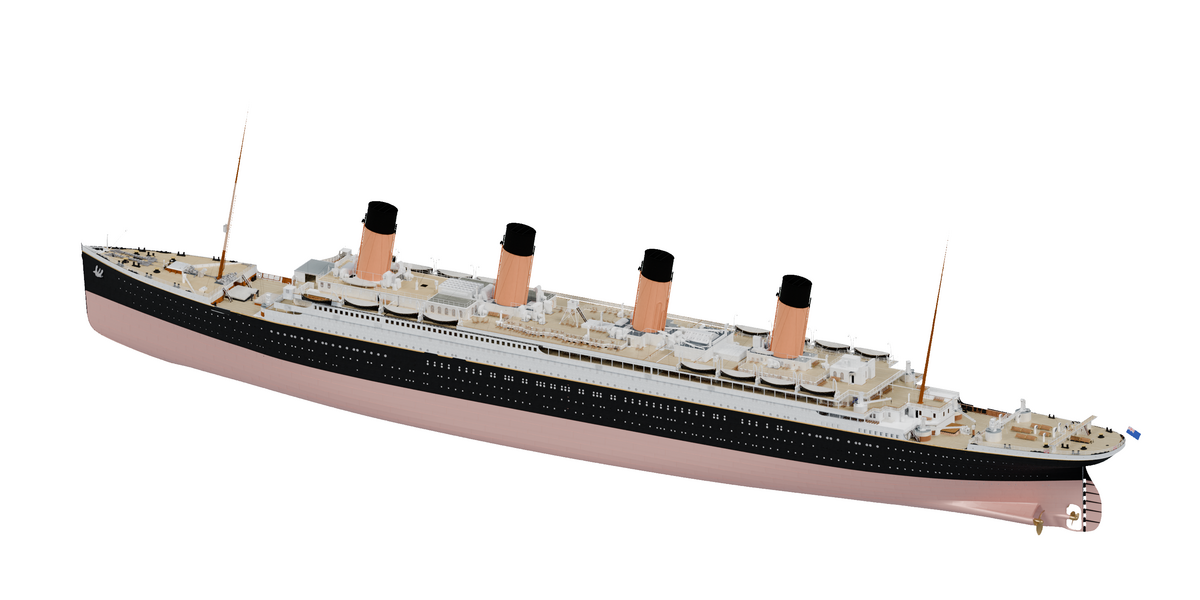
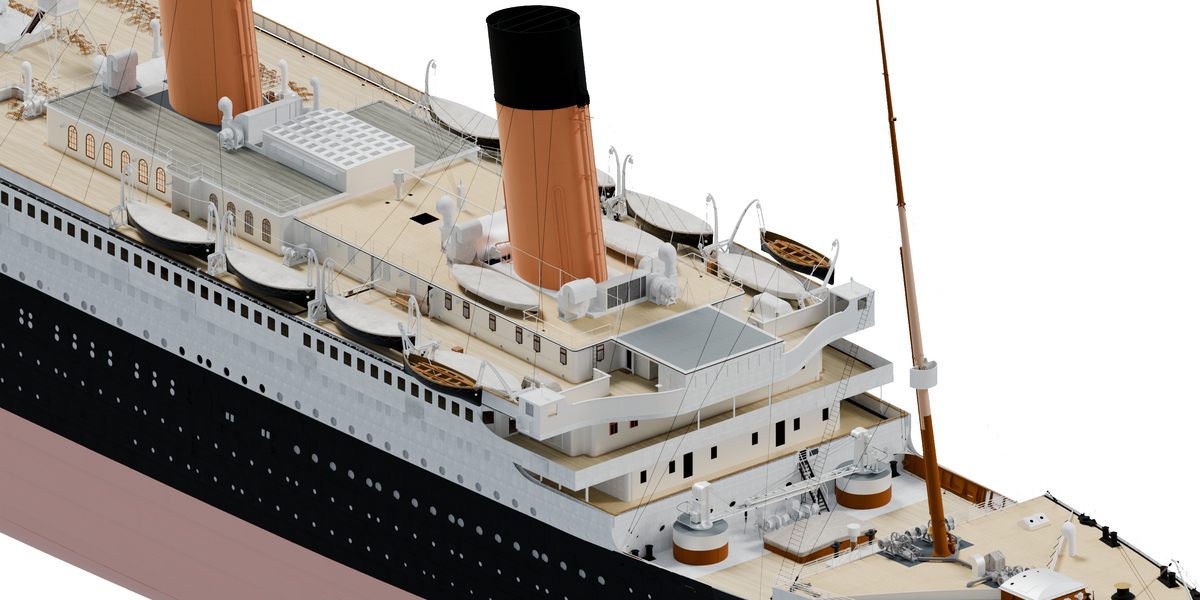
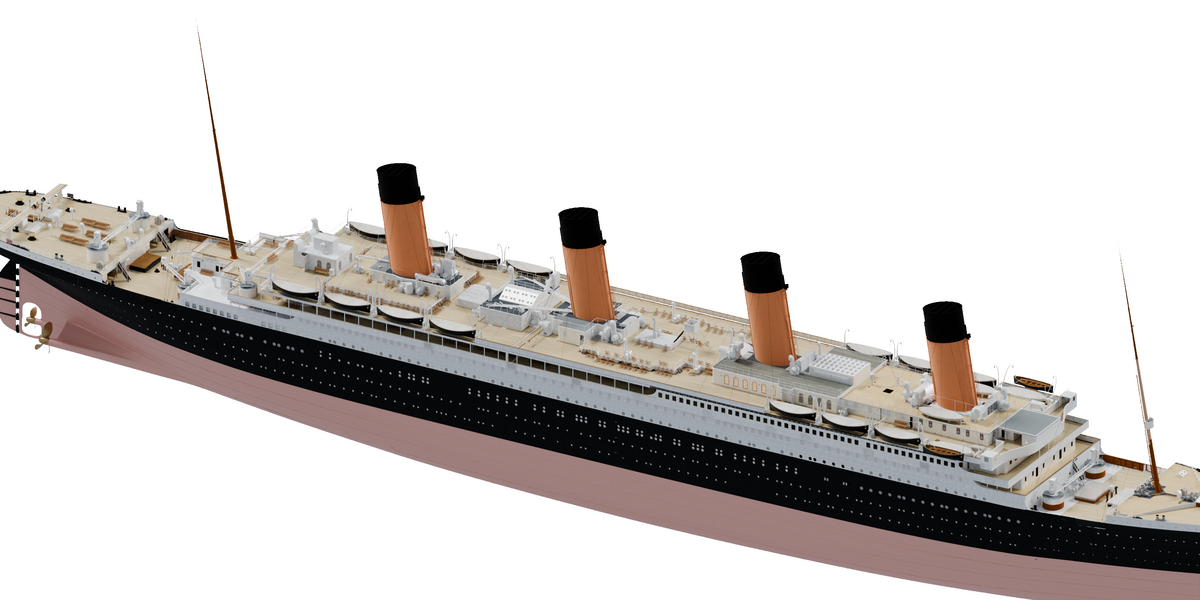
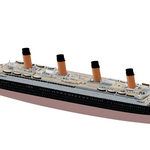
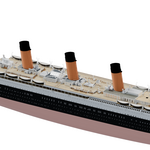
This is a detailed Titanic exterior model for Blender. It includes the hull, decks, lifeboats, funnels, masts, rigging, anchors and propellers.
Standard Royalty Free
01 / Model views
See it from each side
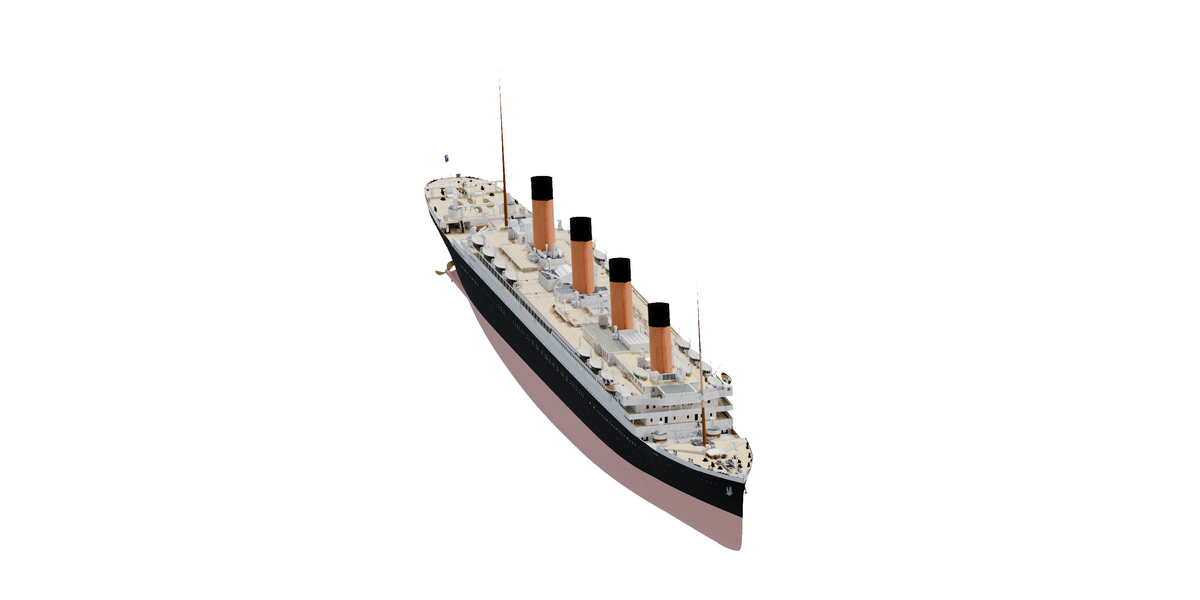
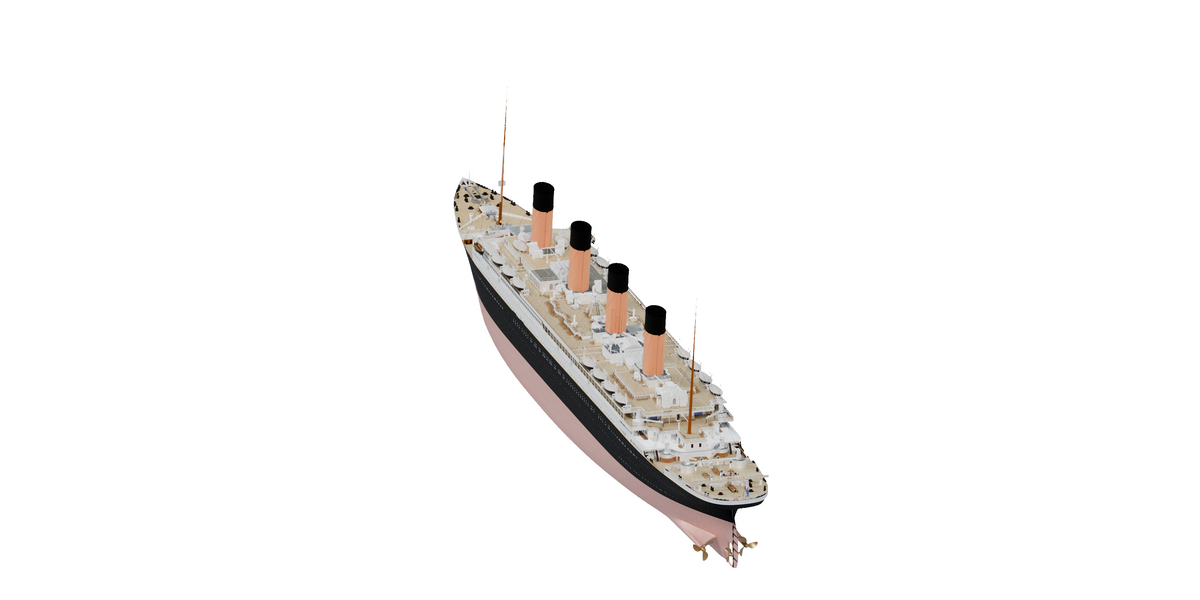
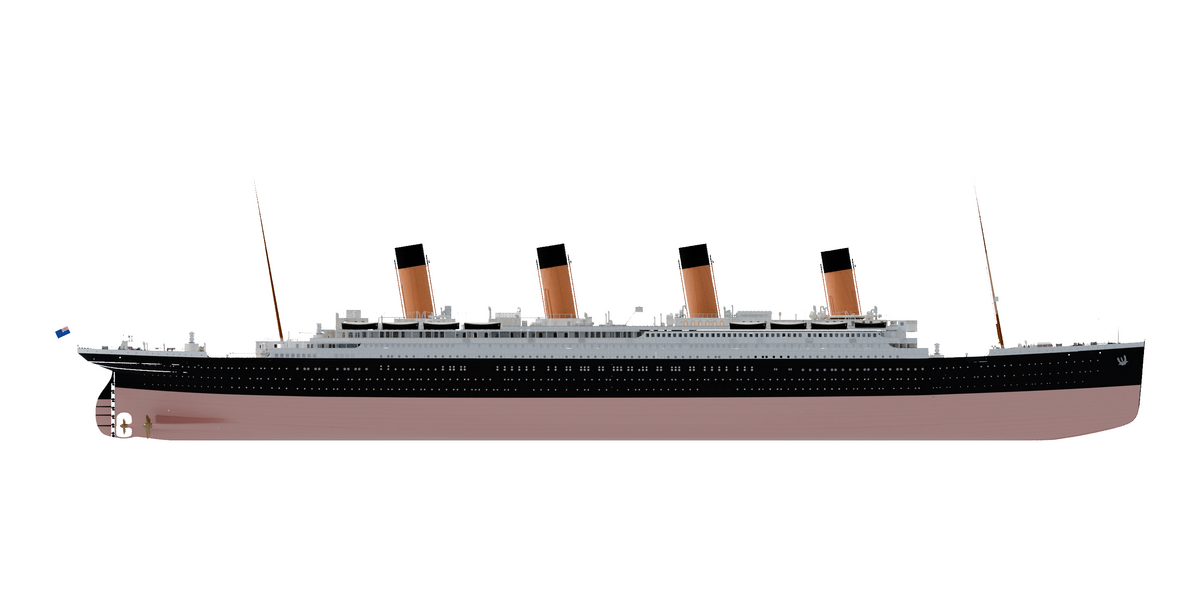
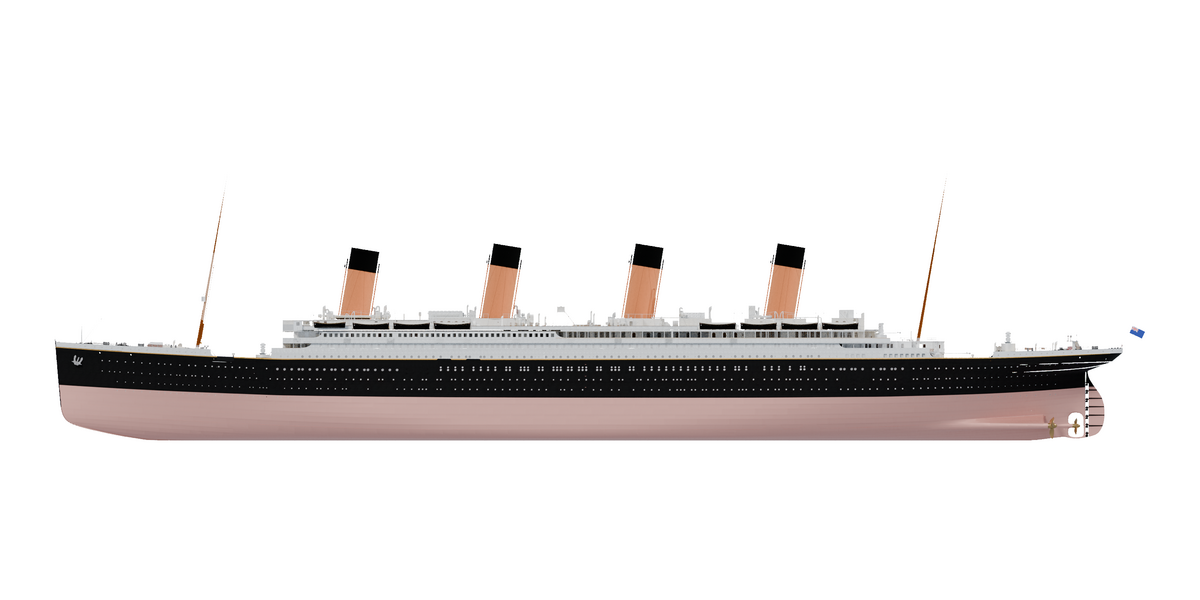
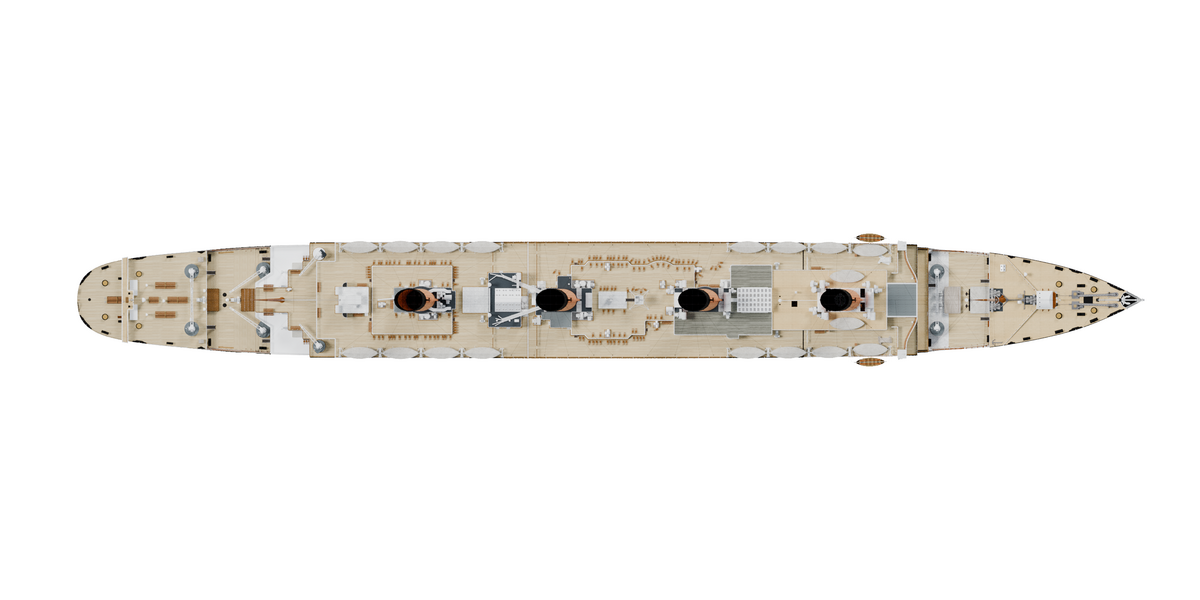
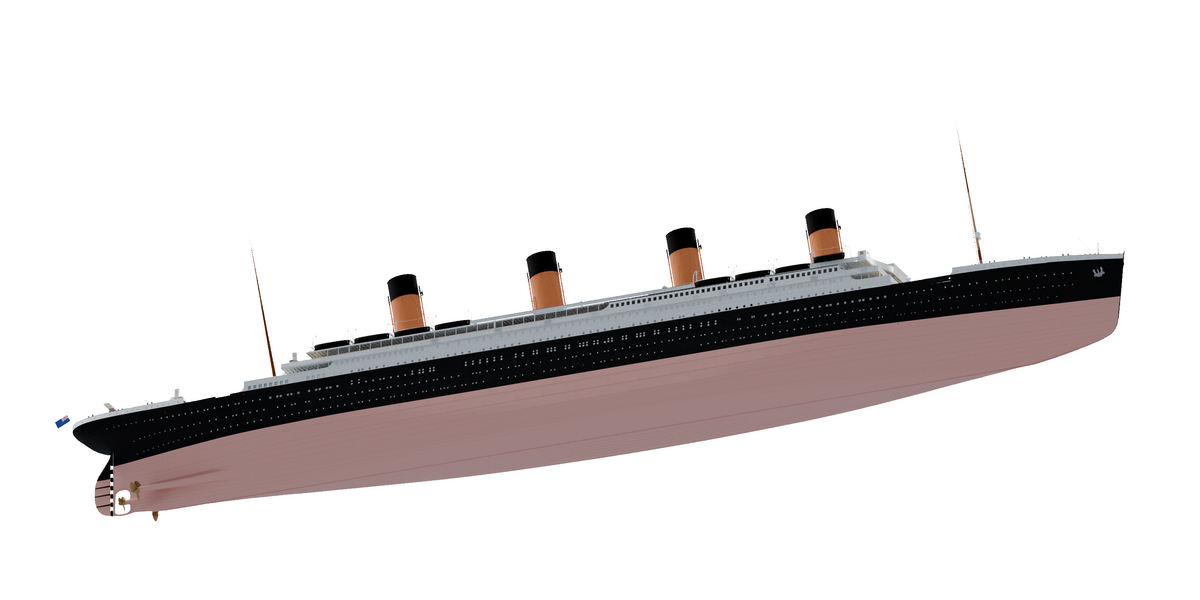
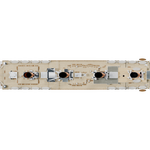
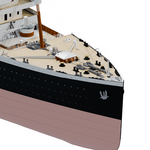
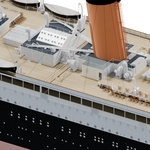
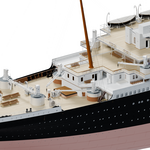
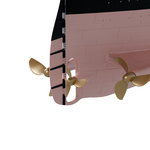
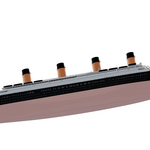
These are renders of the model you get. You can see both sides, the deck layout and the underside of the hull. There is no ocean or iceberg scene included.
02 / Decks and fittings
A closer look at the decks
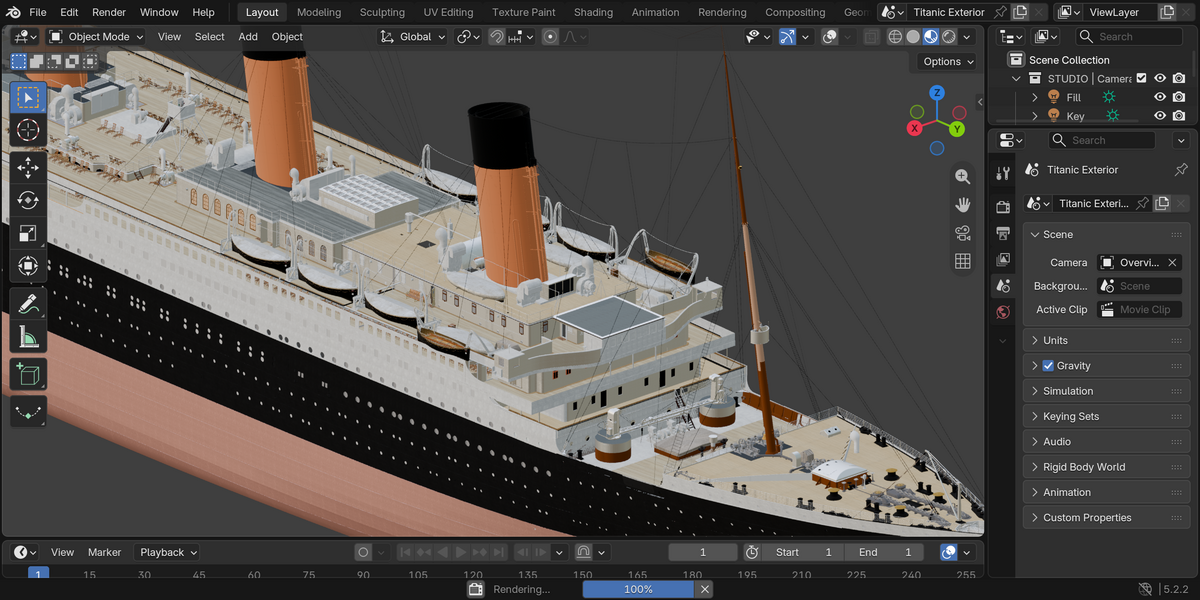
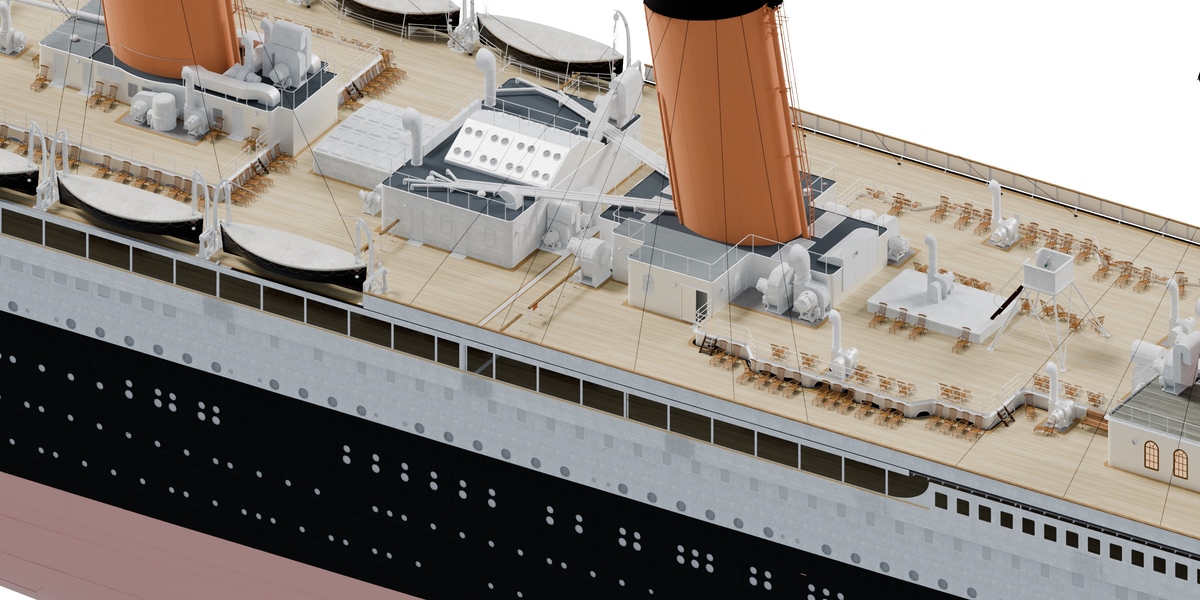
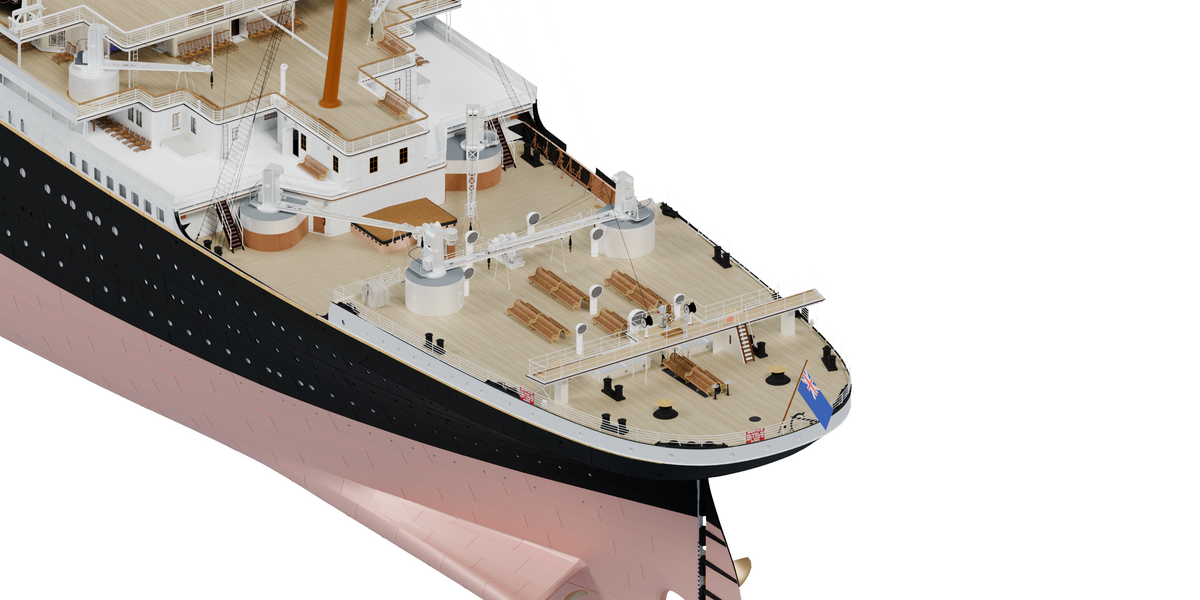
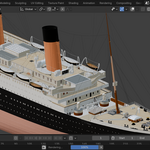
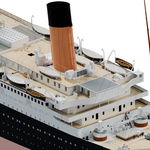
The upper decks include four funnels, lifeboats, masts, rigging and smaller fittings. The images below show the bridge and some of the deck details.
03 / Hull details
The bow, stern and propellers
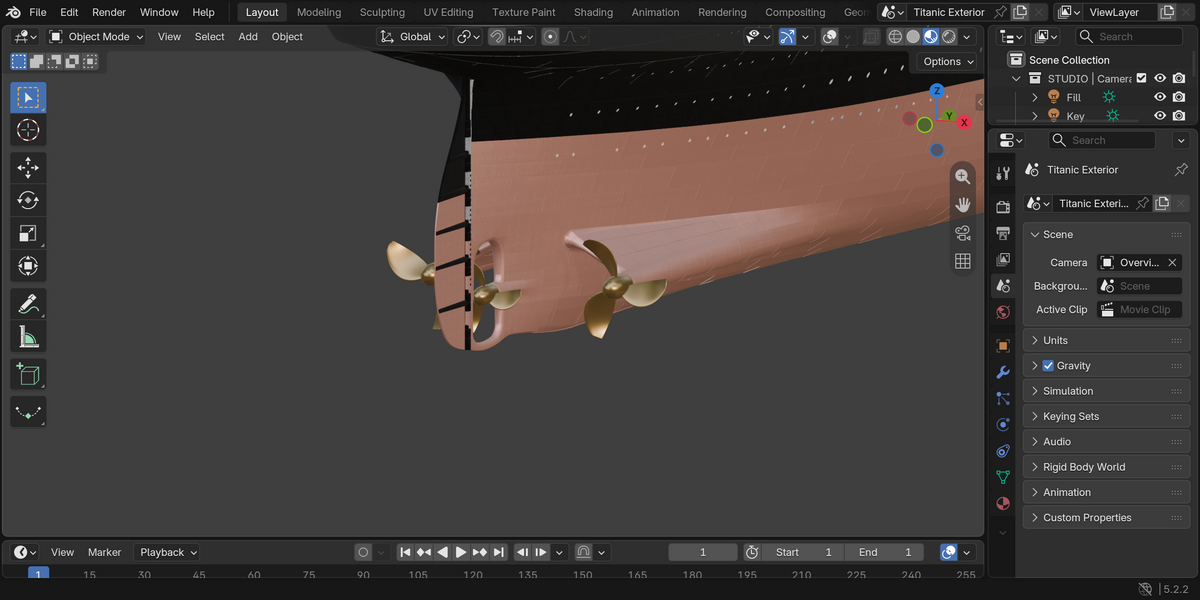
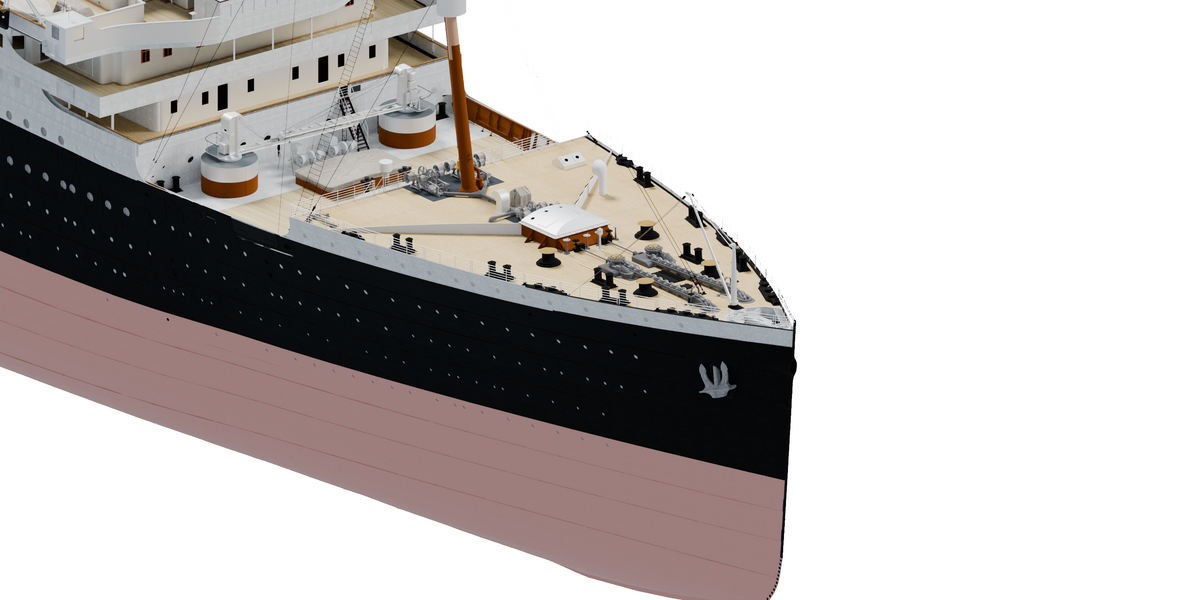
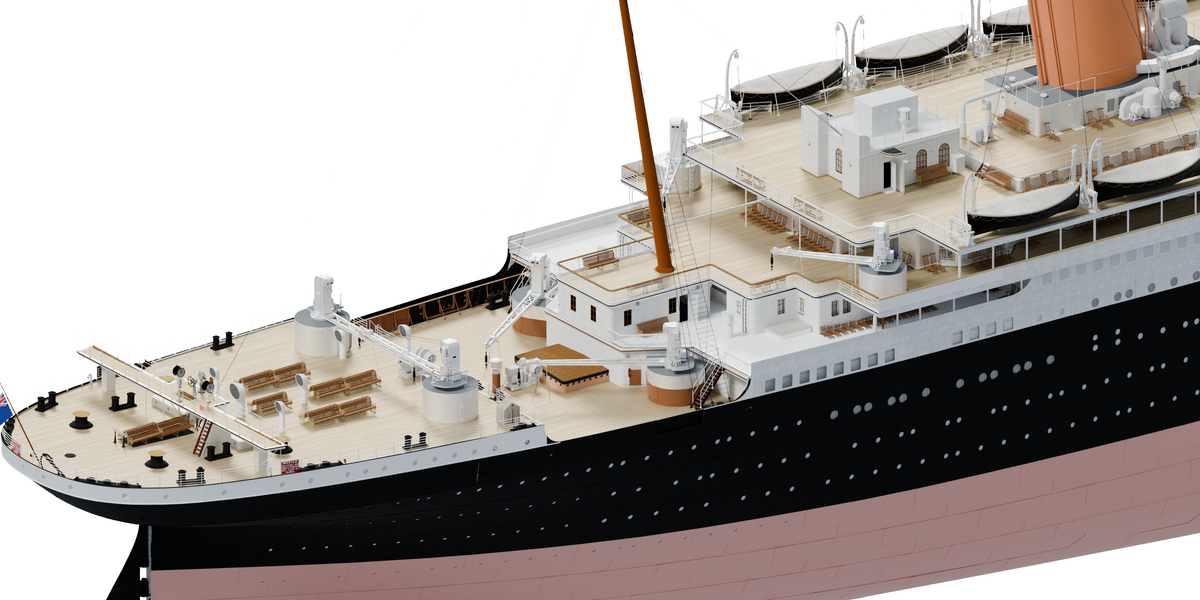
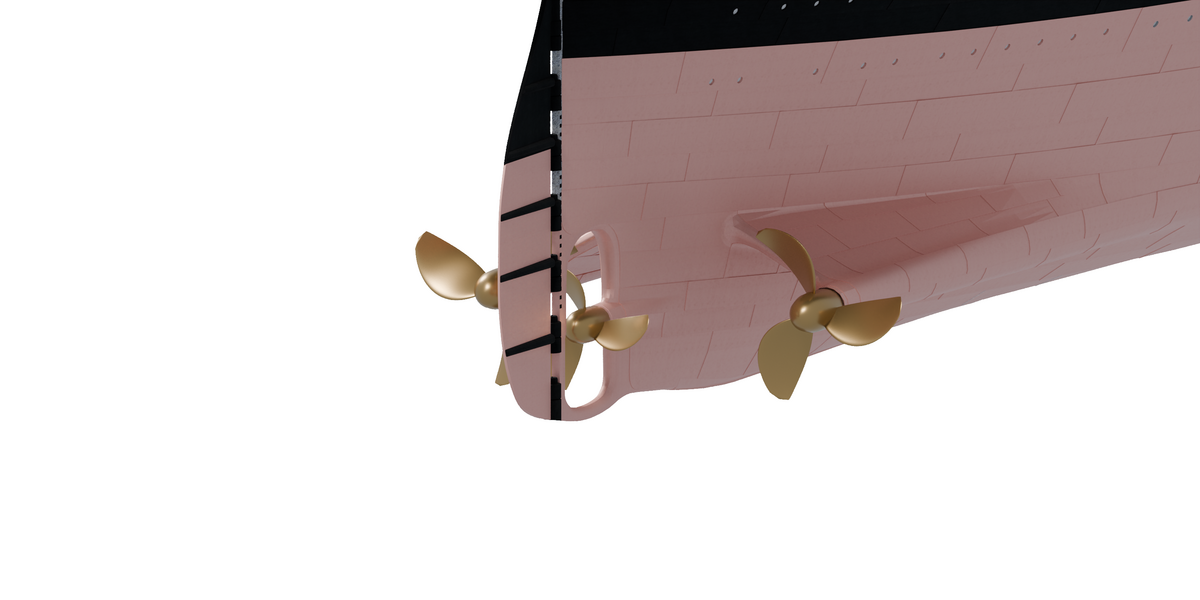
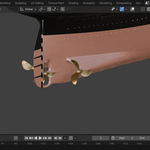
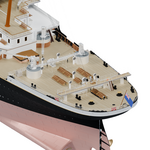
At the front, you’ll find the forecastle and anchors. At the back are the stern deck, flag, rudder and three propellers.
The underwater hull is included. The propellers are an approximation, so don’t treat this as an engineering reference.
04 / Using the file
Open it and set up your shot
Open the file
Open the .blend file in Blender 5.2.2 LTS. The textures are packed in, and you don’t need to install an add-on.
Choose your view
There’s a camera and a simple lighting setup already in the scene. Use them as they are, or change the angle and lighting.
Render
The scene is set up for Cycles. Choose the CPU or GPU settings that work on your machine.
IN BLENDER
Here’s what the file looks like
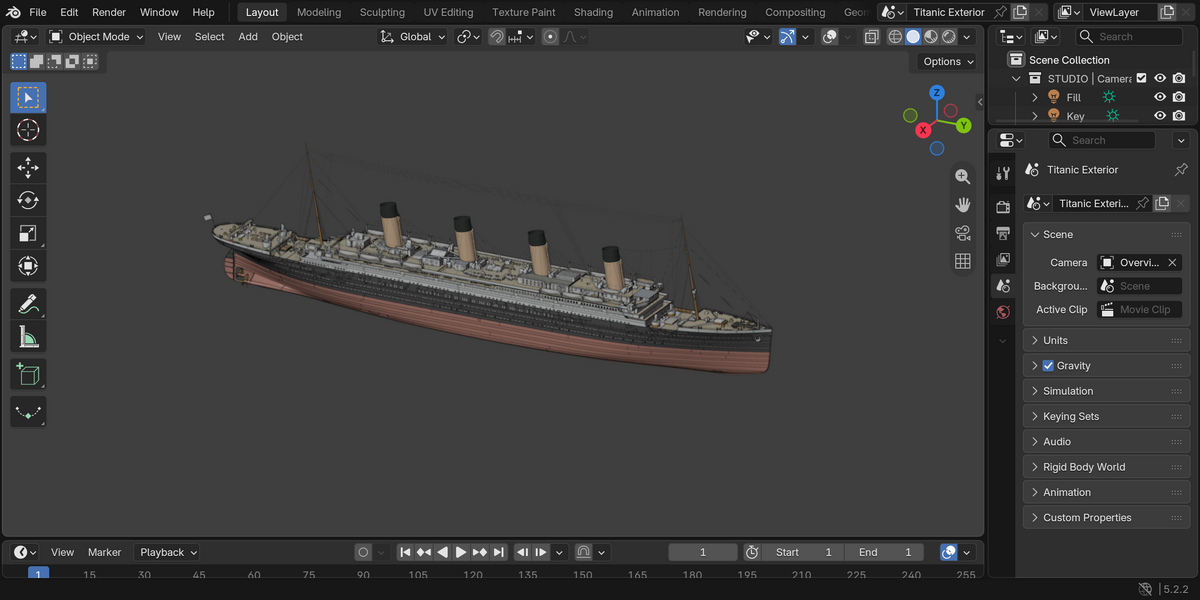
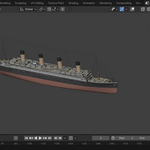
These screenshots were taken in Blender 5.2.2 LTS. They show the whole ship, a closer view of the decks and the propellers in Material Preview.
05 / Included files
What you get
A few things to know
This is an exterior model. There aren’t complete rooms inside. It isn’t animated, and there’s no ocean, iceberg or night scene included.
It’s a fairly heavy file: around 1 GB and roughly 10 million triangles. It’s meant for rendering, not as a low-poly game asset or a print-ready model.
Some hull objects have alignment shape keys. Leave those at their saved values unless you want to change how the hull fits the decks.
06 / More views
More renders of the model
I’ve included these 15 renders in the download too, so you can use them as a reference while working with the file.
07 / Questions
Before you buy
Are the textures included?
Yes. All 290 texture images are packed into the .blend file.
Is the model animated?
No. This is the static version. There are no animation actions or cloth simulation, and the timeline is set to frame 1.
Are there interiors or an ocean scene?
No. You’re getting the ship’s exterior, not a complete interior or ocean environment.
Can I use it in commercial renders?
Yes, under the Standard Royalty Free license shown on the listing. That doesn’t give you permission to resell or redistribute the model itself.
Which Blender version should I use?
The file has been tested in Blender 5.2.2 LTS with Cycles. Older versions haven’t been checked.
Are these images actual renders?
Yes. The 15 gallery renders show the included model, and the three interface images are real Blender screenshots. The cover uses AI-assisted graphic design.
What if I need help?
Send me a message through Superhive. Let me know your Blender version and what’s going wrong; a screenshot helps too.
Titanic exterior / Version 1.0.0
Need a hand?
If you have a question about the model, send me a message through Superhive.