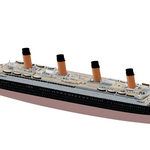
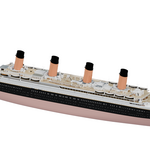
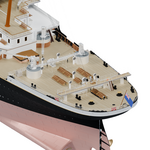
Titanic - Detailed Exterior Model
 Super3D IO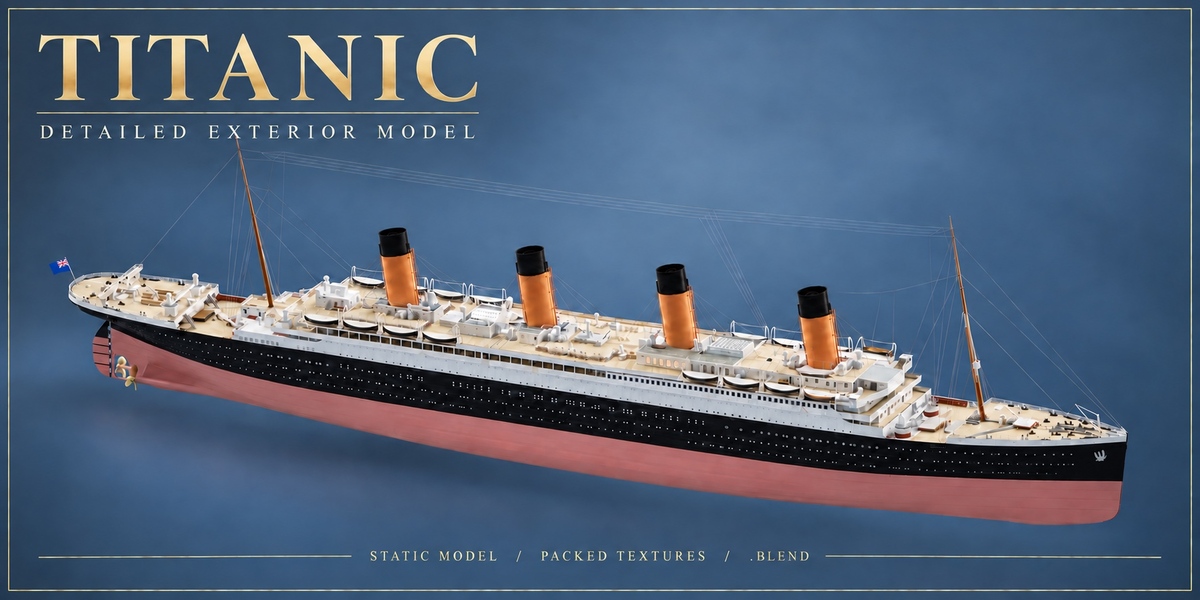
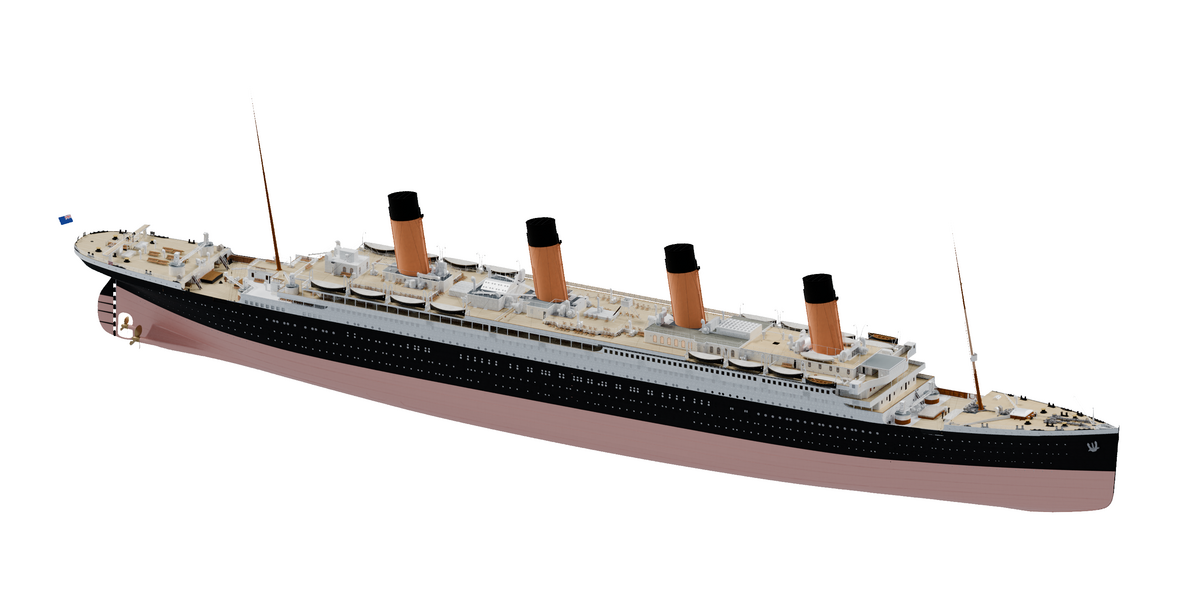
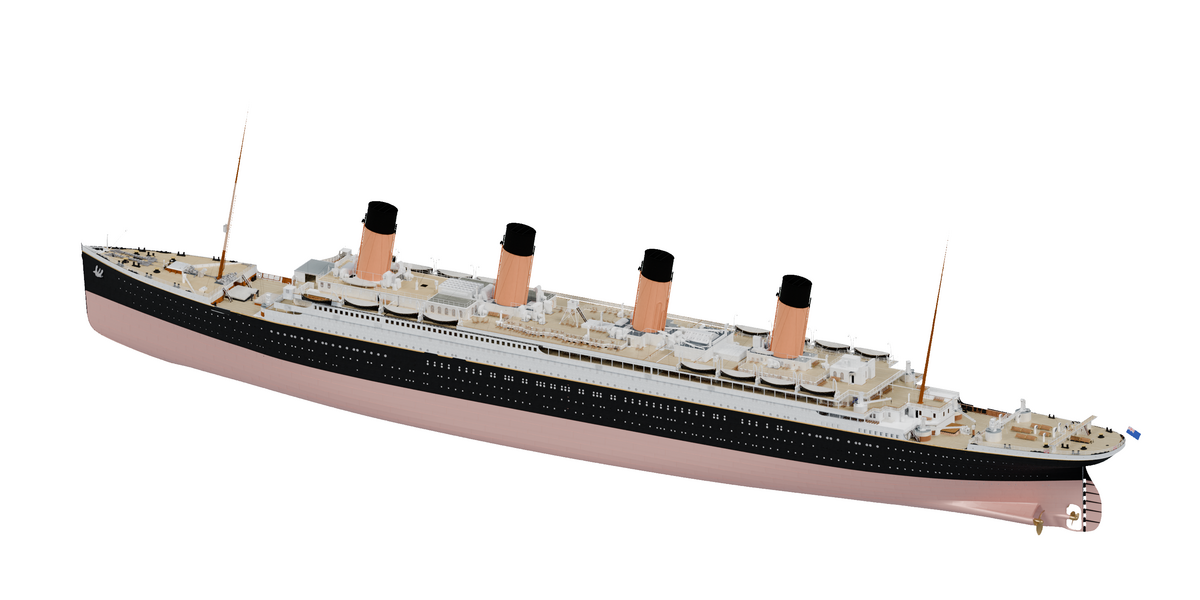
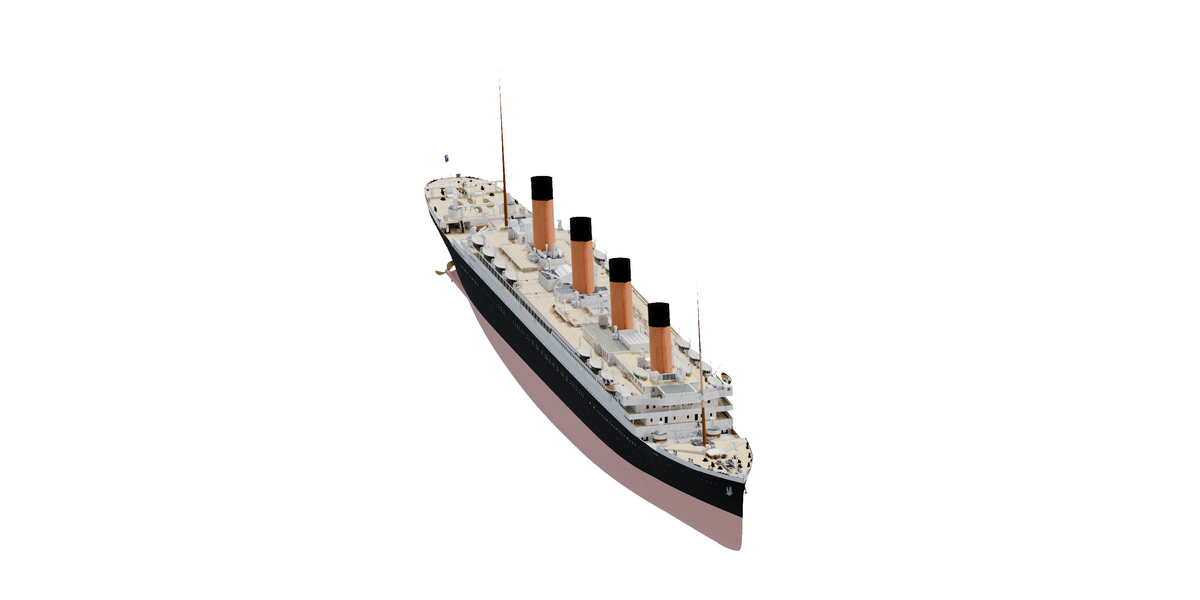
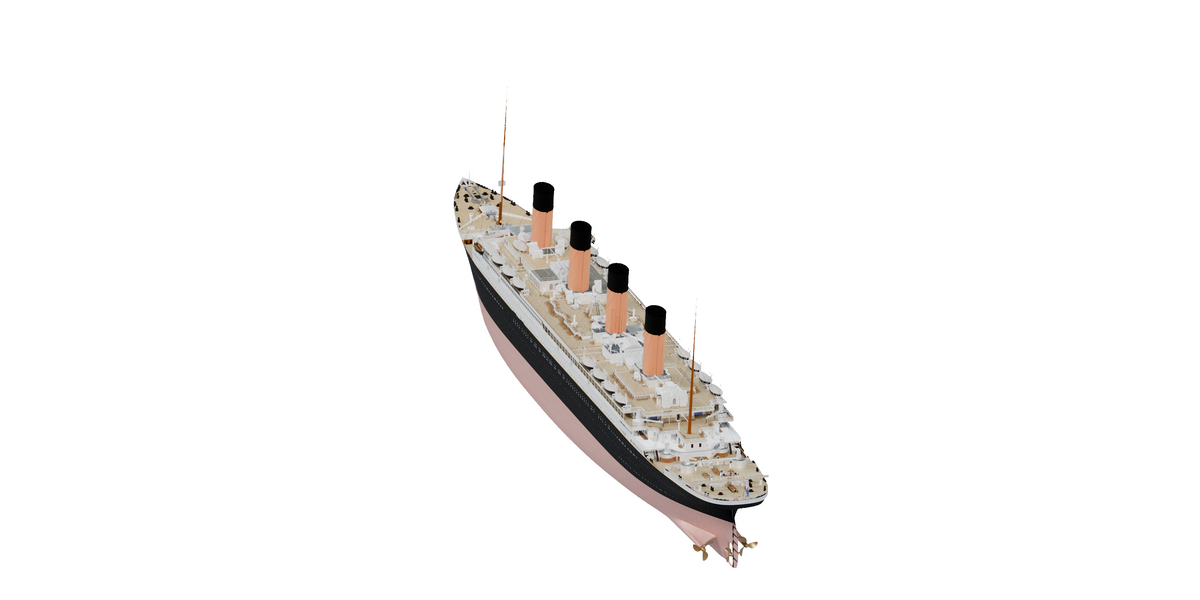
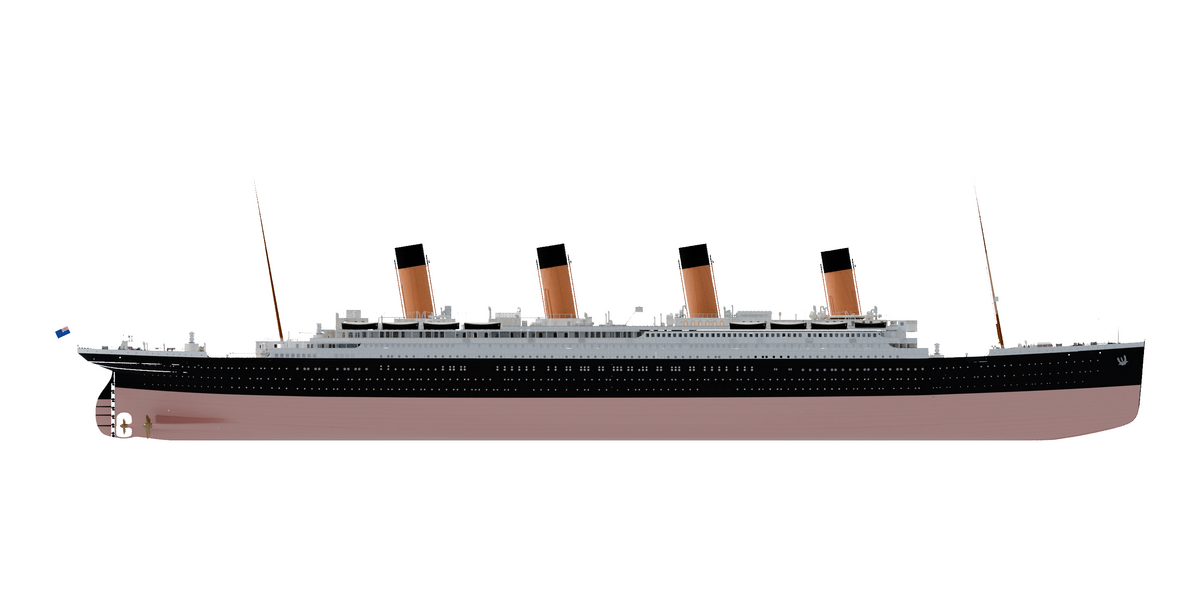
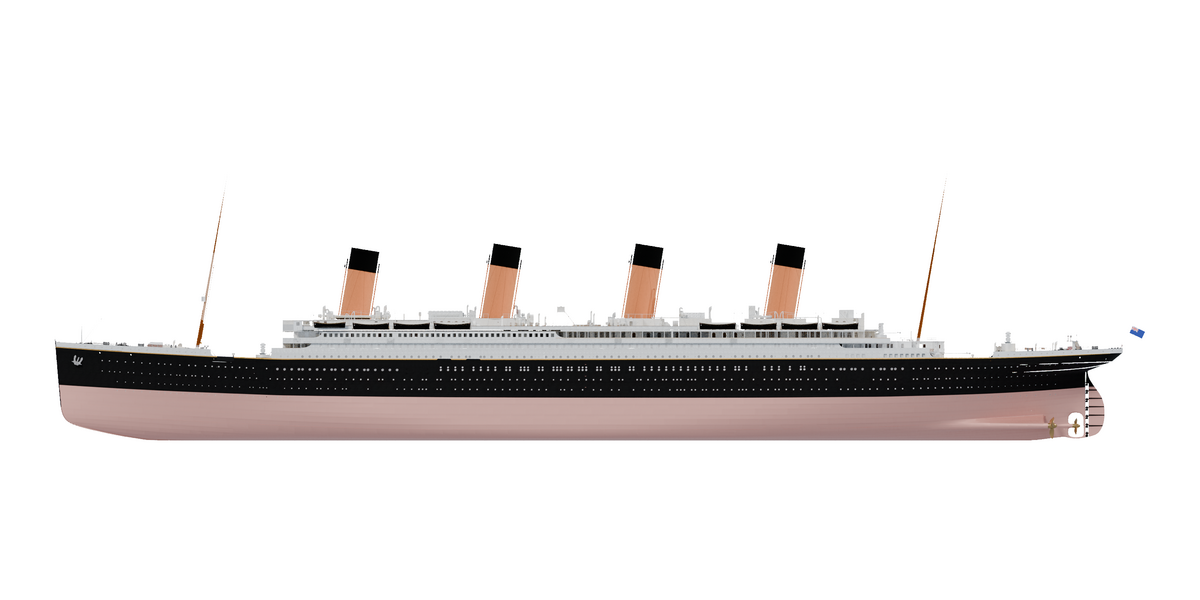
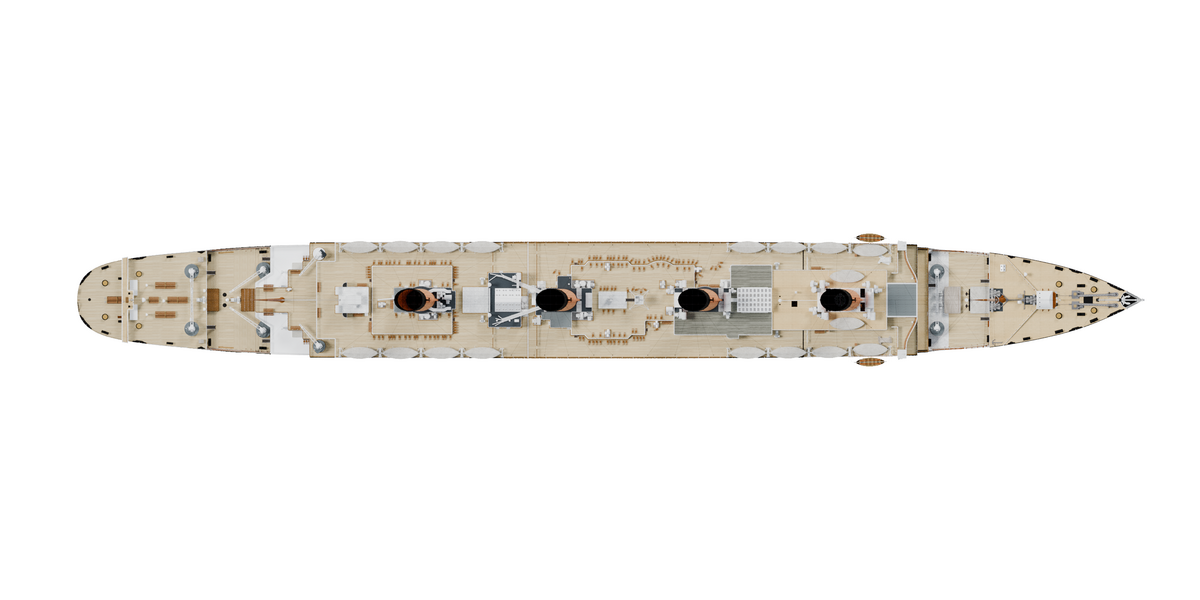
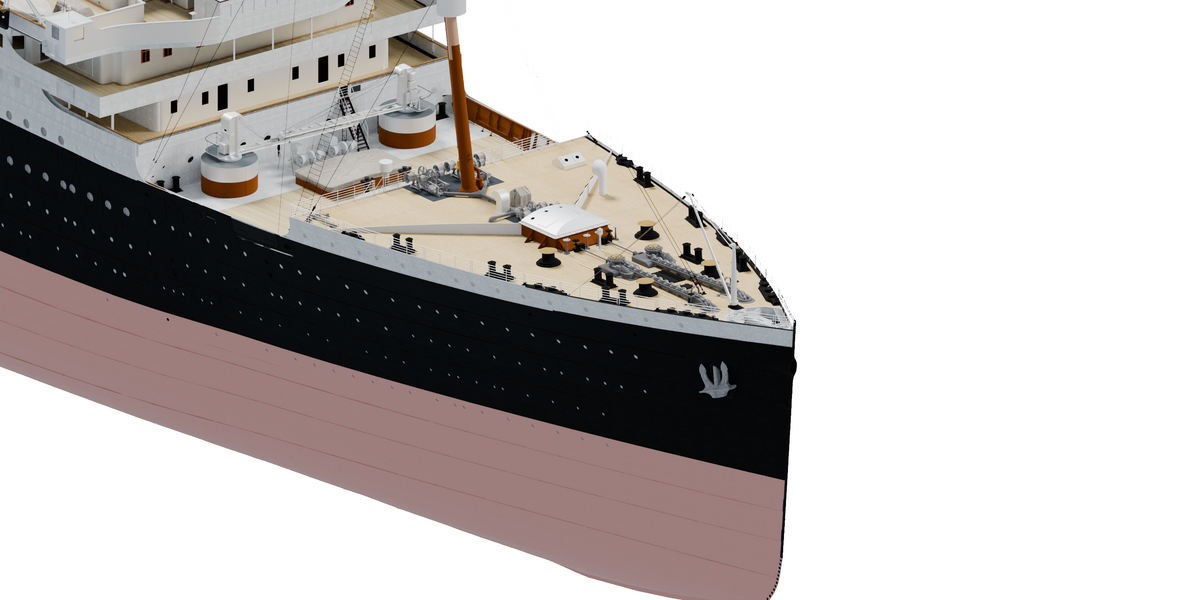
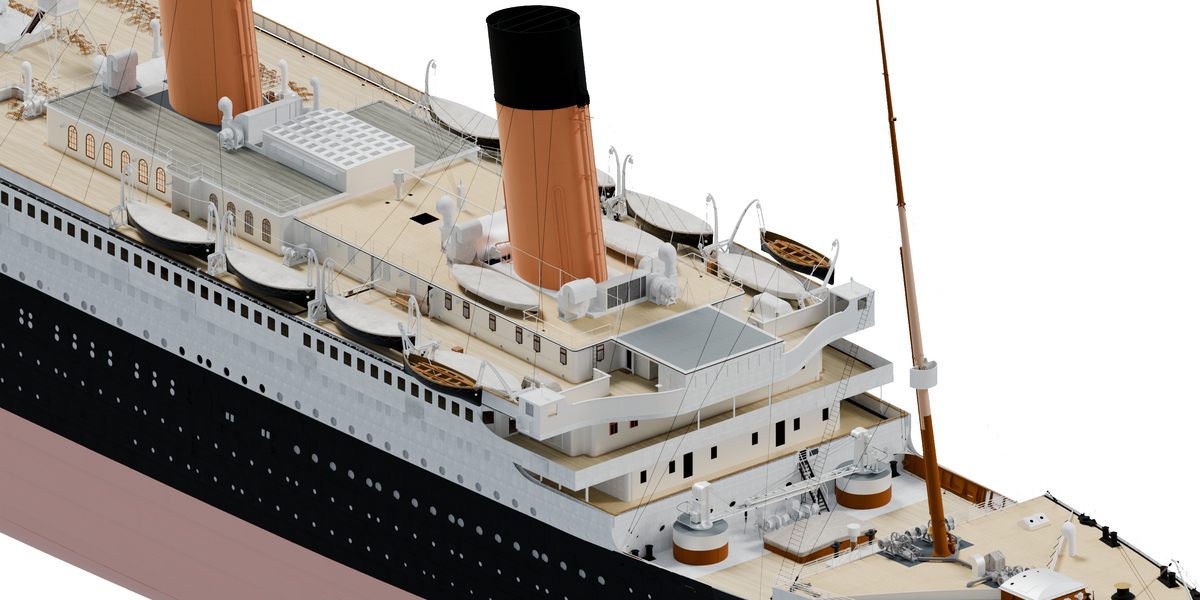
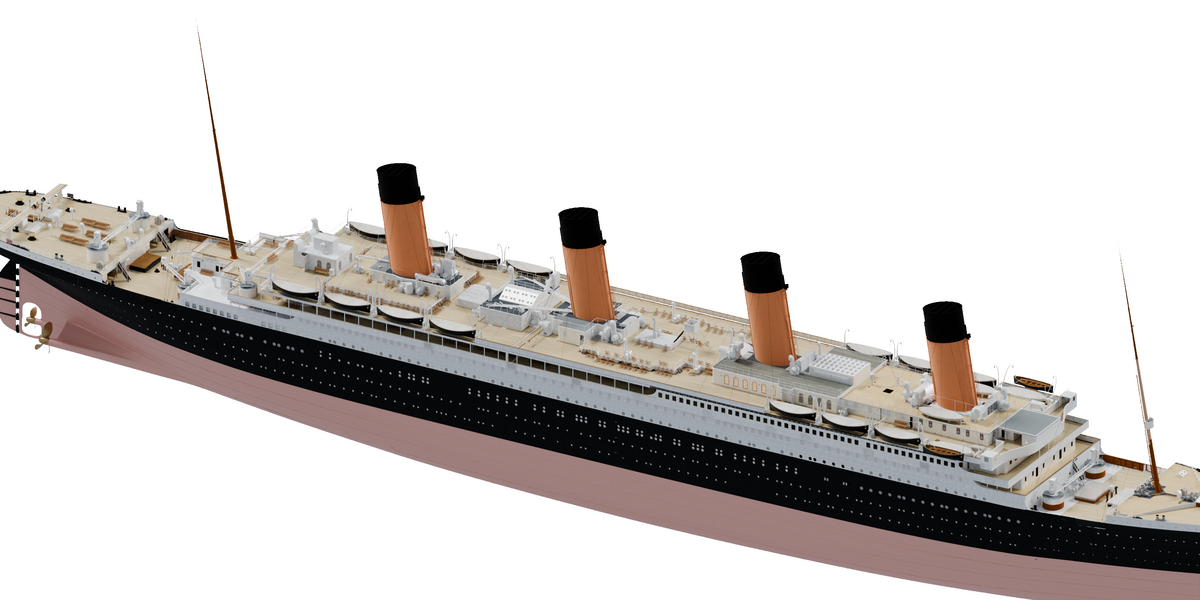
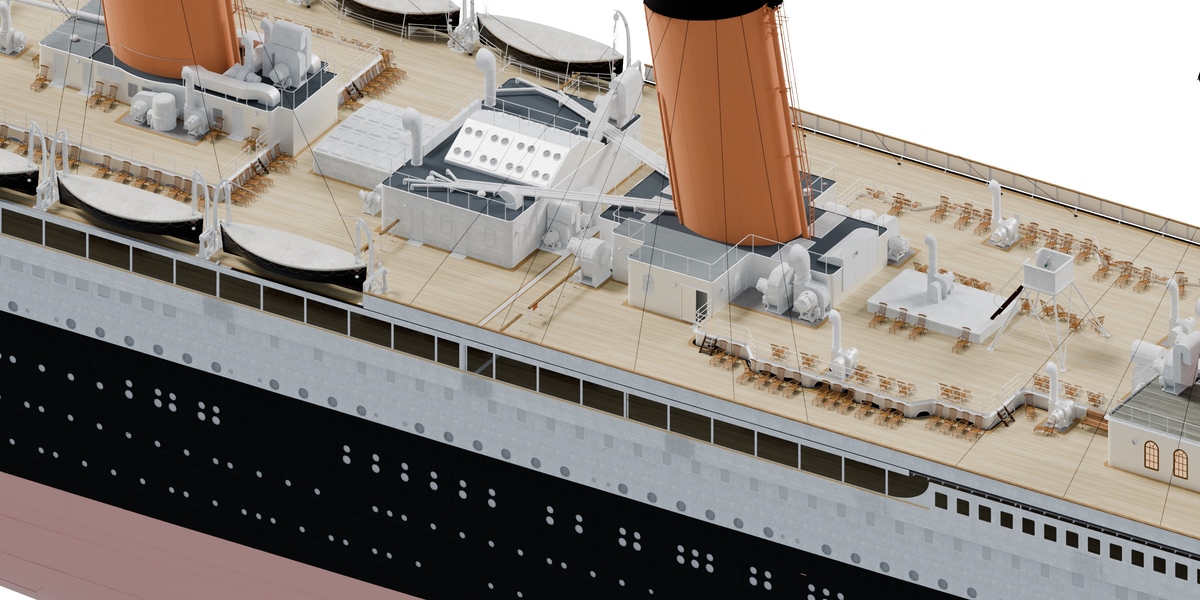
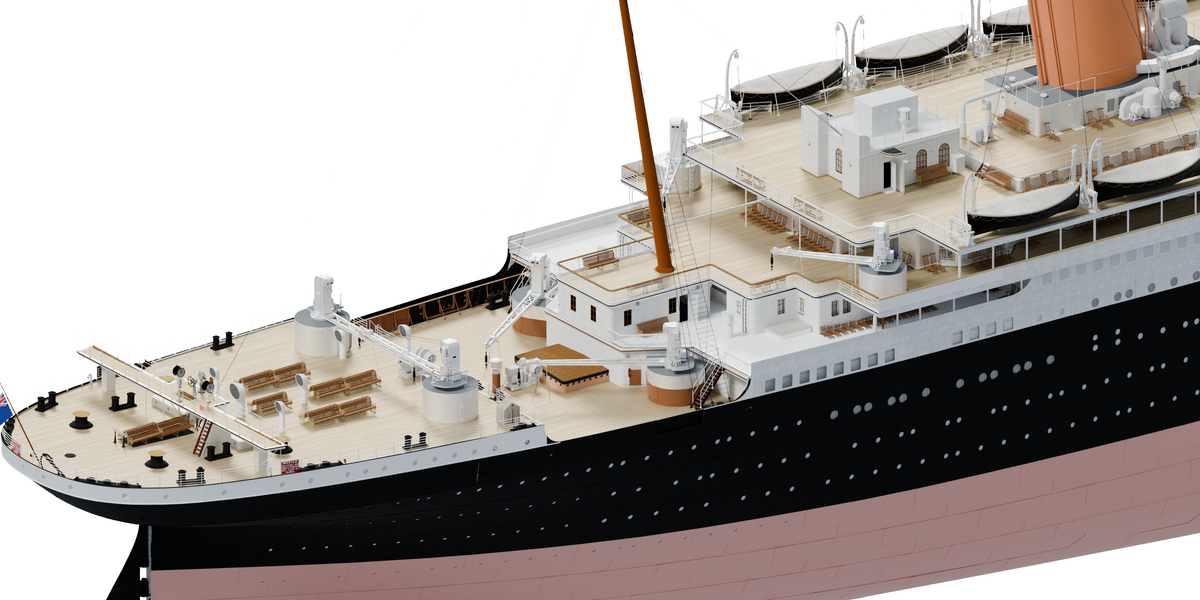

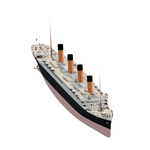
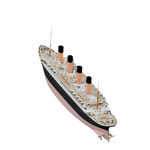
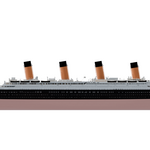
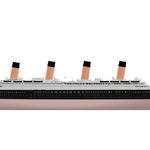
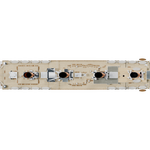
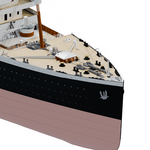
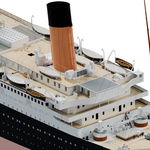
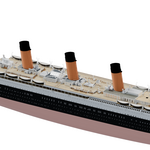
Getting started
- Download and unzip Titanic_Exterior_1.0.0.zip.
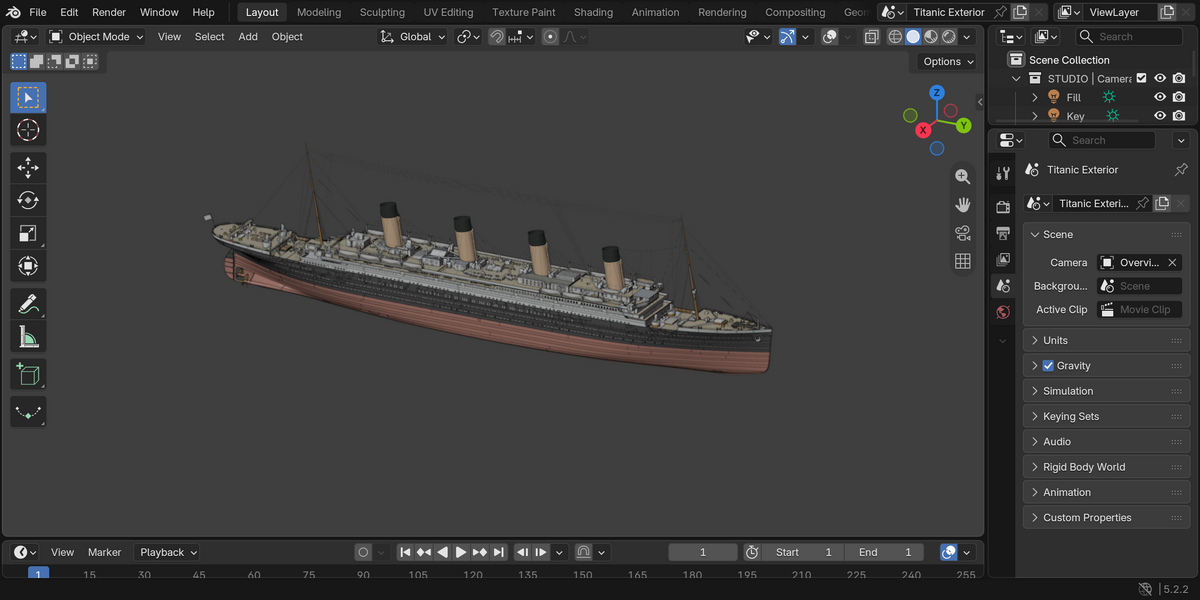
- Open Titanic_Exterior.blend in Blender 5.2.2 LTS.
- The scene already has an Overview camera and a simple lighting setup. Use Cycles to render it.
- If you want to use your GPU, select the device that works on your computer. You can also render on the CPU.
Textures
All 290 texture images are packed into the file. You don't need to find a separate texture folder or install an add-on.
Changing the model
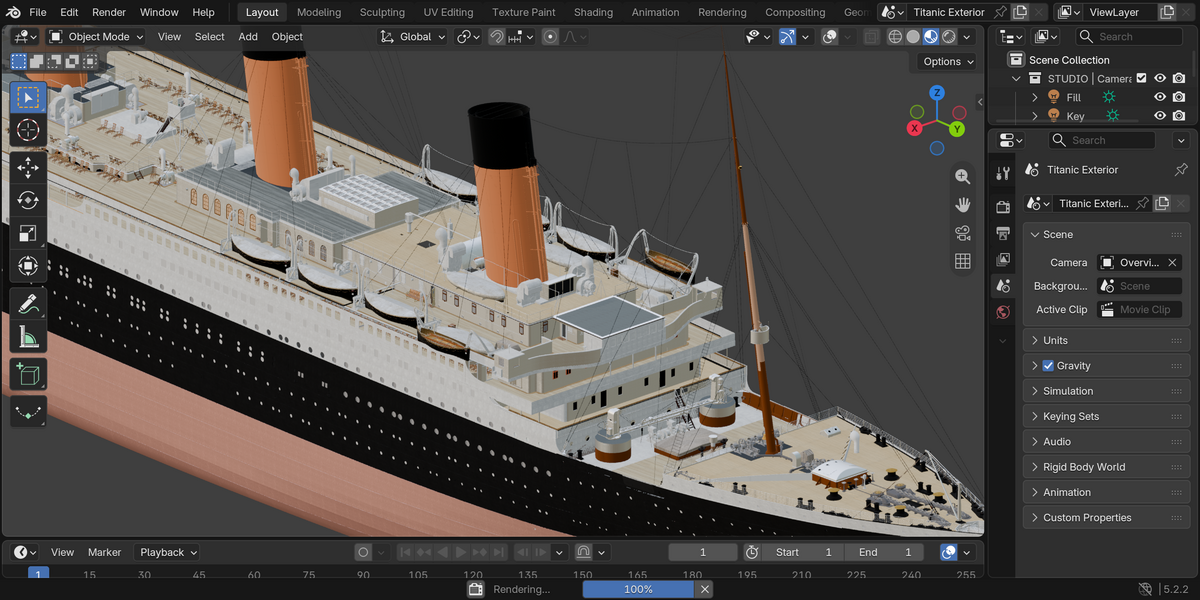
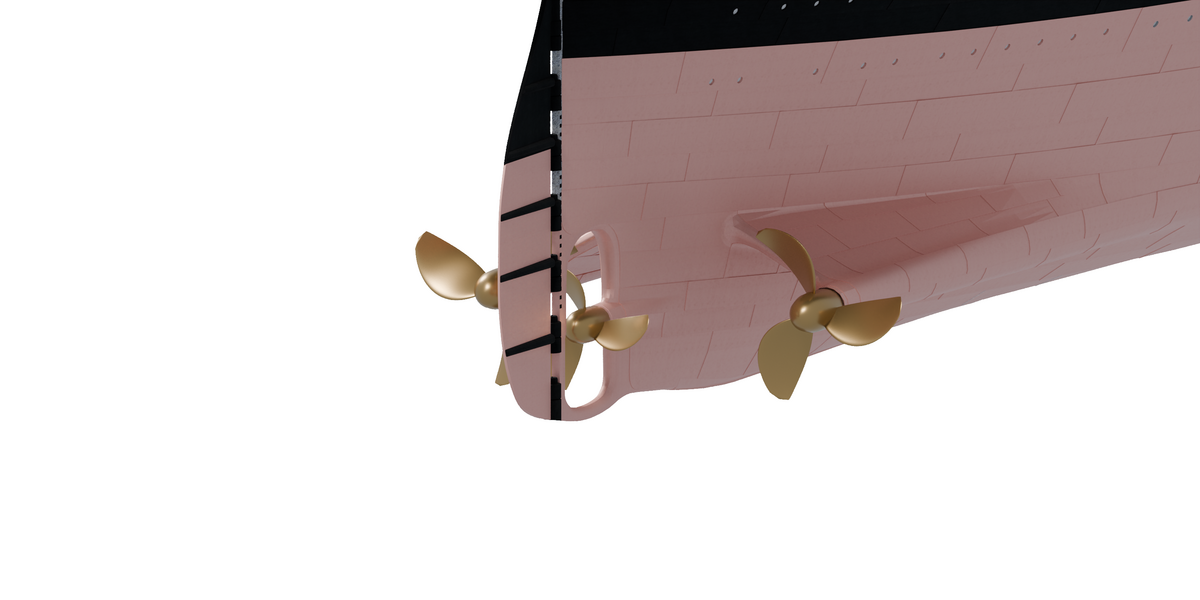
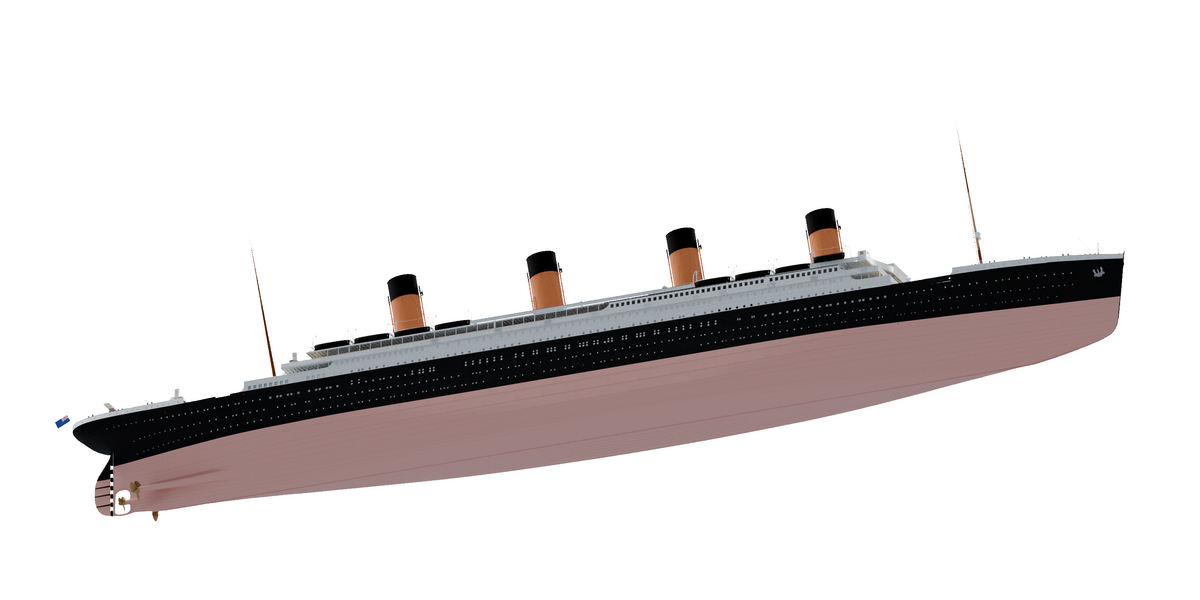
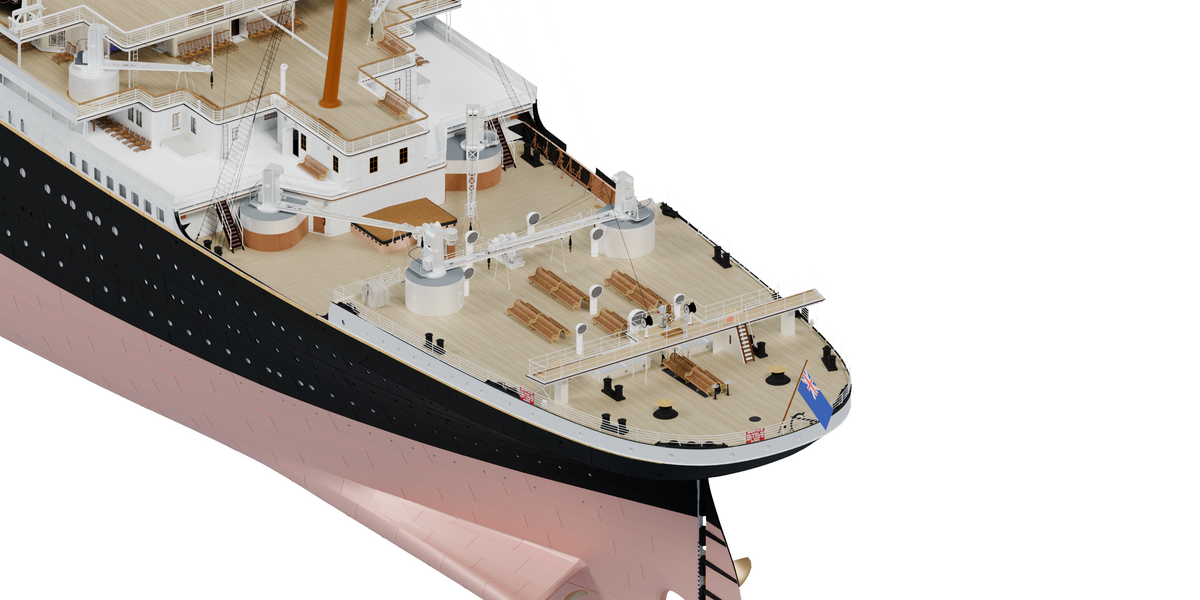
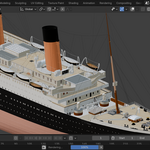
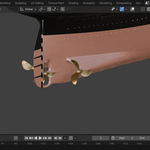
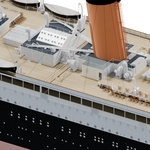
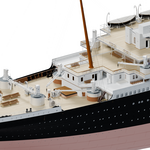
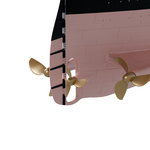
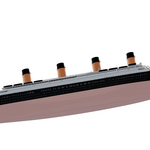
The objects are grouped into collections for the hull, decks, fittings and propellers. You can edit individual objects and materials.
Some hull objects have alignment shape keys. Keep them at their saved values unless you want to change how the hull fits the decks.
The ship and flag are static. There are no animation actions or cloth simulation, and the timeline is set to frame 1.
Working with a large file
The .blend is around 1 GB, with roughly 10 million triangles across all the objects. If the viewport feels slow, use Solid shading while setting up your shot. Material Preview can take a while to load the textures.
What's not included
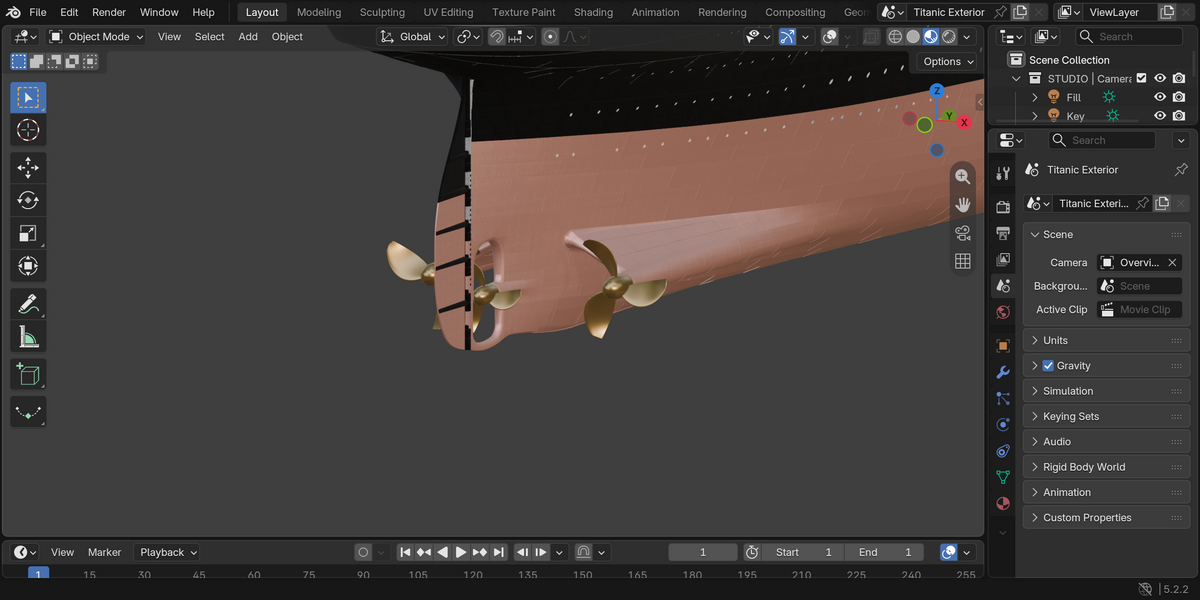
There aren't complete rooms inside the ship. There is no ocean, iceberg or night scene. The propellers are an approximation, not an engineering reference. This isn't a low-poly game asset or a print-ready model.
Need help?
Send me a message through Superhive. Include your Blender version, operating system and a description of the problem. A screenshot helps too.
Have questions about this product?
Login to message
| Published | 1 day ago |
| Blender Version | 5.2 |
| Render Engine Used | Cycles |
| Misc Data | Textured |
| License | Royalty Free |
Discover more products like this
ocean-liner titanic Cycles exterior ocean vessel maritime ship detailed model textured