Tl Material Cleaner Plus + Counter + Pie Menu V1.4
 Zuhair Umer


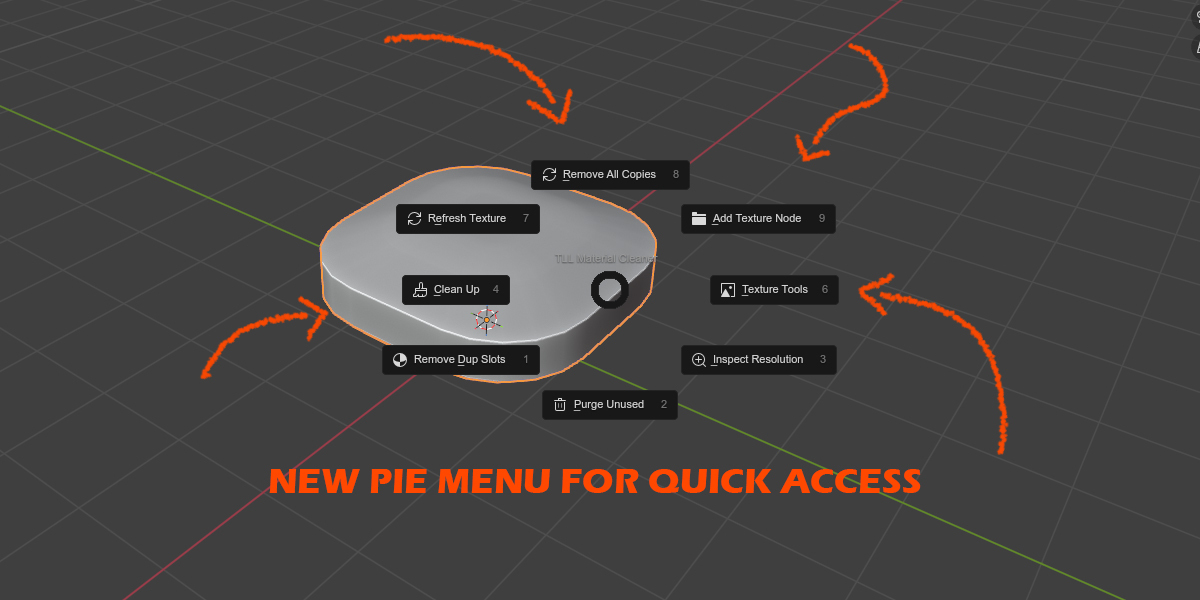

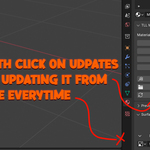
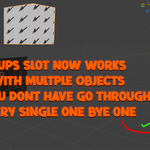
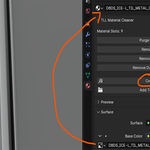
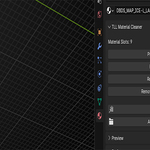
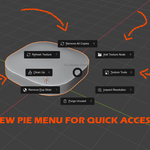
Added Alt+M pie menu in the 3D Viewport with all addon features accessible in two taps. Main pie surfaces 6 most-used actions directly; Clean Up and Texture Tools each have their own nested sub-pie. Registered keymap via addon keyconfig so it unregisters cleanly and never conflicts with user keymaps. Panel now shows a hint label reminding users of the pie shortcut.
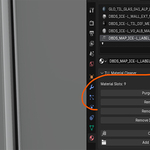
Added Material Size Inspection: Can view the resolution directly inside blender.
TL Material Cleaner Plus + Counter – Version 1.2.7 Changelog
New Features & Improvements
-
🧹 Purge Unused Materials – Deletes all unused materials, textures, and data blocks in the scene to reduce clutter.
-
🔁 Remove Material Copies – Automatically merges duplicated materials (like “Material.001”, “Material.002”) into a single instance.
-
🧱 Remove BSDF Nodes – Deletes unnecessary nodes connected to Principled BSDF nodes (except Base Color) to keep node trees clean.
-
🧩 Remove Duplicate Material Slots – Cleans up duplicate material slots applied to meshes and remaps faces to consolidated slots using a more robust B-Mesh method.
-
📋 Copy Texture Name – Copies the active image texture name (without extension) to clipboard and renames the material to match.
-
🖼️ Add Texture Node + Picker – Adds a new image texture node to the active material, links it to Base Color, and opens the file picker for easy texture assignment.
-
🔄 Refresh Texture – Reloads image textures from disk for nodes in the active material.
-
🔢 Material Slot Counter – Displays how many material slots the selected mesh currently uses directly in the panel.
Fixes & Enhancements
-
Improved handling of duplicate material slots with B-Mesh remapping to avoid face misassignment.
-
Operators now handle multi-object selection more safely.
-
Ensured better safety and reporting for objects without active materials or nodes.
-
Updated UI panel icons and layout for clarity.
Version Info
-
Blender Compatibility: 2.93+
-
Author: Zuhair
-
License: GPL-3.0-or-later
This update focuses on robust multi-object support, improved material slot cleanup, and additional texture workflow tools.