Cogumelo Softworks
about 8 years ago
Hi iama3dnerd. Contact us inbox for doubts or suggestions.
Bye!

This item has an average rating of 4 from 48 ratings by the community.
Purchase this item to leave a review!
I like this! Simple and fast.
Awesome tool!!!
I have a question about edges! Would it be possible to have "surface edges" integrated?
Basically edge tracing of adjacent different materials. That would be really useful.
This is one of the greatest things, I‘ve ever seen. Really love it. And it‘s also easy to use. After about three hours of trying different stuff, you get pretty comfortable with the nodes.
However, since the documentation is not that great, let me give you a quick introduction about what I‘ve learned.
1) In your Render Settings there is a ToonKit Section. Here you can choose a render preset and everything is fine. If you don‘t do this, you‘ll need to at least manually tick the „Open Shadong Language“ option for the addon to work.
2) If you don‘t choose a default installation path, you‘ll need to go to the settings and manually select the shader folder (contained inside the addon).
3) If you choose „global settings“ in your Lineart node, you can update all at once by setting values in the Toonkit section of the Render tab.
4) The samples are really valuable but sometimes the Nodes are outdated (e.g. „Get Info“ node is now called „Light Info“ and has additional output. But it‘s really the same node.)
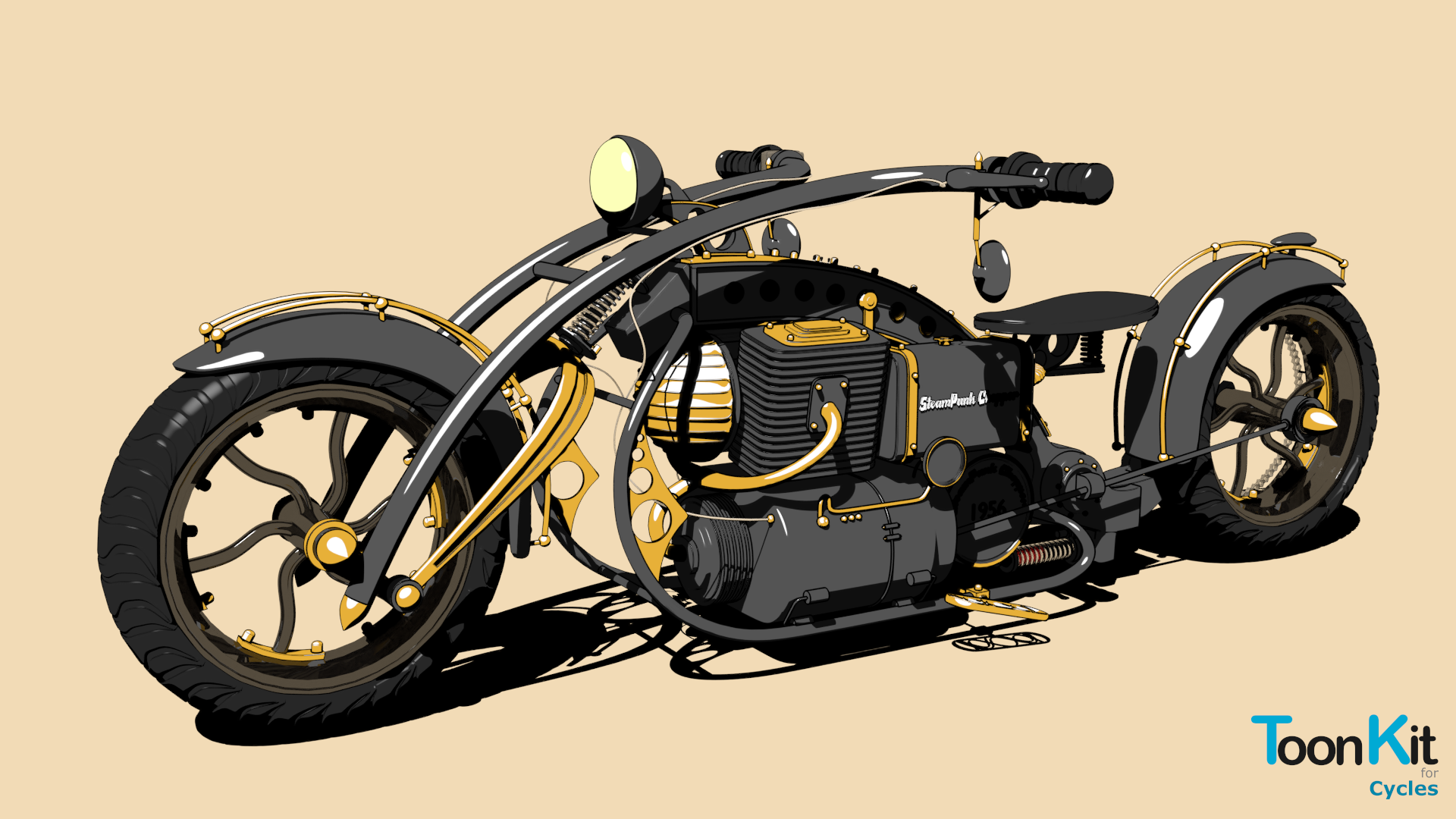
By the way: there are also three image effects included which easily convert any texture into a stylized „drawn like“ image. Really awesome.
Now I just wanted to see how far I can take this regarding performance. Sadly OSL can not be rendered on GPU. So it‘s kind of slow. So I choosed the „Production Denoised“ render preset (32 samples) and checked the result (for a 1920x1080 Render). You can really achieve production quality with these settings. Now I also used the same preset with 16, 8, 5, 3 and 1 samples. The conclusion: You‘ll definitely need at least 8 samples. The result is actually exactly the same as the 32 sample render. The only difference is that the Lineart is not as clean (if you really zoom in, you’ll see it). But if you don‘t look at the image in really close up (basically pixel by pixel), it‘s not noticable. You could also use 8 samples in production (but as mentioned: don‘t go below 8. Then it really starts to make a difference).
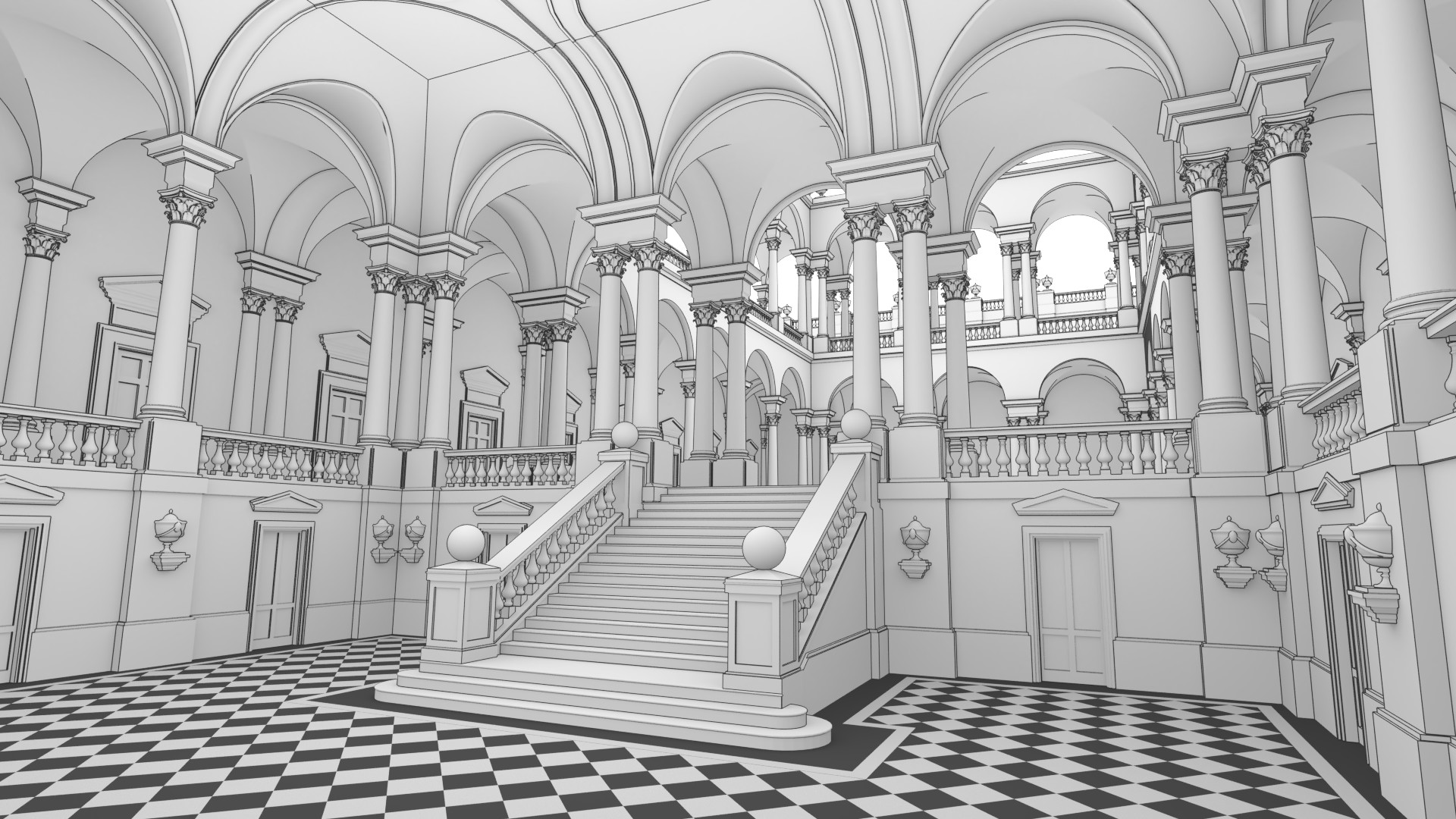
And one last quick tip before I end this: I compared the deterministic and sampled Lineart. Deterministic is faster, so most of the times you want to use this one. But in some cases, you‘ll really need sampled. E.g. I just created a cube with deterministic Lineart. However if you leave the thickness (size) of the line on the default setting, it will create artifacts if you zoom far away. A reliable setting is 0.1. But if you want to have a thicker line you‘ll get these artifacts when seen from a distance. In this case, you can use the sampled Lineart and the problem is gone.
So long story short: These nodes are really valuable. You‘ll get a really awesome addon for your money. This is a „must-have“ for every toon project. The old toon shader is now kind of obsolete with the ToonKit nodes.
The sample files that come with the purchase are very valuable.
I'll be looking forward to more instructional videos.
This so epic!! It has so much control. seriously amazing line processing and the effects that are in the samples when you purchase are jaw dropping. I cant believe someone has finally given cycles a true toon shader! I love people and Jesus is Lord!
Not easy to use and not always the best tool for the job but you can get really nice results
All things considered, this is a robust and nice plugin for many NPR use cases. Currently I am using it on a M1 mac together with the Intel version of Blender, and it is working fine. I am hoping for a reliable ARM version of Blender soon, and that Toonkit will play nicely with it, too.
eeveeまたはGPU演算で済ませることができれば完璧でした。
しかし、本当に役立っています。
I have got the basics of some of the setups. How do you setup textures? It would be nice to have some of the examples from the docs like the classroom or bathroom to examine.
Cogumelo Softworks
about 8 years ago
Hi iama3dnerd. Contact us inbox for doubts or suggestions.
Bye!
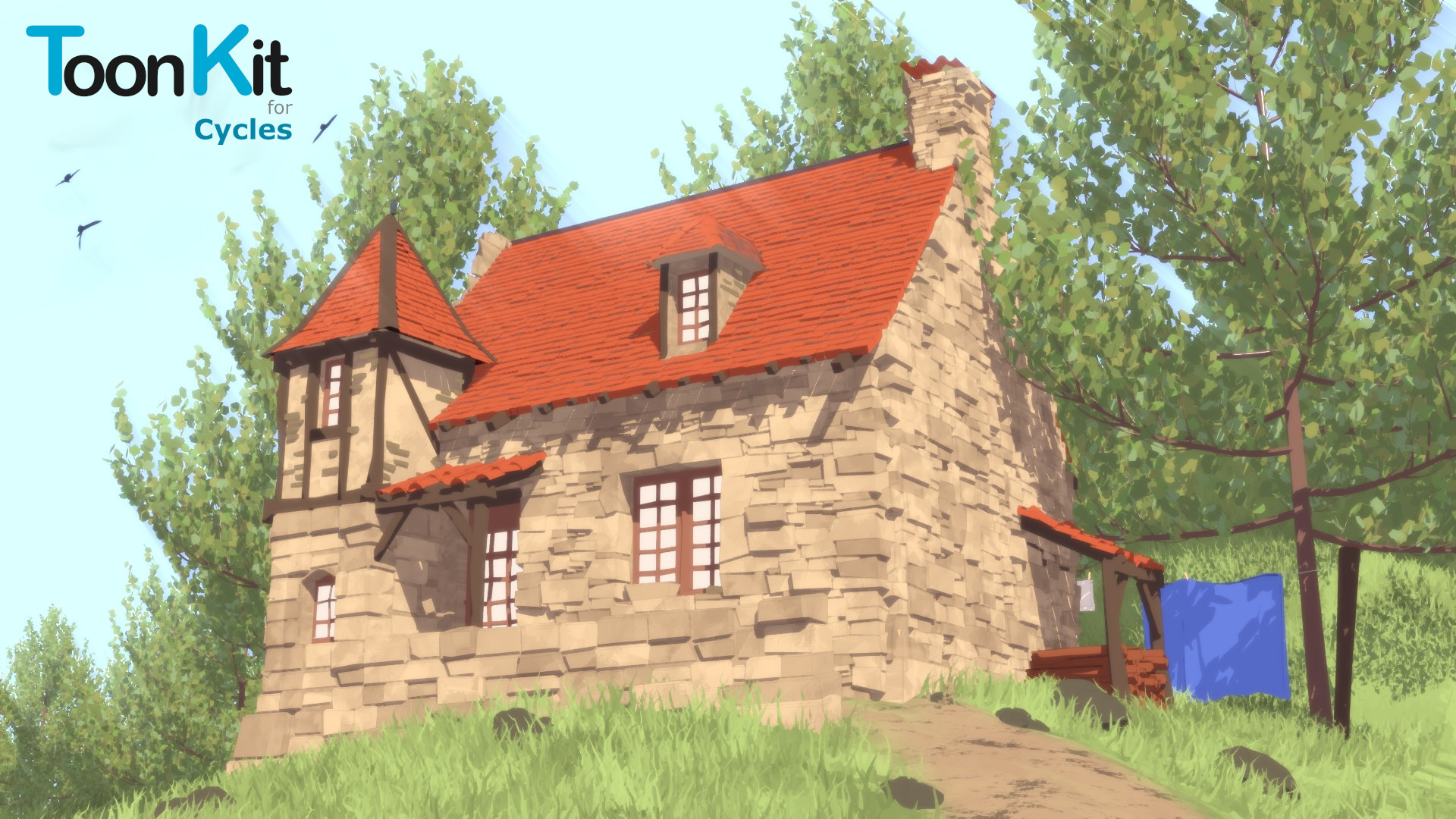
This is a good start, but I don't feel this will replace BI and freestyle for me in it's current state.
The shading is really good but the line art lacks the flexibility of freestyle which is pretty much a major drawback for me.
If Cogumelo Softworks keeps updating and polishing this add on, I'll probably adopt it as my go to in the future.
Regardless of my misgivings, this is a much needed add on now that BI will be retiring in the future.
Have questions about this product?
Login to message
| Sales | 2500+ |
| Rating |
48 ratings
|
| Dev Fund Contributor | |
| Published | over 8 years ago |
| Blender Version | 4.3 - 5.0 |
| License | GPL |
bcon22 bcon19 NPR bf hair summer22 Non Photorealistic Rendering free spring24 spring22 summer21 tree Render rendering summer20 character bfcm18 Cycles bfcm20 spring20 bfcm19 winter24 bfcm21 grass bfcm22 toon low poly Cartoon summer23 loveblender spring21 uv cloth car