 Skava
Skava
Your toon shader is fine. This shot is not.
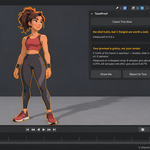
You set the ramp up once and it looked right. Then the sequence came together and the character had a shadow band in some shots and a flat fill in others. Nothing in the material changed — the light moved. You find out on the edit, not at the desk.
There are twelve toon shader packs on this market. Every one of them sells the look. Not one of them looks at the finished frame and tells you what is wrong with it.
ToonProof measures the frame in pixels, names the cause, repairs what you tick, and proves it with the same measurement. It ships no shaders and no styles. It is the other half of the job.
Both bands, or a flat fill
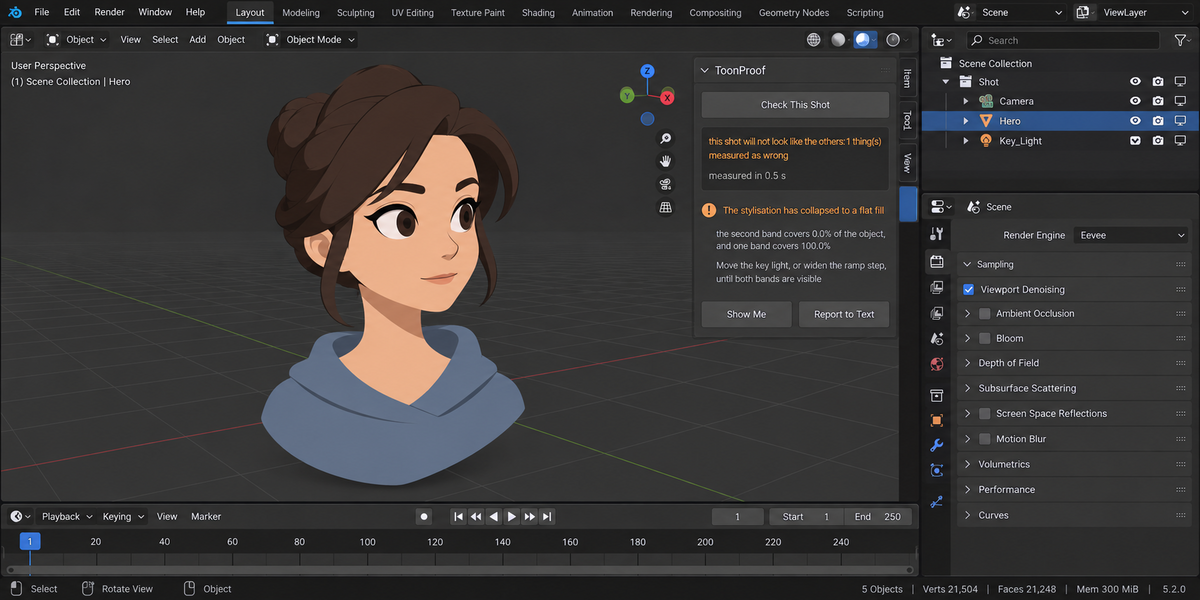
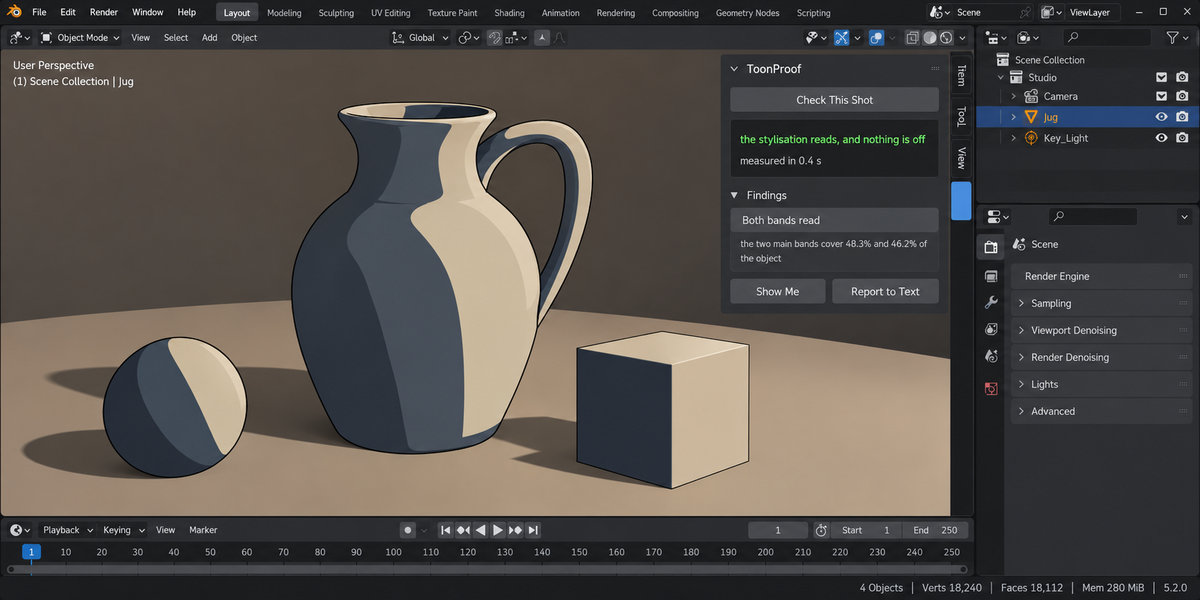
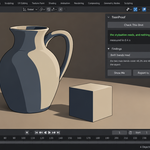
Stylisation holds only while both bands are visible on the object. ToonProof renders a probe frame, clusters the colours on the object and reports what share each band covers.
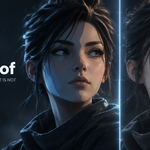
On the working light the two bands cover 48.3 and 46.2 percent. Drop the key light and the second band goes to 0.0 percent while one band takes the whole object — that is a flat fill, and the add-on says so with the number in the sentence. A flat wall lit by one lamp reads the same way: 100 percent and zero. Raise the light instead and both bands still read, 82.0 and 13.2 percent — so the add-on stays quiet. Half of a checker's worth is what it does not report.
The engine the shot was built for
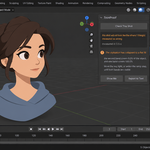
Shader To RGB does not work in Cycles at all. Switch the scene over for better shadows and the stylisation simply leaves. ToonProof finds those nodes, and when the scene is set to Cycles it renders the same frame in both engines and measures how much of the object differs. That is a finding before the shot goes to the farm, not after it comes back.
A grainy preview is not a grainy render
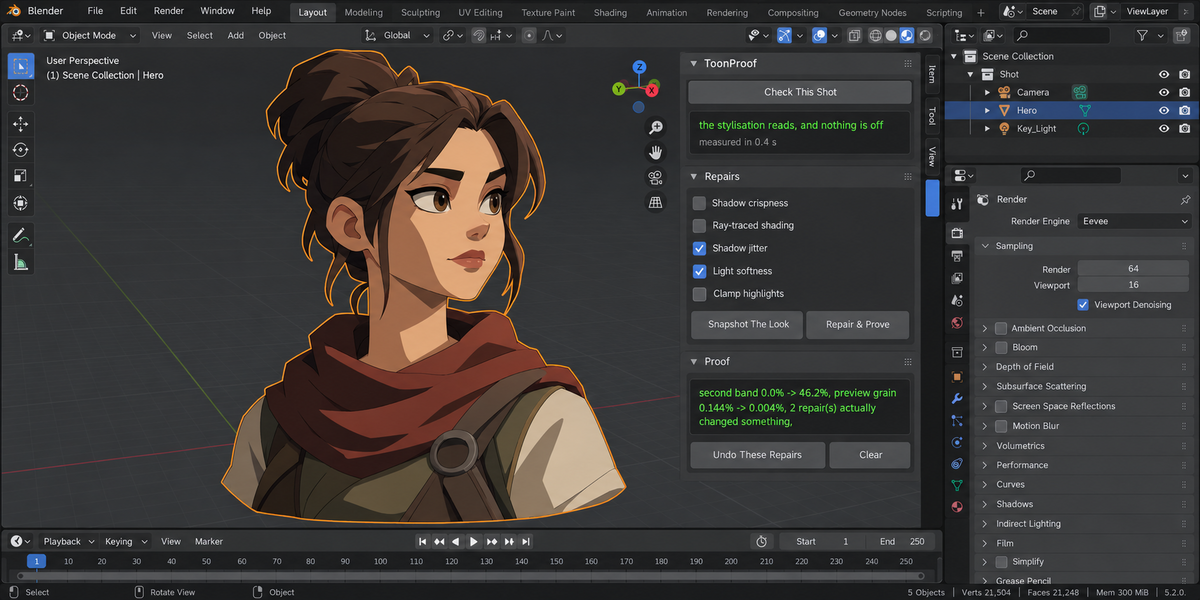
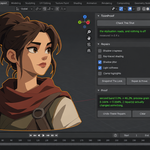
Speckle on flat bands is a preview problem, and the add-on says exactly that instead of promising to clean your final frame. Measured on a stepped ramp with a soft shadow: one sample gives 0.144 percent of the frame, sixty-four samples give 0.004 percent. On a clean frame it reports 0.005 percent and raises nothing. It measures at your own sample count, not at some convenient number of its own, and it names the lights responsible rather than saying the light is too soft.
What it refuses to do
Where a number would be invented, it says so in words and gives no number. A smooth colour ramp is not a stepped one, so bands cannot be counted — and that is read from the material itself, because in the rendered frame a gradient and a stepped ramp are genuinely indistinguishable. Measured: pixels sitting between bands run 2.6 to 5.4 percent on a stepped ramp and 2.2 to 10.3 percent on a gradient. The ranges overlap. Guessing there would be dishonest.
No camera, an object outside the frame, an object too small to read — each one is reported as not measured, which is kept apart from measured and fine everywhere, including the return code of a pipeline run.
Repairs that state their price
Five repairs, applied only where you tick them: shadow crispness, ray-traced shading, shadow jitter, light softness and highlight clamping. Each one says what it costs before it runs — ray tracing cleans the bands and makes the lighting poorer, and the artefact on faces perpendicular to the light cannot be removed at all, only softened. A repair that changed nothing prints zero and is not counted as applied.
Before anything is written, the look is recorded inside your .blend file, so you can repair today and undo tomorrow. The undo is judged by comparing the whole fingerprint of the scene, not by counting attempts: change a lamp's type afterwards and the add-on reports that one setting could not go back, and names it.
Beyond one shot
A folder of .blend files is checked in one run, each in its own background Blender, leaving your open scene untouched. The report is a single self-contained file, and the run returns a clear verdict for a pipeline.
Why the numbers are trustworthy
Thirty-eight automated checks, zero problems, on Blender 4.2.9, 5.1.0 and 5.2.0. Nine deliberate breakages of the add-on's own logic were introduced one at a time, and the checks caught every one — a suite that cannot fail proves nothing.
Two of those checks exist because they caught real mistakes while this was being built. Counting colours by rounding split a single flat fill into three near-identical shades, so a scene with no light at all reported a second band of 15.5 percent — bands where there were none. And the probe's own sample count was being used to measure preview grain, which made the warning about eight samples meaningless.
What it does not do
- It gives you no shaders and no styles.
- It does not draw outlines and does not compensate their thickness.
- It does not transfer normals for smooth faces.
- It does not clean flicker out of a finished sequence.
- It does not promise your final render will be free of grain — on sixty-four samples there is 0.004 percent of it.
- It does not decide for you: where something can be softened but not removed, it says so and shows the cost of each option.
Blender 4.2 and newer. Sidebar tab: Toon Fix.
License
GPL-3.0.