 Skava
Skava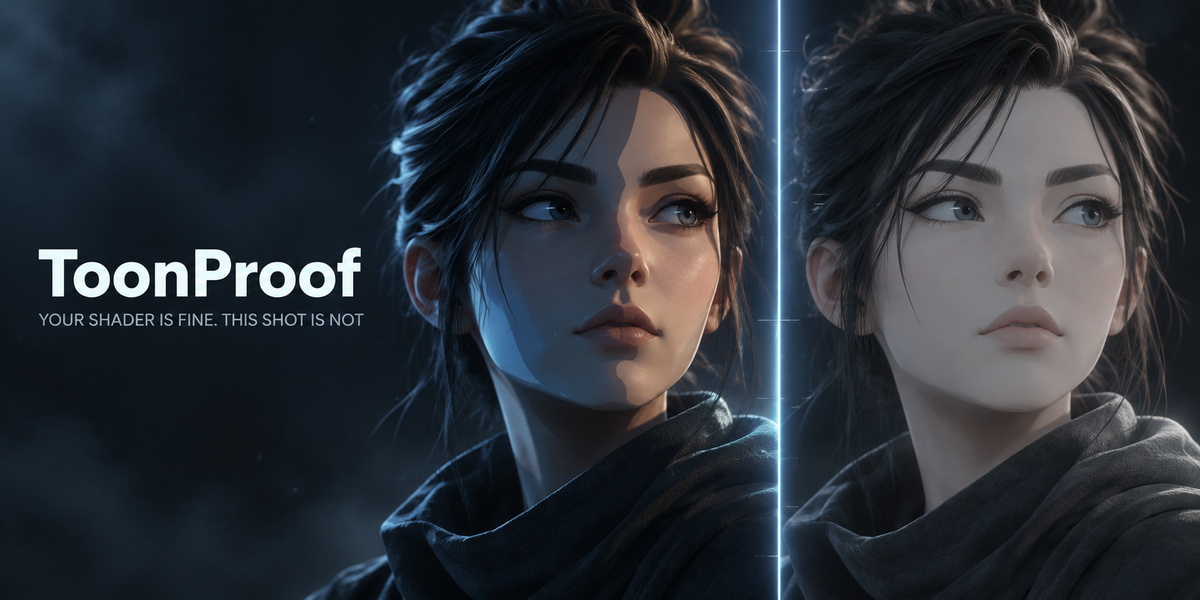
Download the zip and leave it zipped — Blender wants the archive, not a folder. In Blender open Edit, then Preferences, then Add-ons. Click the arrow button in the top right corner of that window and choose Install from Disk, then pick the zip you downloaded. On Blender 4.0 and 4.1 the same button is called simply Install. Tick the checkbox next to the add-on name to switch it on.
Nothing is downloaded and no external Python packages are installed: everything the add-on needs ships inside the archive. The same instructions are in README.txt inside the zip, and the full GPL-3.0 licence text is in LICENSE.txt.
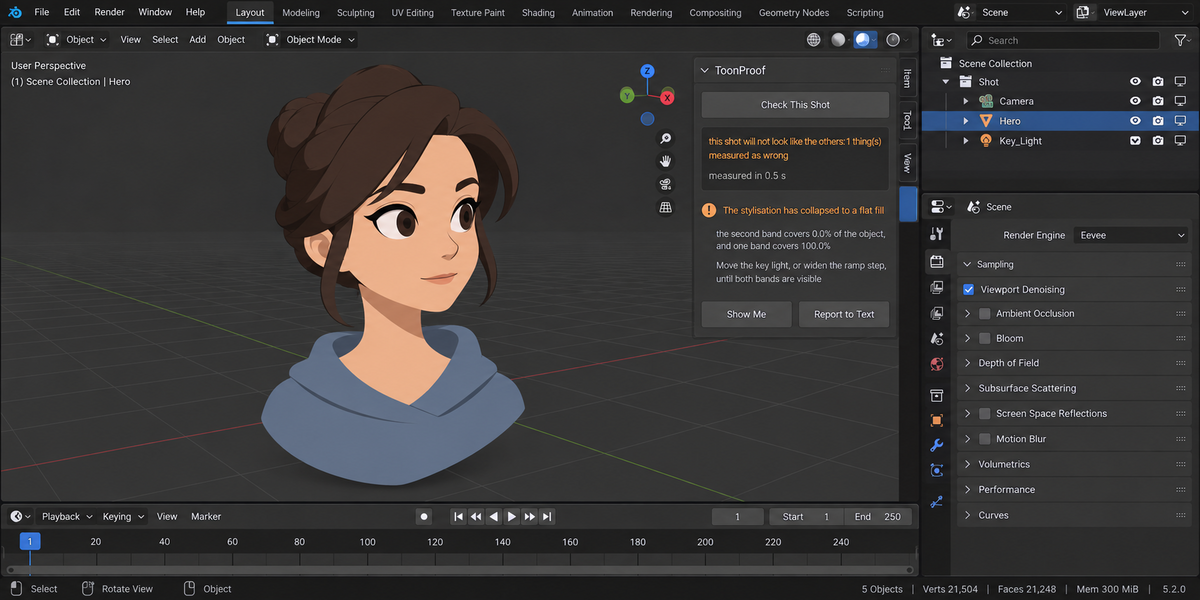
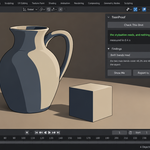
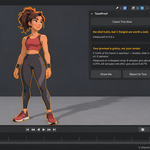
Move your mouse over the 3D Viewport and press N. A sidebar opens down the right edge with a column of tabs; one of them is named Toon Fix. Click it and the ToonProof panel is there. If the tab is missing, the add-on is installed but not ticked — go back to Edit, Preferences, Add-ons and tick the checkbox.
No, and that is deliberate. It ships no shaders, no node groups and no styles. There are already a dozen packs selling the look; none of them looks at your finished frame afterwards. ToonProof is the other half of the job: it measures the frame you built, names what is wrong with it, repairs what you tick and proves the repair with the same measurement.
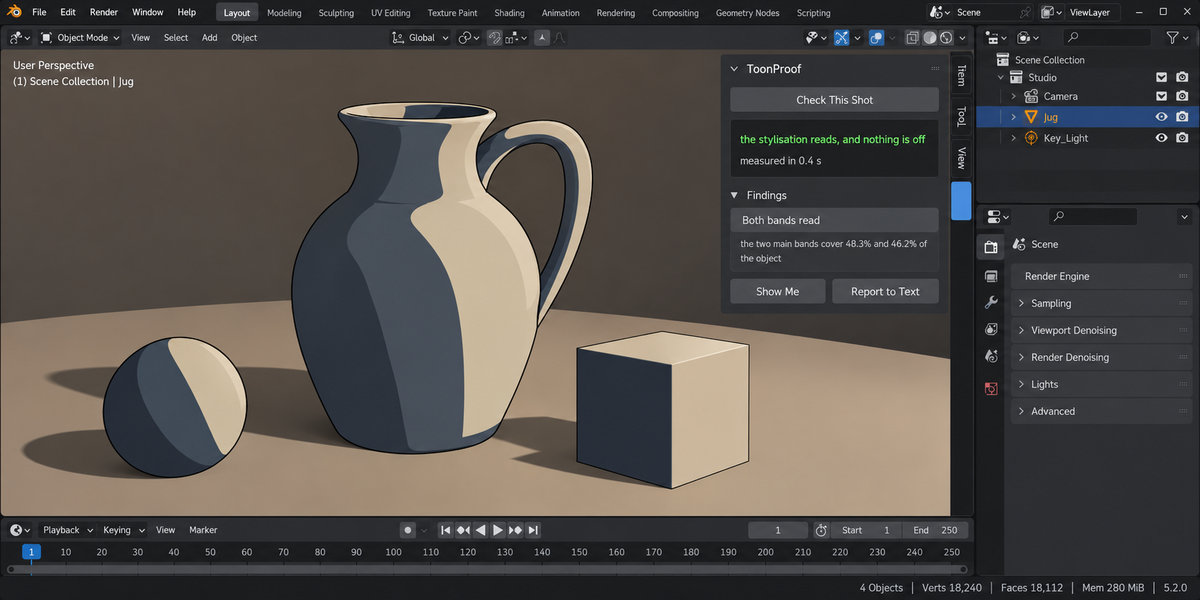
That is the failure mode it was built against, so it is tested for directly. On a correct stepped ramp at a working light it reports nothing. At a strong light, where the specification first expected the stylisation to collapse, measurement showed both bands still read at 82.0 and 13.2 percent — so the add-on stays quiet there and the specification was corrected, not the behaviour. On a clean frame the preview grain reads 0.005 percent and raises nothing.
Yes, and that case is one of the reasons it exists. Shader To RGB is an EEVEE node and Cycles does not evaluate it at all, so a toon setup silently loses its stylisation when the scene is switched over. ToonProof finds those nodes, and when the scene is set to Cycles it renders the same frame in both engines and reports how much of the object differs. You get that as a finding before the shot goes to the farm, not after it comes back.
Yes. Point it at a folder of .blend files and each one is checked in its own background Blender, so your open scene is never touched. The report is a single self-contained file. From a pipeline:
blender --background --factory-startup --python-expr "import toon_proof; toon_proof.proofkit_cli()" -- --folder /shots --report toon_proof.html
Return codes: 0 nothing to report, 1 something to look at, 2 a real problem, 3 the check could not run.
No, and the add-on keeps those two apart everywhere, including the return code of a pipeline run. No camera, an object barely in frame, or a smooth colour ramp instead of a stepped one — in each case there is no honest number to give, so none is given and the reason is named. Inventing a number there would be worse than saying nothing.
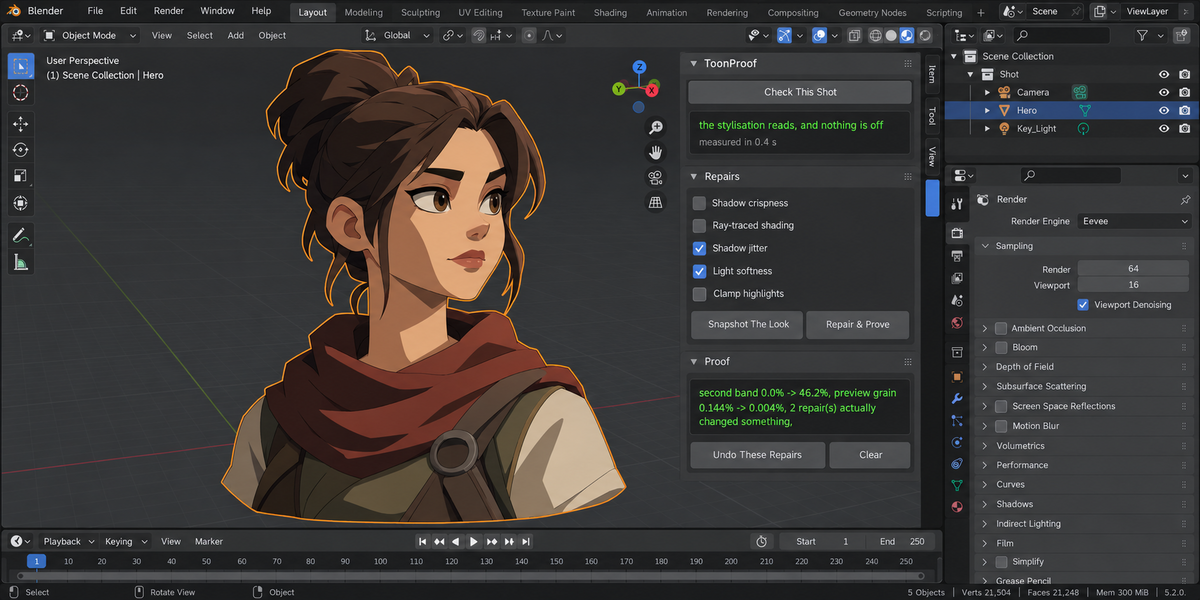
No. Check This Shot only measures; nothing is written. Repairs run only where you tick them, and each one states its cost before it runs — ray tracing cleans the bands and makes the lighting poorer, for instance. Before anything is written, Snapshot The Look records the settings inside your own .blend file, so you can repair today and undo tomorrow, and the undo is judged by comparing the whole fingerprint of the scene rather than by counting attempts.
Have questions about this product?
Login to message
| Published | about 7 hours ago |
| Blender Version | 4.2 - 5.2 |
| Extension Type | N/A |
| Render Engine Used | Cycles, Eevee |
| License | GPL |