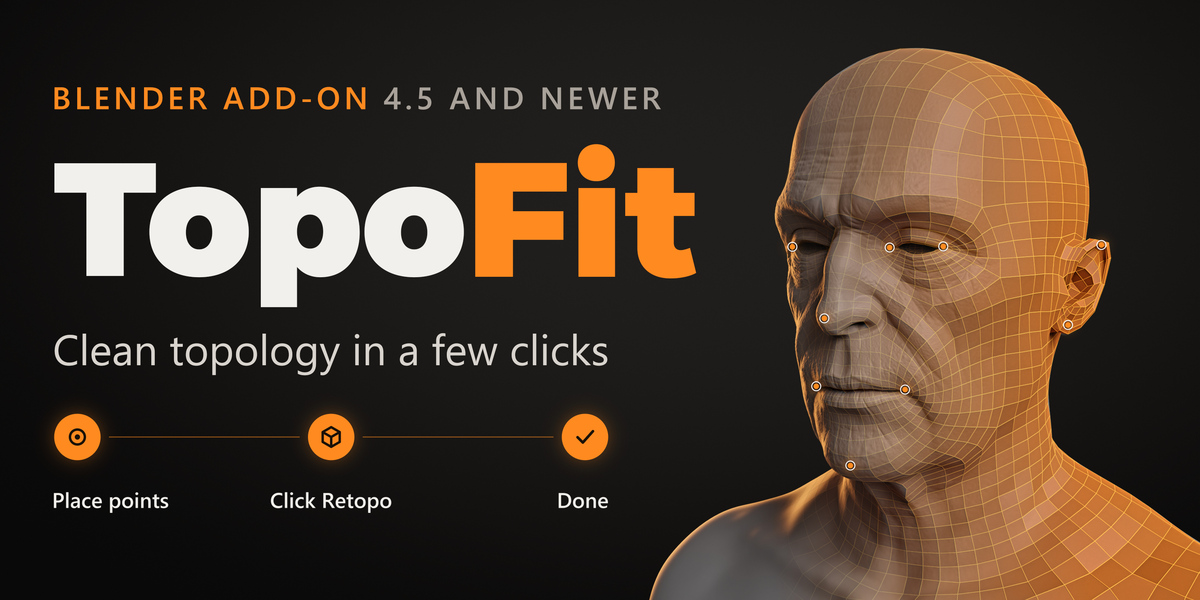
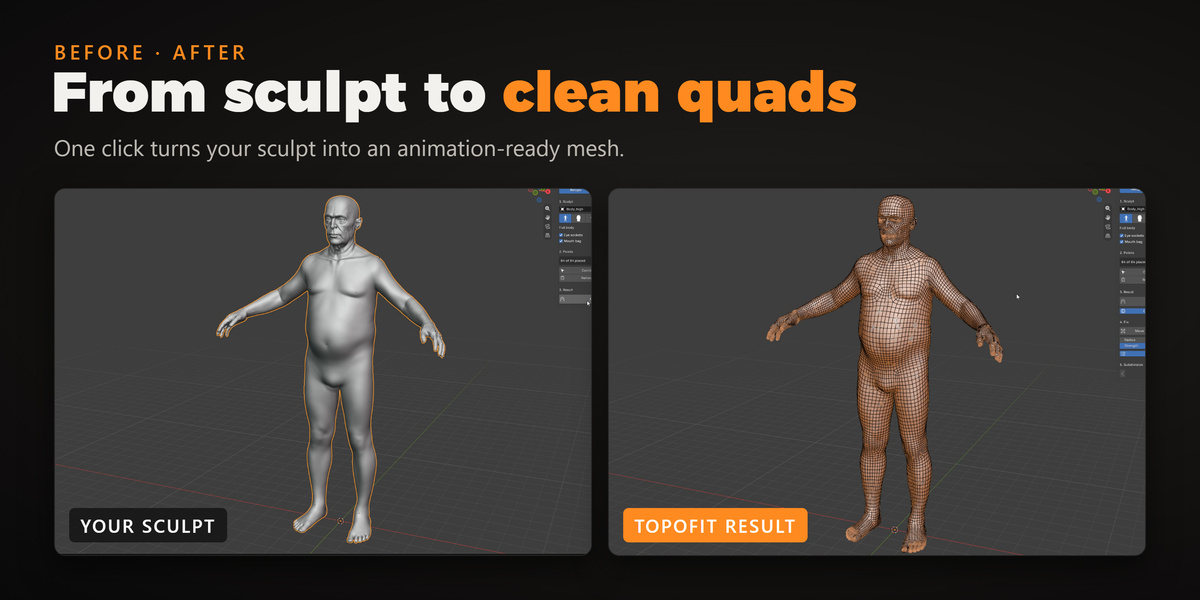
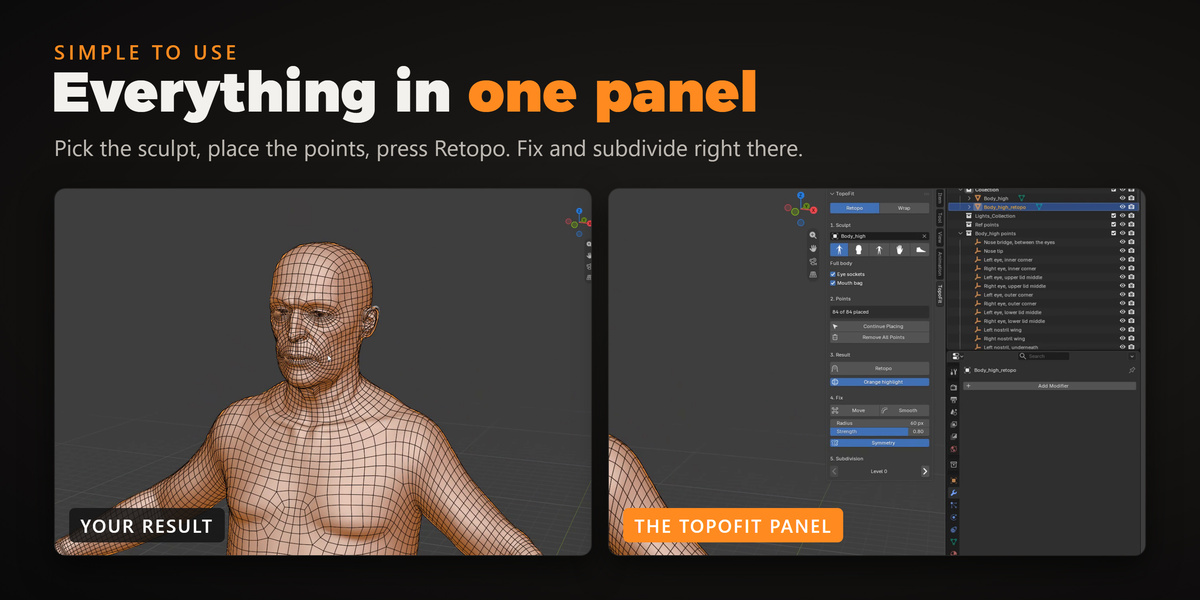
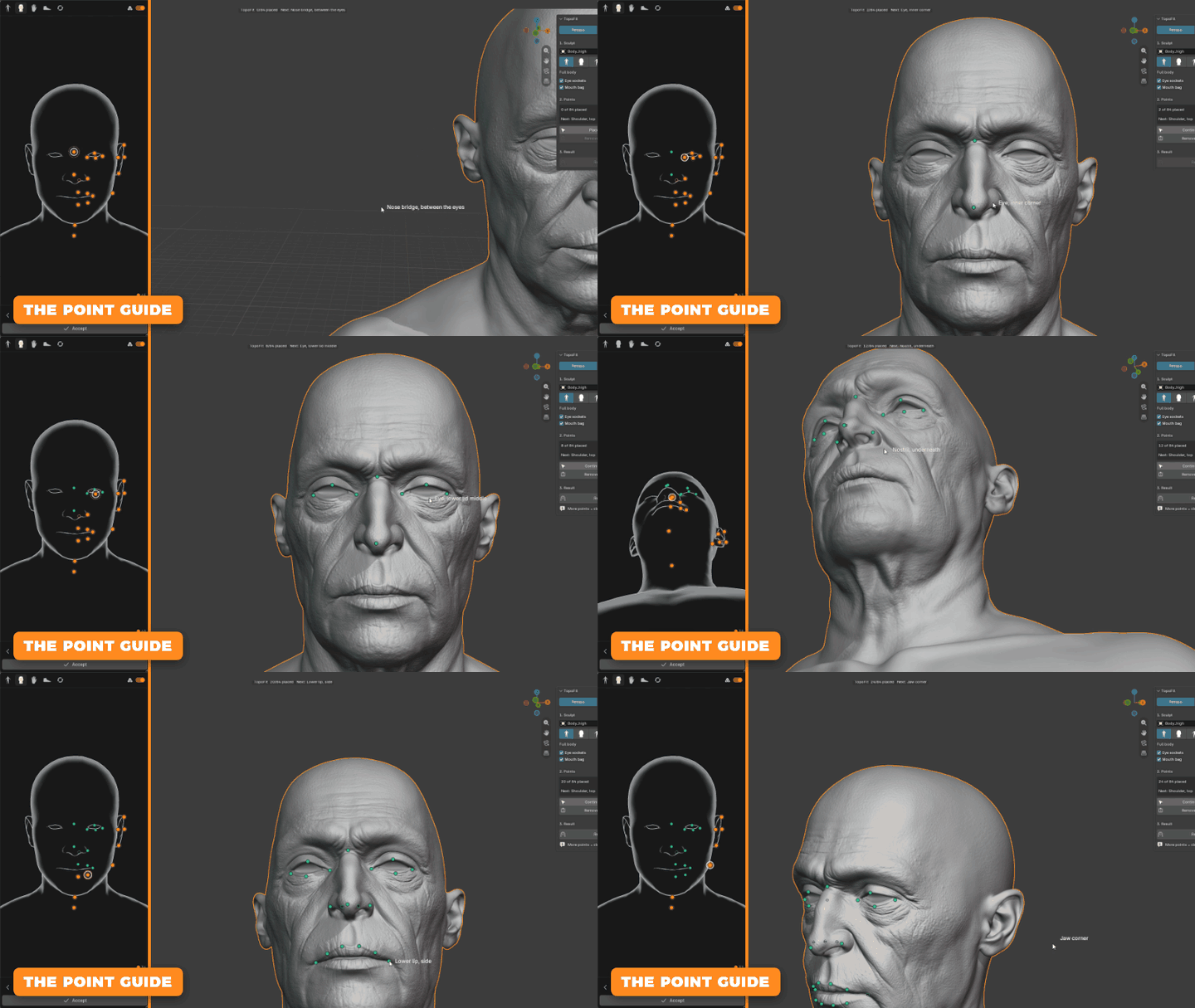
BLENDER ADD-ON · 4.5 AND NEWERTopoFitClean topology in a few clicks.TopoFit retopologizes a full character in seconds. Place a few points on your sculpt, press Retopo, and get clean quads with good edge flow and UVs, ready for rigging, texturing and animation. No more clicking quads one by one for days.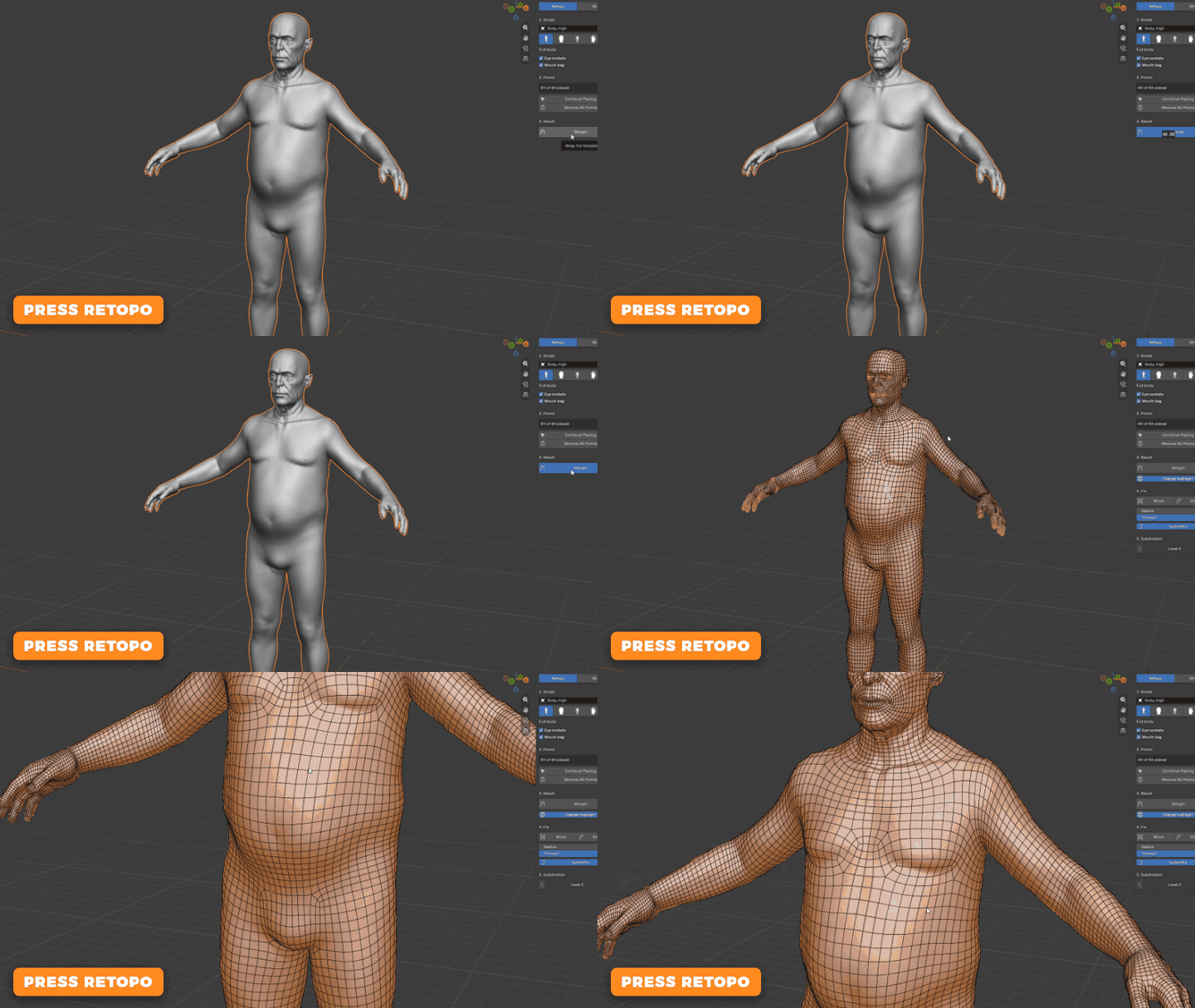 1Place pointsa little figure shows every point2Click Retopothe template fits your sculpt3Doneclean quads and UVsSTEP 1The point guide shows you every pointPress Place Points and a small figure opens beside your sculpt. It shows where the next point goes, so you never have to guess. Orange is still to do, green is done and white is next.
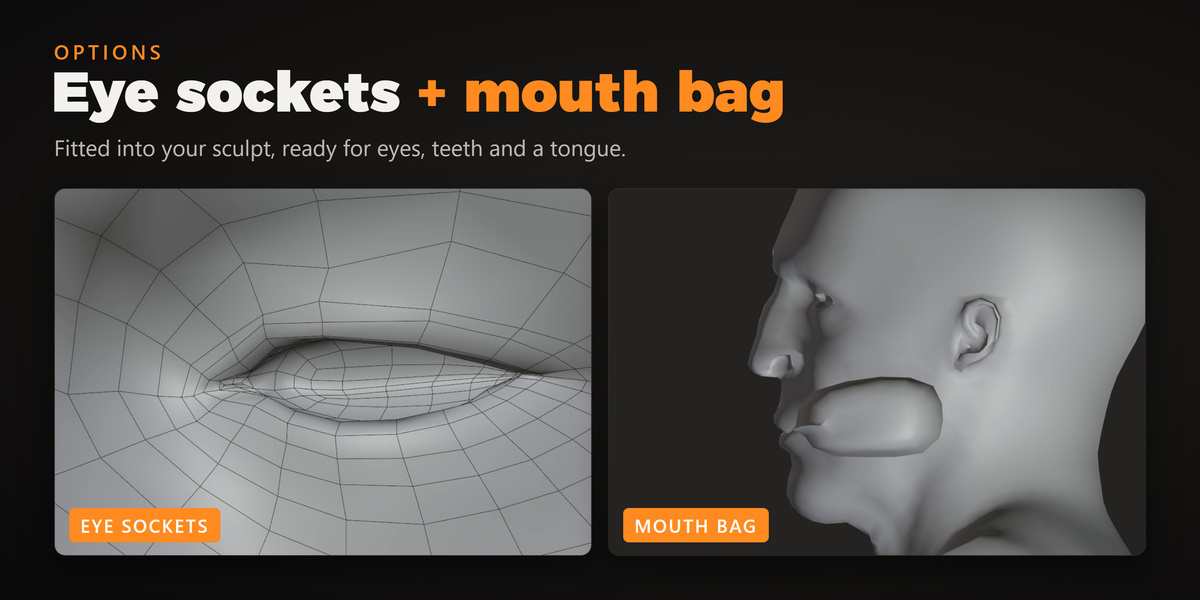
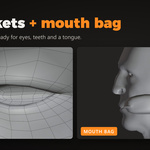
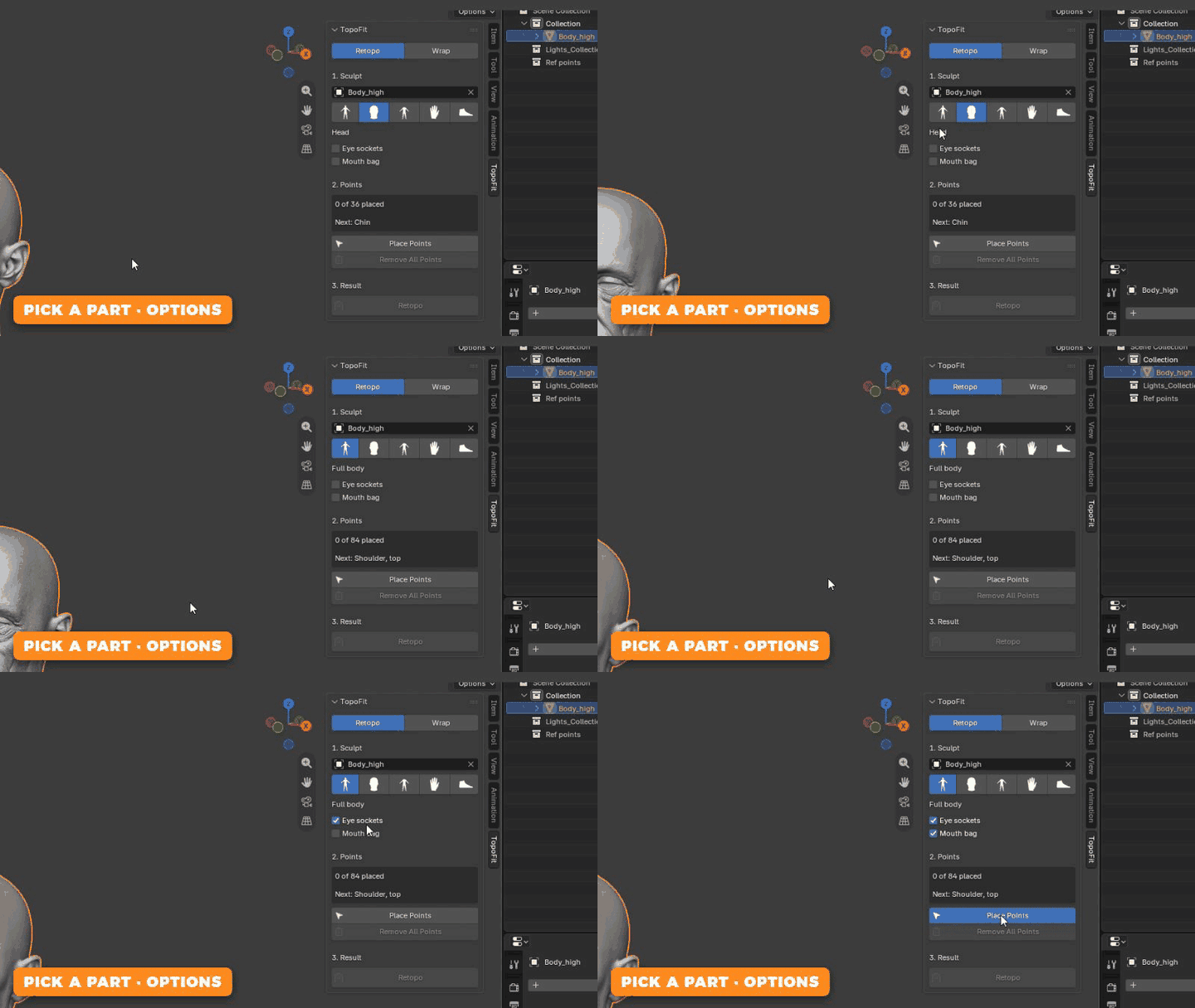
 SET UPPick a part, add the detailsRetopologize the full body, or only the head, hands or feet. Turn on Eye sockets and Mouth bag and the result gets real sockets and a mouth bag, fitted into your sculpt and ready for eyes, teeth and a tongue.
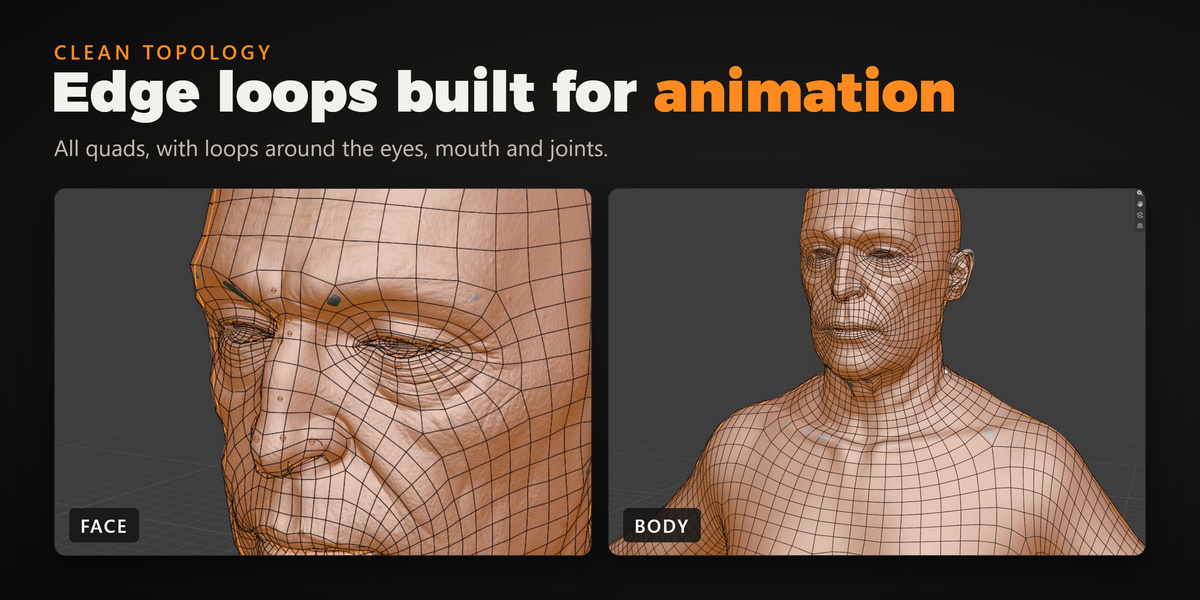
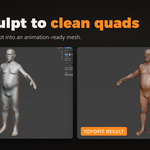
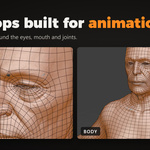
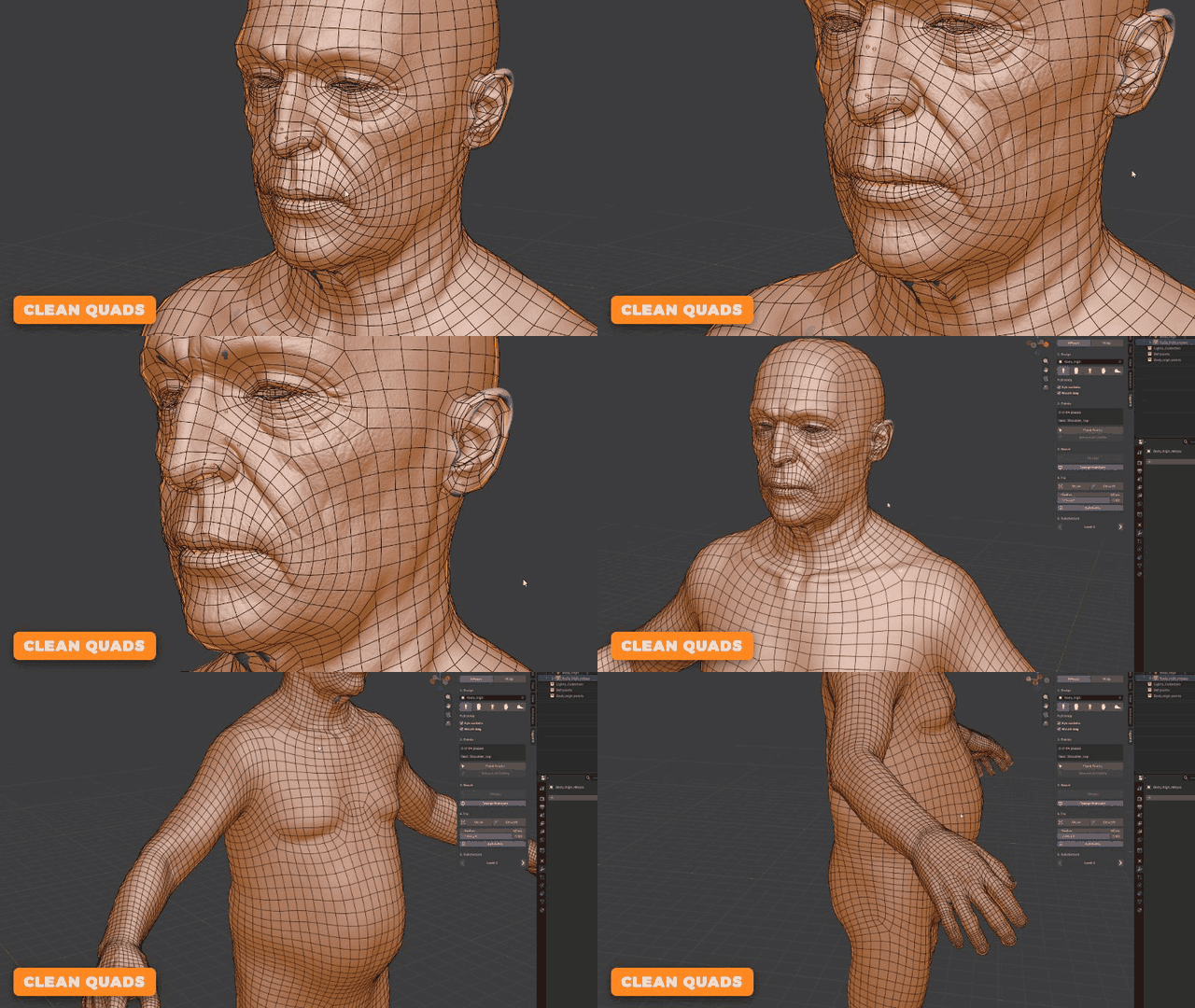
 STEP 2Clean quads, good edge flowPress Retopo and, seconds later, the template is fitted to your sculpt: all quads, with edge loops where a character needs them for animation.
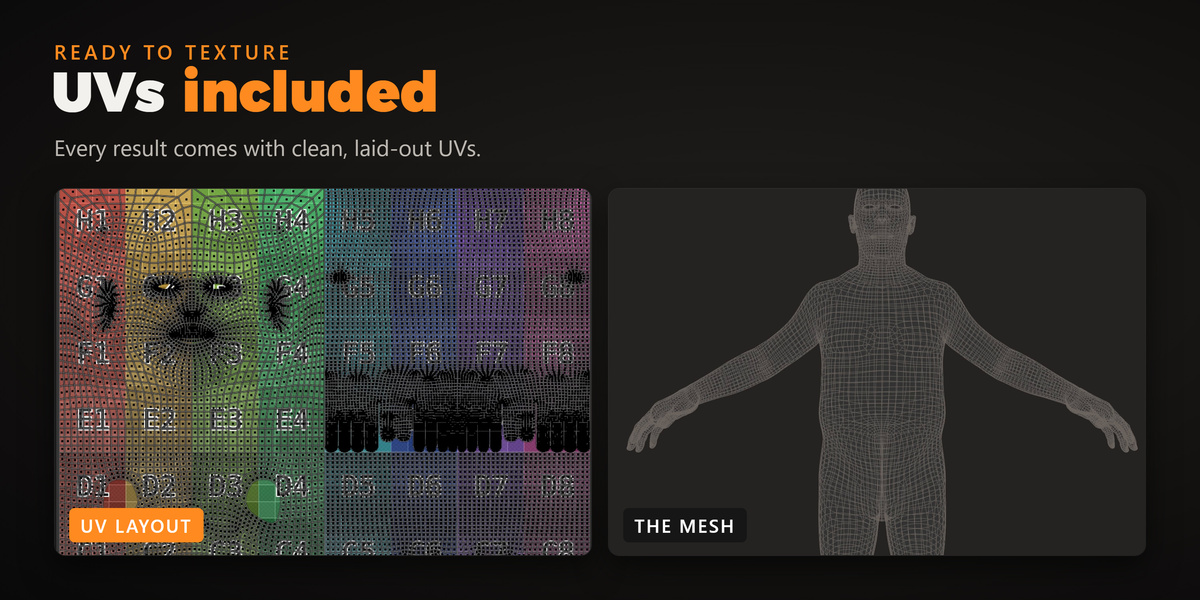
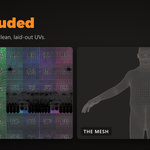
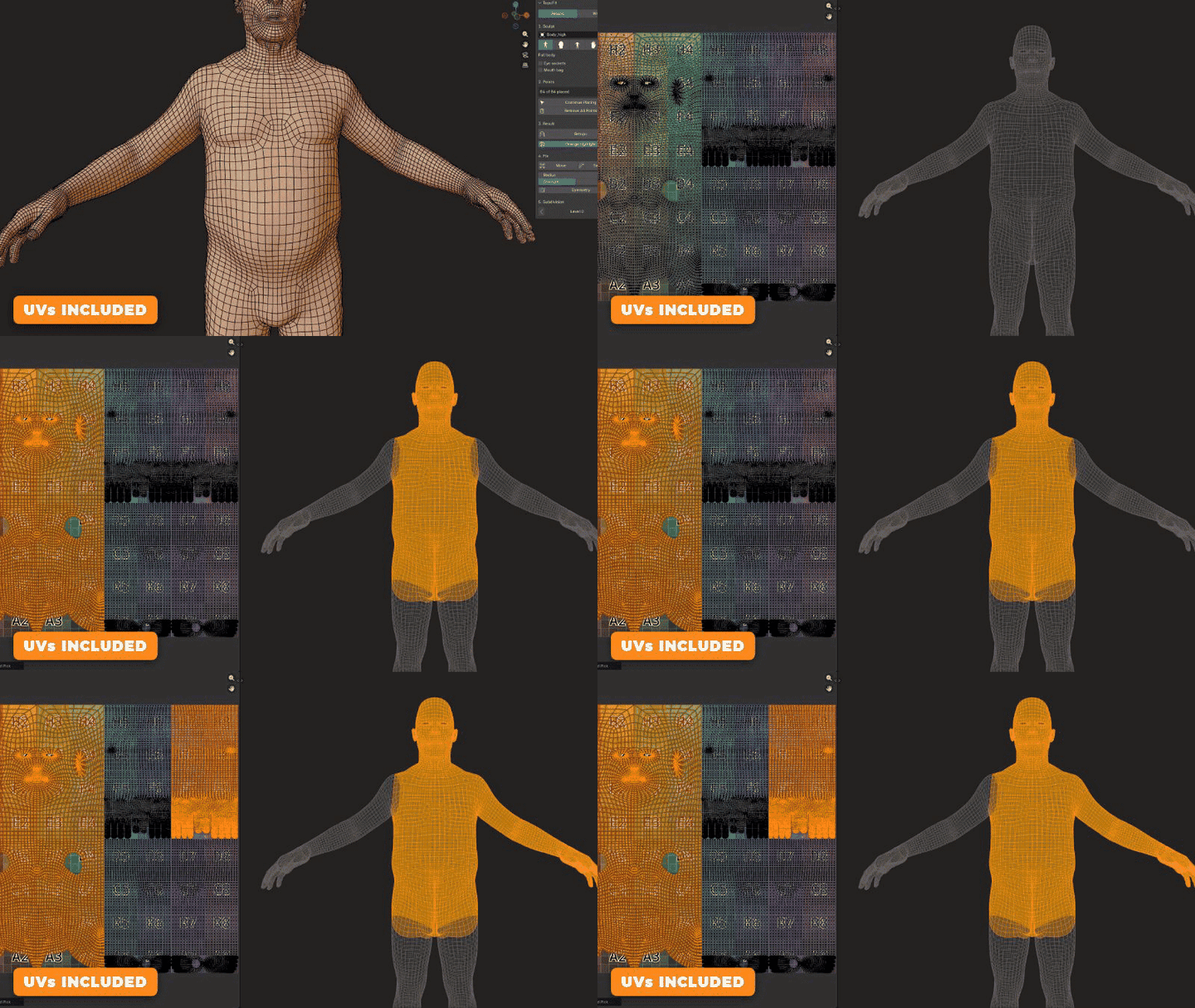
 READY TO TEXTUREUVs are already doneEvery result comes with clean, laid-out UVs. Go straight on to baking and painting.
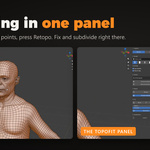
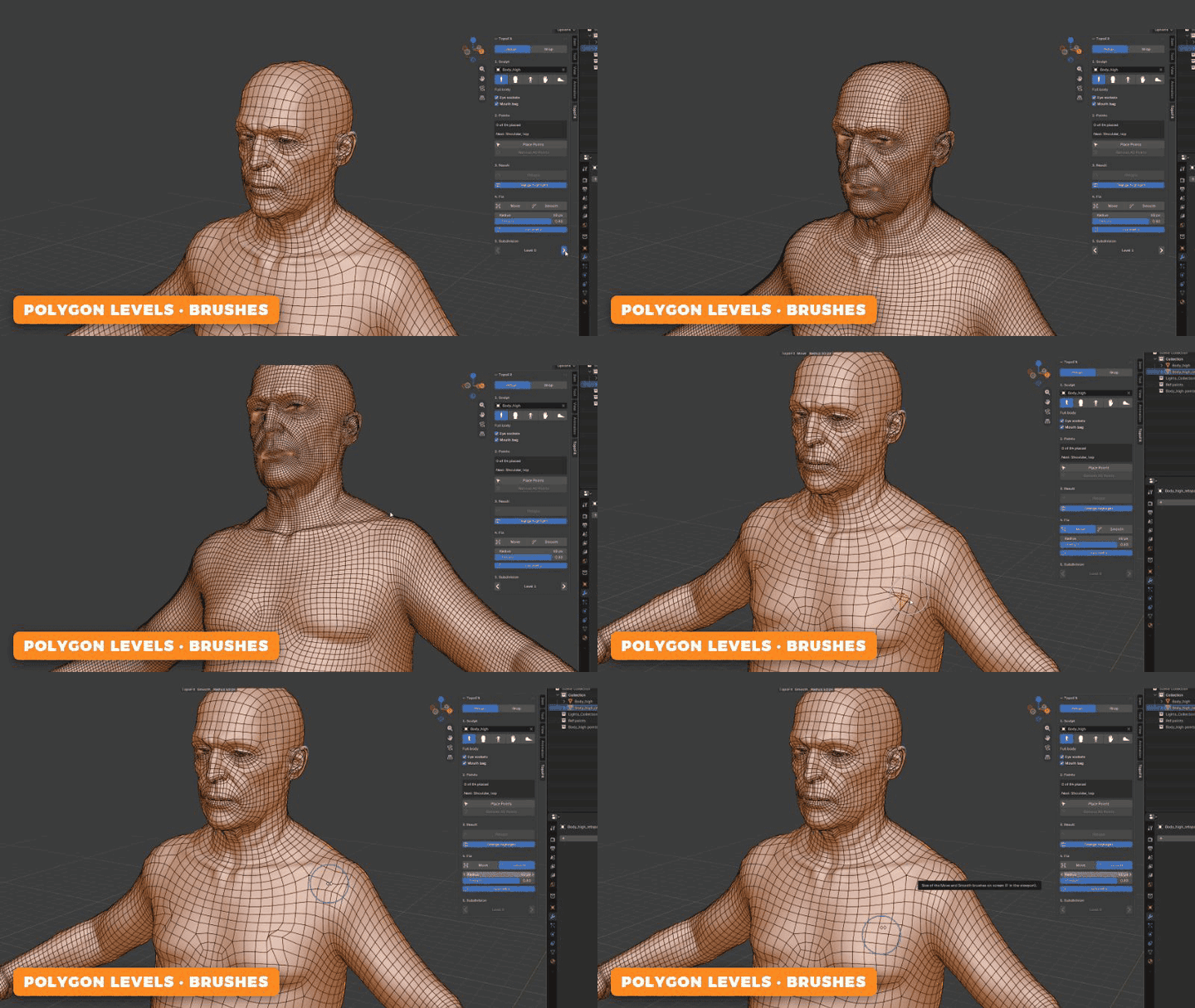
 FINE TUNEMore polygons in one click, quick fixes with two brushesStep the polygon level up or down whenever you like, and touch up any spot with the Move and Smooth brushes.
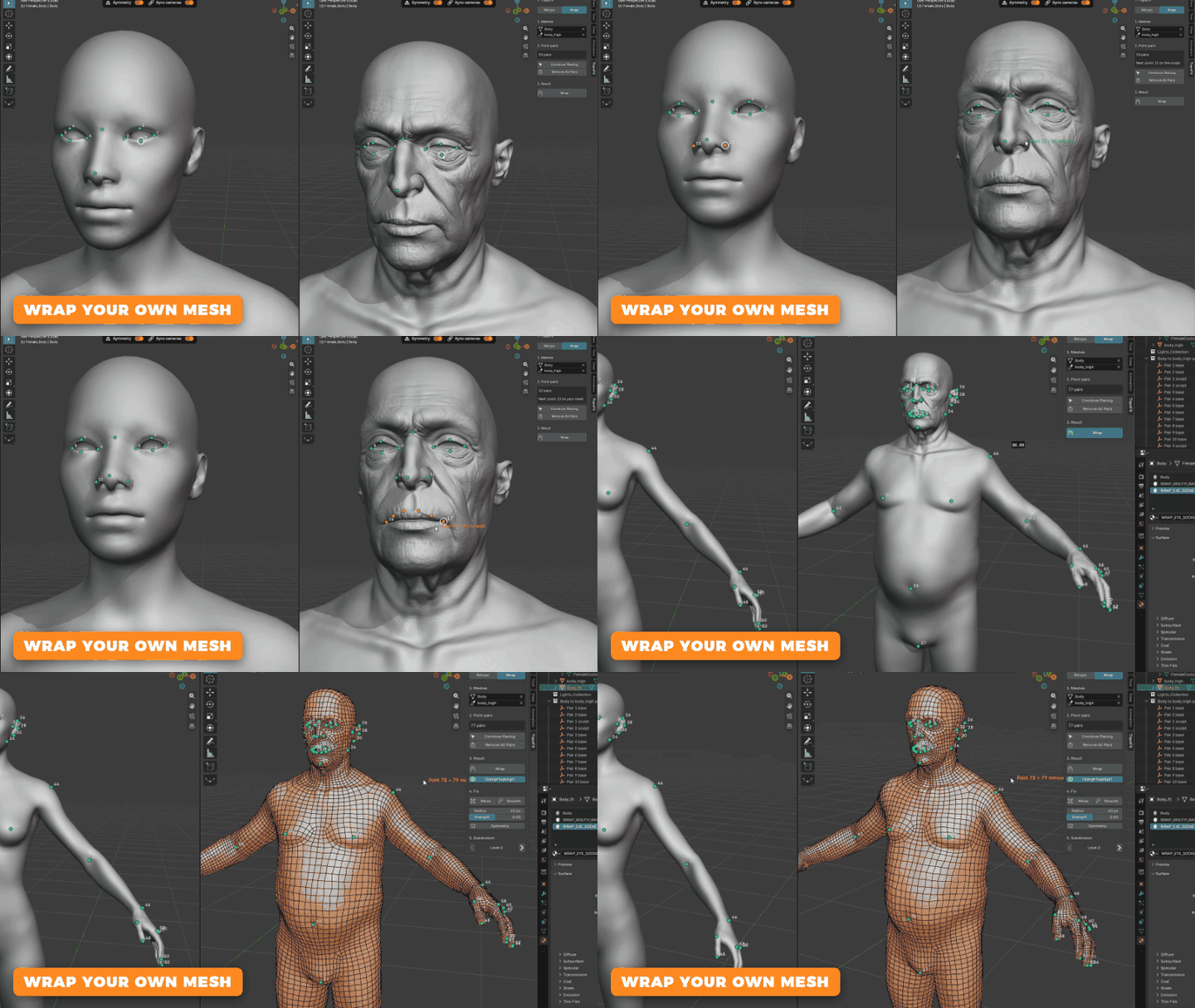
 WRAP MODEAlready have a base mesh? Use itOpen the Wrap tab, click a point on your mesh, then the same spot on your sculpt, side by side. Press Wrap and your mesh fits the sculpt, with its topology and UVs kept exactly as they are.
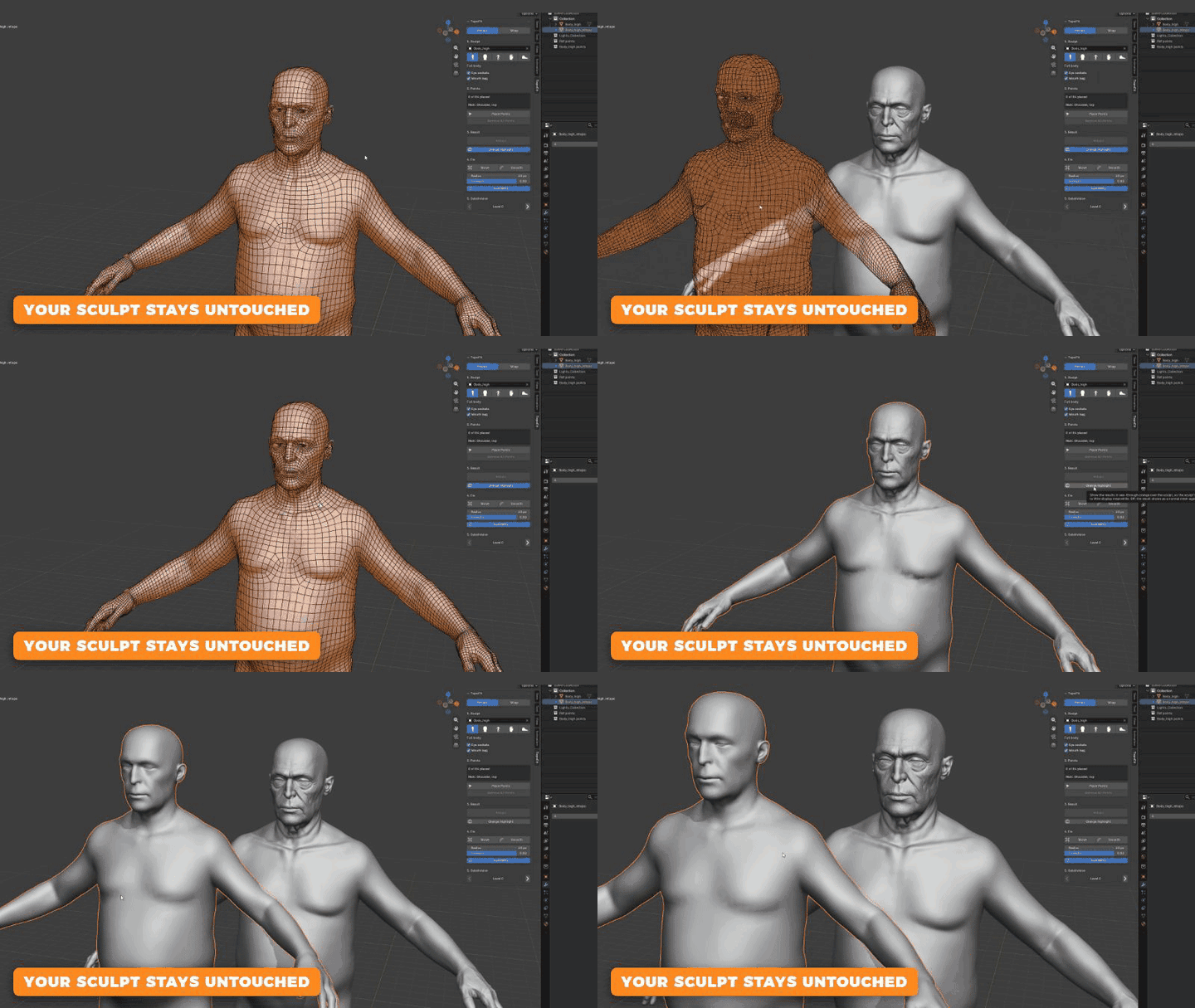
 SAFEYour sculpt is never touchedEvery result is a brand new object, right next to your sculpt. Retopo again whenever you like and compare. Sculpts from ZBrush, Blender or a scan all work, and they don't have to be symmetrical.
 Everything in TopoFit✓ Full body, head, hands or feet✓ Guided point placement✓ Clean quads and edge loops✓ UVs included✓ Eye sockets and mouth bag✓ Polygon levels in one click✓ Move and Smooth brushes✓ Wrap your own base mesh✓ Asymmetric sculpts welcome✓ Your sculpt is never changedREQUIREMENTSBlender 4.5, 5.0, 5.1, 5.2 and 5.3. Made for humanoid characters.Questions or ideas? Message us here on Superhive.
 GZ Tools