 GZ Tools
Which Blender versions does TopoFit work with?
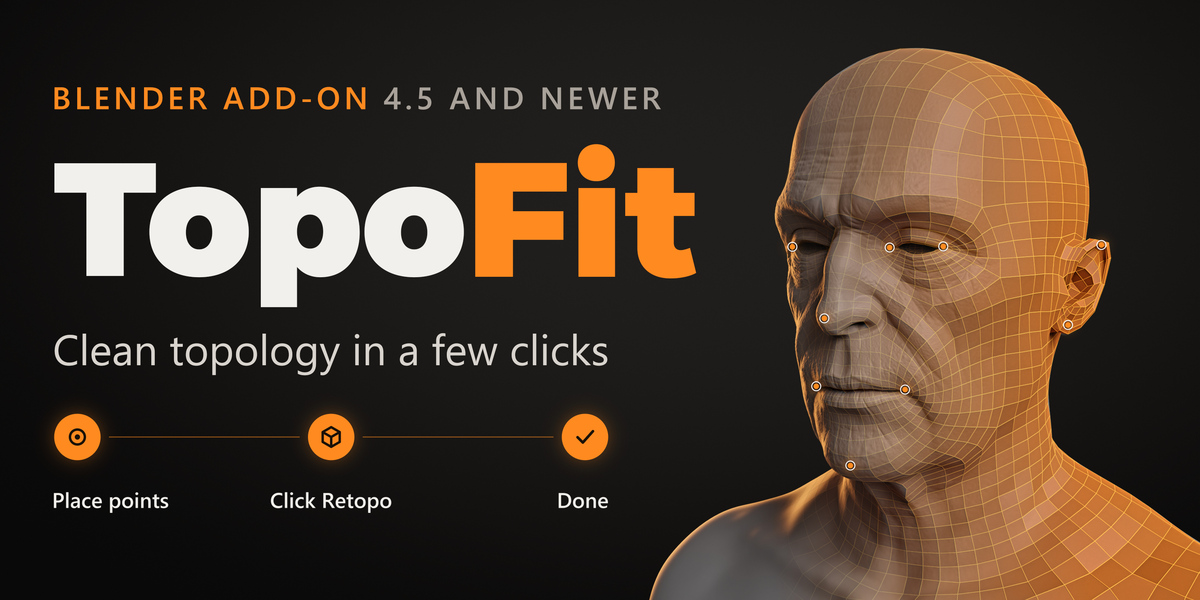
Blender 4.5, 5.0, 5.1, 5.2 and 5.3. It installs as a Blender extension: Edit > Preferences > Get Extensions > Install from Disk, then pick the zip.
What kind of characters is it made for?
Humanoid characters: a head, a body, two arms and two legs. Sculpts from ZBrush, Blender or a scan all work.
Does TopoFit change my sculpt?
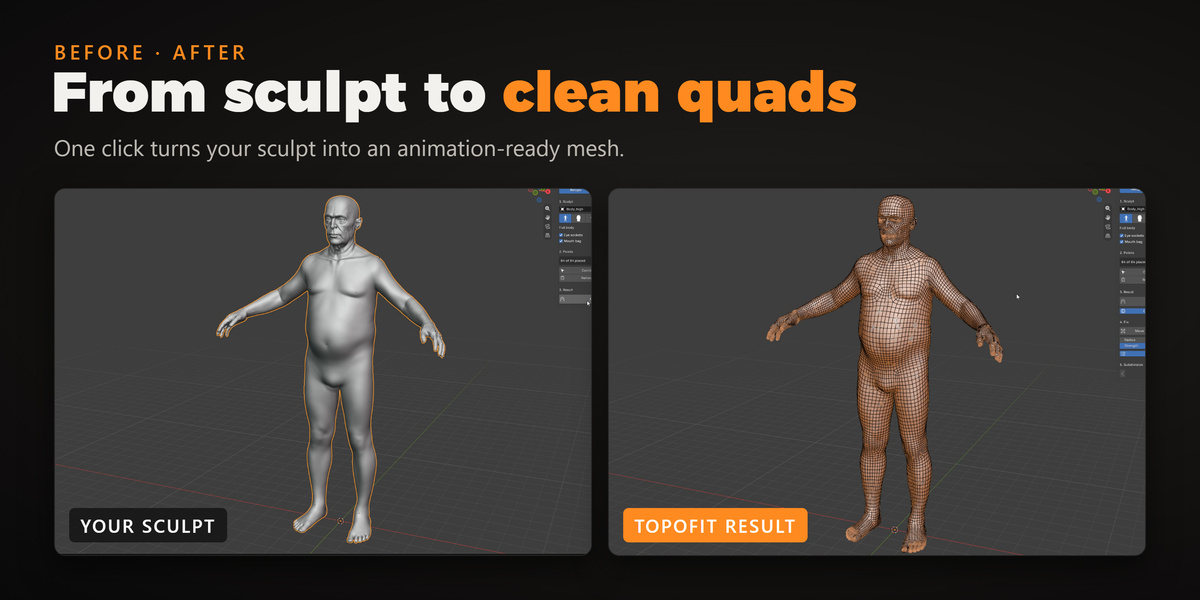
No. Your sculpt, and your base mesh in the Wrap tab, are never changed. Every result is a new object next to the sculpt, so you can press Retopo again and compare.
My sculpt is not symmetrical. Is that a problem?
No. Each point goes exactly where you click, so an asymmetric face or body is followed as it is. The Symmetry switch only saves clicks by mirroring points to the other side, so turn it off where the two sides are clearly different.
How many points do I need to place?
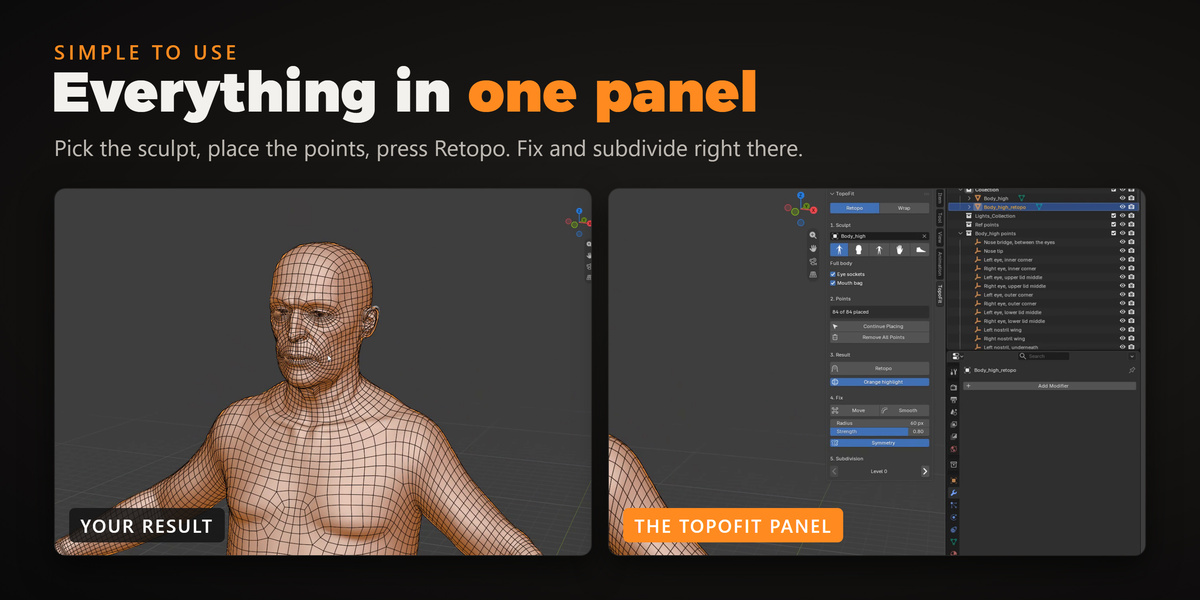
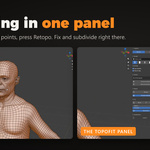
The full body has 84 points, and with Symmetry on you click only about half of them. Retopo already works from 4 points, but every point you skip makes the fit less close. In the Wrap tab you need at least 3 point pairs, and more pairs give a closer fit.
What do I get when I press Retopo?
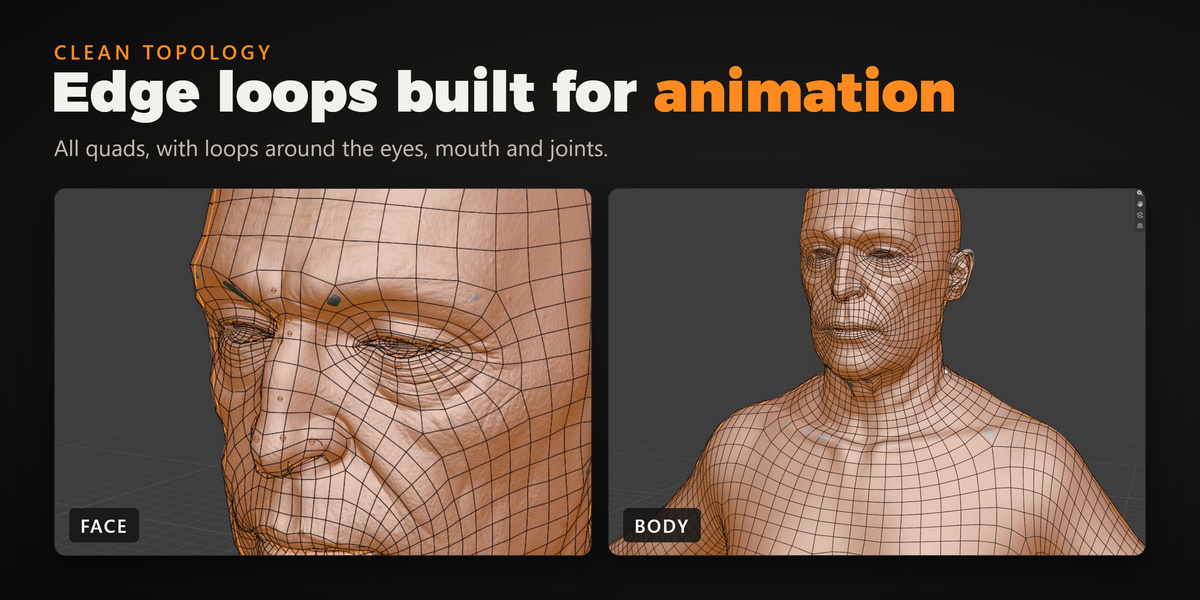
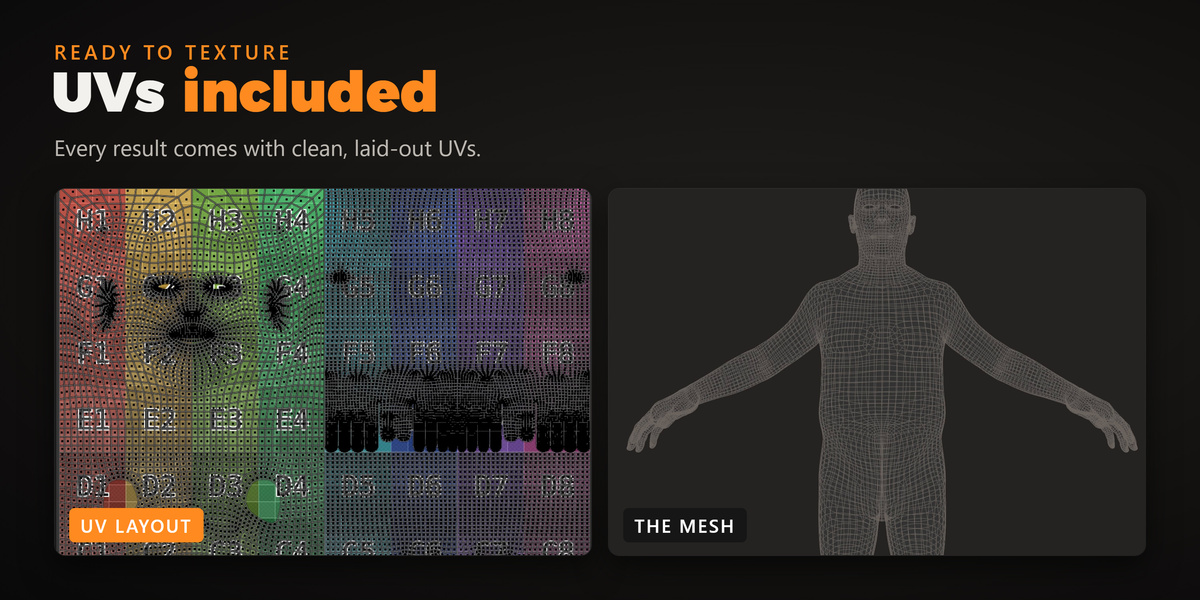
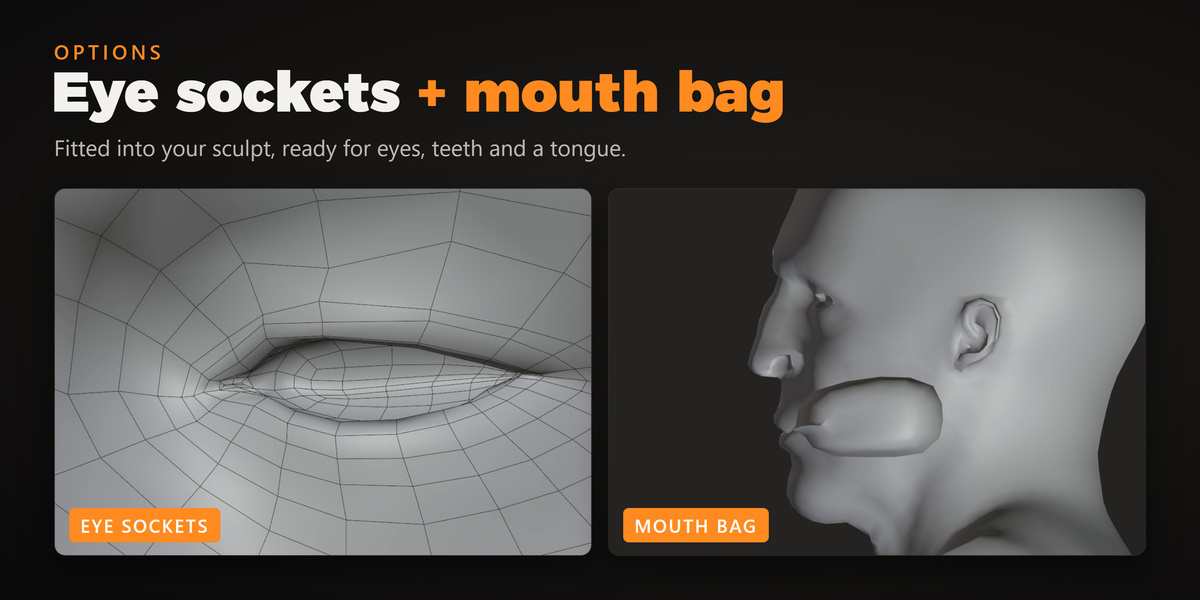
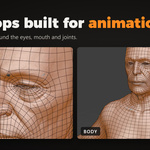
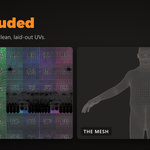
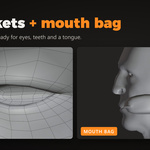
A new object named after your sculpt with _retopo at the end: all quads, with edge loops where a character needs them for animation, laid-out UVs and one Body material. With Eye sockets and Mouth bag ticked, it also gets eye sockets and a mouth bag fitted into your sculpt.
How many polygons does the result have?
Level 0 of the full body is about 18,000 quads. Each Subdivision level has 4 times more (about 72,000 at Level 1 and 290,000 at Level 2), and each level is fitted onto the sculpt again. You can step up and down at any time.
Can I retopologize only the head, hands or feet?
Yes. Choose Head, Body, Hands or Feet with the buttons under the sculpt field, place the points for that part and press Retopo.
Can I use my own base mesh instead?
Yes, in the Wrap tab. Pick your mesh and the sculpt, press Place Pairs, then click a spot on your mesh and the same spot on the sculpt, side by side. Press Wrap and your mesh fits the sculpt, with its topology and UVs kept exactly as they are.
I placed a point in the wrong spot. How do I fix it?
Press Backspace to undo the last point, or choose the point in the guide and click the right spot on the sculpt. Points are normal empties, so you can also move them like any object. In the Wrap tab, drag the point, or Ctrl+click it to delete the pair.
Can I stop and continue later?
Yes. Your points are saved in the .blend file. Open it again and press Continue Placing to carry on where you left off.
Part of the result doesn't sit right. What can I do?
Place any points you skipped and press Retopo again, or touch the spot up with the Move and Smooth brushes in the Fix section. Orange highlight shows the result over the sculpt, so problem spots are easy to see.
Do I need to install anything else?
No. Everything TopoFit needs comes in the zip and with Blender itself, and it works offline.
Have questions about this product?
Login to message
| Blender Extension Compatible | Yes |
| Published | about 1 hour ago |
| Blender Version | 4.5 - 5.3 |
| Extension Type | Add-on |
| Render Engine Used | Cycles |
| License | GPL |
Discover more products like this
retopology retopo base mesh uv auto-retopology Sculpt edgeflow game ready wrap character quad mesh animation