 Megani


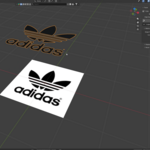
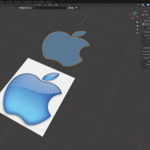
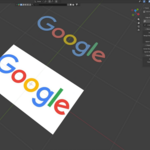
1. Download the Addon
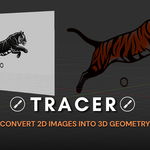
Download the Tracer addon from the product page.
2. Install the Addon
Install the addon through Blender's addon or extension installation menu.
3. Open the Sidebar
Open the Sidebar in the 3D Viewport and find the Tracer panel.
4. Select an Image
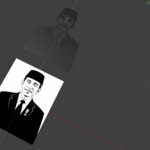
Choose the image you want to convert into 3D.
5. Adjust the Parameters
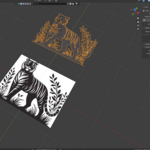
Adjust the available parameters to get the result you want. Choose the appropriate Edge Quality and shape settings depending on your image.
6. Convert the Image
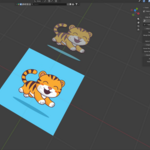
Click Trace and Tracer will generate the 3D geometry from your image.
Have questions about this product?
Login to message
| Blender Extension Compatible | Yes |
| Sales | 10+ |
| Published | about 2 months ago |
| Blender Version | 5.2 |
| Extension Type | Add-on |
| Render Engine Used | Cycles, Eevee |
| License | GPL |
Discover more products like this
Mesh Generation blender addon Image Tracing procedural modeling Image-to-3D 3d-Asset 2d to 3d Image Processing 3D workflow Modeling tools 3d modeling