Transform Checker
 Tachyon Studio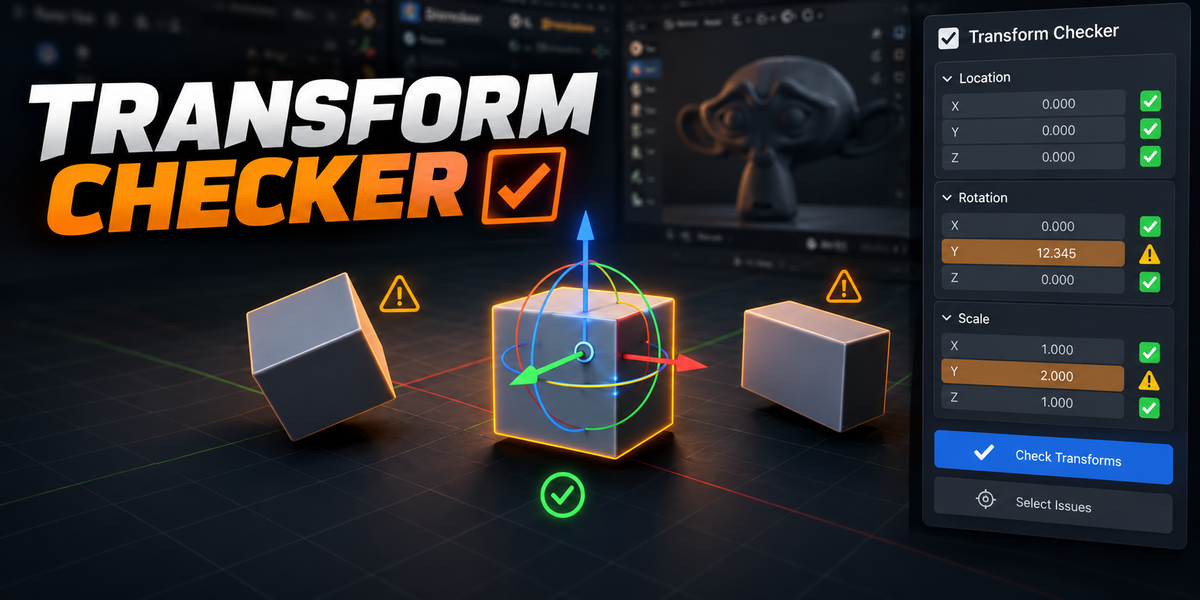
Windows, with Blender 3.3.21, 4.3.2 and 5.2.0 LTS. macOS and Linux have not been validated, and compatibility with those platforms is not promised by this release.
No. Transform Checker is standalone, and the existing Utilities checkers are not removed. The add-on runs locally without an online account or additional dependency installation.
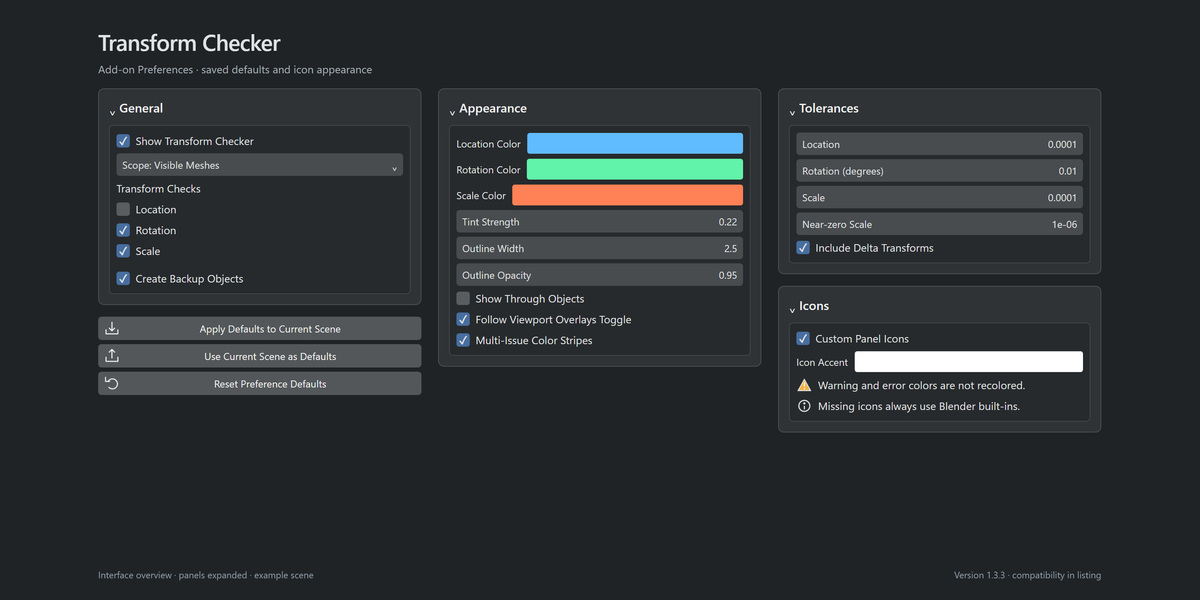
Configured scenes keep their saved checker settings. User-selected icon accents are preserved; set Icon Accent to white in Preferences > Icons if you want to return to white. Reset Preference Defaults resets all preference defaults, not just the icon color.
For Blender 4.2–5.2, prefer the native Extensions ZIP. For 3.3–4.1, use the legacy ZIP. The legacy ZIP can also be installed manually in newer versions. Enable only one standalone format.
No. Tint and outlines are viewport-only and do not replace materials. Solid surface geometry controls occlusion; transparent materials, volumes, strokes and viewport clipping regions are not sampled as transparency-aware occluders.
No. It restores the current View Layer's isolation snapshot. Objects hidden before isolation remain hidden; objects created afterward are not in the snapshot.
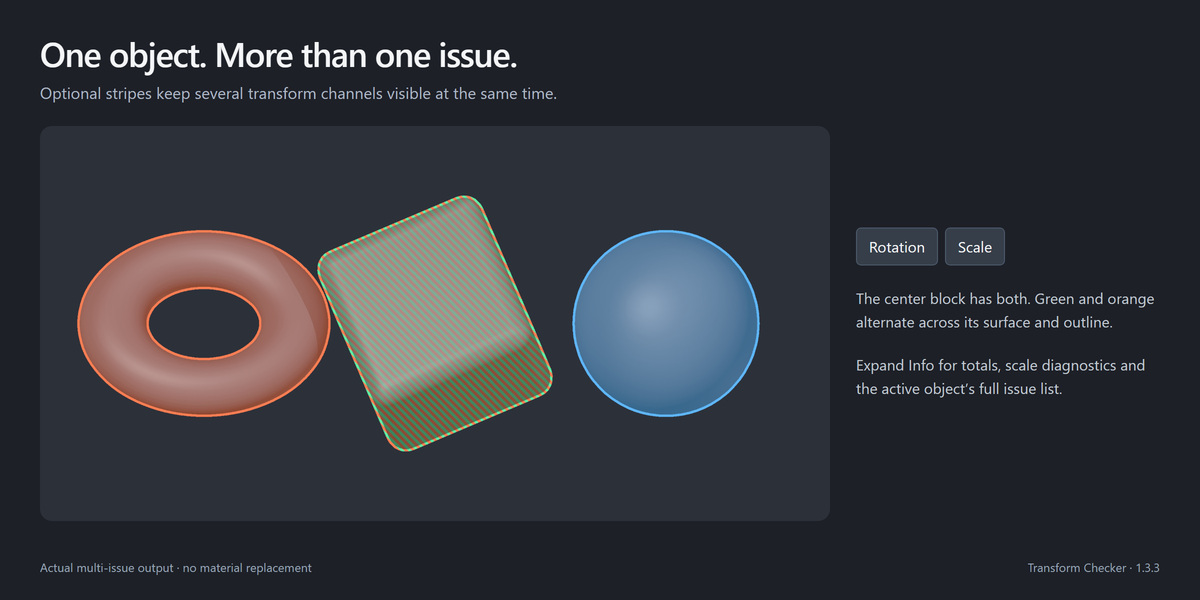
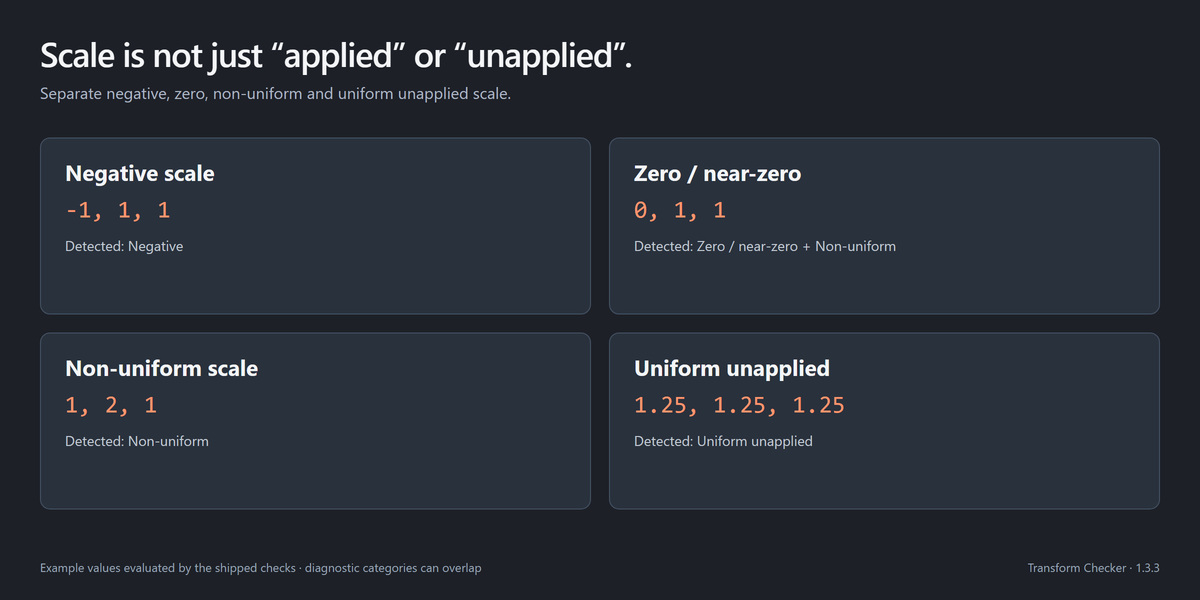
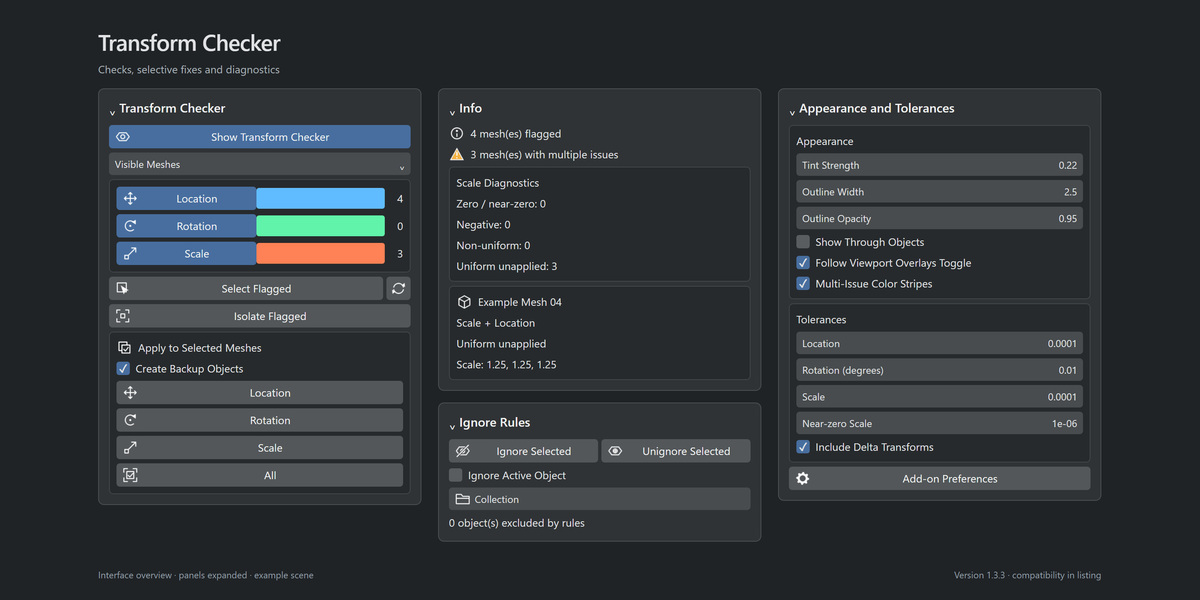
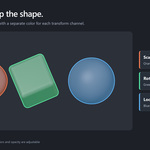
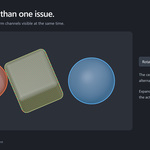
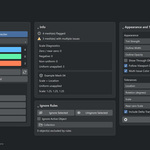
Yes. Multiple enabled transform channels can appear as color stripes. Several scale hazards can overlap too. Expand Info for totals, scale diagnostics and the active object's complete issue list.
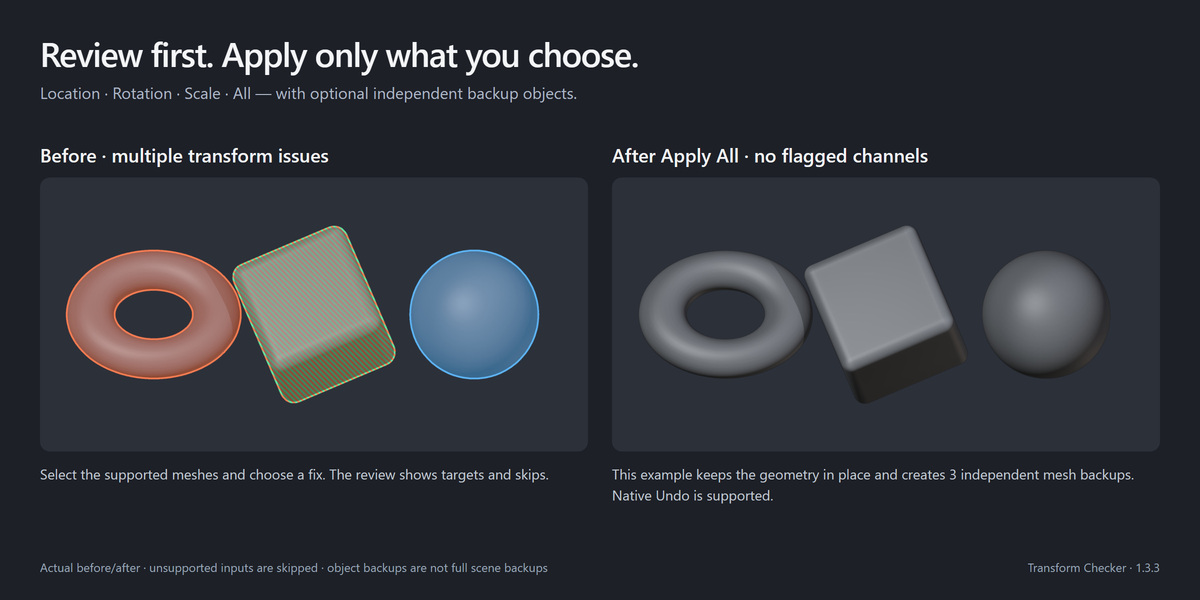
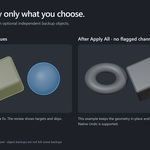
Native Undo is supported. Optional backup objects have independent mesh data and are stored in the hidden _TransformChecker_Backups collection. Enable its viewport visibility in the Outliner and unhide the desired backup to inspect it. These are object snapshots, not full scene backups; materials and external modifier targets can still be shared.
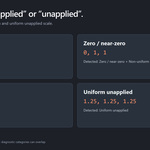
The tool avoids ignored, linked/overridden, constrained, animated, rigged and delta-transformed inputs. Location, Scale and All also skip zero or near-zero scale. These cases need a considered native workflow; the checker does not remove those relationships to force a fix.
Yes. Fix actions work on supported selected meshes. Shared data is copied for the affected object so unselected siblings keep their mesh. The review/report identifies objects that are skipped.
All applies location, rotation and scale together to selected supported meshes. It does not apply modifiers, clear delta transforms or repair topology. With backups enabled, it creates one backup per affected object, not one per transform channel.
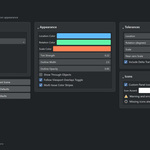
Location is disabled in the factory check defaults. Enable Location in the main panel. Also check the current scope, ignored objects and viewport visibility.
No. The overlay and diagnostics only inspect objects. A fix runs only when you choose Location, Rotation, Scale or All in Apply to Selected Meshes and confirm its review.
Join our Discord support community, or contact the creator through the Superhive product page. Include your Blender and add-on versions, operating system/GPU, reproduction steps and the complete error message. Remove private information from any sample file. Discord is optional; the add-on itself works locally without an account.
-
$3.74 $4.99
For 1 person (1 seat). Commercial use included.
-
$14.97 $19.96
For a team of up to 6 people (6 seats). Commercial use included.
-
$37.43 $49.90
For a studio of up to 20 people (20 seats). Commercial use included. Need more than 20 seats? Contact us directly.
Have questions about this product?
Login to message
| Blender Extension Compatible | Yes |
| Published | 15 days ago |
| Blender Version | 3.3 - 5.2 |
| Extension Type | Add-on |
| Render Engine Used | Cycles |
| License | GPL |
Discover more products like this
rotation location viewport modeling cleanup scale Workflow Transforms mesh diagnostics