 Tachyon Studio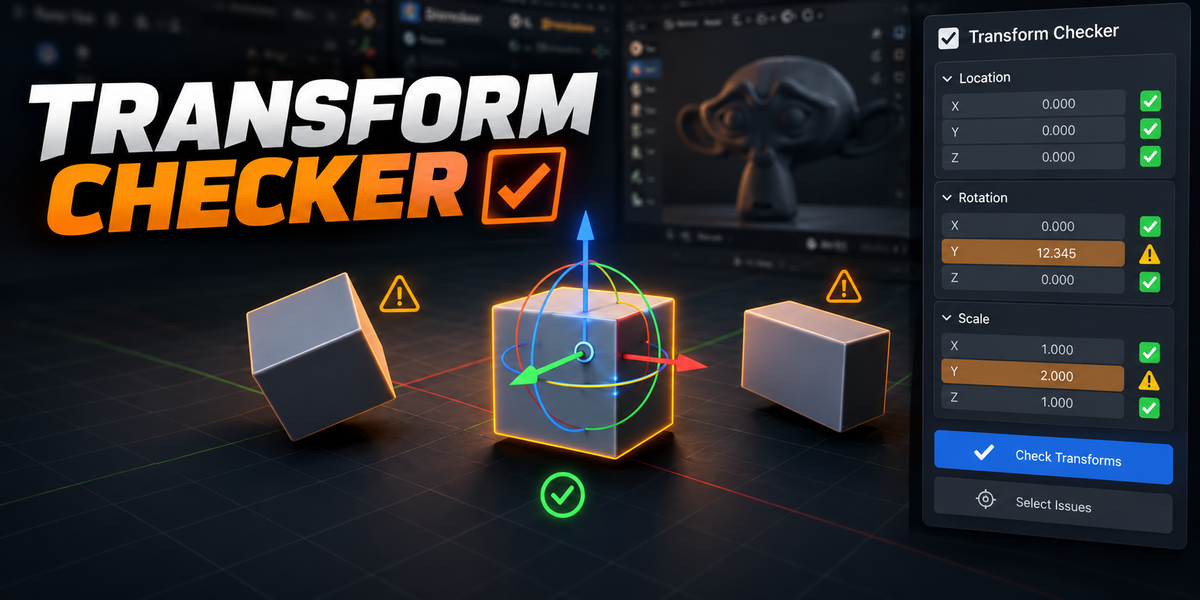
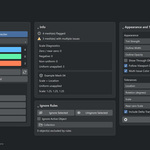
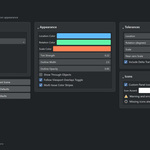


TACHYON STUDIO · VISUAL DIAGNOSTICS
Transform Checker
Version 1.3.4 · Blender 3.3–5.2 · GPL-3.0-or-later
NEW IN 1.3.4
Faster interaction. A practical test scene.
Version 1.3.4 caches mesh, GPU and diagnostic data. First draws and geometry changes still cost work; caching uses RAM and does not guarantee FPS.
Includes a three-scene Performance Lab for testing diagnostics, dense meshes and large object counts in your workflow.
01 / VISUAL DIAGNOSTICS
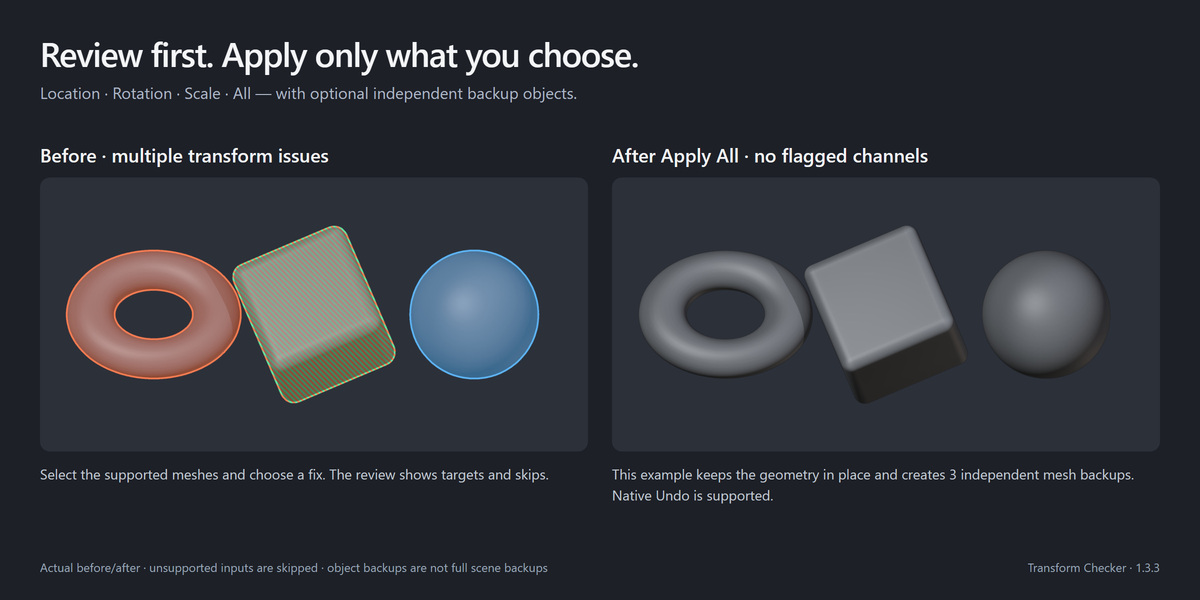
See transform issues directly on your meshes
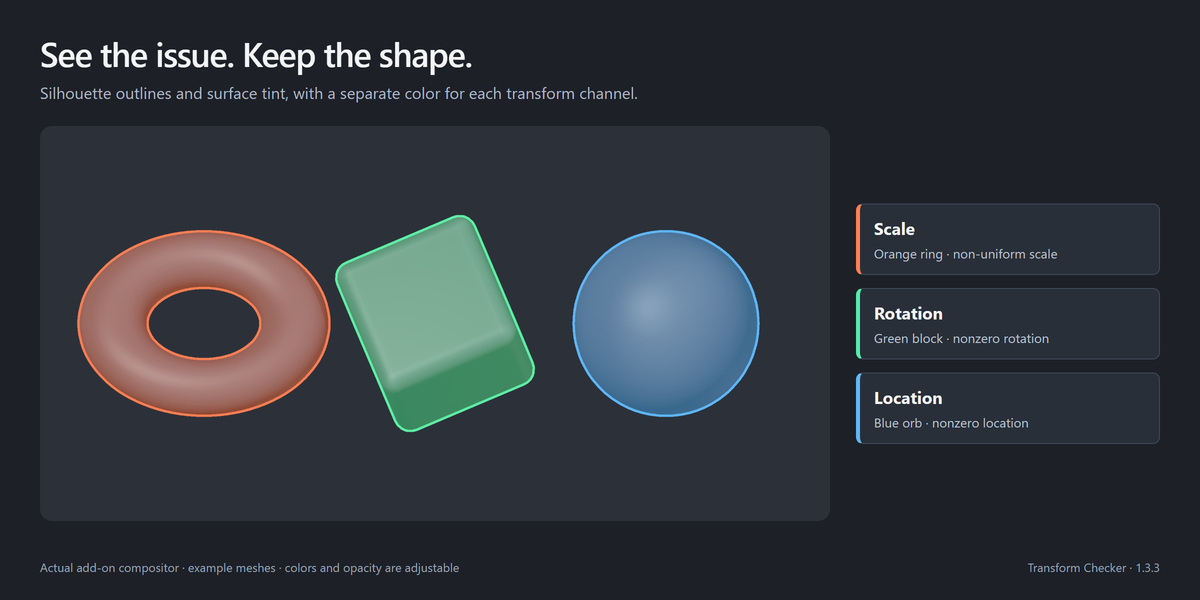
Spot unapplied transforms with mesh-following outlines and translucent tints, including holes and modifier detail. Materials stay unchanged.
Select flagged meshes, review diagnostics and choose fixes. Checks never apply changes automatically.
02 / VISUAL DIAGNOSTICS
What you can do
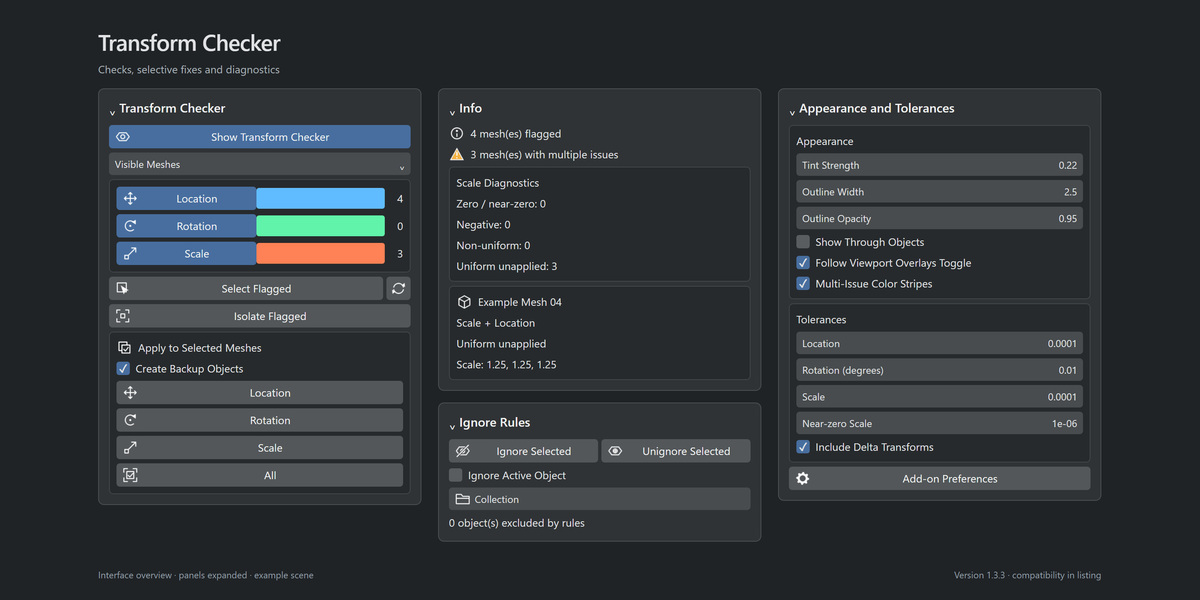
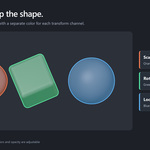
- See each transform channel. Toggle Location, Rotation and Scale independently, with configurable colors and counts.
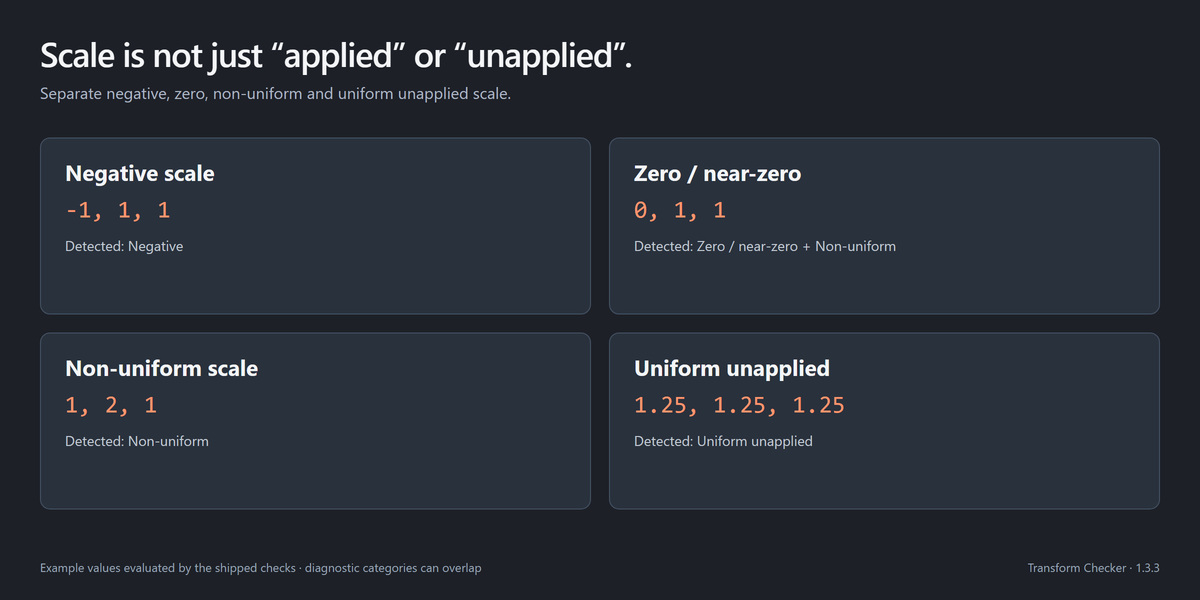
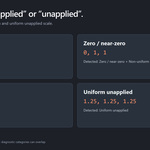
- Read precise scale diagnostics. Identify negative, near-zero, non-uniform and uniform unapplied scale, including overlapping issues.
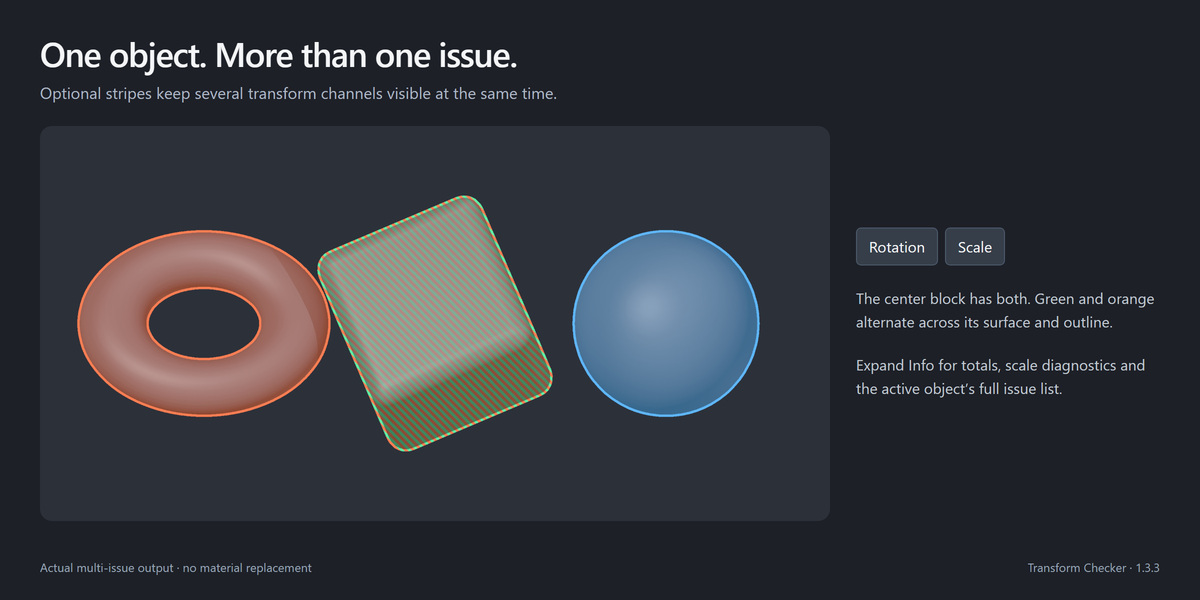
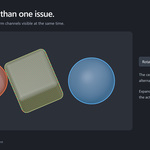
- See multiple issues at once. Optional stripes show several flagged channels on one object.
- Focus on attention areas. Check visible or selected meshes, isolate findings and restore prior visibility.
- Ignore intentional transforms on objects or collections and their children.
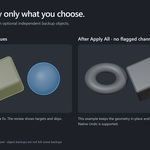
- Apply chosen transforms after review, with optional backups. Shared mesh data becomes independent for affected objects.
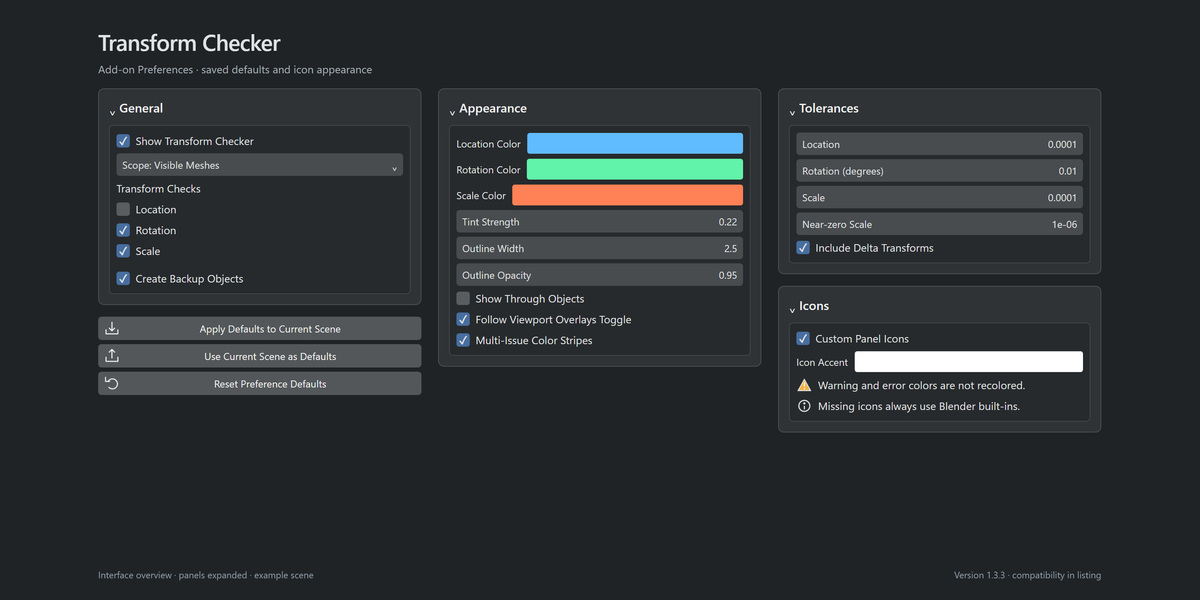
- Set defaults for checks, backups, tolerances and appearance. White panel icons remain separate from scene tint colors.
03 / VISUAL DIAGNOSTICS
Included
- Native Extension installer for Blender 4.2–5.2.
- Legacy installer for Blender 3.3–5.2. Install one format.
- Python source, panel icons, installation guide and GPL license.
- Full manual, FAQ and offline documentation with the Performance Lab.
04 / VISUAL DIAGNOSTICS
Compatibility and boundaries
Blender 3.3–5.2; tested on Windows with 3.3.21, 4.3.2 and 5.2.0 LTS. macOS/Linux unverified. Requires a working GPU viewport.
Checks mesh-local channels and optional delta transforms, not inherited motion. Viewport only—not a modifier, UV or export tool. See Documentation for performance settings.
Fixes require Object mode and skip unsupported objects, including linked, overridden, constrained, animated and rigged meshes. Some fixes skip near-zero scale. Applying transforms can affect modifiers; review first and keep backups.
Works offline without extra packages or accounts. Demo models are not a model library; Core and Ultimate Utilities are separate and optional.
05 / VISUAL DIAGNOSTICS
Development transparency
Developed with AI coding assistance and creator-directed features. Interface illustrations and mesh demos come from the actual add-on, not generated product mockups.
06 / VISUAL DIAGNOSTICS
Support
Join our Discord support community, or use the creator messaging button on this Superhive page. Include your Blender/add-on versions, operating system and GPU, steps to reproduce the issue, and the complete error message. Remove private information from any sample file you send. Discord is optional and is not required to use the add-on.
THE TACHYON STUDIO COLLECTION
Go beyond
Transform Checker.
Continue with asset validation, assembly organization or export planning.
CHECK BEFORE DELIVERY
Export Checker
Check geometry, UVs and asset readiness before export.

Build out your workflow.
Optional tools for your workflow.
ORGANIZE THE ASSEMBLY
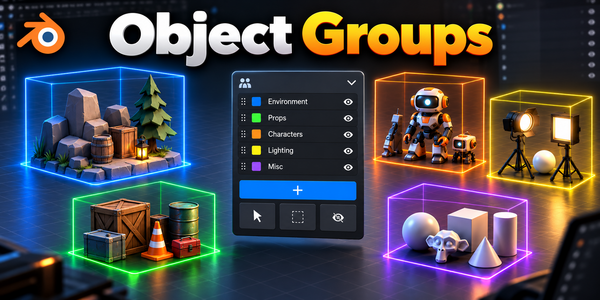
Object Groups
Organize assemblies with nested groups and selection sets.
PLAN THE FILES FIRST
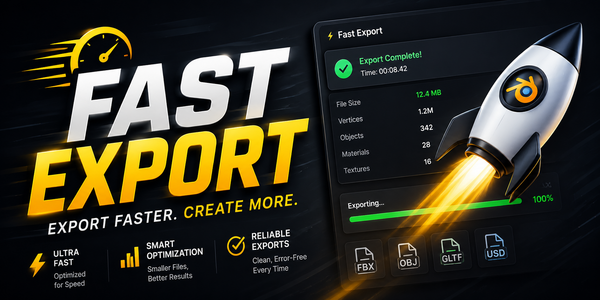
Fast Export
Preview every output file, then batch-export.
MAKE ROOM FOR DETAIL
RizomUV Bridge
Unwrap in RizomUV and return UVs to Blender.
There is more in the studio.
See the full collection ↗Optional products, sold separately. Check requirements; external applications are not included.