 Achat
Achat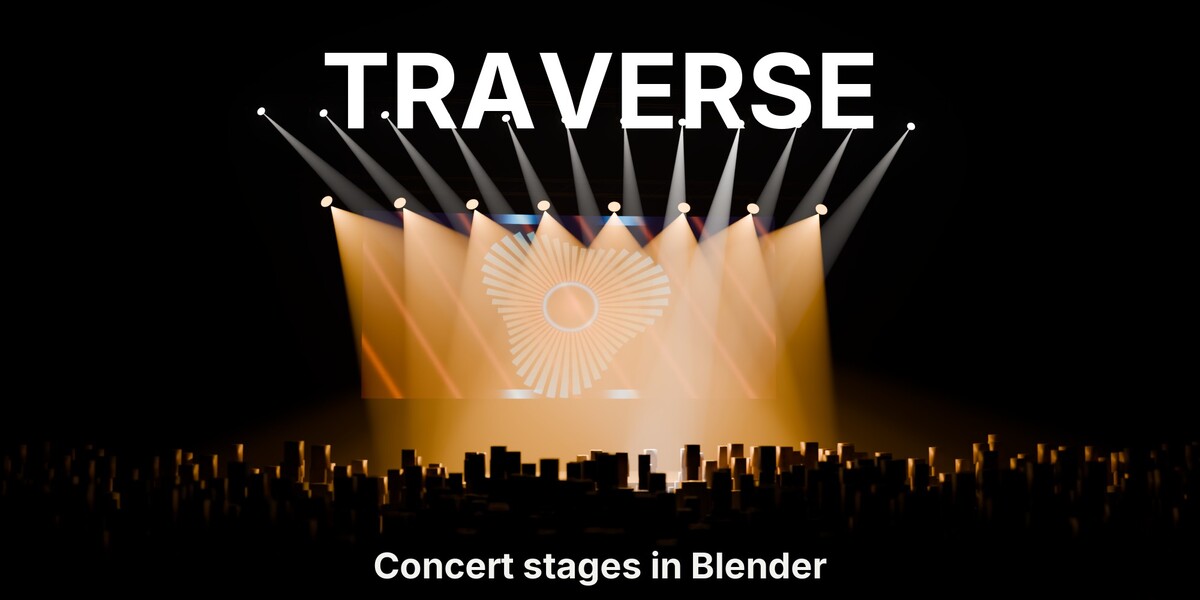
INSTALLATION
Blender 5.0 and newer: Edit > Preferences > Get Extensions > Install from Disk, and pick the downloaded .zip. Enable it, then find the panel in the 3D viewport sidebar (press N).
QUICK START
- Open the sidebar in the 3D Viewport (N) and click the Traverse tab.


- Truss: click Add Truss and drag Length. Keep a curve active first if the truss should follow it.

- LED Wall: click Add LED Wall, then Load Media and pick a movie or image. Switch to Material Preview to see it glow.

- Lights: select the truss, click Add Light Rig. Click Select Target and move it to aim every head.
- Haze & Look: click Add Haze and pick Subtle, Club or Arena.


- Crowd: select a floor mesh and click Add Crowd.

- Beat Sync: select the light rig and the LED wall, click Bake BPM, type your tempo, OK. Press Space.
FEATURES
1A FULL STAGE FROM ONE TAB


Five buttons, top to bottom: truss, LED wall, lights, haze, crowd. Each one builds a live rig you keep editing.
2EVERYTHING MOVES ON THE BEAT
Type your track's BPM and bake. Lights and LED wall pulse together, a chase runs across the fixtures, strobes hit on the beat.
3ONE TARGET. EVERY HEAD FOLLOWS.

Every fixture in a rig aims at one empty. Drag it, or animate it, and the whole rig sweeps together, gobos on the floor.

4LED WALLS THAT PLAY YOUR FOOTAGE

Set columns, rows and curve, load an MP4 or an image, and it loops across the cabinets with a real LED pixel grid.

5TRUSS, STRAIGHT OR ALONG ANY CURVE
Zig-zag, X-brace or chords only, in steel or black, straight or following any curve.
6HAZE, FROM SUBTLE TO ARENA
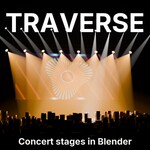
One click adds a haze box sized to your stage, with Subtle, Club and Arena presets.

7A CROWD THAT FACES THE STAGE
Scatter an audience on any floor mesh. Everyone turns toward a focus empty, a FOH tower clears its own hole.
8SIX PANELS, IN BUILD ORDER
Truss, LED Wall, Lights, Haze & Look, Crowd and Beat Sync, top to bottom in one sidebar tab.
GOOD TO KNOW
- LED walls glow in Material Preview and Rendered view; Solid view shows them dark.
- Traverse does not transcode footage. Give the LED wall a 1080p proxy for smooth playback.
- The six bundled crowd figures are simple static stand-ins made to read as silhouettes. For close-ups, point Figures at your own characters.
- Add Haze sizes the box to everything visible when you click it. Add it last, or scale the box afterwards.
- Add Haze and Previz Mode set the scene's EEVEE volume settings (tile size, samples, shadows, distance).
- Chase and Strobe act on light rigs. LED walls follow Pulse.
- Strobe flickers every other frame while it is on, so its speed follows your frame rate.
- Changing a rig's Fixtures count or model rebuilds it, so hand edits on single fixtures are lost.
- Every fixture is a real light. Very large rigs slow EEVEE down: split them and hide what the camera doesn't see.
- Traverse builds design and previz stages, not DMX plots. For console-accurate fixtures, pair it with BlenderDMX.
SUPPORT
Email [email protected].
Have questions about this product?
Login to message
| Blender Extension Compatible | Yes |
| Published | about 19 hours ago |
| Blender Version | 5.0 - 5.2 |
| Extension Type | Add-on |
| Render Engine Used | Cycles, Eevee |
| License | GPL |
Discover more products like this
event design stage design led wall concert crowd truss Stage Lighting music video gobo moving head volumetric beat sync