 Achat
Achat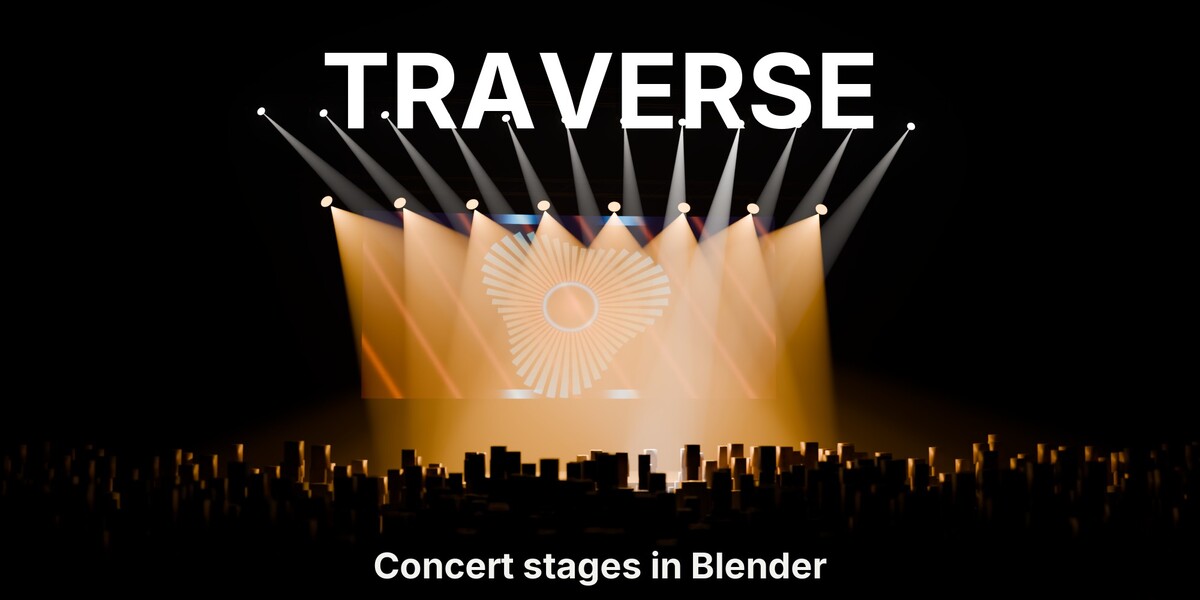



Do I need an audio add-on to sync the lights to music?

No. Type your track's BPM into Bake BPM and it keys pulse, chase or strobe on every selected rig. To follow a real track hit by hit, point Audio Trigger or any audio add-on at the rig's Pulse property.
Does it render in EEVEE and Cycles?




Yes. Trusses, LED walls, lights, gobos and haze render in both. The haze defaults and Previz Mode are tuned for EEVEE, so previews stay fast.
Can I use my own footage and my own people?


Yes. The LED wall loads MP4, MOV, AVI, MKV, WebM, MPG, PNG, JPG and EXR. The crowd takes any collection of your meshes and stands them upright for you.
Is this a DMX or lighting-console tool?
No. Traverse builds design, previz and music-video stages. For console-accurate fixtures and ArtNet playback, pair it with BlenderDMX.
How big can the crowd get?


The Crowd panel counts heads as you change density and flags anything past 5,000 people as heavy for the viewport. Bigger crowds still render.
Do I need Traverse installed to render, for example on a farm?
No. The stage is saved in your file as ordinary Blender data: geometry nodes, lights, materials, drivers and keyframes, and the drivers run with Auto-Run Python off. Gobo images are packed into the file, so it renders on any computer or farm.
Can I use it commercially?
Yes. It is GPL with source included.
Have questions about this product?
Login to message
| Blender Extension Compatible | Yes |
| Published | about 19 hours ago |
| Blender Version | 5.0 - 5.2 |
| Extension Type | Add-on |
| Render Engine Used | Cycles, Eevee |
| License | GPL |
Discover more products like this
stage design gobo truss volumetric concert beat sync event design crowd music video led wall moving head Stage Lighting