 Achat
Achat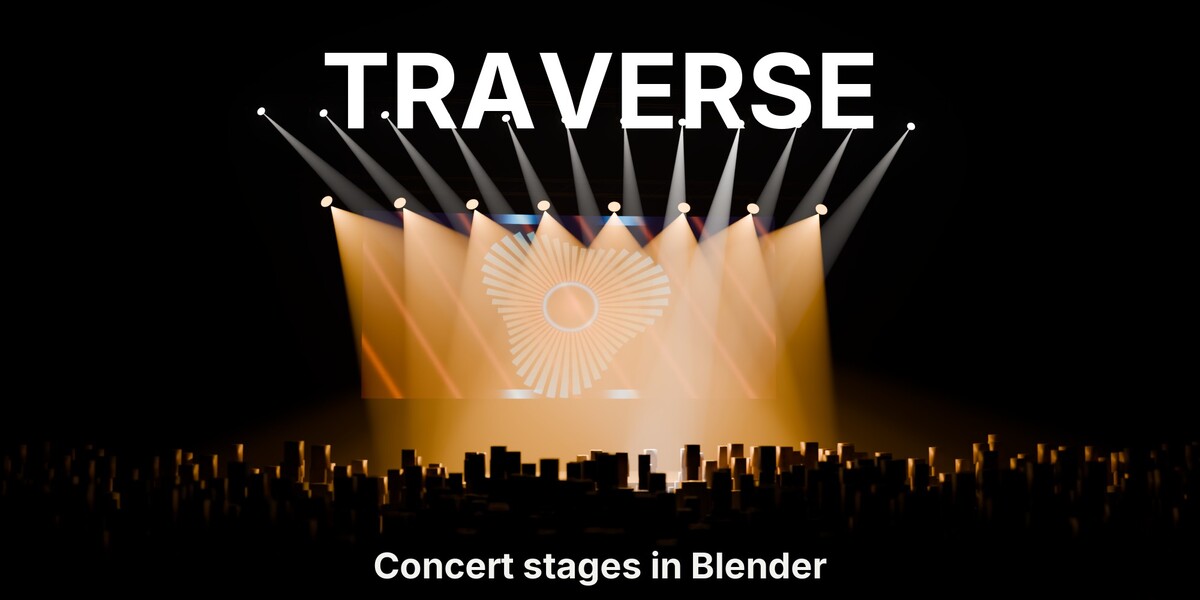









Traverse builds a concert stage from one sidebar tab: truss, LED walls that play your footage, moving lights with gobos, haze and a crowd. Bake your track's BPM and the whole rig pulses, chases and strobes on the beat. Every setting stays live.
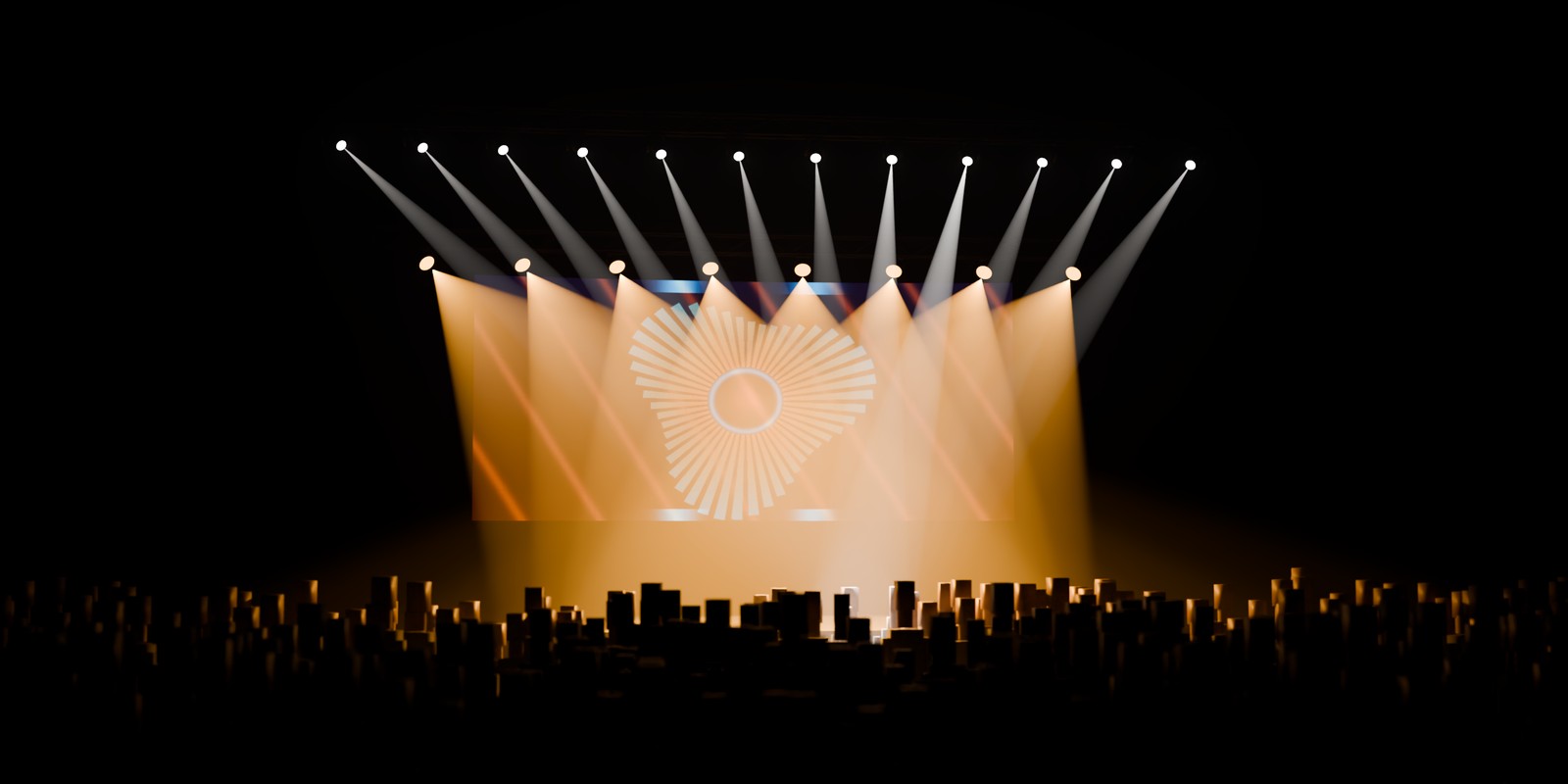
6 builders in one tab·LED walls up to 96 x 96 cabinets·Up to 100 fixtures per rig, 8 gobos·Pulse, Chase and Strobe at any BPM·EEVEE and Cycles·Blender 5.0 and newer
How it works
Five steps, top to bottom in the Traverse tab of the 3D Viewport sidebar.
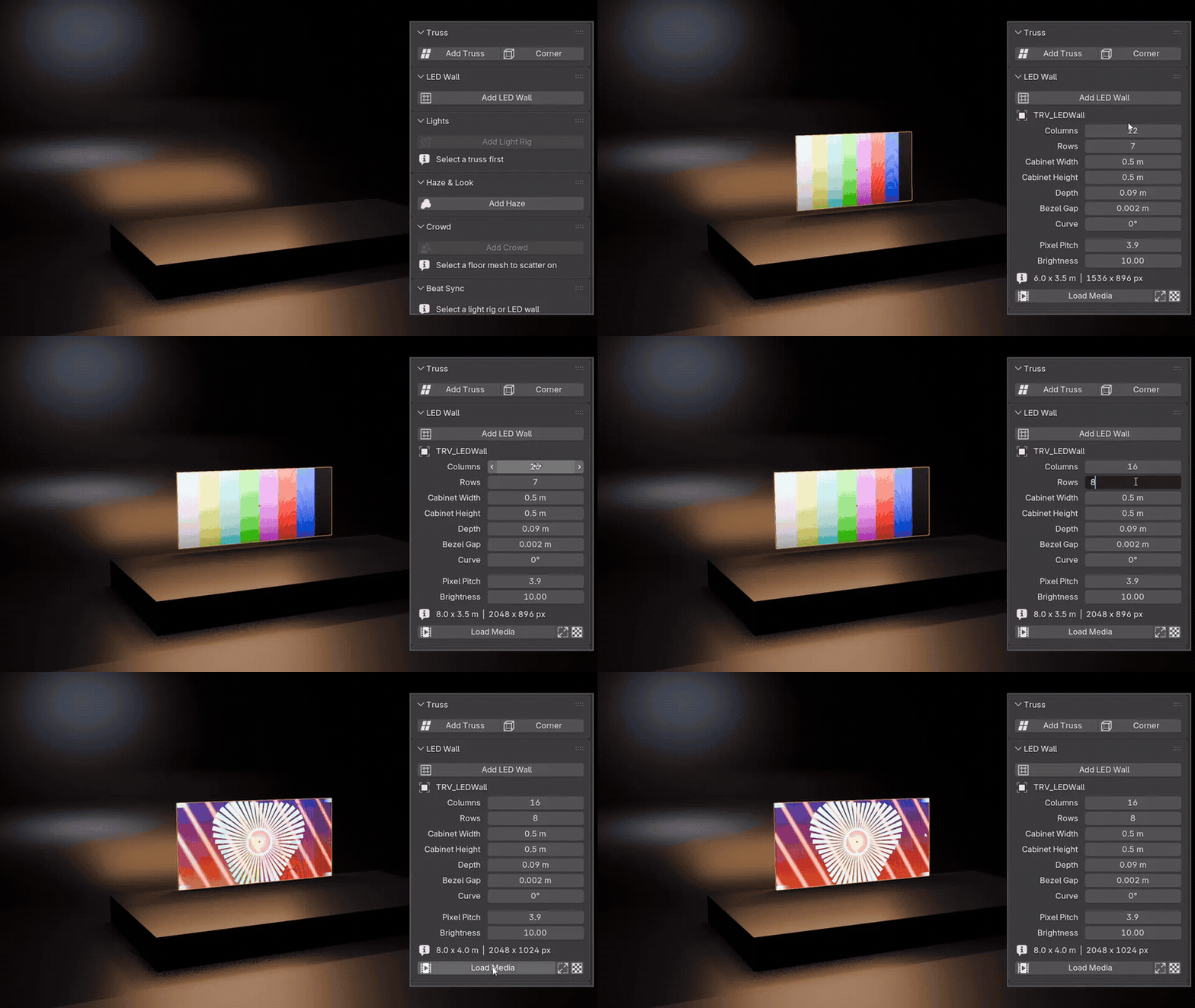 |

Step 1 Add an LED wall, load your footageAdd LED Wall builds a cabinet wall at the 3D cursor. Type the columns and rows, press Load Media, and your movie or image loops across the cabinets with a real pixel grid. |
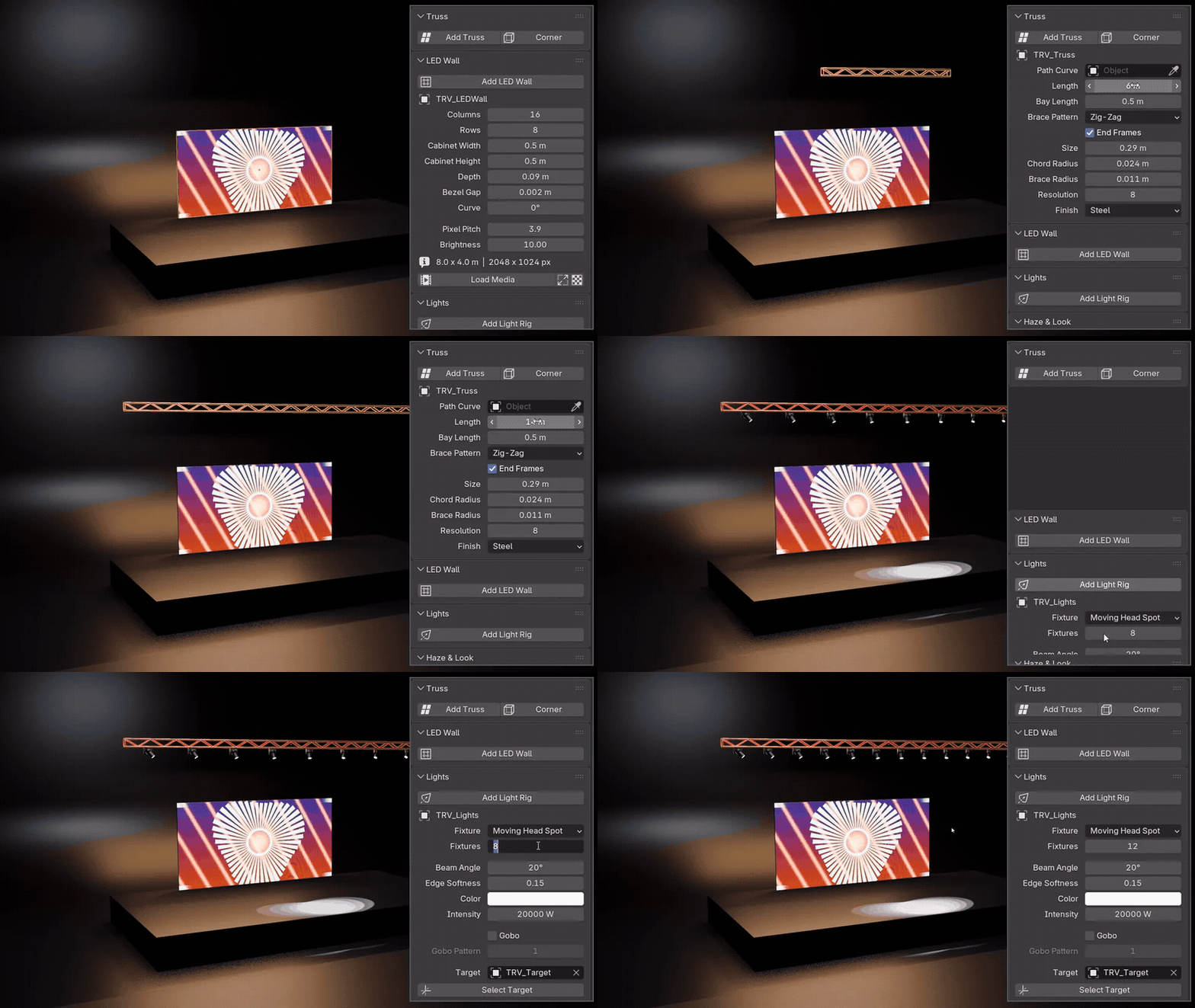 |


Step 2 Add a truss, hang a light rigAdd Truss and set its length. With the truss selected, Add Light Rig clamps the fixtures underneath, evenly spaced and all aimed at one target. |
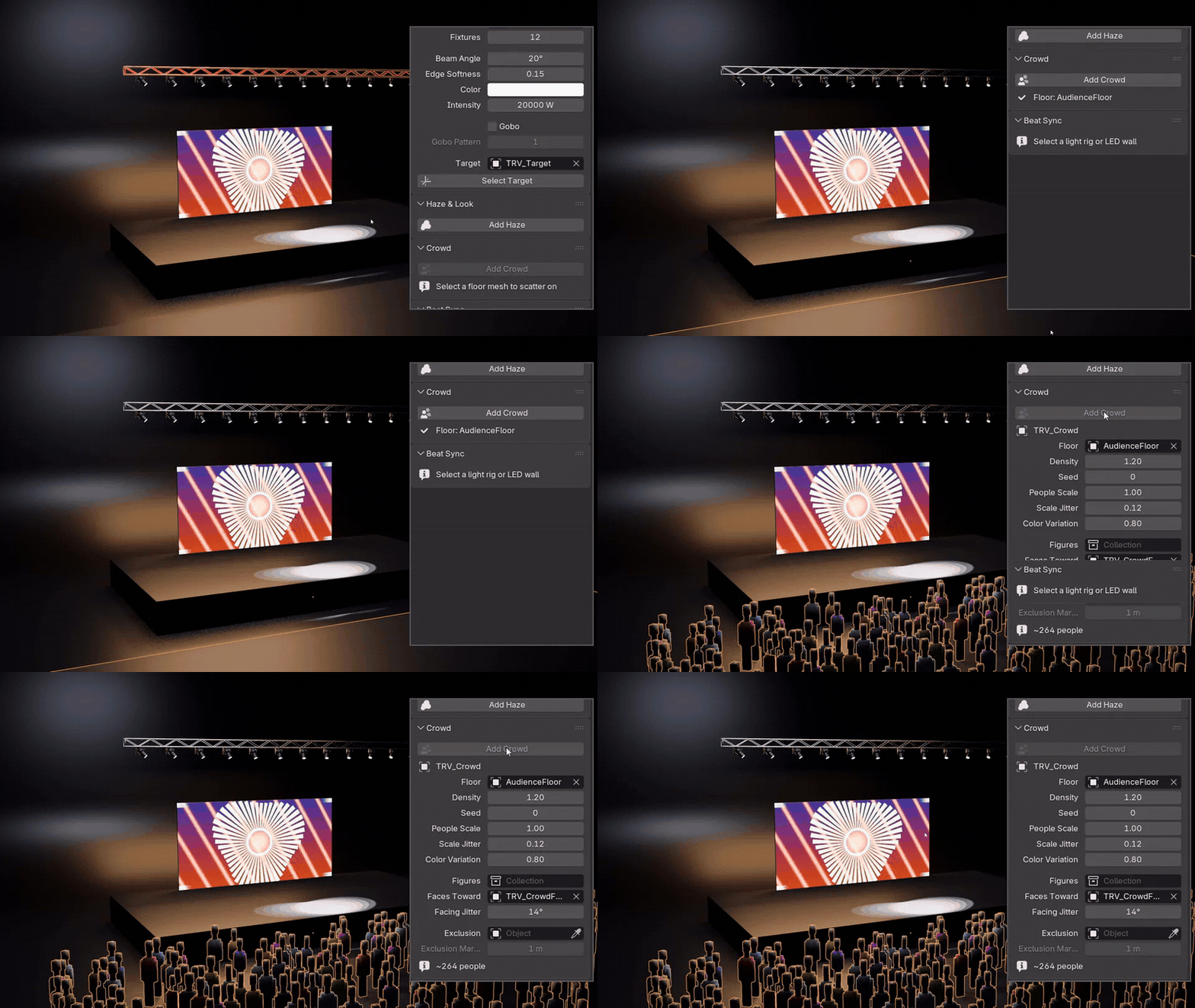 |
Step 3 Drop a crowd on the floorSelect a floor mesh and click Add Crowd. Everyone faces the stage, and the panel counts the heads as you change the density. |
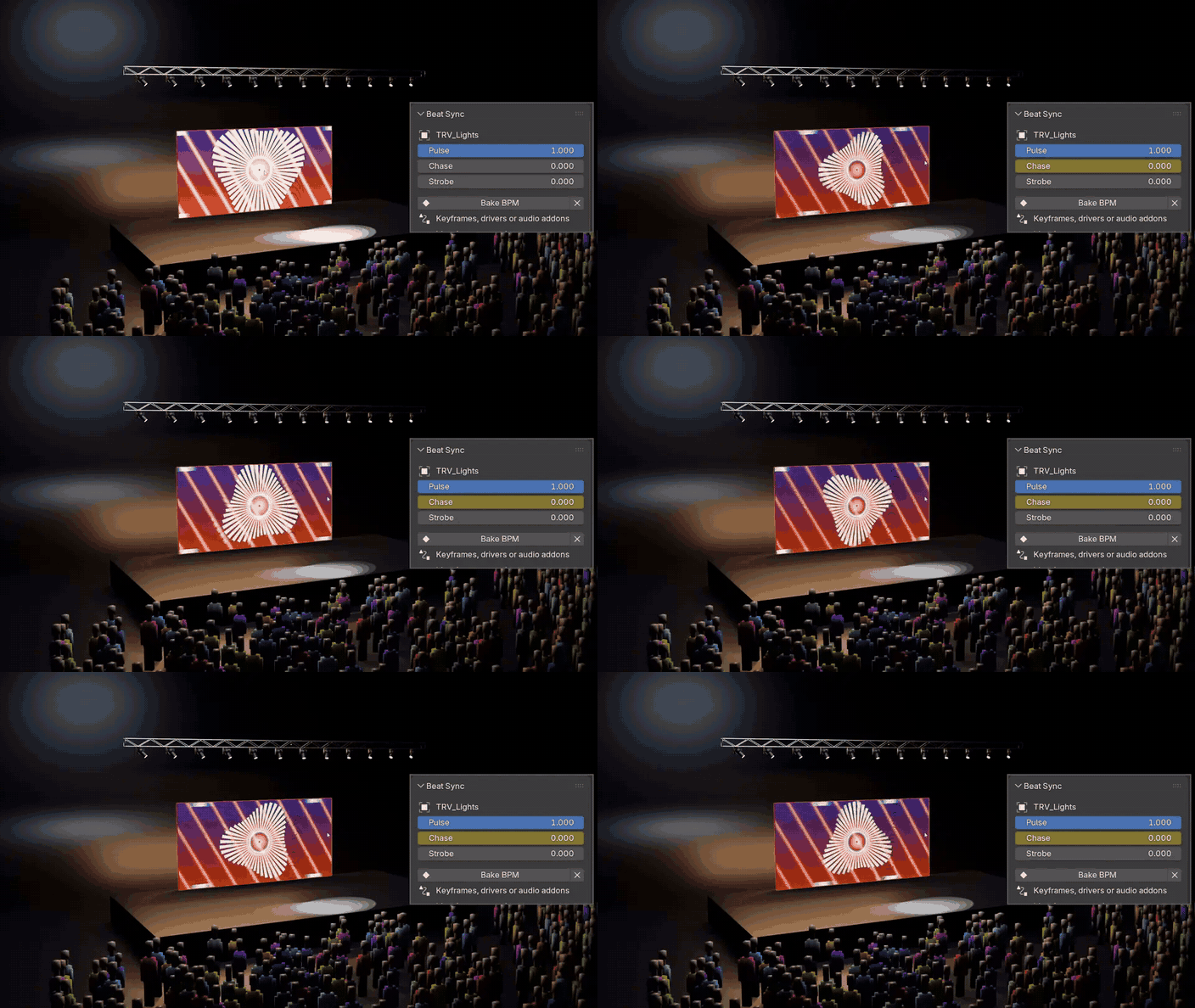 |
Step 4 Bake your BPM, press playSelect the light rig and the LED wall, click Bake BPM and type your tempo. The lights pulse, chase or strobe, the wall pulses, all as plain keyframes. |
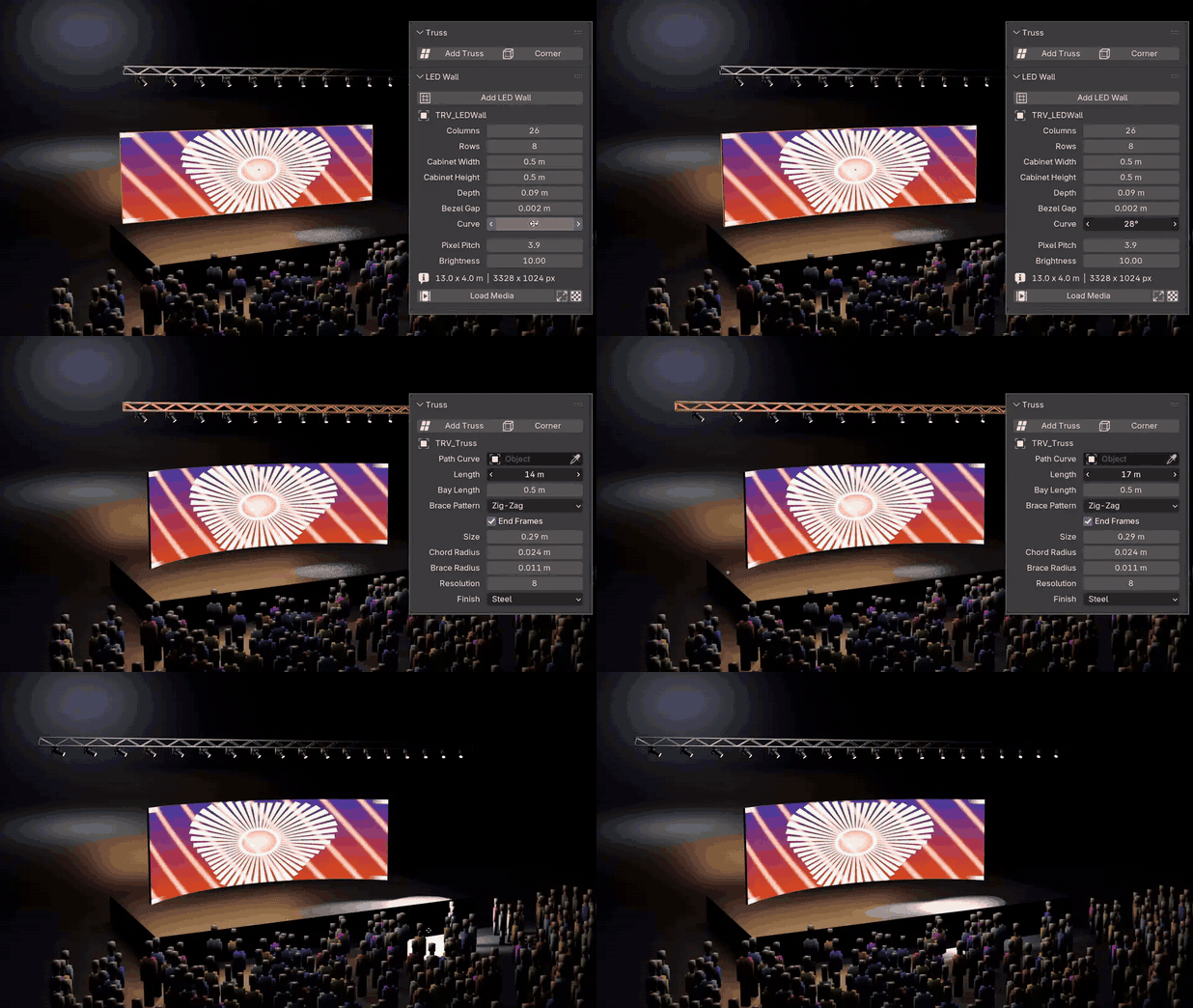 |
Step 5 Change anything, it stays liveCurve the wall, stretch the truss, move the target: the stage follows while you drag. Lights on a truss re-space when its length changes. |
Three beat effects
Bake one, or switch bar by bar. Every rig keeps Pulse, Chase and Strobe as sliders you can key or drive.
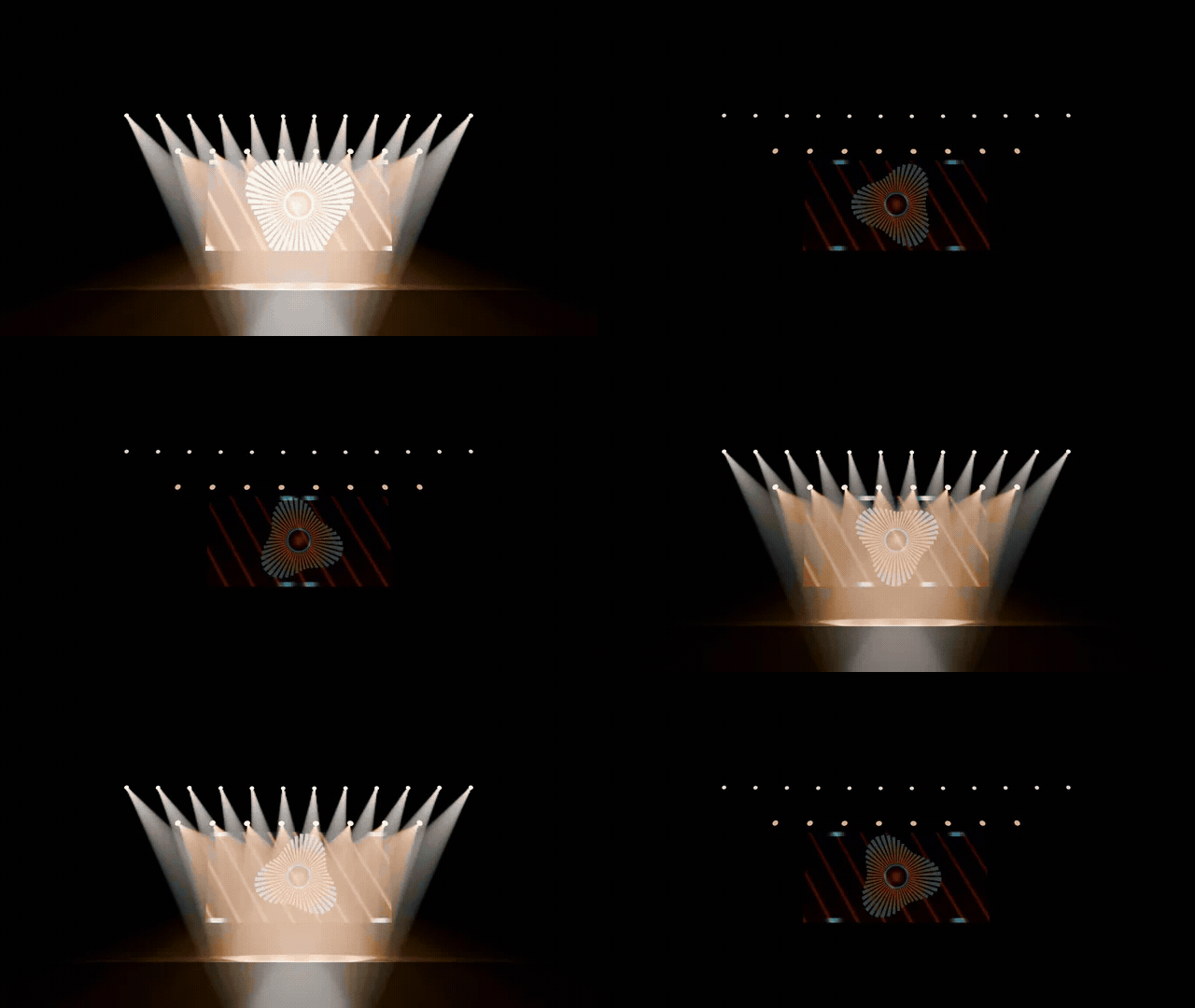 PulseLights, lenses and LED wall flash on the beat and fade. |
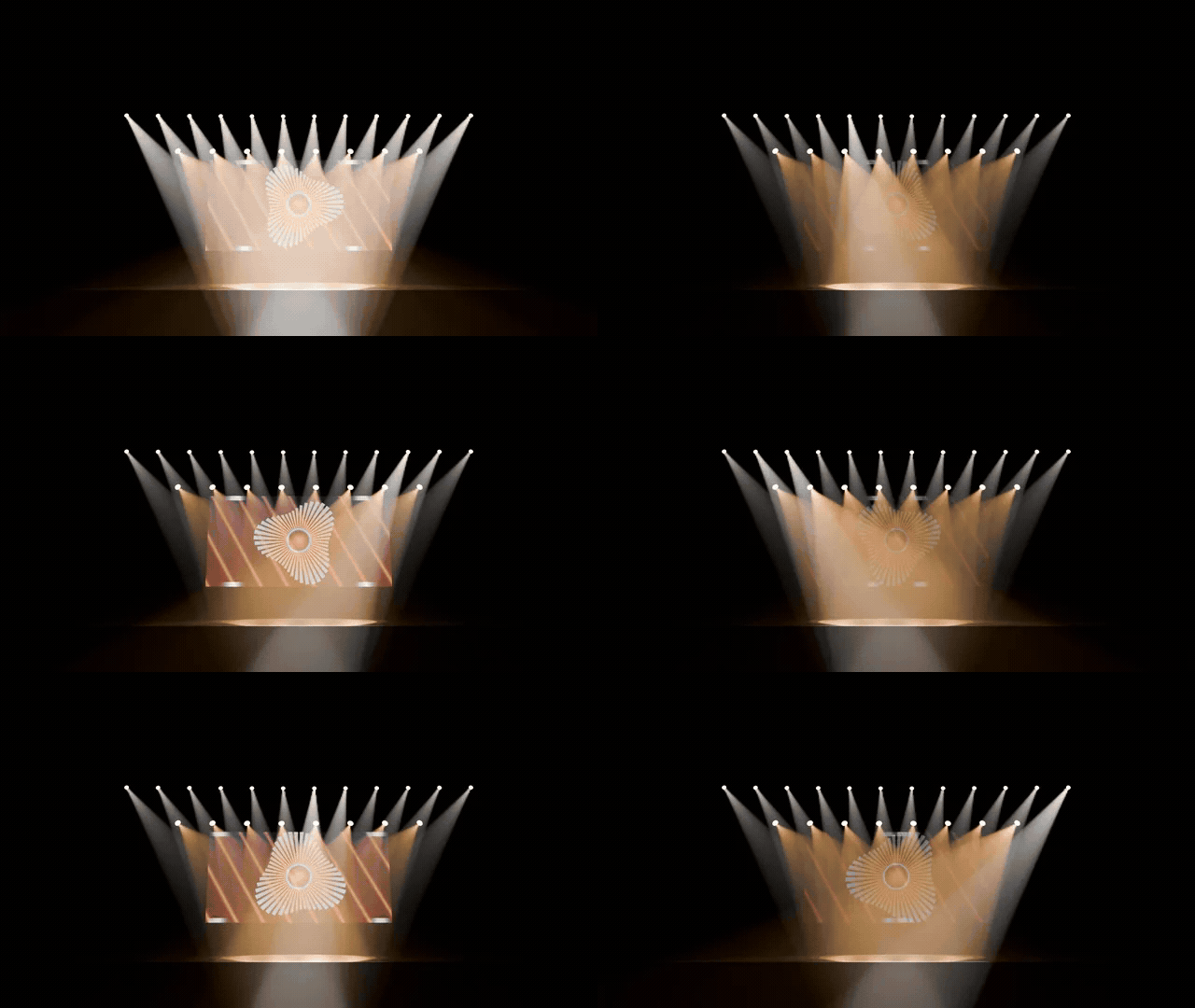 ChaseA highlight runs across the fixtures, one sweep per bar. |
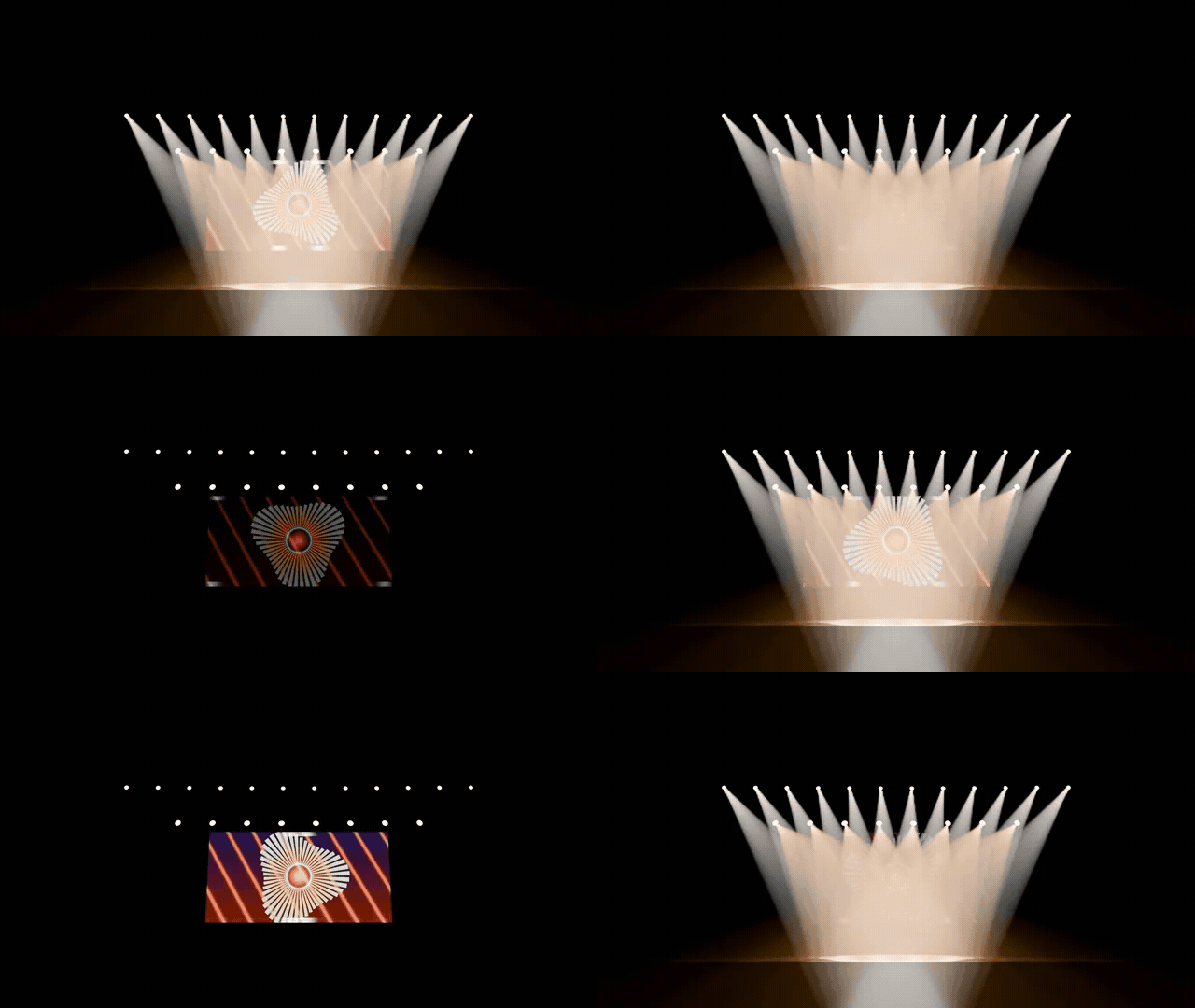 StrobeA hard burst of flicker on every beat. |
Every builder, live
Each button builds a rig you keep editing, and the pieces fit each other.
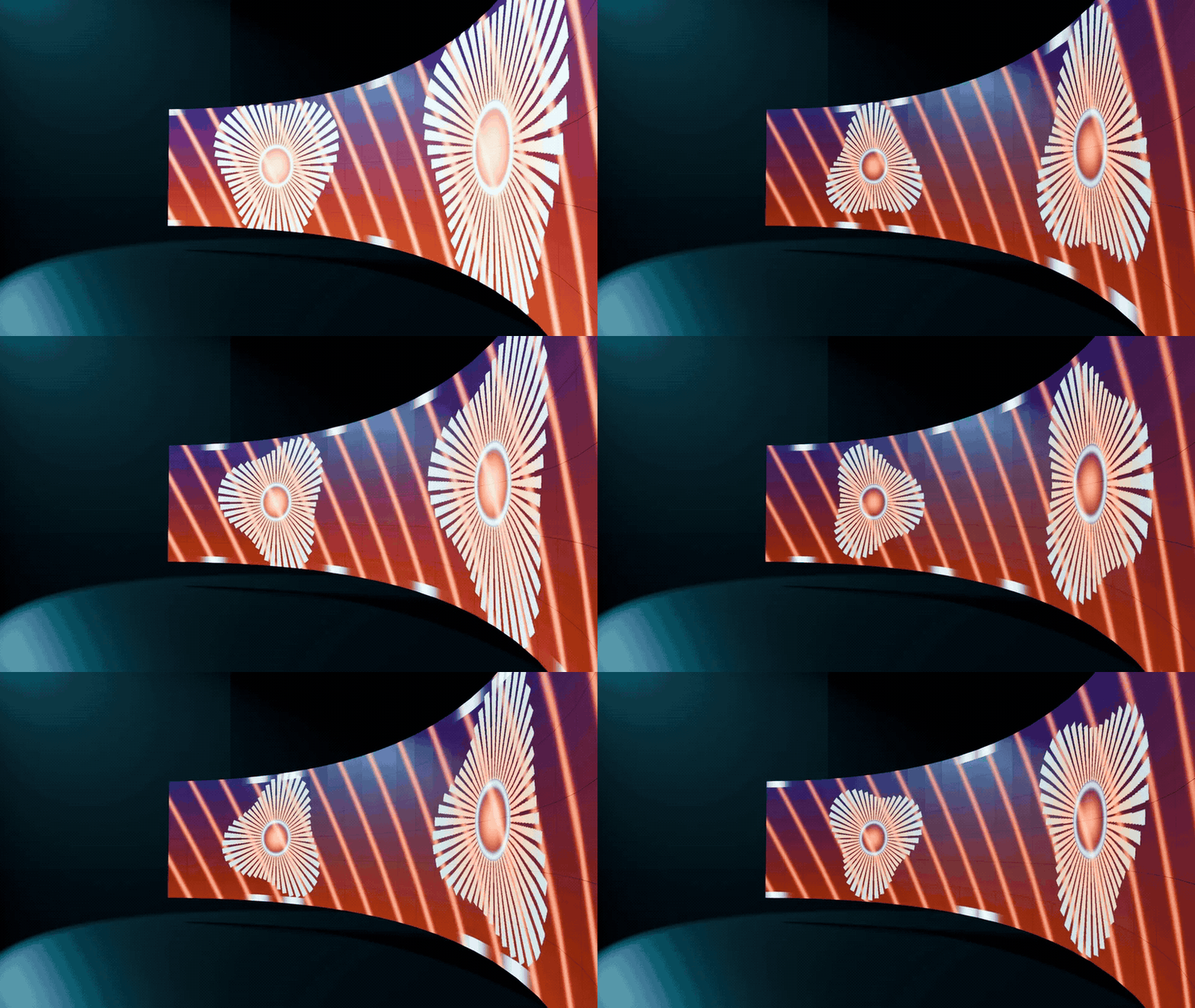 |
LED walls that play your footageSet columns, rows and curve, load a movie or an image, and it loops across the cabinets. Pixel pitch draws a real LED grid, so close-ups read as a screen, not a plane.
|
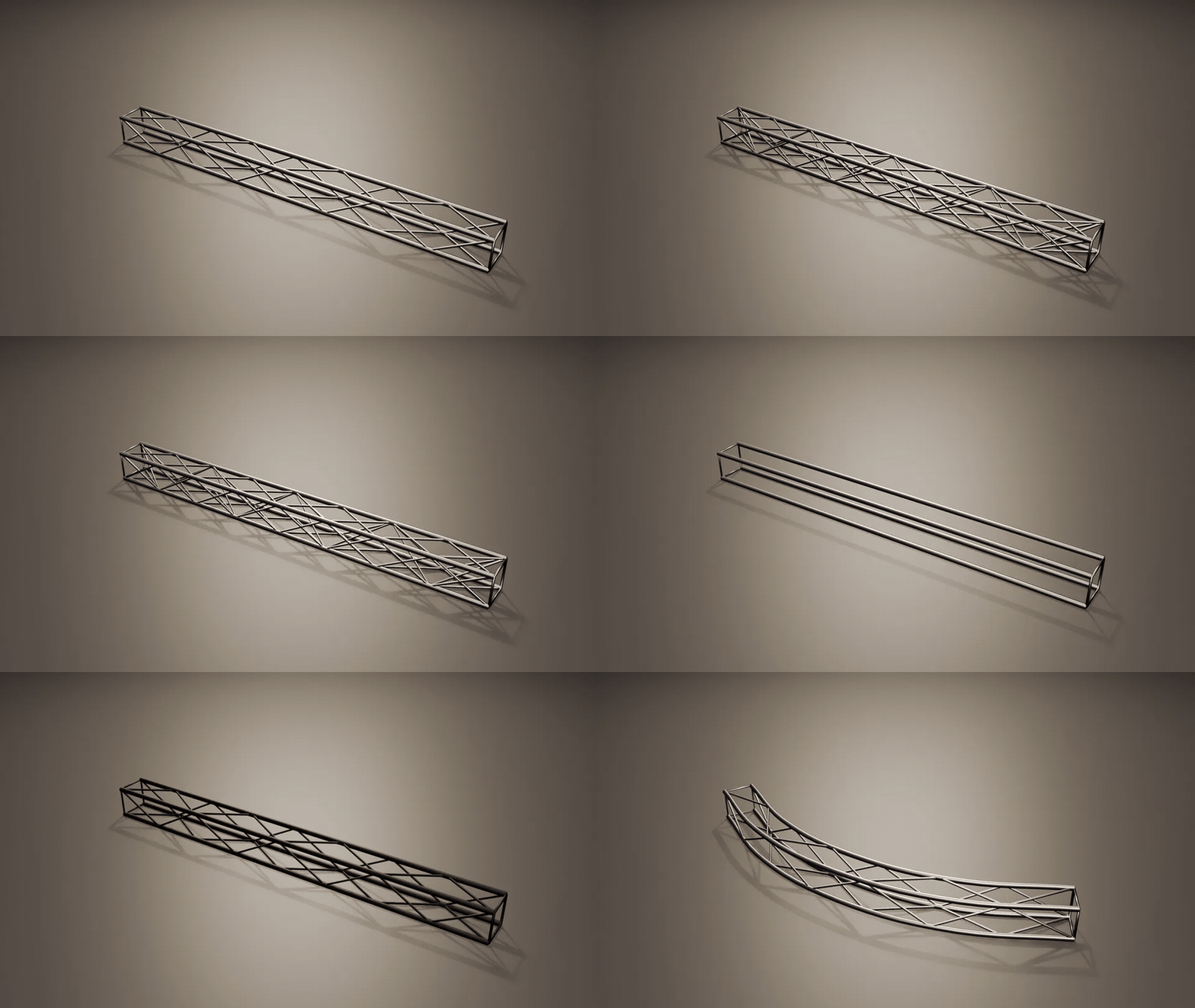
Truss, straight or along any curveDrag the length and any light rig on it re-spaces, or give it a curve to follow. Corner blocks included.
|
 |
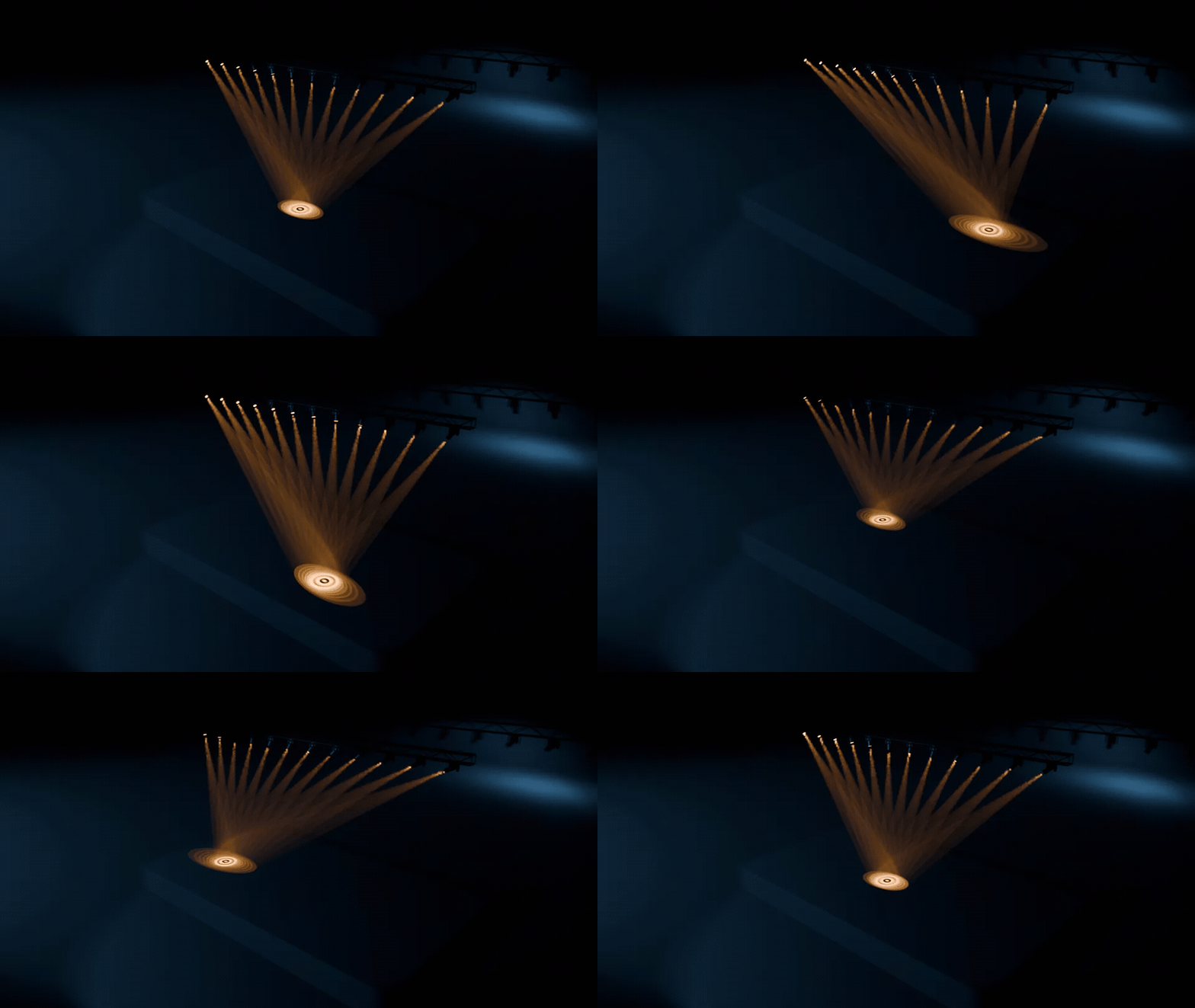 |
One target. Every head follows.Every fixture in a rig aims at one empty. Drag it or animate it, and the whole rig sweeps together.
|
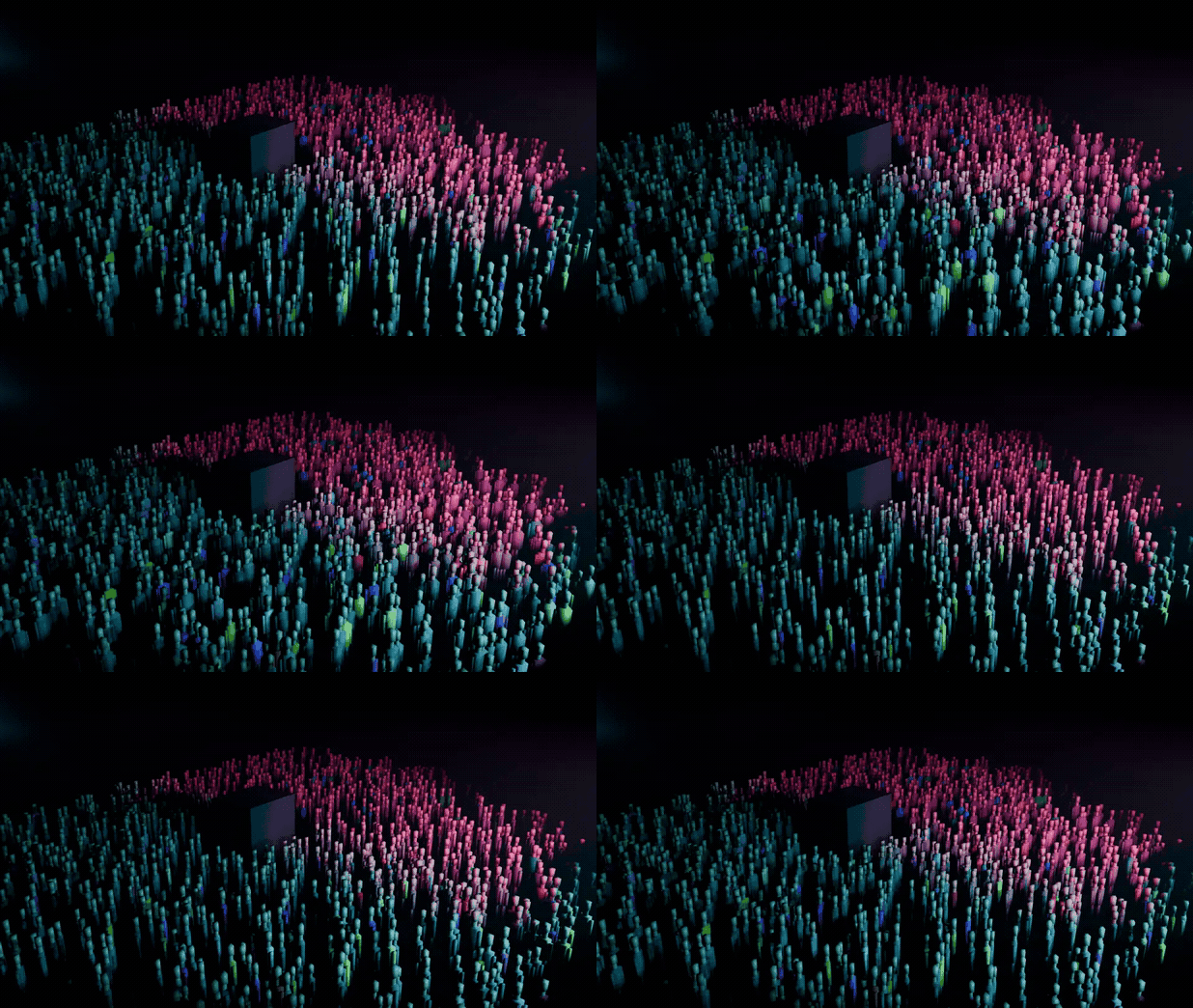
A crowd that faces the stageScatter an audience on any floor mesh. Everyone turns toward a focus empty, with as much jitter as you like.
|
 |
Ready for production
Renders without TraverseThe stage is plain Blender data with the gobos packed, so it renders on any computer or farm. |
Haze, from subtle to arenaOne click adds a haze box sized to your stage: Subtle, Club or Arena. Previz Mode keeps playback fast. |
Follows a real trackPoint Audio Trigger or any audio add-on at a rig's Pulse to hit every beat of the song. |
Traverse or stock Blender
Everything here can be built by hand. Traverse is the part where it takes minutes, stays editable and moves on the beat.
| Task | Stock Blender | With Traverse |
|---|---|---|
| A stage truss | Model the tubes and braces, rebuild for every length | Add Truss, drag Length, or follow a curve |
| An LED wall that plays video | Model the cabinets, UV the wall, loop the movie, fake the pixels | Add LED Wall, Load Media |
| Aim twelve moving heads | A tracking constraint per head, one by one | One target aims the whole rig |
| Visible beams | Build a volume, size it, tune it | Add Haze, three presets |
| An audience | A scatter setup, then turn everyone toward the stage | Add Crowd on any floor |
| Lights on the beat | Keyframe every beat, or write drivers | Bake BPM on every selected rig |
| DMX fixtures and console playback | Pair Blender with BlenderDMX | Not this: Traverse builds design and previz stages |
Details
| Blender | 5.0 and newer, tested on 5.2 LTS |
| Render engines | EEVEE and Cycles |
| Systems | Windows, macOS, Linux |
| Install | Drag the .zip into Blender (extension) |
| Updates | Every update is free |
| Licence | GPL, source included |
| Support | [email protected] |