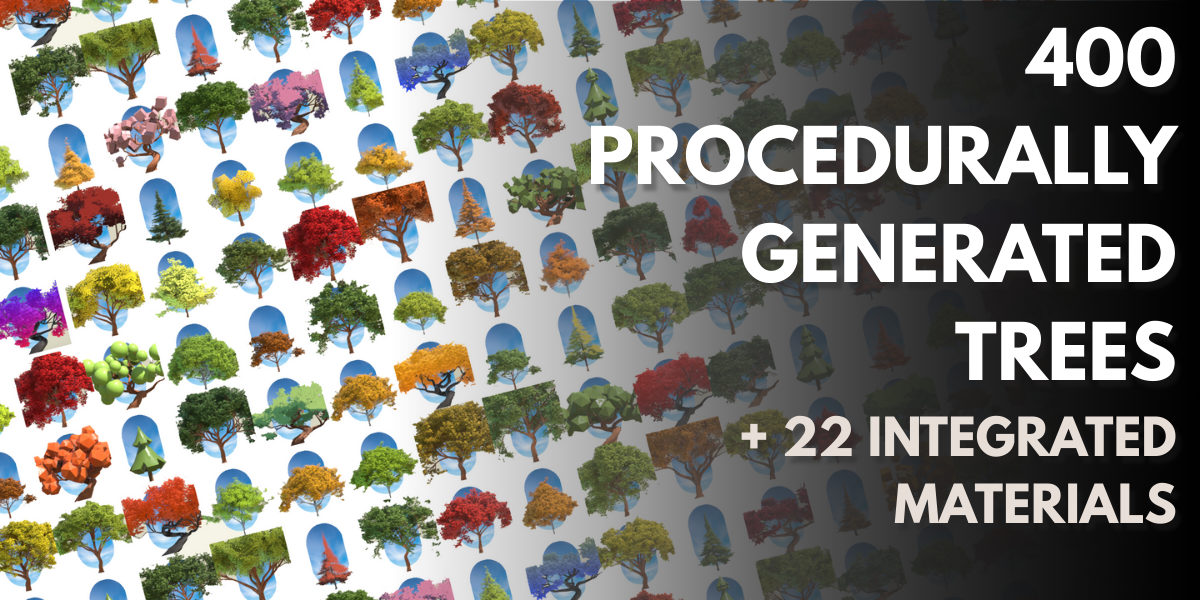
Treedesigner + 400 Procedural Trees
 Alexis.egi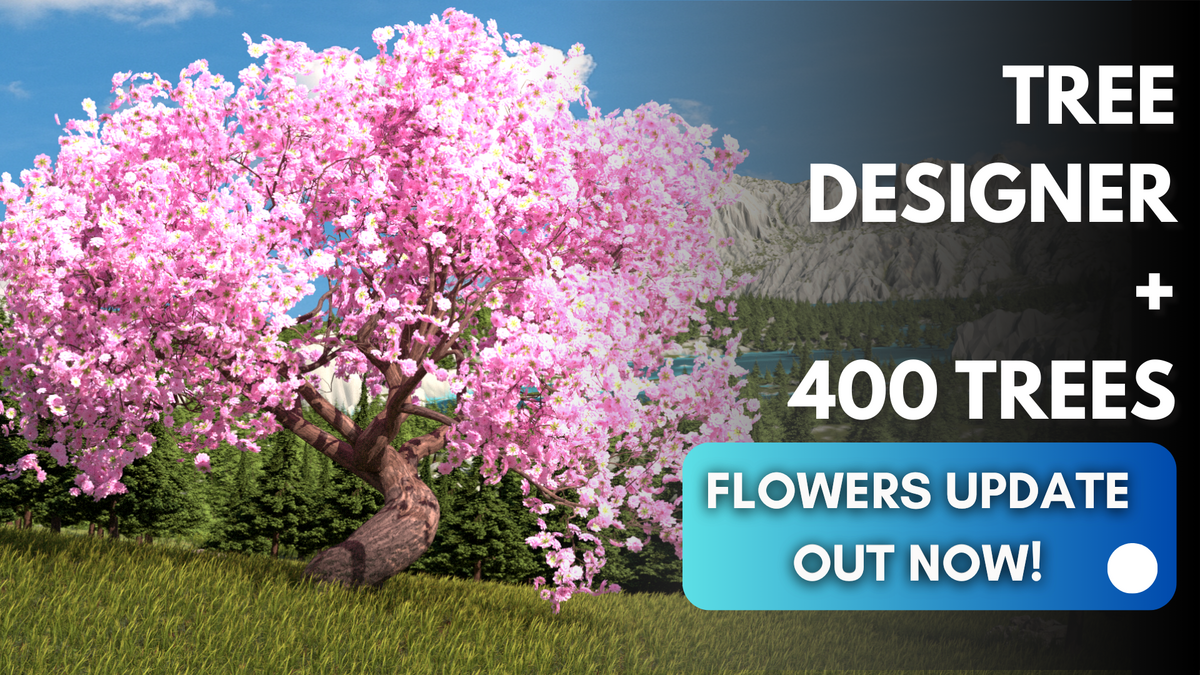
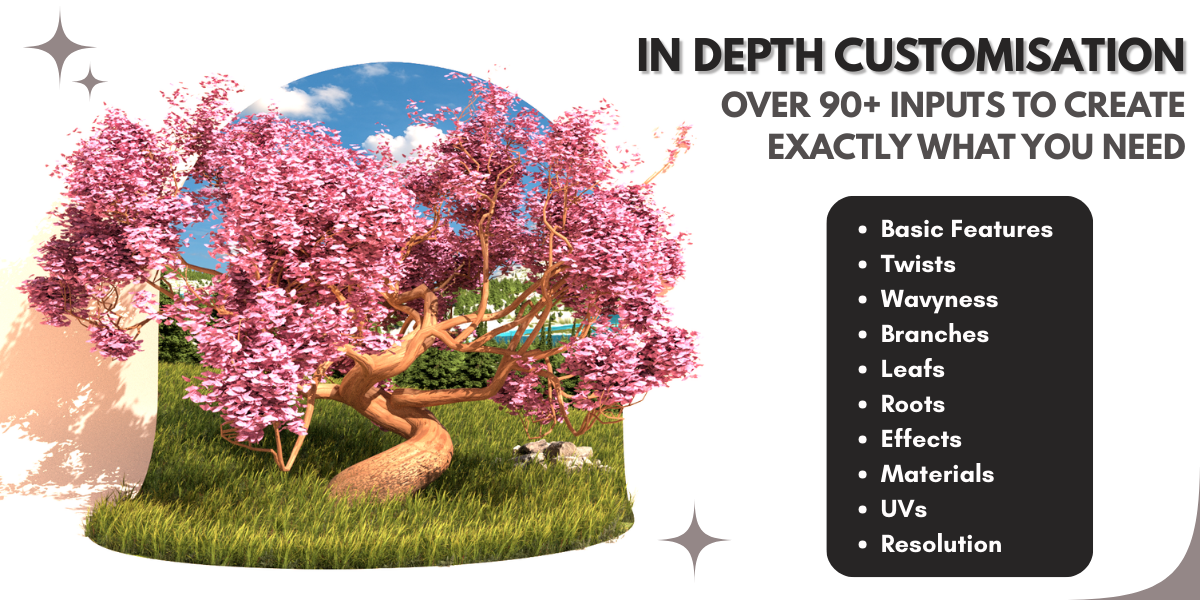
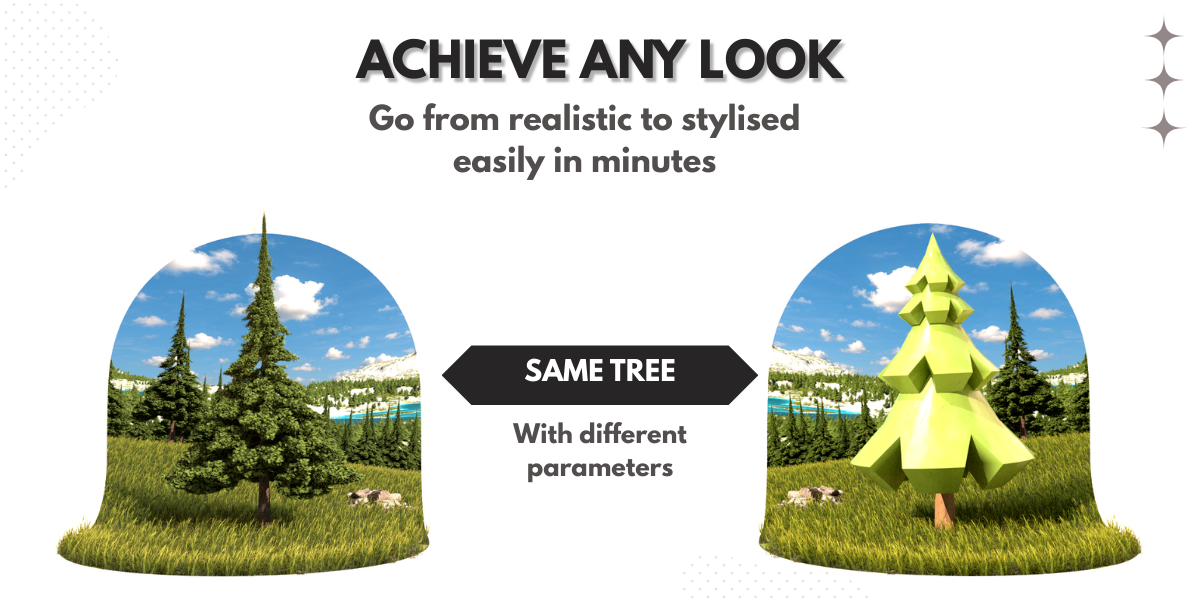

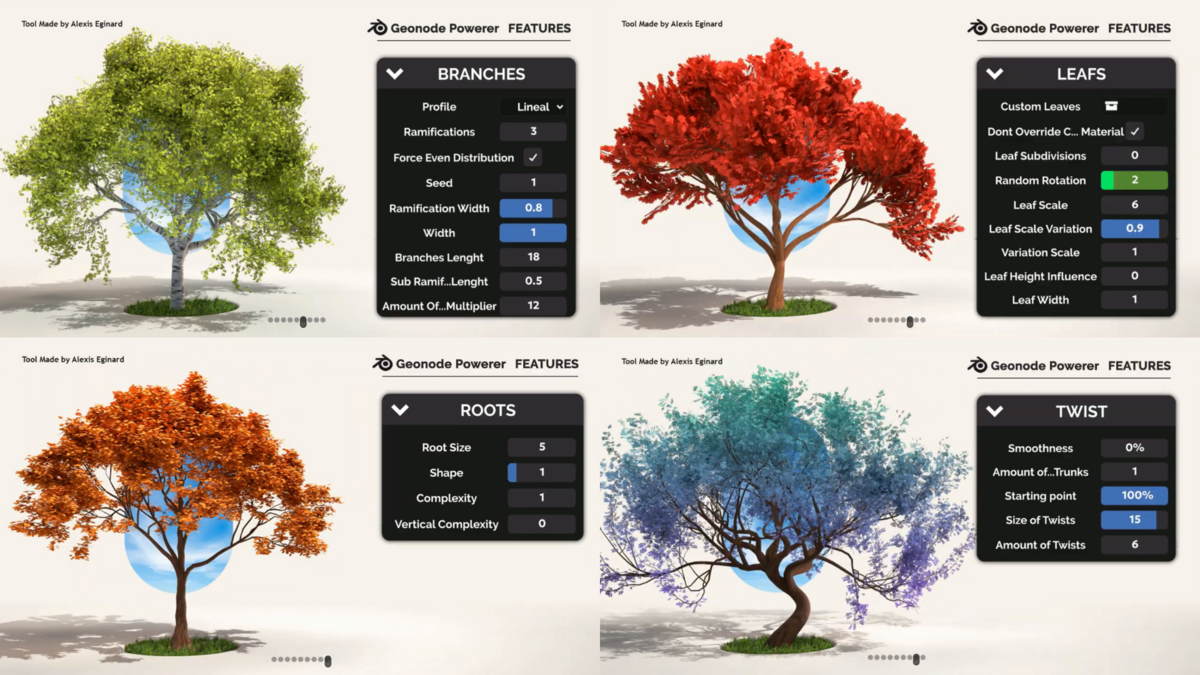
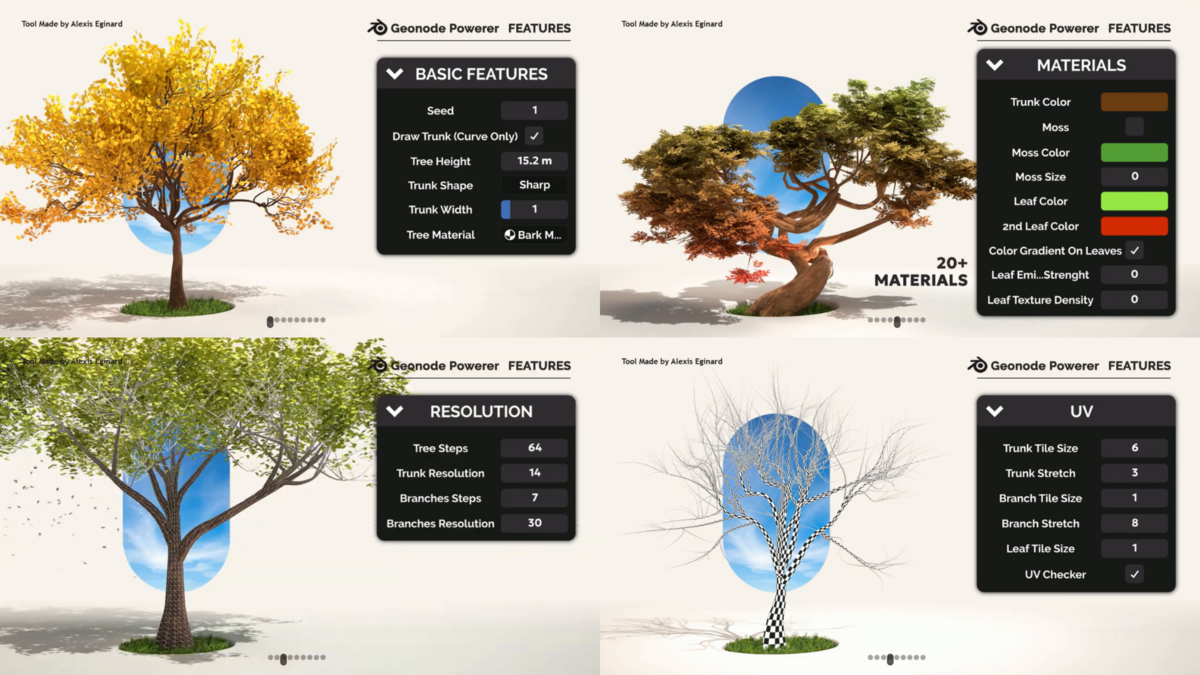
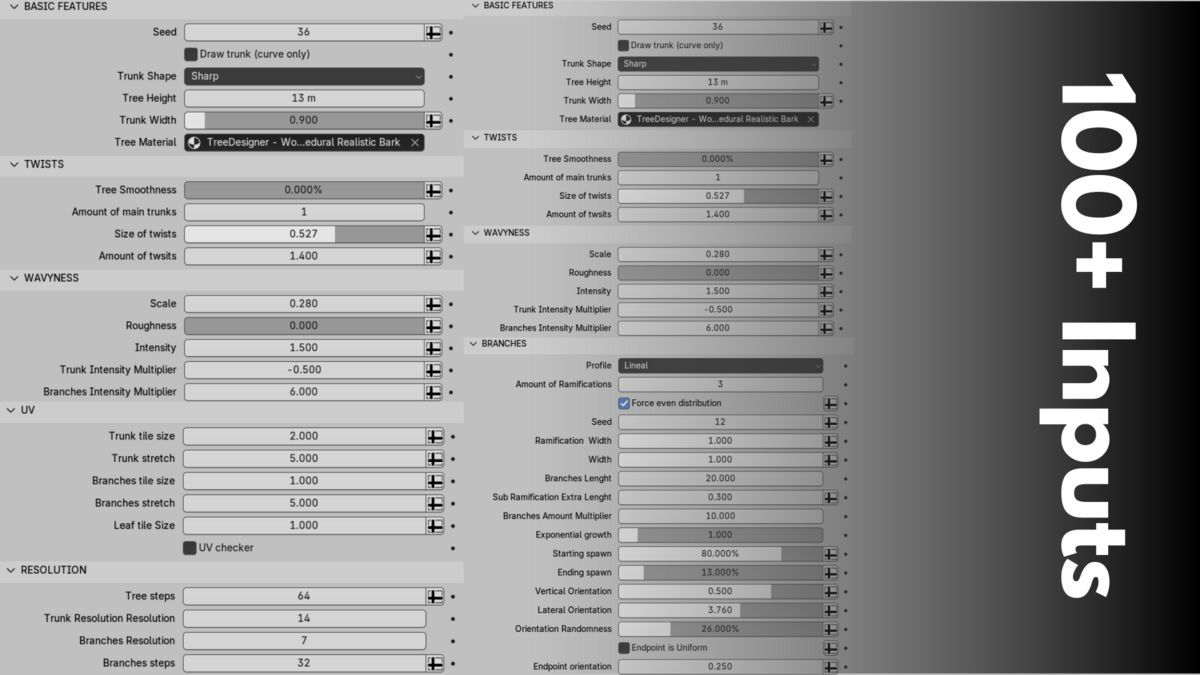
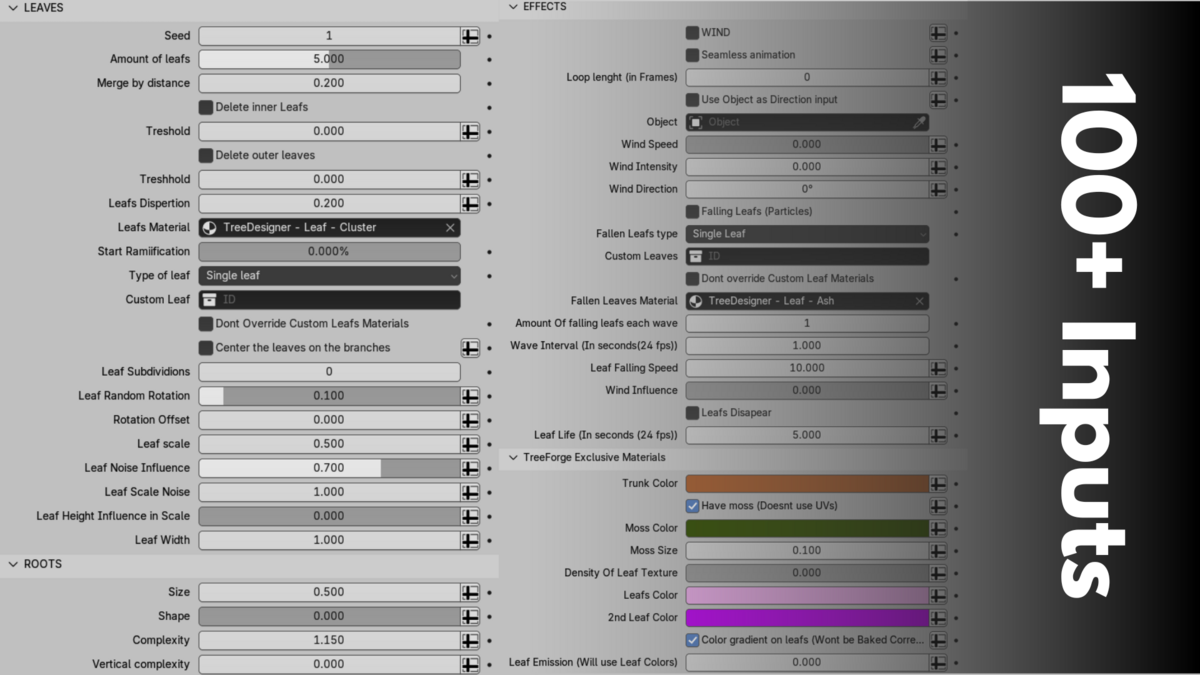

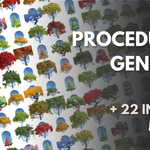
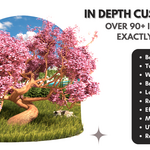
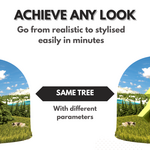
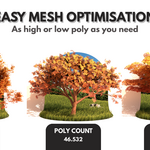
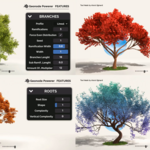
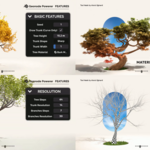
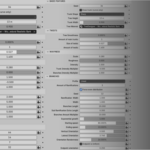
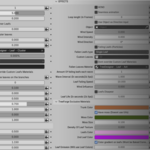
In depth information of how this geometry node works can be found here
How to set up the asset library?
If you’re unsure how to set up an asset library, here’s a quick tutorial that might help:
- Go to Edit > Preferences > File Paths > Asset Libraries.
- Click the + button to add a new library. Select the folder containing the TreeDesigner .blend file.
- Save your preferences.
After that, you should be able to find your trees in the Asset Browser and simply drag and drop them into your scene.
-
$8
Contains a blend file with TreeDesigner and everything you need to create your desired tree + free updates (deos not include the 400 trees asset library)
-
$12.50
Contains a blend file with TreeDesigner + An asset library of 400 procedurally made trees created with TreeForge + Commercial License +free updates
Have questions about this product?
Login to message
| Sales | 1400+ |
| Rating | 7 ratings |
| Dev Fund Contributor | |
| Published | over 1 year ago |
| Blender Version | 4.4 - 4.5 |
| Render Engine Used | Cycles, Eevee |
| License | Royalty Free |
Discover more products like this
3dtrees 3d tree Geonodes 3d model trees 3D Procedural Structures 3d low poly tree 3d nature creation