Treedesigner + 400 Procedural Trees
 Alexis.egi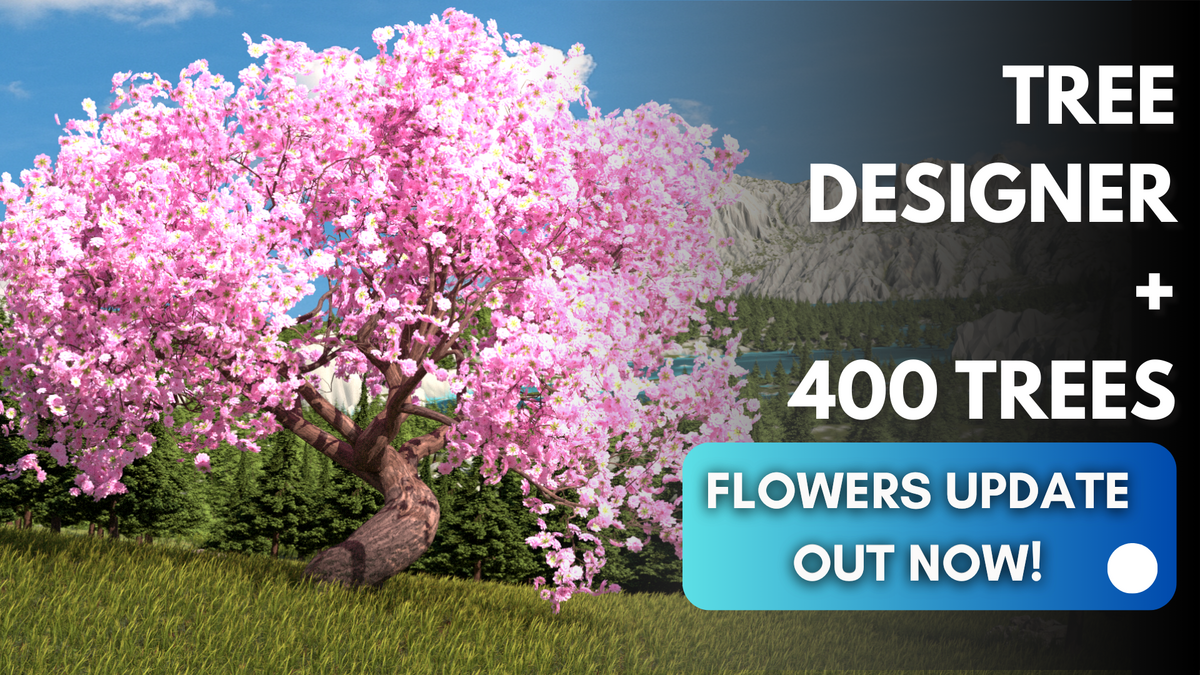
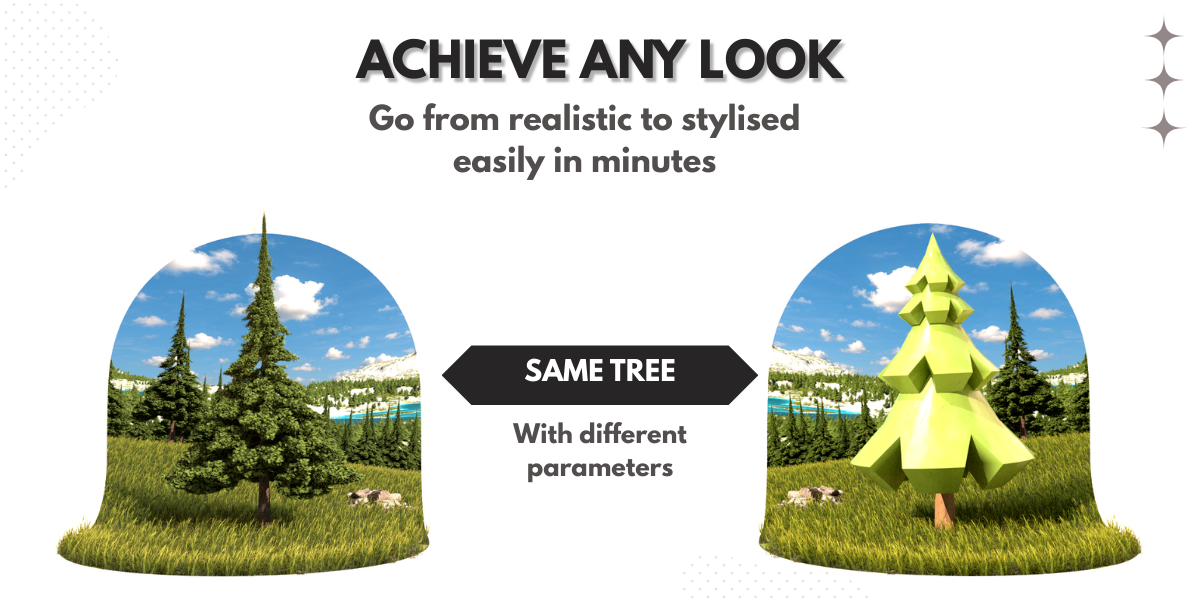

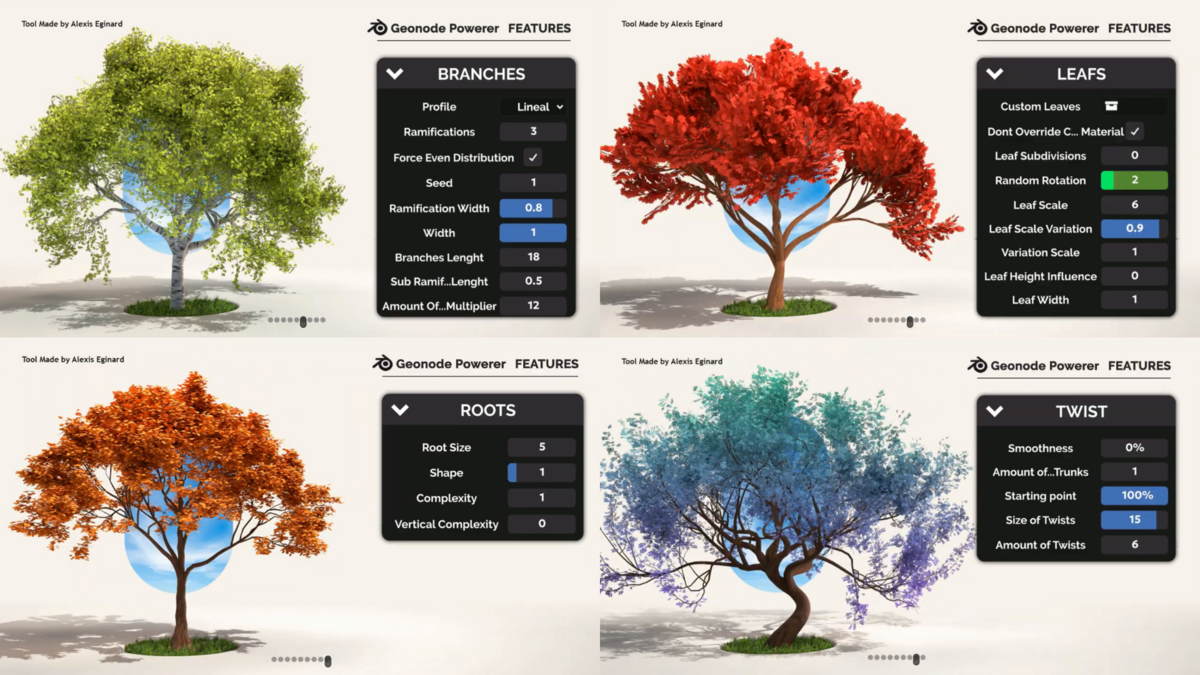
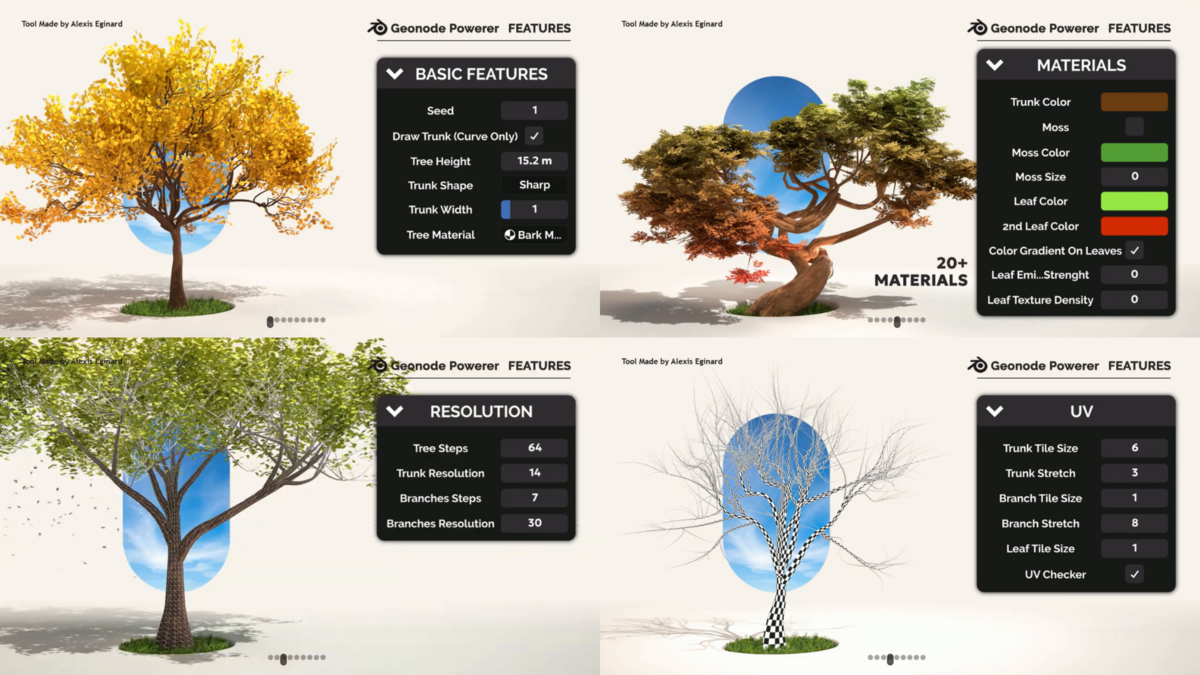
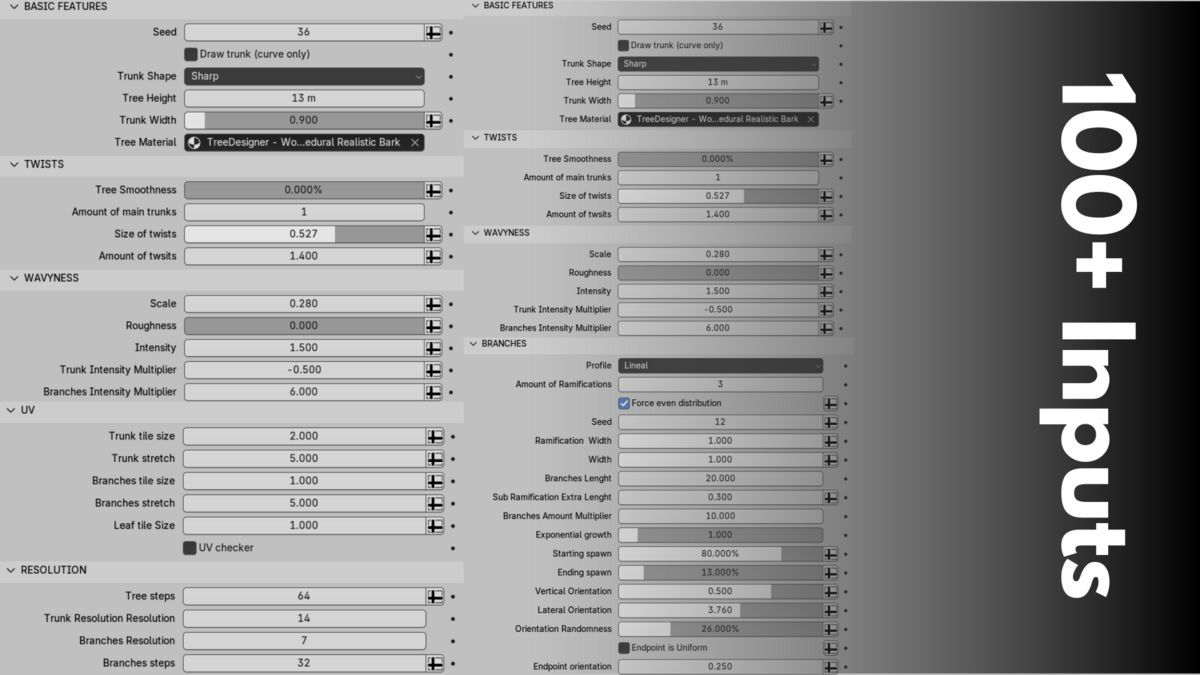
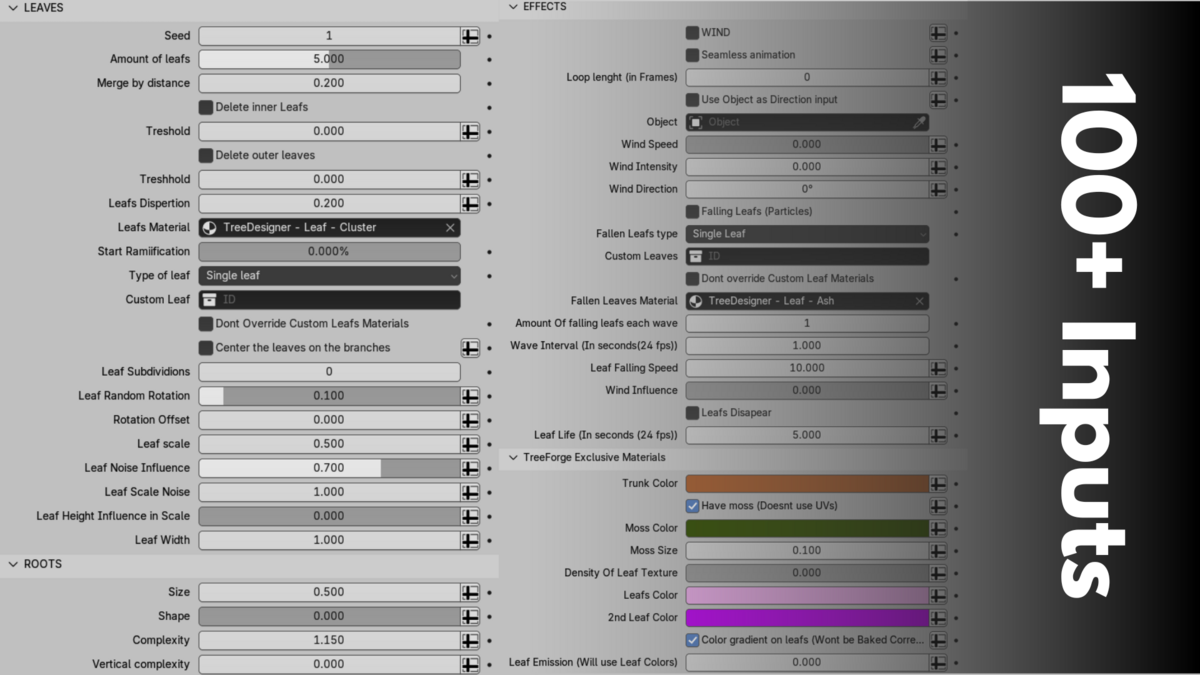

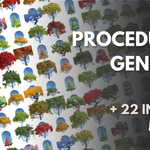
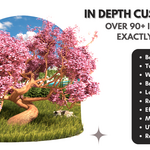
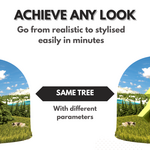
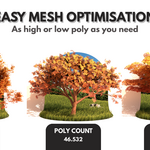
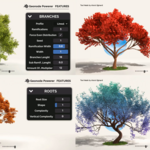
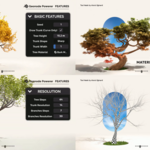
If you’re unsure how to set up an asset library, here’s a quick tutorial that might help:
- Go to Edit > Preferences > File Paths > Asset Libraries.
- Click the + button to add a new library. Select the folder containing the TreeDesigner .blend file.
- Save your preferences.
After that, you should be able to find your trees in the Asset Browser and simply drag and drop them into your scene.
-
$8
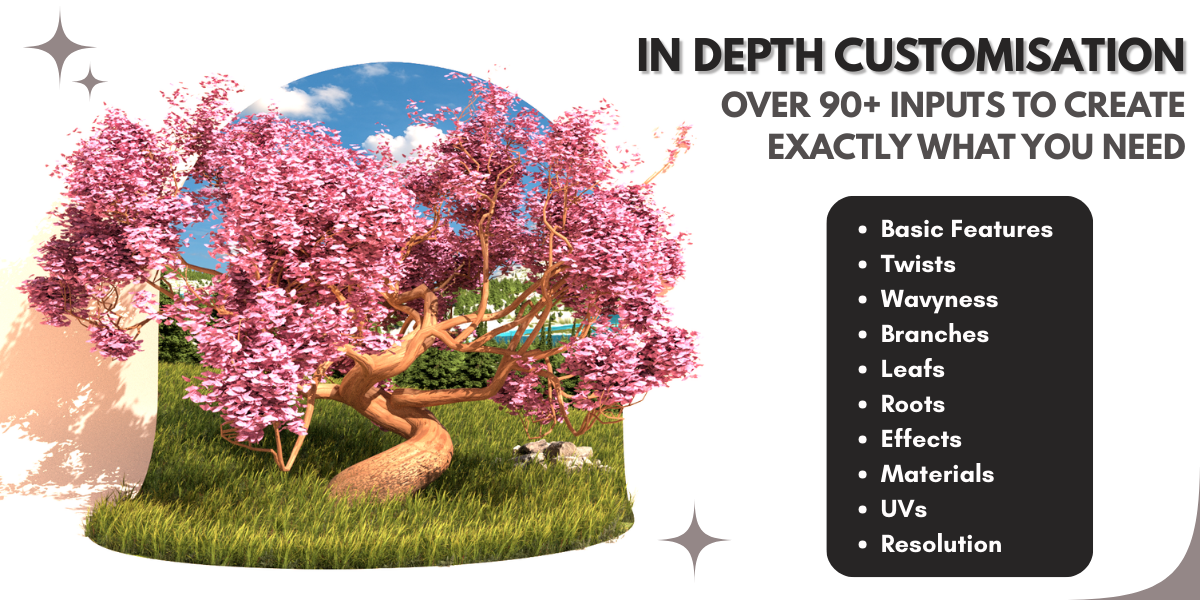
Contains a blend file with TreeDesigner and everything you need to create your desired tree + free updates (deos not include the 400 trees asset library)
-
$12.50
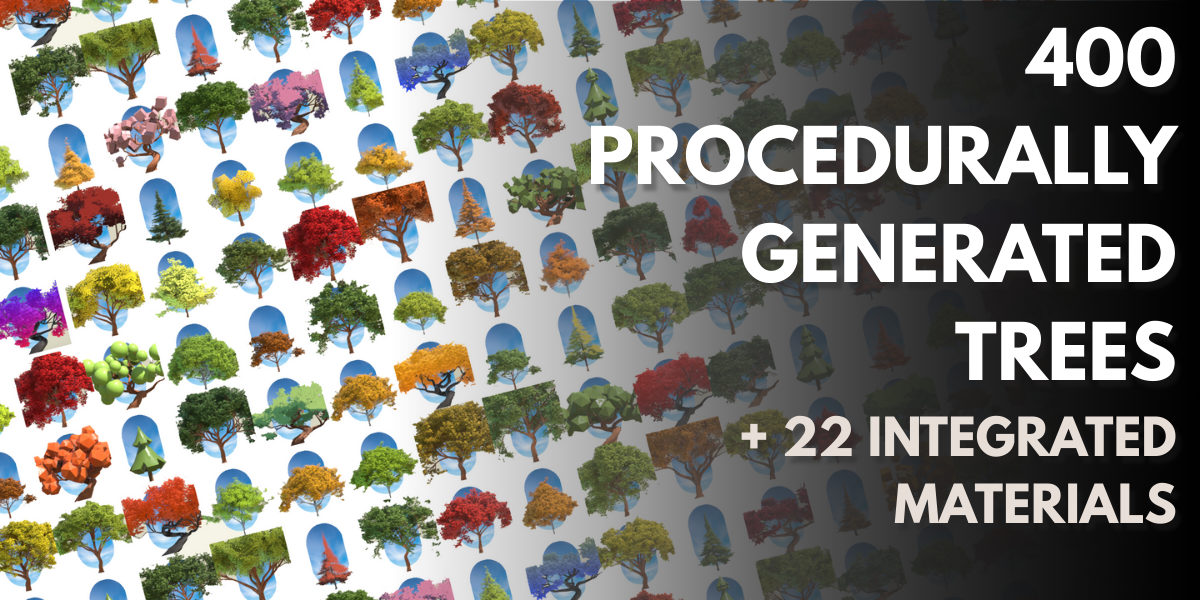
Contains a blend file with TreeDesigner + An asset library of 400 procedurally made trees created with TreeForge + Commercial License +free updates
Have questions about this product?
Login to message
| Sales | 1400+ |
| Rating | 7 ratings |
| Dev Fund Contributor | |
| Published | over 1 year ago |
| Blender Version | 4.4 - 4.5 |
| Render Engine Used | Cycles, Eevee |
| License | Royalty Free |
Discover more products like this
3d nature creation Geonodes 3D Procedural Structures 3dtrees 3d model trees 3d low poly tree 3d tree